Build a Custom Knowledge Base With AI and No-Code
Off-the-shelf wiki tools charge per user and lock your content into rigid templates. WeWeb lets you design a knowledge base around how your team actually creates and consumes information.
Trusted by founders & Fortune 500s
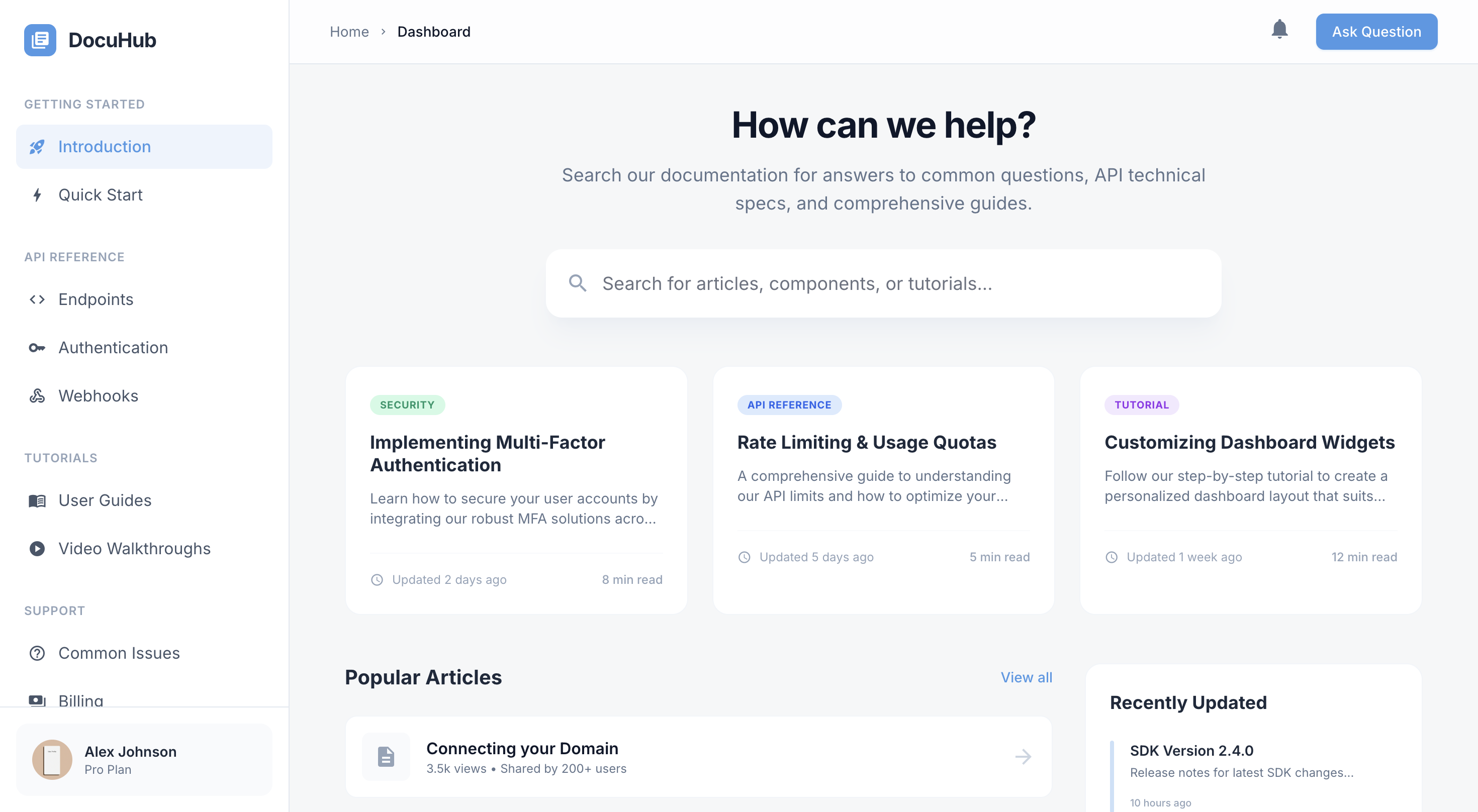
Add features off-the-shelf wikis can't deliver
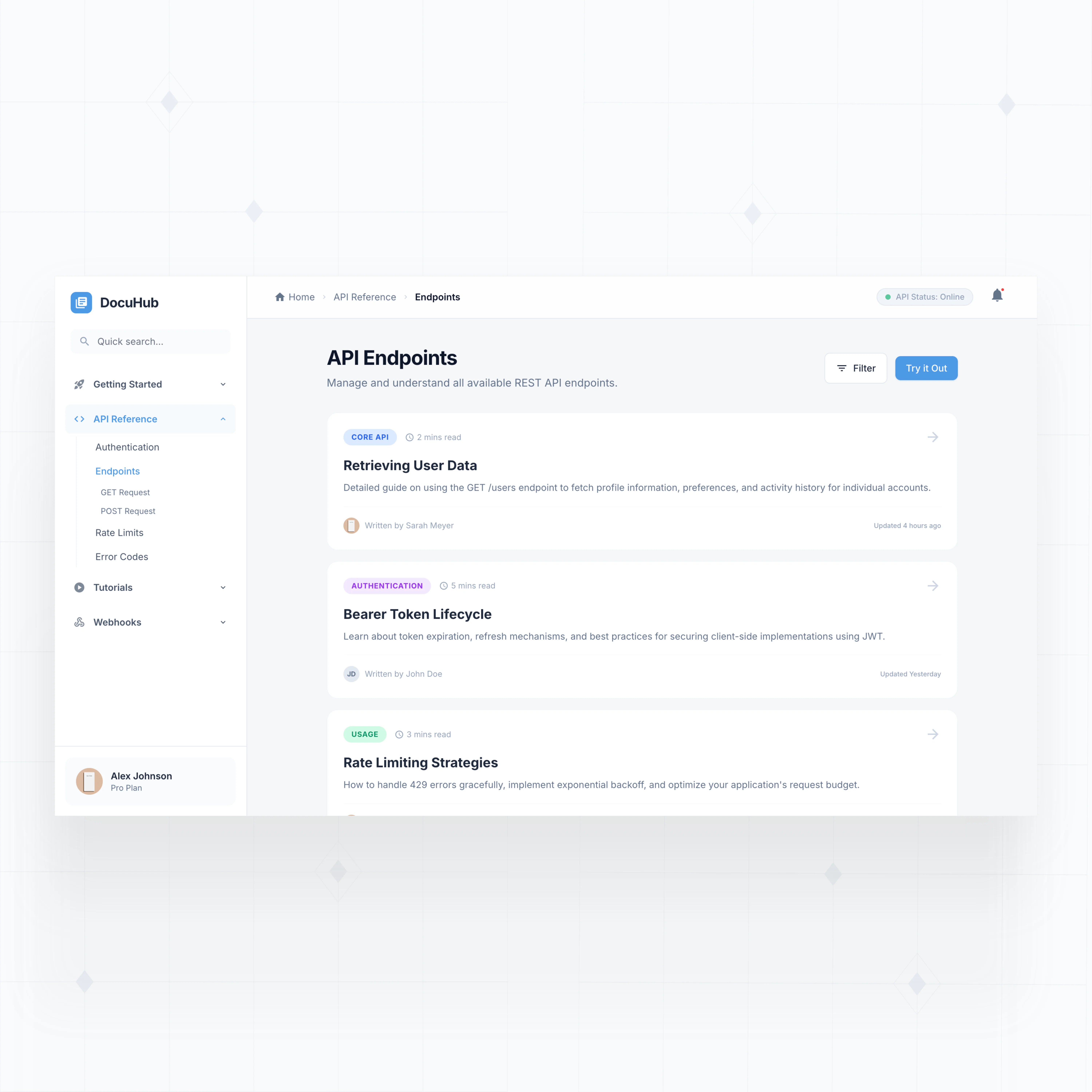
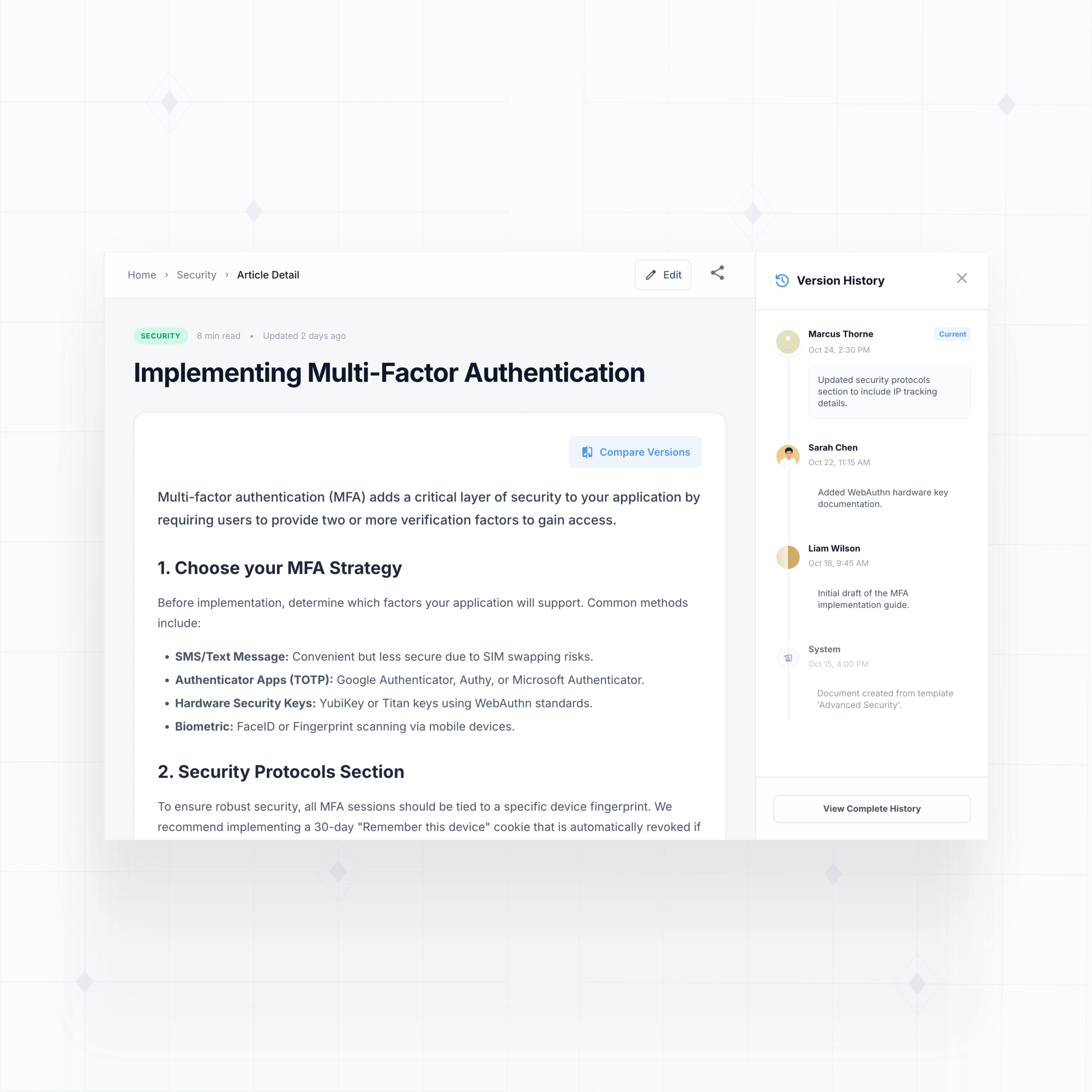
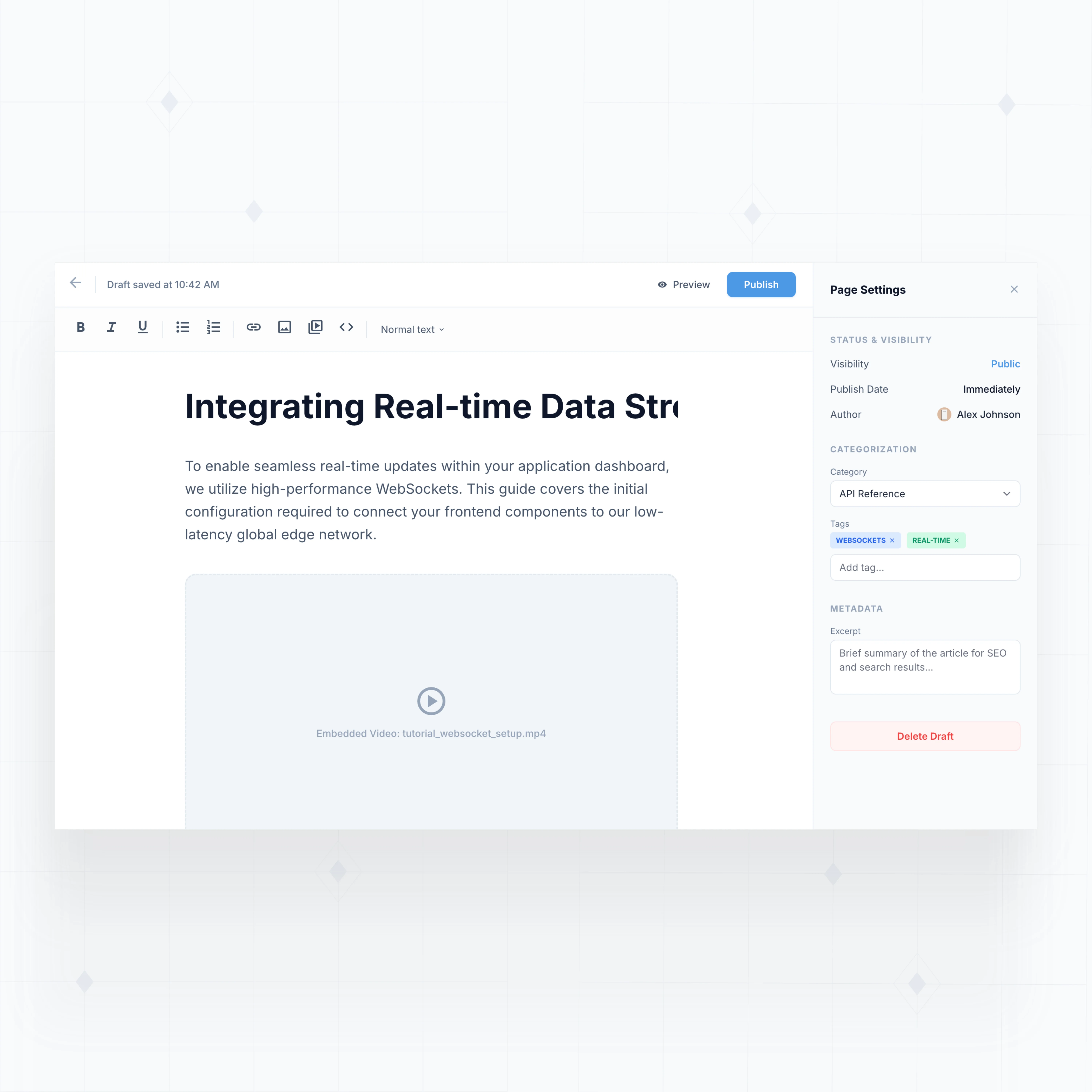
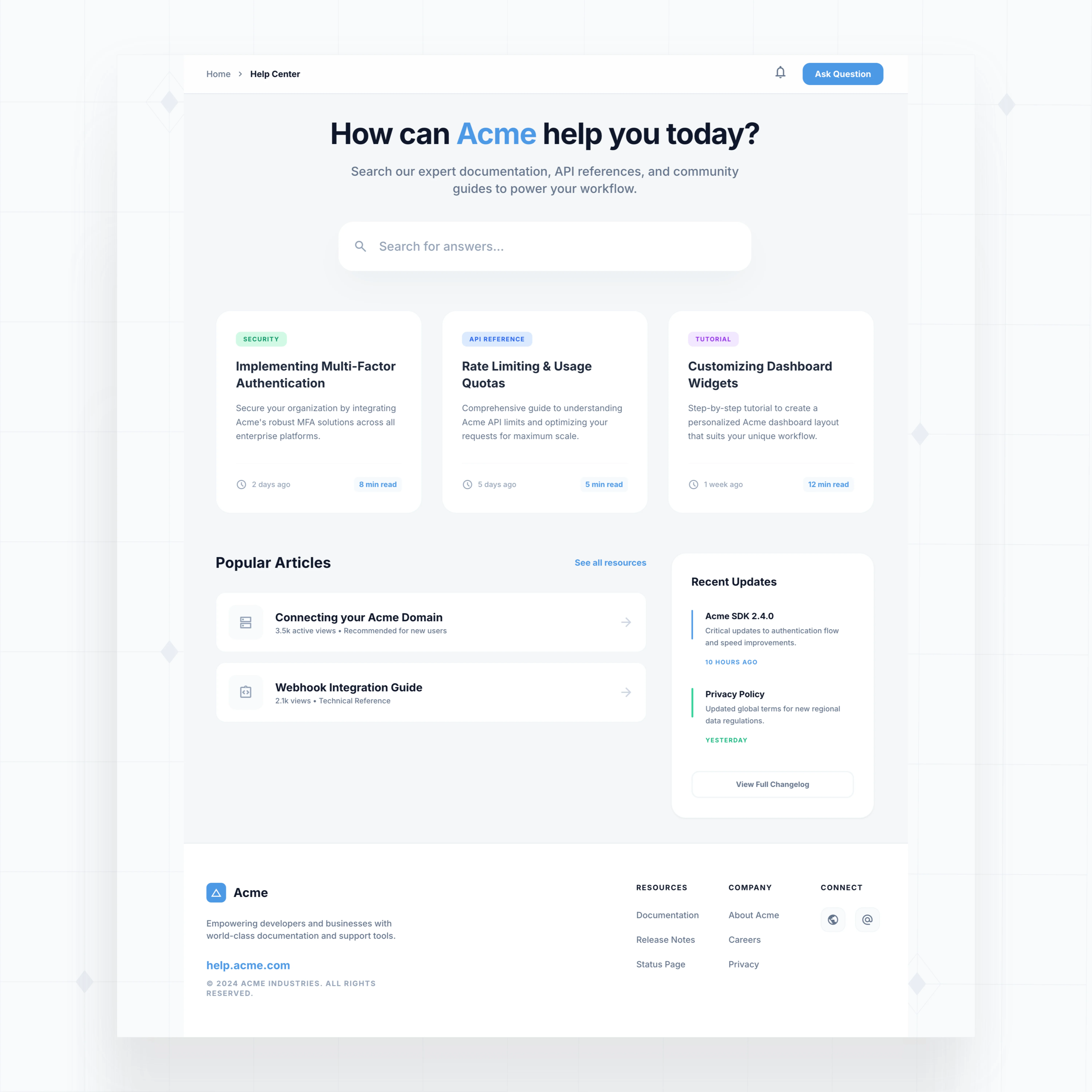
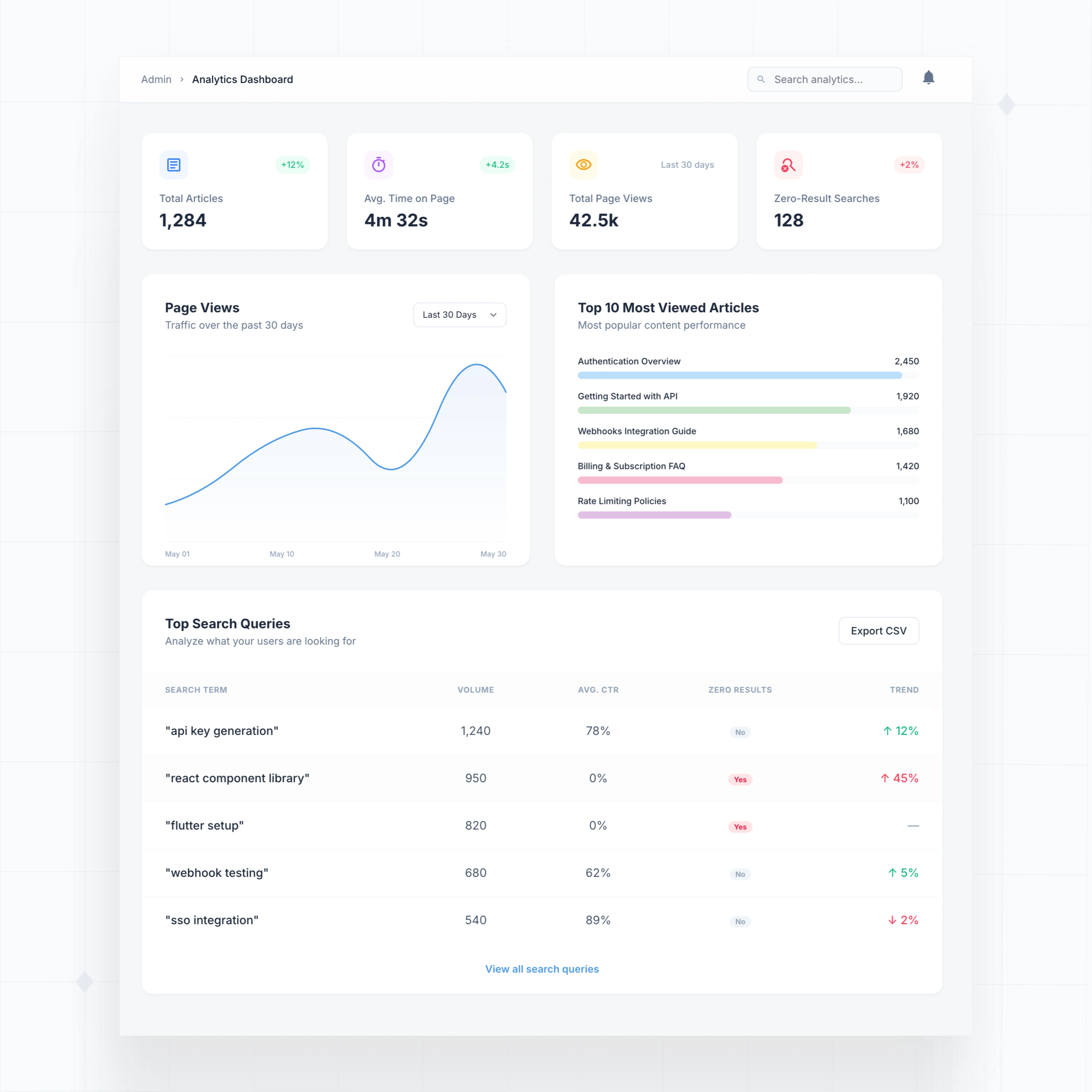
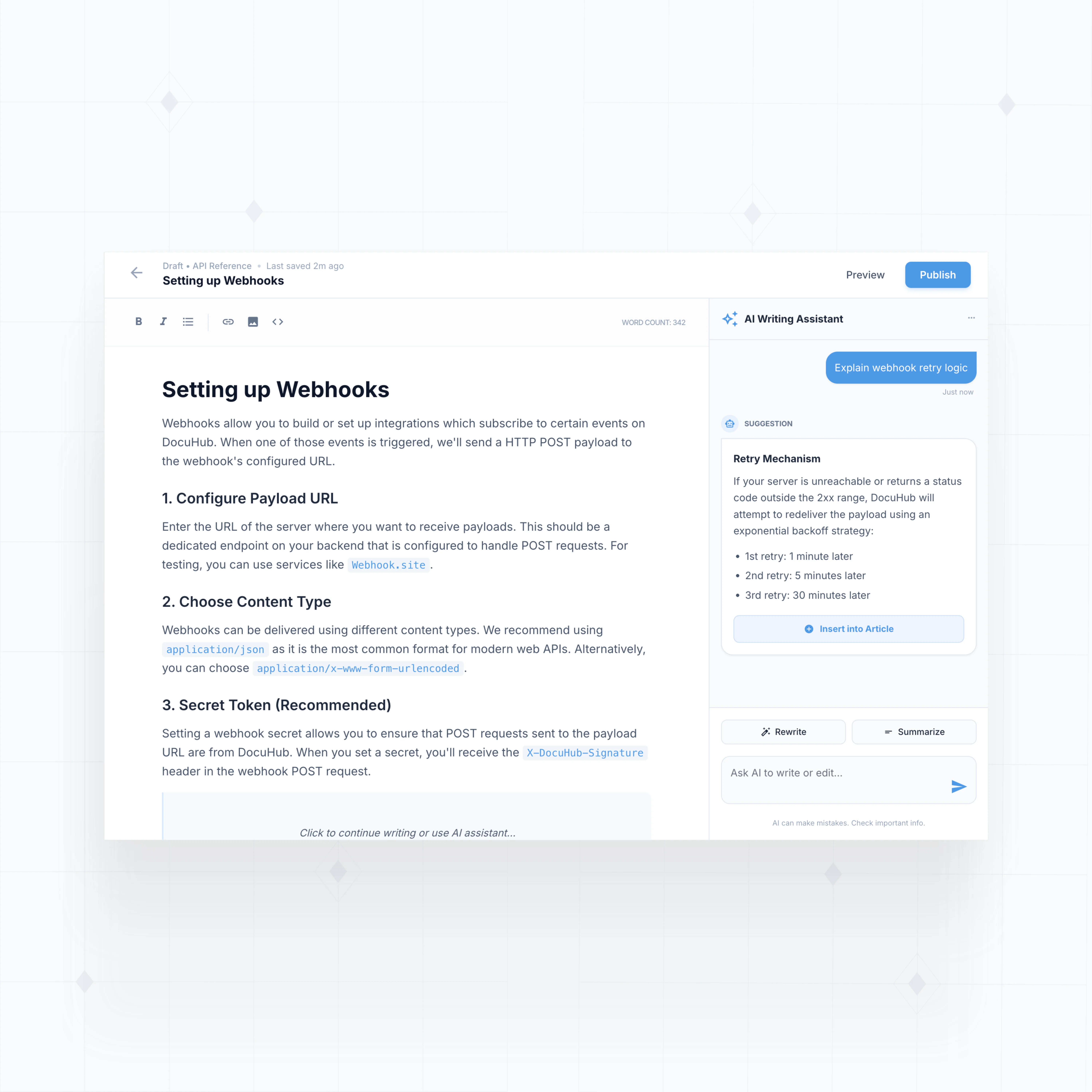
With WeWeb AI, extend your knowledge base with custom content types, advanced search, role-based access, and analytics tailored to how your organization shares knowledge.

" I never thought that I could build something like this. I was always worried about security, and database design, and API calls… all of that stuff seemed super complex to me. WeWeb has given me the ability to build something in a visual format that naturally feels very good to me. "

Everything you need to build a production-grade knowledge base
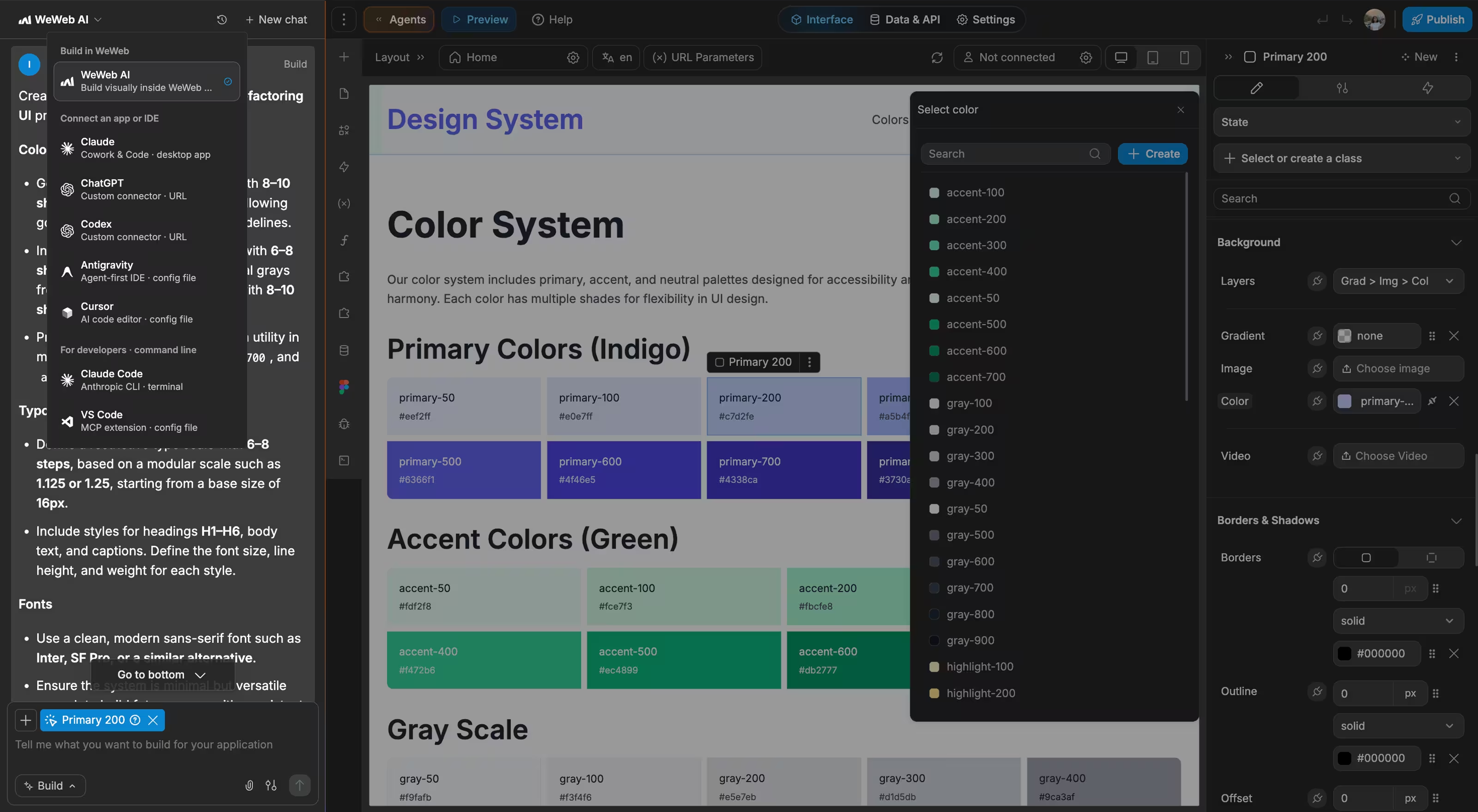
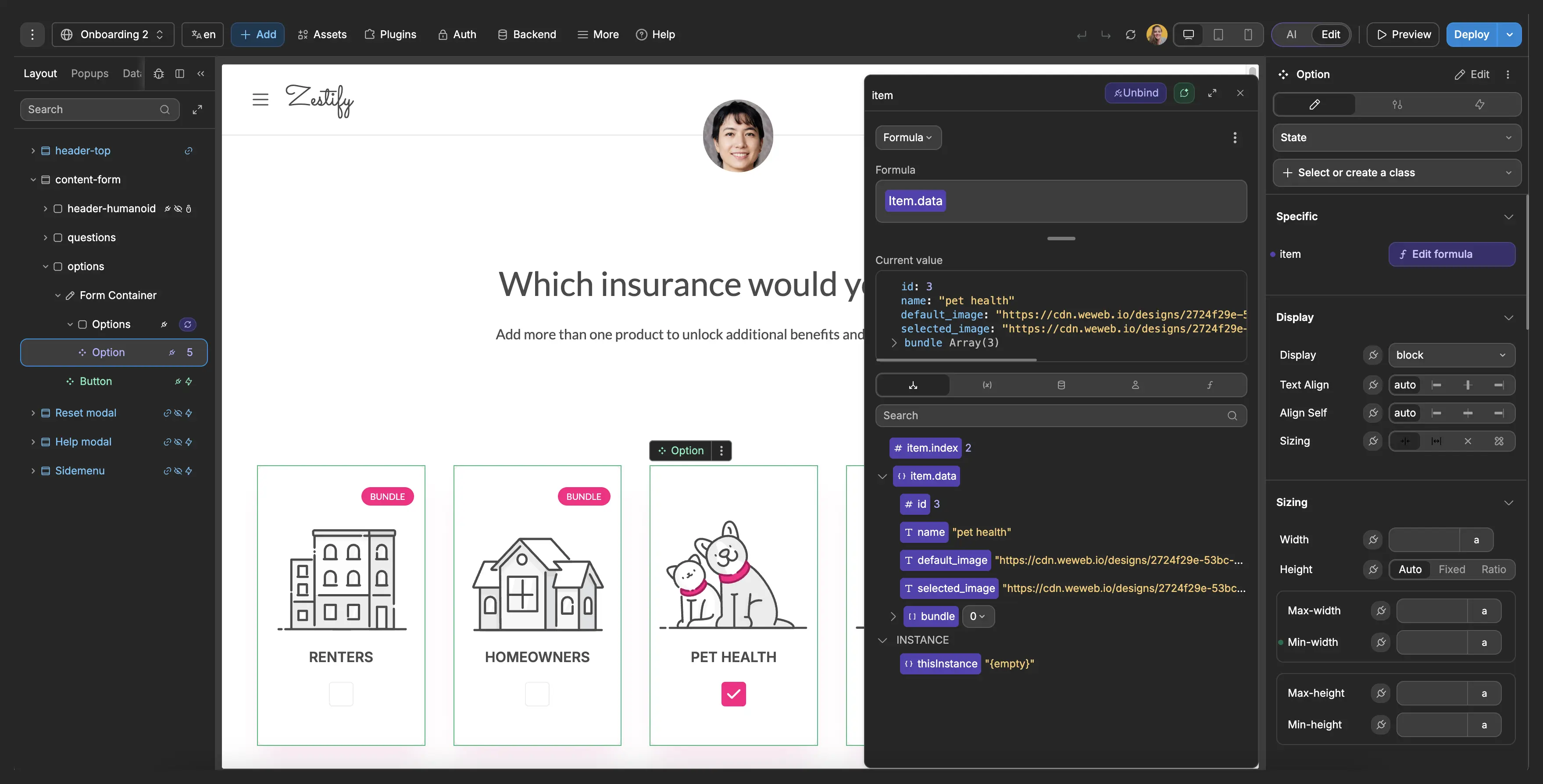
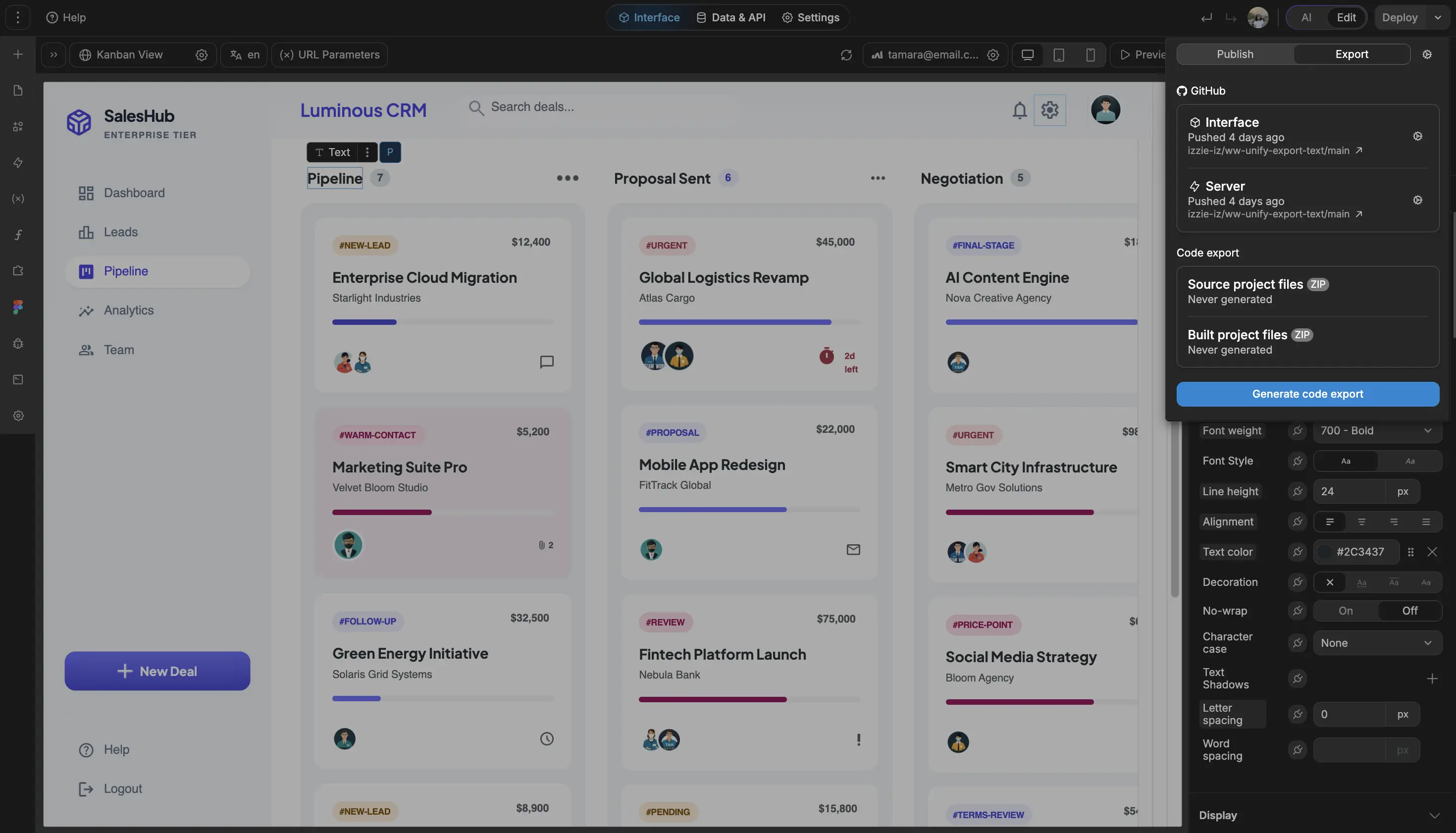
The standards of code, with no-code.
Launch your custom knowledge base this week
The most important part was having templates to work from. Starting from a blank canvas would be daunting. With templates, I could take something existing and customize it to what we needed.

FAQs
No. WeWeb's visual editor lets you design pages, add content components, and configure search and navigation without writing a single line of code. Most teams build a fully functional knowledge base using only drag-and-drop tools.
If you need advanced features (like custom Markdown rendering or integration with a headless CMS), you can add JavaScript or Vue.js components. But for the majority of internal wikis and help centers, visual tools are all you need.
Yes. WeWeb is backend agnostic, which means you can connect to any data source that exposes a REST API or GraphQL endpoint. Popular setups include:
- Supabase for a PostgreSQL-backed article database with real-time sync
- Airtable for a spreadsheet-style content backend that non-technical editors can manage
- Xano for custom business logic and API endpoints
- Your own API if you already have content stored elsewhere
This means you can keep your content in the backend you trust and use WeWeb purely for the frontend experience.
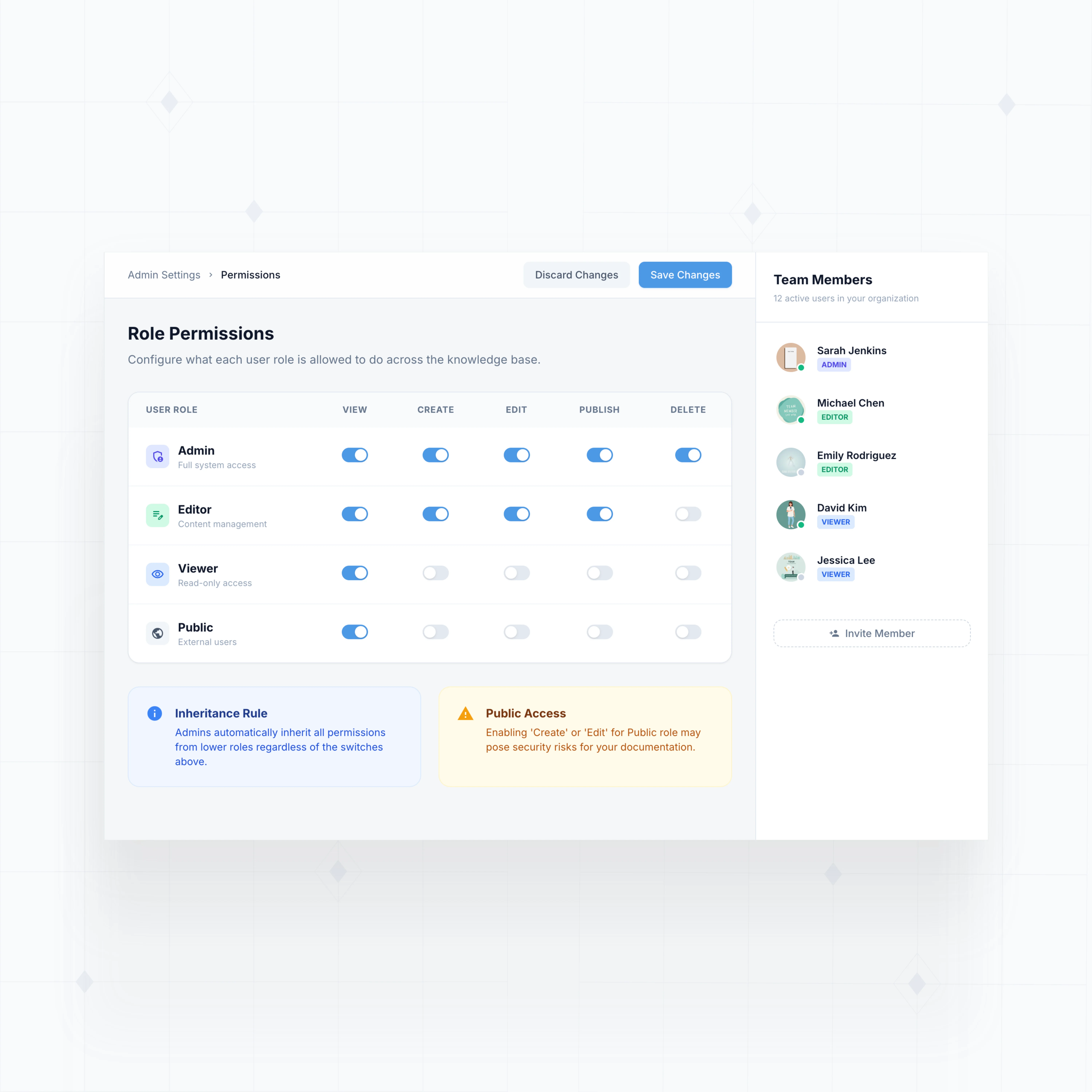
Yes. WeWeb supports role-based access control (RBAC) through its authentication system. You can set up user roles (like Admin, Editor, Viewer) and control article visibility at the page and component level.
Common configurations:
- Public articles visible to everyone
- Internal docs restricted to logged-in team members
- Sensitive content visible only to specific departments or roles
- Editor access limited to content managers
Permissions are enforced at both the frontend (UI) and backend (data query) level, so restricted content stays protected.
Yes. Every WeWeb project supports custom domains on all paid plans. You can deploy your knowledge base to a subdomain like help.yourcompany.com or wiki.yourcompany.com with SSL included.
For branding, you have full design control: custom colors, fonts, logos, and layouts. Unlike off-the-shelf wiki tools that limit you to a handful of themes, WeWeb gives you pixel-perfect control over every element. Your knowledge base will look and feel like a natural part of your product.