Build a Real Estate CRM With AI and No-Code
Off-the-shelf CRMs force you to pay for features you'll never use. WeWeb lets you build a real estate CRM around your actual deal flow, whether you manage residential sales, commercial leases, or investment properties.
Trusted by founders & Fortune 500s
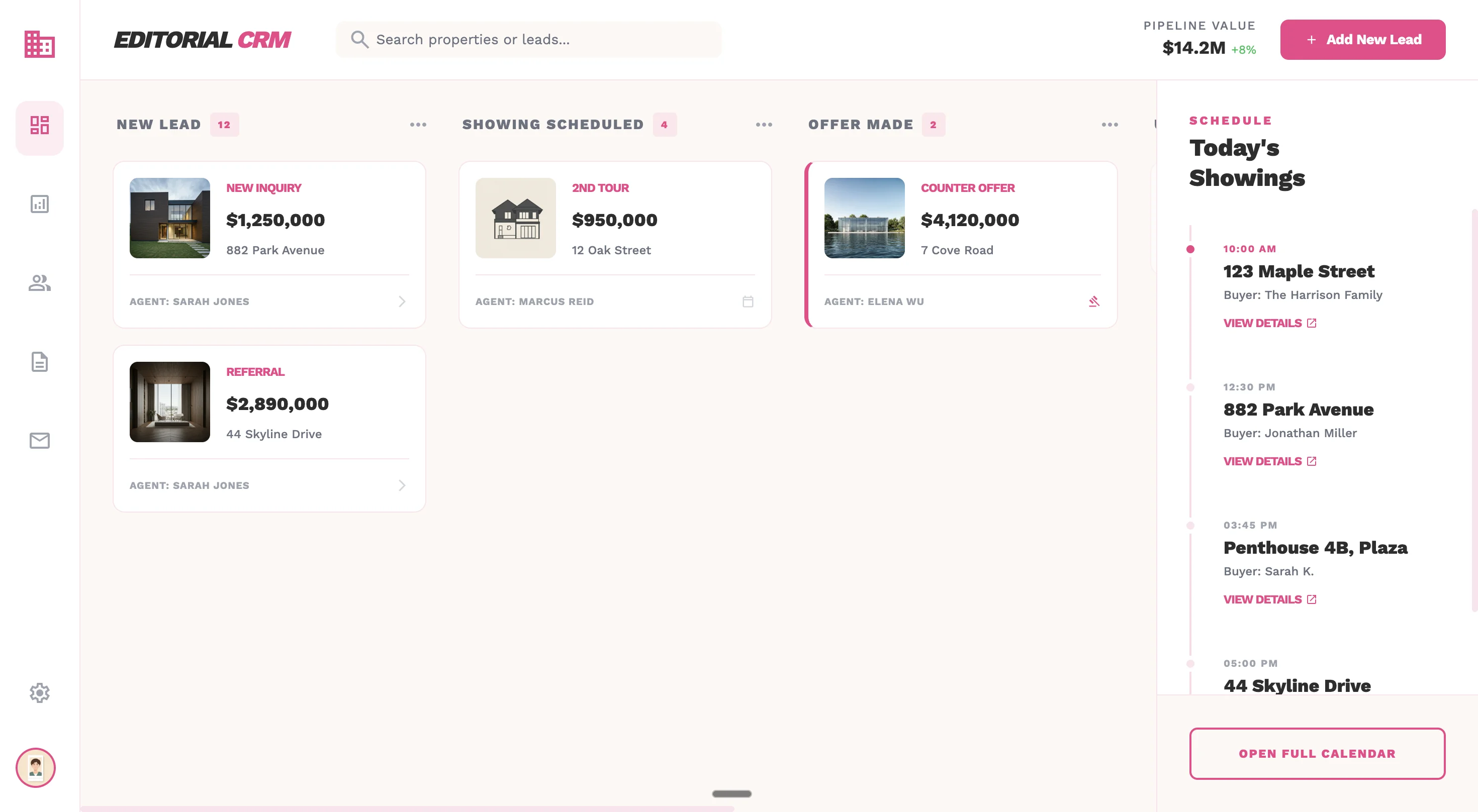
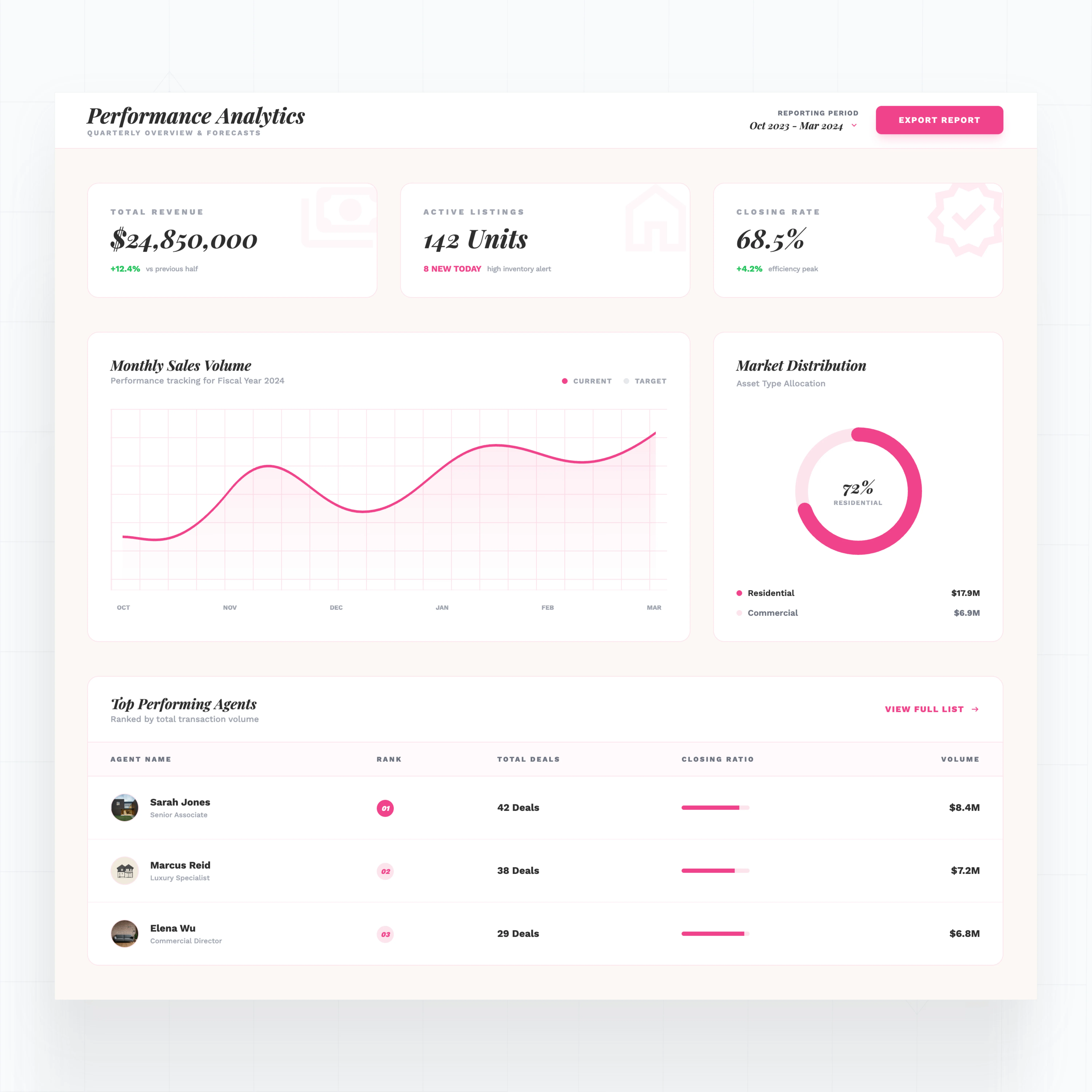
Add features off-the-shelf CRMs don't offer for real estate
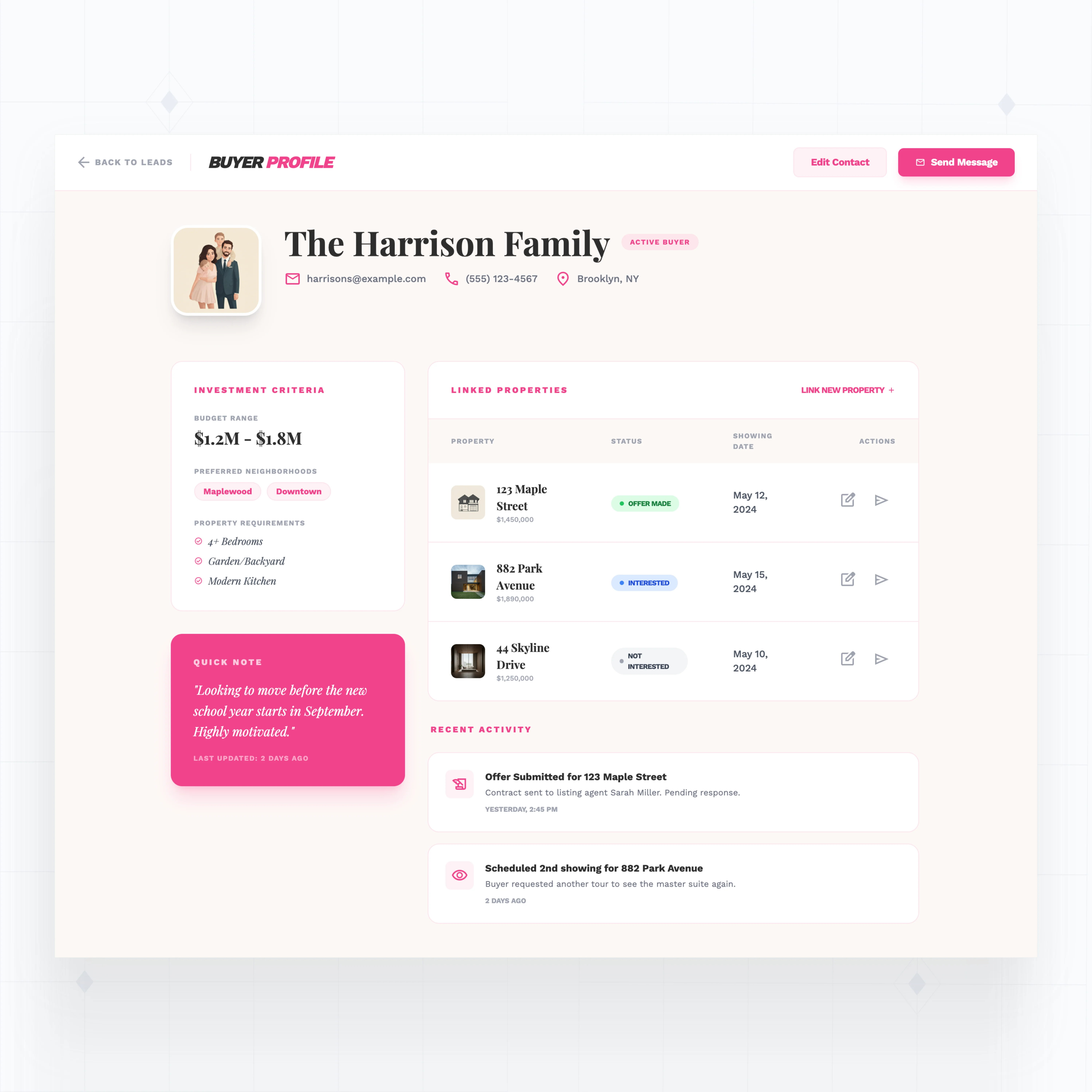
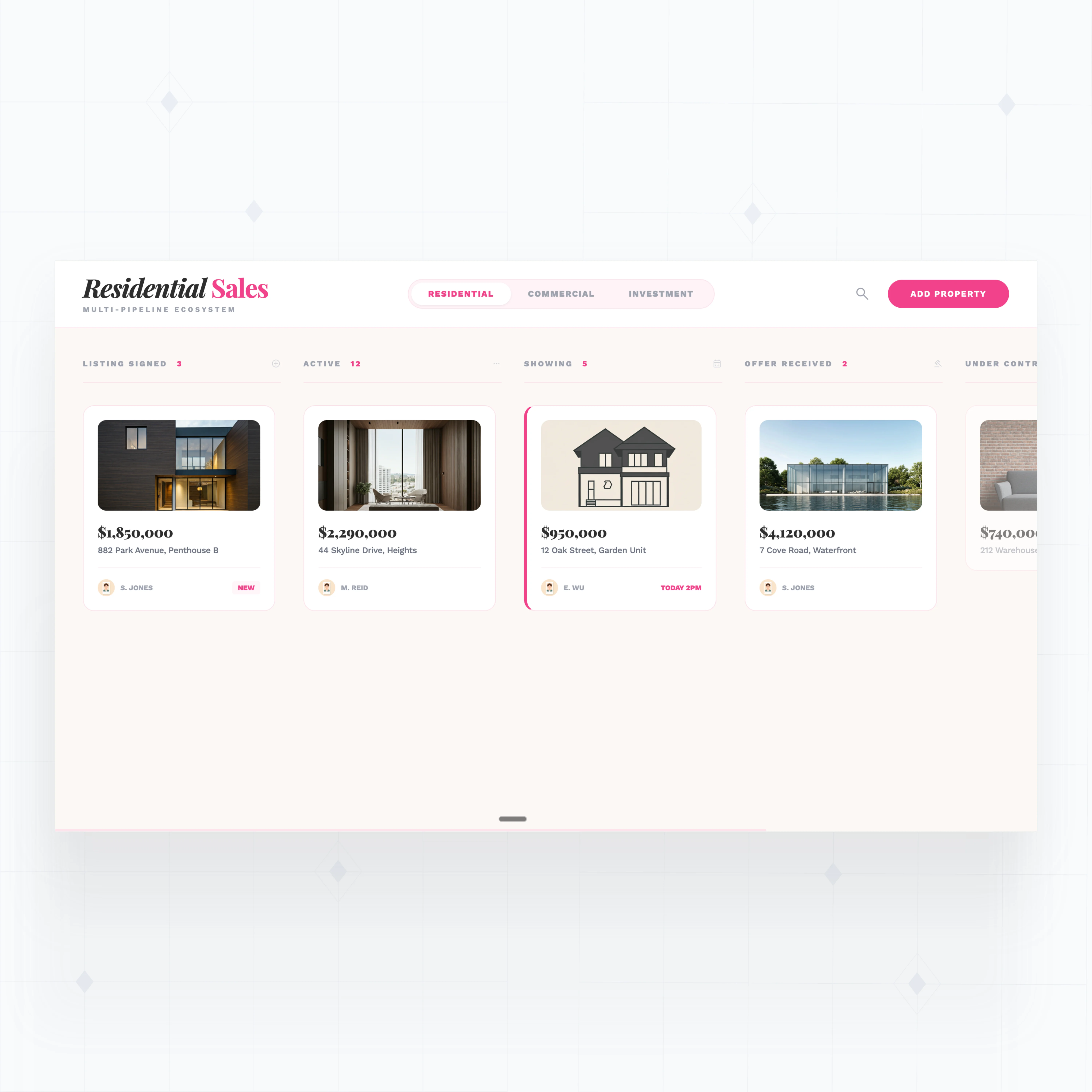
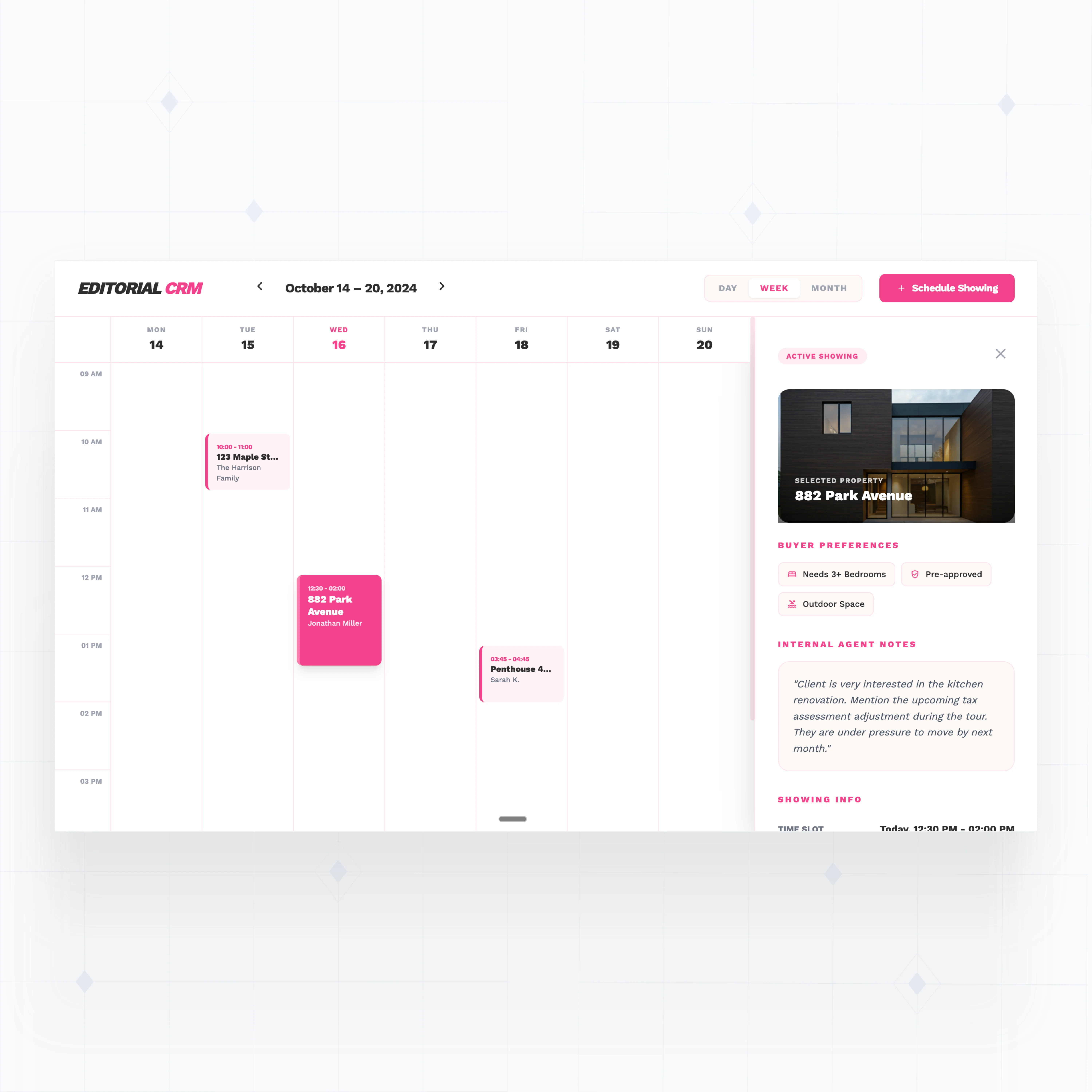
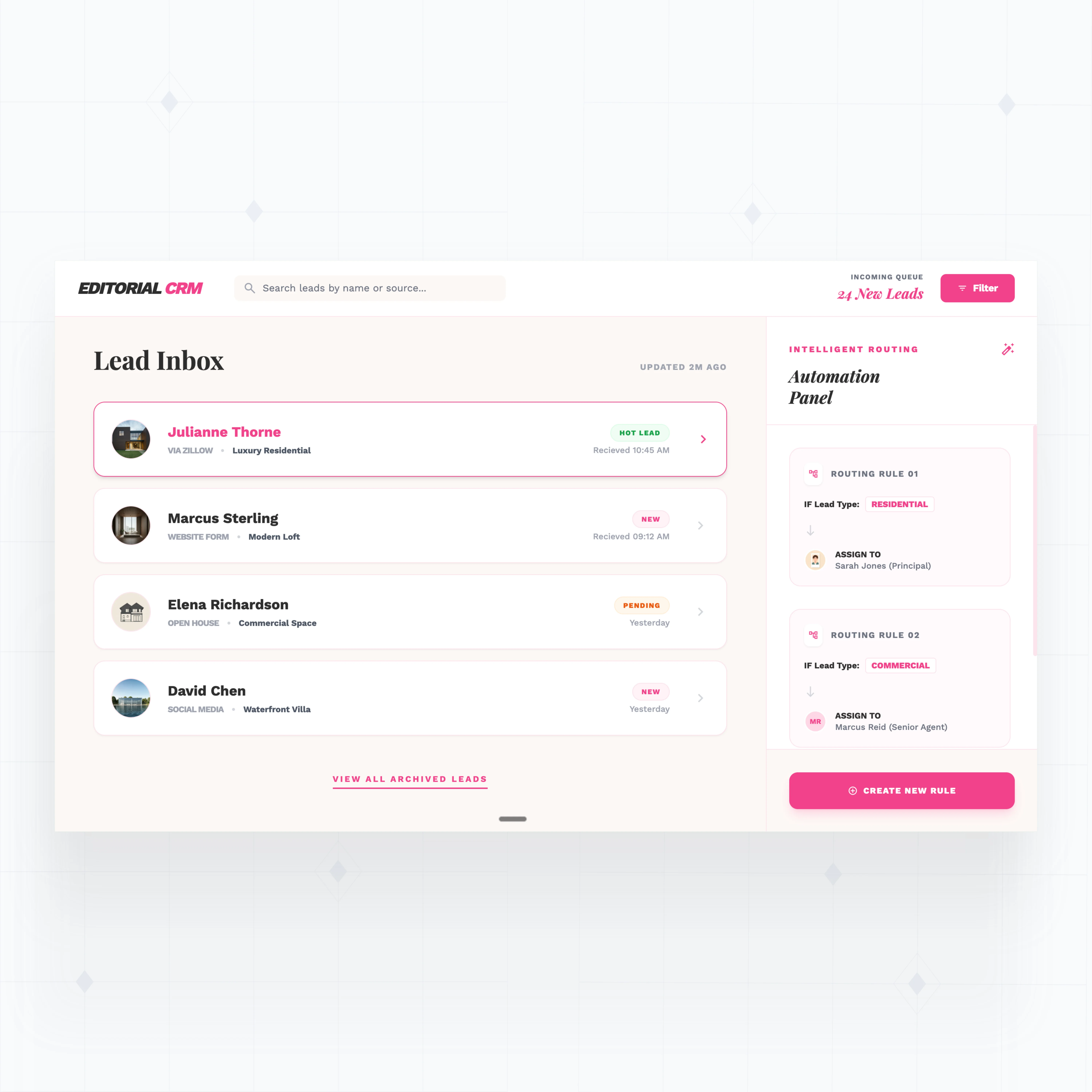
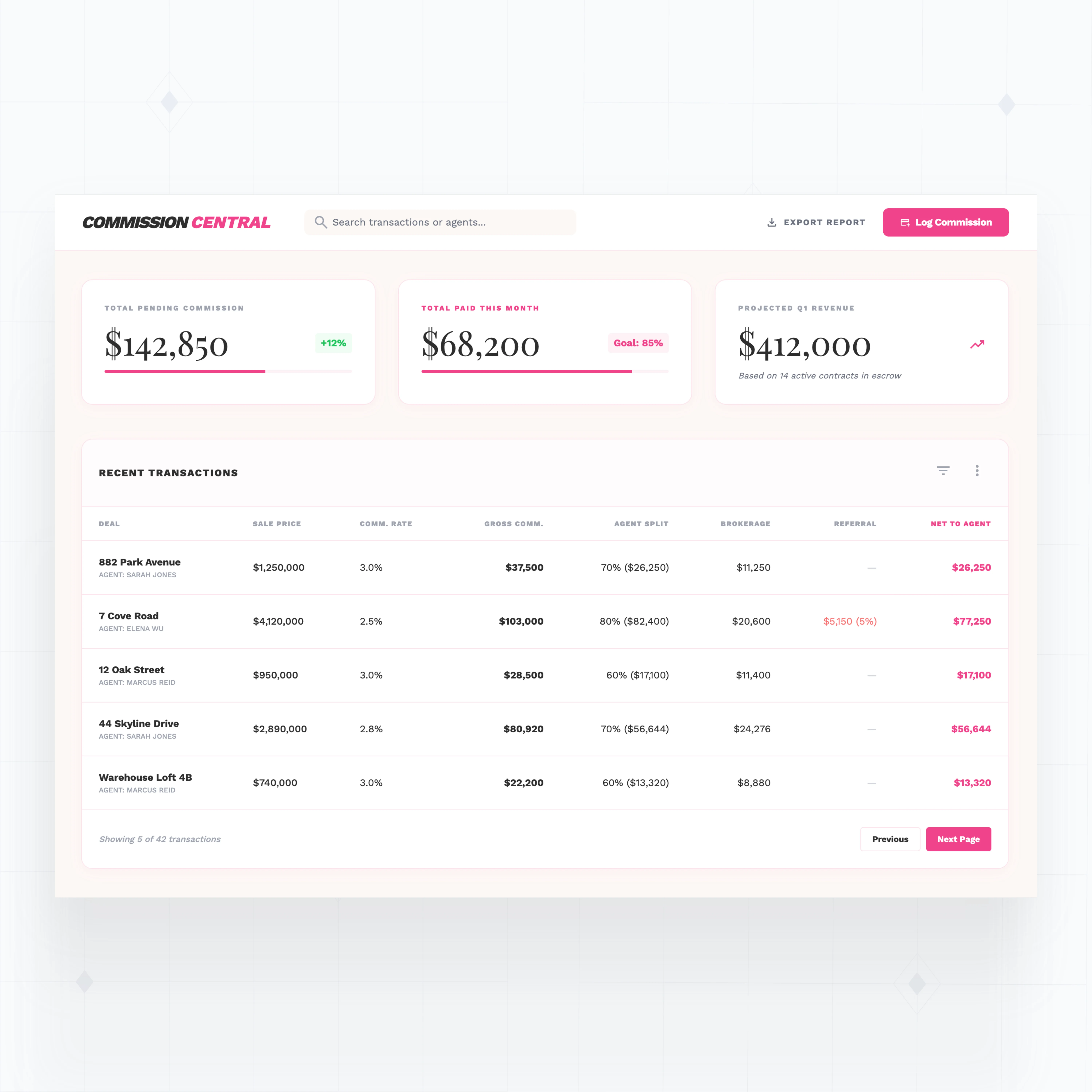
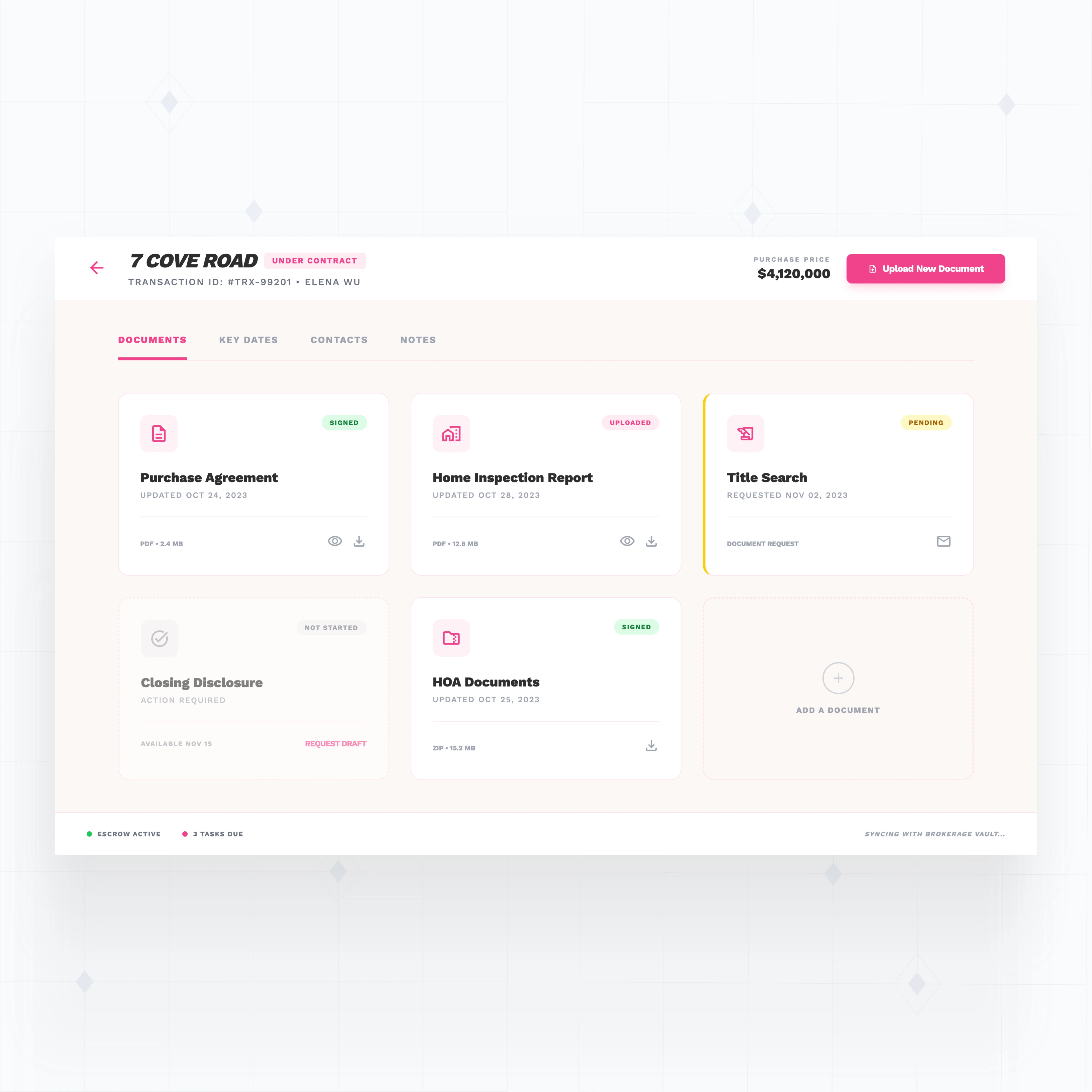
With WeWeb AI, build property-specific fields, custom deal pipelines, commission calculators, and showing workflows that match how your brokerage actually operates.
With WeWeb, we were truly able to achieve a pixel-perfect representation of our complex Figma designs.

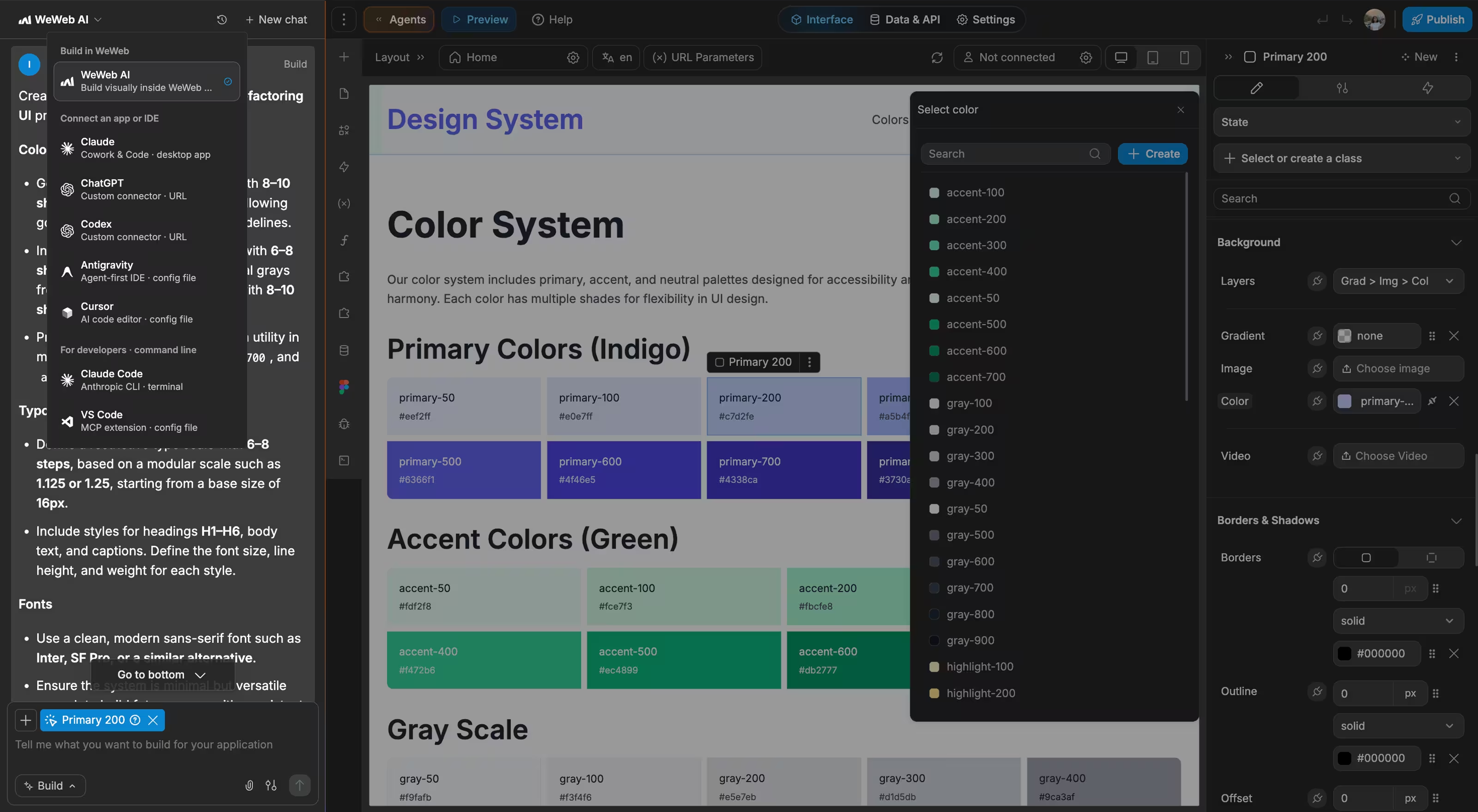
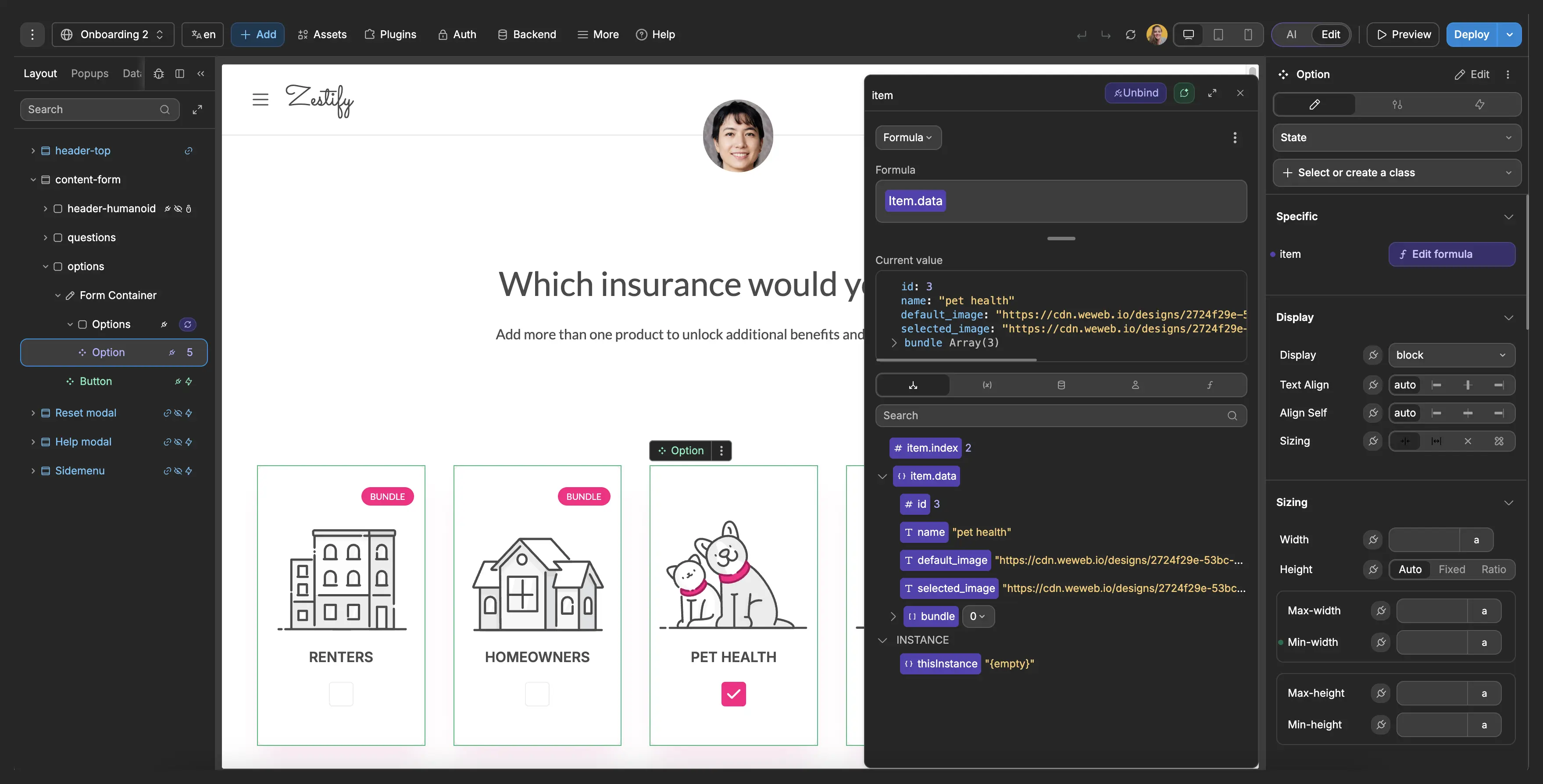
Everything you need to build a production-grade real estate CRM
The standards of code, with no-code.
Launch your custom real estate CRM this week
" It used to take a frontend developer, a backend developer, and a project manager. With WeWeb, I can build a new feature in about 90 minutes. I just get it done between meetings. "

FAQs
No. WeWeb's visual editor lets you design screens, connect data, and set up workflows without writing code. You can describe what you want in plain English, and WeWeb AI generates your CRM's UI, database tables, and backend logic.
That said, if you or someone on your team does know JavaScript, you can always drop into code for advanced features like custom commission calculations or complex lead scoring. The flexibility is there when you need it.
Yes. WeWeb is backend agnostic, which means you can connect to any service that has an API.
For MLS and listing data, you have several options:
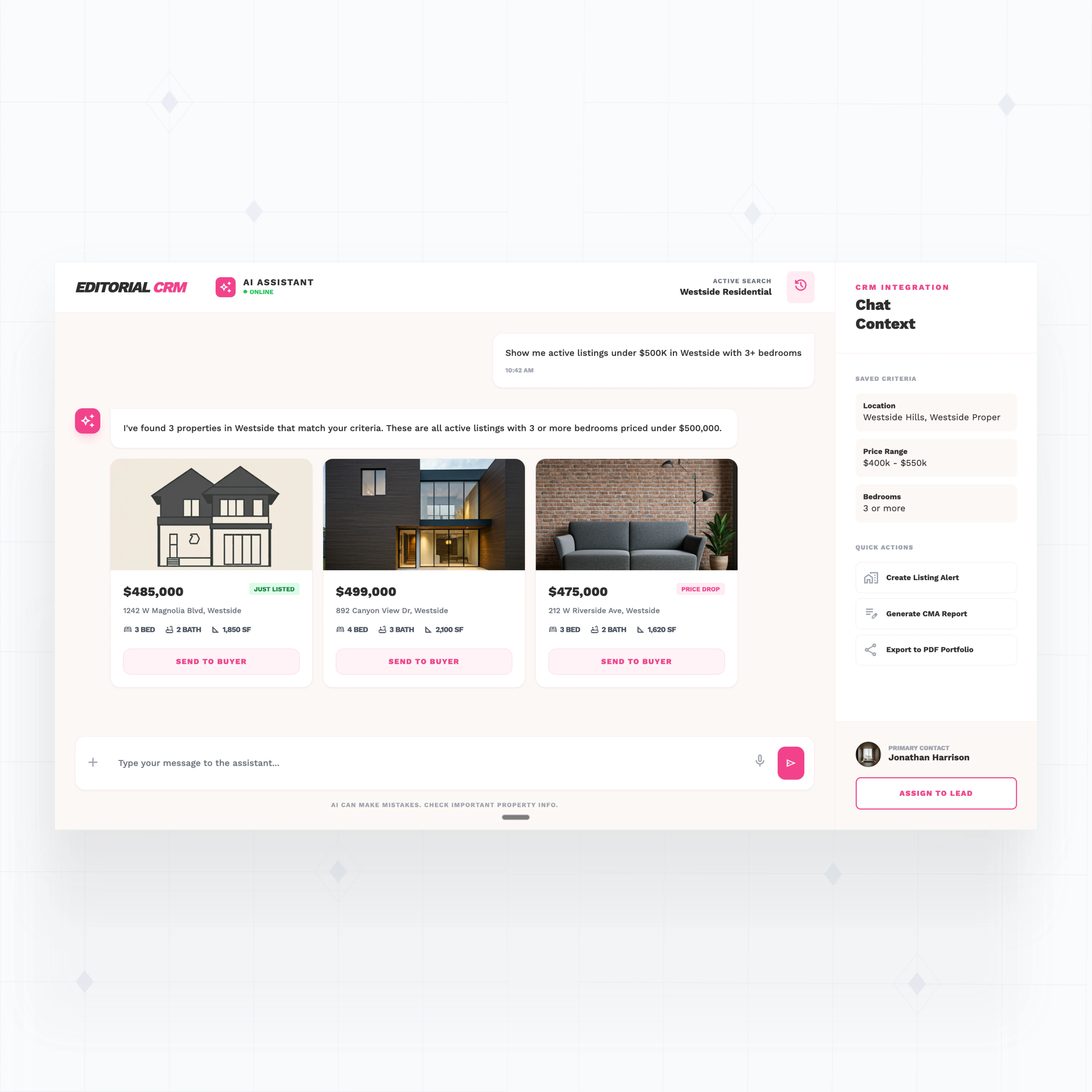
- Use WeWeb's REST API plugin to pull data from MLS feeds, Zillow, Realtor.com, or other listing portals
- Connect through middleware like n8n, Make, or Zapier to sync property data automatically
- Use Supabase Edge Functions to build custom integrations that transform and store MLS data in your backend
You can also connect email tools (SendGrid, Resend), calendar apps, e-signature services (DocuSign, PandaDoc), and marketing platforms in the same way.
Short answer: Your data lives in your own backend, not in WeWeb.
WeWeb only handles the frontend (what users see and interact with). Your client records, property data, and transaction details stay in the database you choose, whether that's Supabase, Xano, or your own infrastructure.
For access control, you can set up role-based permissions so agents only see their own leads, team leads see their group, and admins see everything. WeWeb supports authentication through Auth0, Supabase Auth, or custom token-based systems, so you can enforce the exact security model your brokerage requires.
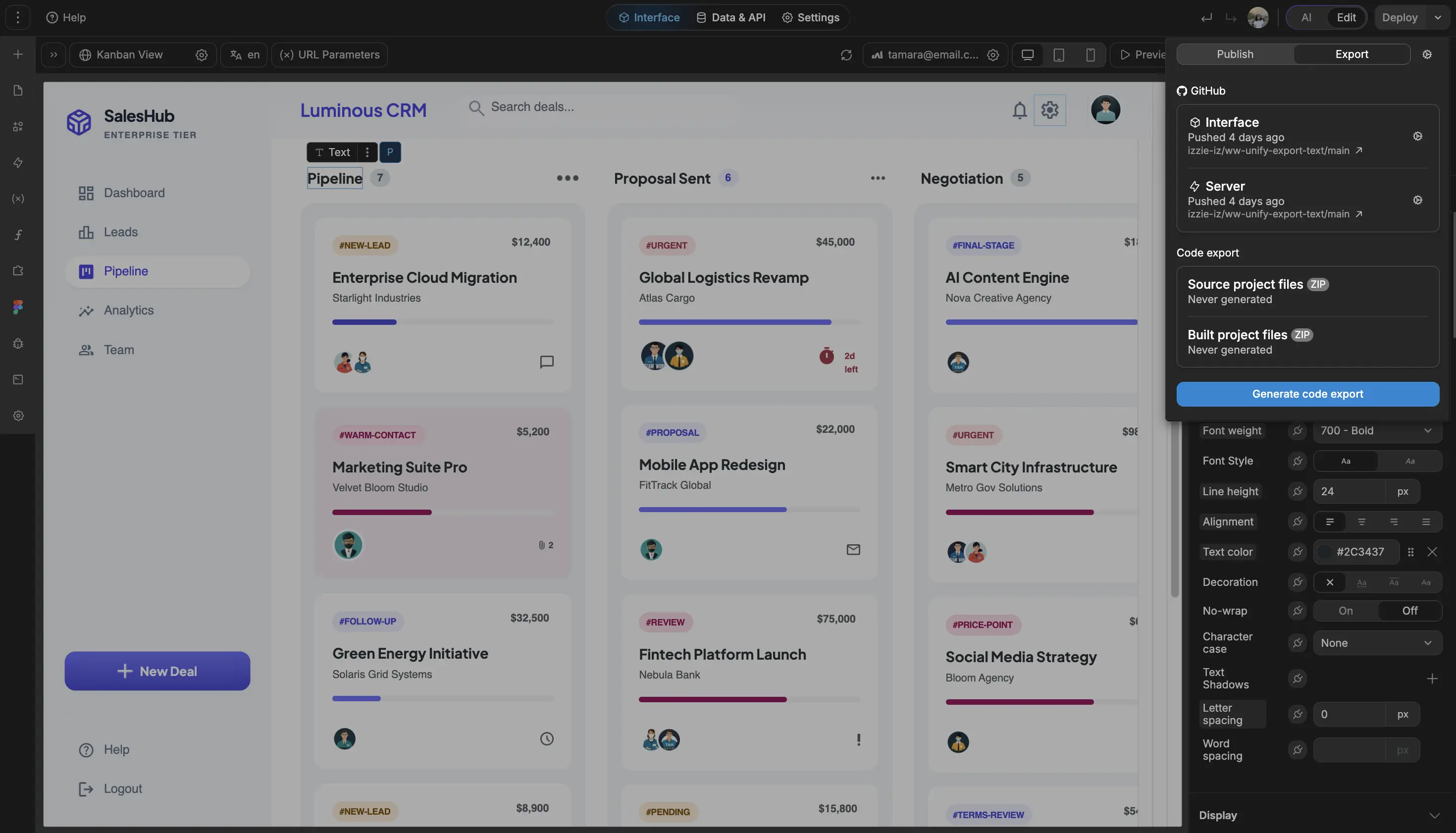
If data sovereignty is a concern, you can export your WeWeb app as a Vue.js codebase and self-host it on your own servers.
Yes. Role-based access control is built into WeWeb's authentication system.
Here is how it works in practice:
- Agents see only their assigned leads, upcoming showings, and personal pipeline
- Team leads see their team's deals, performance metrics, and can reassign leads
- Admins and brokers see all contacts, full pipeline data, financial reporting, and system settings
Beyond permissions, you can build entirely different dashboard views for each role. An agent might see a simple lead list and calendar, while a broker sees revenue forecasts and team performance charts. Each person gets exactly the interface they need, with no extra complexity.