Build Custom Work Order Management Software With AI and No-Code
Stop paying per technician for features you don't use. WeWeb lets you create work order software that fits your maintenance operations, not someone else's workflow template.
Trusted by founders & Fortune 500s
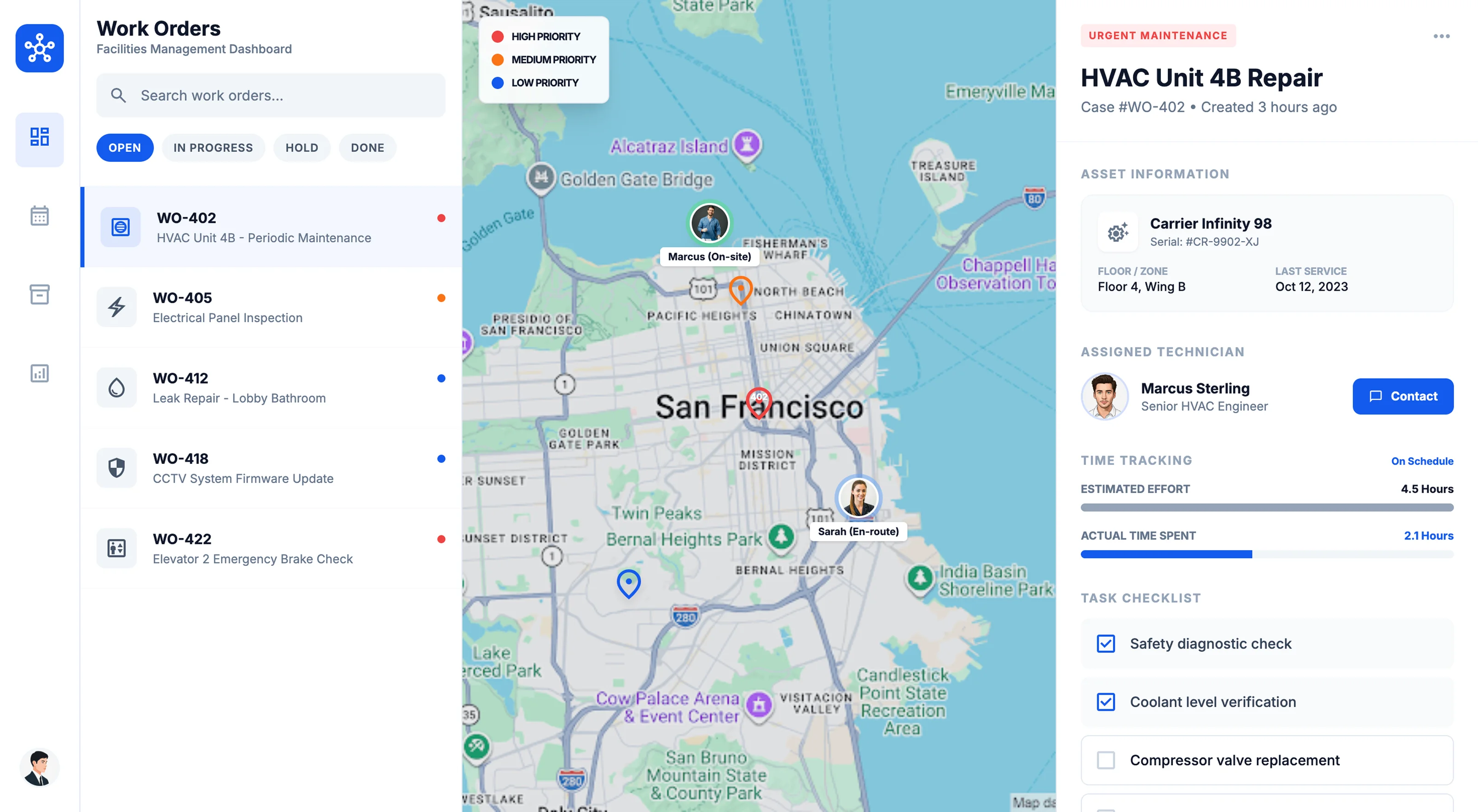
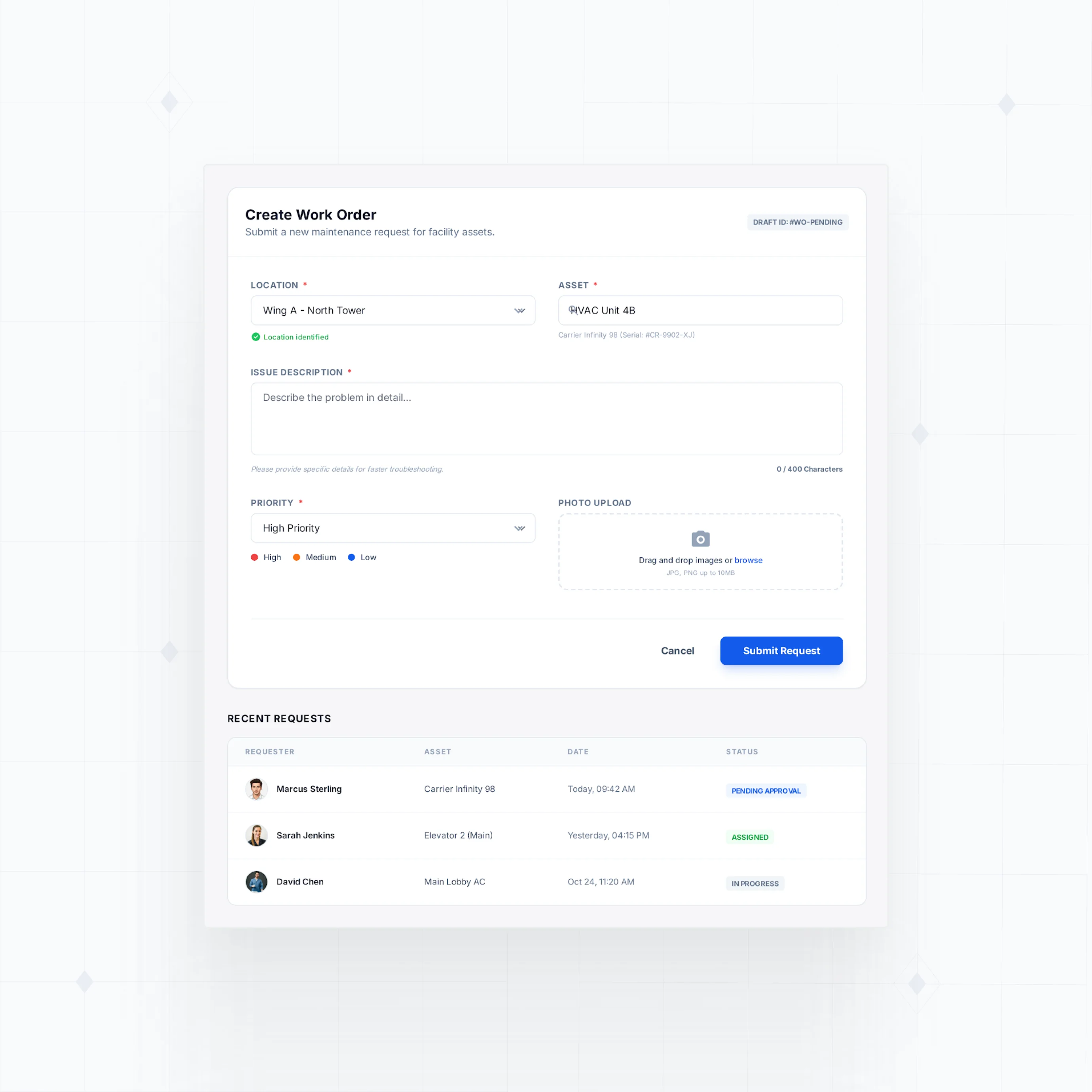
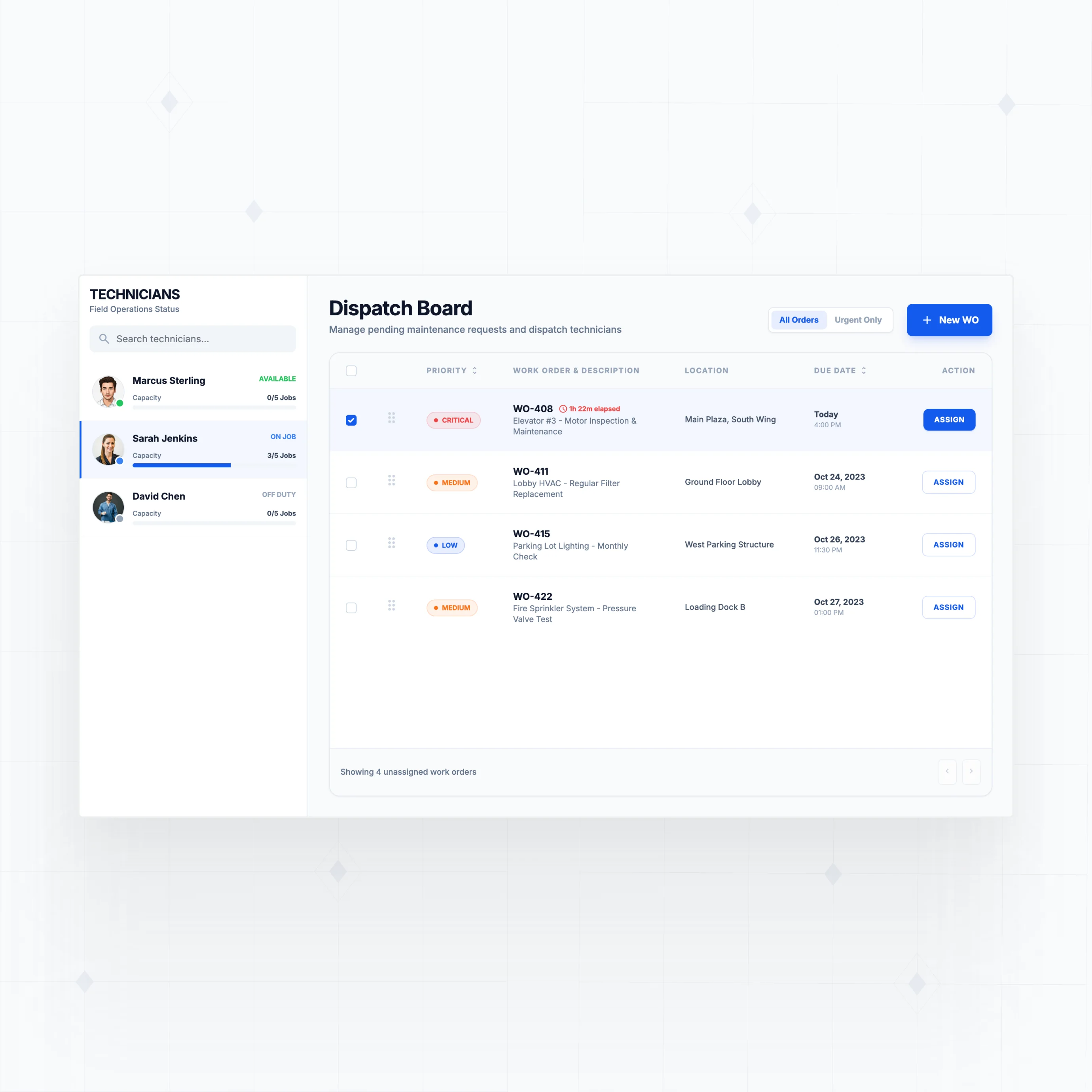
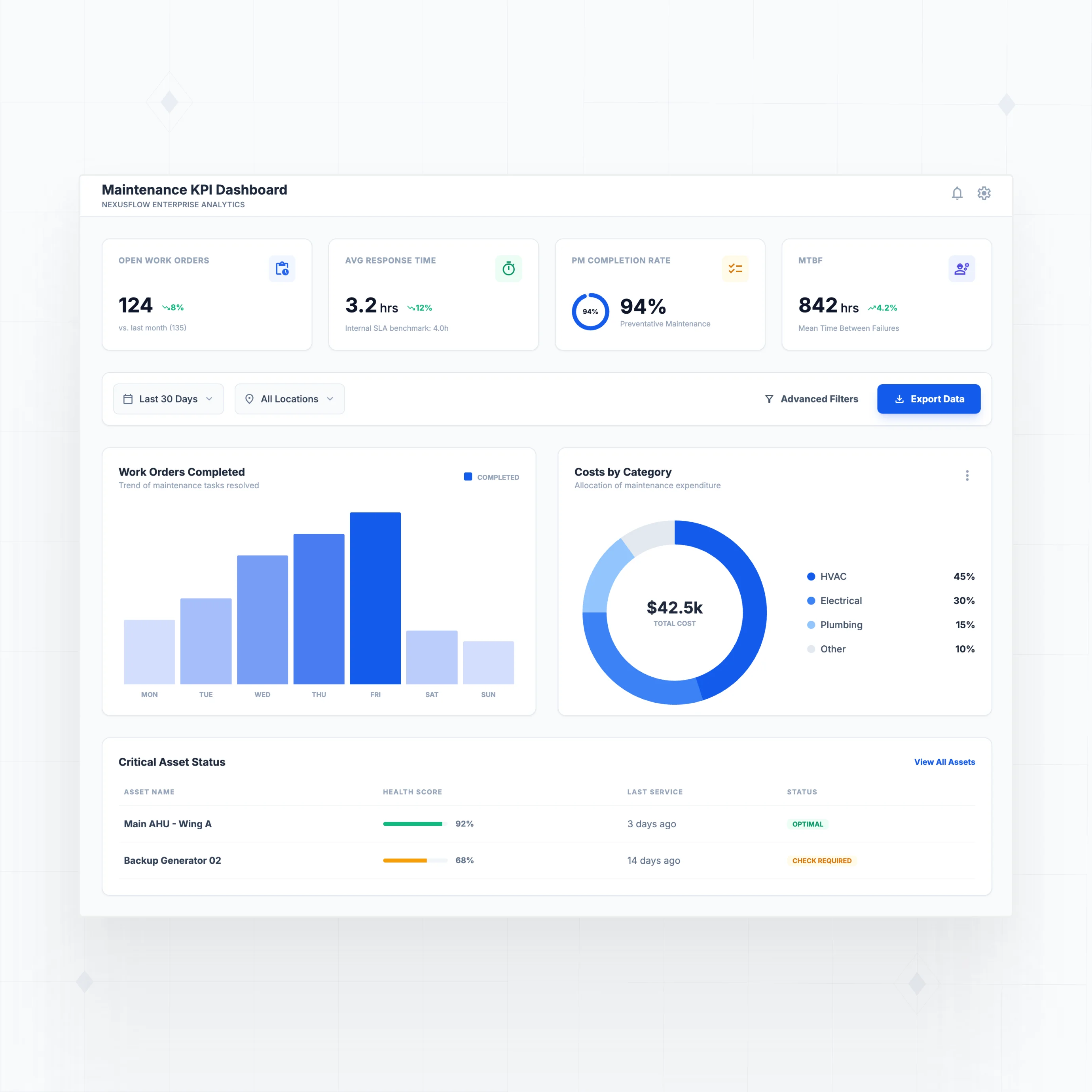
Build the maintenance features your operations actually need
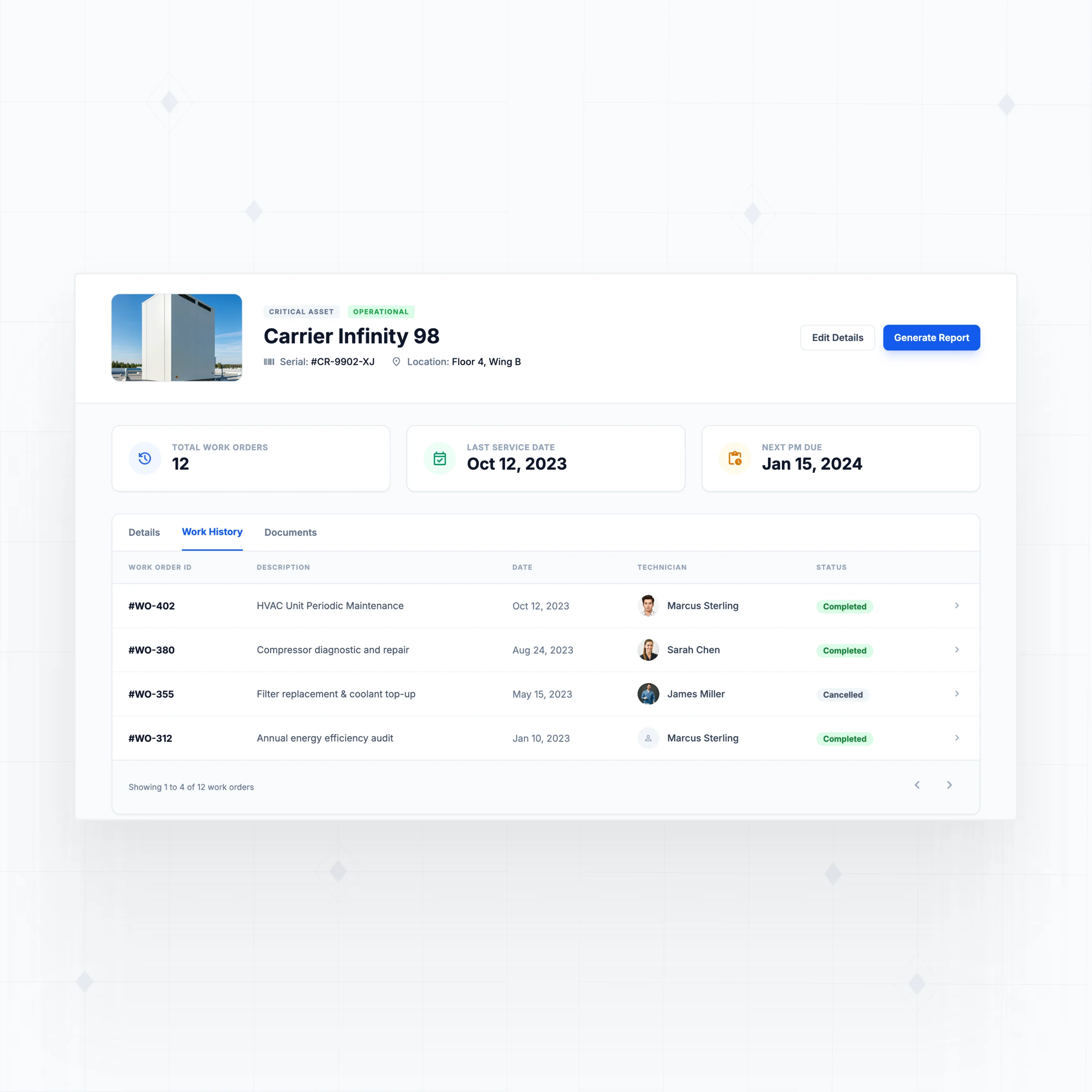
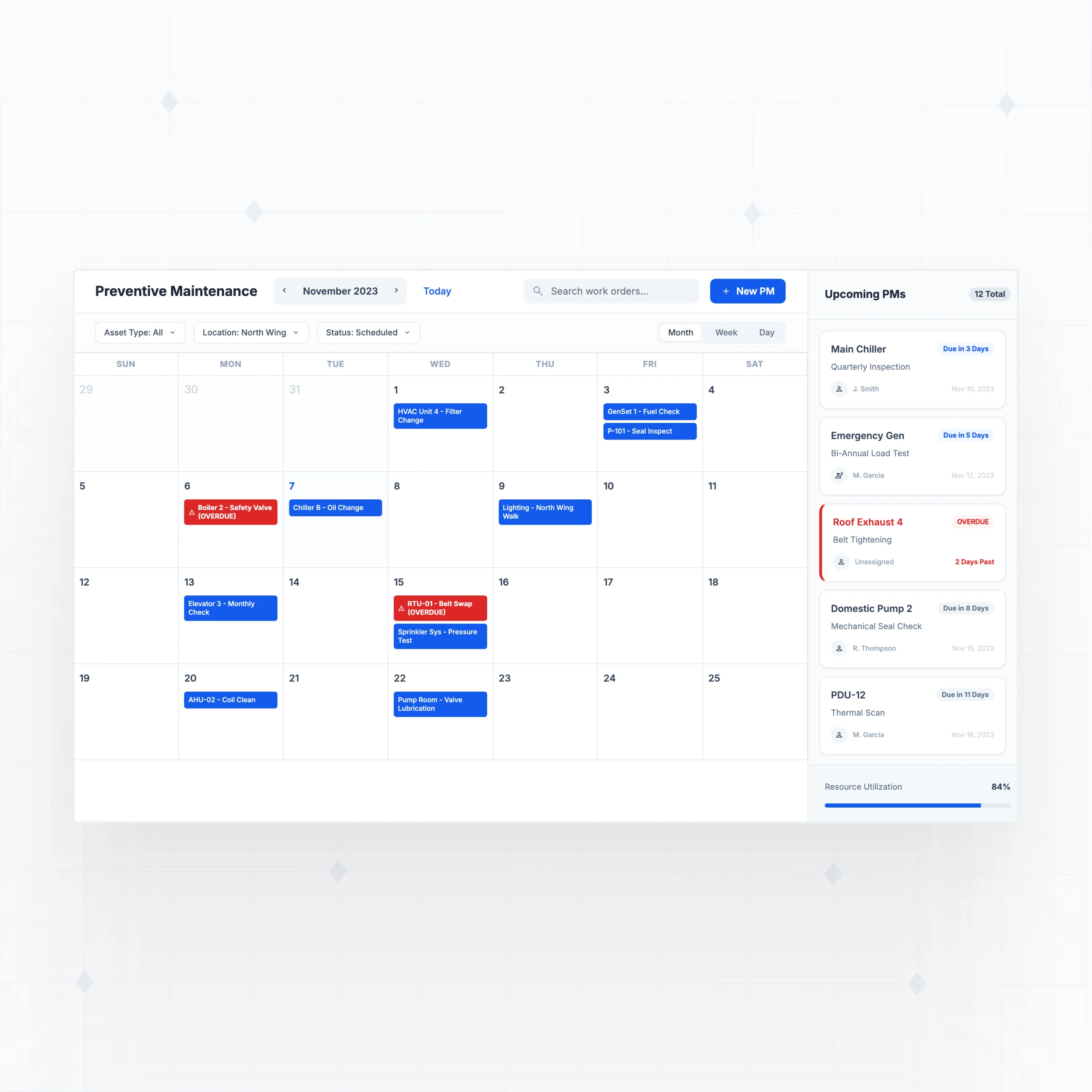
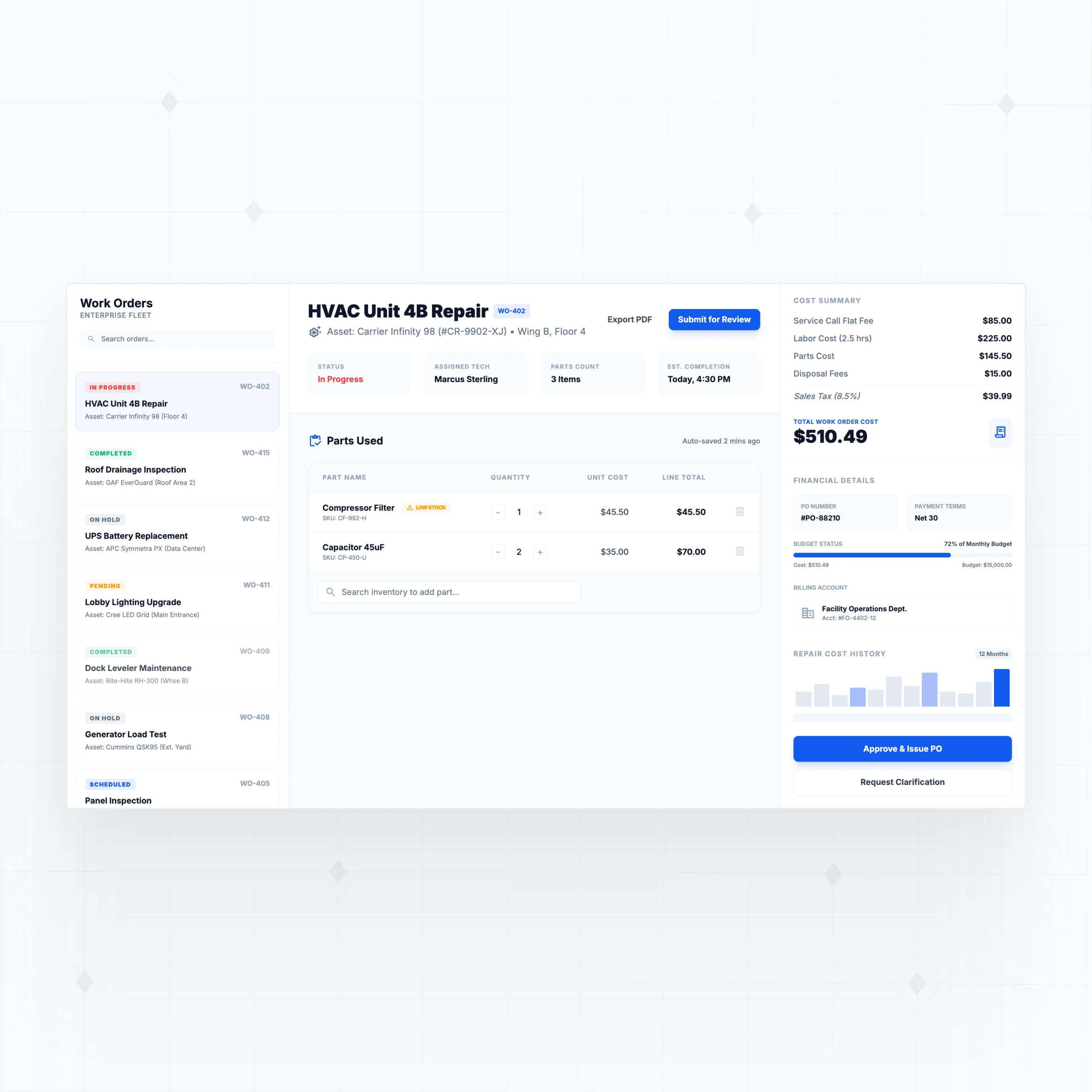
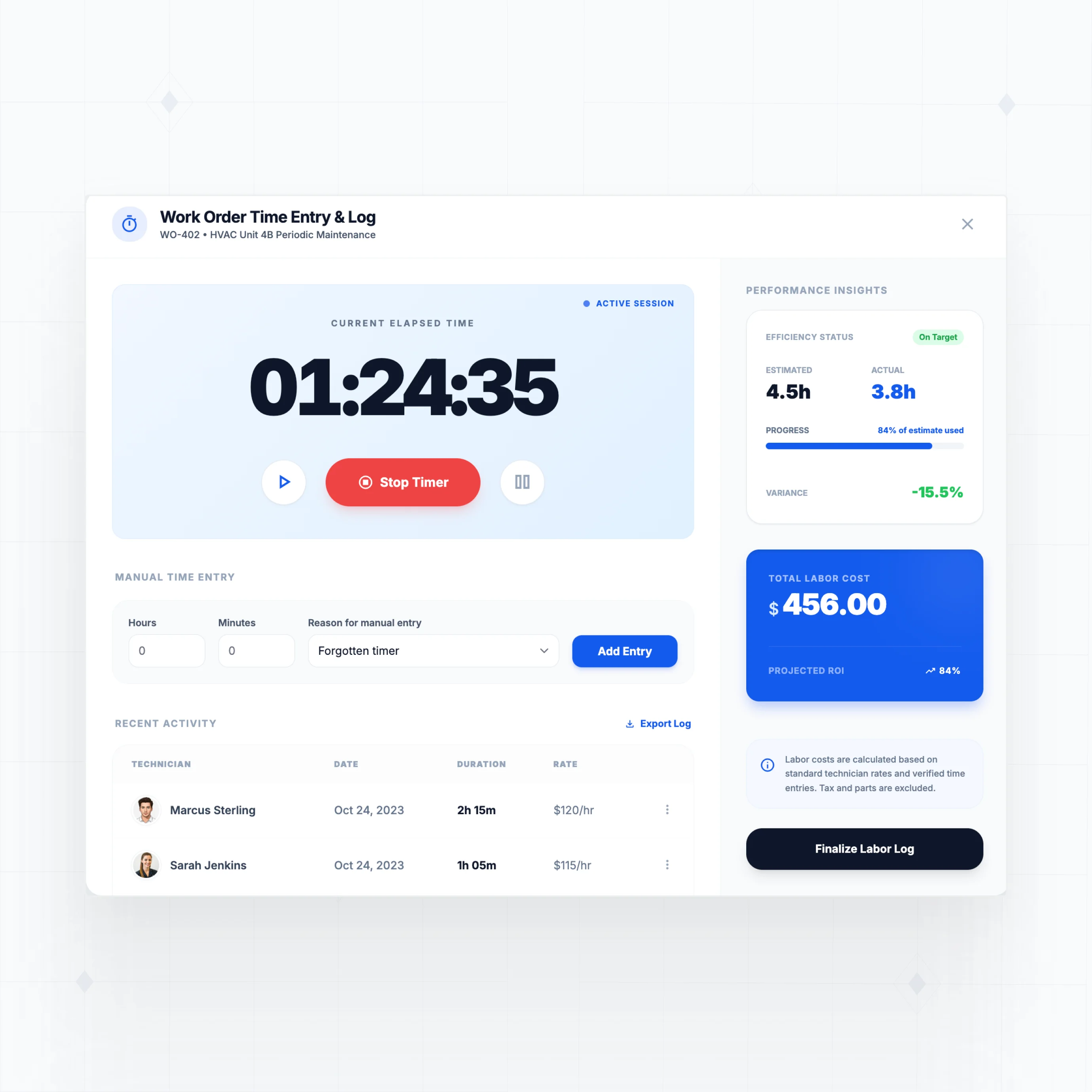
With WeWeb AI, design work order tracking, technician dispatch, and preventive maintenance that matches your equipment and processes.
" Adopting WeWeb’s no-code platform has revolutionized how we approach application development. It’s not just about speed; it’s about empowering our teams to deliver more innovative, secure, and compliant solutions faster and more effectively than ever before "

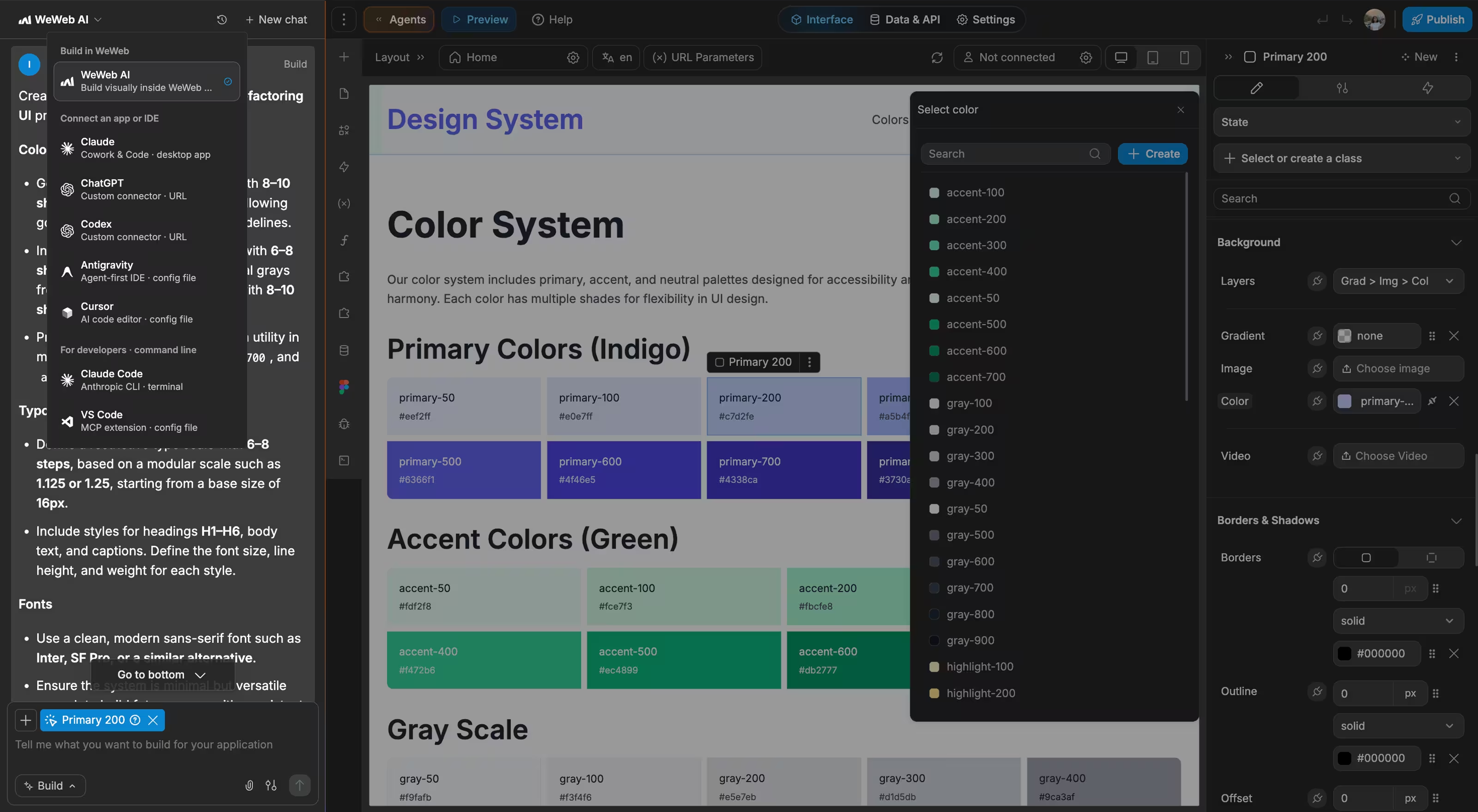
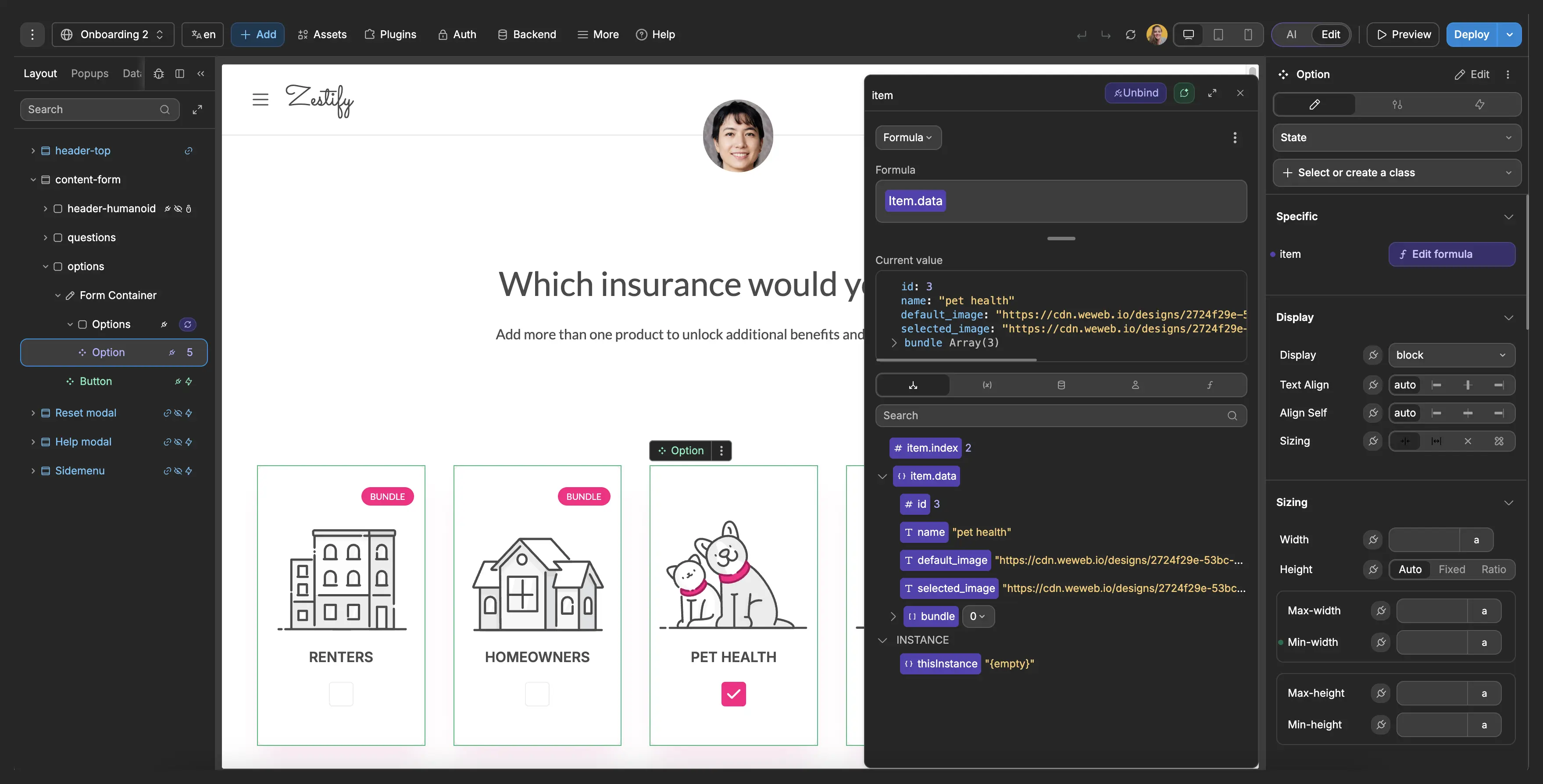
Everything you need to ship work order software that scales with your team
The standards of code, with no-code.
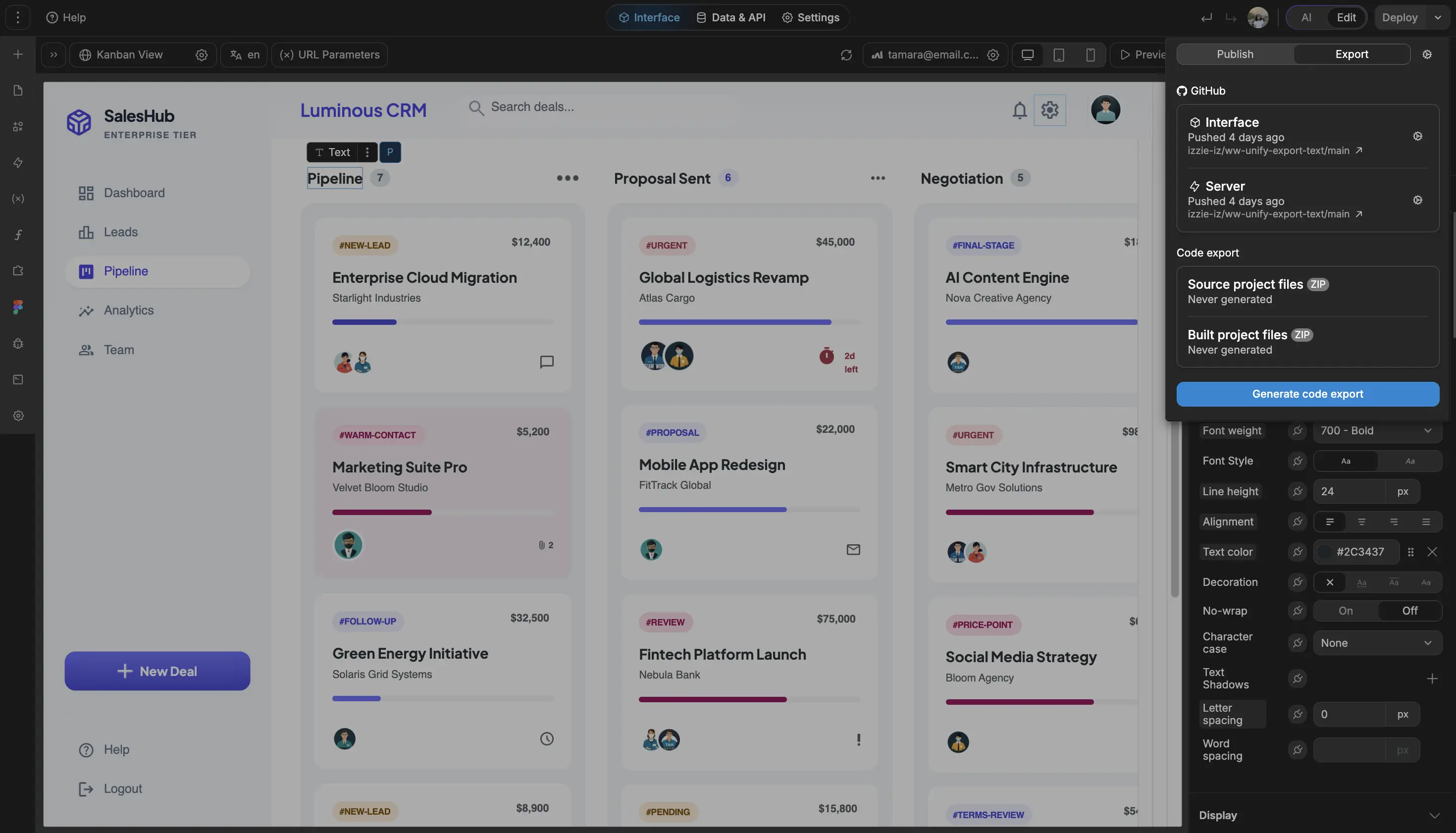
Ship your custom work order system this week
" It used to take a frontend developer, a backend developer, and a project manager. With WeWeb, I can build a new feature in about 90 minutes. I just get it done between meetings. "

FAQs
Off-the-shelf CMMS solutions work well for standard maintenance operations, but they create friction in three common scenarios:
Pricing that scales with your team. Most CMMS software charges $29-150 per user per month. For a 50-person maintenance team, that's $17,000-90,000 annually, and costs keep climbing as you add technicians. WeWeb doesn't charge per app user, so your 10th technician costs the same as your 100th.
Workflows that don't match your operations. Existing tools force you into predefined stages and categories. When your maintenance process doesn't fit their structure, you end up with workarounds: shadow spreadsheets, status fields that mean something different than their labels, or steps that happen "outside the system." A custom work order app mirrors your actual operations from the start.
Integration limitations. Your work orders connect to assets, inventory, accounting, and HR systems. Off-the-shelf tools offer specific integrations, but if your stack isn't supported (or you need deeper data sync), you're stuck with manual data entry. With WeWeb, you connect directly to any API.
No. WeWeb is a visual development platform, so you build by dragging components, configuring data connections, and setting up workflows through a point-and-click interface.
WeWeb AI accelerates the process further. Describe what you need ("a work order system with asset tracking, technician assignment, and preventive maintenance scheduling") and AI generates the foundation: pages, database schema, forms, and workflows. From there, you refine visually.
That said, WeWeb doesn't limit you if you do have technical skills. You can:
- Write custom JavaScript when visual tools aren't enough
- Build custom Vue.js components for specialized functionality
- Use formulas for complex calculations and business logic
- Connect to any REST API or GraphQL endpoint
The platform scales with your team's capabilities. Start with no-code, add complexity as needed.
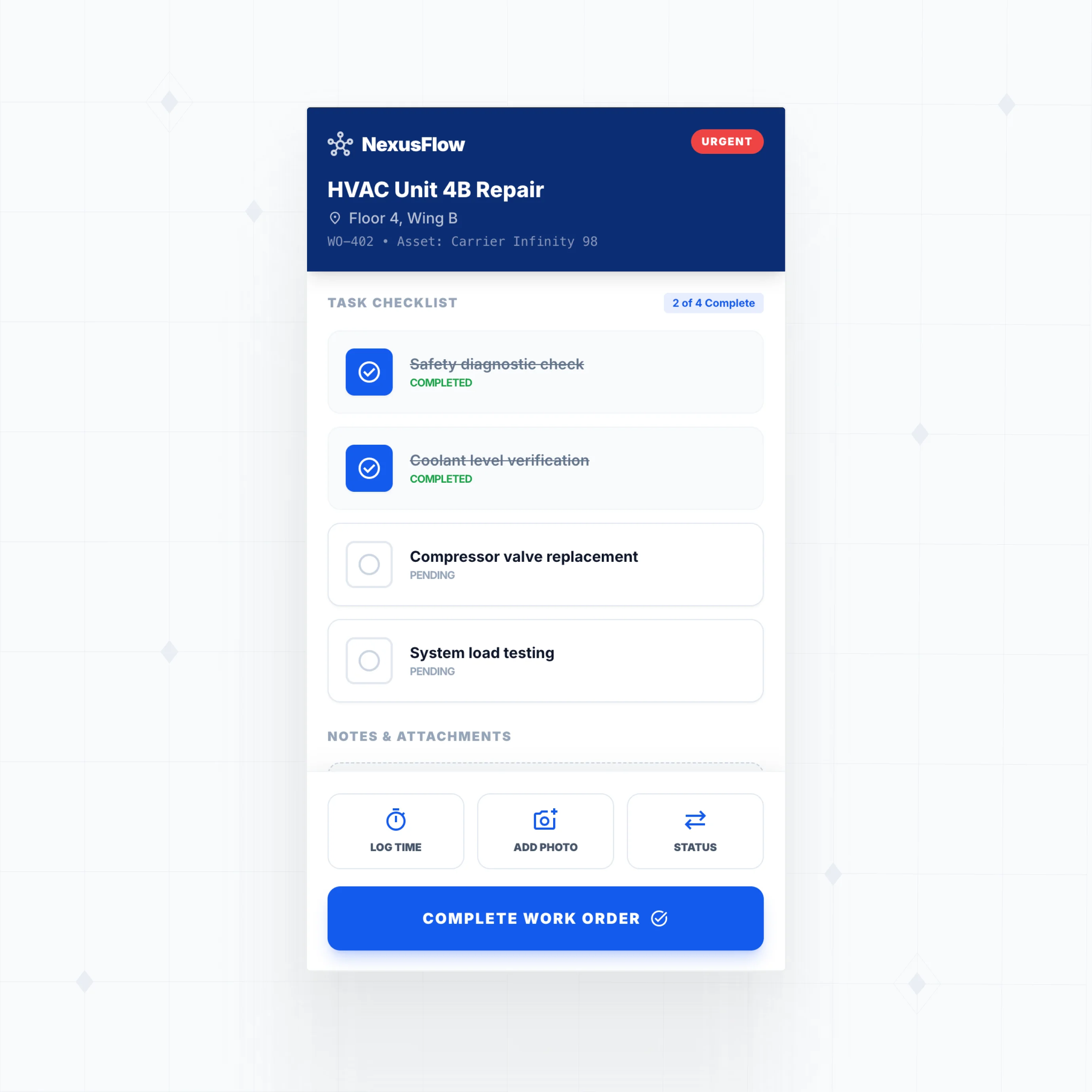
Yes. WeWeb applications are fully responsive web apps that work on any device with a browser. Your technicians can view assigned work orders, update status, log time, and capture photos directly from their phones or tablets.
Unlike some CMMS platforms that restrict mobile access to higher-priced tiers, mobile functionality is included in every WeWeb plan. You can also design mobile-specific interfaces optimized for field use: larger touch targets, simplified navigation, and offline-friendly data entry.
For teams that need native app features (push notifications, offline storage), WeWeb PWAs (Progressive Web Apps) can be installed directly on devices and work like native apps. This gives you mobile access without building separate iOS and Android applications.
WeWeb lets you build preventive maintenance exactly how your operations require it. Common approaches include:
Time-based scheduling. Set up recurring work orders that generate automatically on fixed intervals (weekly, monthly, quarterly). Use WeWeb workflows to create the work order, assign it to a technician, and send notifications.
Meter-based triggers. Connect to asset data (runtime hours, mileage, cycle counts) and trigger work orders when thresholds are reached. This requires your asset monitoring system to send data to your WeWeb backend.
Condition-based maintenance. Pull sensor data or inspection results and create work orders when values exceed limits. Build dashboards that show which assets are approaching maintenance thresholds.
The advantage of building custom is that you define exactly what triggers maintenance and what information the resulting work order contains. No forcing your PM schedules into someone else's data model.