Build a Custom Project Management App With AI and No-Code
Stop paying per user for features your team will never use. WeWeb lets you create project management software that fits your workflow, not the other way around.
Trusted by founders & Fortune 500s
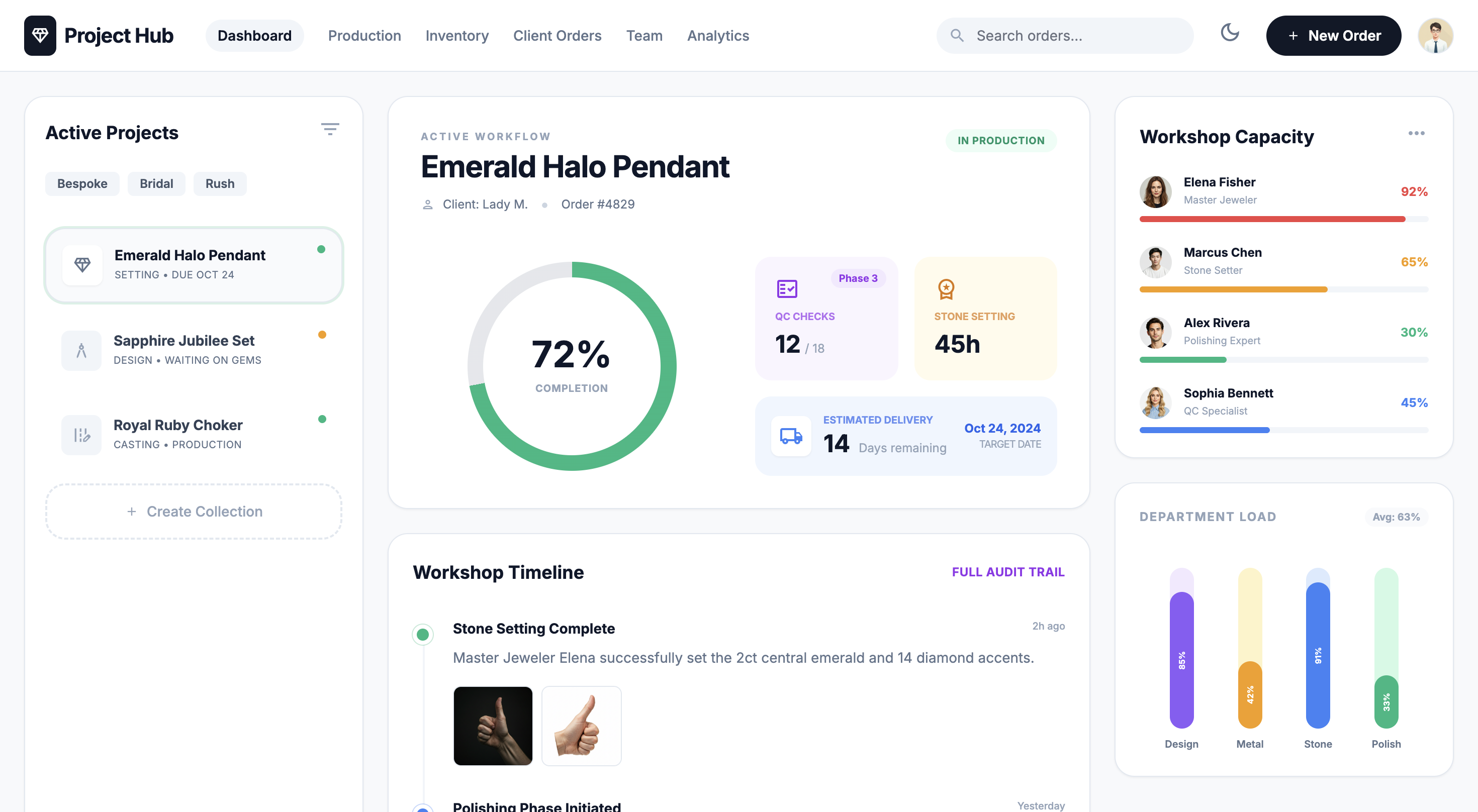
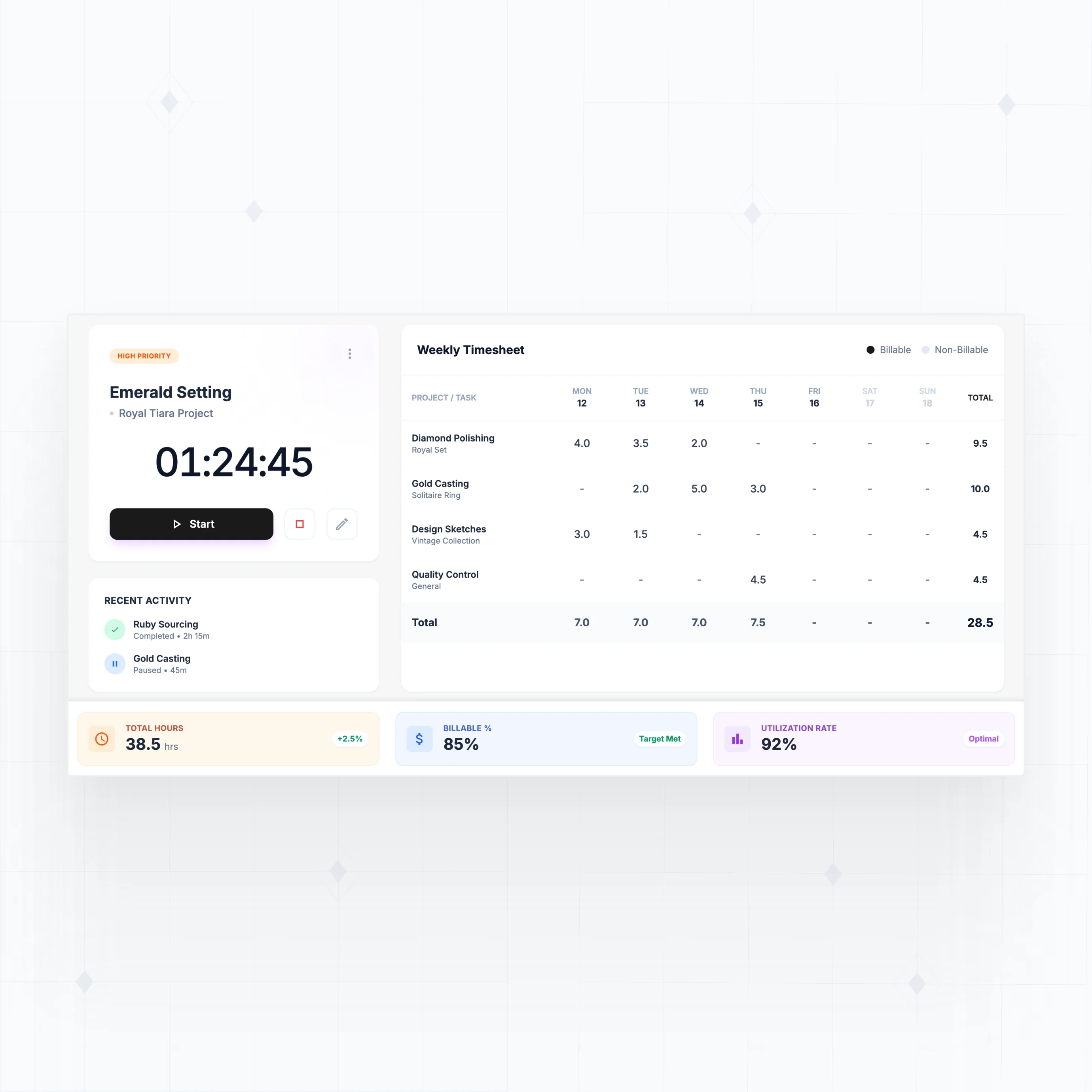
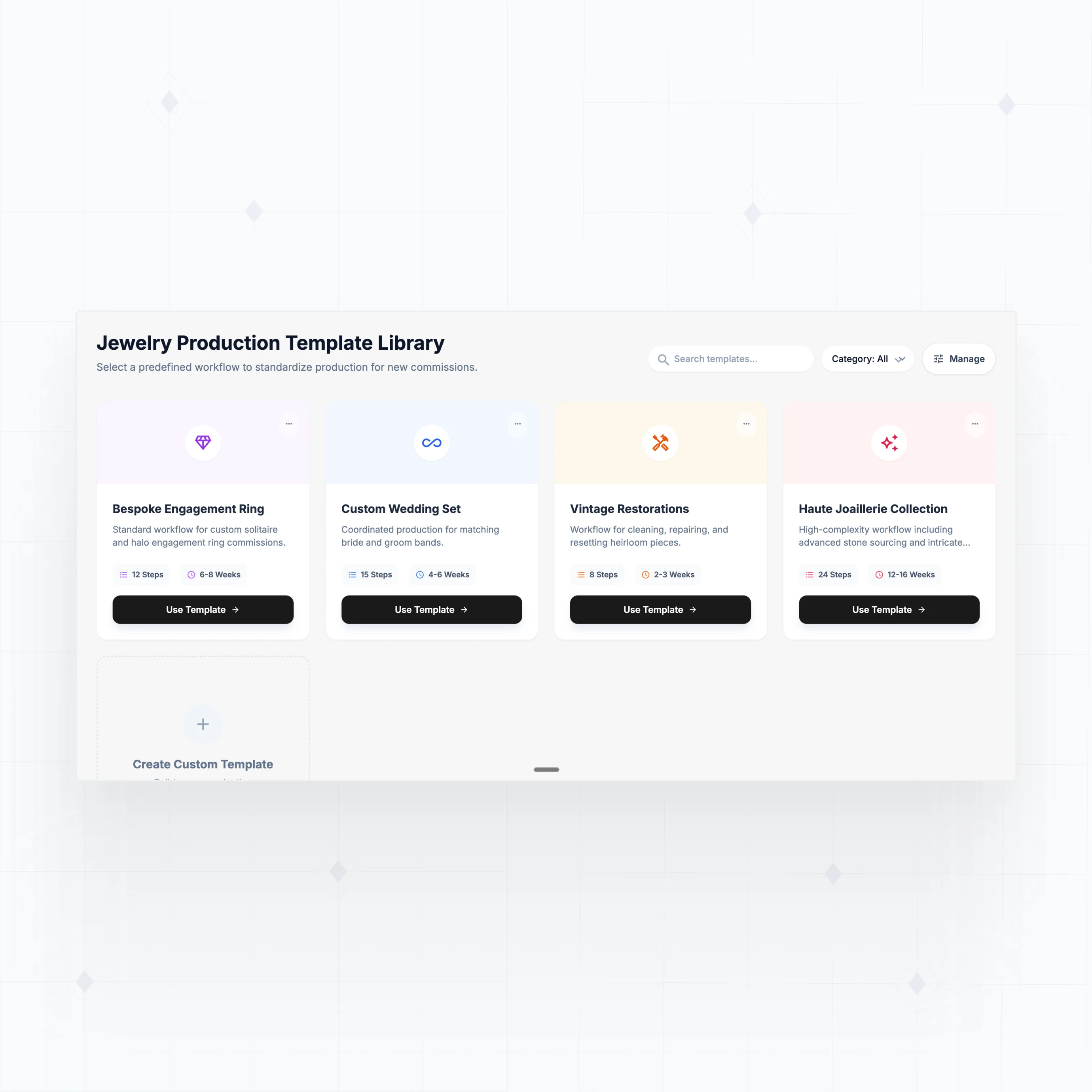
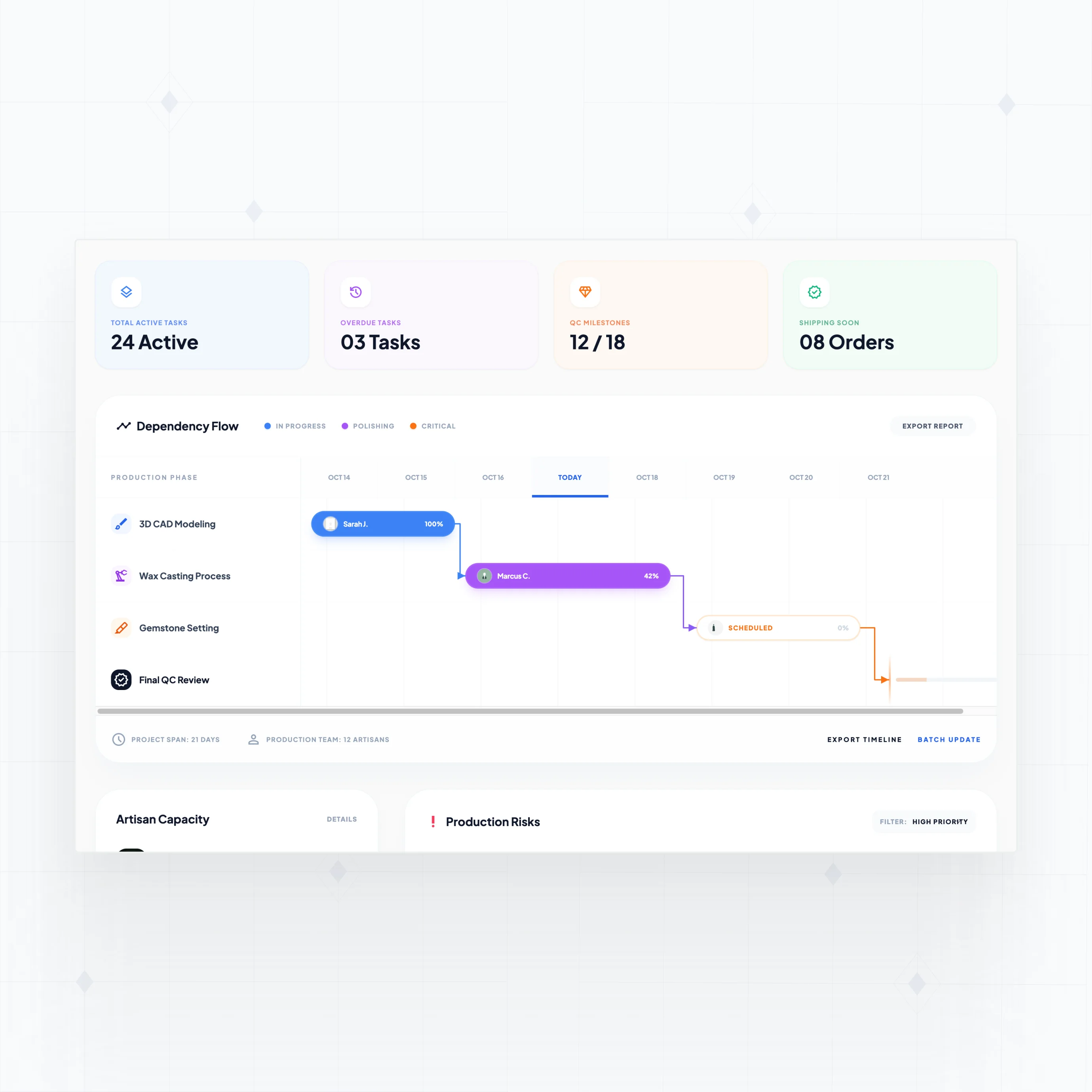
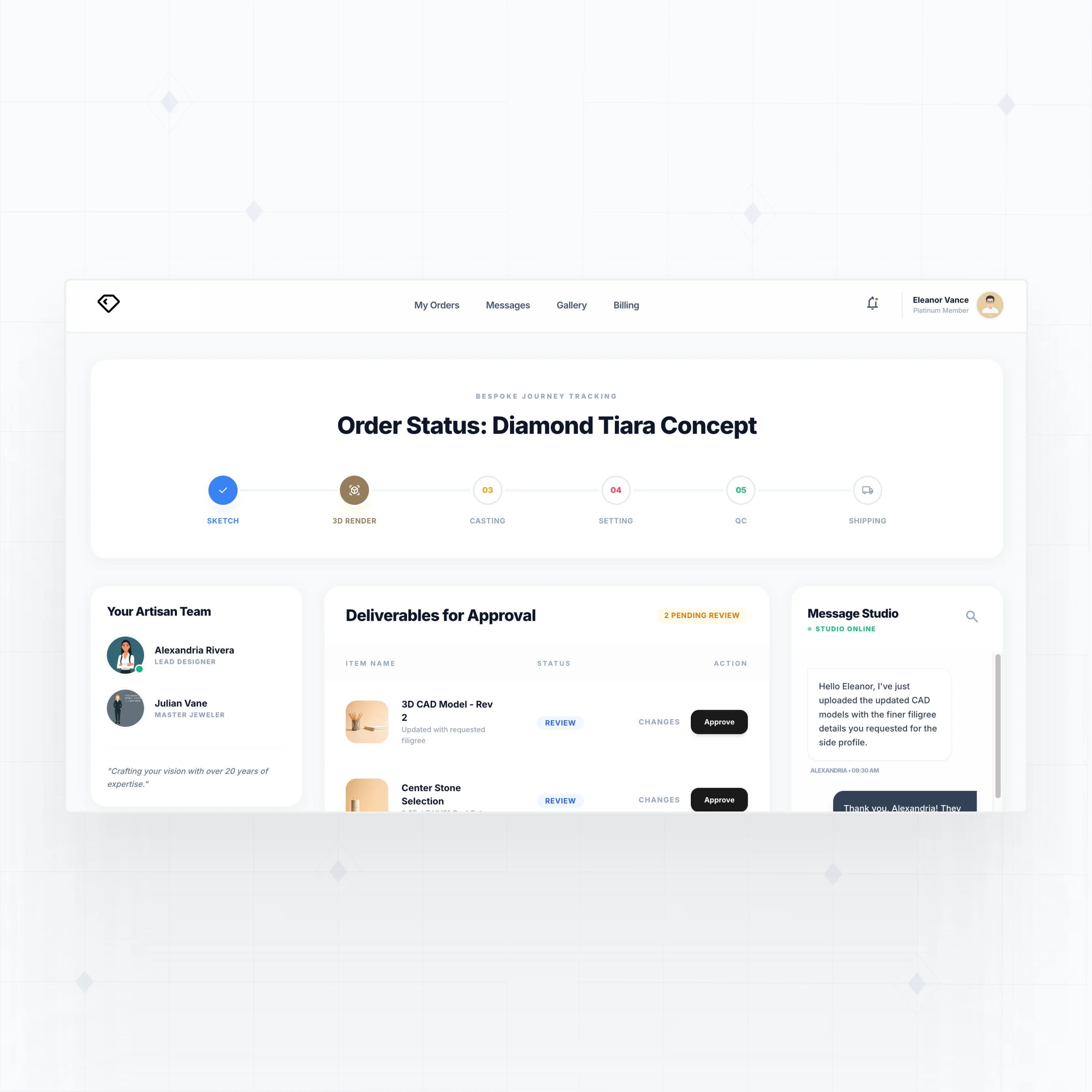
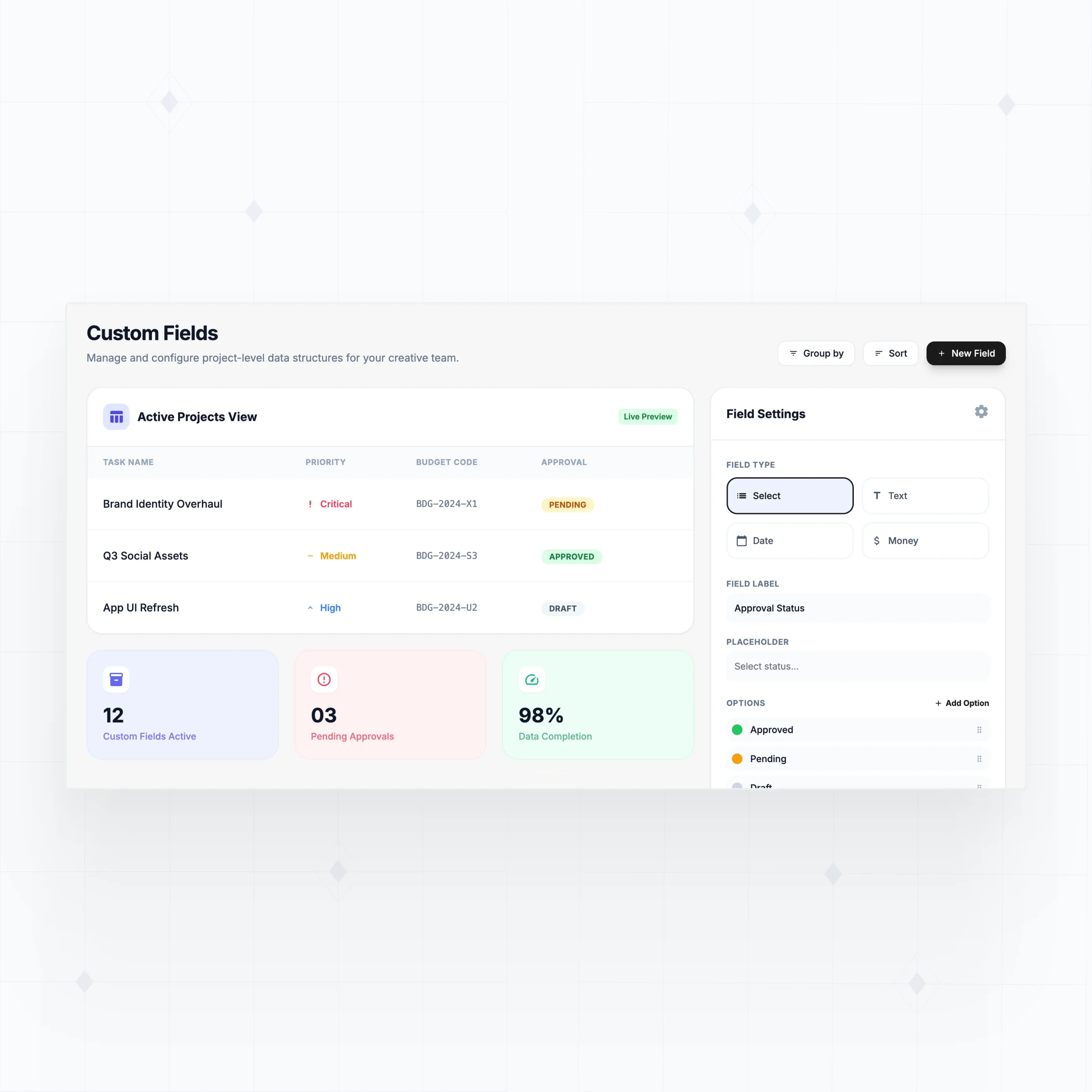
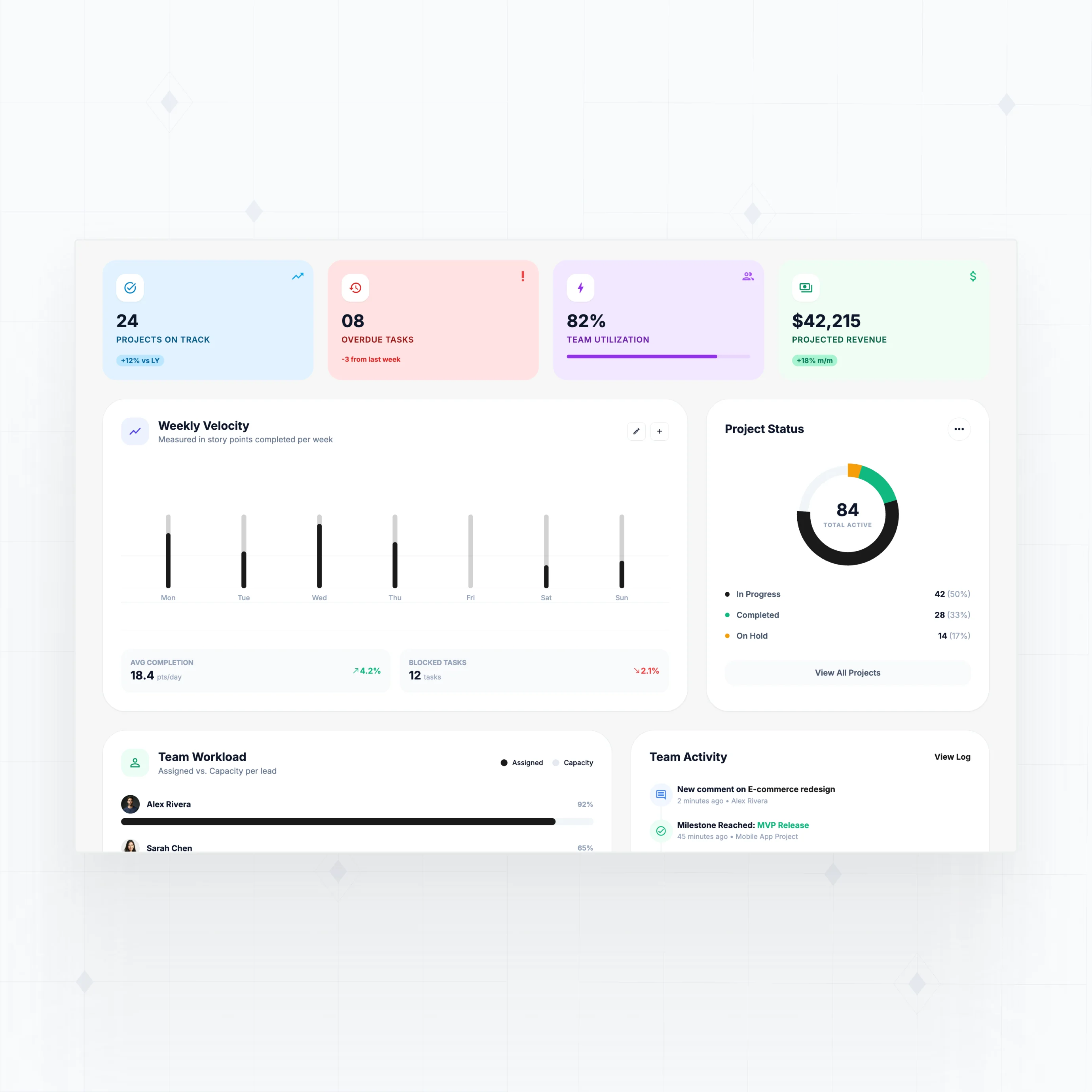
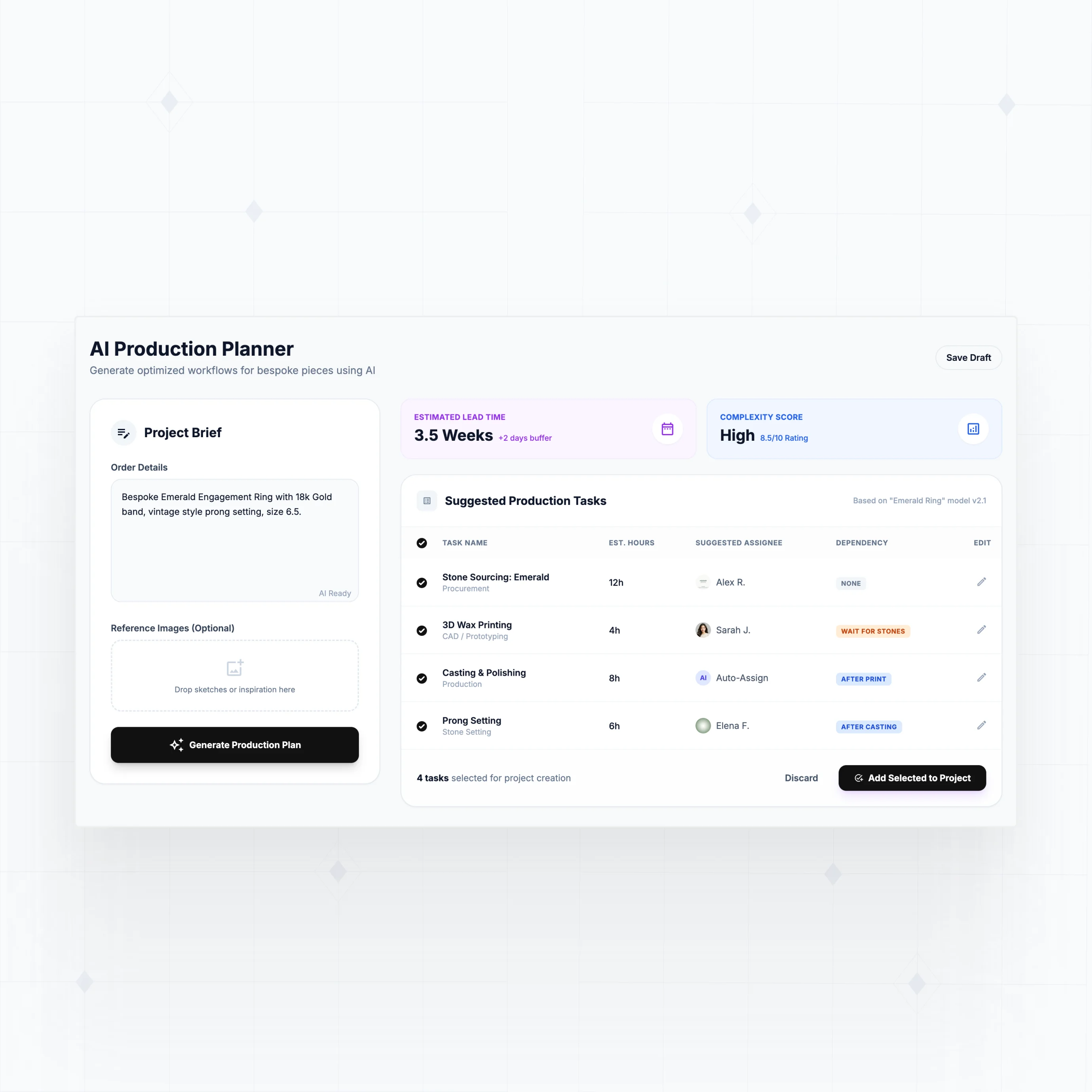
Build the project management features your team actually needs
With WeWeb AI, design task tracking, resource planning, and client collaboration that matches your team's process.

" WeWeb fundamentally changed how our designers and developers work together. We can iterate faster and deliver complex products with less friction. "

Everything you need to ship project management software that scales with your team
The standards of code, with no-code.
Launch your custom project management app this week
" As with any large-scale project, change requests came quickly once people started using the tool. Thanks to WeWeb, we had the flexibility to say yes and that definitely sped up adoption. "

FAQs
Off-the-shelf project management tools work well for generic workflows, but they create friction in three common scenarios:
Feature bloat that slows your team down. Most PM tools pack in hundreds of features to serve every possible use case. Your team ends up adapting their workflow to the software instead of the other way around. A custom app includes exactly what your team needs and nothing more.
Per-user pricing that punishes growth. Enterprise PM tools charge $10 to $240 per user per month. A team of 50 pays $6,000+ monthly for features they'll never use. With WeWeb, you build once and add users without per-seat costs.
Integration gaps with your existing stack. Your projects touch CRM, billing, time tracking, and client portals. Off-the-shelf tools offer limited integrations or charge extra for them. With WeWeb, you connect directly to any API and control exactly how project data flows between systems.
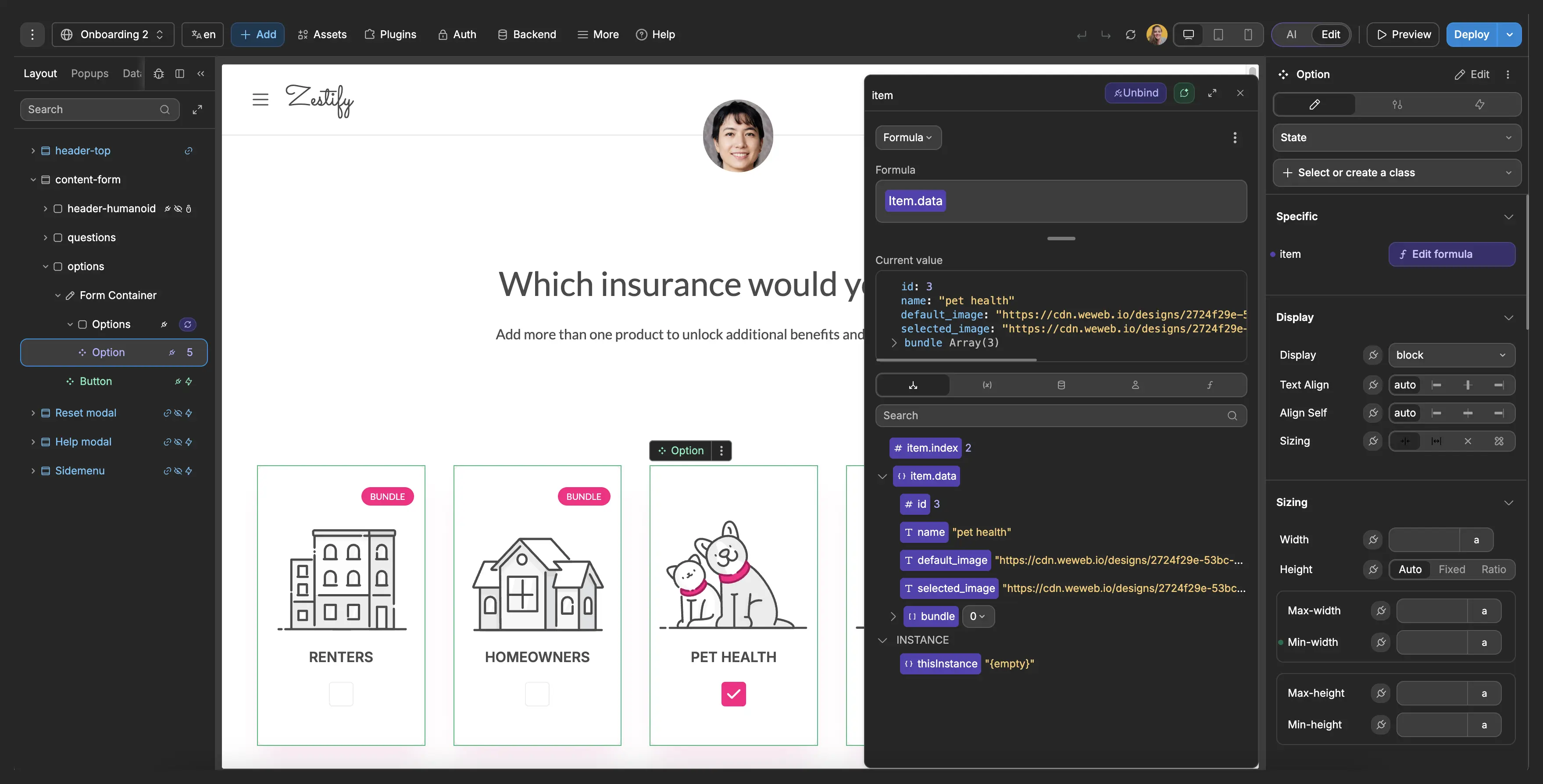
No. WeWeb is a visual development platform, so you build by dragging components, connecting data sources, and configuring workflows through a point-and-click interface.
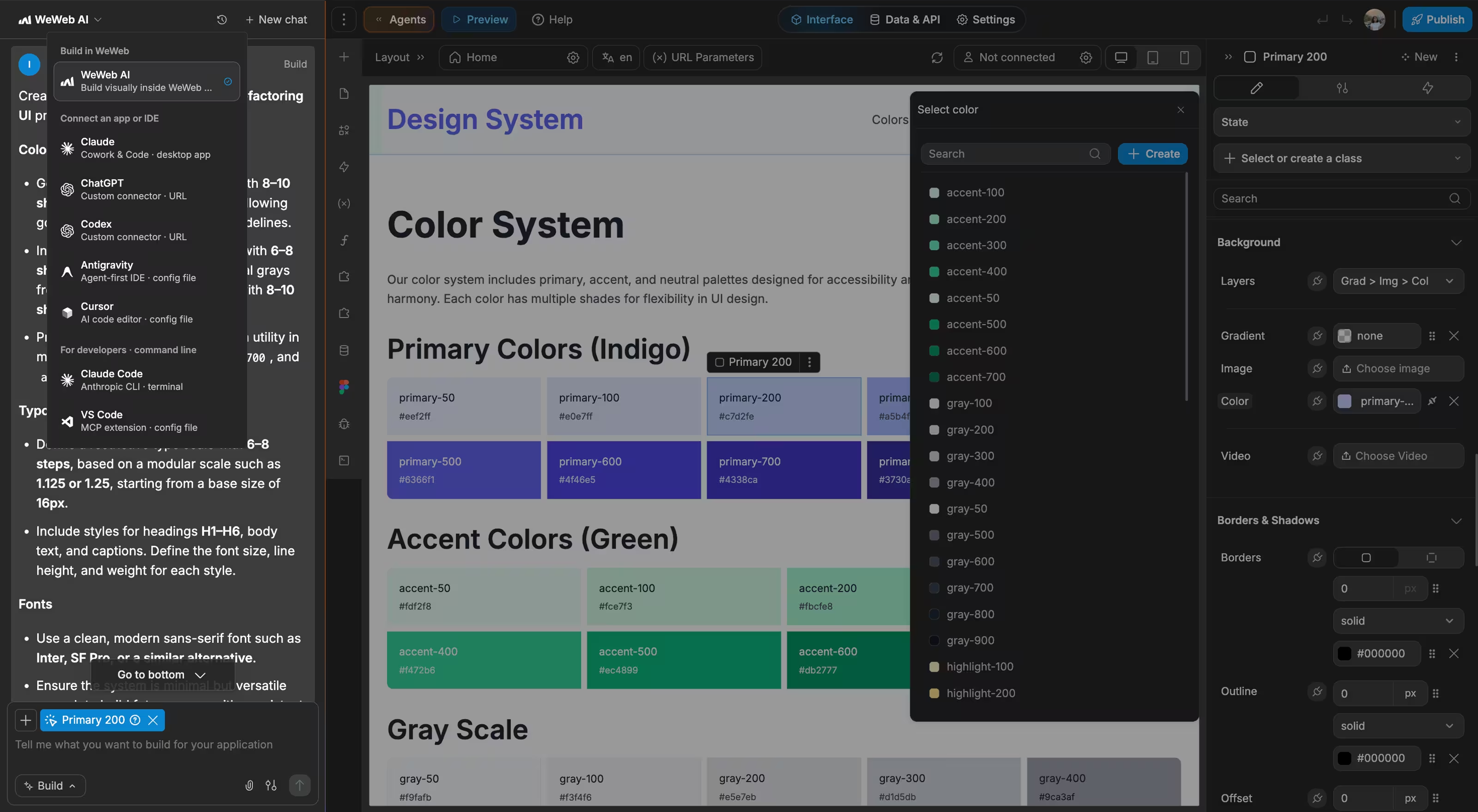
WeWeb AI accelerates the process significantly. Describe what you need ("a project tracker with Kanban boards, time logging, and client-facing status pages") and AI generates the foundation: pages, database schema, and workflows. From there, you refine visually.
That said, WeWeb doesn't limit you if you do have technical skills. You can:
- Write custom JavaScript for complex project calculations (resource allocation, burn rates)
- Build custom Vue.js components for specialized views like Gantt charts
- Connect to any REST API or GraphQL endpoint
- Integrate with your existing tools (Slack, GitHub, billing systems)
Start simple, add complexity as your project management needs evolve.
Yes. WeWeb connects to any service with an API through the REST API plugin. For project management, you can build connections to:
- Communication: Slack, Microsoft Teams, Discord (send project updates, alerts)
- Development: GitHub, GitLab, Jira (sync issues, commits, deployments)
- CRM and Sales: Salesforce, HubSpot, Pipedrive (link projects to deals)
- Time and Billing: Harvest, Toggl, QuickBooks (track time, invoice projects)
- File Storage: Google Drive, Dropbox, AWS S3 (attach documents to projects)
The advantage of building custom is that you control exactly how integrations work. Want to auto-create a Slack channel when a project starts? Sync task status to GitHub issues? Pull time entries into invoices automatically? You define the workflows.
For backends, WeWeb works natively with Supabase and Xano, both of which support real-time data sync. Changes to project status update across your app instantly.
Yes. Real-time collaboration depends on your backend choice, and WeWeb supports backends that enable instant updates across all connected users.
How it works:
When one team member updates a task status, adds a comment, or changes a deadline, that change can appear instantly for everyone else viewing the project. This requires a backend with real-time capabilities like Supabase (built-in real-time subscriptions) or Xano with websockets.
Collaboration features you can build:
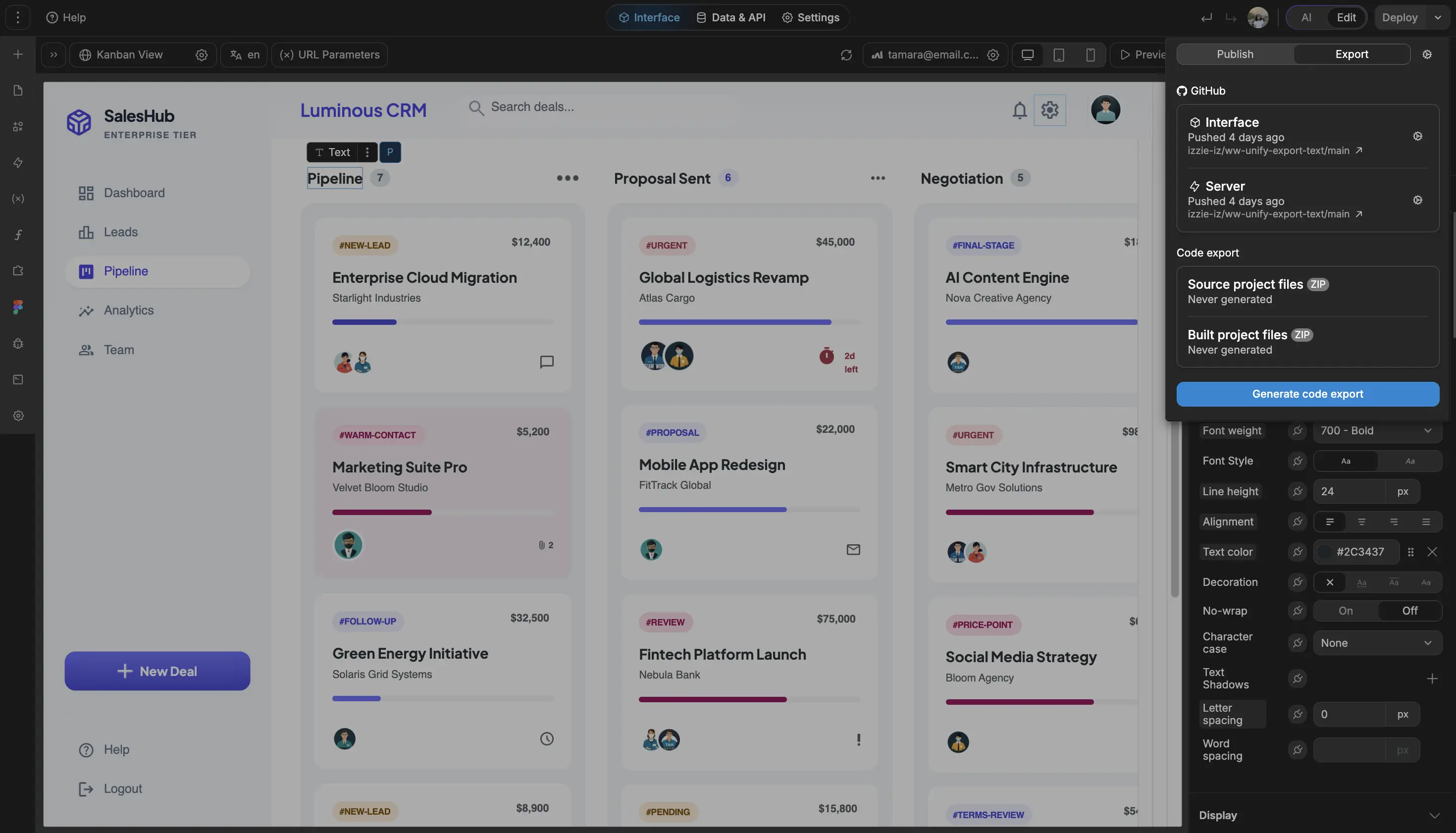
- Live task boards where cards move as teammates drag them
- Activity feeds showing who did what, as it happens
- Comment threads with instant notifications
- Presence indicators showing who's viewing a project
- Concurrent editing with conflict resolution
WeWeb handles the frontend display and user interactions. Your backend manages data persistence and broadcasting changes. Together, they create a responsive collaborative experience.