Build a Custom Employee Directory With AI and No-Code
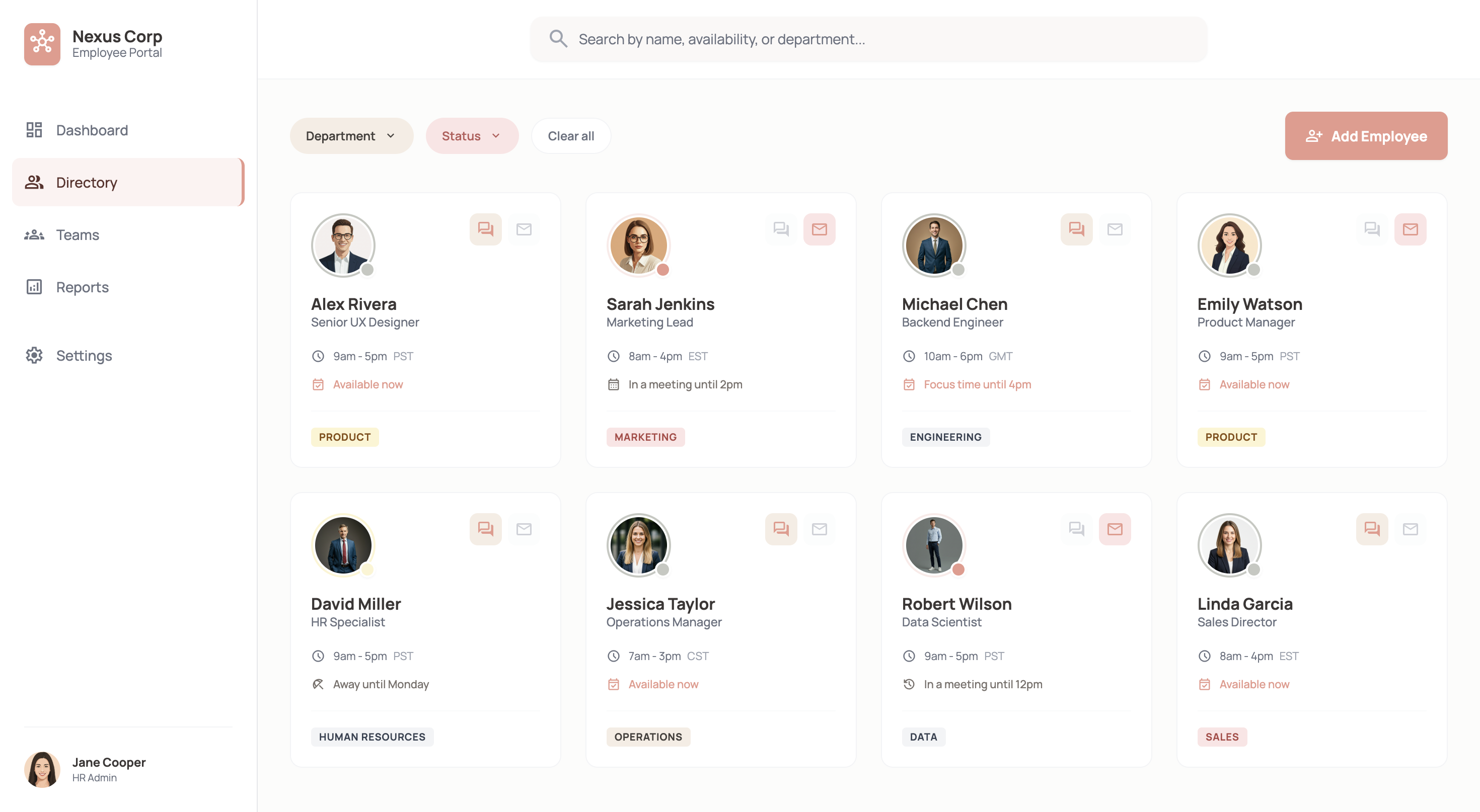
WeWeb helps you build an employee directory that actually fits how your organization works—without per user pricing.
Trusted by founders & Fortune 500s
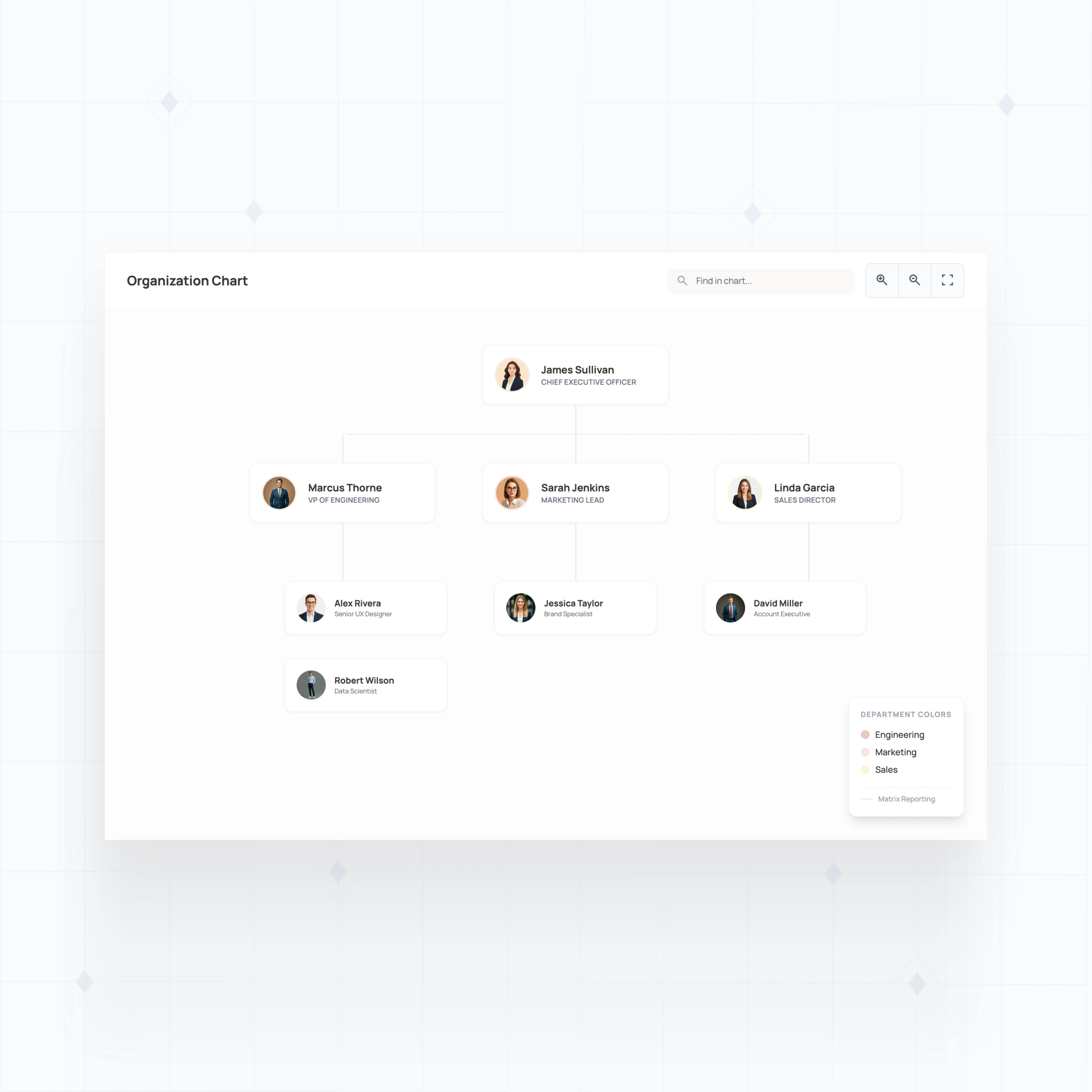
Handle complex org structures that off-the-shelf tools can't model
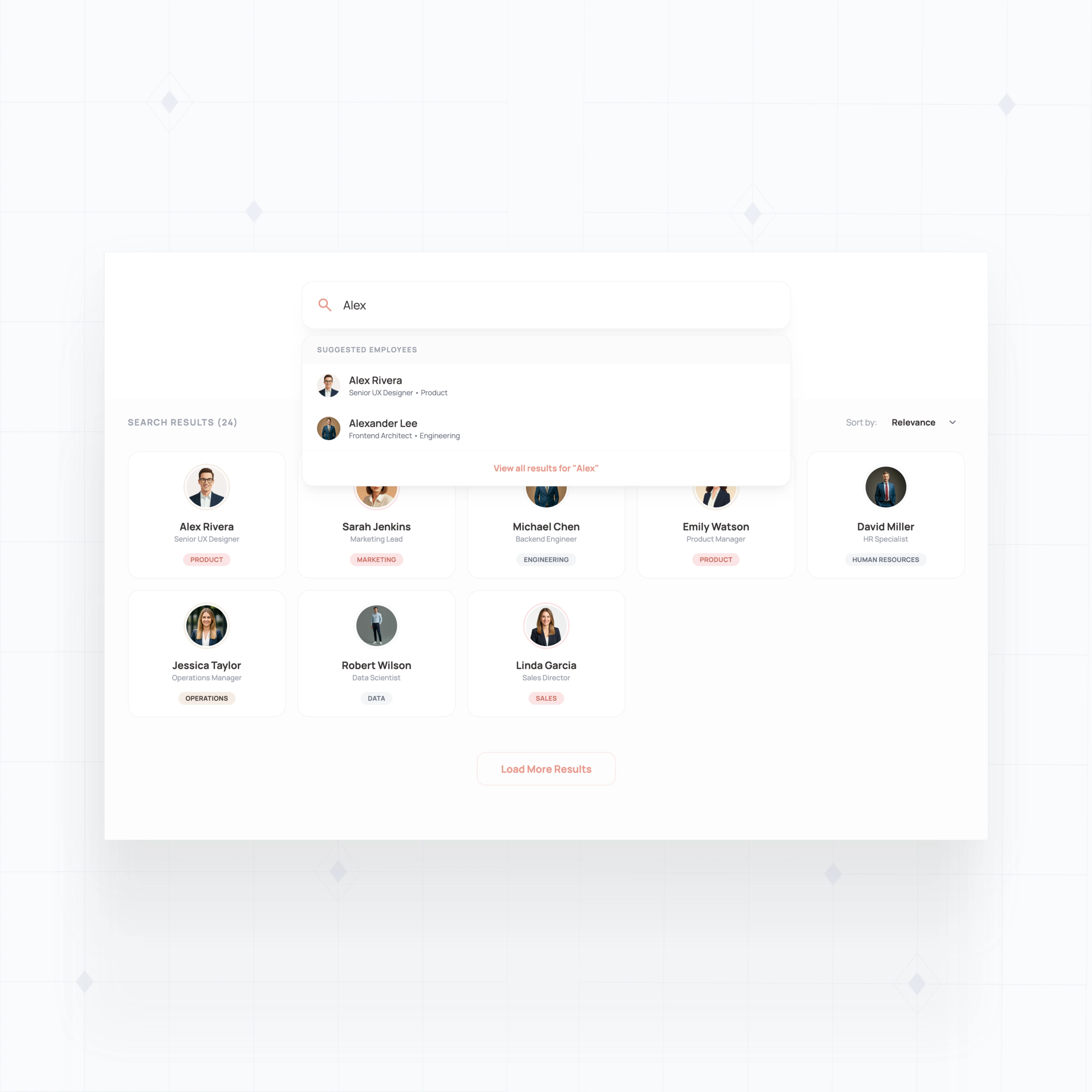
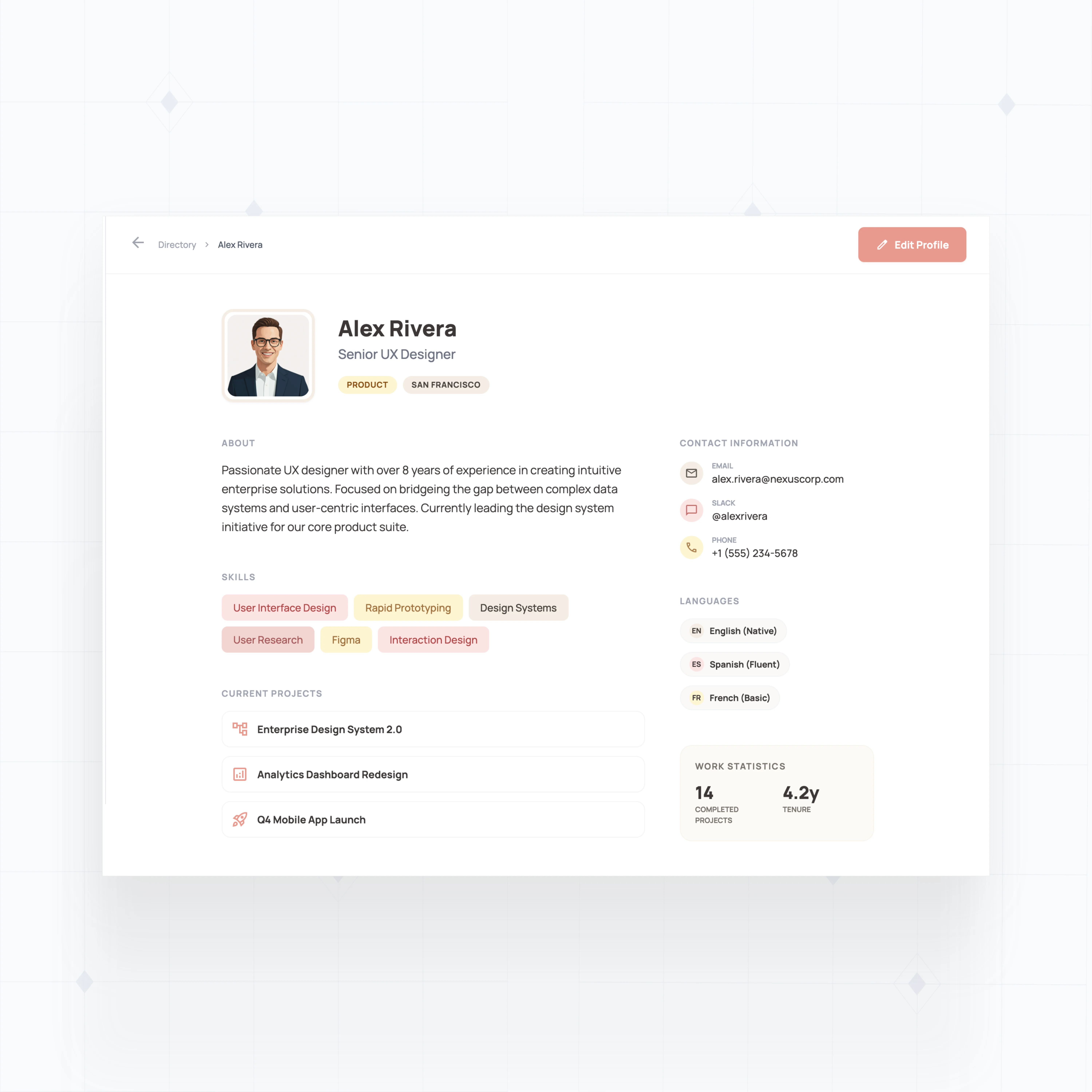
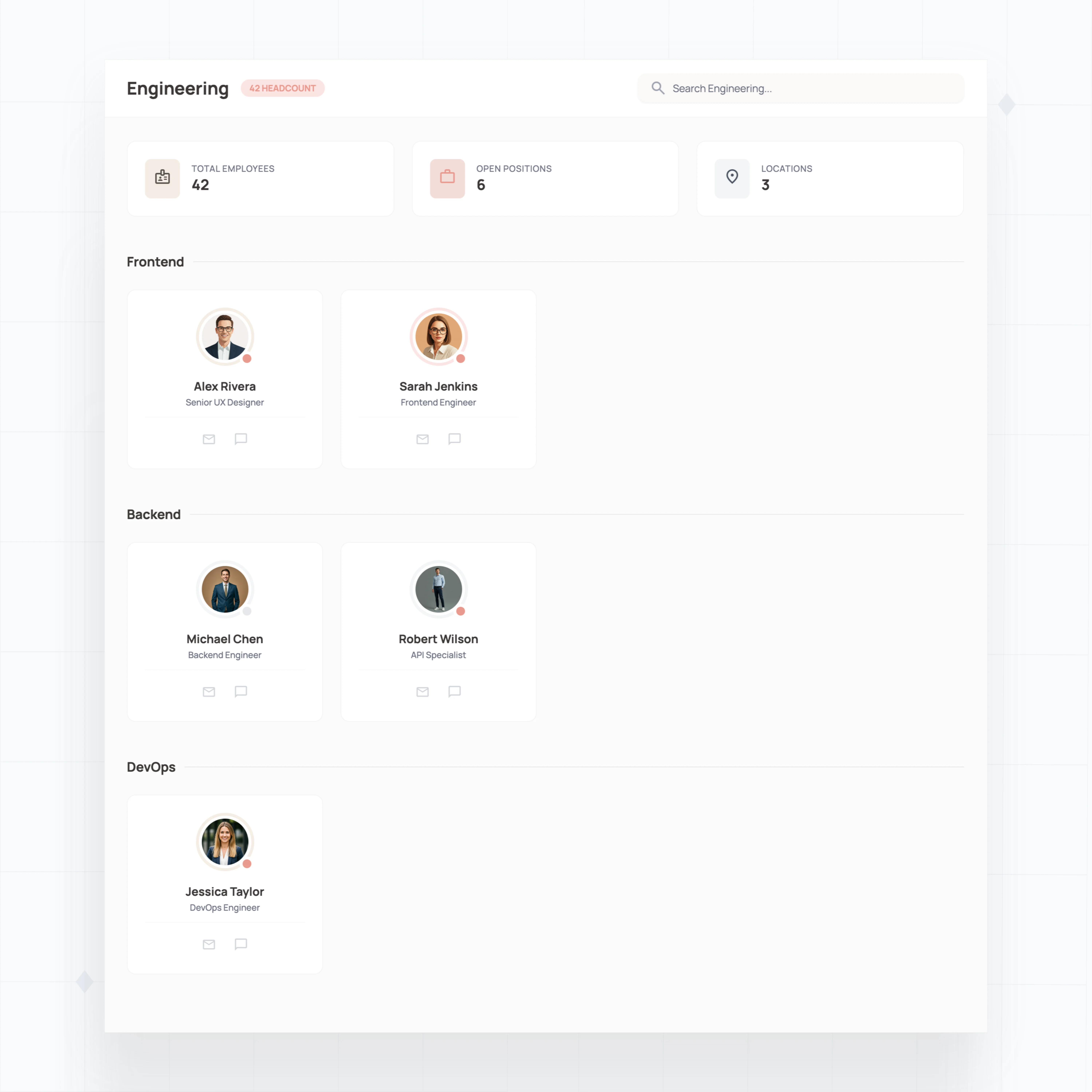
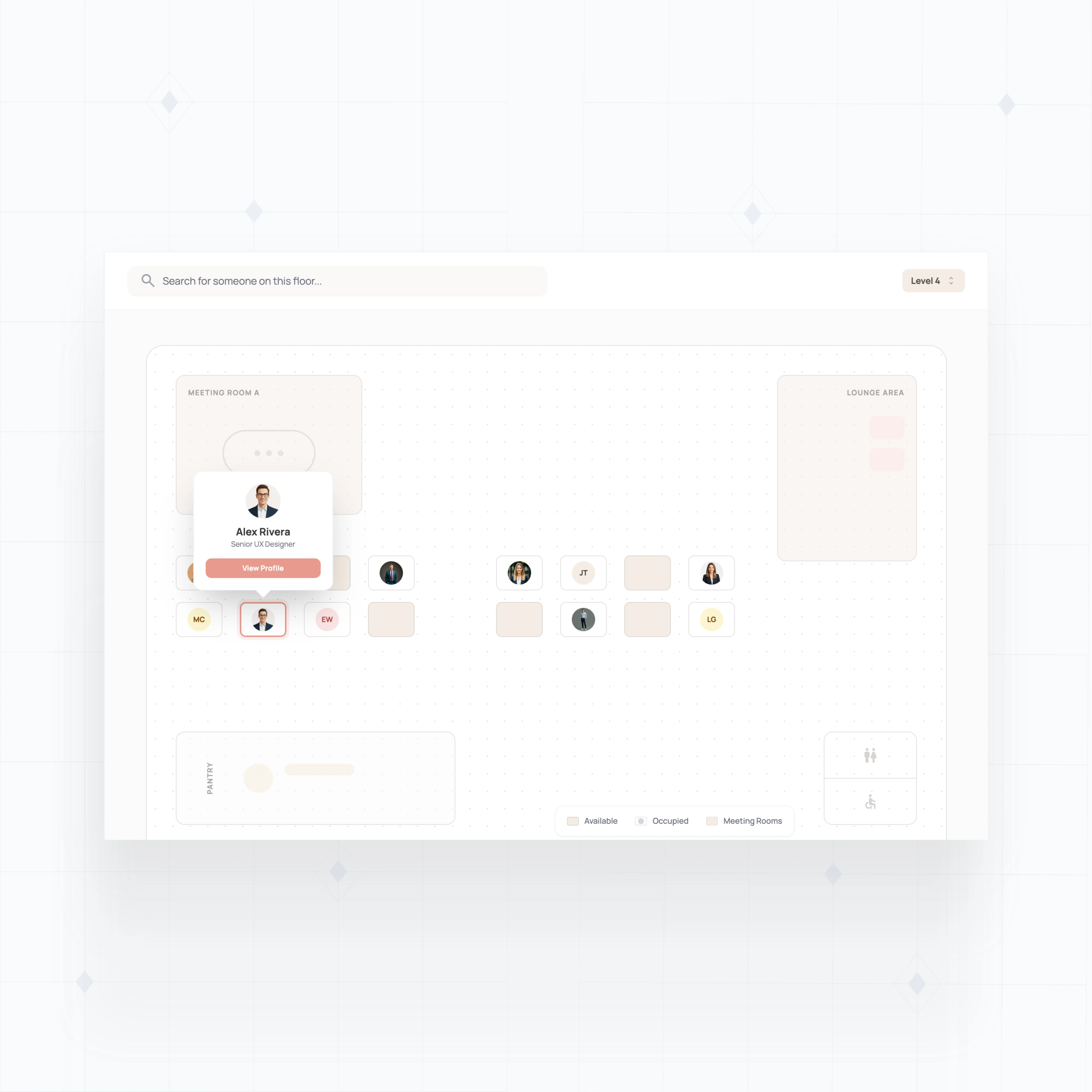
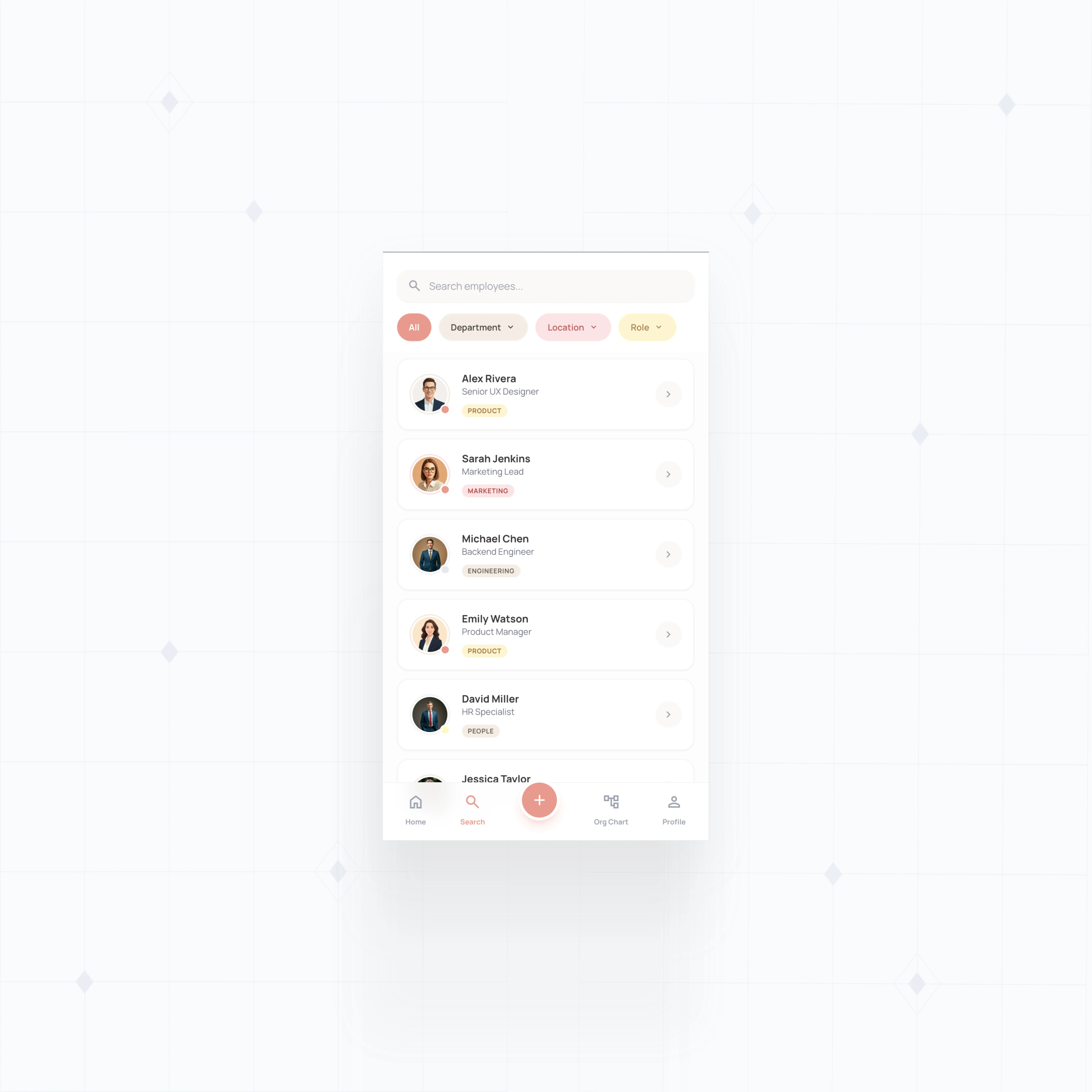
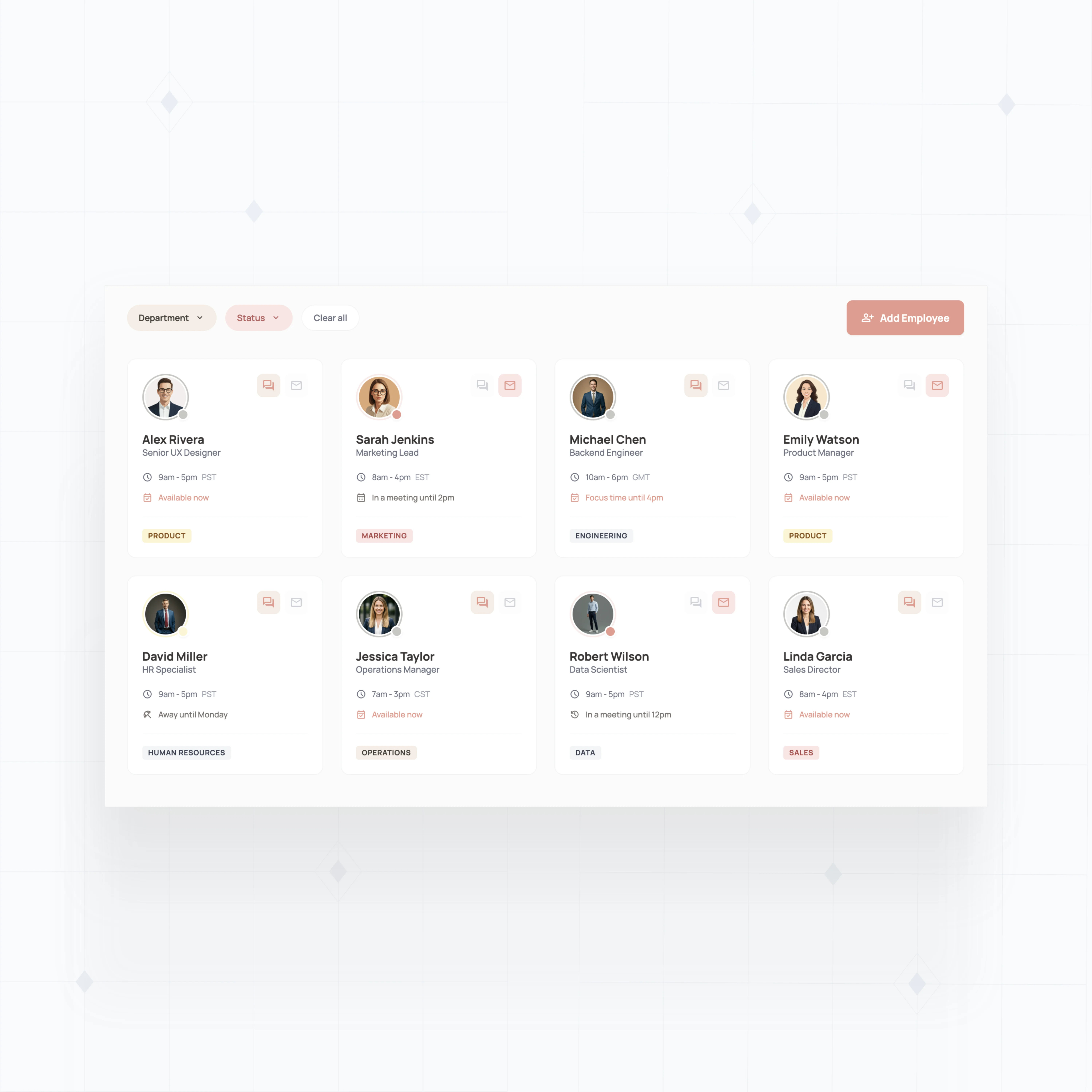
Go beyond basic contact lookups. With WeWeb AI create rich profiles, smart search, and org charts that scale with your company.
" Adopting WeWeb’s no-code platform has revolutionized how we approach application development. It’s not just about speed; it’s about empowering our teams to deliver more innovative, secure, and compliant solutions faster and more effectively than ever before "

Build the directory your team actually needs
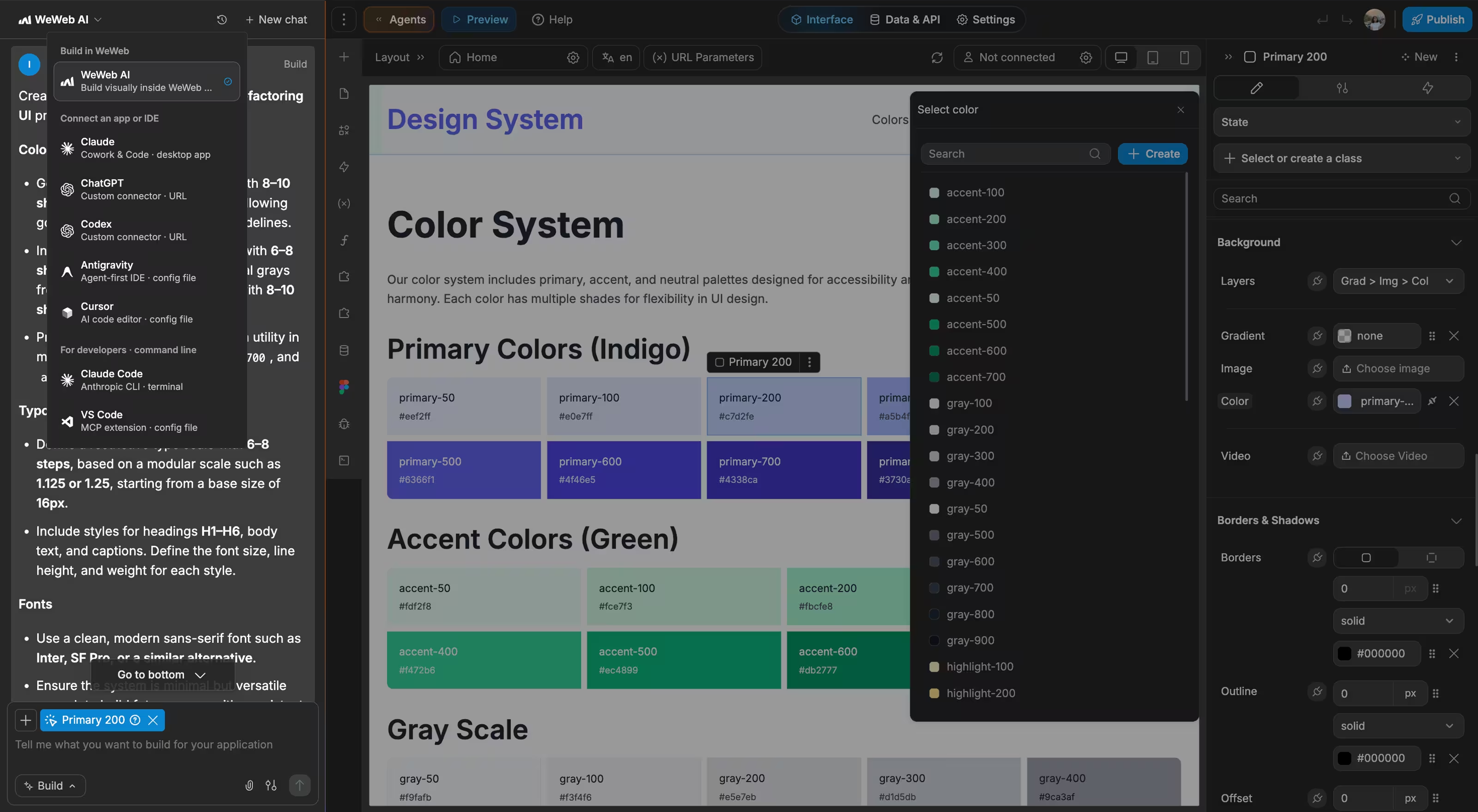
The standards of code, with no-code.
Launch your custom employee directory this week
" I never thought that I could build something like this. I was always worried about security, and database design, and API calls… all of that stuff seemed super complex to me. WeWeb has given me the ability to build something in a visual format that naturally feels very good to me. "

FAQs
No coding skills are required to build a fully functional employee directory. WeWeb's visual editor lets you design layouts, connect to your data sources, and create search and filter workflows through drag-and-drop.
For teams that want more control, you can add custom JavaScript or Vue.js components. But most employee directories can be built entirely without writing code.
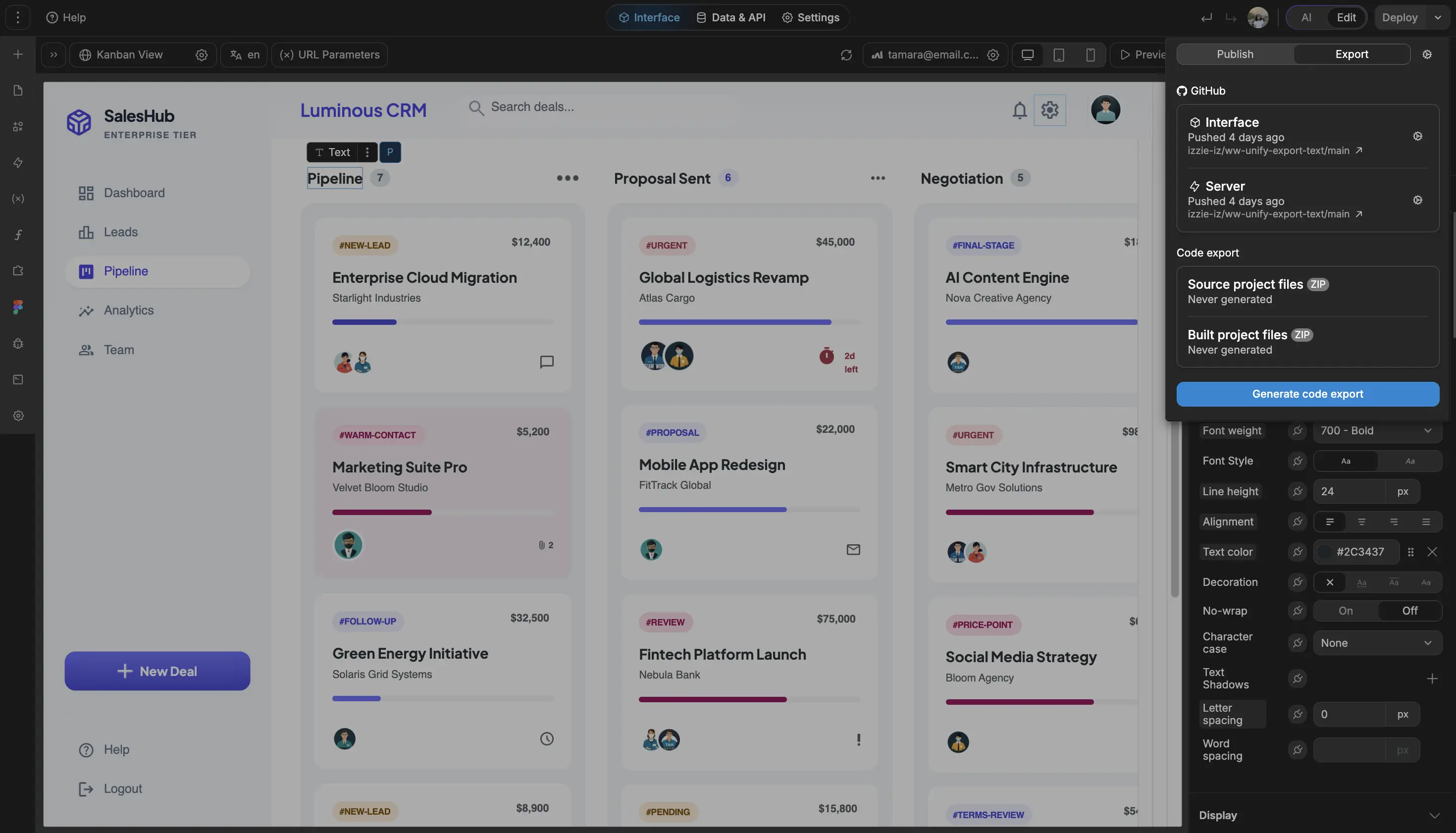
Yes. WeWeb is backend-agnostic, meaning you can connect to any data source through REST APIs or native integrations.
Common setups include:
- Syncing with Azure Active Directory for real-time employee data
- Connecting to HRIS platforms like Workday, BambooHR, or Rippling
- Using Supabase or Xano as a centralized employee database
This ensures your directory stays current without manual updates.
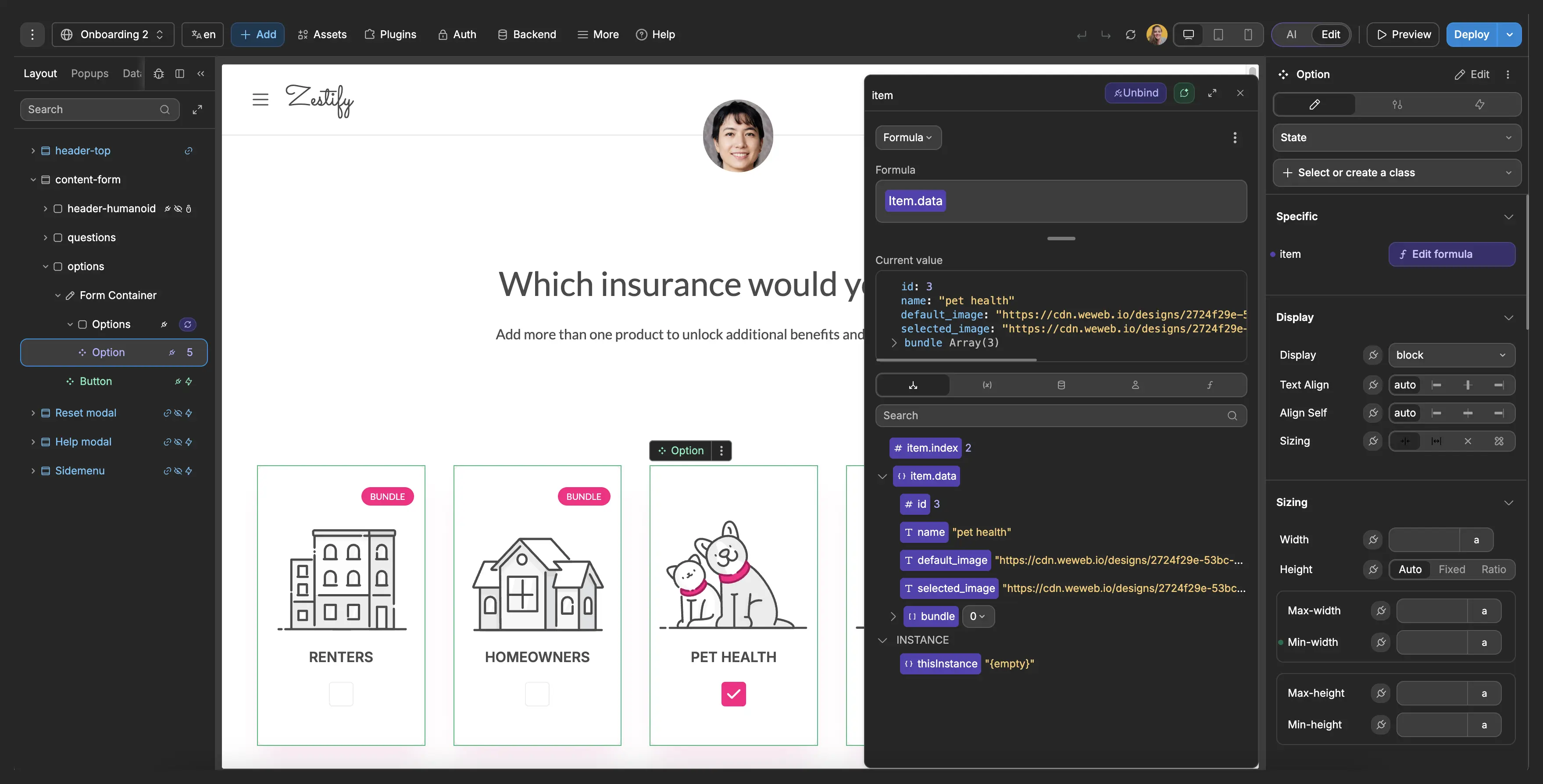
WeWeb supports role-based access control (RBAC), so you can define exactly what each user role can see and do.
For example, you can:
- Show basic contact info to all employees
- Restrict salary or personal details to HR and managers
- Allow employees to edit only their own profiles
- Hide contractor or temporary staff from the public directory
Permissions are configured visually through workflows and conditional rendering, without needing to write code.
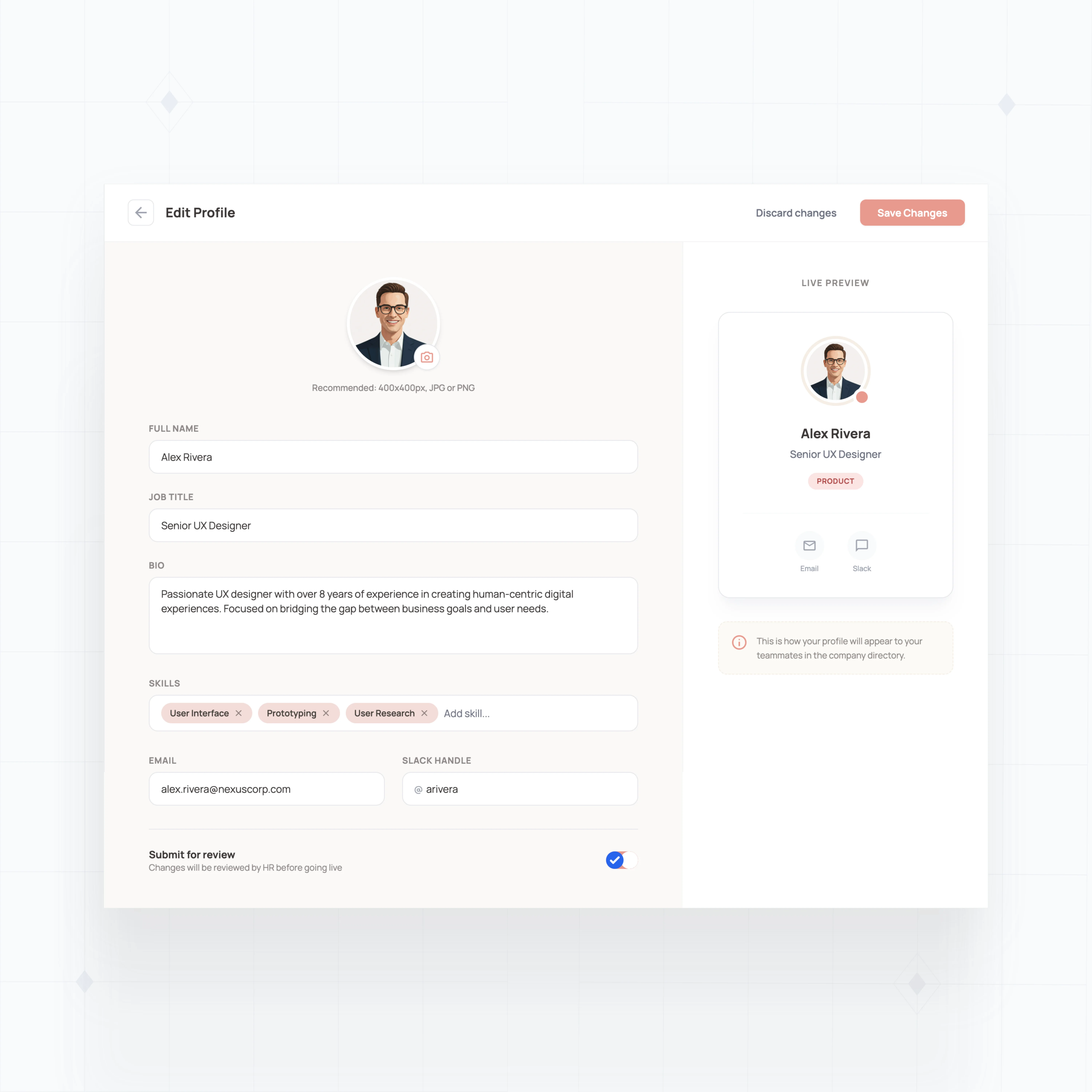
Yes. You can build self-service profile editing into your directory. Employees can log in, update their photo, bio, skills, and contact information, while changes sync back to your database.
You control which fields are editable and can set up approval workflows if updates need manager or HR review before going live.