Build a Custom Inventory Management App With AI and No-Code
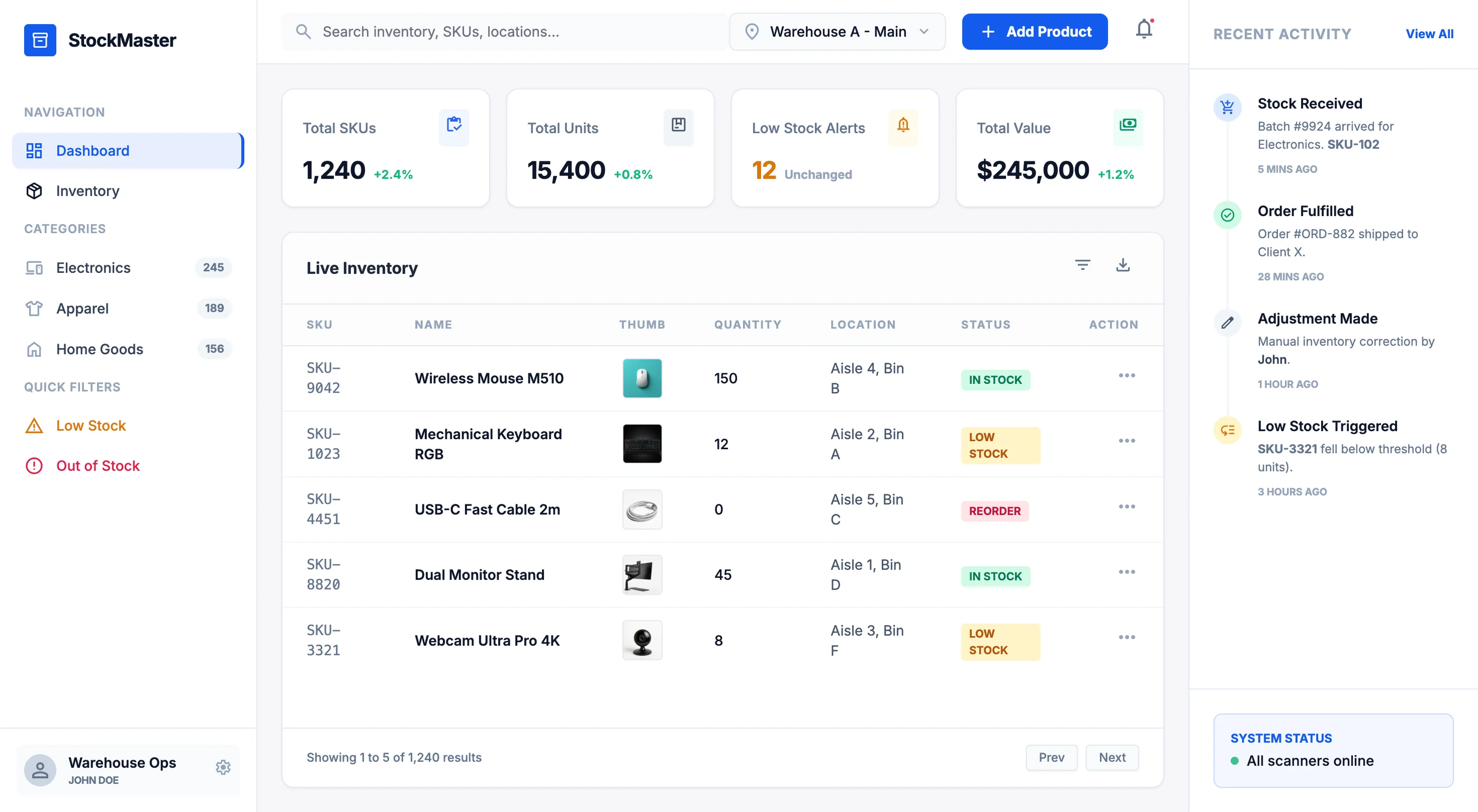
Stop forcing your inventory workflow into rigid software templates. WeWeb lets you create inventory tracking that matches your products, locations, and sales channels.
Trusted by founders & Fortune 500s
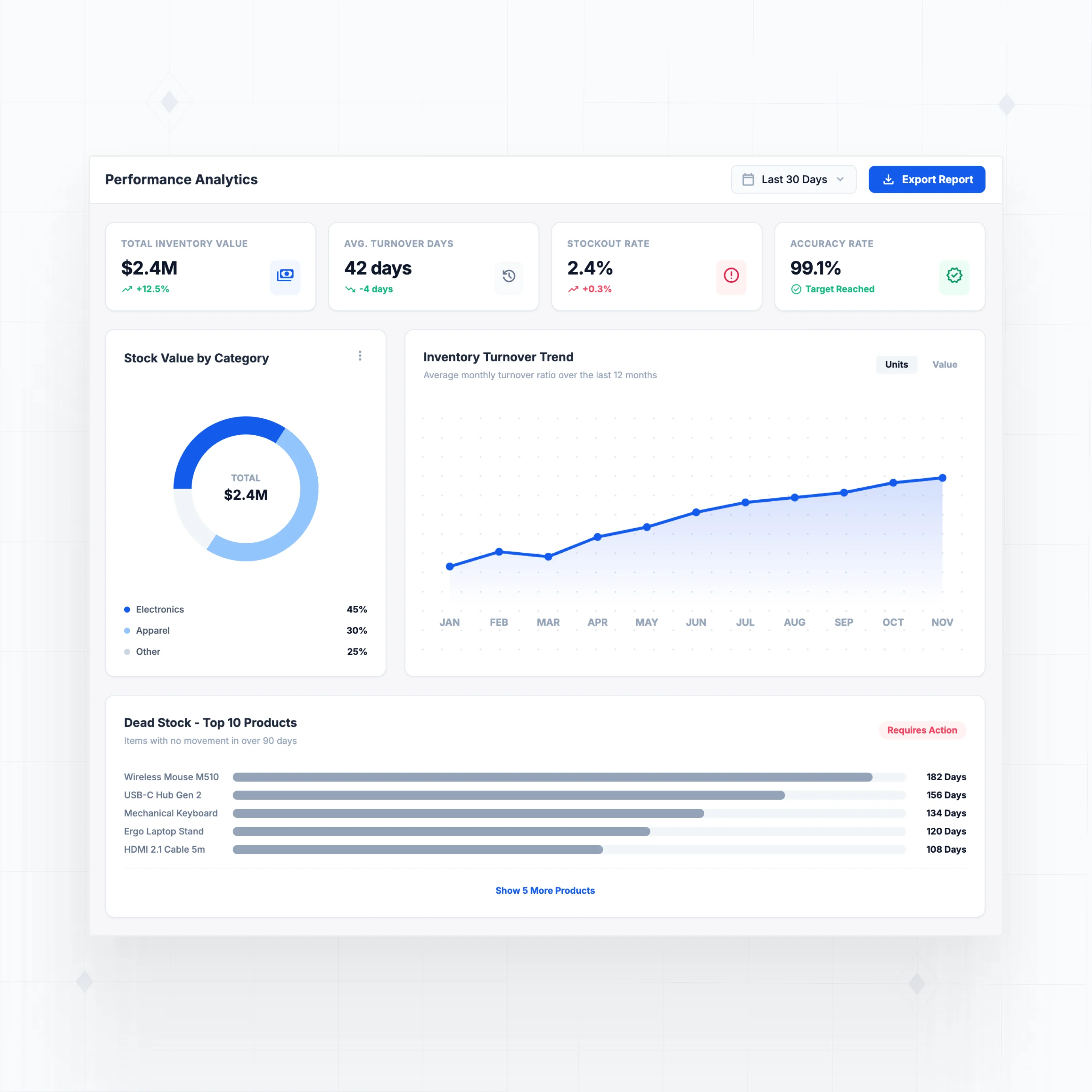
Build the inventory features your operations actually need
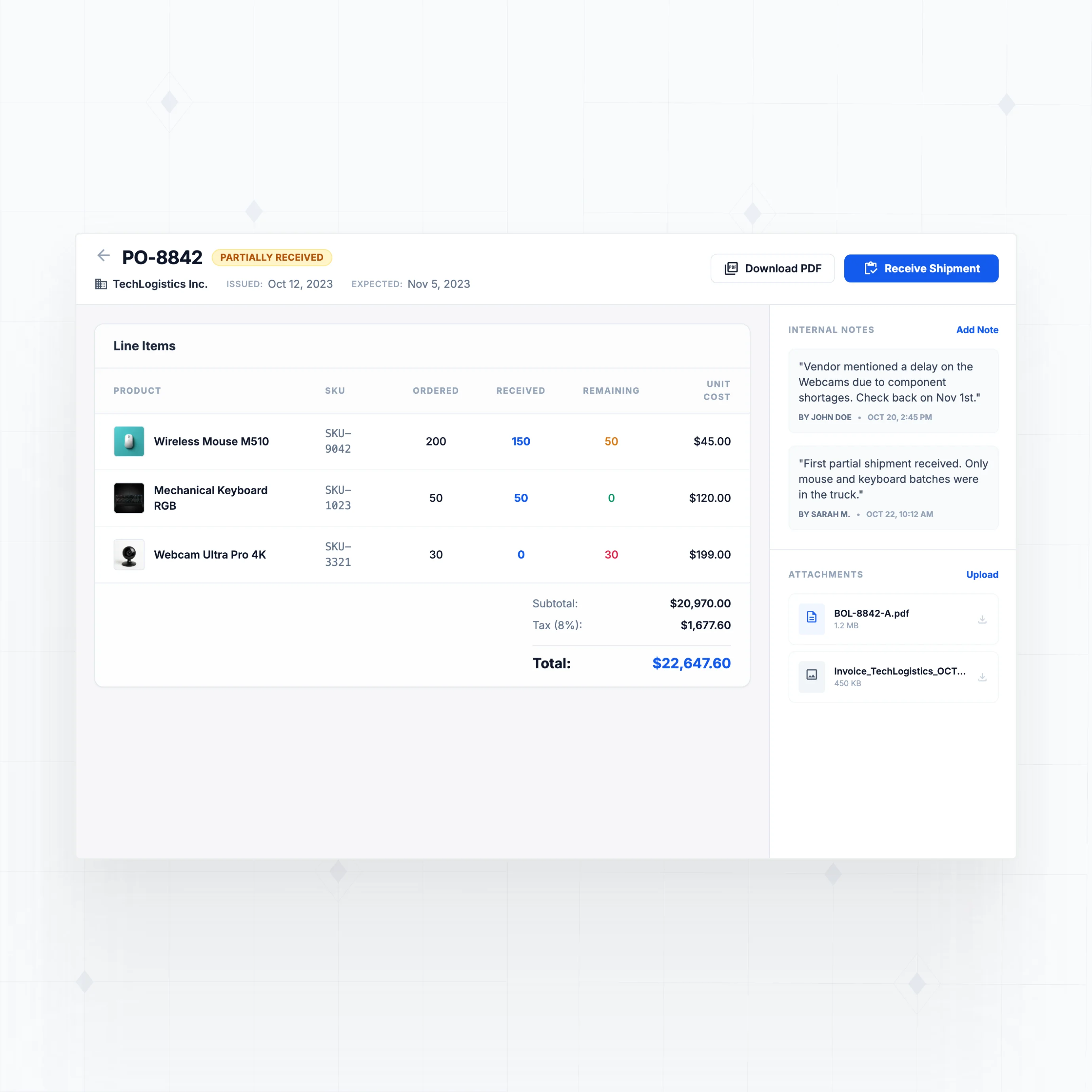
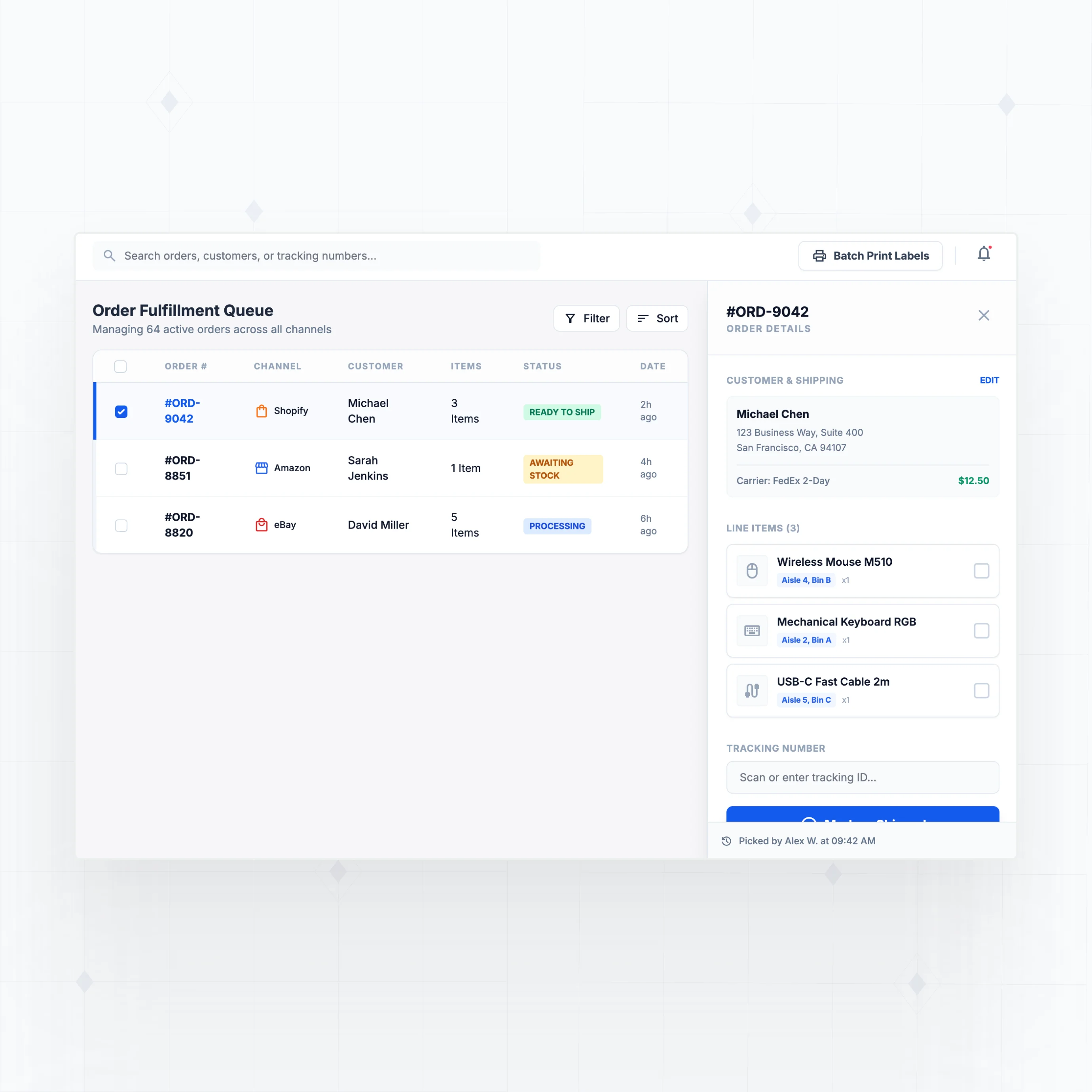
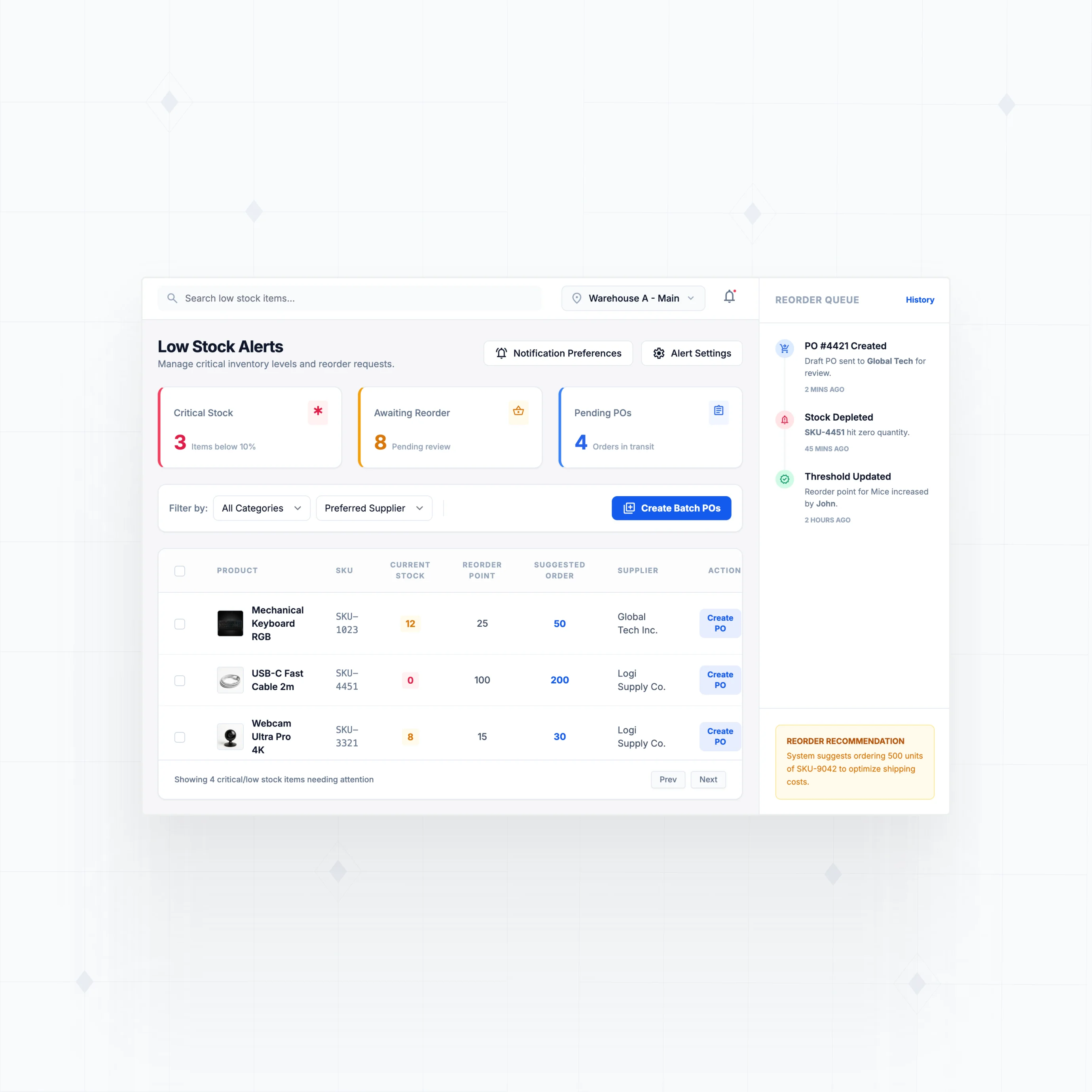
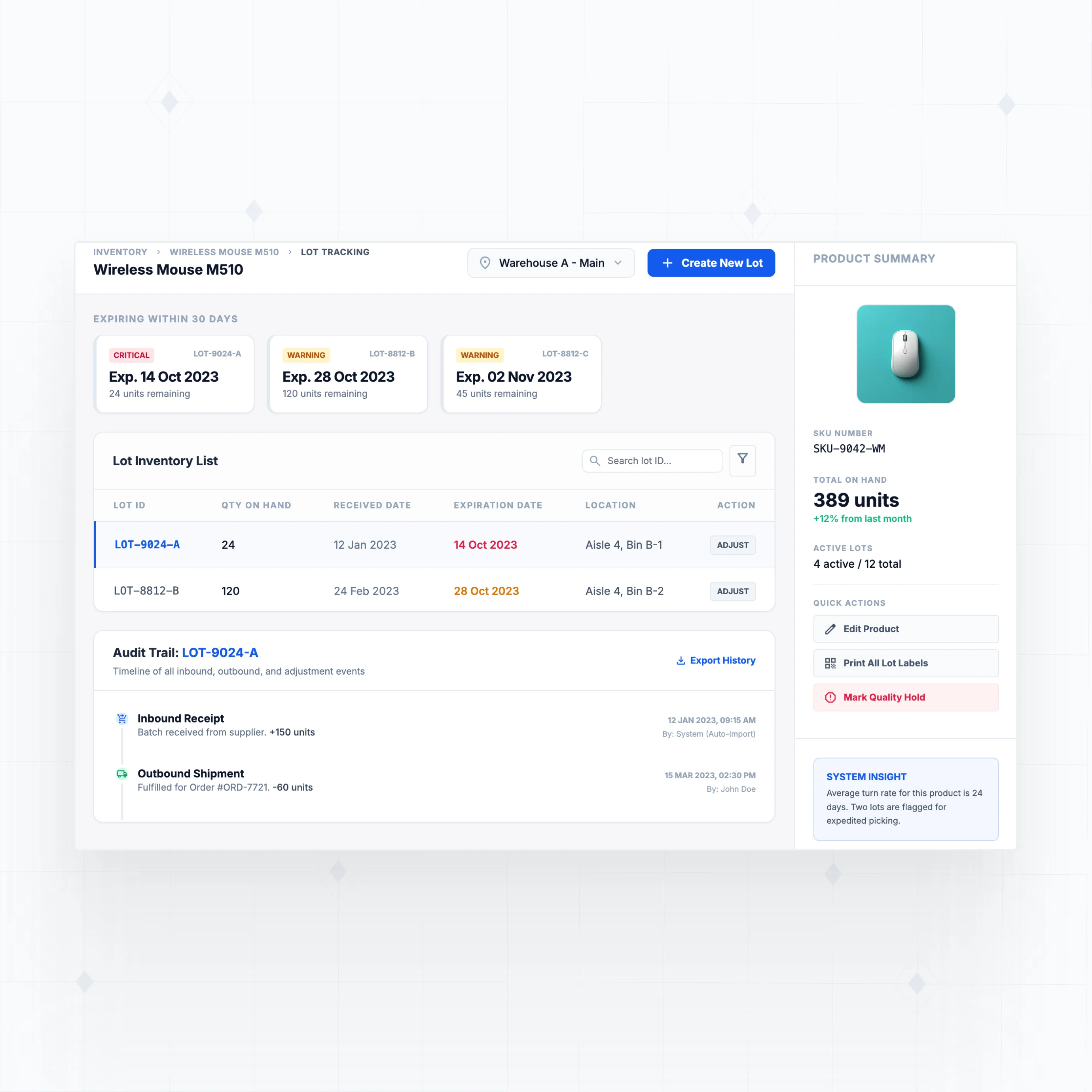
With WeWeb AI, design stock tracking, multi-channel sync, and warehouse management that fits your product types and fulfillment process.
" As with any large-scale project, change requests came quickly once people started using the tool. Thanks to WeWeb, we had the flexibility to say yes and that definitely sped up adoption. "

Everything you need to ship inventory software that scales with your business
The standards of code, with no-code.
Launch your custom inventory app this week
" It used to take a frontend developer, a backend developer, and a project manager. With WeWeb, I can build a new feature in about 90 minutes. I just get it done between meetings. "

FAQs
Off-the-shelf inventory software works well for standard retail operations, but it creates friction in three common scenarios:
Workflows that don't match your operations. Every business handles inventory differently. Restaurants track ingredients by weight, wholesalers manage lot numbers and expiration dates, retailers juggle sizes and variants. Off-the-shelf tools force you into their predefined structure. A custom app mirrors how you actually receive, store, and ship inventory.
Multi-channel sync limitations. Selling on Shopify, Amazon, eBay, and at a physical location? Keeping stock counts accurate across all channels is the #1 pain point. Most platforms offer basic sync, but the moment you need custom logic (like reserving stock for wholesale orders or handling backorders), you're stuck with workarounds.
Integration gaps. Your inventory touches accounting, shipping, purchasing, and sales. QuickBooks doesn't talk to Shopify the way you need it to. Third-party connectors help, but they add cost and complexity. With WeWeb, you connect directly to any API and control exactly how data flows.
No. WeWeb is a visual development platform, so you build by dragging components, configuring data connections, and setting up workflows through a point-and-click interface.
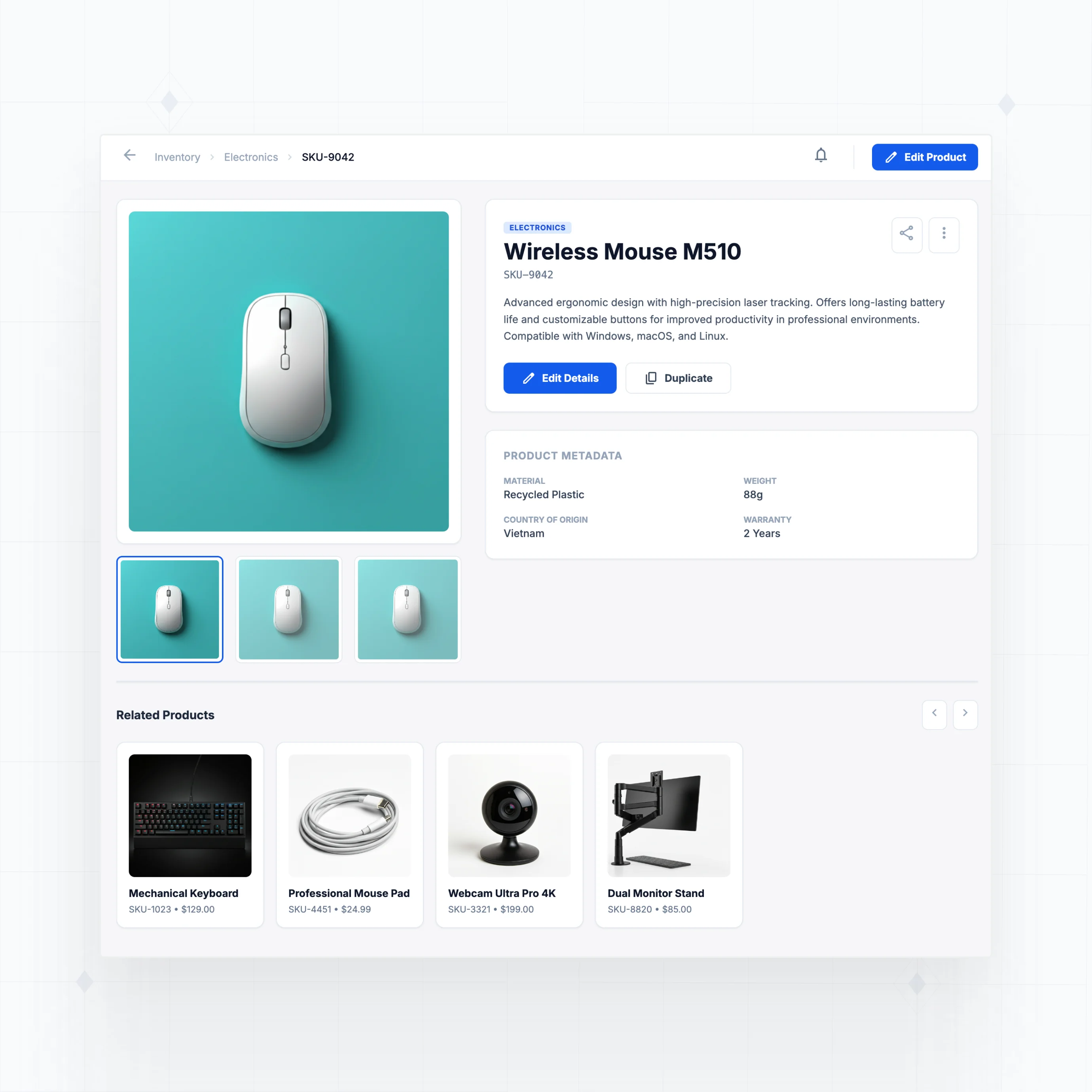
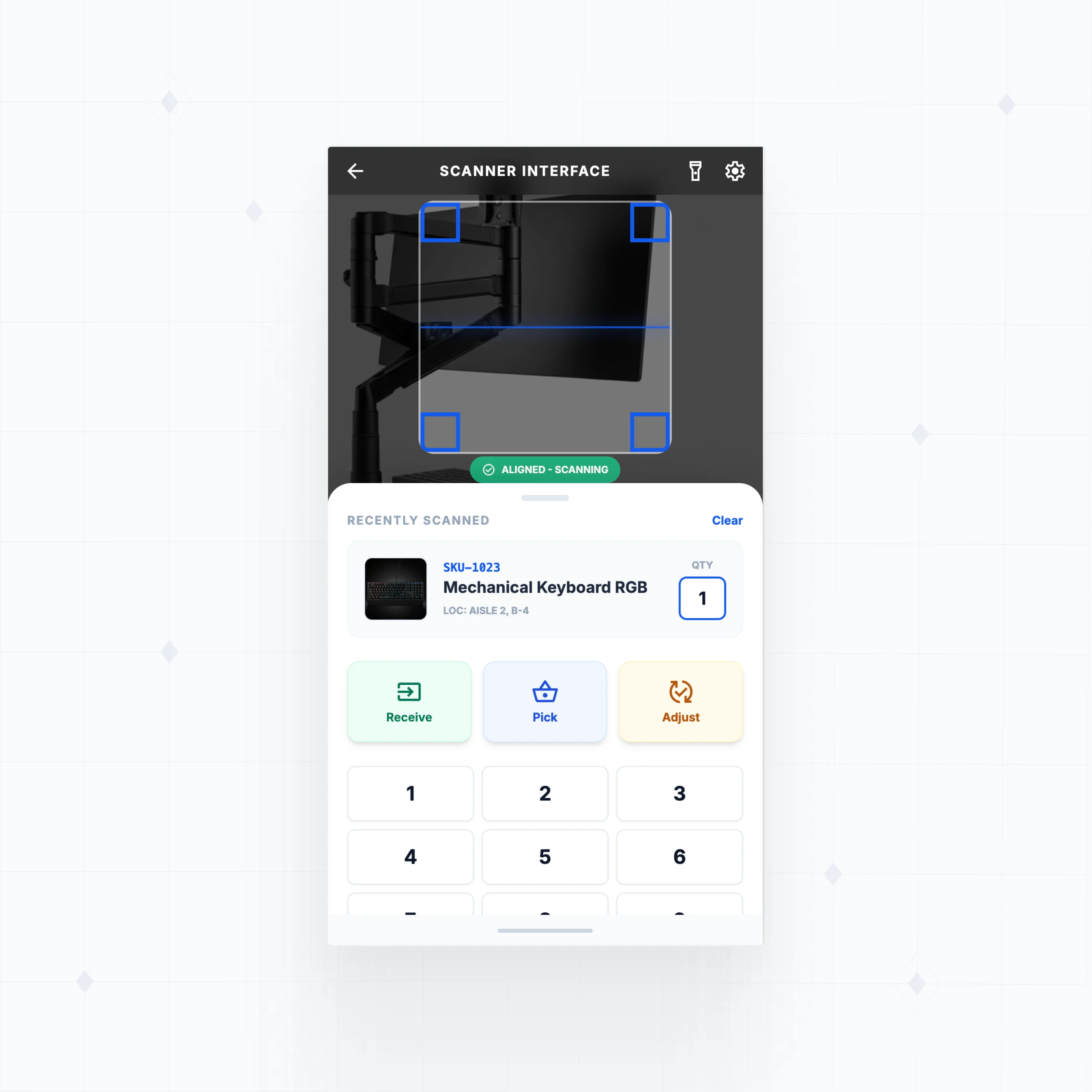
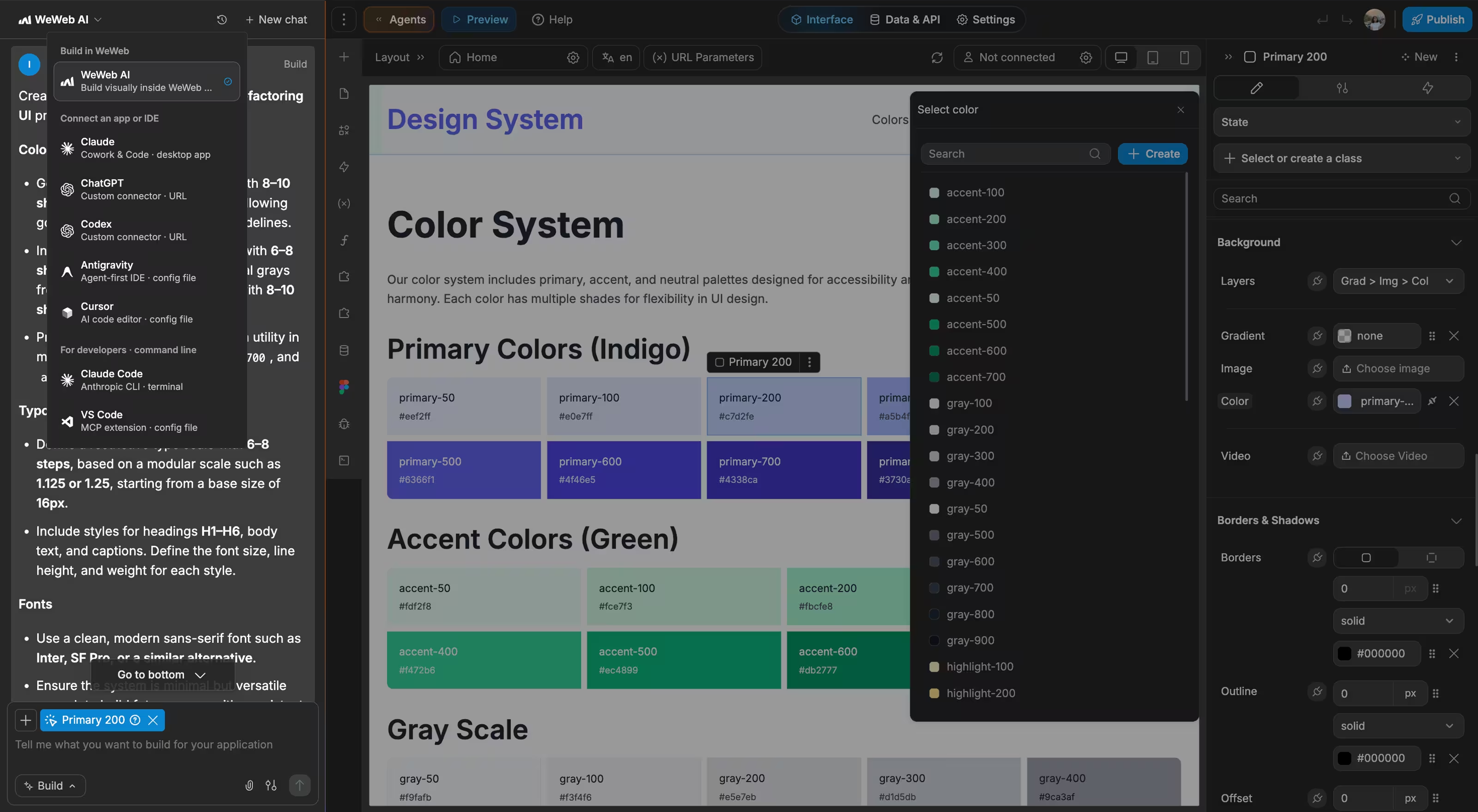
WeWeb AI accelerates the process significantly. Describe what you need ("an inventory app with barcode scanning, multi-location stock tracking, and low stock alerts") and AI generates the foundation: pages, database schema, forms, and workflows. From there, you refine visually.
That said, WeWeb doesn't limit you if you do have technical skills. You can:
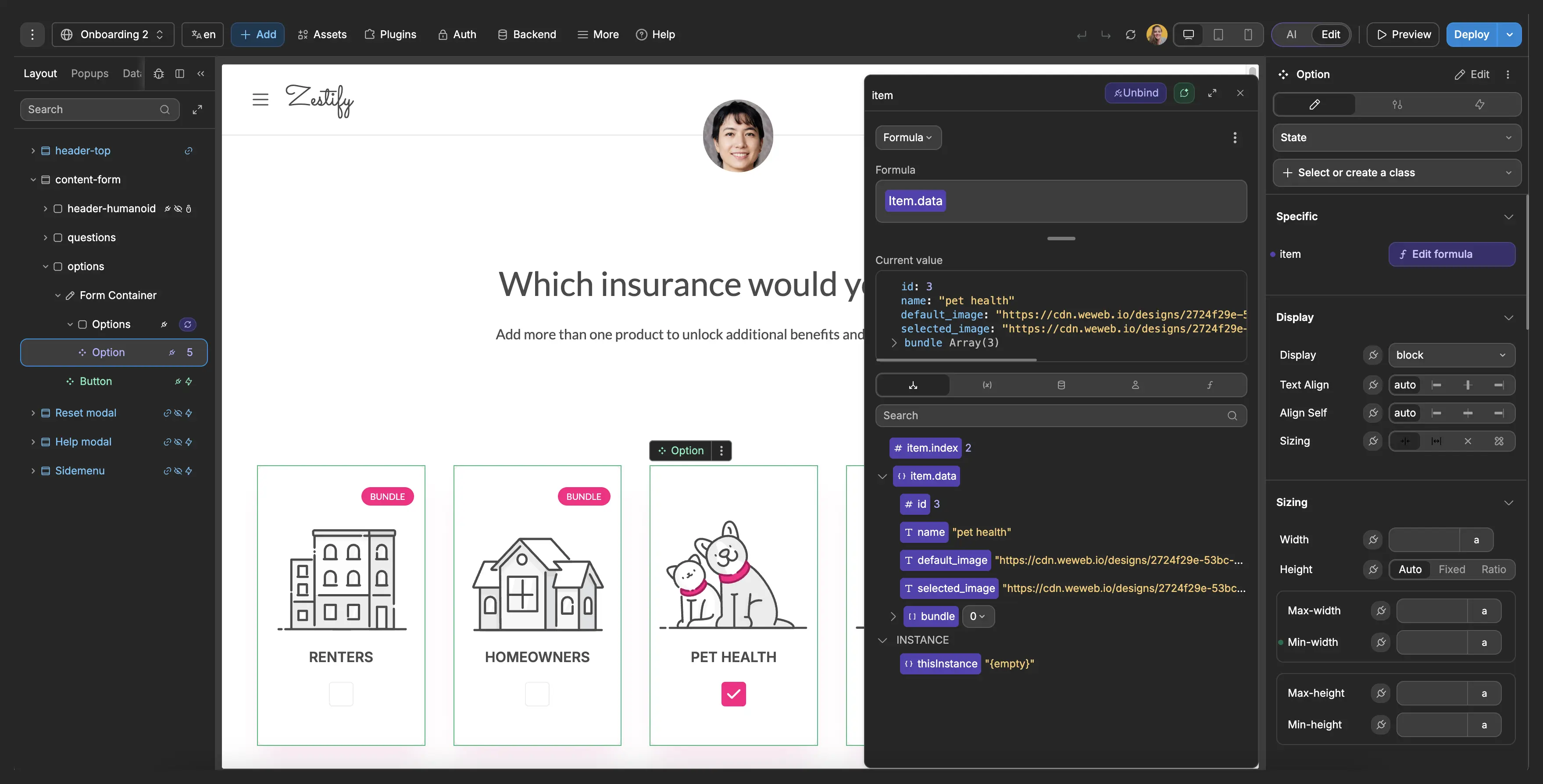
- Write custom JavaScript for complex inventory calculations (FIFO costing, weighted averages)
- Build custom Vue.js components for specialized interfaces like barcode scanners
- Connect to any REST API or GraphQL endpoint
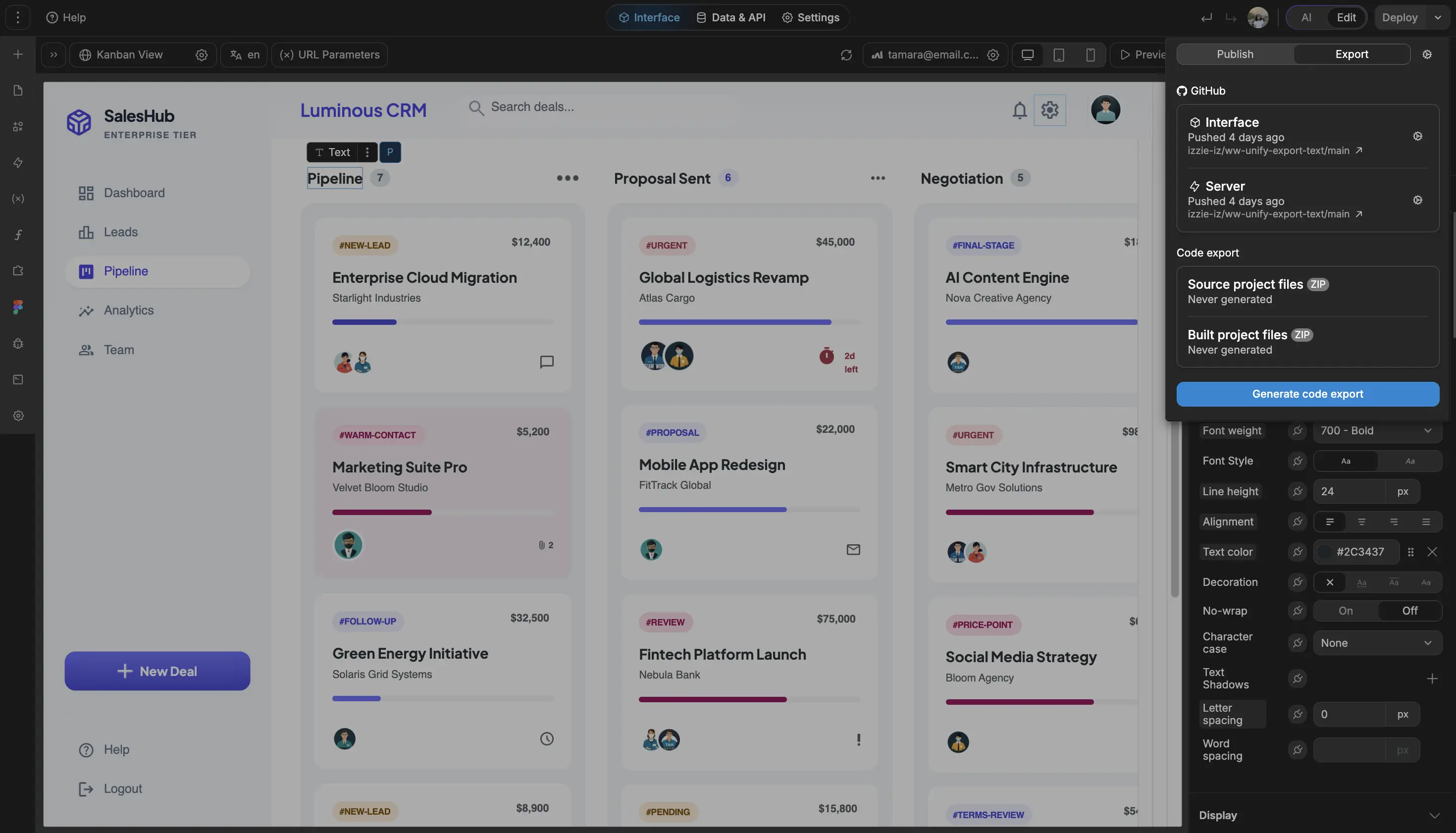
- Integrate with your existing ERP, accounting, or e-commerce systems
Start simple, add complexity as your inventory operations grow.
Yes. WeWeb connects to any service with an API through the REST API plugin. For multi-channel inventory sync, you can build connections to:
- E-commerce platforms: Shopify, WooCommerce, BigCommerce, Magento
- Marketplaces: Amazon, eBay, Etsy, Walmart Marketplace
- POS systems: Square, Clover, Lightspeed
- Accounting: QuickBooks, Xero (for inventory valuation)
- Shipping: ShipStation, EasyPost, carrier APIs
The advantage of building custom is that you control exactly how sync works. Want to reserve 10% of stock for in-store sales? Only sync certain SKUs to certain channels? Automatically adjust available quantity based on pending orders? You define the rules, not the software vendor.
For backends, WeWeb works natively with Supabase and Xano, both of which support real-time data sync. Changes to inventory quantities update across your app instantly.
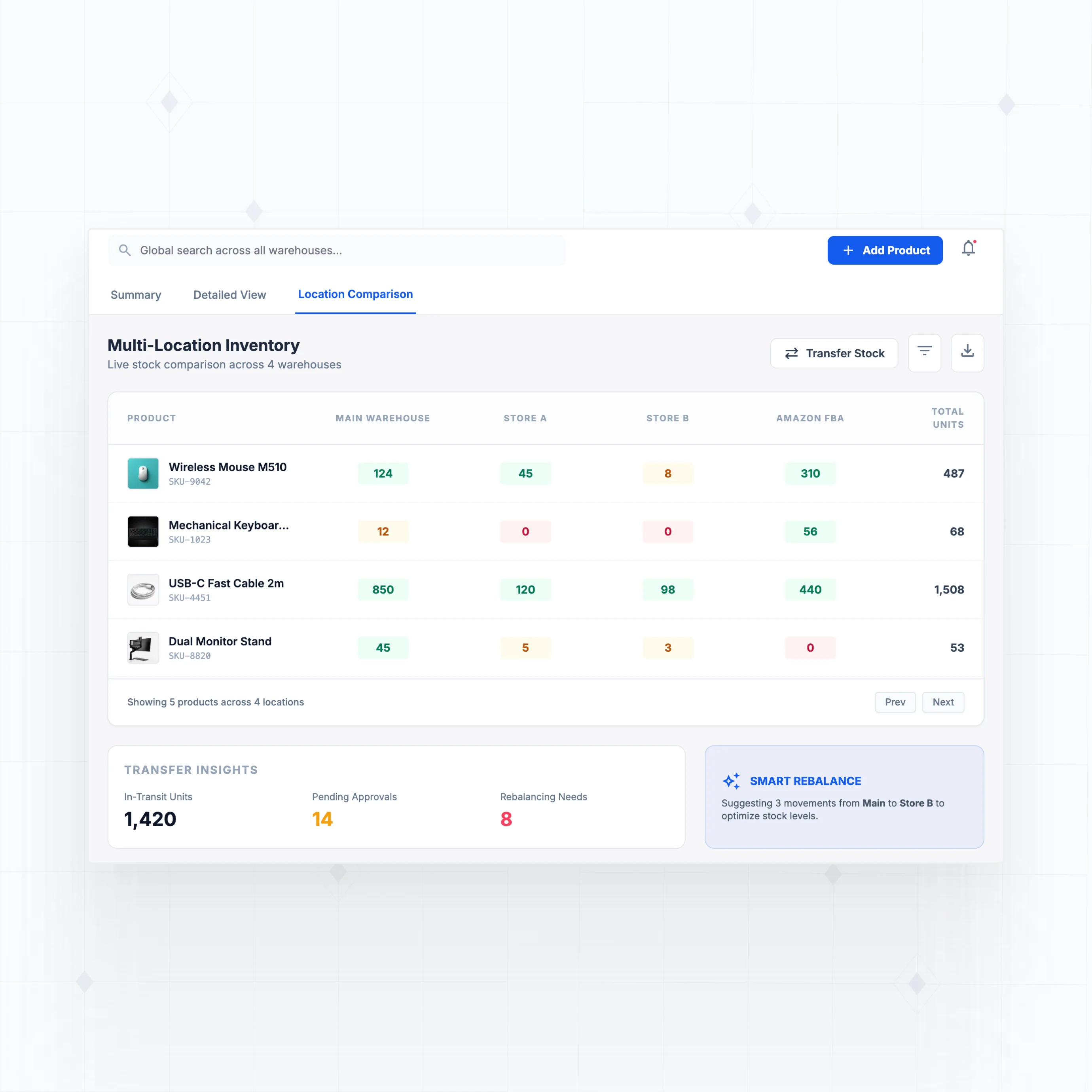
Yes. Multi-location inventory tracking is a data model decision, not a platform limitation. With WeWeb, you design your database to track stock quantities per product per location, then build interfaces to manage each location.
Common multi-location features you can build:
- View stock levels by warehouse, with drill-down to individual bins or shelves
- Transfer stock between locations with tracking and history
- Set reorder points per location based on local demand
- Receive inventory at one location, automatically update total available
- Allocate orders to the nearest warehouse with available stock
How it works in WeWeb:
Your backend (Supabase, Xano, or your own database) stores the inventory data. WeWeb provides the interface for viewing and updating that data. You can build dashboards that show inventory across all locations, detail pages for individual warehouses, and forms for receiving and transferring stock.
If you need barcode scanning for location-based picking, WeWeb supports mobile-responsive interfaces that work on warehouse tablets and handheld devices.