WeWeb MCP: Build in WeWeb with your favorite AI agent

Connect Claude Code, Cursor, Codex, Antigravity, ChatGPT, or any MCP-compatible agent to turn briefs, designs, and app logic into a real WeWeb project. It runs on your tokens, and every change stays reviewable in the visual editor.

Trusted by Fortune 500 companies

pwc logoLa Poste logoLoreal logoJLL logoQonto logoDecathlon logoCarrefour logoBiwaki by BNP Paribas logo
Connect the agent you already use.
Bring Claude Code, Cursor, ChatGPT, Codex, or any MCP-compatible agent. It runs on your account, your model, and your tokens.
Control what it can access.
Open the full project, or keep your agent focused on the exact page, workflow, data, or design-system task you want changed.
Keep every change visual.
Review what the agent built inside WeWeb, then keep prompting or edit it yourself in the visual editor.
1

Add the server config

Paste this into your MCP client settings.

{
  "mcpServers": {
    "weweb-ai": {
      "command": "npx",
      "args": ["-y", "mcp-remote", "https://ai-api.weweb.io/v1/mcp"]
    }
  }
}
2

Sign in to WeWeb

Sign in and authorize access so the agent can call tools on your project.

3

Pick your project and build

Ask your agent to list workspaces and projects, switch to the right one, then describe what you want.

List my WeWeb workspaces, switch to my project, then help me build a dashboard page.

AI Client

WeWeb MCP for any AI

Agentic development for teams that want AI speed and visual control.

Anthropic logo
Claude Code
Plan and build in WeWeb with Claude's reasoning.
Codex logo
Codex
Turn GPT-powered build plans into WeWeb apps.
Antigravity logo
Antigravity
Build with Gemini and Google models inside WeWeb.
Cursor logo
Cursor
Use Cursor's agent and your model of choice.
Read documentation →

Design System

Start with your brand's design DNA

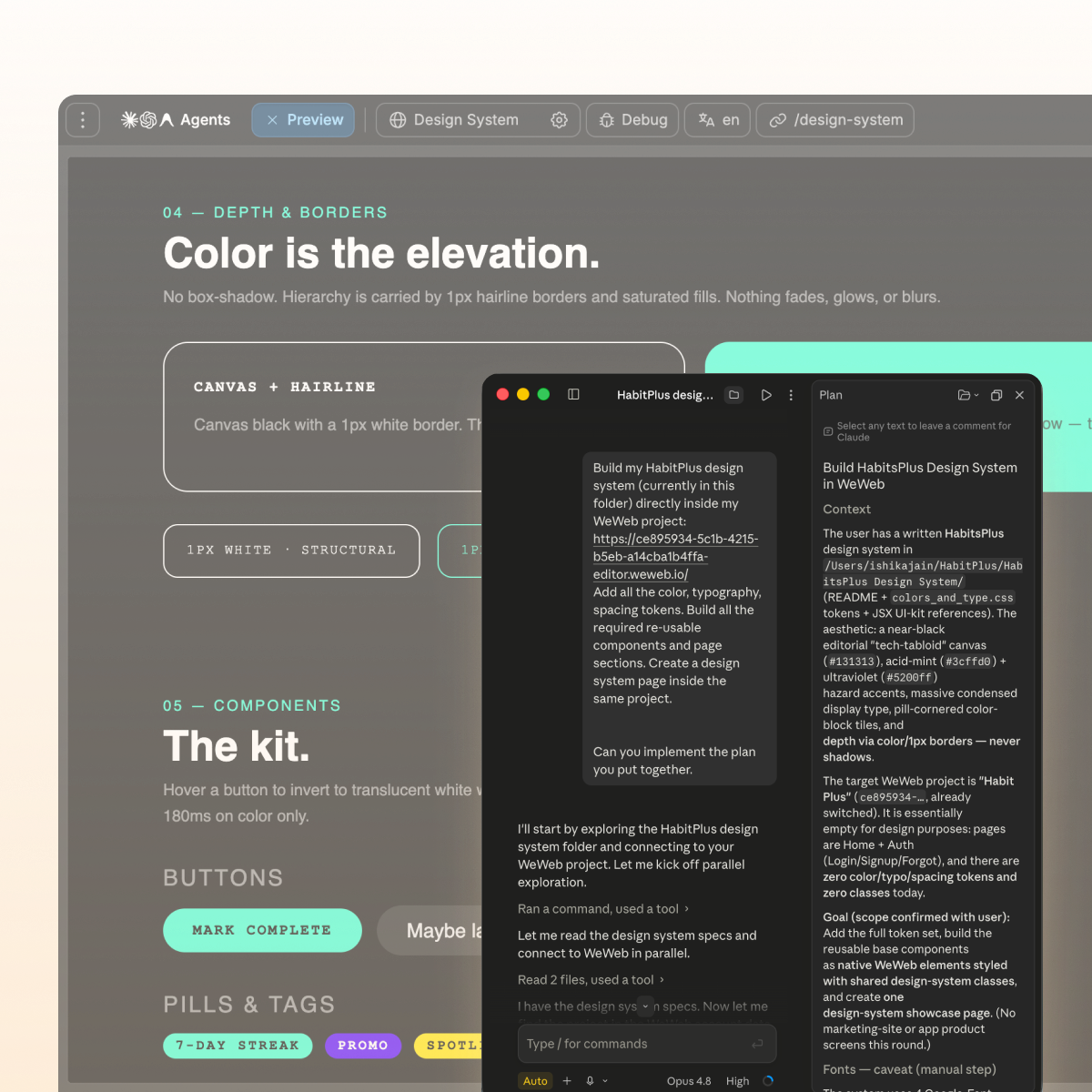
Skip the default AI look, purple gradients included. Give your agent the visual rules before it builds.

Import the design rules
Bring your design context from Figma, Google Stitch, Claude Design, or design.md into WeWeb.
Create the component system
Use shadcn, React references, or custom coded components to build reusable blocks with no-code properties.
Try for free →
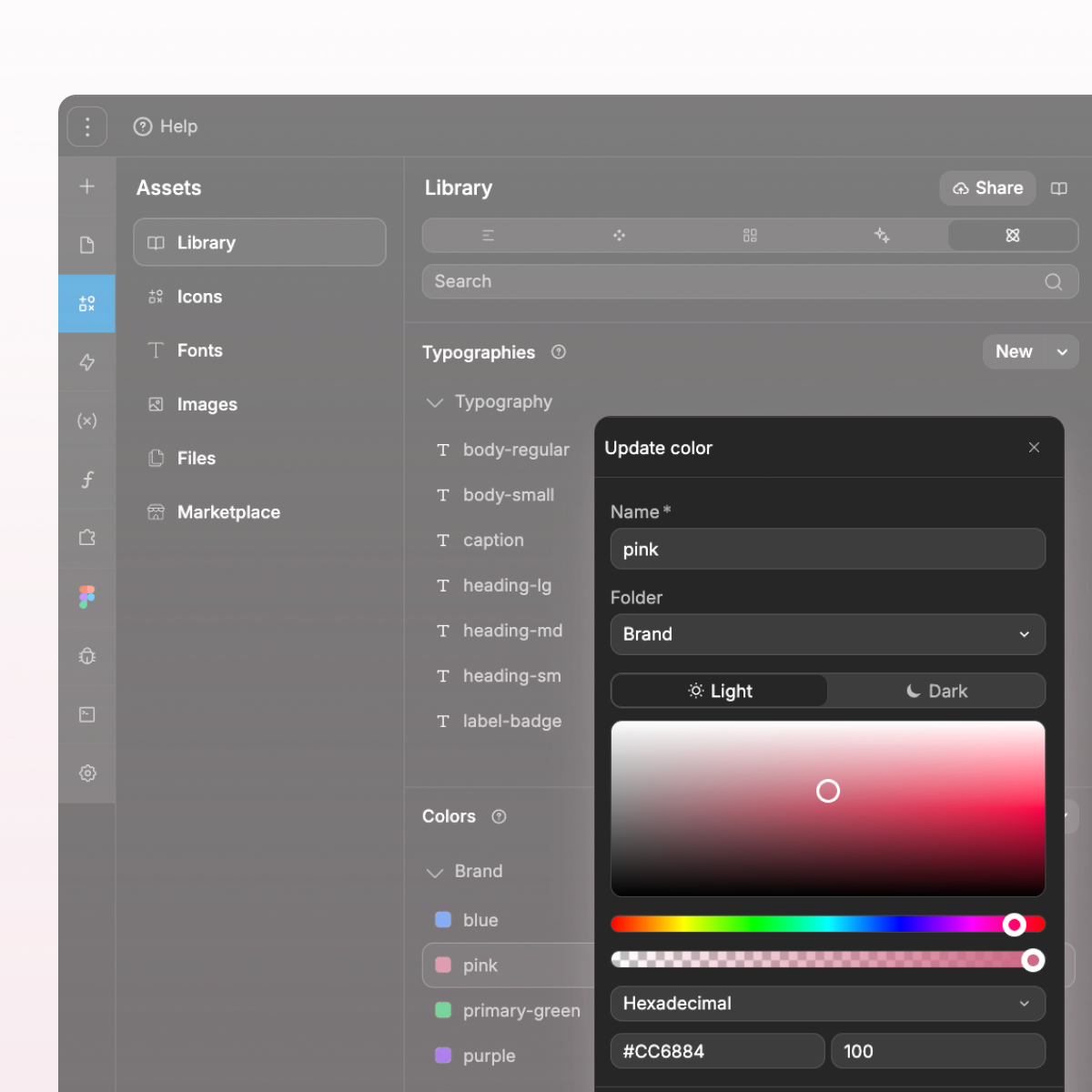
AI agent importing a brand design system into the WeWeb visual editor
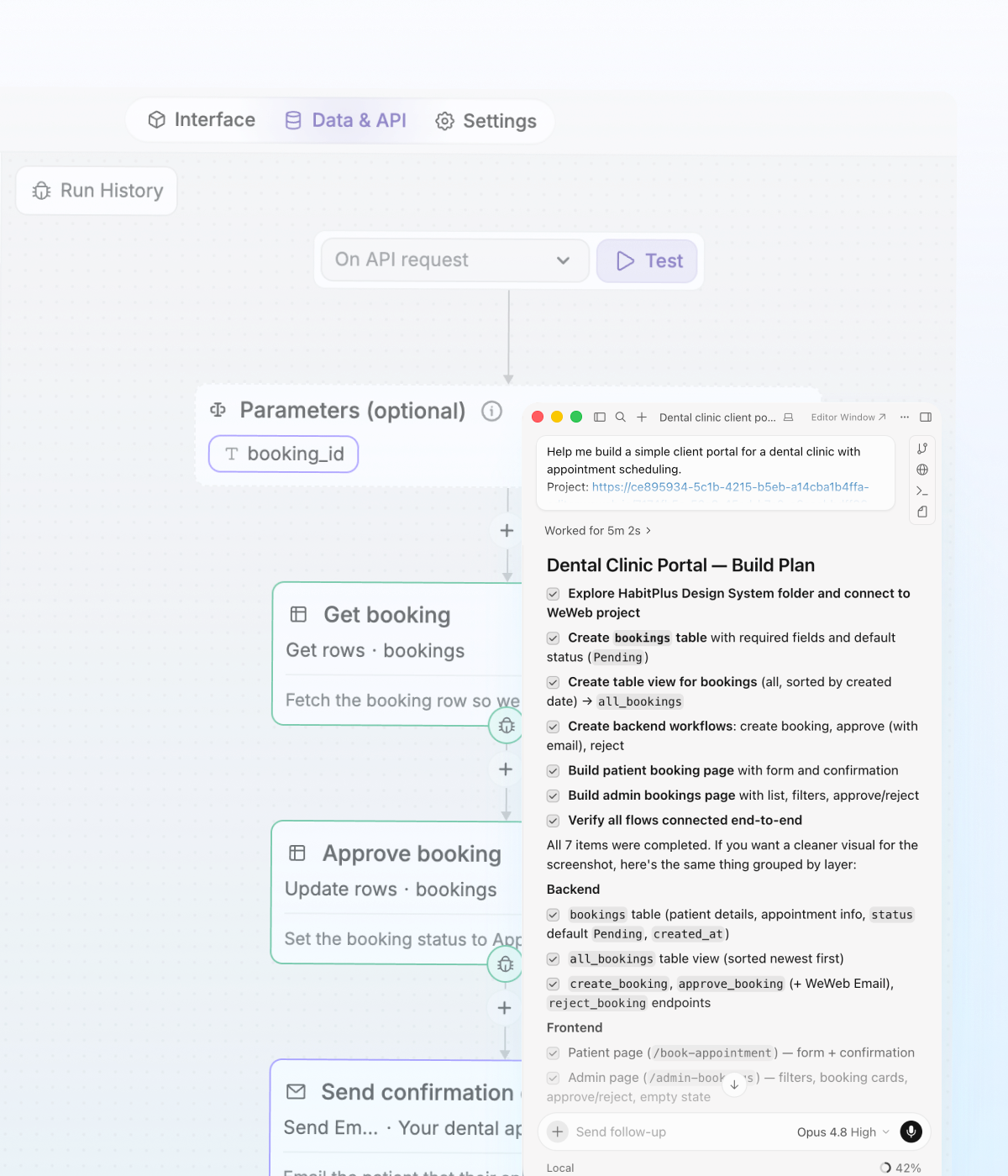
WeWeb MCP turning a PRD into app screens, backend structure, integrations, and editable workflows

PRD To App

Turn PRDs into WeWeb apps

Your agent can turn messy product intent into a structured WeWeb app.

From user journeys to screens
Your agent reads the brief and creates the pages, forms, states, and flows your users need.
From data to backend structure
It maps the database, fields, relationships, auth, storage, and backend workflows behind the app.
From business rules to integrations
Slack alerts, email triggers, CRM updates, API calls, and approval flows become part of how the app works.
Still editable after generation
The first version is not the final word. Keep working with your agent, or open the visual editor to inspect, adjust, and shape the app yourself.
Try for free →

" Adopting WeWeb has revolutionized how we approach application development. It’s not just about speed; it’s about empowering our teams to deliver more innovative, secure, and compliant solutions faster and more effectively than ever before "

Matthieu Arzel
Digital Project Manager @ PwC
Matthieu ArzelDigital Project Manager @ PwC

MCP Stack

Work across your MCP stack

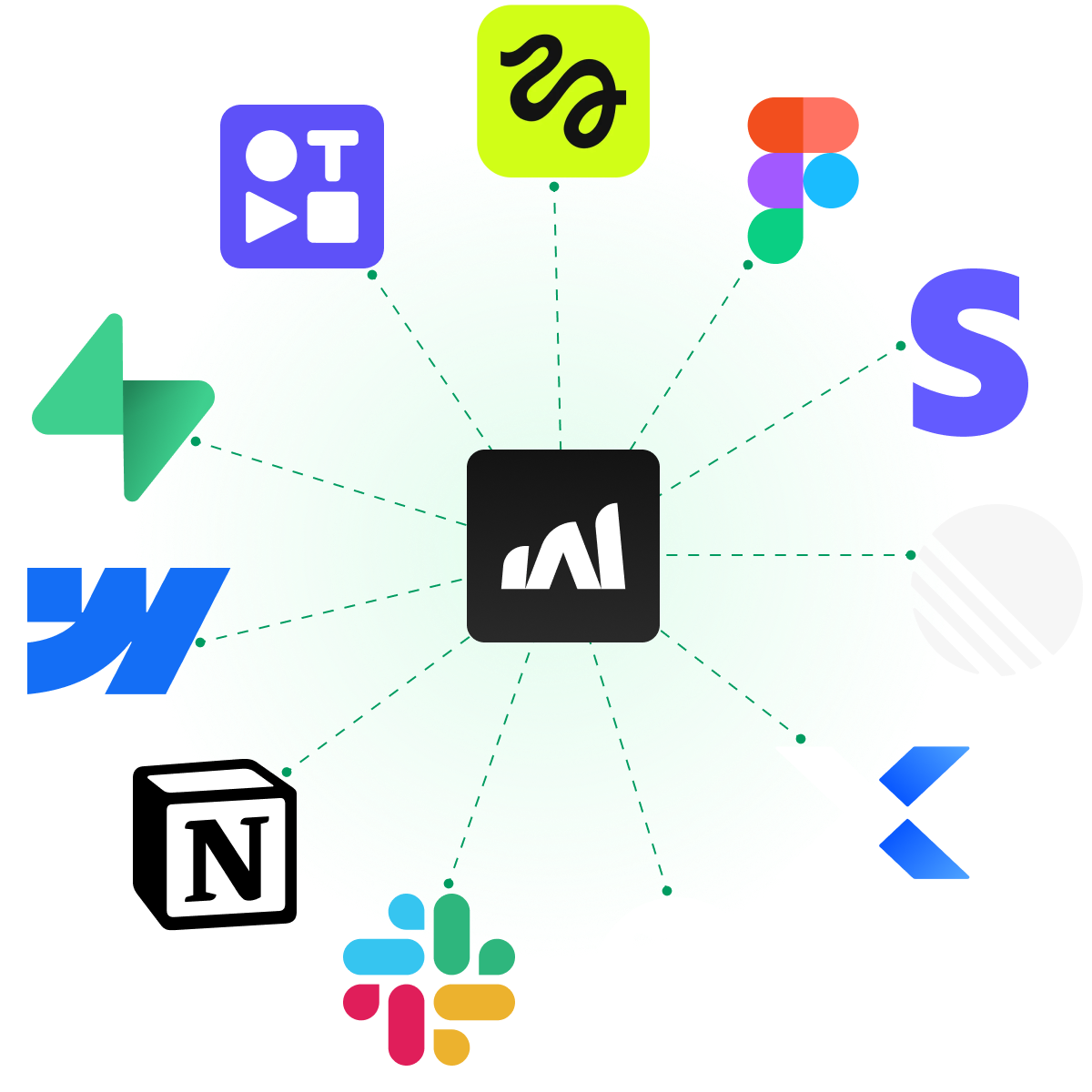
Connect WeWeb to the rest of your agent workflow.

Pair WeWeb with your backend MCP
Use Xano, Supabase, Airtable MCP or any APIs to build the WeWeb frontend in context, or bring data into WeWeb backend.
Turn product context into screens
Use docs, transcripts, websites, Figma files, or media assets to create onboarding, dashboards, and forms.
Try for free →
WeWeb MCP connected to Xano, Supabase, Airtable, Notion, Figma, Slack, GitHub, and other MCP tools
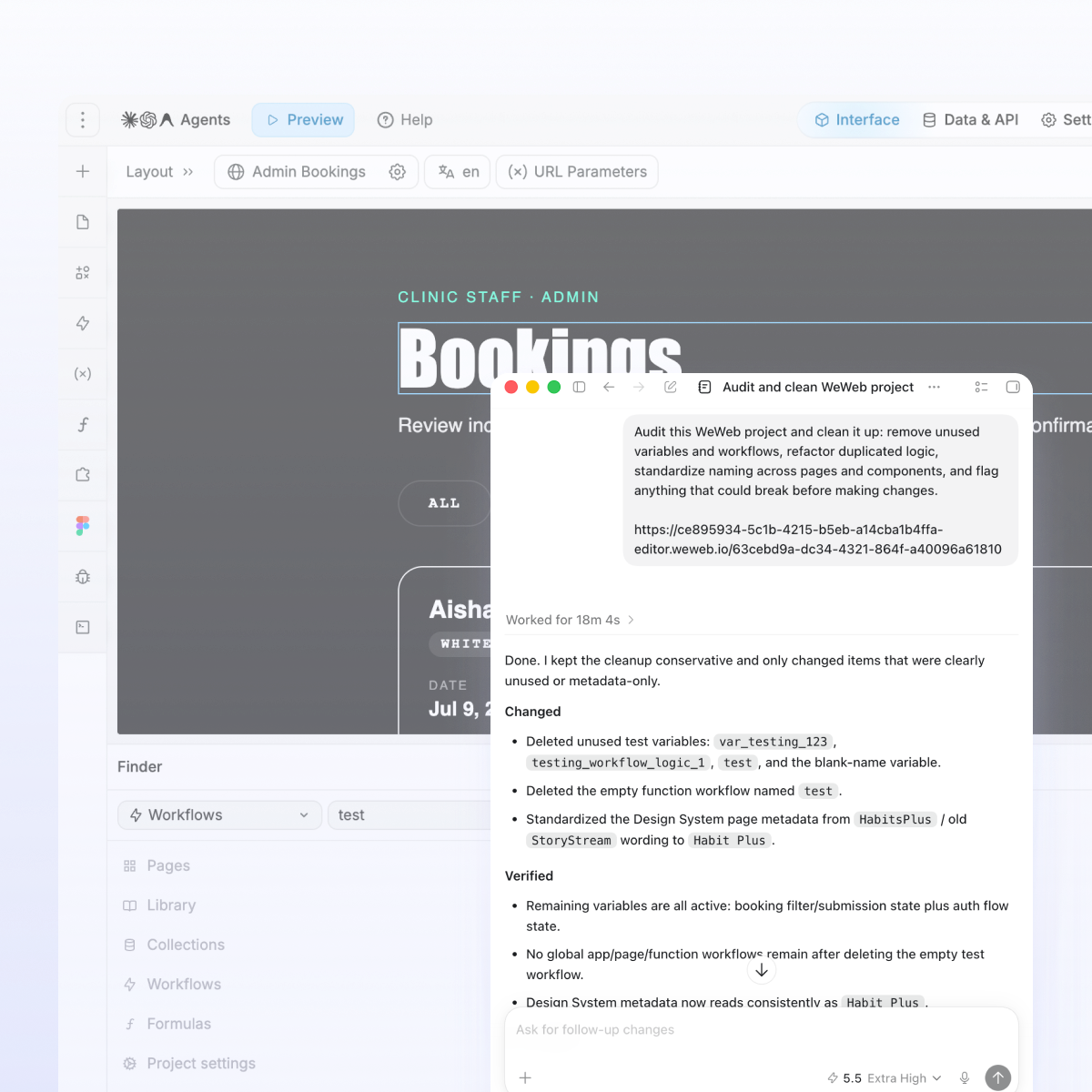
Codex refactoring a WeWeb app before launch by removing unused logic and standardizing naming

Refactor

Move fast without creating maintenance debt.

Your future self, and your team, will thank you.

Remove what you do not need
Find unused variables, outdated workflows, test components, and leftover build artifacts.
Standardize naming
Bring consistency to pages, components, workflows, API requests, tables, and fields.
Try for free →

" No-code doesn’t mean low-performance. With WeWeb, we can now build bigger things, things that simply weren’t possible with other tools. "

Maxime Brunet
CEO @ Shunpo
Matthieu ArzelDigital Project Manager @ PwC

Control

Always stay in control

Enjoy the speed of vibe coding without the mystery of what changed in your app.

Control how much of the app AI can touch
Let your agent work across the full app, or keep it focused on one page, workflow, or database.
Control what happens next
Review the output inside WeWeb, then keep prompting or edit it yourself in the visual editor.
Try for free →
WeWeb MCP showing how users control AI agent access and review changes in the visual editor
WeWeb app deployment options for one-click publishing and code export with self-hosting

Deploy

Go live when you’re ready

Own every app you build with WeWeb.

Deploy in one click
Launch on your custom domain while WeWeb handles hosting and infra.
Export and self-host
Export code and run it on your own infrastructure when you need full control.
Try for free →

" I’ve been incredibly impressed by the platform’s power, versatility, and intuitiveness. I think I’ve tried just about every no/low-code app builder out there, and WeWeb was the one I had been looking for. "

Kyan Lynch
CEO @ ALOE Digital Solutions
Vincent StivalAssociate Director @ Appy Makers

Frequently asked questions

What is WeWeb MCP?
Which AI agents can I use?
Does WeWeb MCP use WeWeb AI credits?
Can I control what the agent can access?
Will everything the agent builds stay editable in WeWeb?
Can WeWeb MCP work with other MCP servers?