In less than 5 minutes, you'll be able to fetch, create, update, and delete data from your Supabase backend without writing code. WeWeb's integration with Supabase also natively supports realtime, Edge functions, and multiple data sources.
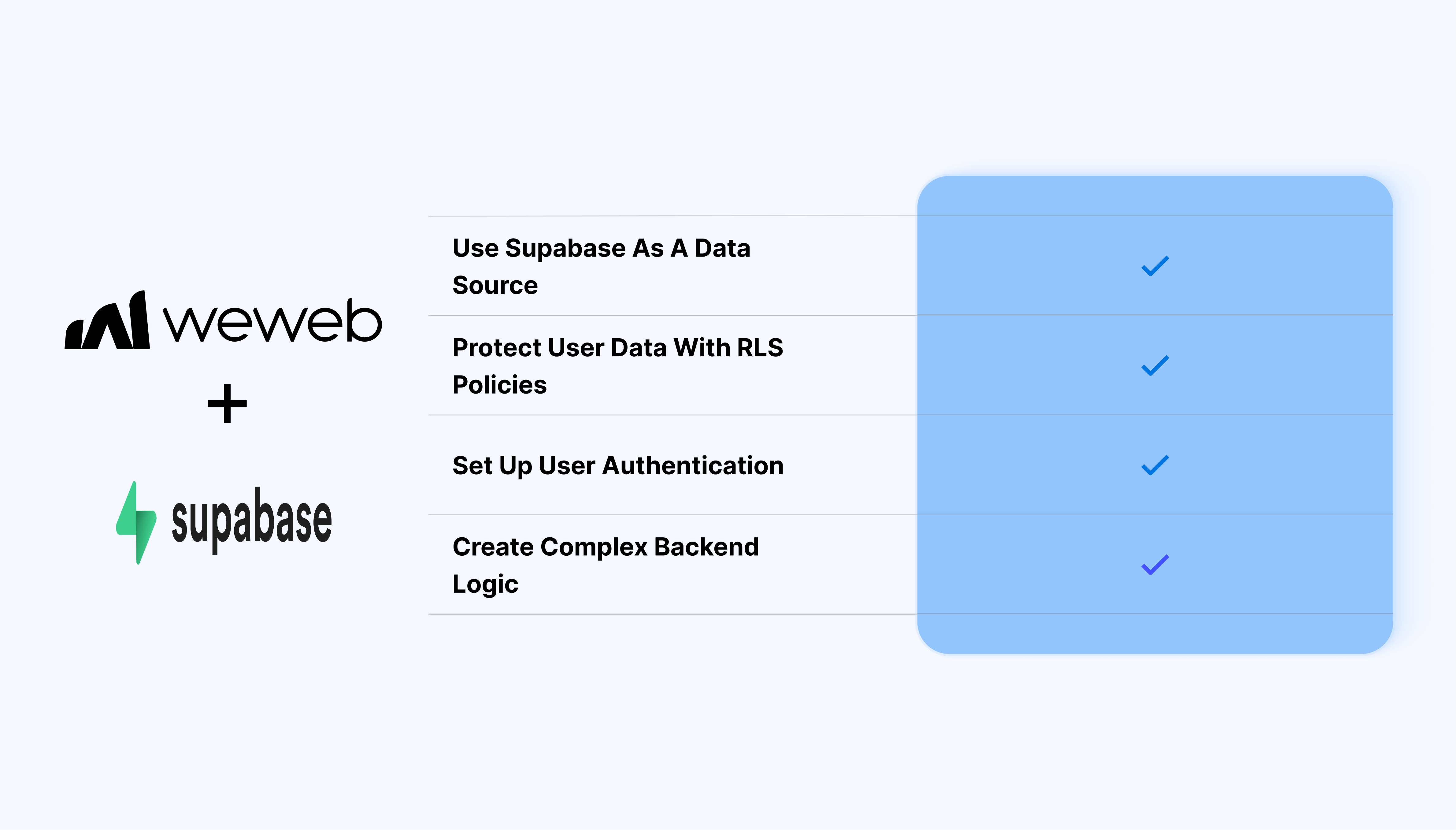
Supabase is an incredibly powerful no-code platform that allows you to:
You can do all of this with just a few lines of AI-generated SQL, while still building in a way that is flexible, secure, and scalable.
All of the above means Supabase is a great option for a wide range of programmers, from no-code makers to traditional developers in enterprise organizations.

Use the Supabase integration in WeWeb to connect your project and work with data, auth, realtime, storage, Edge Functions, and Postgres functions.
Discover why opting for WeWeb is an excellent decision for crafting your Supabase front-end solution.
Enjoy enterprise-grade features such as standard authentication, exportable code, scalability, and extensive customization options.
When you publish a WeWeb app, the code generated is an industry standard Vue.js Single-Page Application that you can export and self-host.
Leverage the capability to seamlessly integrate custom code, incorporate intricate business logic, effortlessly connect with diverse platforms, and streamline debugging processes.
With WeWeb, you can visually build complex no-code workflows with loops and branches that seamlessly interact with the rest of your current tech stack.
Efficiently create visually captivating designs using intuitive visual programming tools, including templates, prebuilt elements, and a user-friendly interface tailored for developing responsive web applications.
In WeWeb, you can visually build pixel-perfect, responsive user interfaces without writing code. Templates and components allow you to build faster while custom code import features guarantee full freedom and flexibility.
Connecting a Supabase backend to a WeWeb project is very straightforward:
Yes. Connect Supabase in WeWeb by authorizing your account and selecting your project in Integrations.
Yes. WeWeb supports Supabase Realtime channels (database, broadcast, presence). If you enable Realtime for a table in Supabase, WeWeb can automatically subscribe and update UI elements when the data changes.
If RLS is enabled in your Supabase project, your policies must allow the authenticated user to perform the expected actions (read, insert, update, delete). When using the Supabase Auth integration, WeWeb passes the user’s JWT seamlessly to all data requests, so RLS works as intended.
Yes. WeWeb provides visual workflow actions for:
Yes. The Supabase Auth can generate a roles table and a users_roles join table for you. You can then protect pages or actions in WeWeb based on a user’s roles.
Absolutely. Use the Storage → Upload File workflow action to send images, documents or videos directly to your Supabase buckets. You can use public or private buckets depending on your needs.
WeWeb includes a built-in workflow action called Invoke Edge Function, allowing you to call any Supabase Edge Function with custom payloads. Perfect for server-side logic, heavy tasks, or integrations.
Yes. You can map Editor, Staging, and Production to different Supabase environments or projects, ensuring your live app is always connected to the right database.
Yes. Any table or view exposed through Supabase can be used. This is ideal for computed or aggregated data.
Use:
WeWeb sends these queries to Supabase so the heavy lifting happens on the database, not in the browser.
Yes. WeWeb only uses your public anon key in the browser and passes authenticated user tokens automatically. Private keys are never exposed.
Yes. WeWeb apps export to a standard Vue.js SPA, which you can self-host anywhere while still using Supabase as your backend. In fact, that's exactly what PwC teams do.
The Supabase + WeWeb combo seems to suit a wide-range of users and use cases.
We've seen enterprise organizations building products for their customers like PwC, as well as entrepreneurs building SaaS products with real-time chat and marketplaces like Erik and BD.
As we mentioned above, we think that if you love Supabase as a backend, there's a good chance you'll love WeWeb to build frontends 🙂
There's only one way to know for sure though: try WeWeb for free today.
To go one step further, if you'd like, you can book a call with someone on our team to tell us about your use case.
We'll give you an honest assessment of the pros and cons of using a Supabase + WeWeb combo in your specific situation.

