Work with your data in a structured, predictable way
You can use GraphQL data across your pages, components, filters, and logic:
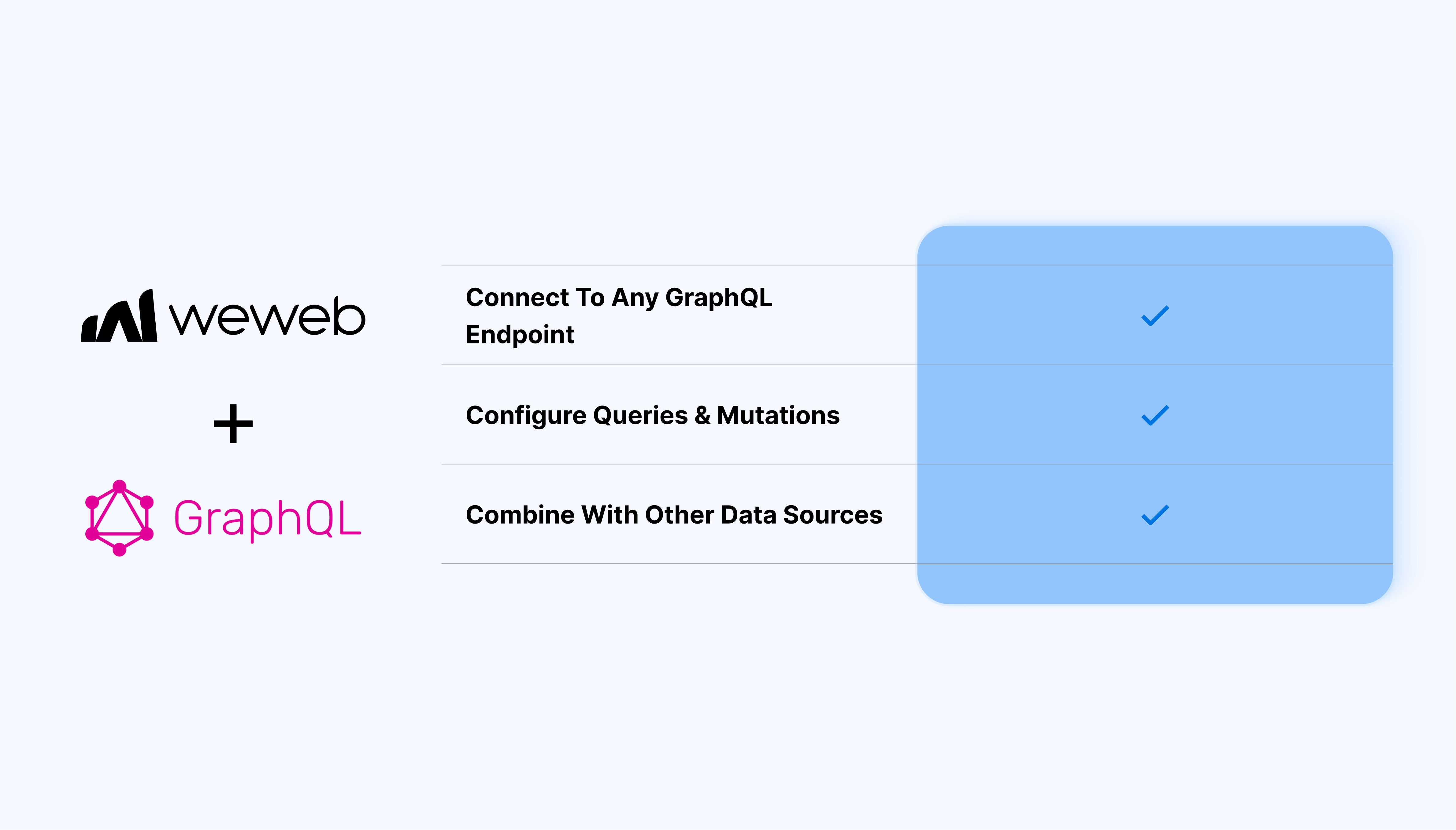
Connect to any GraphQL endpoint (internal or external) from the WeWeb Editor
Configure queries and mutations with variables directly from your page or component
Map GraphQL responses to collections, lists, and single-record views
Trigger mutations from buttons, forms, and custom actions (create, update, delete operations)
Reuse queries across multiple pages and components
Combine GraphQL data with other data sources (REST APIs, databases, no-code backends) in the same app
What WeWeb supports natively
Category
Feature
What it does
Data sources
Native GraphQL API type
Provides a built-in GraphQL option when adding a new API configuration, so that you can declare a GraphQL endpoint URL once and reuse it.
Endpoint config
Single endpoint URL
Lets you store a GraphQL endpoint with shared settings such as headers and authentication that apply to all queries using that API.
Collections
GraphQL collections
Allows creating collections that execute GraphQL queries against the configured endpoint and expose the response as a data source for pages and elements.
Queries
Query editor
Offers a dedicated query editor field where you write GraphQL queries, including nested selections, arguments, and aliases.
Variables
Dynamic variables in queries
Supports query variables so parameters (IDs, filters, search text) can be passed from WeWeb variables or page parameters.
Operations
Queries and mutations
Enables running both read operations (queries) and write operations (mutations), so that you can fetch, create, update, and delete data.
Binding
Bind GraphQL results to UI
Lets you bind fields from the GraphQL response directly to text, images, lists, and other elements.
Workflows
Trigger via workflows
Allows calling GraphQL collections or actions from workflows, so operations can be triggered on events like button clicks, page load, or form submission.
Auth & headers
Custom headers and auth
Supports setting custom headers to work with protected GraphQL APIs such as Shopify, Hasura, or custom backends.
Data handling
Use with joins and formulas
Works with WeWeb’s joining and transformation tools so GraphQL results can be combined with other collections or reshaped via formulas before binding to charts or components.
Why use WeWeb with GraphQL
GraphQL brings a structured, typed schema while WeWeb turns it into a maintainable frontend:
Reduce overfetching and underfetching by requesting exactly the fields each view needs
Use one GraphQL endpoint to power multiple pages, dashboards, and roles in the same app
Connect query fields to text, tables, charts, forms, and filters
Trigger GraphQL mutations from user actions
Use query results alongside local state (toggles, inputs, temporary values)
Combine your GraphQL auth rules with WeWeb’s role-based visibility and conditions
Connect different GraphQL endpoints for staging and production
Perfect for:
Client portals that pull client, project, and billing data from a GraphQL API and expose self-service views
Admin dashboards that list users, status, and activity with deep filtering and bulk actions backed by mutations
Internal tools for operations teams to review, approve, and update records
Custom CRMs that combine contact, deal, and activity data from multiple systems through a GraphQL gateway
Analytics and reporting apps that query aggregated metrics and render them as charts, tables, and drill-down views
And more…
Integrating GraphQL with WeWeb
Integrating GraphQL with WeWeb is straightforward:
Add the GraphQL data source:go to the data sources section and select GraphQL
Configure the endpoint:paste your GraphQL endpoint URL and add any required headers
Create your first query:paste or write your GraphQL query and define variables if needed
Bind variables: map query variables to dynamic values and save your query configuration
Use the query in your UI:drag and drop components, bind component fields to the GraphQL query results, and configure pagination, sorting, or filtering
Set up mutations (optional):create GraphQL mutations for create, update, or delete operations and trigger them from form submissions, buttons, or custom actions
Best practices
Create smaller, purpose-specific queries for each view instead of one large “catch-all” query: this helps performance and makes debugging easier
Rely on variables instead of string concatenation: map filters, search inputs, and pagination to query variables and keep your configuration maintainable
Use dedicated UI states for loading and errors so users understand what’s happening when data is fetching or something goes wrong
For large datasets, use pagination or cursor-based queries: avoid fetching thousands of records in one call
Ensure your GraphQL server enforces access control: use WeWeb’s logic as an additional layer
Limitations
WeWeb relies on your existing GraphQL endpoint: it doesn’t generate schema or resolvers for you
Performance and rate limits depend on your GraphQL server or underlying services: plan your queries accordingly
Very complex nested queries may increase response size and latency: consider splitting them into smaller queries when needed
FAQs
1. What is a GraphQL collection in WeWeb and when should it be used?
A GraphQL collection is a reusable data source that runs a specific query against your GraphQL API and exposes the response as a list or object to the page. Use a collection when you want data to be loadable, paginated, and bindable like any other WeWeb collection (lists, repeaters, etc.).
2. Can WeWeb run both queries and mutations with GraphQL?
Yes, you can define read operations (queries) to fetch data and write operations (mutations) to create, update, or delete records. Mutations are typically called from workflows (for example on button click) while queries are often defined in collections and loaded on page load.
3. How are GraphQL variables handled in WeWeb?
In the collection or action configuration, you can declare variables and bind them to WeWeb variables or page parameters instead of hard‑coding values in the query string. This allows patterns like filtering by user ID, search term, or route parameter without reconstructing the query each time.
4. How is authentication managed for GraphQL APIs in WeWeb?
Authentication is handled via headers on the API configuration or per‑collection, where you can add static tokens or bind dynamic values like JWTs. This approach works with typical GraphQL servers such as Hasura, Shopify, or custom backends that expect an Authorization header.
5. Can I combine GraphQL data with REST or database data inside WeWeb?
Yes, GraphQL collections can be joined with other collections or transformed using formulas. This is useful when, for example, your primary records come from GraphQL while supplementary metadata comes from another API type.
6. Are GraphQL calls executed on the frontend or backend in WeWeb?
Native GraphQL data sources execute on the client side at runtime, similar to other API calls from WeWeb. If your GraphQL server requires server‑side calls, IP allow‑listing, or complex auth flows, you typically introduce a backend proxy and connect WeWeb to that proxy instead.