Build an Accounting Client Portal With AI and No-Code
Tax documents, signatures, invoices, and client questions should not be scattered across email. WeWeb helps accounting firms build branded portals that guide clients through every request.
Trusted by founders & Fortune 500s
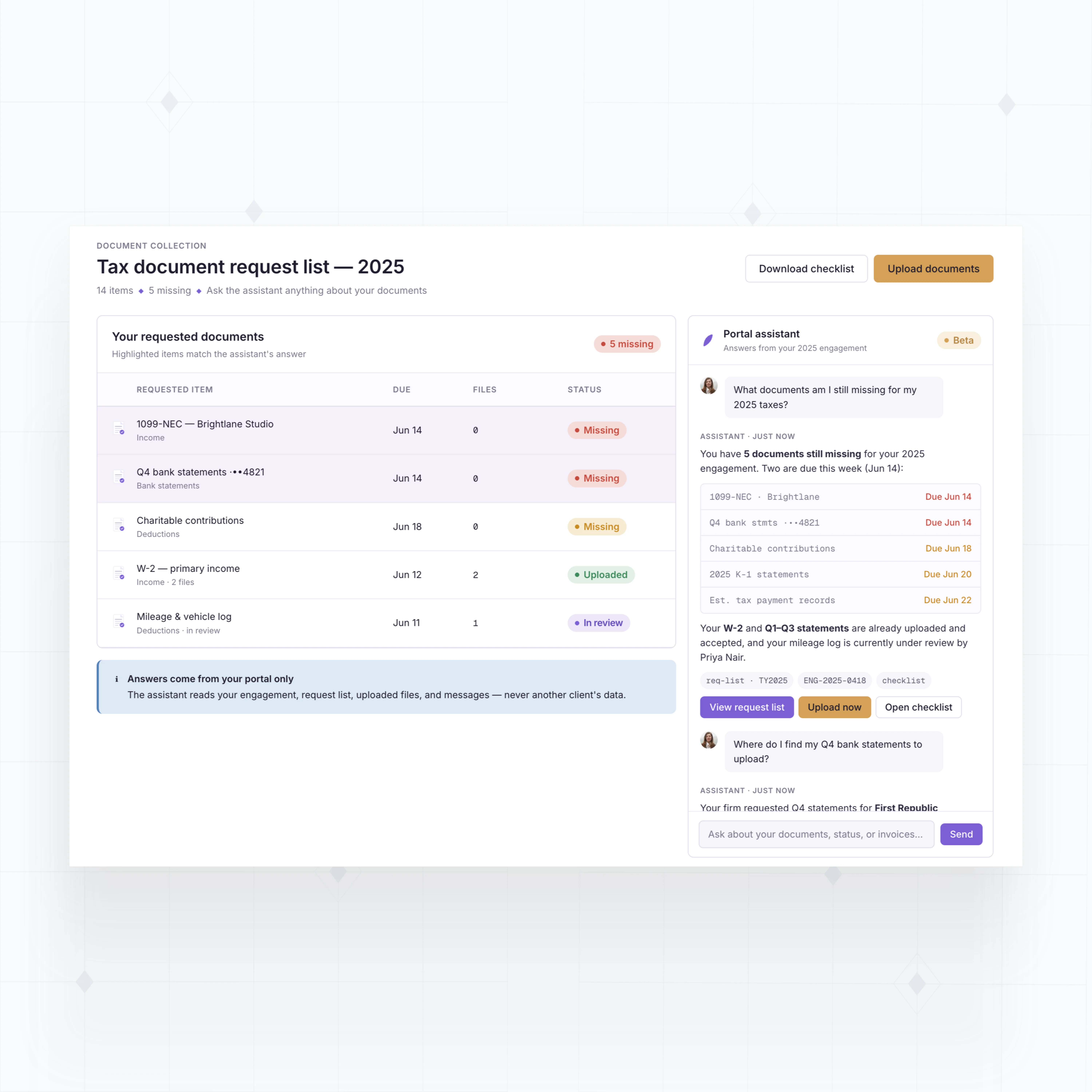
Add client portal features accounting firms actually need
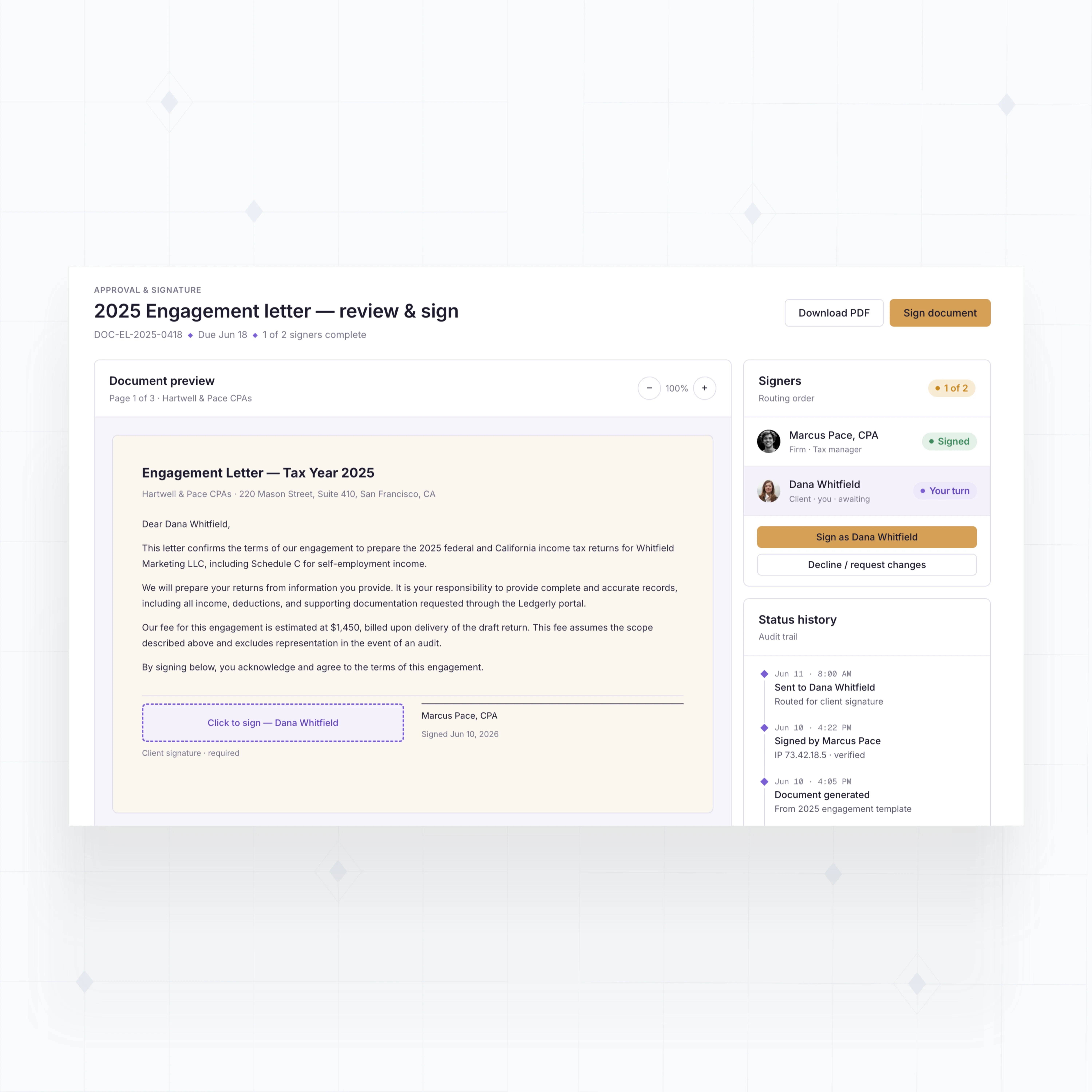
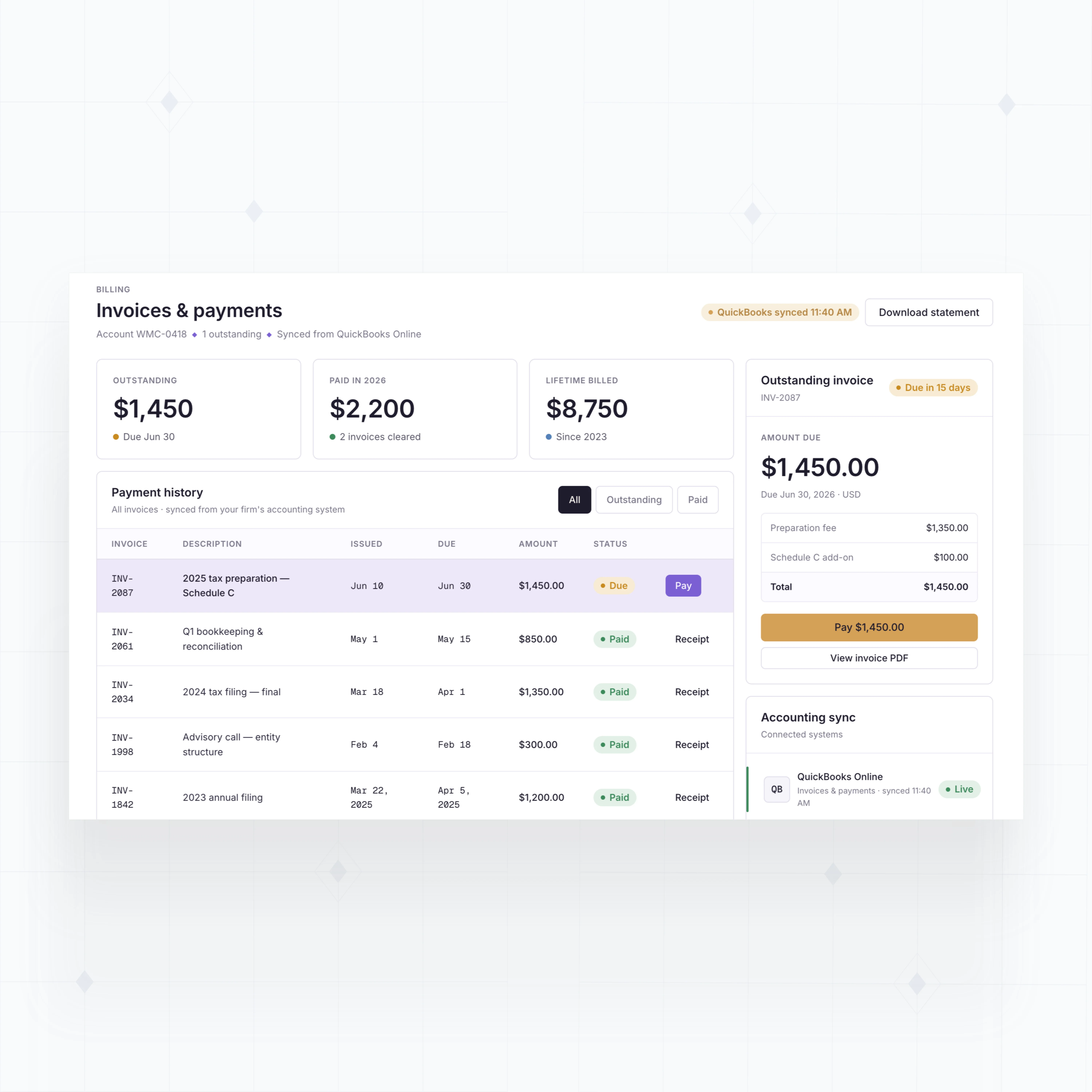
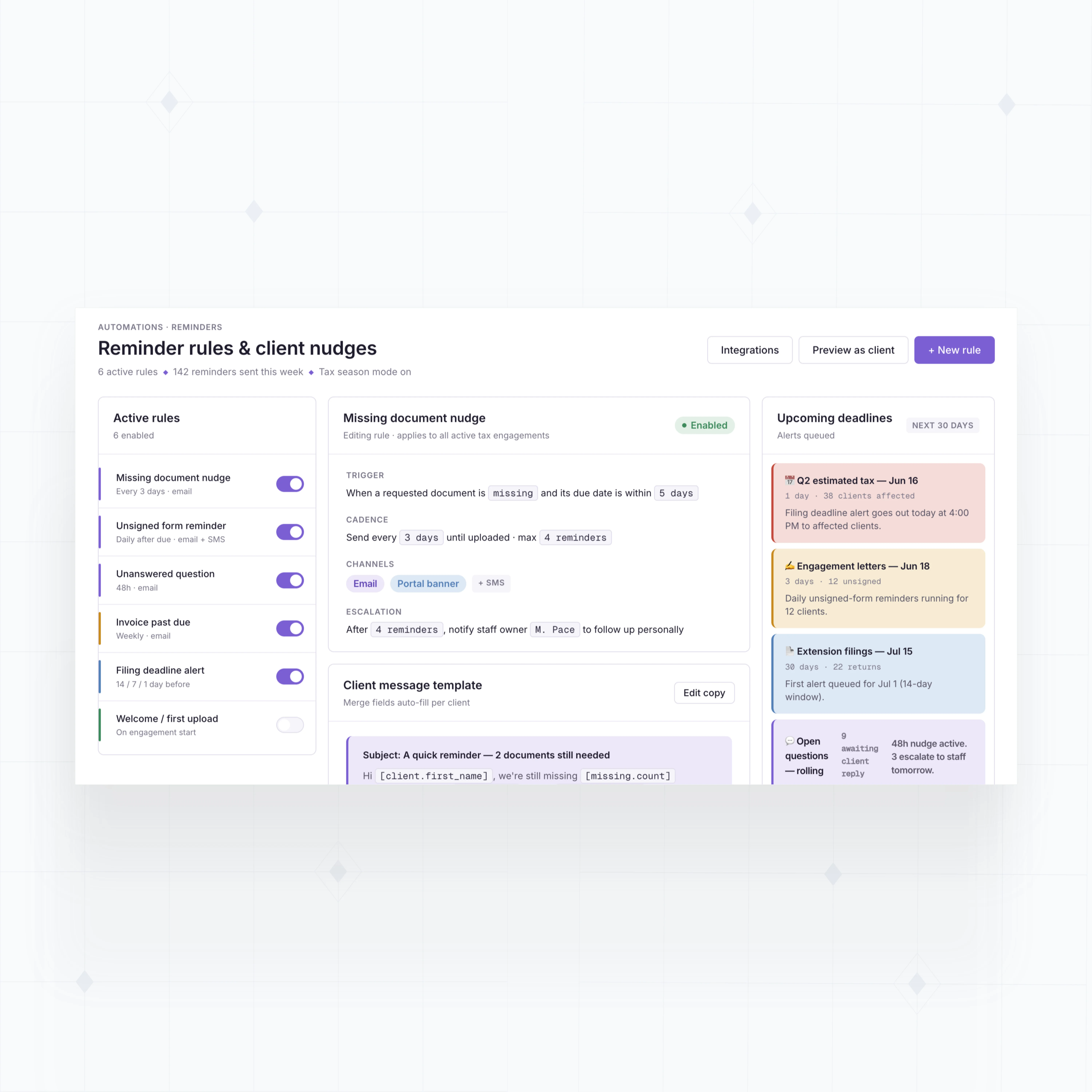
With WeWeb AI, build request checklists, secure upload flows, engagement status views, reminders, approvals, and billing screens tailored to your firm.
" As with any large-scale project, change requests came quickly once people started using the tool. Thanks to WeWeb, we had the flexibility to say yes and that definitely sped up adoption. "

Build accounting portals around your firm's real workflow
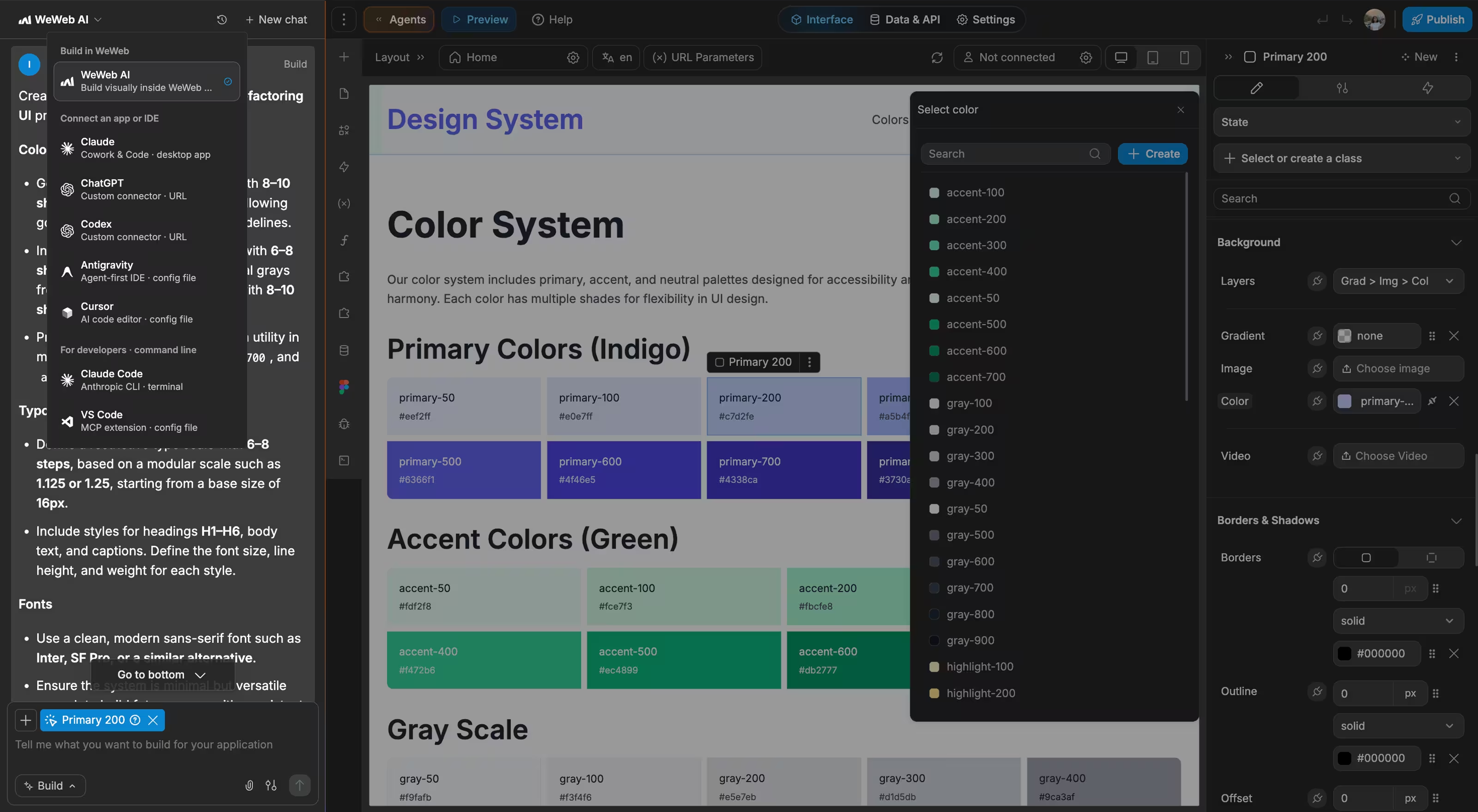
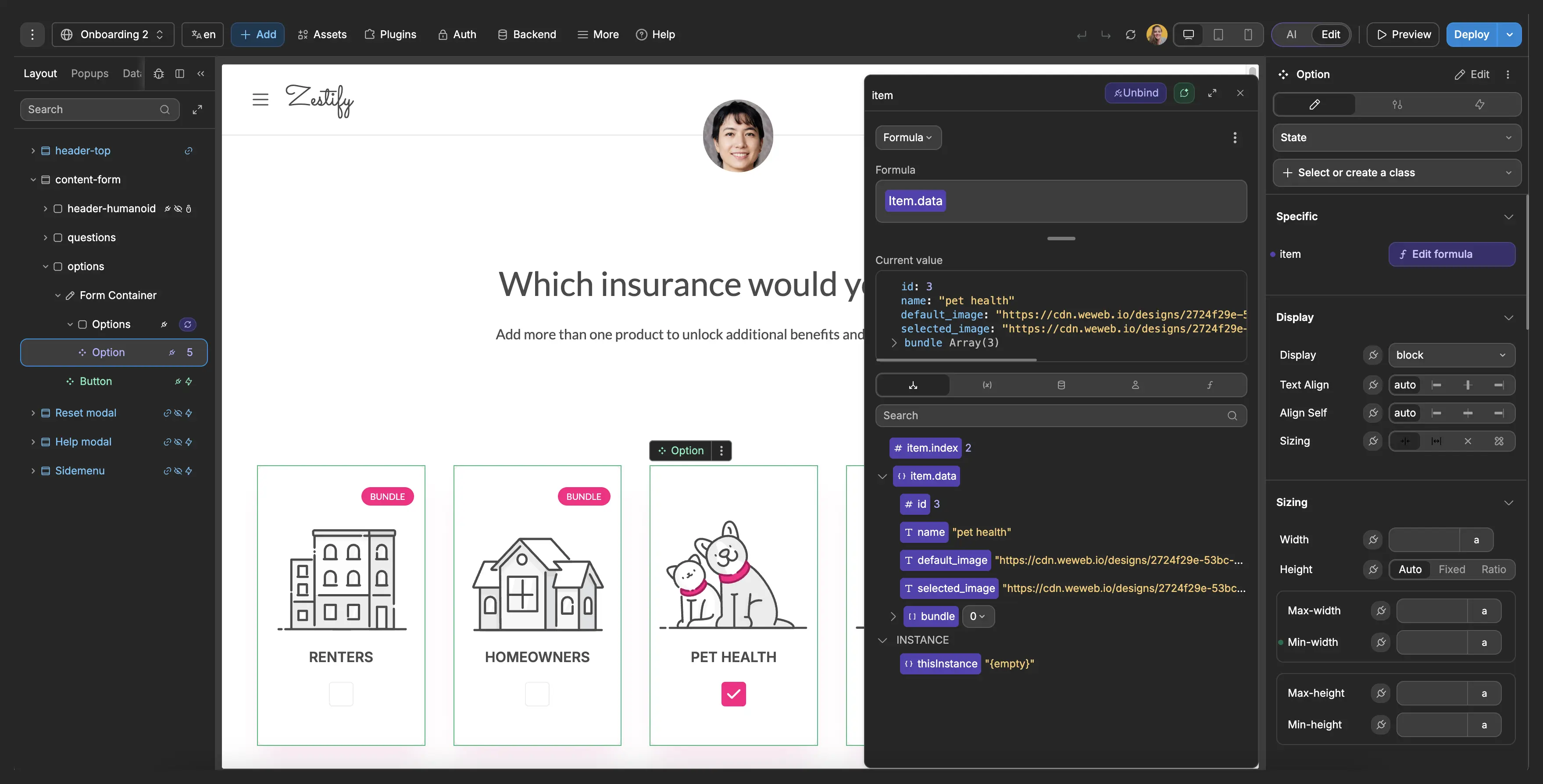
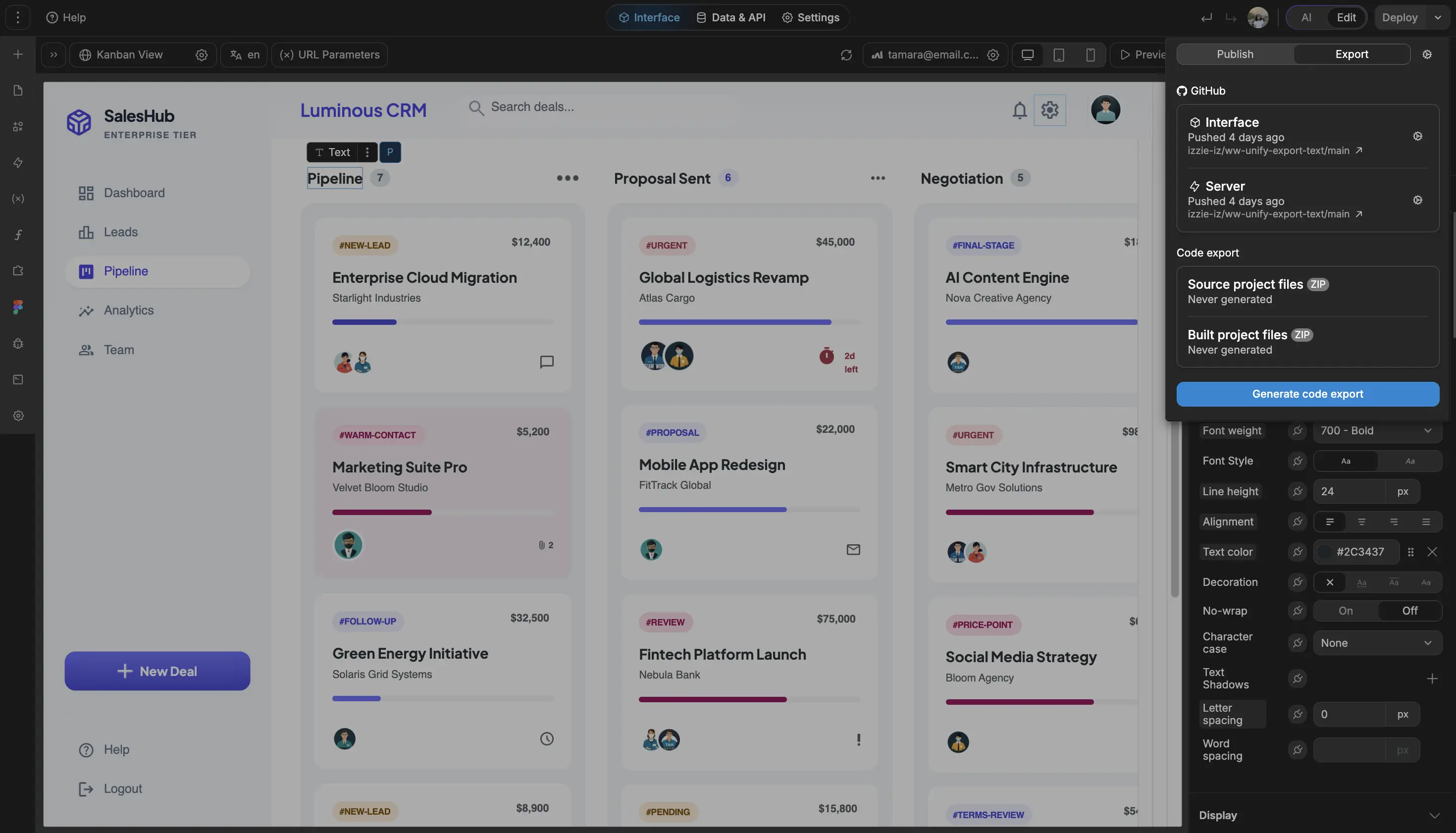
The standards of code, with no-code.
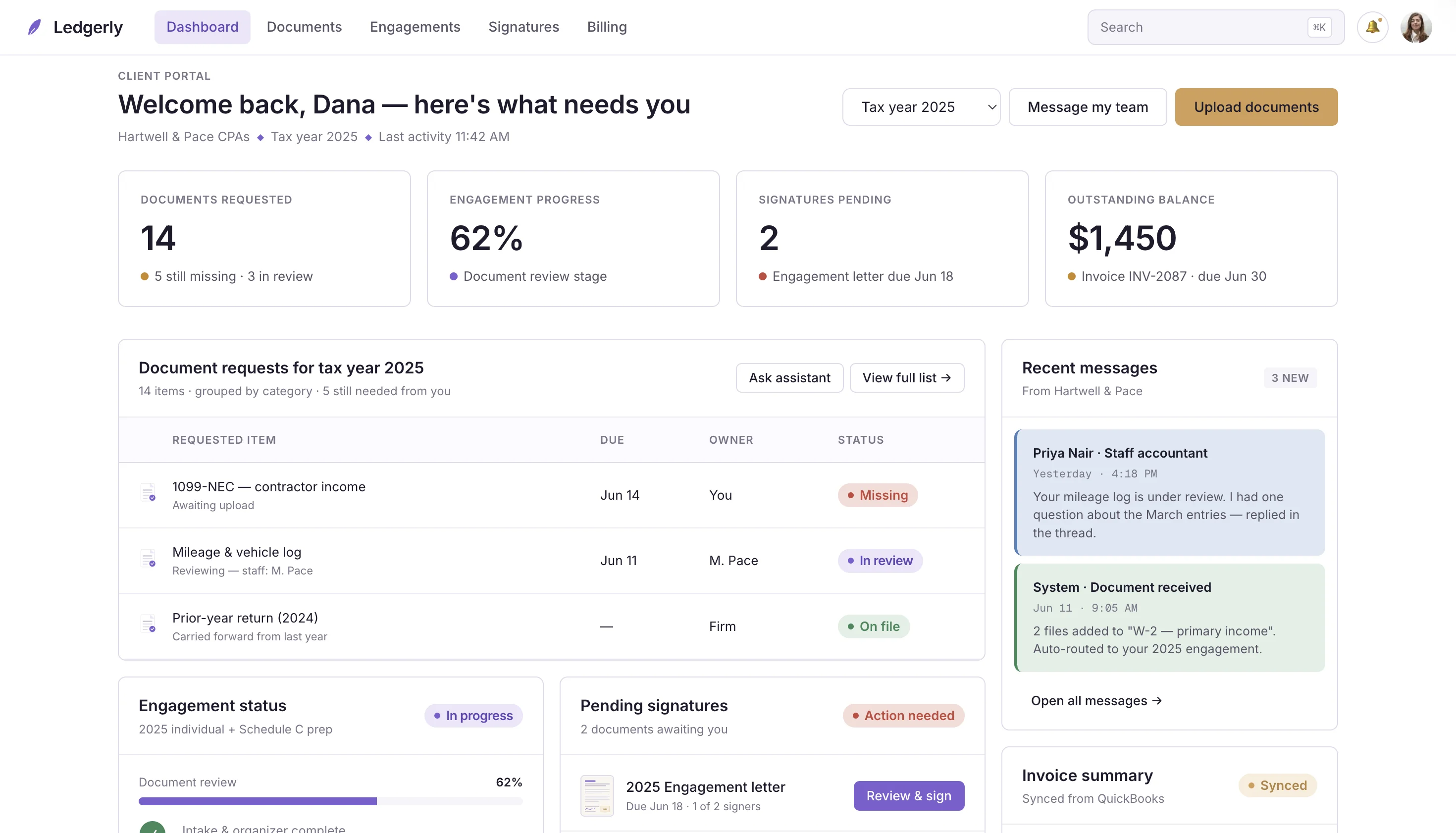
Give every accounting client one clear place to act
" I don’t think there’s anything that can’t be done inside of WeWeb. "

FAQs
Most accounting portals fail when they become another place to check instead of the place where work moves forward. Clients forget logins, staff keep using email, and uploaded documents do not update the engagement workflow.
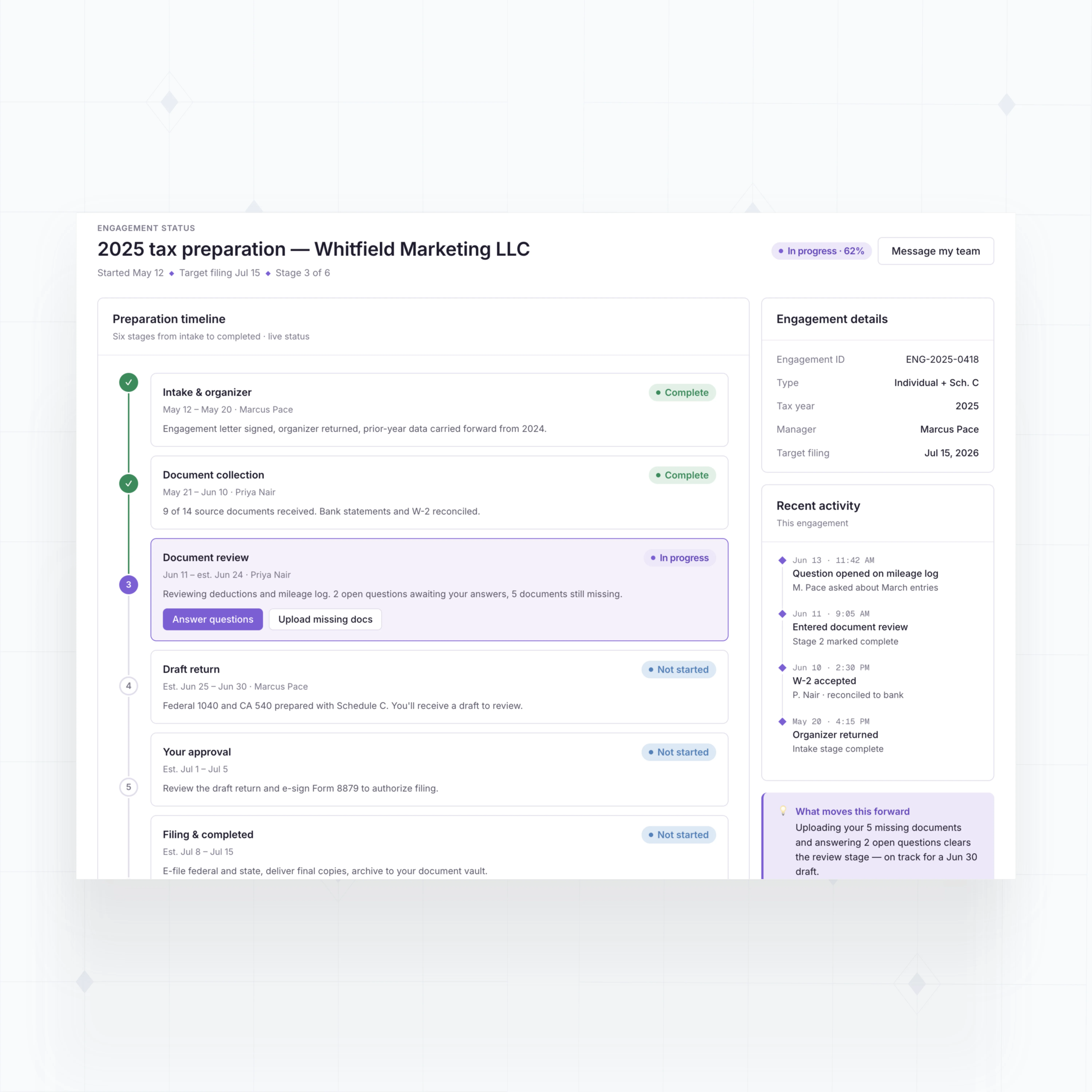
The portal needs to guide work, not just store files. A useful portal shows requested documents, missing items, messages, approvals, invoices, and next steps in one client-facing workspace.
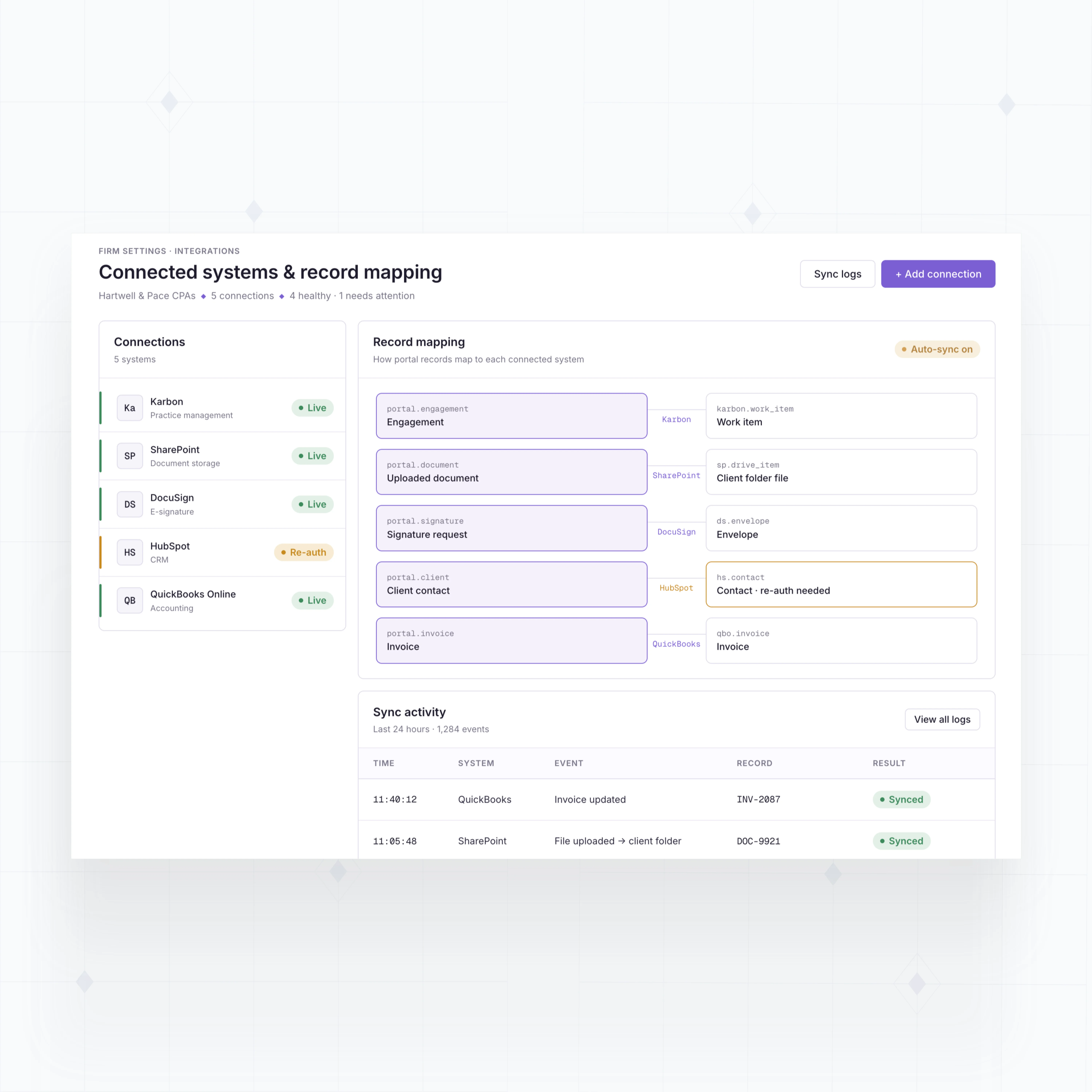
With WeWeb, you can build the portal around your firm's actual intake, tax, bookkeeping, or advisory process. Connect it to your backend and practice tools so client activity can drive internal follow-up.
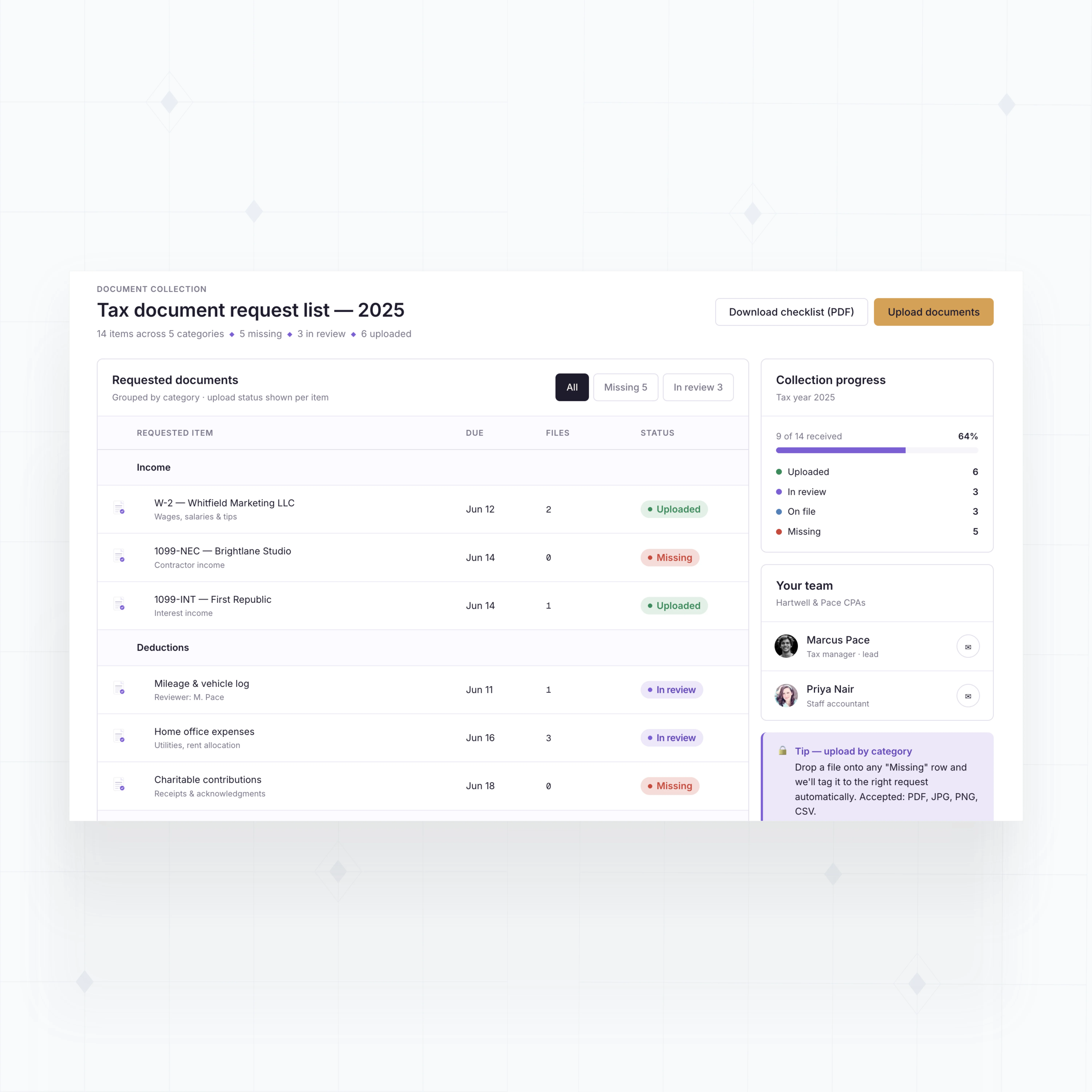
Yes. You can build secure upload workflows that route documents to the right client, entity, tax year, and engagement record. Each client should only see their own files and requests.
WeWeb handles the application interface, while your backend or storage provider should enforce access rules, file permissions, encryption, retention, and audit requirements.
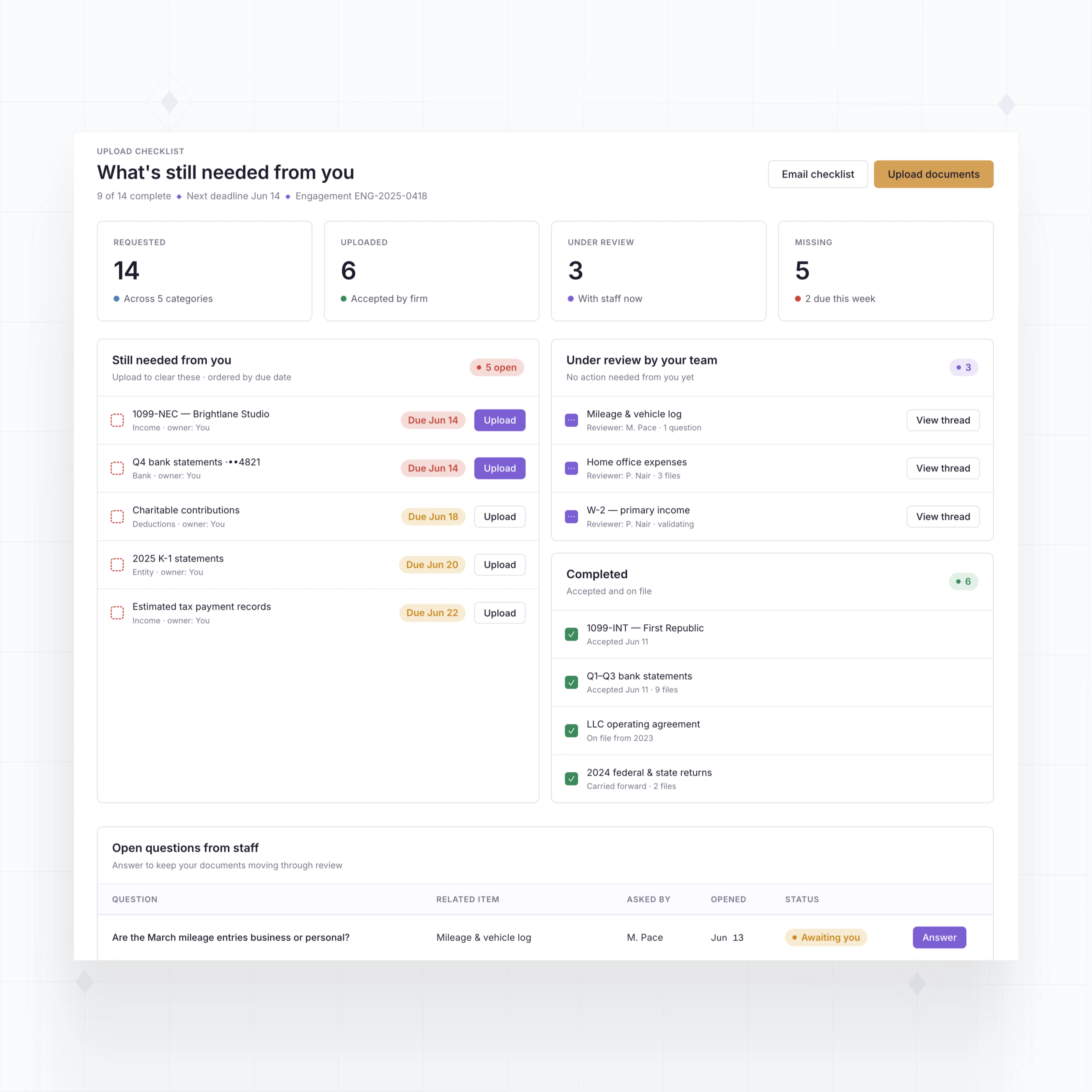
You can also create checklists, file categories, staff review queues, and automatic reminders so document collection does not live across email threads and shared folders.
Yes. WeWeb can connect to tools through APIs, databases, or automation services. That means your portal can display client tasks, invoice status, document requests, engagement milestones, or CRM data from the systems your firm already uses.
For example, a client upload can create a review task, a signed engagement letter can update status, or a paid invoice can appear inside the client dashboard.
The right architecture depends on your stack. WeWeb gives you the flexible front-end layer, and your backend controls the data model, permissions, and business rules.
Yes. Adoption improves when the portal is simple, mobile-friendly, branded, and tied to the next action the client needs to complete.
Instead of giving clients a generic file vault, you can show a short checklist: upload last month's statements, sign the engagement letter, answer two tax questions, and pay the invoice. Each task can have status, due date, owner, and reminder logic.
WeWeb lets you customize the interface around that experience, while your backend and auth setup control client access and data isolation.