Build a Custom Employee Portal With AI and No-Code
Stop paying per-user fees that balloon as your team grows. WeWeb helps you build an employee self-service portal that fits your workflows, connects to your existing HR systems, and scales without surprise costs.
Trusted by founders & Fortune 500s
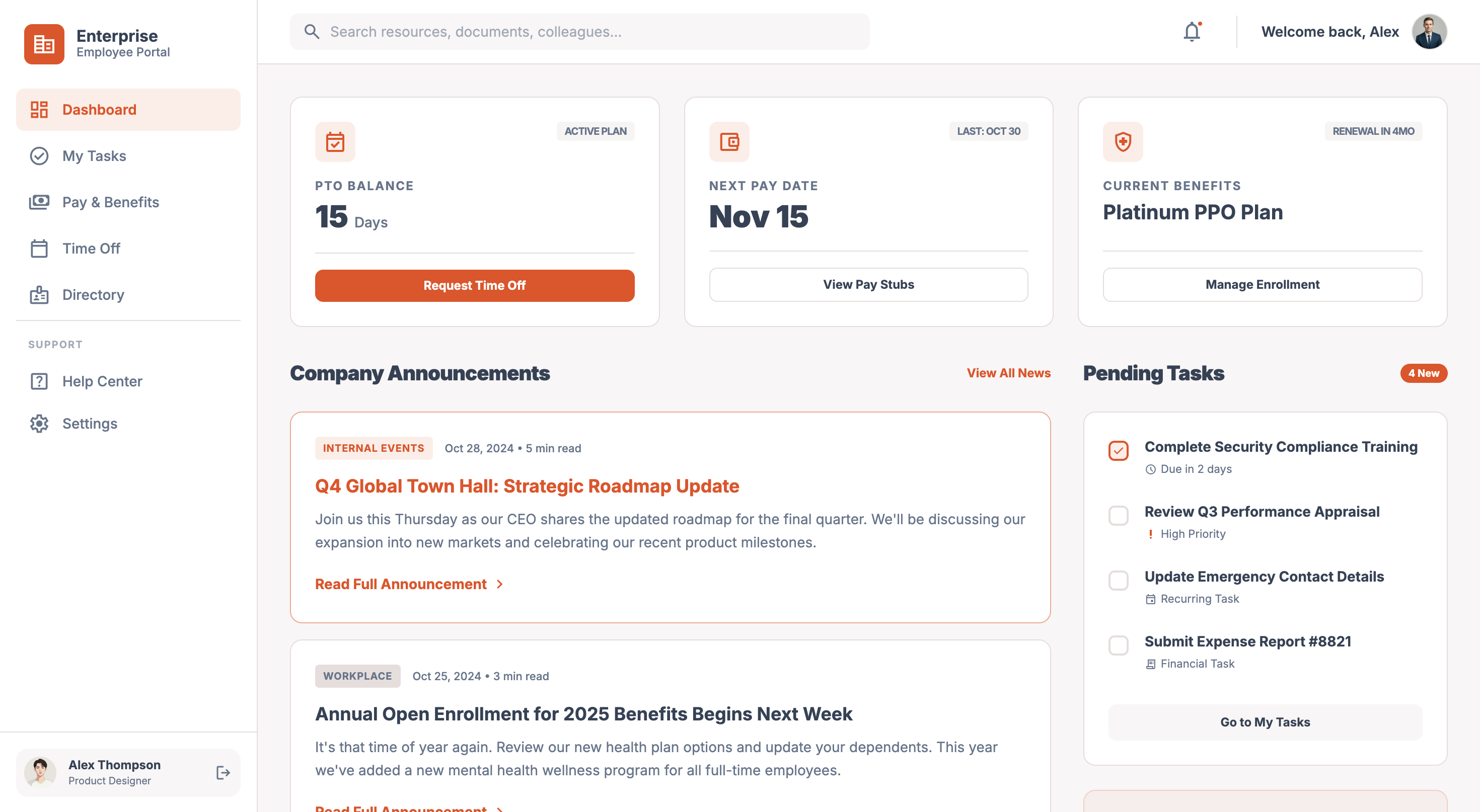
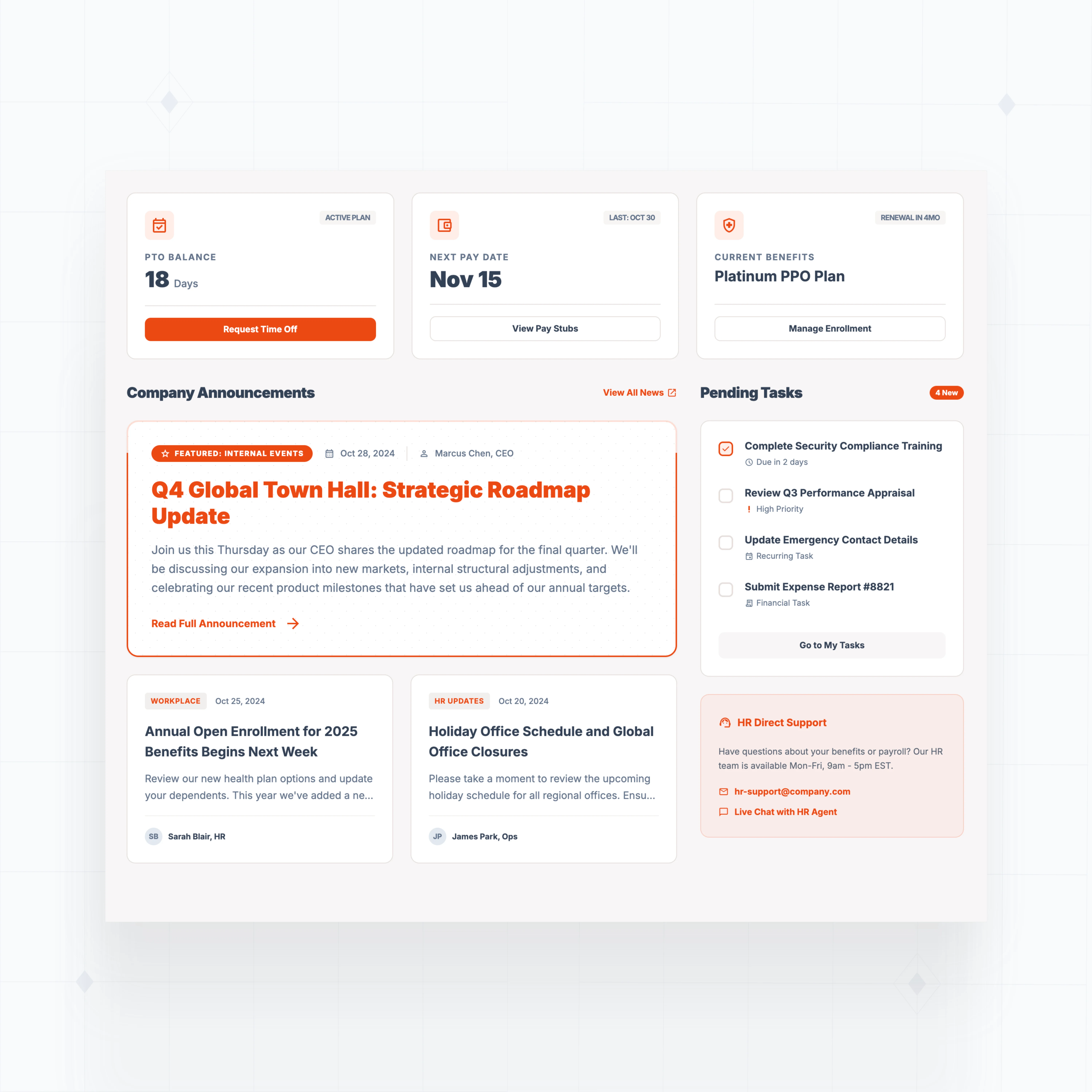
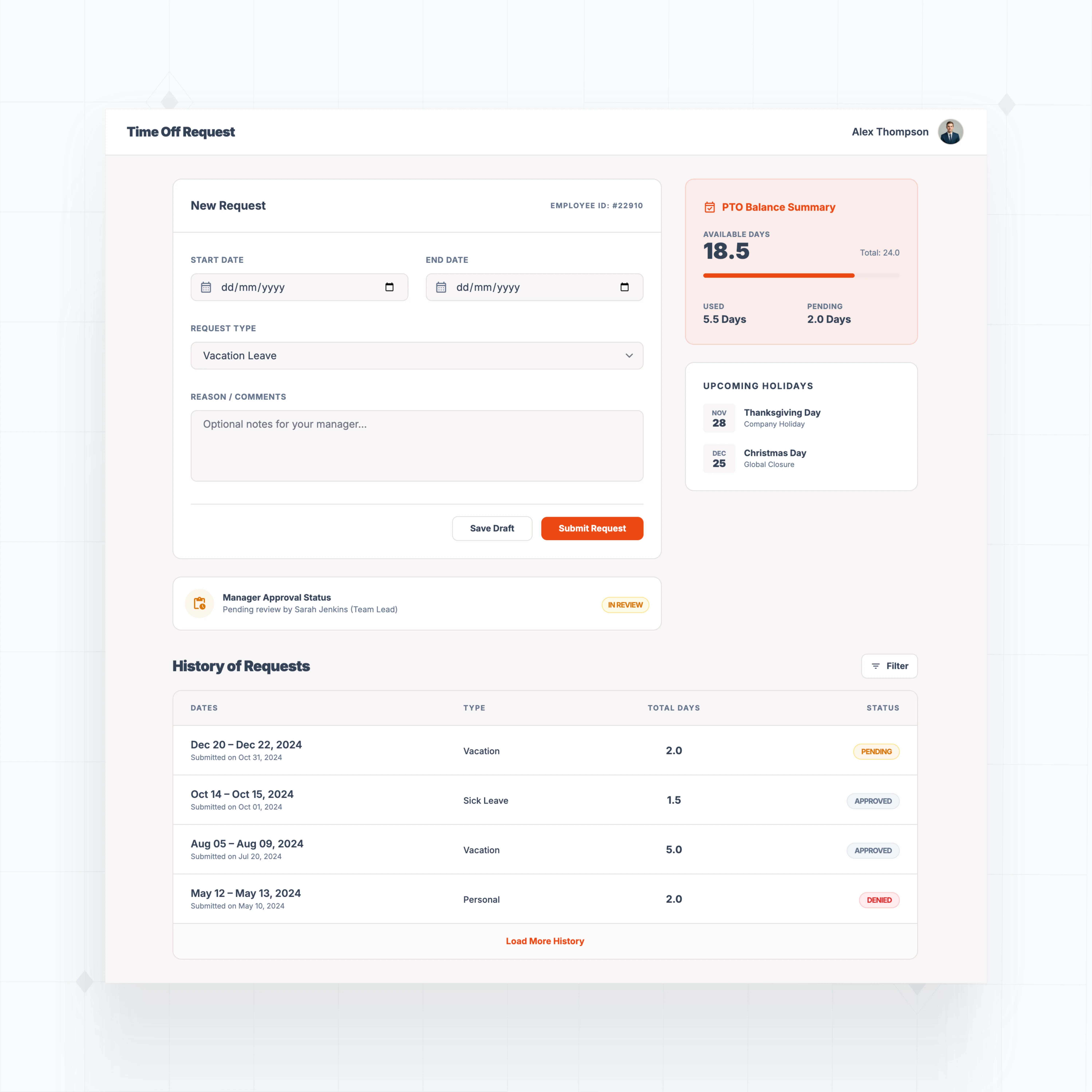
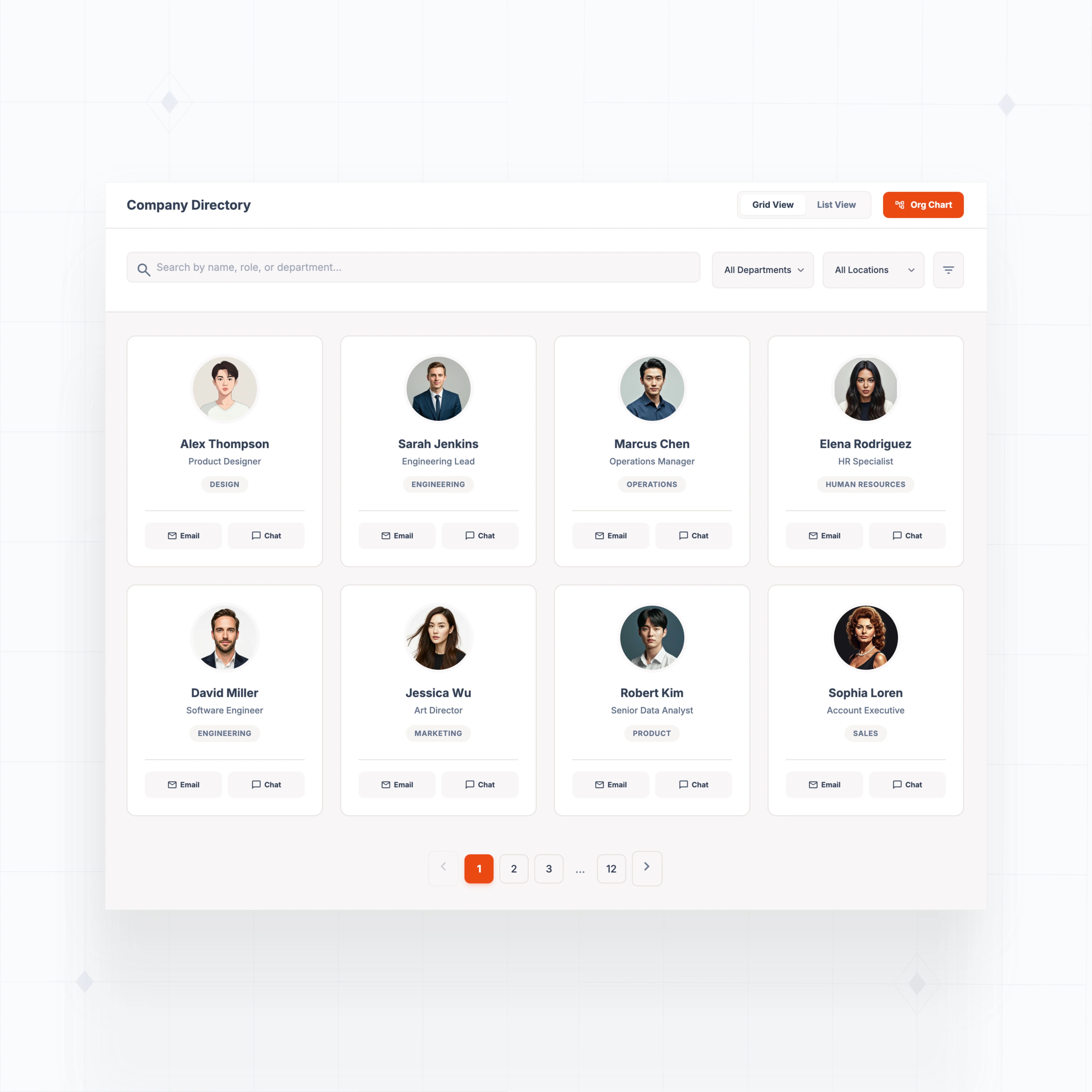
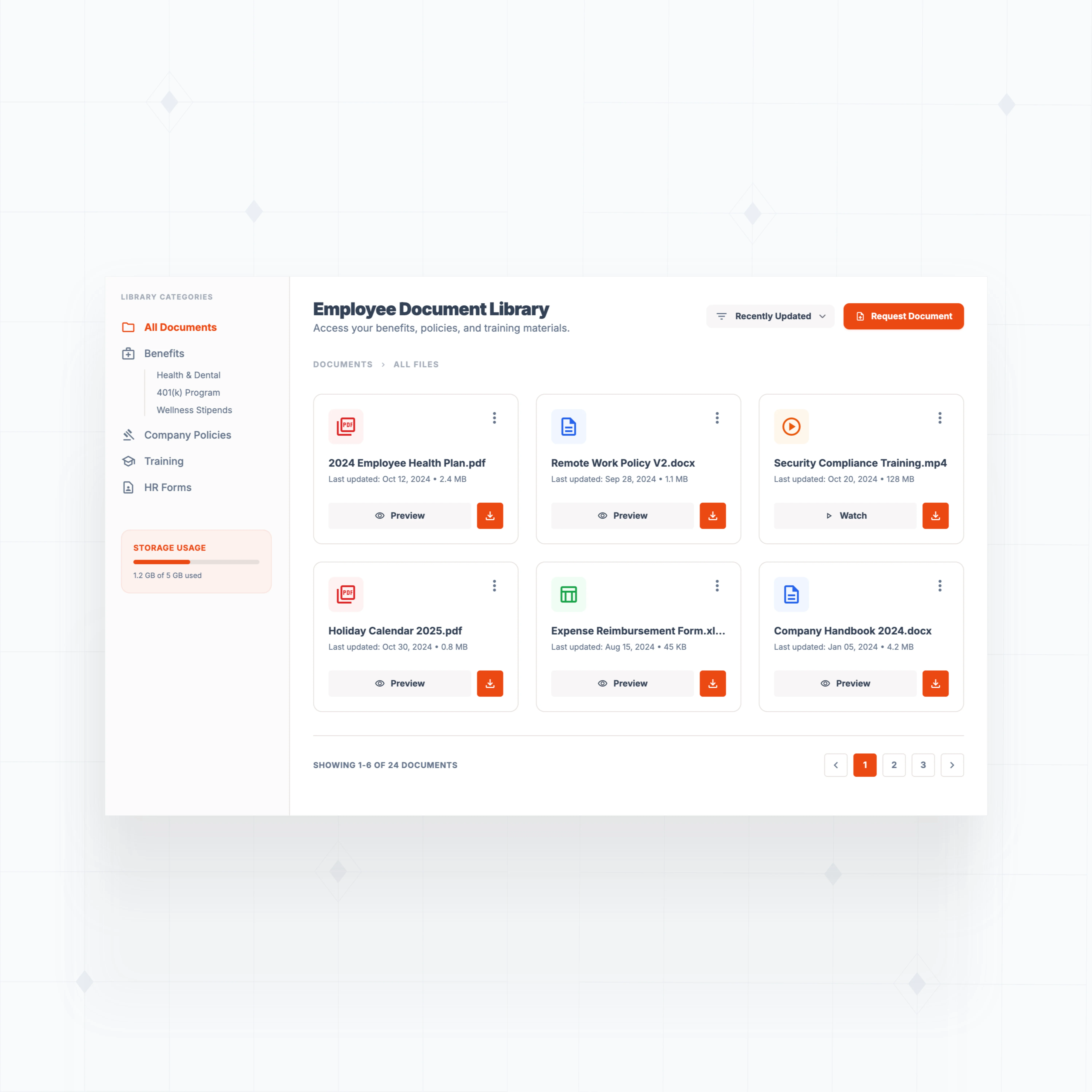
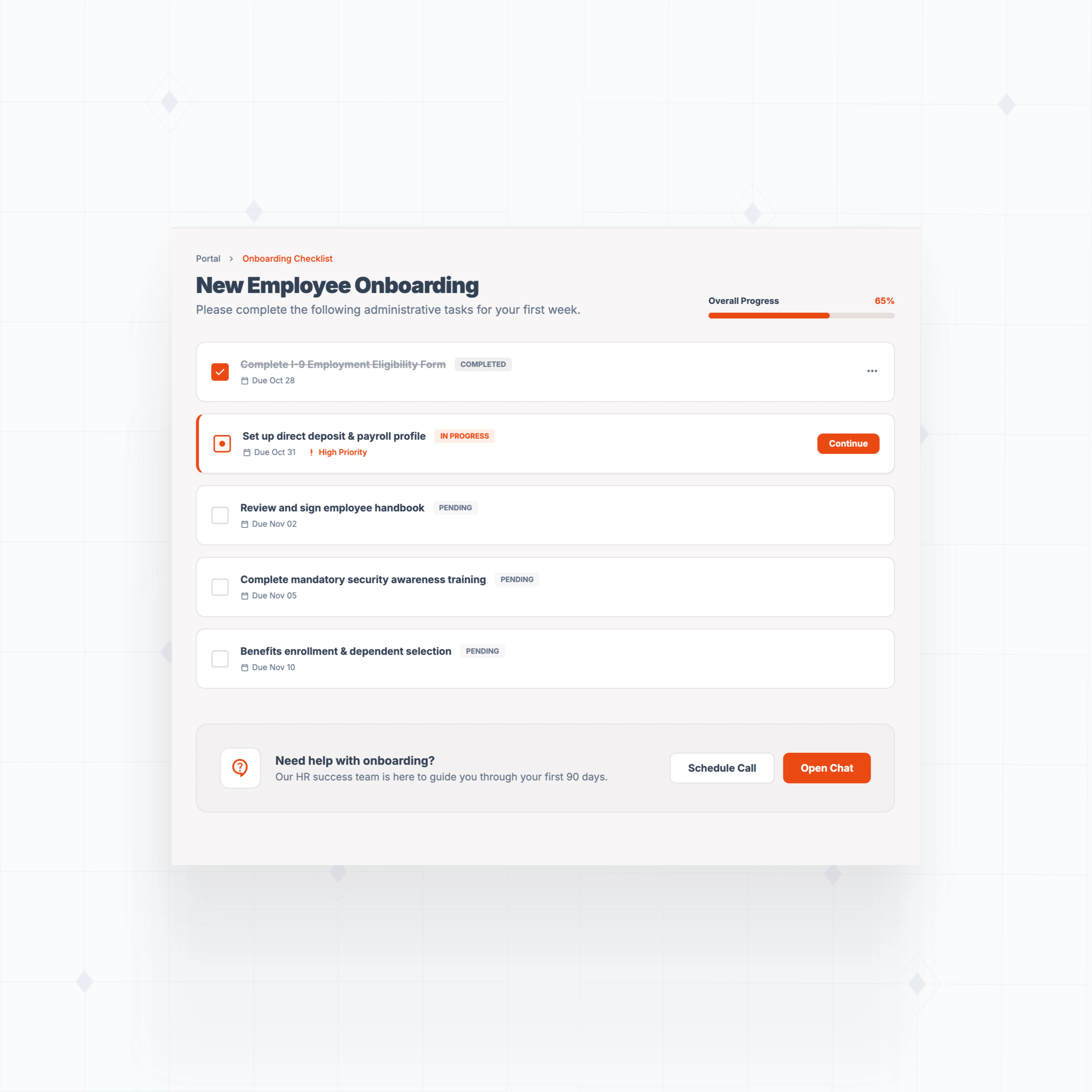
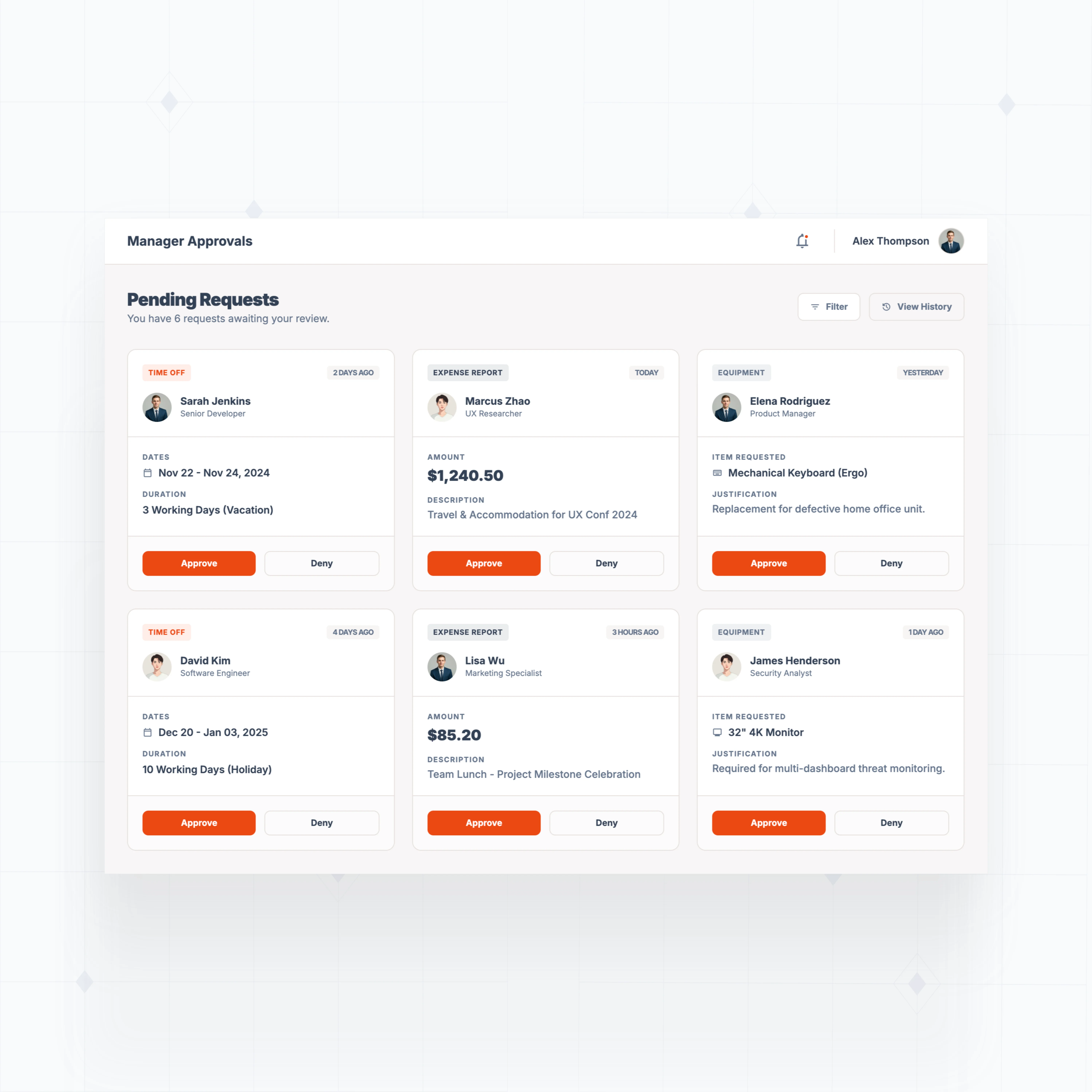
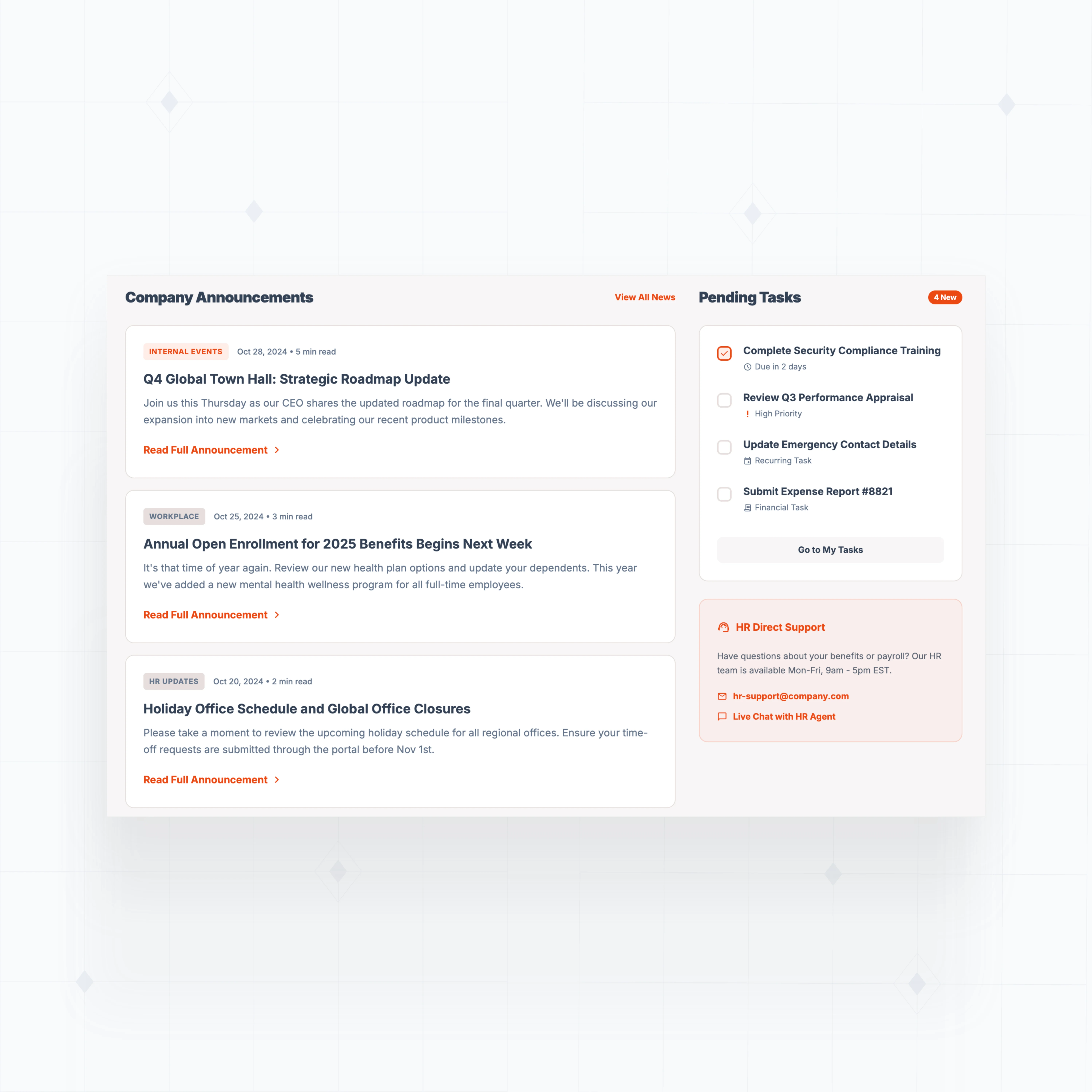
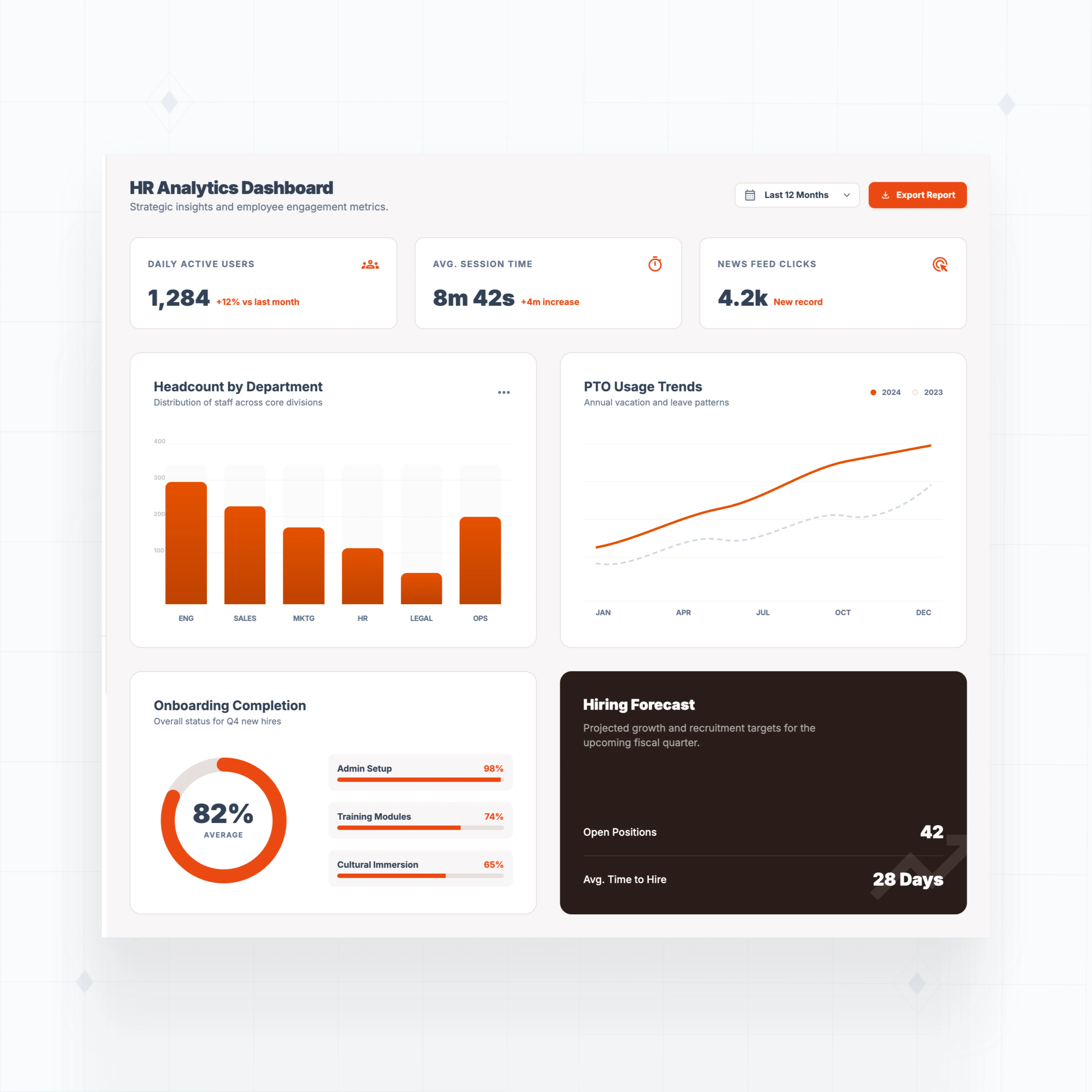
Add features off-the-shelf portals don't support
Build employee self-service tools tailored to your company's policies, approval chains, and HR systems.
" Adopting WeWeb’s no-code platform has revolutionized how we approach application development. It’s not just about speed; it’s about empowering our teams to deliver more innovative, secure, and compliant solutions faster and more effectively than ever before "

Built to match how your organization actually works
The standards of code, with no-code.
Launch your employee portal this week
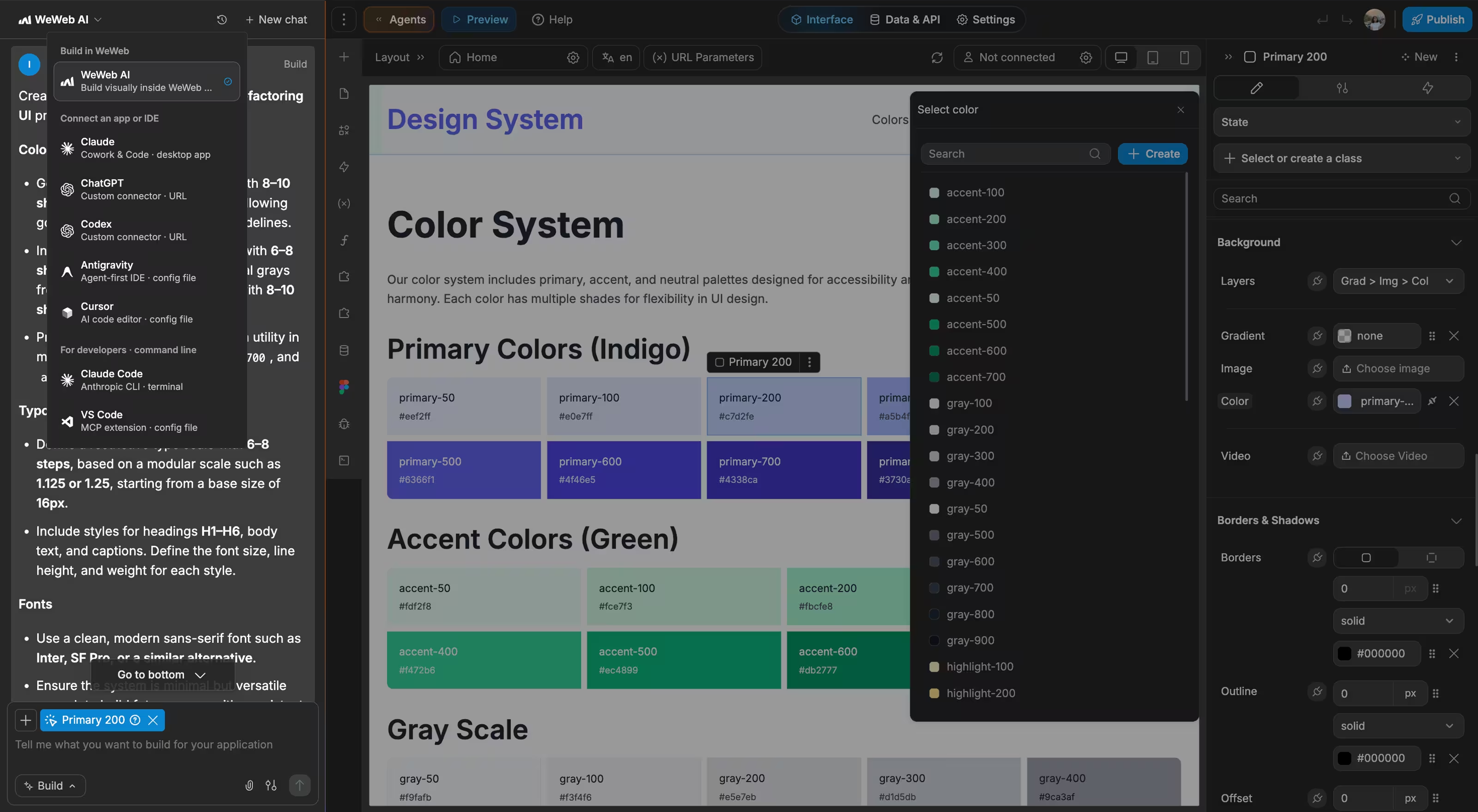
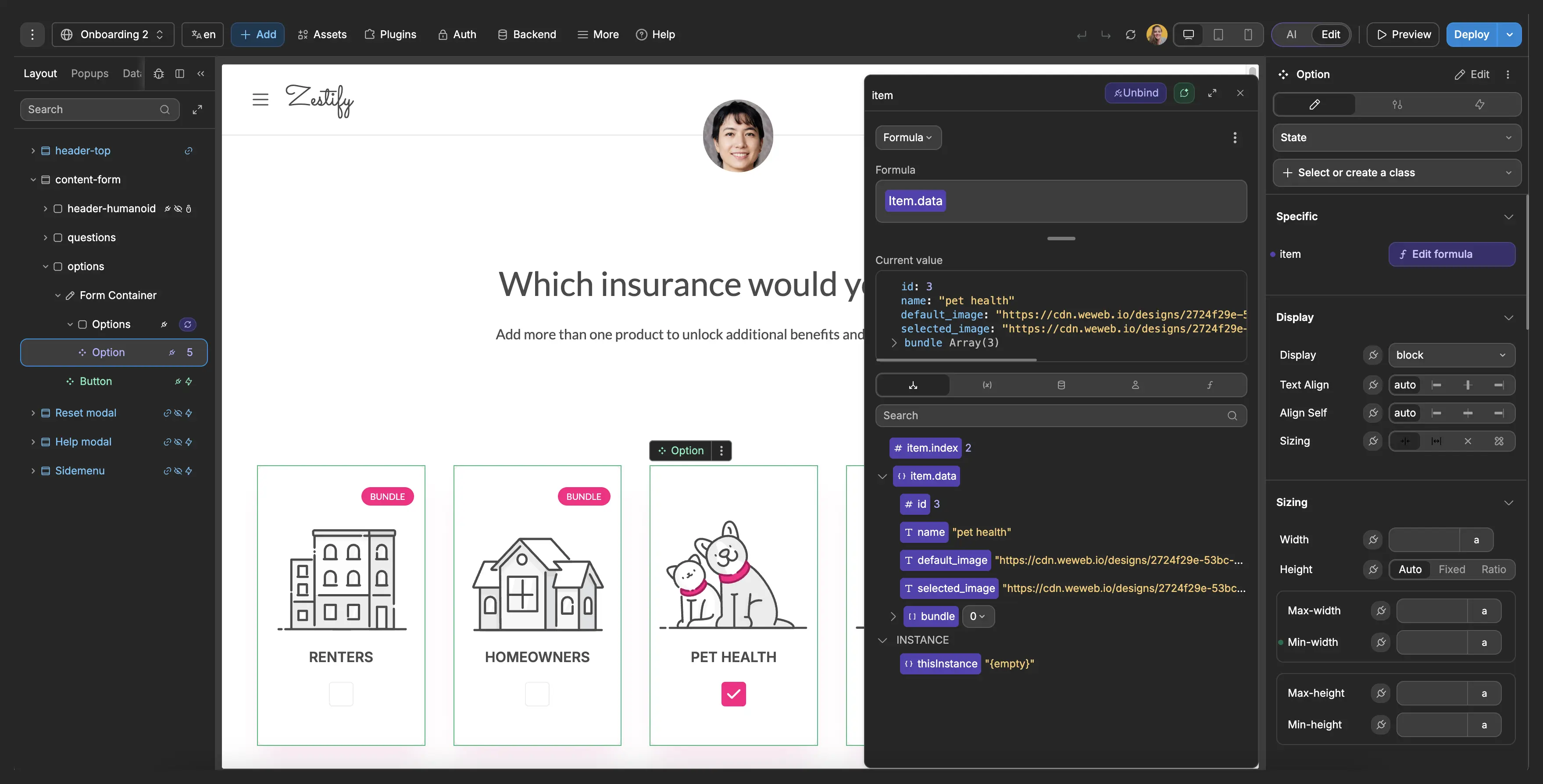
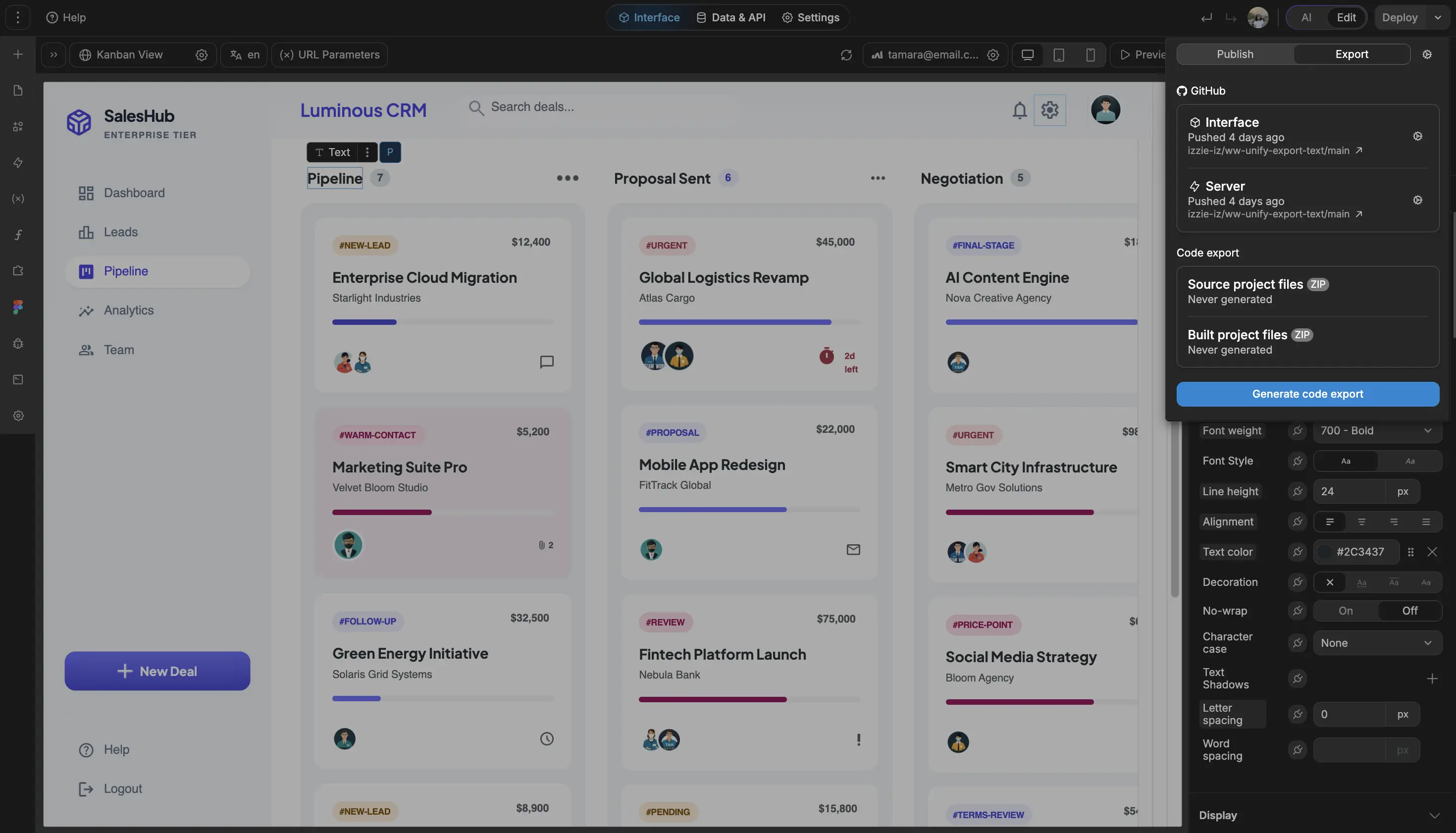
We can fix and adjust functionality live in just a couple of minutes. Something that used to take days or even weeks to validate in production.

FAQs
No coding is required to build a fully functional employee portal with WeWeb. The visual editor lets you design interfaces, set up workflows, and connect to your existing HR systems using drag-and-drop.
That said, WeWeb gives you the option to add custom JavaScript or Vue.js components when you need functionality beyond what the visual tools provide. This means you can start simple and add complexity as your requirements grow.
WeWeb is backend-agnostic. You can connect to any system that exposes an API, including popular HR platforms like Workday, BambooHR, ADP, Paylocity, and custom internal databases.
The integration process works through WeWeb's REST API or GraphQL connectors. You configure authentication (OAuth, API keys, or JWT tokens), map your data fields, and build workflows to fetch or update records. For systems like Supabase or Xano, WeWeb offers native integrations with real-time sync.
Learn more about connecting data sources in WeWeb.
Yes. Every application built with WeWeb is fully responsive. You can customize layouts for mobile, tablet, and desktop breakpoints, controlling which elements appear and how they behave on each screen size.
WeWeb applications also support Progressive Web App (PWA) capabilities, allowing employees to install the portal on their home screen for quick access without needing a native app.
WeWeb supports role-based access control (RBAC) through its authentication system. You can define user roles (manager, employee, HR admin, contractor) and restrict what each role can see or do within the portal.
How it works:
- Set up authentication using WeWeb Auth, Supabase Auth, Auth0, or your existing SSO provider
- Define roles in your backend or within WeWeb's user management
- Use conditional visibility and workflow guards to show or hide content based on the logged-in user's role
This approach ensures sensitive information (like salary data or performance reviews) is only accessible to authorized users.