


Turn Figma designs into
full-stack apps, with AI
Bring approved Figma screens into WeWeb as editable no-code UI. Then, ask WeWeb AI or your preferred AI client to add the data, workflows, and logic on top.
Trusted by Fortune 500 companies






UI
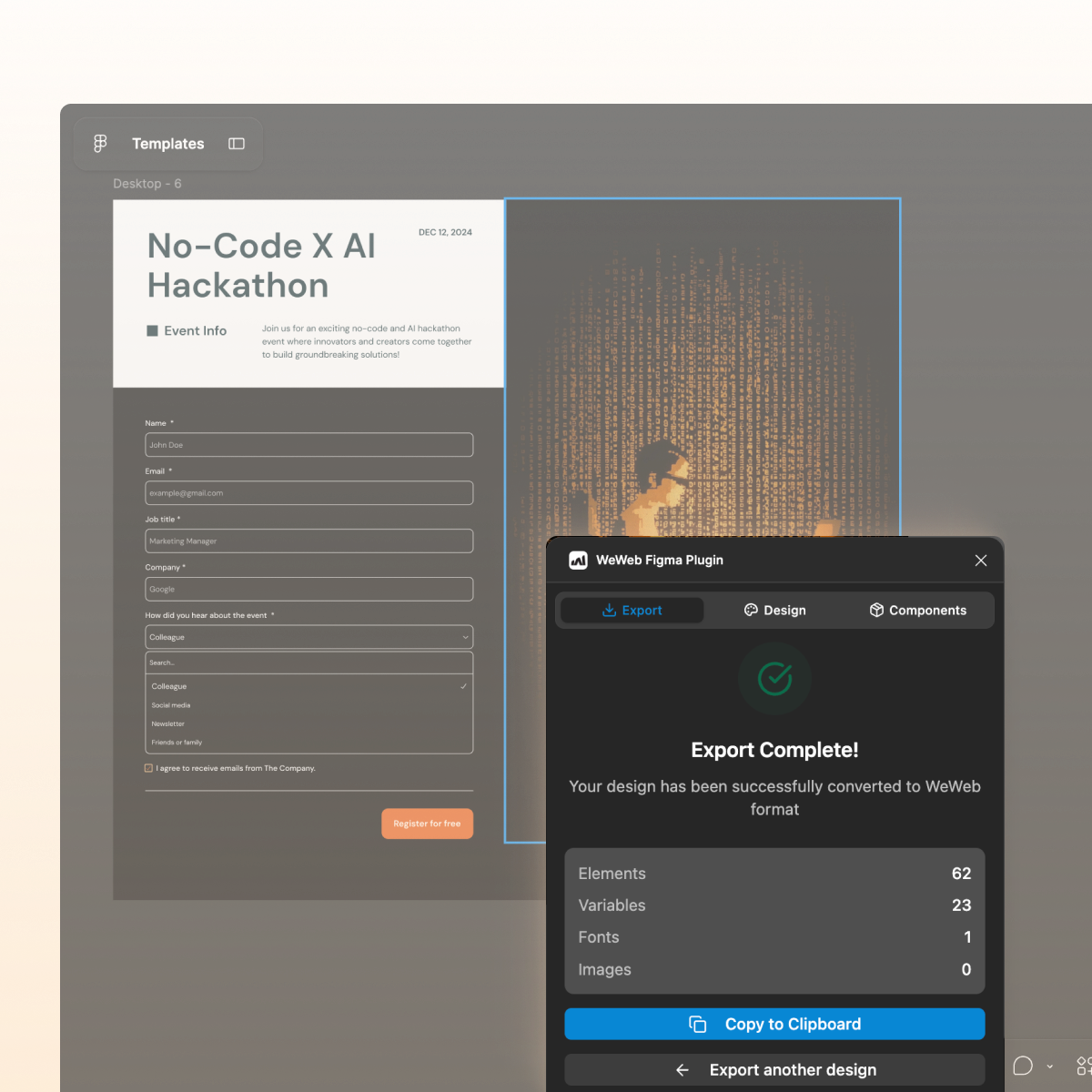
Stop rebuilding the same screens
Export Figma frames into WeWeb, ready to connect data, workflows, and logic.

Design System
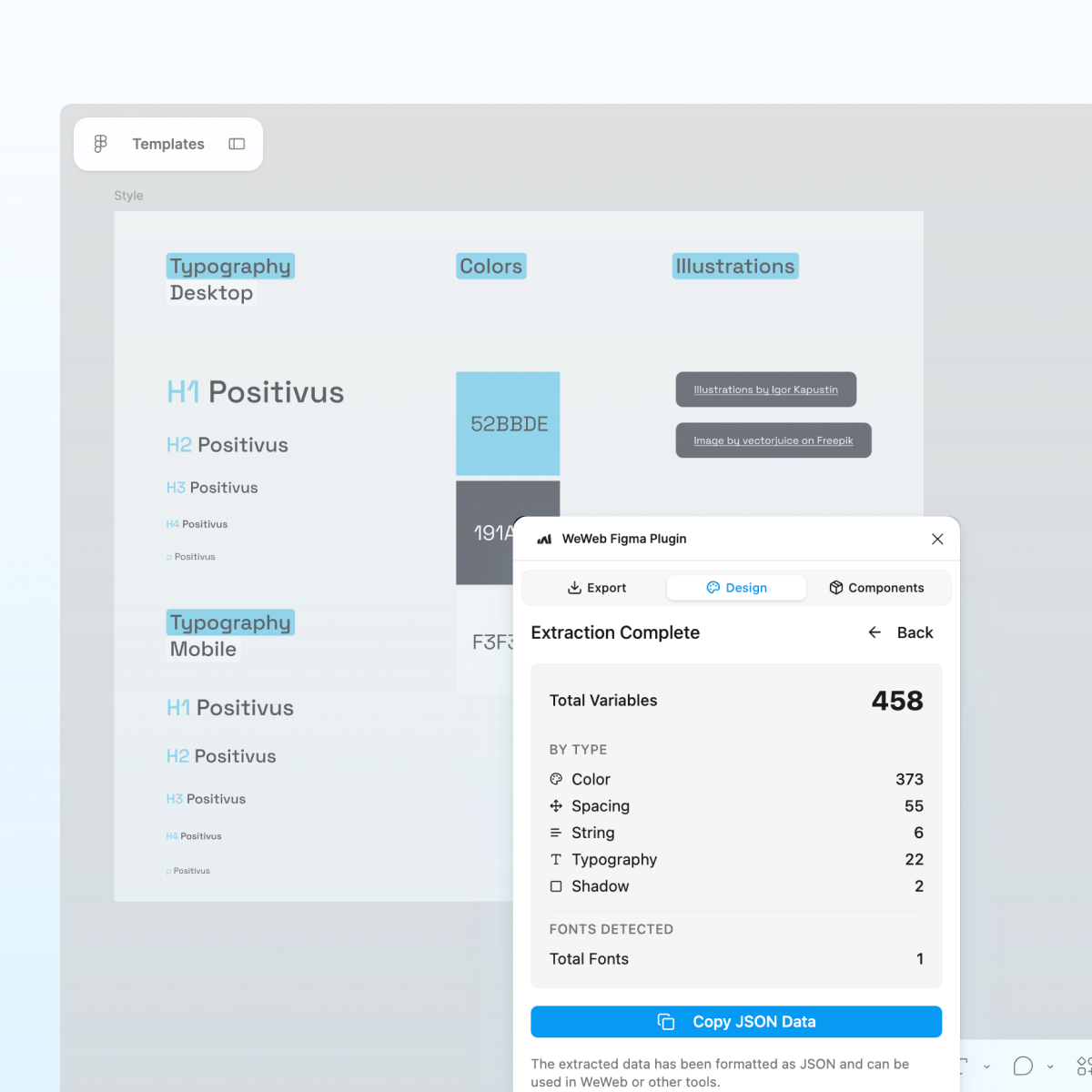
Import your Figma style guide, without the UI
Use the same design system in Figma and WeWeb.

" Adopting WeWeb has revolutionized how we approach application development. It’s not just about speed; it’s about empowering our teams to deliver more innovative, secure, and compliant solutions faster and more effectively than ever before "
Digital Project Manager @ PwC

Components
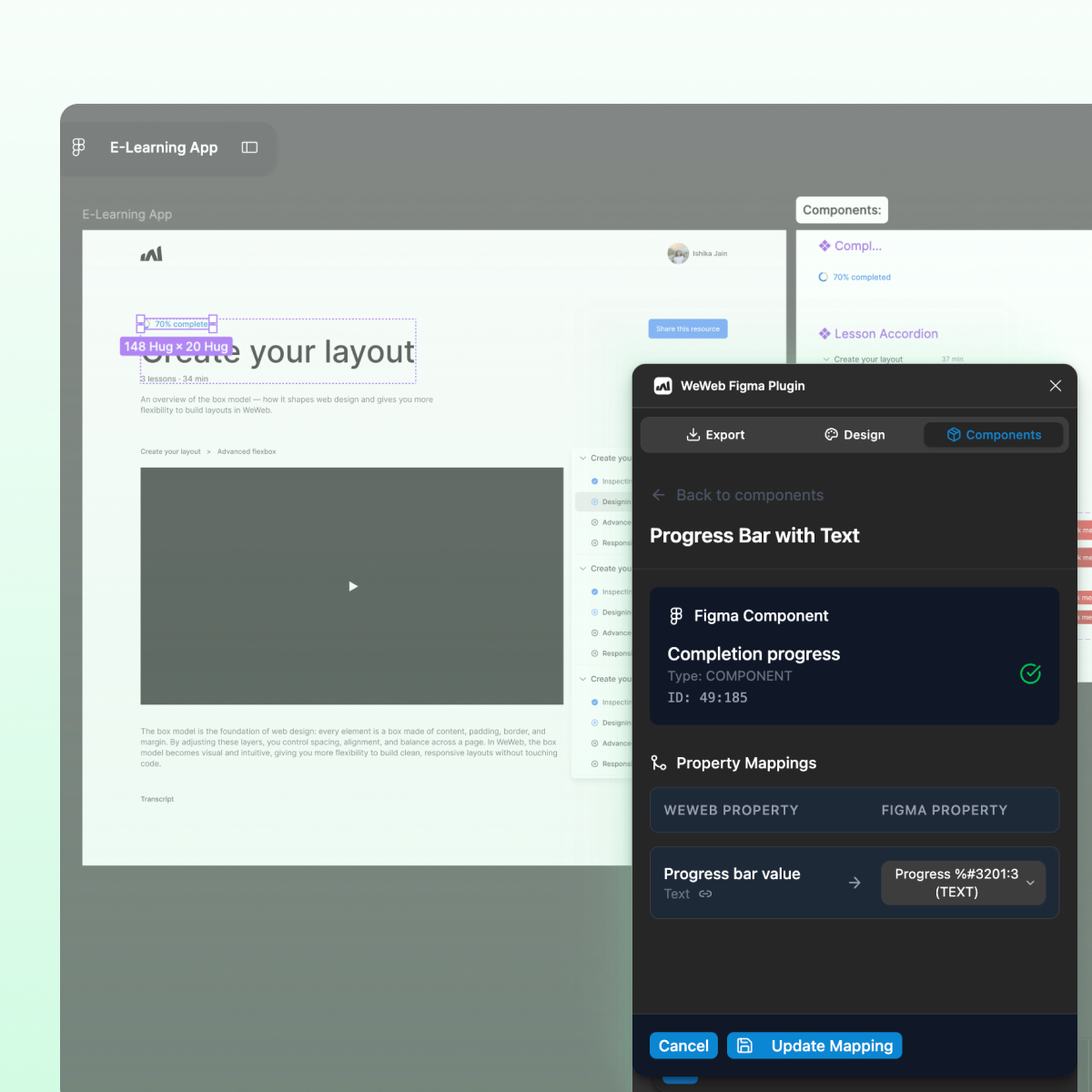
Turn Figma components into app components
Map repeated Figma UI to reusable no-code WeWeb components.

Data & Logic
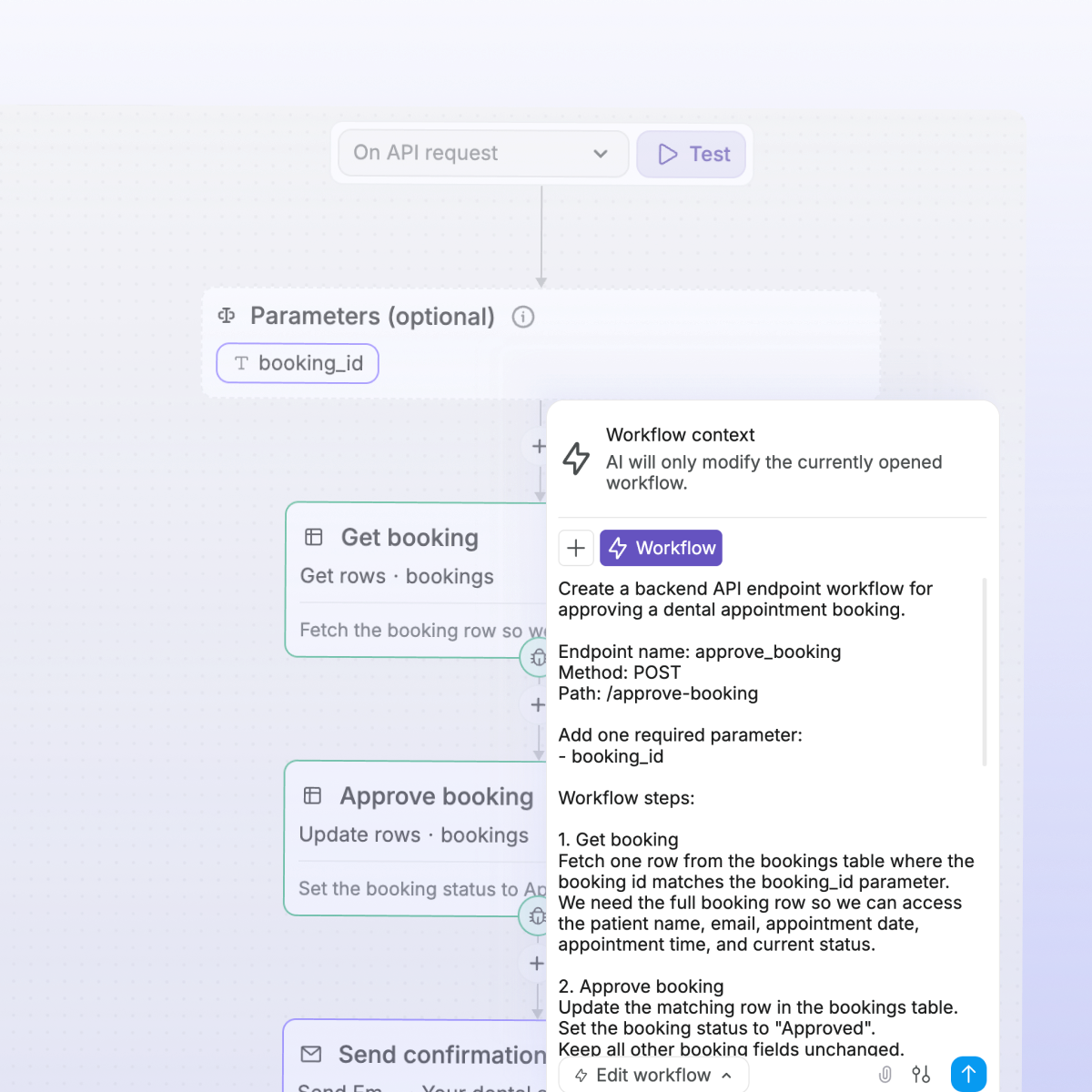
Turn the imported UI into a working app
Ask AI to turn imported screens into real app experiences.

" No-code doesn’t mean low-performance. With WeWeb, we can now build bigger things, things that simply weren’t possible with other tools. "
CEO @ Shunpo

Built to scale
The standards of code, with no-code.