Build a Custom Manufacturing ERP With AI and No-Code
Stop adapting your shop floor to rigid ERP software. WeWeb helps you build manufacturing workflows around your production process. No long implementation cycles. No per-user pricing.
Trusted by founders & Fortune 500s
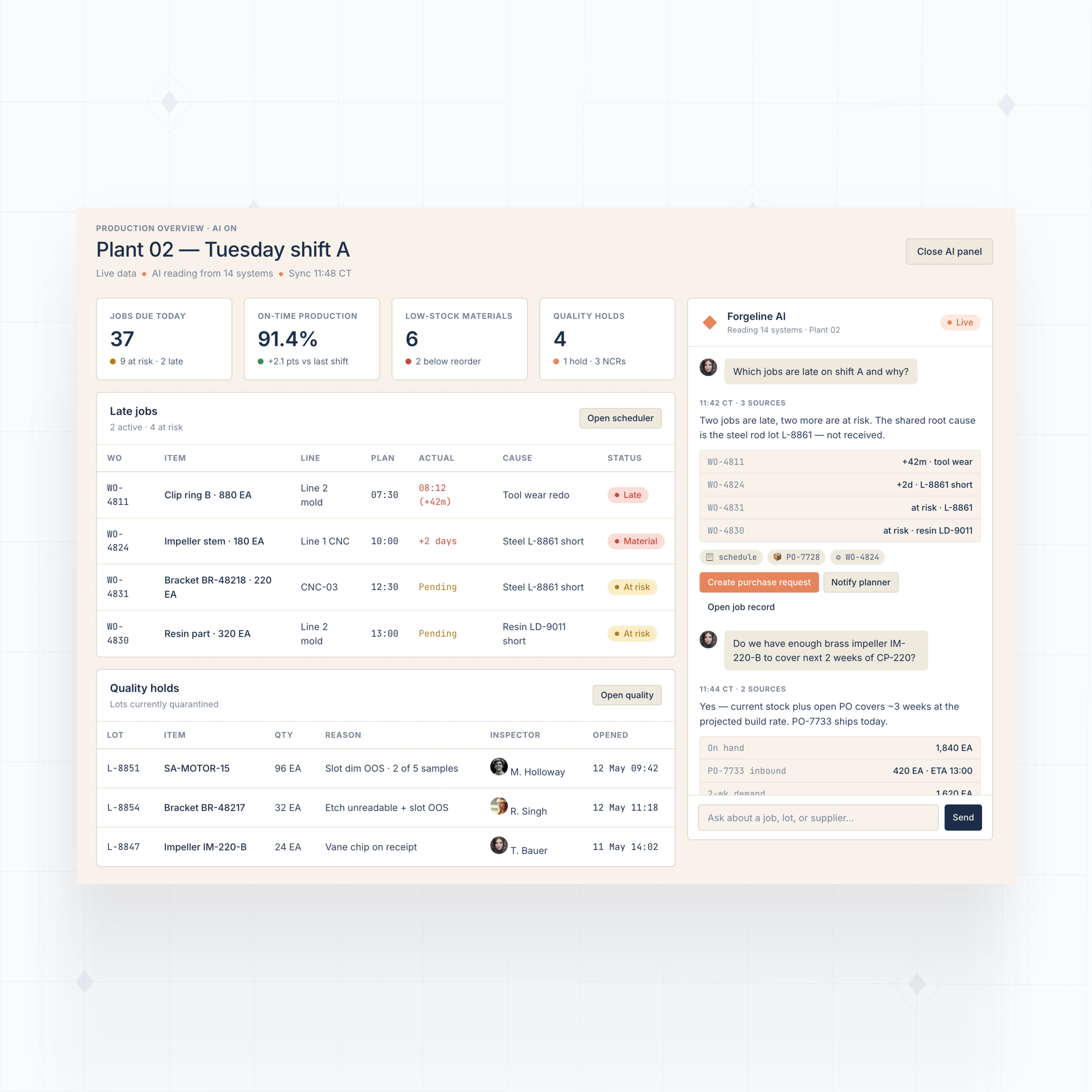
Build manufacturing ERP modules around your operations
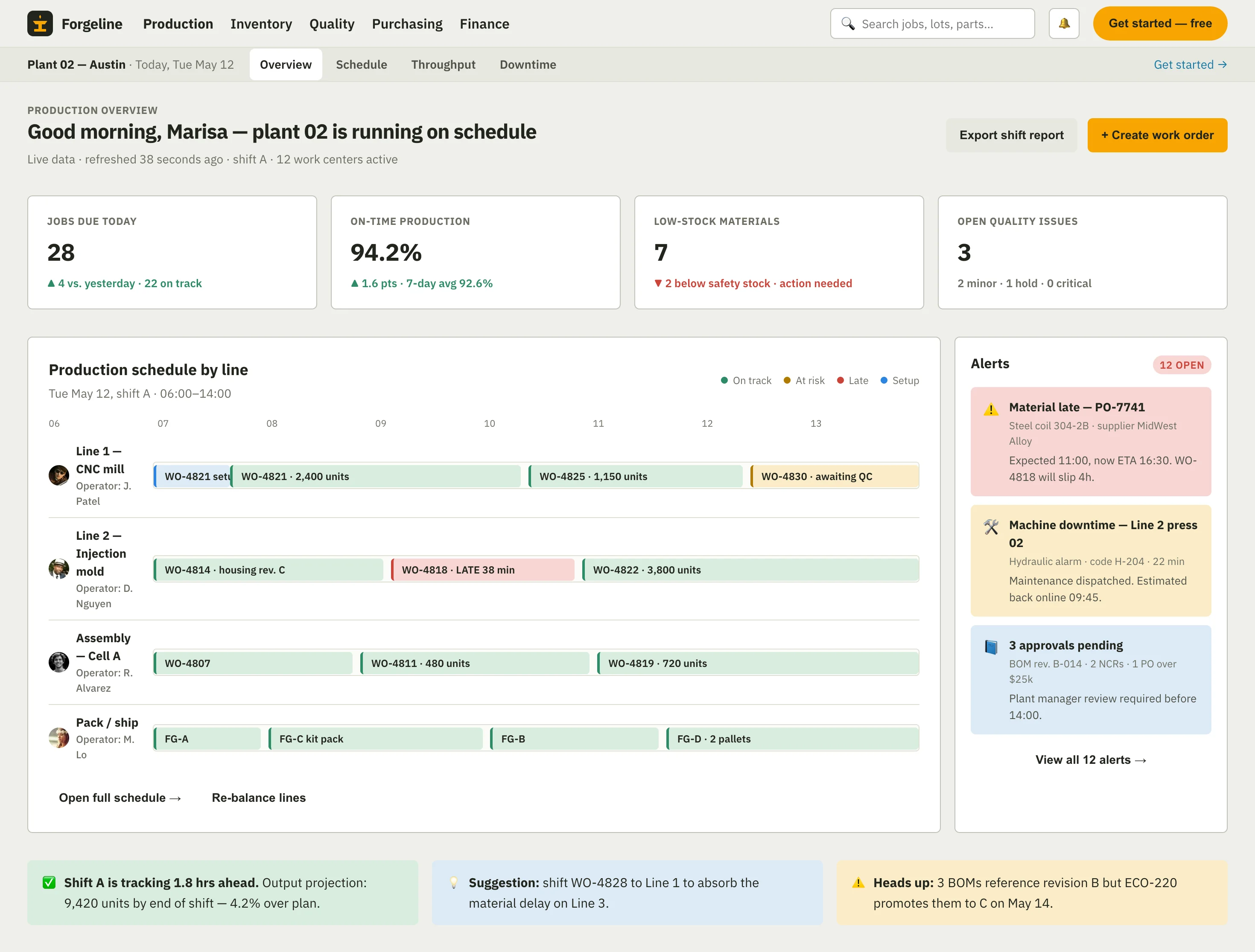
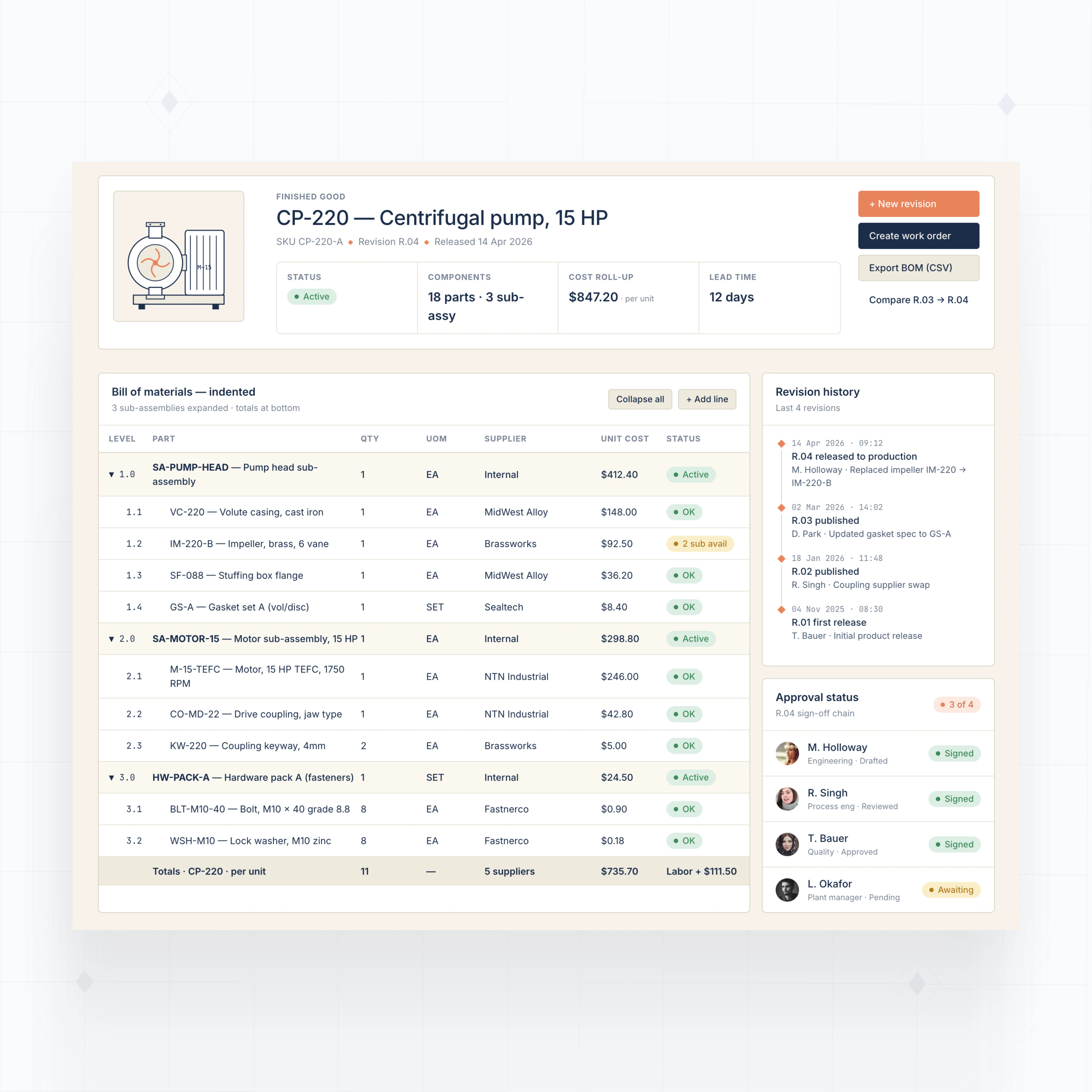
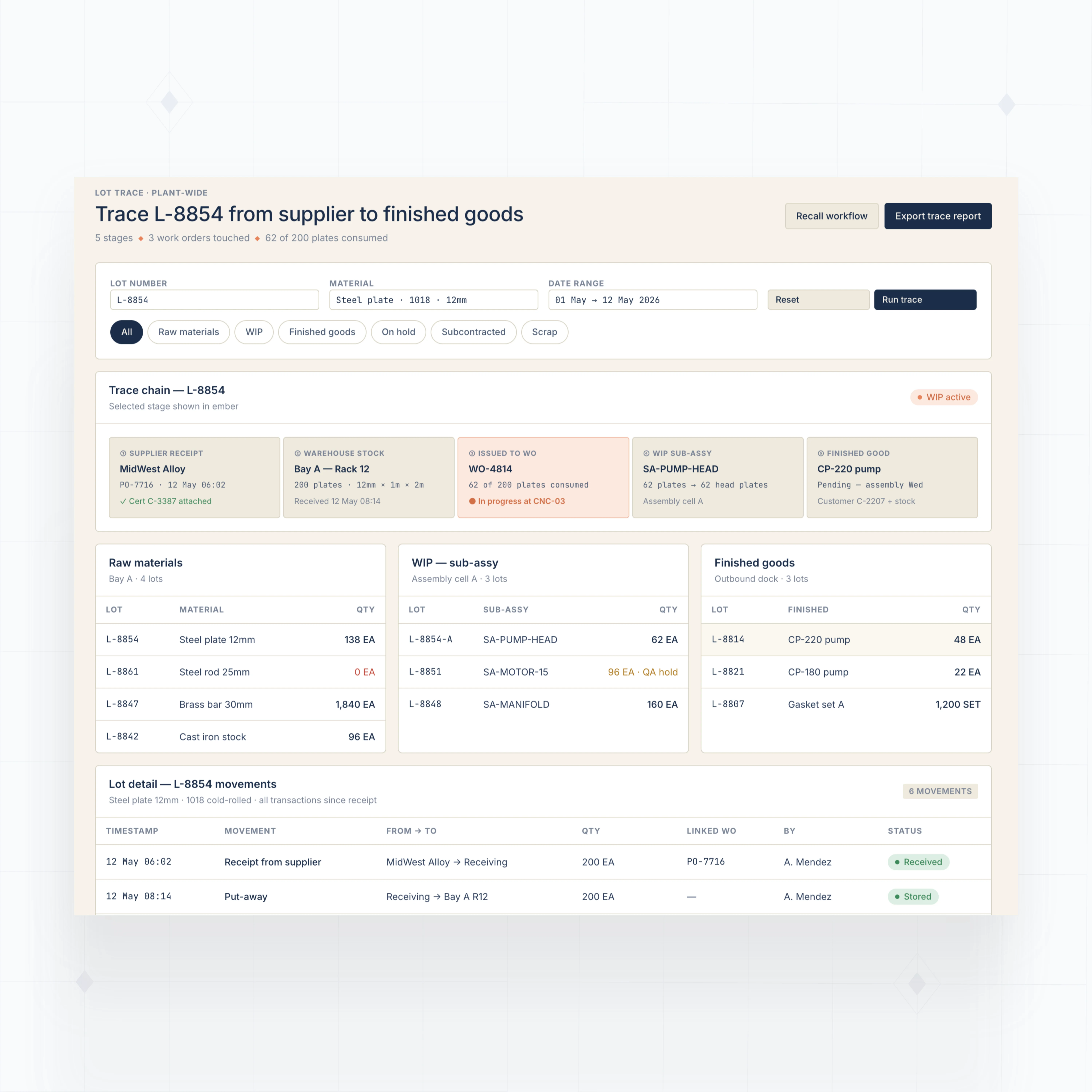
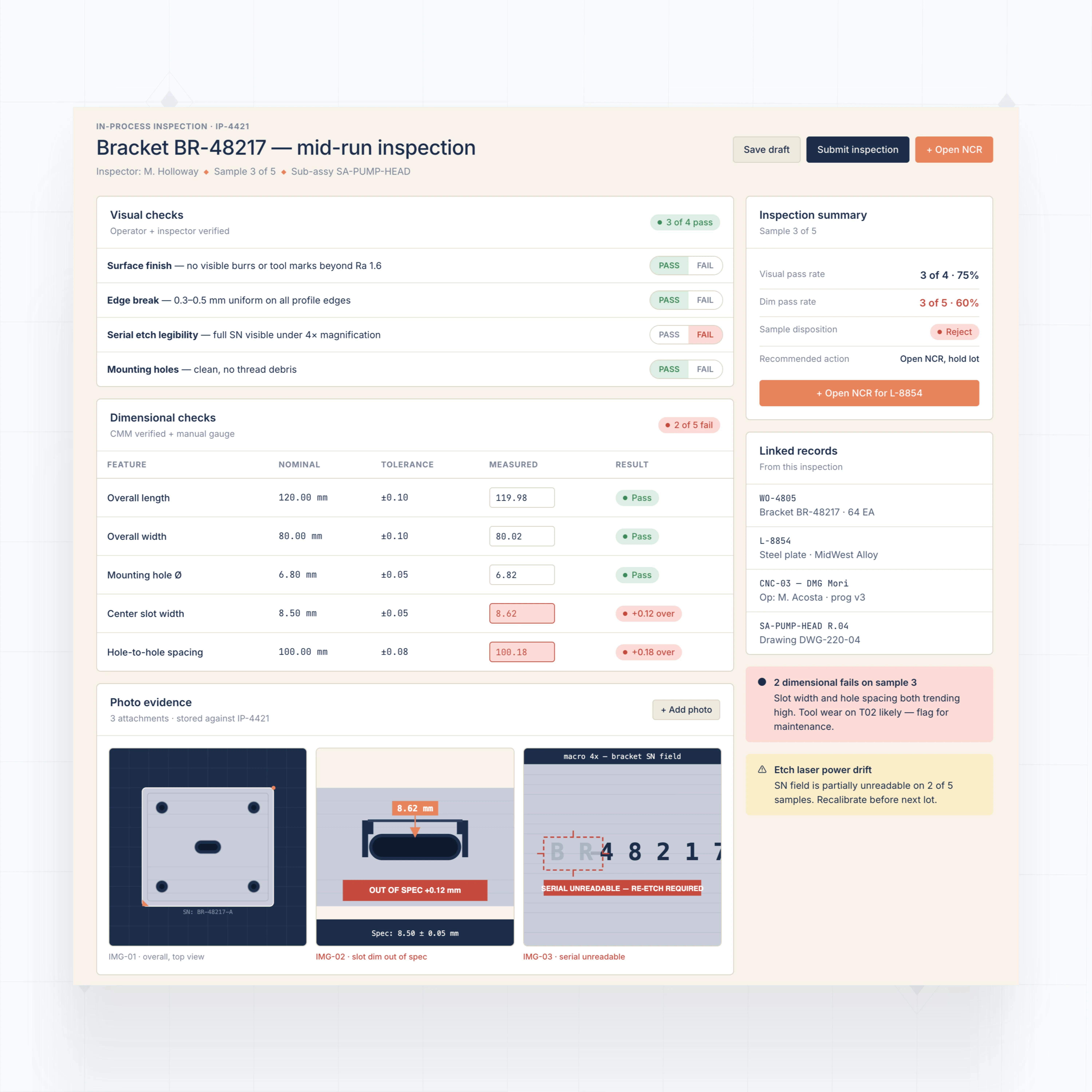
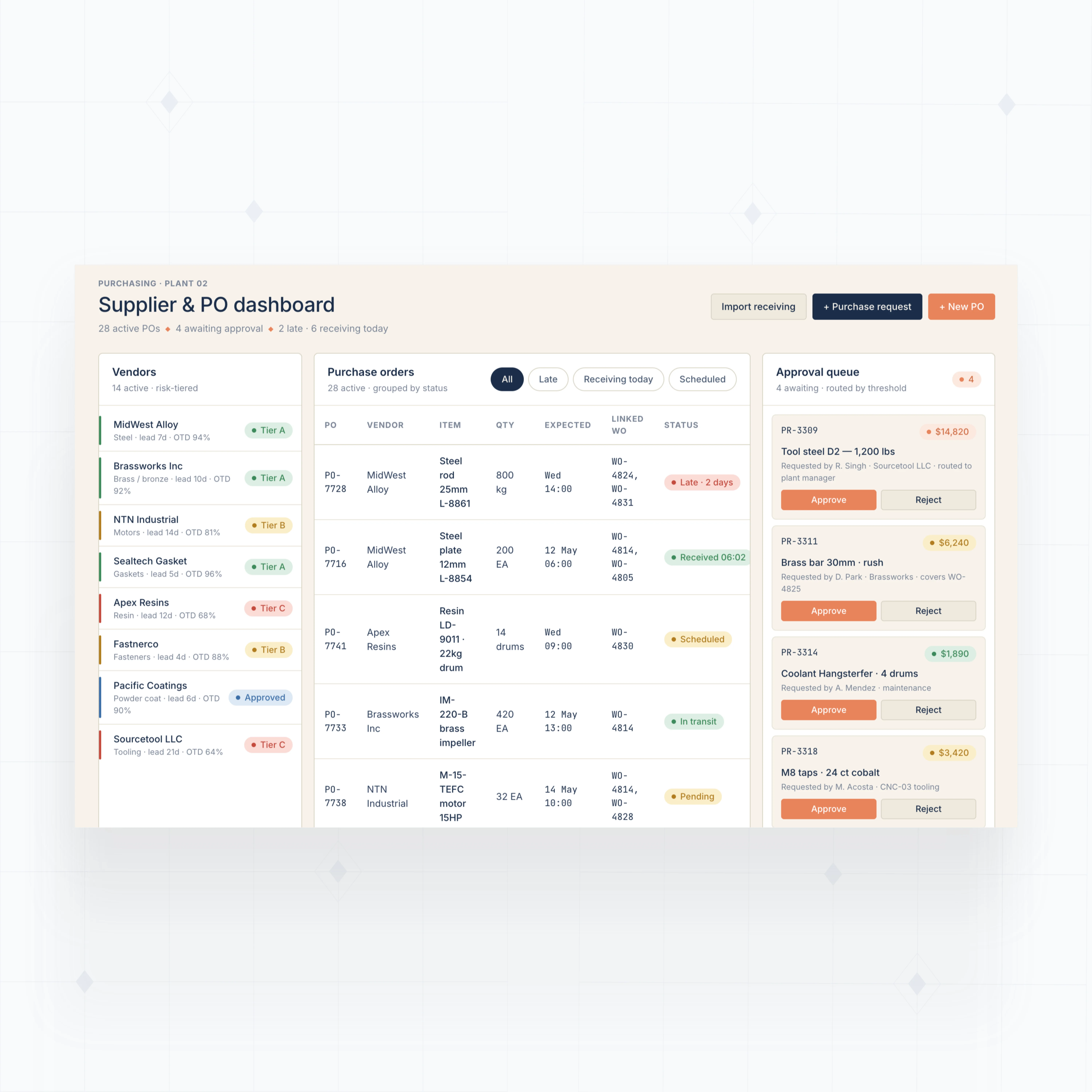
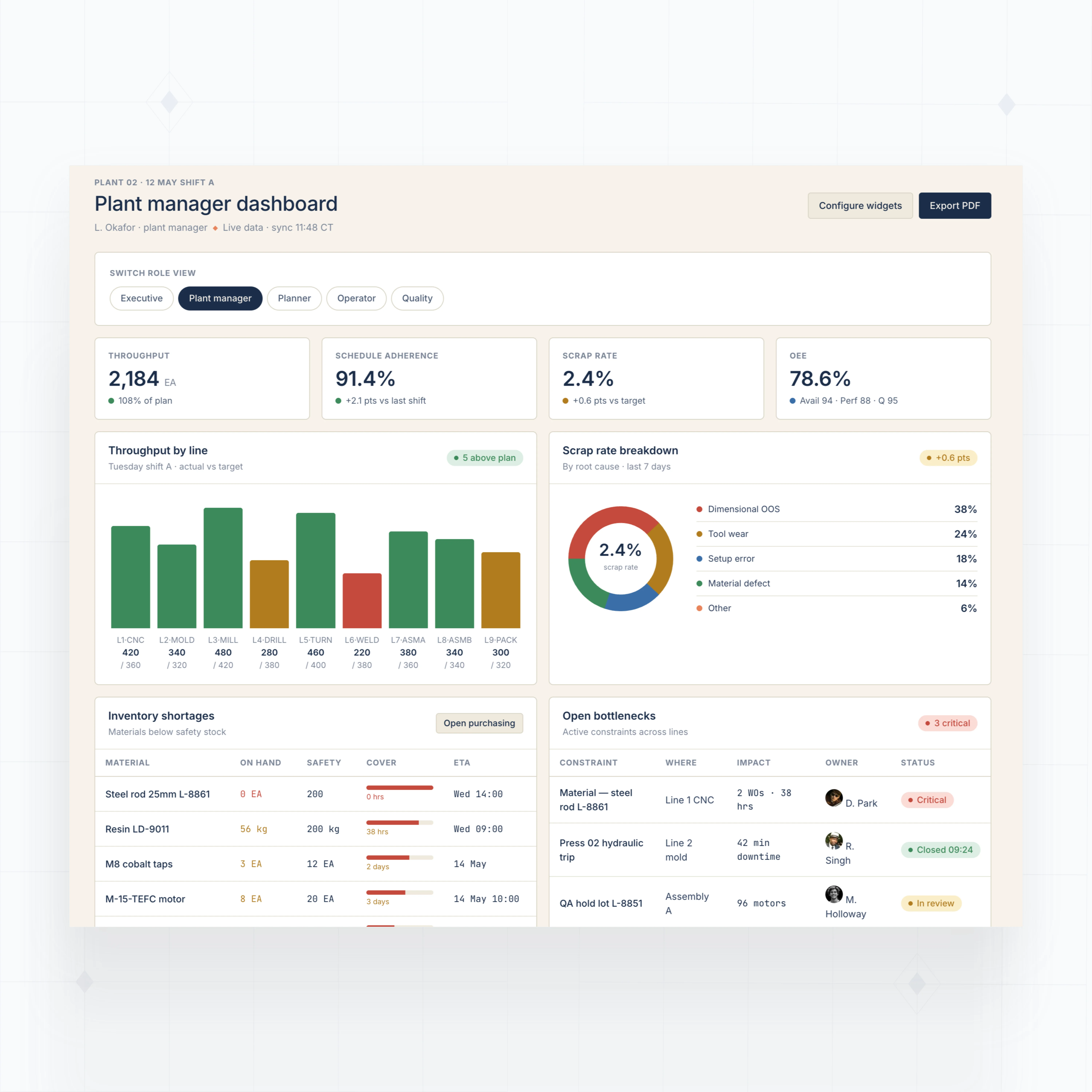
With WeWeb AI, design BOM management, production tracking, inventory, quality, and plant dashboards that fit your manufacturing process.
" Adopting WeWeb’s no-code platform has revolutionized how we approach application development. It’s not just about speed; it’s about empowering our teams to deliver more innovative, secure, and compliant solutions faster and more effectively than ever before "

Production-grade infrastructure for manufacturing ERP
The standards of code, with no-code.
Launch your first plant module this week
We knew this project would require a top-tier tool (like WeWeb) to handle the scale of a nationwide broadcast and meet TF1’s strict requirements. They wanted full control over hosting and infrastructure, with no dependency on proprietary platform servers.

FAQs
Standard manufacturing ERP works best when your process already matches the vendor's model. Many plants do not. Job details may start in a quote, move through QuickBooks, get scheduled in a spreadsheet, and then change again on the shop floor. By the time production starts, no one is fully sure which system is current.
The issue is not just software coverage. It is fit. A manufacturer with custom BOMs, revision changes, rush orders, manual approvals, subcontracted steps, or mixed inventory rules often ends up adapting the business to the ERP instead of the other way around.
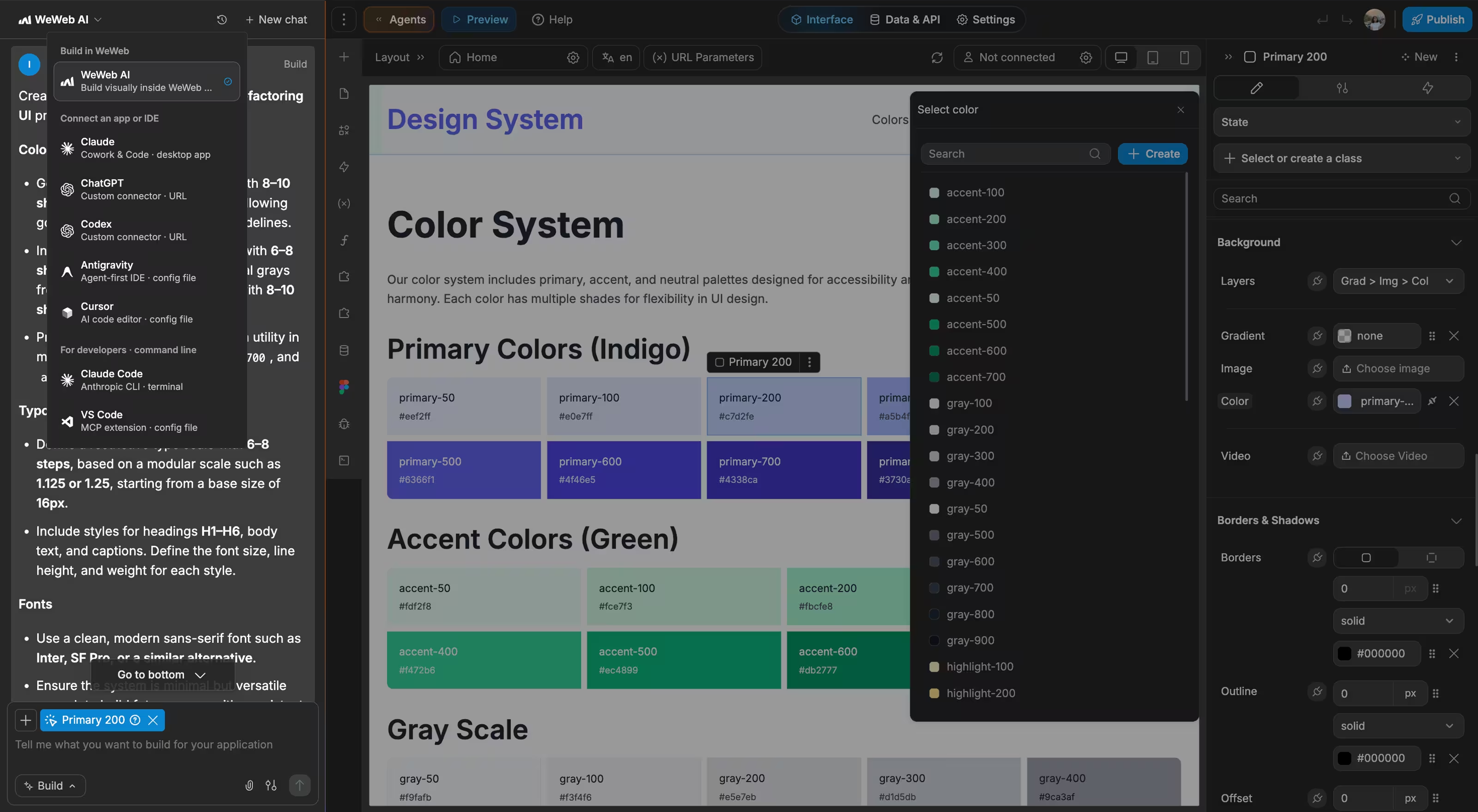
With WeWeb, you can build the operational modules you need first: job tracking, BOMs, inventory, quality, purchasing, or dashboards. WeWeb AI can generate the first version, then your team can refine screens, fields, permissions, and workflows visually.
That lets you start with one high-friction workflow and expand over time, without a 12-month ERP rollout or per-user fees.
You can use WeWeb's backend, bring your own, or combine both in the same manufacturing app.
WeWeb Tables gives you a native backend path. You can create Postgres-powered tables, auto-generated APIs, auth, storage, and backend workflows without setting up a separate backend service. This is useful for modules such as approval queues, production notes, quality checklists, supplier records, or internal request forms.
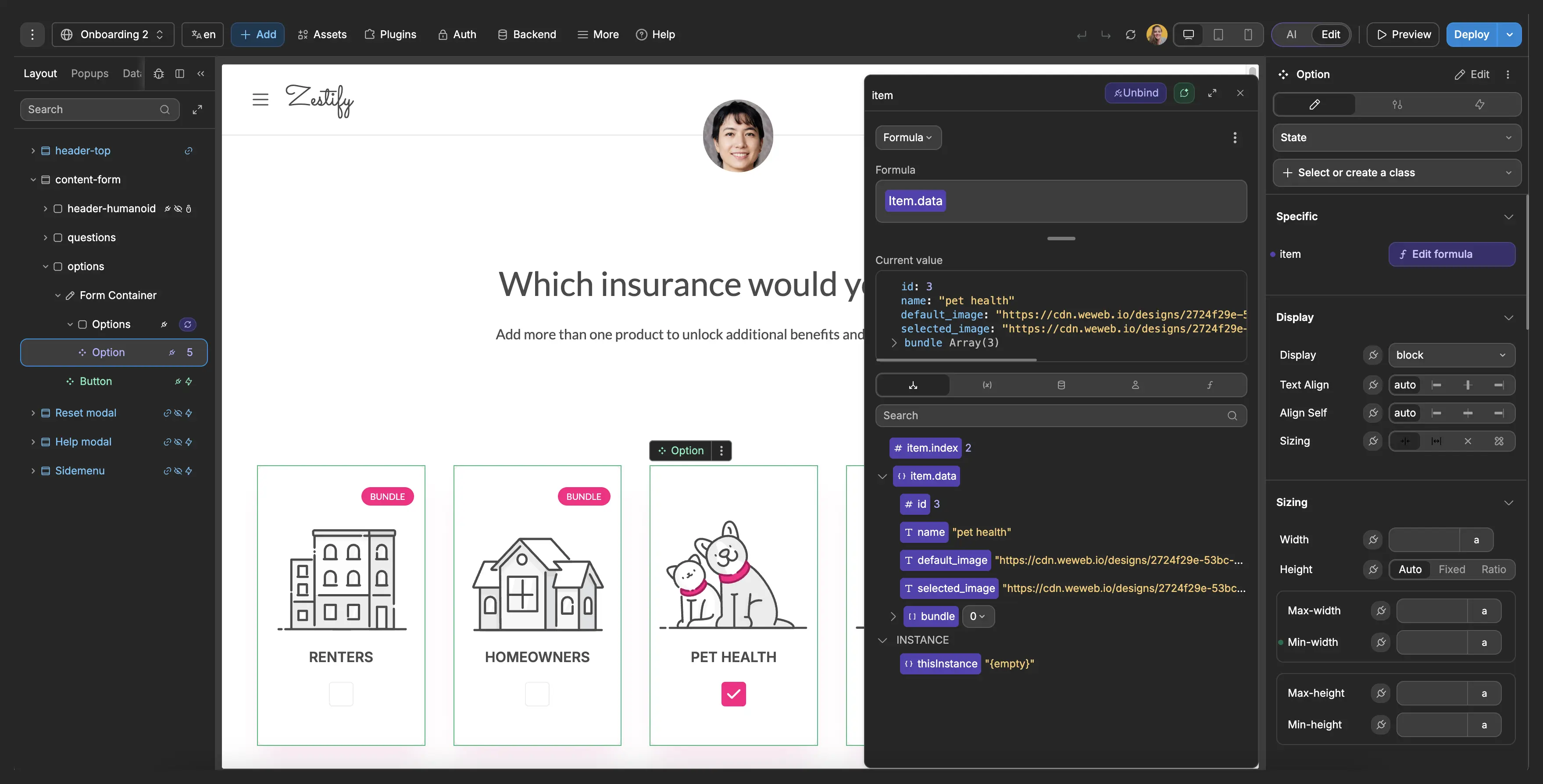
WeWeb is still backend agnostic. If your production, inventory, finance, or customer data already lives somewhere else, WeWeb can connect to it through Supabase, Xano, Airtable, SQL databases exposed through APIs, QuickBooks, MES/QMS tools, or REST, GraphQL, and SOAP APIs.
In practice, many teams use a hybrid setup: WeWeb Tables for new operational records, existing systems for core manufacturing data, and WeWeb as the interface that makes the workflow usable.
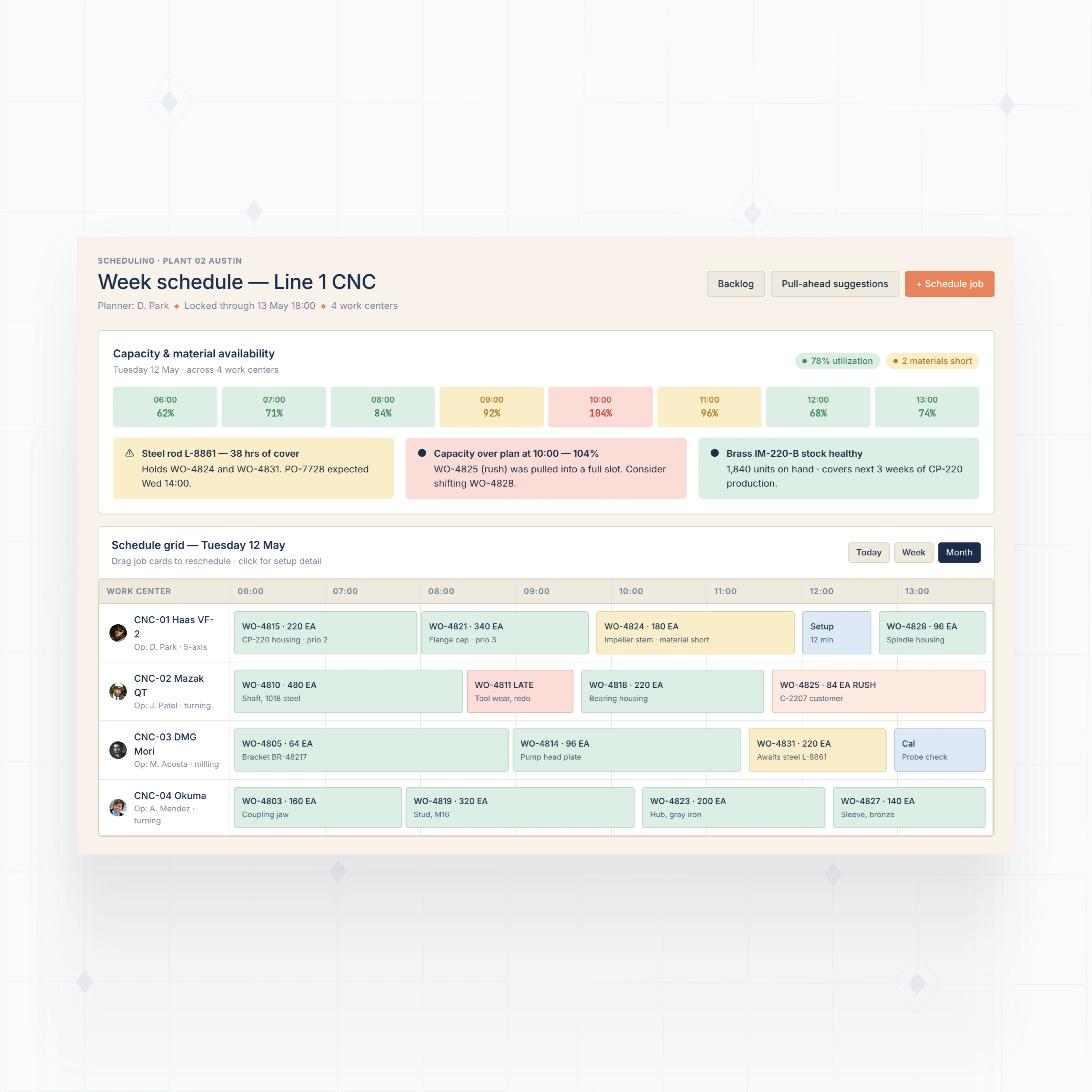
Yes, but the important part is how the scheduling logic is designed. Manufacturing schedules change because materials arrive late, machines go down, operators get reassigned, inspection holds appear, and customers ask for rush orders. A useful system has to show those constraints, not just display a calendar.
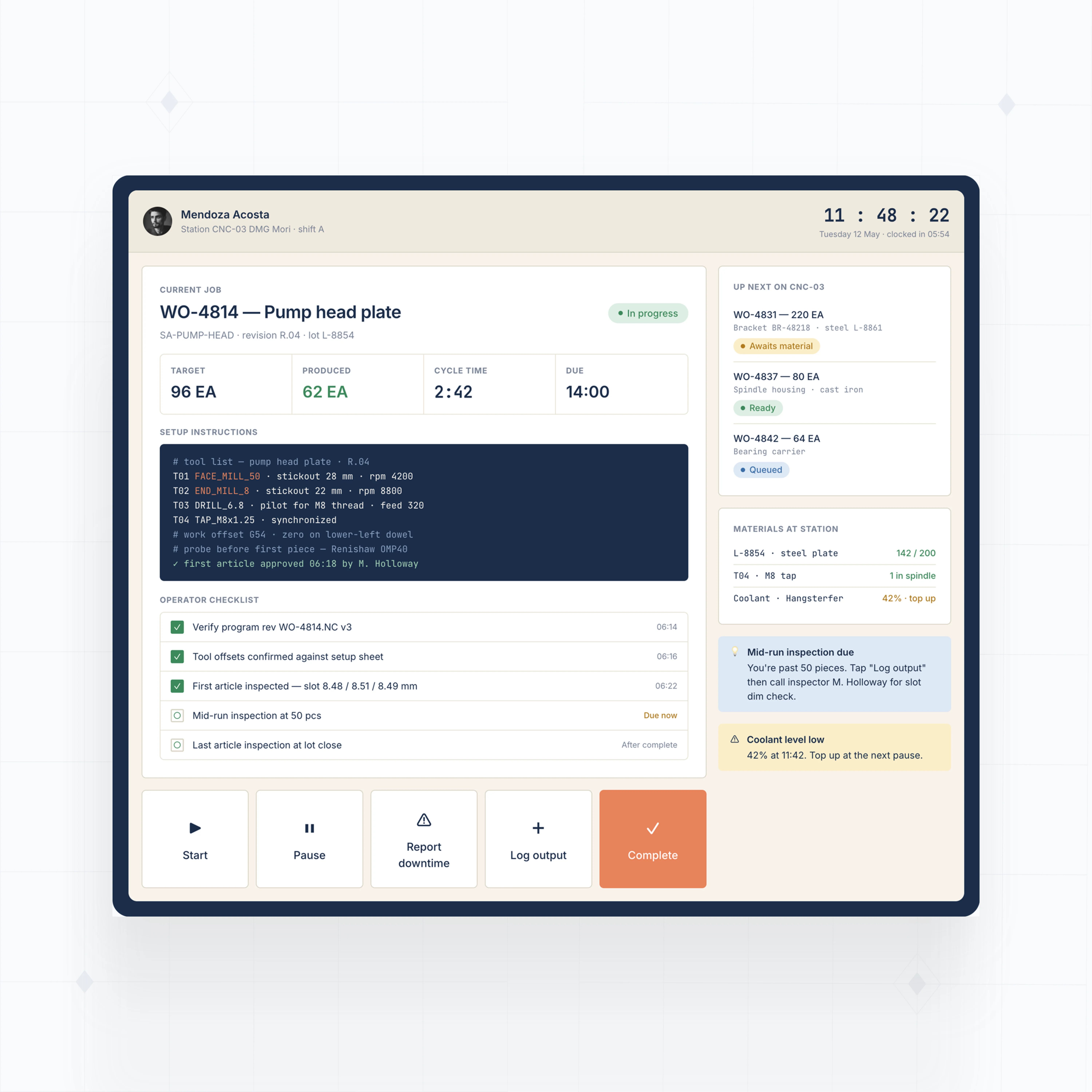
With WeWeb, you can build scheduling views around the way your plant plans work: production line, machine, work center, labor availability, material status, due date, priority, or customer commitment. Operators can update job status from tablets or shared terminals, so planners are not working from yesterday's spreadsheet.
The rules can live in WeWeb backend workflows or in your existing backend. The WeWeb interface gives each team the right view: planners see bottlenecks, managers see throughput, operators see the next job, and purchasing sees which late materials are holding production.
Yes, if the app is designed with the right architecture. Manufacturing systems often contain sensitive data: supplier pricing, customer orders, production capacity, quality records, drawings, and process notes. WeWeb lets you keep that data in the backend you control, whether that is WeWeb Tables, Supabase, Xano, your own database, or an existing system exposed through an API.
Access should be role-based. Operators may only need job instructions and status updates. Planners need schedule and material visibility. Quality teams need inspection and NCR records. Finance may need cost and purchasing data. Leadership needs dashboards, not every operational screen.
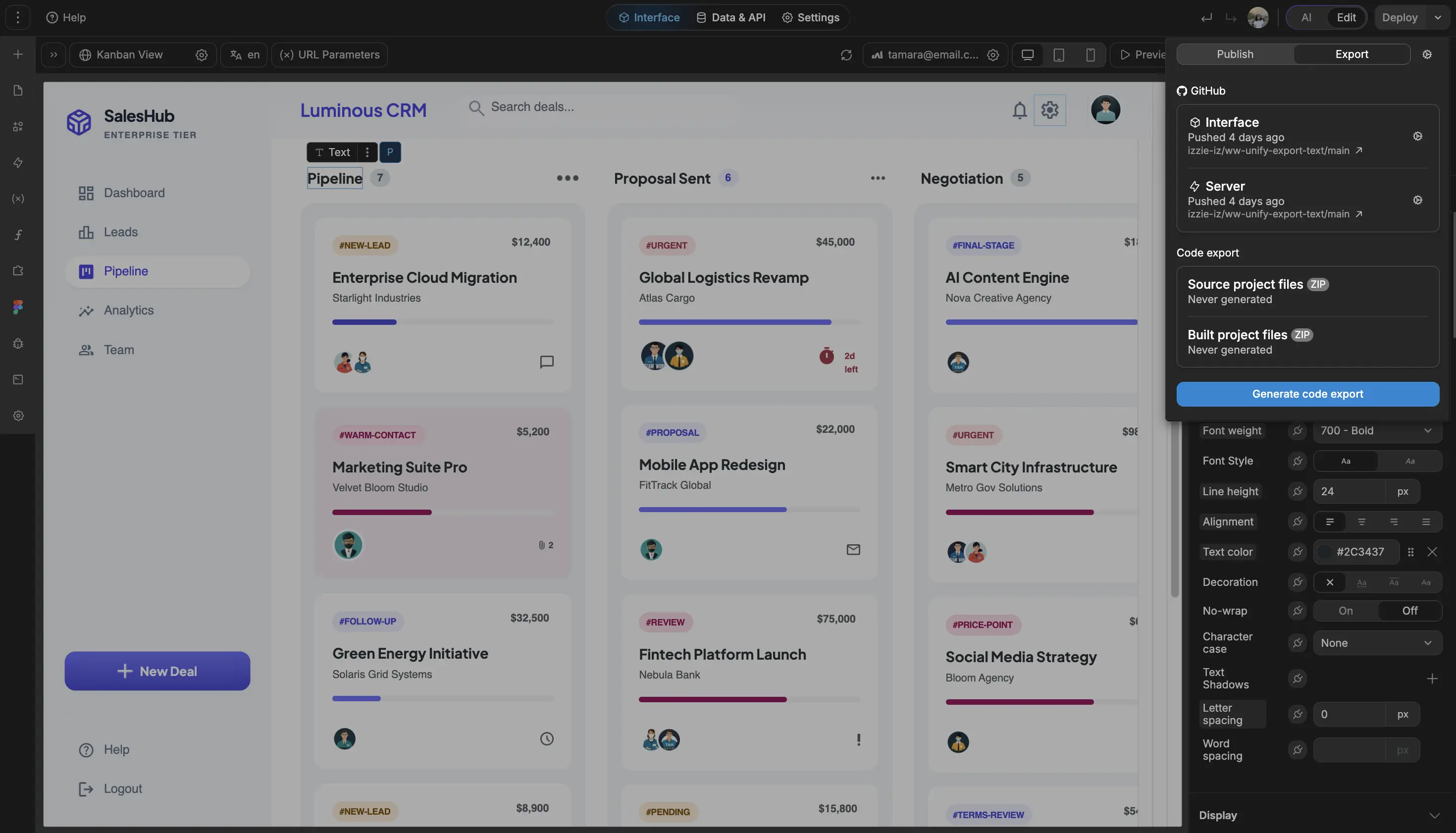
WeWeb gives you the interface layer for those roles, while permissions and sensitive business logic should be enforced in your backend. For stricter infrastructure requirements, you can export the app and self-host it on your own cloud or on-premise environment.