



Starting from a template can save you hours, days, or even weeks. But only if you choose the right one.
A web app template should do more than give you a nice-looking layout. It should help you move faster without boxing you into a structure that breaks as soon as you need real users, real data, permissions, workflows, or backend logic.
That difference matters if you are building a SaaS app, client portal, internal tool, admin panel, marketplace, directory, analytics dashboard, or AI-powered app. You do not just need screens. You need a starting point that can become a working product.
In this guide, we’ll look at how to choose a web app template, what to check before committing, common mistakes to avoid, how to customize a template properly, and how builders can use WeWeb to turn templates into production-ready apps faster.
You can use WeWeb templates to create SaaS dashboards, client portals, internal tools, marketplaces, and custom web apps, then customize the frontend, backend, workflows, and integrations visually.
Browse templates or start building for free.
A template is not the product
A template gives you a starting point. It is not the finished app.
A good web app template can help you skip repetitive setup work by giving you common screens and patterns upfront: navigation, dashboards, forms, tables, user flows, cards, modals, settings pages, and responsive layouts.
But you still need to adapt it to your actual product.
Your app has its own users, data model, permissions, workflows, brand, integrations, and business logic. A template that looks polished in a preview can still be a bad fit if it cannot support the product you are trying to build.
Before choosing a template, ask:
- Does it match the type of app I am building?
- Does it include the pages and flows I actually need?
- Can I connect it to real data?
- Can I customize the design without fighting the structure?
- Can I add authentication, roles, and permissions?
- Can I build workflows, forms, and backend actions?
- Can I extend it as the product grows?
If the answer is no, the template may speed up the first day and slow down every day after that.
What is a web app template?
A web app template is a prebuilt starting point for an interactive application. It usually includes layouts, components, pages, and user interface patterns that builders can customize instead of starting from a blank canvas.
Unlike a basic website template, a web app template is designed for logged-in experiences and dynamic workflows. It may include dashboards, forms, data tables, detail pages, onboarding flows, settings screens, profile pages, admin views, or role-based layouts.
A good web app template helps you build faster by giving you reusable structure for common app patterns, such as:
- User dashboards
- Admin panels
- Client portals
- Internal tools
- SaaS interfaces
- Marketplaces
- Directories
- Analytics dashboards
- Approval workflows
- AI app interfaces
The best templates are not just visually attractive. They are flexible enough to connect to real data, adapt to your brand, support responsive layouts, and evolve into a real product.
Website template vs web app template
A common mistake is choosing a website template when you actually need a web app template.
A website template is usually built for public-facing content. It may work well for landing pages, blogs, portfolios, product pages, documentation, or marketing sites.
A web app template is built for interaction. It should support users doing things inside the product: logging in, creating records, updating data, filtering results, submitting forms, managing workflows, viewing dashboards, or completing tasks.
Here is the difference:
If you are building a marketing site, a website template may be enough. If you are building the app behind the signup button, you need a web app template.
How to choose the right web app template
The best template is not the one with the prettiest preview. It is the one that gets you closest to the product you actually need to build.
Start with these criteria.
1. Match the template to your app type
Different apps need different structures.
A SaaS dashboard needs onboarding, user settings, account pages, usage views, and possibly billing flows. A client portal needs protected pages, client-specific data, file access, and status updates. An internal tool needs forms, tables, filters, approval flows, and admin actions.
Do not choose a template just because the homepage looks good. Choose one that already contains the patterns your app needs.
2. Check the page structure
A useful web app template should include more than one impressive dashboard screen.
Look for:
- Login and signup pages
- Dashboard home
- Data table views
- Detail pages
- Forms
- Settings pages
- Empty states
- Loading states
- Error states
- Profile or account pages
- Admin screens
- Mobile-friendly layouts
If the template only includes static screens, you may spend more time filling gaps than you saved by starting from a template.
3. Check whether it supports real data
A template preview often uses perfect demo content: short names, clean charts, balanced cards, and neatly formatted records.
Your real data will be messier.
Before committing, ask:
- Can the layout handle long names and labels?
- Can tables support filtering, sorting, or pagination?
- Can cards work with missing fields?
- Can charts connect to dynamic data?
- Can detail pages show records from a backend?
- Can forms create or update real records?
A good template should be ready to connect to data, not just display placeholder content.
4. Look for reusable components
Reusable components make an app easier to customize and maintain.
Look for templates that use consistent patterns for:
- Buttons
- Form fields
- Cards
- Tables
- Navigation
- Modals
- Filters
- Status badges
- Empty states
- Page headers
- Sidebars
- Tabs
- Alerts
If every screen is built differently, small changes become painful. A good template should give you a system you can build on.
5. Check responsive behavior
Many web app templates look good on desktop and fall apart on mobile.
This is especially important for dashboards, portals, internal tools, and admin panels, where tables, filters, modals, and multi-column layouts can become hard to use on smaller screens.
Check:
- Does navigation work on mobile?
- Are forms easy to complete?
- Do tables adapt properly?
- Are buttons large enough to tap?
- Are modals usable on small screens?
- Does the page still make sense without a wide layout?
A responsive template saves a lot of cleanup later.
6. Think about authentication and permissions
Most real web apps need different views for different users.
For example:
- An admin can manage all users.
- A client can only see their own project.
- A manager can approve requests.
- A teammate can submit but not approve.
- A customer can view invoices but not edit account settings.
If your app needs roles or protected pages, choose a template that can support those flows. A nice dashboard is not enough if every user sees the same thing.
7. Make sure the template can grow
Your MVP may start simple, but the template should not trap you.
Ask whether you can later add:
- More pages
- More roles
- More workflows
- More data sources
- API integrations
- Custom logic
- Backend actions
- Payment flows
- AI features
- Admin controls
The right template helps you launch faster while still leaving room to evolve.
Quick chooser: which template do you need?
Types of web app templates to consider
Instead of looking for a generic “best web app template,” start with the type of product you are building.
SaaS dashboard template
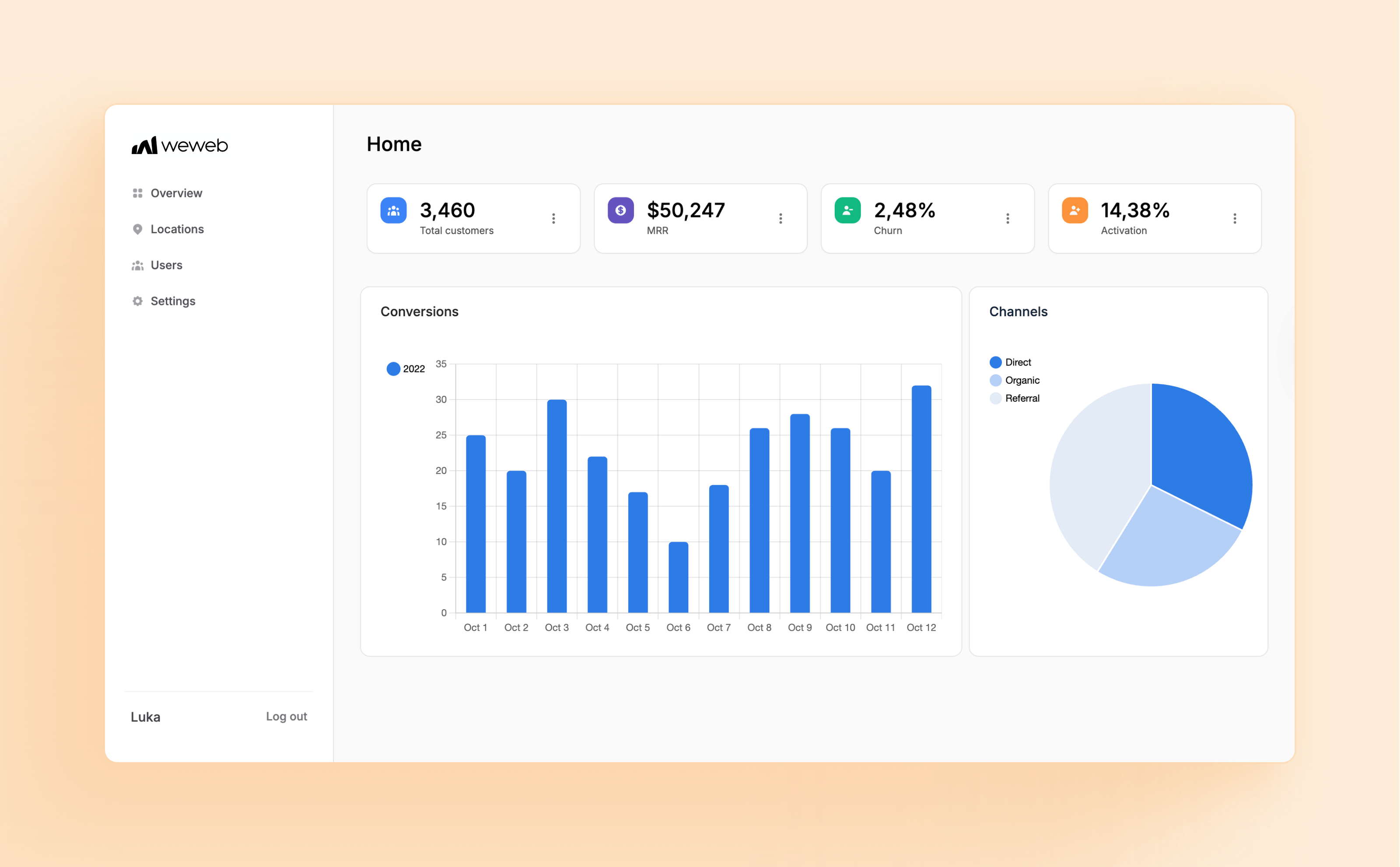
A SaaS dashboard template is useful when you are building a subscription product, analytics tool, B2B app, or customer-facing dashboard.
Look for:
- Signup and login pages
- Onboarding flow
- Dashboard overview
- Usage or activity screens
- User settings
- Team or workspace management
- Billing placeholders
- Data tables
- Charts and reports
- Admin view
A good SaaS template should help users understand the product quickly, complete setup, and return to the dashboard for ongoing work.
Client portal template

A client portal template is useful for agencies, service businesses, consultants, B2B platforms, and customer support workflows.
Look for:
- Protected client login
- Client-specific dashboard
- Project or request overview
- File upload and download
- Status tracking
- Messages or comments
- Notifications
- Client profile
- Admin management view
A client portal template should make it easy for users to find what belongs to them, understand status, and take the next action.
Internal tool template
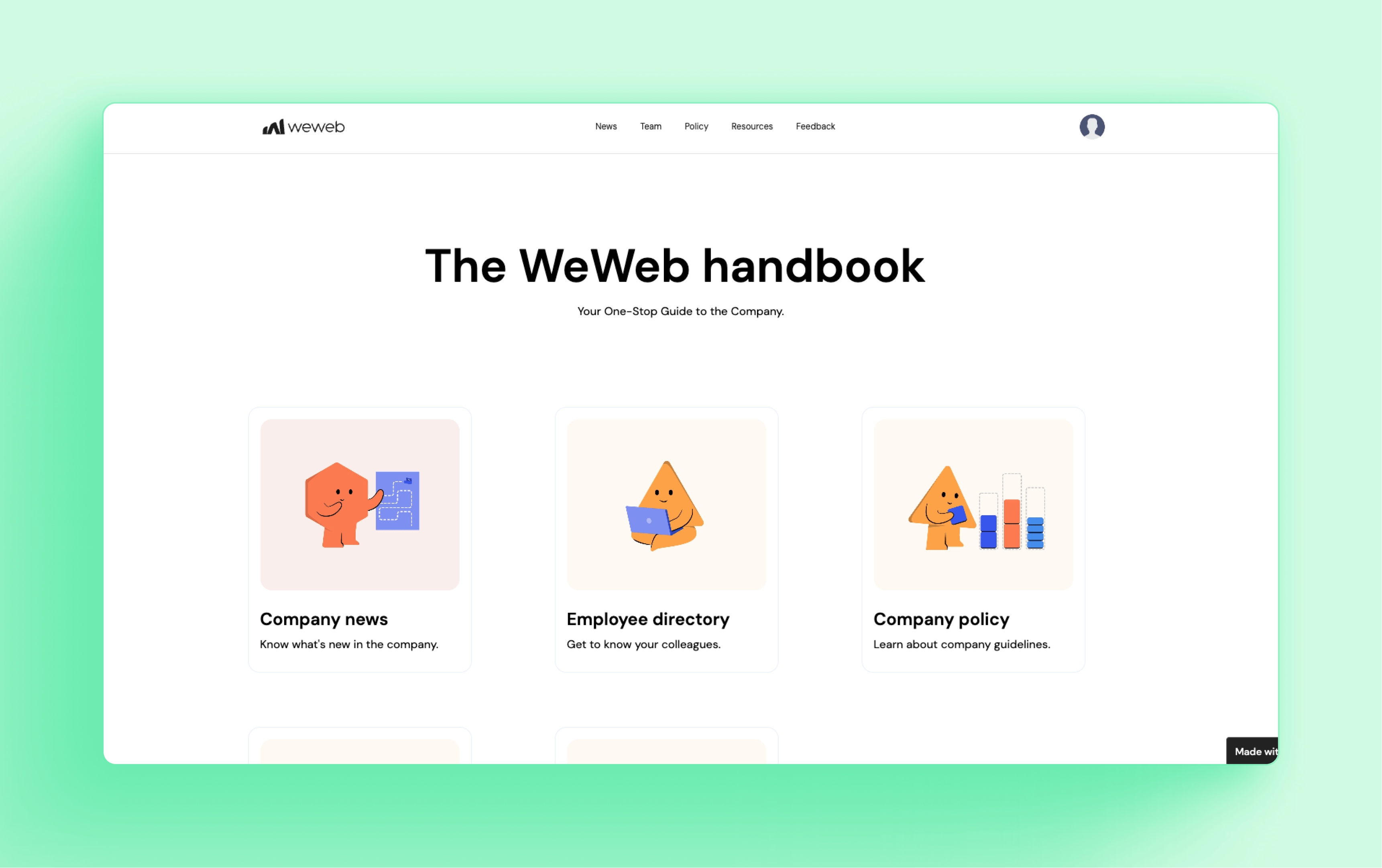
An internal tool template is useful when you need to manage operational workflows.
Look for:
- Tables
- Forms
- Inline editing
- Filters and search
- Approval flows
- Assignment flows
- Status changes
- Admin controls
- Bulk actions
- Audit-friendly layouts
Internal tools should prioritize clarity and speed over decoration. Users need to complete work quickly, not admire the interface.
Admin panel template
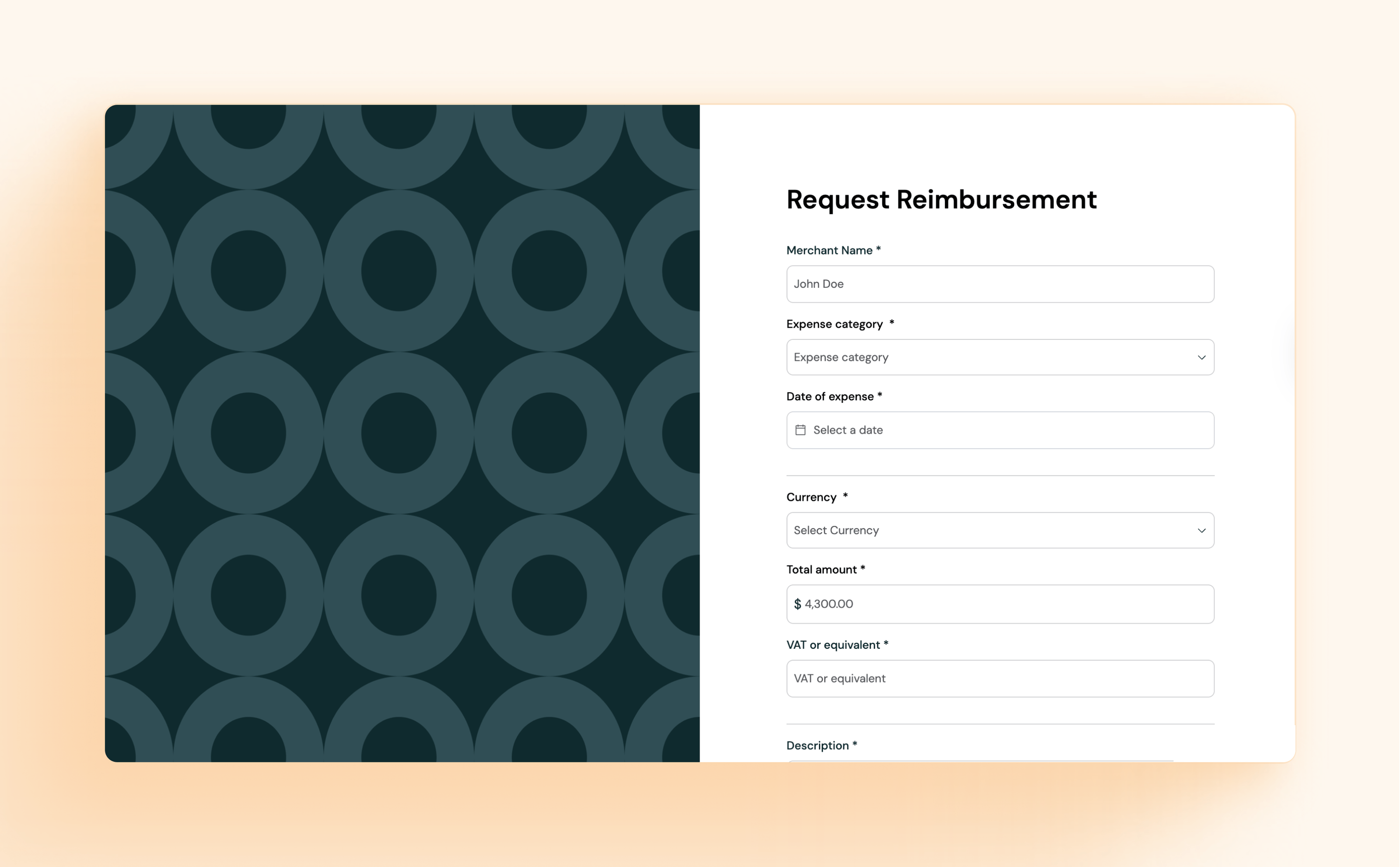
An admin panel template is useful for managing users, content, transactions, submissions, bookings, or records.
Look for:
- User management
- Record detail pages
- Search and filtering
- Status updates
- Safe destructive actions
- Role-based views
- Activity logs
- Moderation screens
- Settings pages
Admin panels need to be predictable, structured, and safe. They should make it hard for users to make accidental changes.
Marketplace or directory template
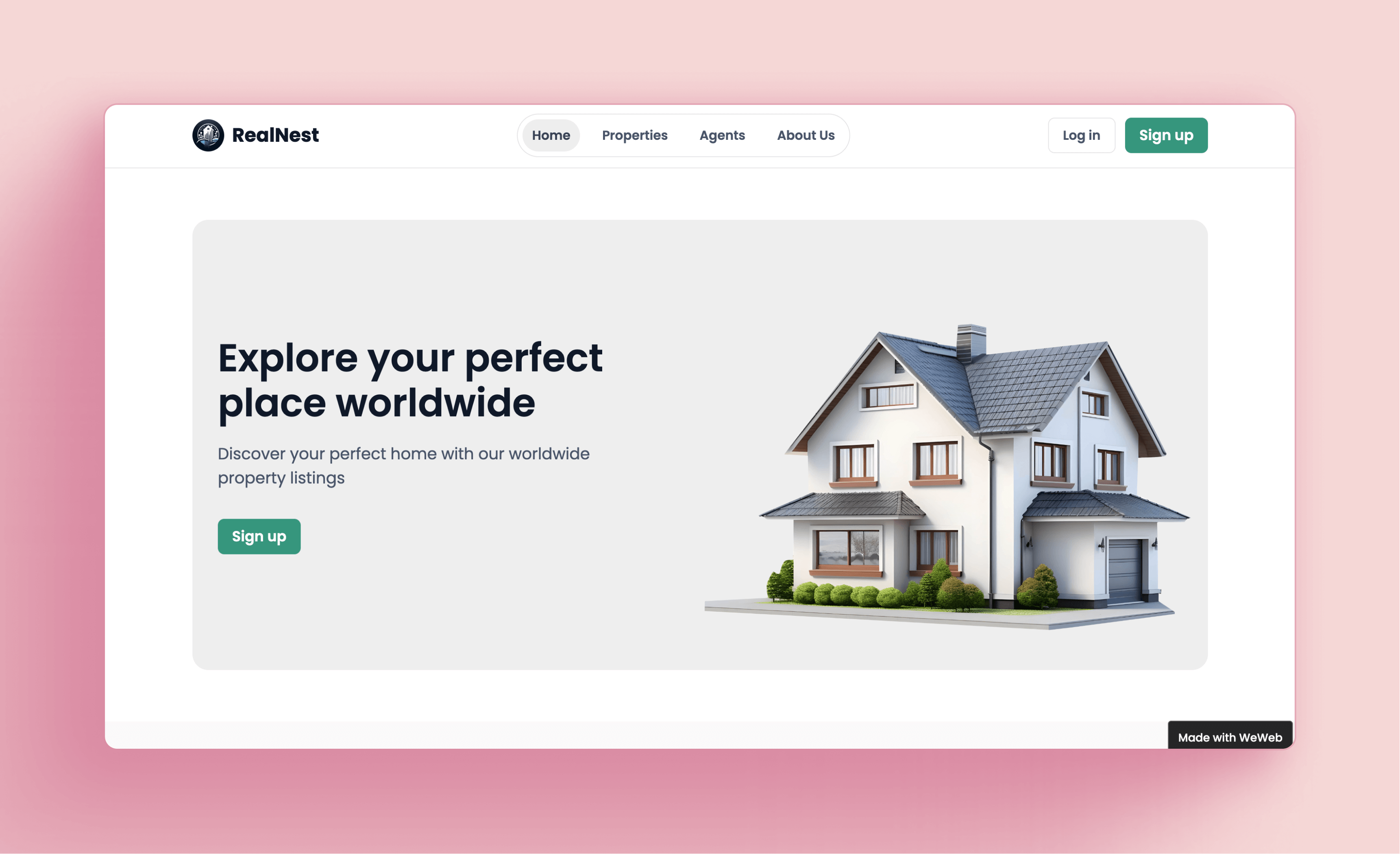
A marketplace or directory template is useful for listing-based products, vendor directories, job boards, service marketplaces, communities, and resource hubs.
Look for:
- Listing cards
- Search and filters
- Category pages
- Detail pages
- User profiles
- Submission forms
- Admin moderation
- Saved items or favorites
- Review or approval flows
A marketplace template should be flexible enough to handle different user types, such as buyers, sellers, admins, and visitors.
Analytics dashboard template
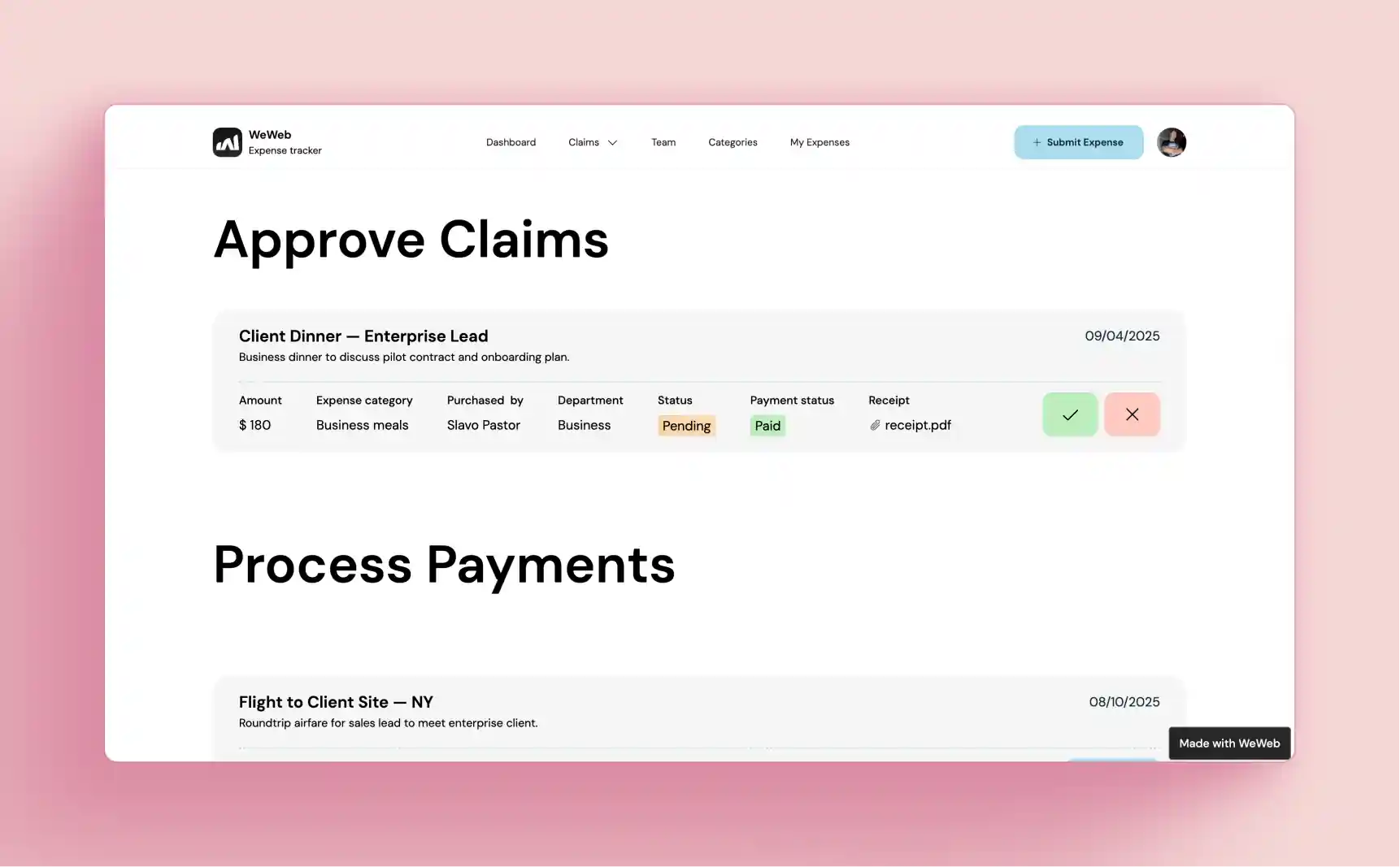
An analytics dashboard template is useful for reporting tools, data products, internal dashboards, and customer-facing insights.
Look for:
- KPI cards
- Charts
- Date filters
- Data tables
- Drill-down pages
- Export options
- Empty states
- Loading states
- Data refresh indicators
Analytics templates need to work with real data, not only static chart examples.
AI app template
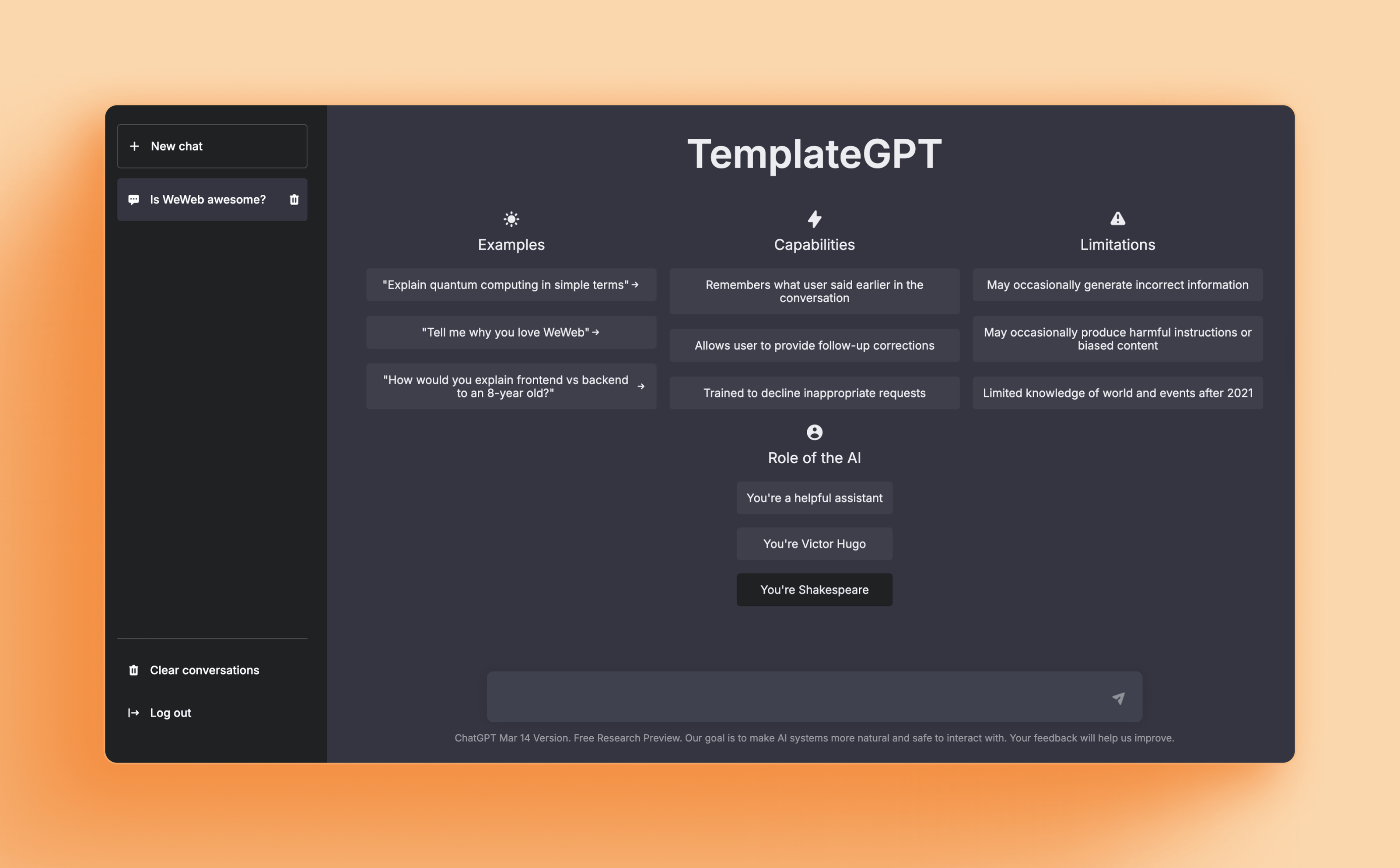
An AI app template is useful if you are building a product around prompts, generated outputs, classification, summarization, recommendations, or AI-assisted workflows.
Look for:
- Prompt input fields
- Result display pages
- Review queues
- History views
- Usage dashboards
- Admin settings
- Feedback buttons
- Error states
- Loading states
- API-connected workflows
A good AI app template should support the full workflow around the AI output, not just the input box.
How to customize a web app template
Once you choose a template, the next step is customization. Do not start by changing colors. Start by making the template fit the product.
1. Start with the user journey
Before editing layouts, map the core flow.
Ask:
- What does the user need to do first?
- What information do they need to see?
- What action should they take?
- What happens after they submit, save, approve, upload, or update something?
- What should the user see when something goes wrong?
Customize the template around that journey.
For example, if you are building a client portal, the first important flow may be: log in, view project status, upload a file, and send a message. If you are building an internal tool, the first flow may be: review a request, approve it, assign it, and update its status.
2. Remove what you do not need
Most templates include more pages and components than your app needs.
Remove unnecessary pages early so the app stays focused. This also makes it easier to see what is missing.
For example:
- A SaaS app may not need marketplace listing pages.
- A client portal may not need analytics charts.
- An internal tool may not need public marketing sections.
- An AI app may not need ecommerce-style product pages.
A cleaner template is easier to customize.
3. Replace demo content with real data
Static cards and placeholder charts are not enough.
Connect the template to real or realistic data as early as possible. This helps you see whether the layout still works when actual records, filters, statuses, and edge cases appear.
Test with:
- Long names
- Empty fields
- Many records
- Few records
- Missing images
- Different user roles
- Failed requests
- Slow loading
- Large numbers
- Unusual statuses
Real data exposes issues that demo content hides.
4. Adapt the navigation
Navigation should match the way users think about the app.
A SaaS app might need:
- Dashboard
- Projects
- Reports
- Team
- Billing
- Settings
A client portal might need:
- Overview
- Files
- Messages
- Requests
- Invoices
- Profile
An internal tool might need:
- Inbox
- Requests
- Approvals
- Users
- Reports
- Admin
Do not keep template navigation just because it came with the template.
5. Define roles and permissions
Most web apps need different views for different users.
Define roles early:
- Admin
- Member
- Client
- Customer
- Manager
- Operator
- Viewer
Then decide what each role can see and do.
This affects pages, buttons, forms, workflows, navigation, and backend logic. It is much easier to plan permissions early than to retrofit them later.
6. Customize components, not just pages
Do not only edit individual screens. Build a consistent component system.
Turn repeated UI patterns into reusable components:
- Buttons
- Cards
- Inputs
- Tables
- Modals
- Filters
- Status badges
- Empty states
- Navigation items
- Page headers
- Forms
Reusable components make your app easier to maintain as it grows.
7. Connect workflows
Templates usually show what a screen should look like. You still need to define what happens when users interact with it.
For example:
- What happens when a user submits a form?
- Where does the data go?
- Who gets notified?
- What status changes?
- What happens if the request fails?
- Can the user edit the record later?
- Does an admin need to approve it?
A real app needs workflows behind the interface.
8. Test on real scenarios
Before launching, test the template against realistic use cases.
Check:
- Empty states
- Error states
- Loading states
- Permission errors
- Mobile screens
- Long records
- Large datasets
- Failed API calls
- Slow connections
- Multiple user roles
- Repeated workflows
The goal is not to keep the template beautiful. The goal is to make the app usable.
Build and customize web app templates with WeWeb
WeWeb helps builders move from template to real app faster.
Instead of starting from a blank canvas, you can begin with a template for a SaaS app, client portal, internal tool, dashboard, marketplace, directory, admin panel, or custom workflow.
Then you can customize the interface visually, connect data, add authentication, define workflows, and adapt the app to your exact use case.
With WeWeb, you can:
- Start from web app templates instead of building every screen from scratch.
- Customize pages, layouts, components, and responsive behavior visually.
- Use WeWeb’s native backend for data, logic, authentication, and workflows.
- Connect to external tools like Supabase, Xano, Airtable, REST APIs, GraphQL APIs, payment tools, and AI services.
- Add user roles, protected pages, forms, dashboards, tables, and workflows.
- Extend the app with custom code when needed.
- Export code if your project requires more ownership or custom deployment later.
This makes templates more useful because they are not just static UI kits. They become starting points for real applications.
Browse WeWeb templates or start building for free.
Web app template checklist
Before choosing a template, check that it includes:
✅ The right app type for your use case.
✅ The core pages your product needs.
✅ Reusable components.
✅ Responsive layouts.
✅ Login and signup patterns if needed.
✅ Protected page structure if needed.
✅ Tables, forms, filters, or dashboards if your app uses data.
✅ Empty states, loading states, and error states.
✅ A structure that can connect to real backend data.
✅ Room to add workflows and business logic.
✅ Support for roles and permissions.
✅ Customization options for branding and layout.
✅ A path to scale beyond the MVP.
FAQs
What is the difference between a website template and a web app template?
A website template is usually built for public pages like landing pages, blogs, portfolios, and marketing content. A web app template is built for interactive products such as dashboards, portals, admin panels, SaaS apps, marketplaces, and internal tools.
Web app templates should support data, users, permissions, forms, workflows, and dynamic screens.
Can I build a real app from a template?
Yes, if the template is flexible enough.
A good template gives you the starting structure, but you still need to customize the data, workflows, permissions, branding, and user experience. In WeWeb, templates can become real apps because you can connect them to backend logic, APIs, authentication, and workflows.
Should I use a template or start from scratch?
Use a template when your app follows common patterns, such as dashboards, portals, admin panels, marketplaces, directories, or internal tools.
Start from scratch when your product experience is highly unique or the template would require more work to undo than to build.
Can I customize WeWeb templates?
Yes. WeWeb templates are designed to be customized visually. You can edit layouts, pages, components, responsive behavior, data connections, workflows, authentication, and backend logic depending on your project.
Are web app templates good for MVPs?
Yes. Templates are especially useful for MVPs because they reduce the time spent on common screens and patterns. Builders can start with a working structure, test the product faster, and then customize the app as real users provide feedback.
What should a good web app template include?
A good web app template should include more than nice visuals. Look for useful page structure, reusable components, responsive design, data-ready layouts, forms, tables, states, authentication patterns, and enough flexibility to support your actual workflows.
Can I use a template for a SaaS app?
Yes. A SaaS template can help you start with common product screens like onboarding, dashboards, account settings, user management, billing placeholders, and admin views. You will still need to connect your own backend, data, payments, permissions, and workflows.
Can I use a template for an internal tool?
Yes. Internal tools are a strong use case for templates because they often share common patterns: tables, forms, filters, status changes, approvals, admin actions, and dashboards. The key is making sure the template can connect to your real operational data.
Conclusion
A web app template can help you launch faster, but only if it matches the product you are trying to build.
Do not choose a template only because it looks good. Choose one that supports your app type, data, workflows, users, permissions, and long-term customization needs.
The best template gives you structure without locking you in. It helps you skip repetitive setup work while still giving you the flexibility to build something real.
With WeWeb, builders can start from templates for SaaS dashboards, client portals, internal tools, marketplaces, directories, admin panels, analytics apps, and AI-powered products. Then they can customize the interface, connect data, add backend logic, define workflows, and launch faster.
Start from a template. Customize it into your product. Keep building from there.