



A good FAQ page does more than answer common questions. It reduces support tickets, removes buying friction, improves SEO, and helps users move forward without waiting for a support team.
But the best FAQ experiences are not just static blocks of text. For SaaS apps, client portals, marketplaces, and internal tools, FAQs often need to be searchable, categorized, personalized, and connected to live product or support content.
In this guide, we’ll look at 10 FAQ template patterns from leading companies, explain when to use each one, and show how to turn a simple FAQ page into a dynamic self-service experience with a visual development platform like WeWeb.
What is an FAQ template?
An FAQ template provides the complete blueprint for a Frequently Asked Questions page.
Beyond a basic layout, it includes the design elements and user interface patterns needed to present questions and answers clearly and effectively. Think of it as a blueprint. Instead of designing the page, coding the interactive elements like accordions, and figuring out the organizational hierarchy from zero, you start with a proven model.
This allows you to focus on what matters most: providing high quality answers to your users’ real questions.
Core benefits of using FAQ templates
Using established FAQ templates offers a suite of advantages that impact everything from your support costs to your search engine rankings. They are a strategic tool for smart and efficient business operations.
- Launch and Iterate Faster: Templates dramatically reduce development time. For teams needing to build portals or SaaS products quickly, this means you can deploy a helpful resource for your users in hours, not weeks.
- Enhance User Experience: A good template provides a logical, intuitive, and consistent experience. Users can find the information they need without frustration, building their confidence in your brand.
- Boost SEO Performance: Structured content is a major win for SEO. FAQ templates are often built with SEO best practices in mind and can be easily enhanced with FAQPage schema markup, making your content eligible for rich results in Google Search.
- Reduce Support Load: Proactively answering common questions deflects a significant number of support tickets. Research by Forrester highlights that a live agent interaction can cost a company over $20, while a self service interaction costs mere pennies.
- Build Authority and Trust: A comprehensive FAQ page shows that you understand your customers’ needs and are transparent with your information. This transparency is a cornerstone of brand trust.
Research first: gather real questions to power your templates
The most beautiful FAQ template in the world is useless if it doesn’t answer the questions your audience is actually asking. Before you touch a line of code or a design element, you must do the research.
The goal is to compile a list of genuine, frequently asked questions.
Here are the best places to find them:
- Customer Support Channels: Your support tickets, emails, and live chat logs are a goldmine of common user issues.
- Sales Team Insights: Ask your sales reps what questions and objections they hear repeatedly from prospects.
- Social Media and Community Comments: Monitor mentions, comments, and direct messages on your social platforms.
- “People Also Ask” on Google: Search for your main keywords and look at the “People Also Ask” boxes for related queries.
- Customer Surveys: Directly ask your users what they find confusing or want to know more about.
Structure that works: from categories to concise answers
How you organize your FAQ is just as important as the content itself.
A logical structure prevents users from feeling overwhelmed and helps them find answers quickly.
According to usability research by the Nielsen Norman Group, users tend to scan web pages rather than read them word for word, making clarity and scannability paramount.
Key structural elements
- Logical Categories: Group similar questions together. Common categories include “Getting Started,” “Billing and Accounts,” “Technical Issues,” or “Integrations.”
- User Centric Questions: Phrase questions from the customer’s point of view. For example, use “How do I change my plan?” instead of “Changing User Subscription Plans.”
- Concise, Direct Answers: Get straight to the point. Provide a clear, direct answer first, then offer a link to a more detailed guide or blog post if necessary.
- Search Functionality: For any FAQ with more than 20 questions, a built in search bar is essential for a good user experience.
Choose the right template style and design patterns
FAQ templates come in several common design patterns, each with its own strengths. The right choice depends on the number of questions you have and the overall design of your website.
- Accordion or Toggle: This is the most popular style. Questions are listed, and users click to reveal the answers. It keeps the page clean and compact, preventing a massive wall of text.
- Simple List: For a very short list of questions (under 10), a simple question and answer format without any interactive elements can work perfectly well.
- Categorized Navigation: This pattern presents categories first. Users click a category to jump to that section of the page or be taken to a new page with relevant questions.
A flexible visual development platform like WeWeb allows you to build any of these styles, giving you the freedom to create a fully customized FAQ page that perfectly matches your brand and user needs.
Static FAQ vs dynamic FAQ: which one do you need?
A static FAQ is enough when you only have a few questions on a landing page or pricing page. But as your product grows, your FAQ often needs to become more dynamic.
A dynamic FAQ is useful when answers depend on the user’s role, plan, region, product area, or status. For example, a SaaS customer might need different billing answers depending on their subscription plan, while a marketplace might need separate FAQs for buyers and sellers.
That is where a visual development platform like WeWeb is useful. Instead of hardcoding every question and answer into a static page, you can build a searchable FAQ interface, connect it to a CMS or backend, filter content by category or user role, and update answers without redesigning the page.
Use a static FAQ when:
- You have fewer than 10–20 questions.
- The answers rarely change.
- Everyone should see the same content.
- The FAQ is mainly for SEO or landing-page objections.
Use a dynamic FAQ when:
- You have many questions across categories.
- Answers change often.
- Different user types need different answers.
- The FAQ is part of a SaaS app, portal, marketplace, or internal tool.
- You want search, filters, feedback, or analytics.
FAQ page checklist
Before publishing your FAQ page, make sure it includes:
- Real questions from customers, sales calls, search queries, or support tickets
- Clear categories for common topics
- Short answers that start with the direct answer
- Links to deeper documentation, product pages, or tutorials
- Search functionality if you have more than 20 questions
- Mobile-friendly accordion or category navigation
- FAQPage schema where eligible
- Internal links to relevant conversion pages
- A feedback option such as “Was this helpful?”
- Analytics to see which questions users view or search for most
- A clear next step after each important answer
Implement and customize your FAQ template
Once you have your questions, answers, and a chosen design pattern, it is time for implementation.
This process involves integrating the template into your website and tailoring it to your brand.
- Select Your Template: Choose a pre built template or use a visual builder to create your desired layout.
- Populate the Content: Add your well researched questions and concisely written answers into the structure.
- Apply Your Branding: Customize fonts, colors, and spacing to ensure the FAQ page looks and feels like a seamless part of your website.
- Add FAQPage Schema: Implement the necessary structured data in the page’s code. This is a critical step that tells search engines like Google that your content is in a Q&A format, increasing your chances of appearing in rich results. Google’s own developer documentation provides clear guidelines for this.
Top 10 FAQ Templates
Selecting the right framework for your support page is essential for improving user self-service and reducing ticket volume.
This curated list explores diverse FAQ templates from industry leaders, highlighting how different designs cater to specific business models and customer needs.
By examining these proven structures, you can identify the layout and functionality that best aligns with your brand’s unique service strategy.
1. Zendesk
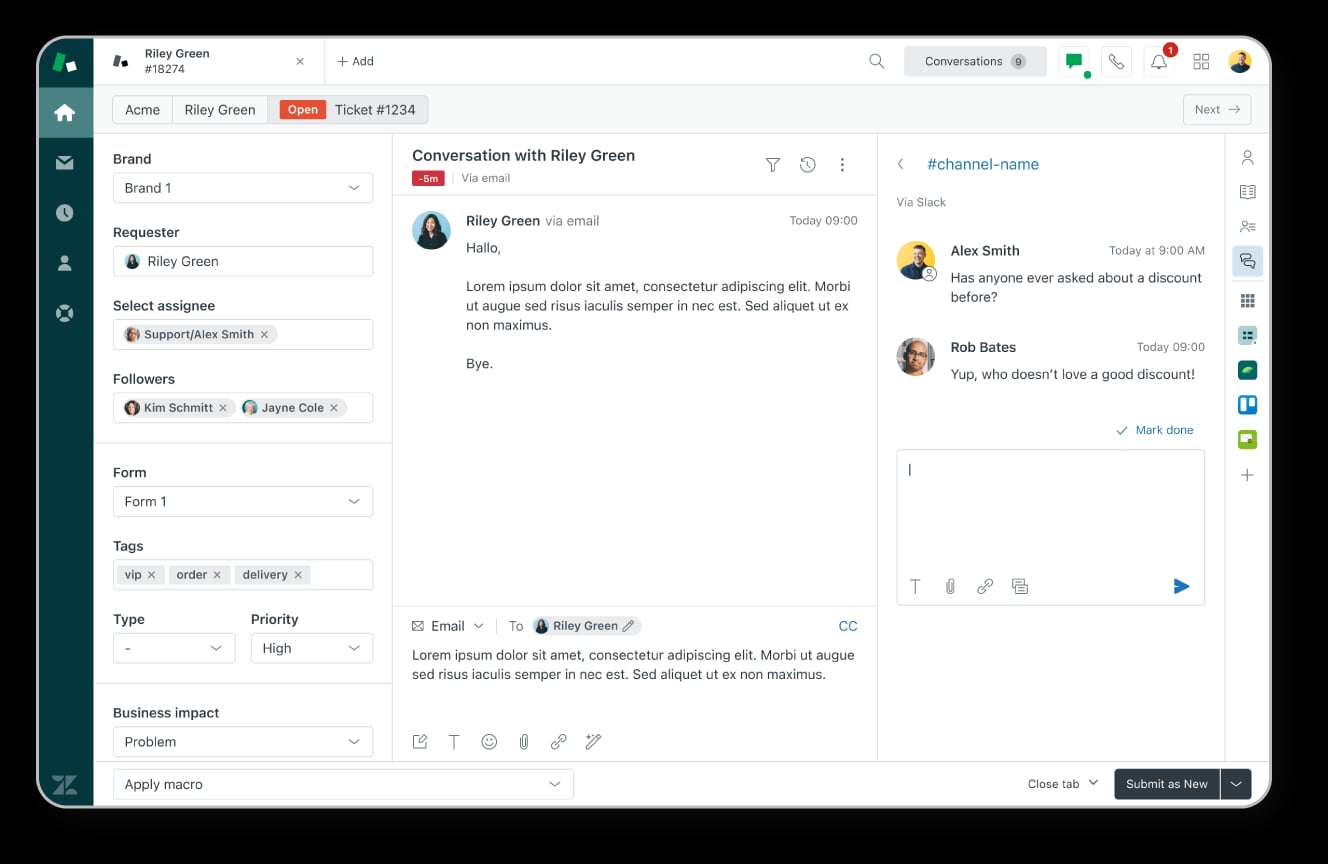
Built for scaling support teams, Zendesk turns FAQs into self-service engines that deflect tickets while keeping escalation one click away.
Use it when your knowledge base needs to be searchable, consistent, and reliable across fast-growing product lines.
Information architecture highlights: A hierarchical category → article model sits beneath a prominent, predictive search bar, so users can jump straight to answers or browse confidently. Icon-led hubs, nested sidebars, and accordions preserve context as readers drill into technical documentation.
Quick-start Q&A:
- How can I track my order?
- What is your standard return policy?
- How do I reset my account password?
- Do you offer international shipping?
- How do I contact live support?
SEO and internal linking:
- Enable FAQ JSON-LD schema for rich results.
- Add “Related Articles” links to distribute authority and aid discovery.
- Use descriptive, keyword-rich section titles for stronger topical relevance.
2. HubSpot - Knowledge Hub FAQ
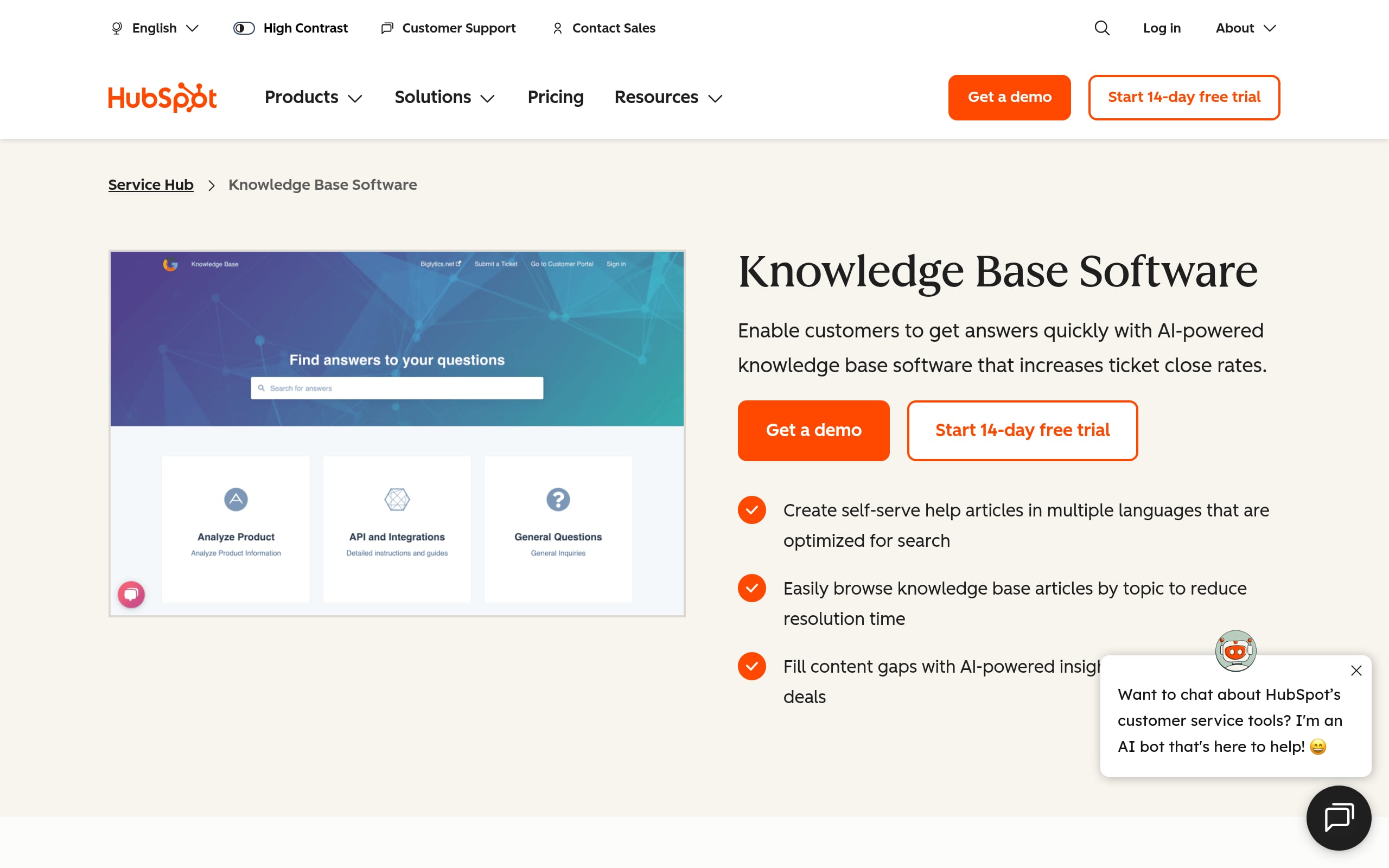
Geared toward high-growth SaaS and B2B teams, HubSpot’s knowledge hub pairs authority with speed: a search-first layout that cuts ticket volume and guides users through credible, self-serve solutions.
Reach for it when you need a professional, scalable help destination that grows with your product.
Information architecture highlights: A hub-and-spoke system begins with an icon-based category grid, then flows into nested topic pages for depth.
A sticky sidebar table of contents, in-article feedback loops, and deep-linking keep complex documentation scannable and easy to reference.
Quick-start Q&A:
- How do I manage user permissions?
- What differs between Professional and Enterprise?
- How do I connect my CRM?
- Where is the GDPR compliance information?
- Why aren’t notification emails arriving today?
SEO and internal linking:
- Deploy FAQPage schema to capture rich snippets.
- Use keyword-rich anchor text for in-article crosslinks.
- Implement hierarchical breadcrumbs to clarify topical context.
3. Notion - Feature-Oriented FAQ
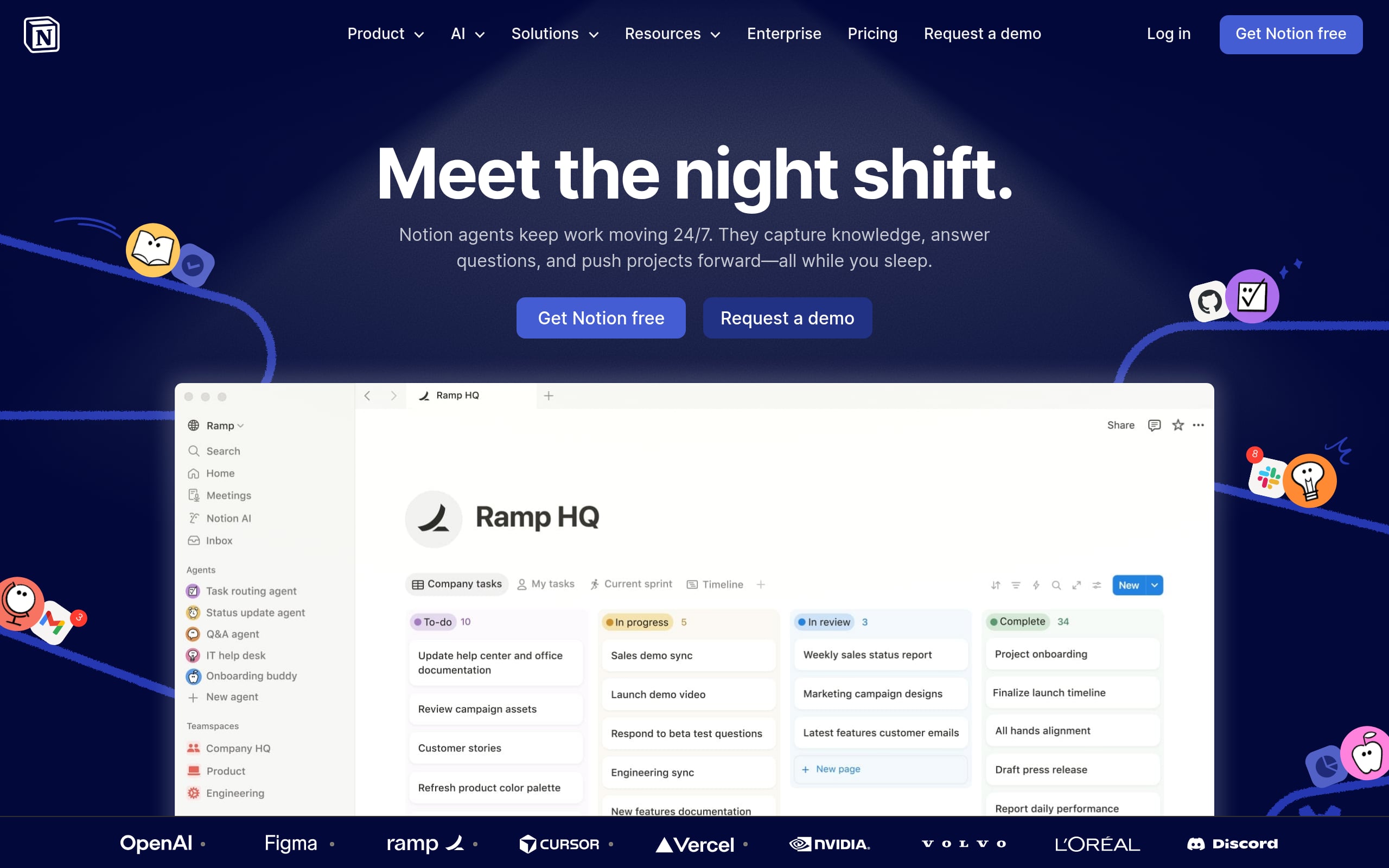
For startups shipping fast and often, Notion’s feature-led approach helps users self-segment instantly, cutting through complexity during onboarding and beyond. It’s perfect when your product surface area is wide and customers need targeted answers, fast.
Information architecture highlights: Modular, wiki-style pages use category tags, toggles, and accordions to keep content clean while revealing depth on demand. A gallery of feature icons drives dynamic filtering, enabling smooth drill-downs without full page reloads.
Quick-start Q&A:
- How do I enable product tools?
- Does this feature support guest collaboration?
- What are specific system requirements?
- Can I export data to CSV?
- How do I troubleshoot account access errors?
SEO and internal linking:
- Add FAQPage JSON-LD schema per page.
- Use unique fragment identifiers for toggles to enable deep links.
- Link feature keywords to core conversion pages to connect help → product.
4. Shopify - Merchant-Centric FAQ

Ecommerce lives and dies by confidence, and Shopify’s merchant-focused pattern tackles the big friction points like shipping, returns, and warranties before they derail a sale. Use this when you want to shrink support queues and lift checkout conversion.
Information architecture highlights: Categorized accordions curb scroll fatigue while making common questions easy to skim. Tabs or a sticky sidebar speed navigation, and light feedback loops help refine answers based on real merchant behavior.
Quick-start Q&A:
- How do I track order status?
- What is the standard return policy?
- Do you ship to international locations?
- Can I modify or cancel orders?
- Do products include a limited warranty?
SEO and internal linking:
- Apply FAQPage JSON-LD for rich results.
- Deep-link to Return Centers, sizing guides, and policy pages.
- Use keyworded headers and anchors for crawlability and relevance.
5. Slack - Search-Centric FAQ
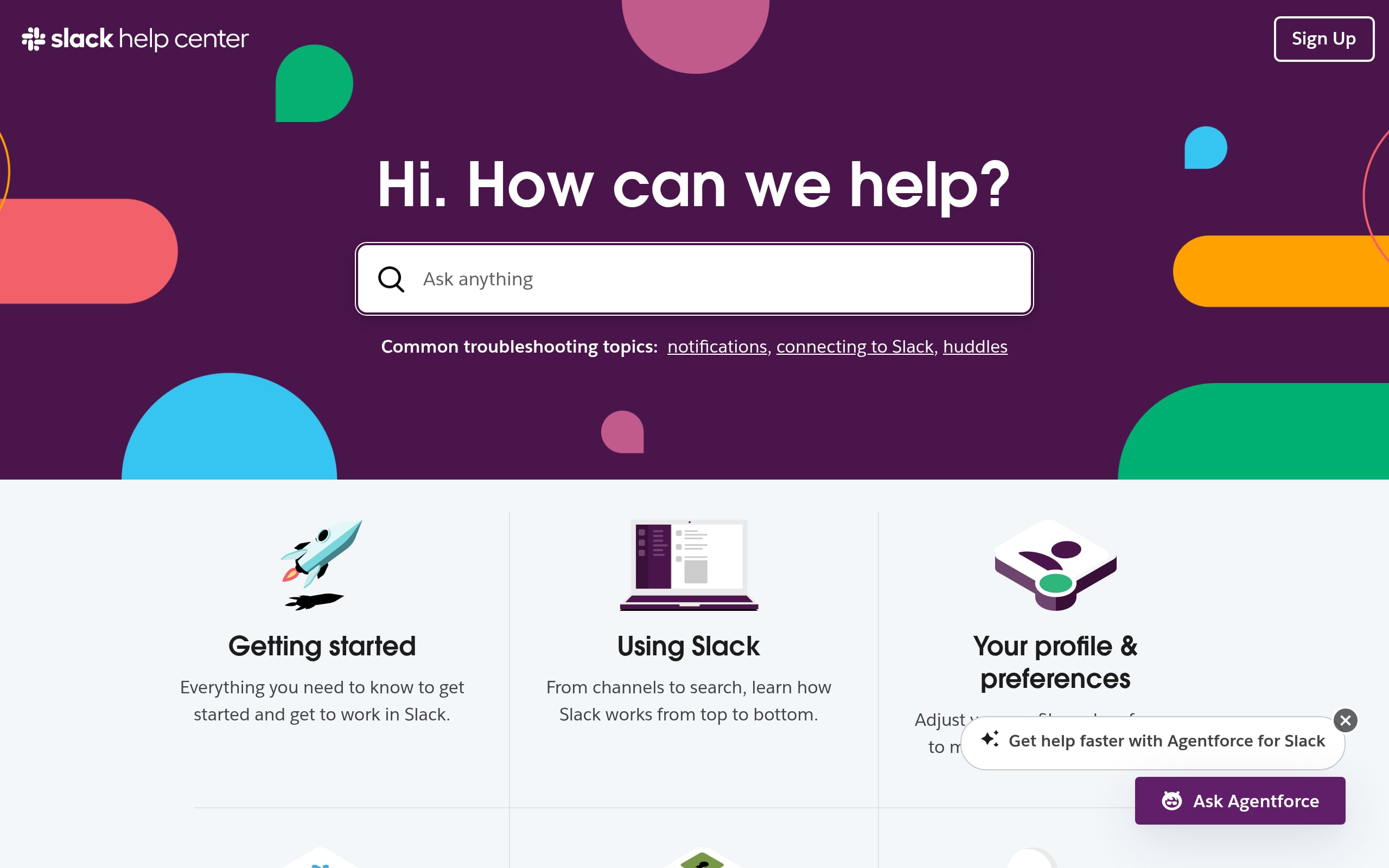
Slack’s help center is built for power users: a search-first experience that surfaces precise answers quickly and reduces reliance on browsing. Choose this pattern when your users know what they want and speed is the conversion lever.
Information architecture highlights: A central, high-contrast search hero anchors the page, backed by role-based directories for structured discovery. AJAX autocomplete suggests results in real time, and content opens on dedicated landing pages (not just accordions) to support rich media and deep linking.
Quick-start Q&A:
- How do I reset account passwords?
- What are Free vs Pro limitations?
- How do I configure keyword notifications?
- Can I bulk-export workspace data?
- Why is my app failing to sync?
SEO and internal linking:
- Mark up articles with FAQPage schema.
- Use keyword-optimized sidebars for consistent internal links.
- Add breadcrumbs to reinforce the site’s logical hierarchy.
6. WhatsApp - Two-Column FAQ
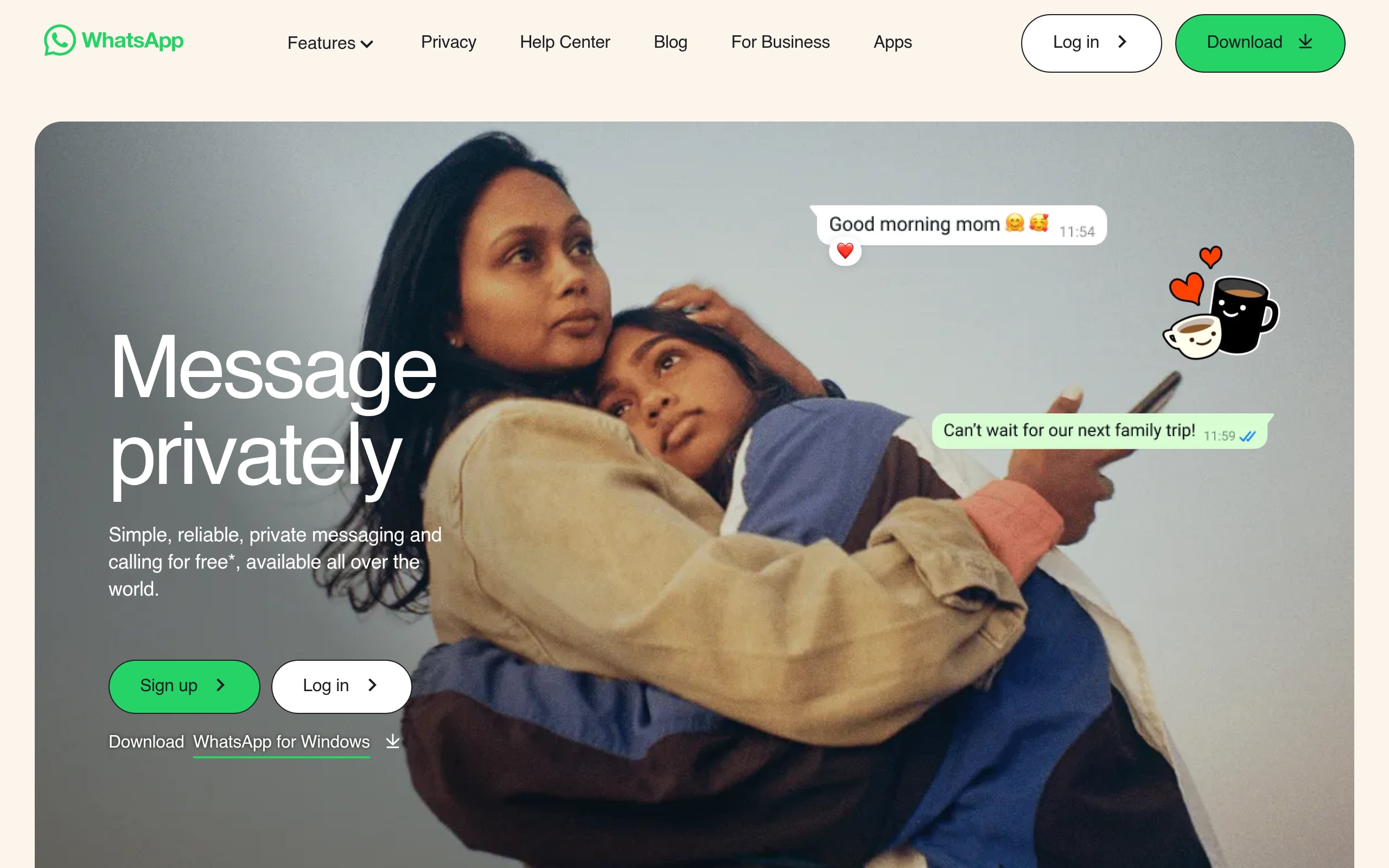
When your library is large and the audience is global, a two-column layout keeps context anchored while answers change. WhatsApp’s model is ideal for complex SaaS tools where switching categories shouldn’t mean losing your place.
Information architecture highlights: A sticky left sidebar houses primary categories, while the right pane displays answers that load via smooth accordions or direct-detail pages. The split view makes scanning effortless and deep navigation fast.
Quick-start Q&A:
- How do I verify my phone number?
- Can I enable two step verification now?
- Why are notifications not appearing?
- How do I restore cloud backups?
- Which global payment methods are accepted?
SEO and internal linking:
- Use unique fragment IDs so links jump to exact answers.
- Add keyword-rich sidebar anchors to strengthen topical signals.
- Implement FAQPage structured data to unlock rich snippets.
7. Nintendo - Multilingual FAQ
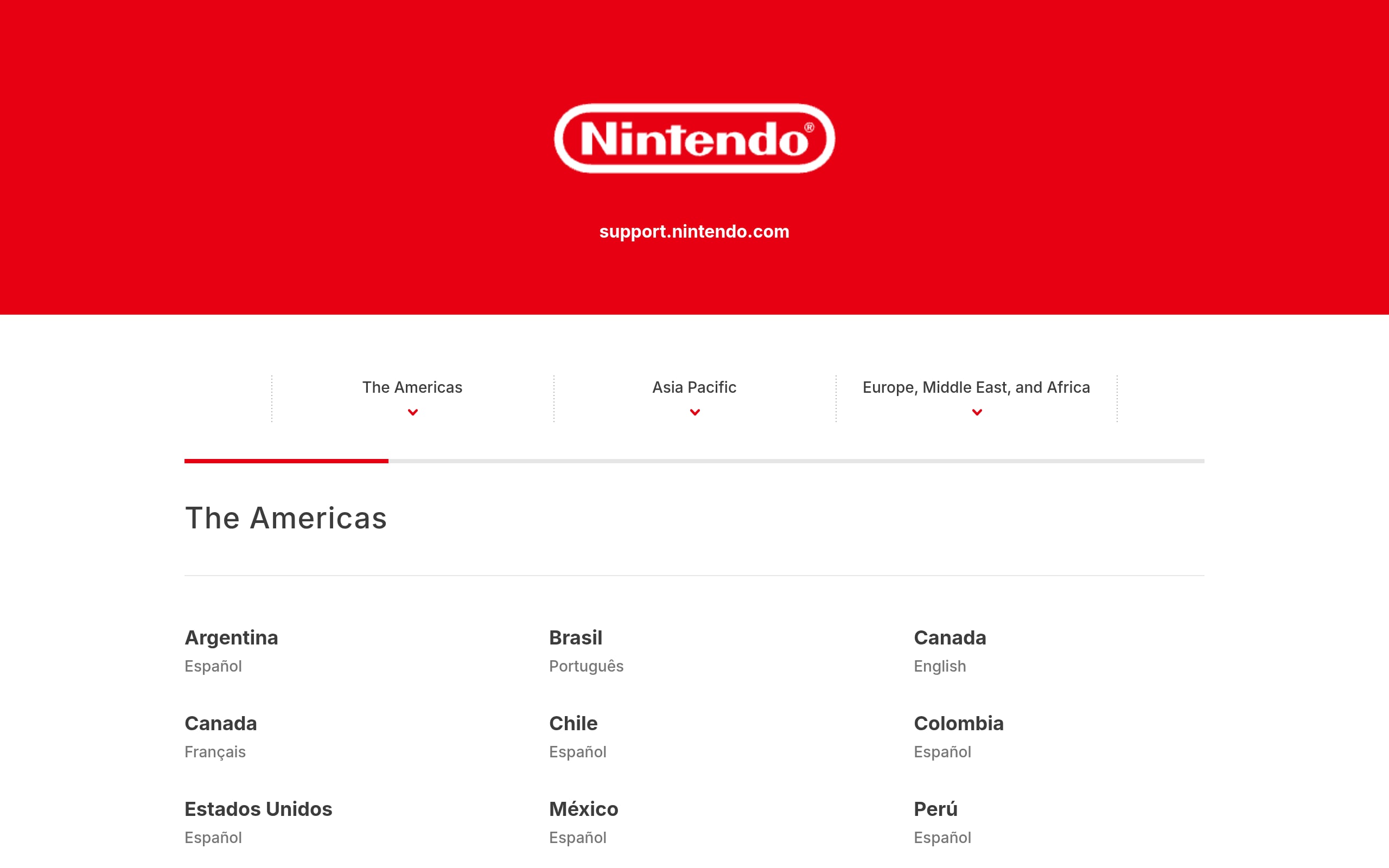
For global brands with many products, Nintendo’s multilingual structure helps users self-segment by region and device, reducing support friction before it starts. Reach for this model when localization and hardware pathways matter.
Information architecture highlights: Users begin on an icon-led hub, drilling into nested subcategories with clear breadcrumbs and a predictive search bar. The hierarchy scales cleanly across languages, keeping documentation deep yet navigable.
Quick-start Q&A:
- How do I transfer account data?
- What are connection troubleshooting steps?
- How to manage membership status?
- Will regional software work on local consoles?
- Helpful steps to recover forgotten user credentials?
SEO and internal linking:
- Implement hreflang on localized variants to prevent cannibalization.
- Apply FAQPage schema to common answers.
- Link support content back to relevant product pages to close loops.
8. Airbnb - Persona-Split FAQ
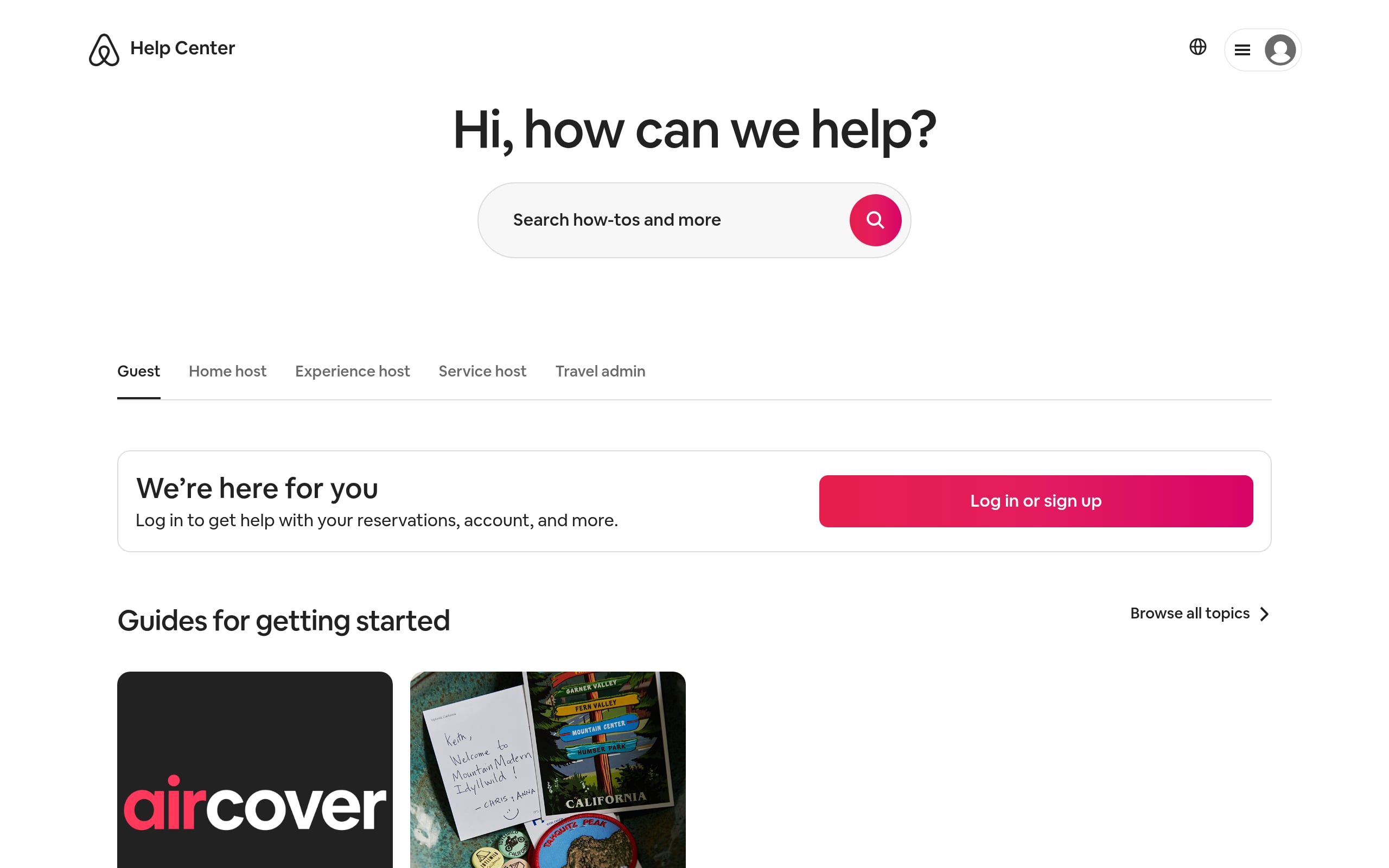
Marketplaces thrive when each side gets tailored help. Airbnb’s persona split greets users with a clear role choice, then narrows the scope so the right answers appear faster and conversions follow.
Information architecture highlights: A high-contrast gateway toggle routes users into role-specific hubs. From there, a search-first layout, category grids, and accordions keep content scannable while confining results to the chosen persona’s knowledge base.
Quick-start Q&A:
- How do I request a service refund?
- What identification is needed to verify accounts?
- How do I set custom pricing?
- What insurance programs are included?
- How do I update 2FA?
SEO and internal linking:
- Use subfolder hierarchies (e.g., /help/guests/, /help/hosts/) for clarity.
- Apply FAQPage schema at the persona level to boost relevance.
- Include persona-switch links to reduce pogo-sticking and bounce.
9. Vrbo - Accordion + Filtered FAQ
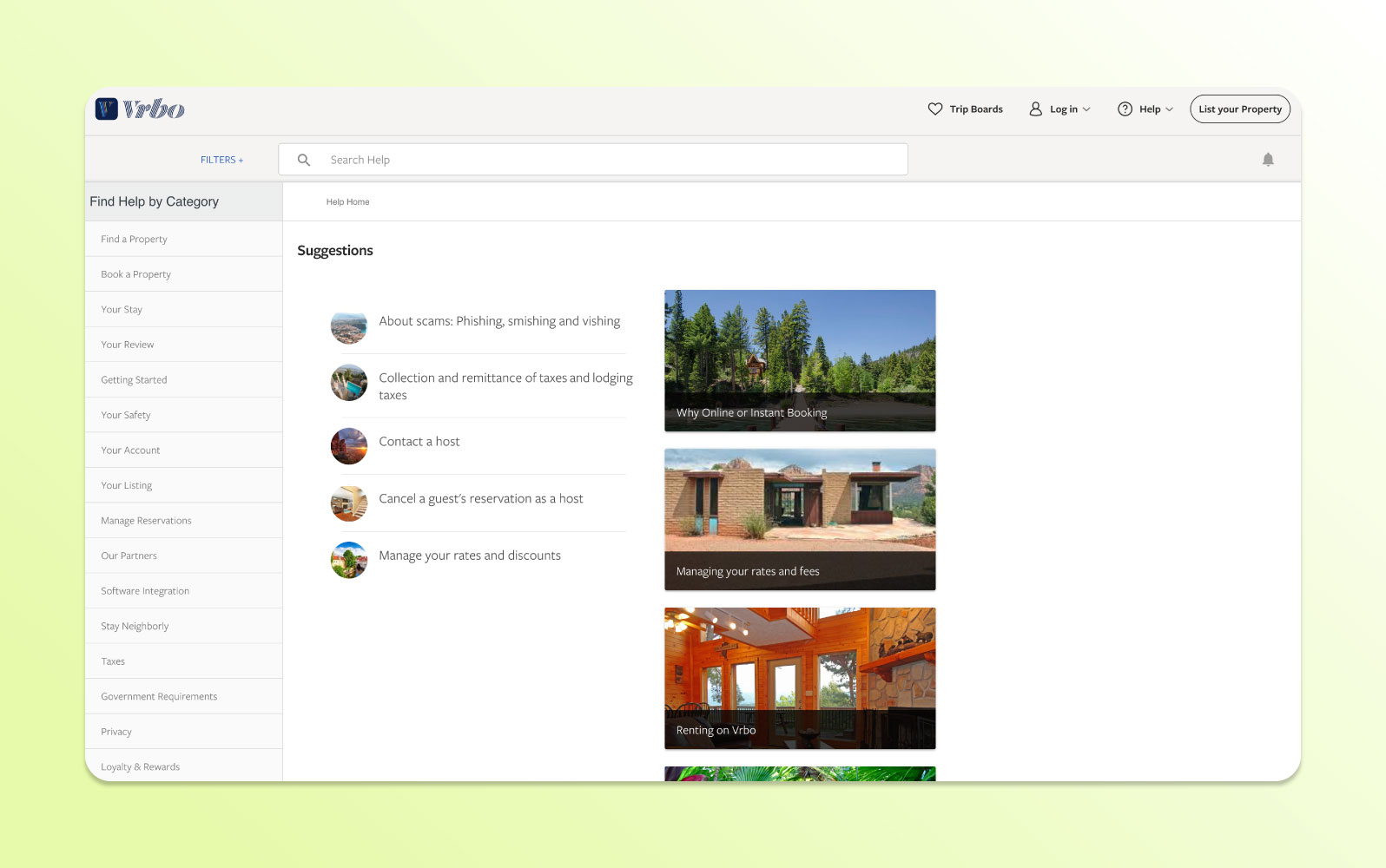
Vrbo’s pattern masters progressive disclosure: filters narrow context while accordions reveal precisely what’s needed. It shines for high-volume marketplaces where both sides, guests and hosts, must find answers without wading through noise.
Information architecture highlights: Horizontal filters instantly tune the page, and categorized accordions keep it compact and scannable. URL fragments allow deep linking to a single expanded answer, improving accessibility and shareability.
Quick-start Q&A:
- How do I cancel my reservation?
- What if the property is inaccurate?
- When will I be charged?
- How do I message the host?
- Is travel insurance available on this platform?
SEO and internal linking:
- Add FAQPage JSON-LD to eligible sections.
- Deep-link out to long-form knowledge base or policy articles.
- Target high-intent keywords to capture featured snippet traffic.
10. Upwork - Advanced Filters + Search FAQ
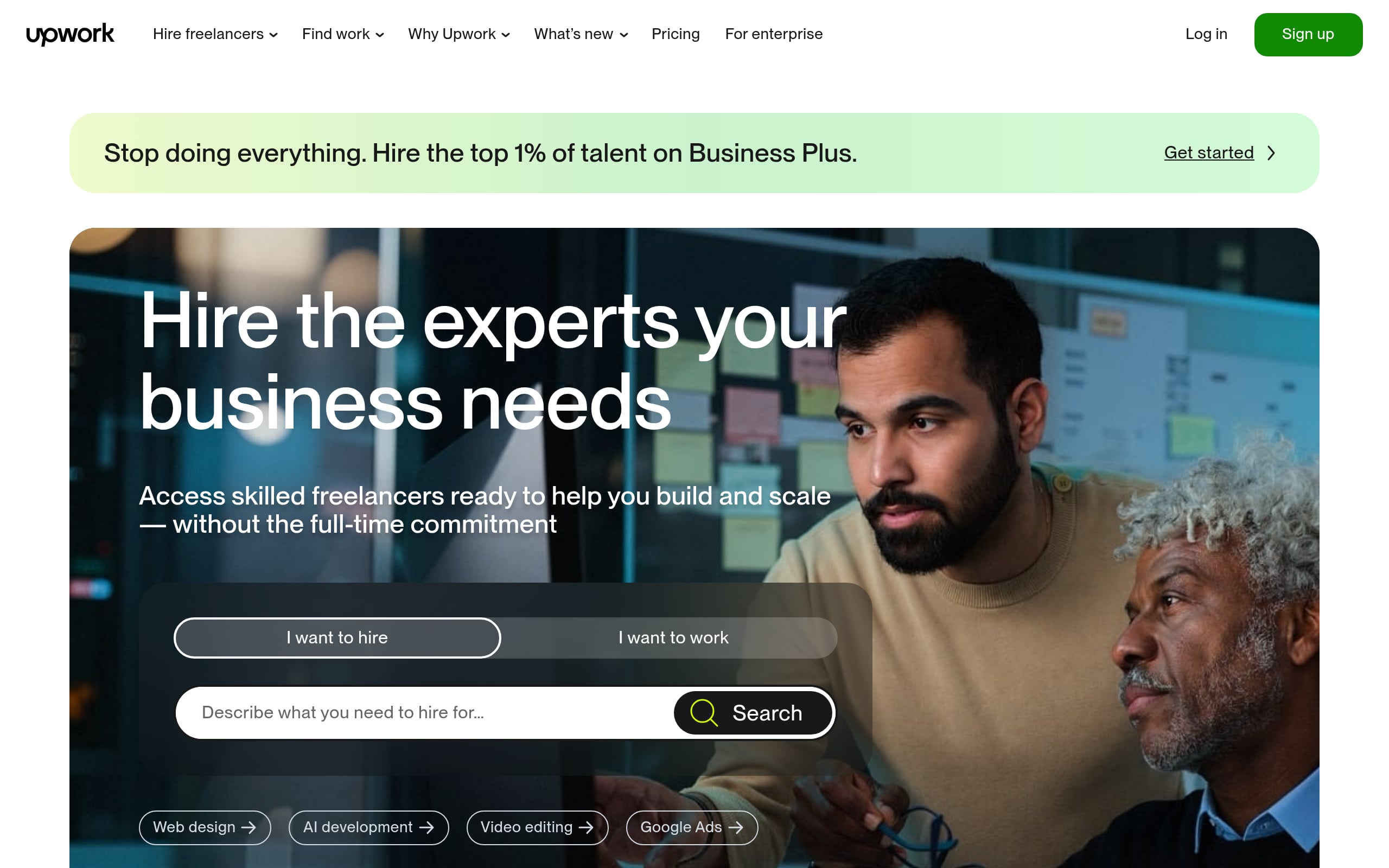
For multifaceted platforms, Upwork’s mix of predictive search and faceted filters lets users self-identify by role and status, leading them straight to relevant solutions. It’s ideal when your support surface spans freelancers, clients, and enterprise teams.
Information architecture highlights: A search-first layout sits atop a faceted sidebar that filters by user type, account status, or task. Smart accordions support deep links so agents and users can share exact answers without losing the current filter context.
Quick-start Q&A:
- How do I verify my identity?
- What are the service fee tiers?
- How do I create specialized profiles?
- What happens during a contract dispute?
- How do I withdraw account earnings?
SEO and internal linking:
- Inject dynamic FAQPage schema on eligible pages.
- Link directly to account settings and policy anchors.
- Use breadcrumb trails to reinforce topical authority.
Optimize your template for search features and AI Overviews
The rise of AI powered search and Google’s AI Overviews has made having a well optimized FAQ page more important than ever.
These systems look for clear, authoritative answers to user queries, and your FAQ is the perfect place to provide them.
- Answer Directly: Begin each answer with a direct and complete sentence that addresses the question.
- Use Natural Language: Write your questions and answers using the same language your customers use. Avoid technical jargon where possible.
- Leverage Internal Linking: Within your answers, link to relevant product pages, in depth tutorials, or blog posts on your site. This helps users discover more and signals content relationships to search engines.
- Revisit Schema: Double check that your FAQPage schema is correctly implemented. This is the most direct way to signal the purpose of your content to automated systems.
Measure, iterate, and maintain your FAQ hub
An FAQ page is a living document, not a one time project. To ensure it remains effective, you must measure its performance and update it regularly. A great user experience is a continuous effort, and a study by SuperOffice found that 86% of customers are willing to pay more for it.
Maintenance checklist
- Analytics Review: Use tools like Google Analytics and implement Google Tag Manager to see which FAQ questions are viewed most often.
- On Site Search Analysis: If you have a search bar on your FAQ page, review the search queries. What are users looking for that you haven’t answered yet?
- Feedback Mechanism: Include a simple “Was this helpful?” button at the end of each answer to gather direct user feedback.
- Scheduled Updates: Review all answers quarterly or biannually to ensure they are still accurate and reflect any changes in your product or policies.
Build dynamic FAQ pages with WeWeb
A FAQ page can start as a simple list of questions and answers.
But for many SaaS products, customer portals, marketplaces, and internal tools, it quickly becomes part of the product experience.
With WeWeb, you can build FAQ experiences visually and connect them to the systems where your content already lives. That means your FAQ can be searchable, filterable, personalized, and easier to maintain over time.
You can use WeWeb to build:
- Accordion FAQs for landing pages and pricing pages
- Search-first help centers for SaaS products
- Category-based FAQs for customer portals
- Persona-specific FAQs for marketplaces
- Internal knowledge hubs for employees
- CMS-powered FAQ sections that non-technical teams can update
- FAQ pages connected to analytics, feedback buttons, and support flows
Instead of treating your FAQ as a static content block, WeWeb lets you turn it into a reusable self-service experience inside your app or website.
Conclusion: Launch faster with templates, then refine continuously
Well executed FAQ templates are an invaluable asset for any growing business. They save critical development time, improve the customer journey, reduce the burden on your support team, and create significant opportunities for SEO.
By starting with real user questions, choosing a clean structure, and committing to ongoing maintenance, you can turn a simple Q&A page into a powerful tool for growth.
The key is to launch quickly with solid FAQ templates and then use data to continuously refine and improve it over time.
Ready to build a powerful, custom FAQ page or an entire web application? Get started with WeWeb and see how fast you can go from idea to production.
FAQs
What should be included in an FAQ template?
A good FAQ template should include logical categories for questions, a clear question and answer format (often an accordion), a search bar for larger sets of questions, and customizable branding elements to match your website’s design.
How do I create an FAQ page for free?
You can create a free FAQ page using the built in features of many content management systems or by using a visual web app builder. Platforms like WeWeb often provide templates and free tiers that allow you to build and host professional looking pages without initial cost.
Are FAQ pages still relevant for SEO?
Absolutely. FAQ pages are highly relevant for SEO, especially when enhanced with FAQPage schema markup. This makes them eligible for rich results in search and provides clear, concise content that is ideal for being featured in Google’s AI Overviews.
How many questions should be on an FAQ page?
There is no magic number. You should include as many questions as are genuinely “frequently asked.” It is better to have 10 highly relevant questions than 50 obscure ones. Start with your top 10 to 20 questions and build from there based on user data and feedback.
What is the difference between an FAQ and a knowledge base?
An FAQ page typically answers common, specific questions with concise answers. A knowledge base is a more extensive and comprehensive library of information, featuring longer articles, how to guides, troubleshooting steps, and detailed tutorials. They often work together, with an FAQ answer linking to a knowledge base article for more detail.
Can I build a dynamic FAQ page without code?
Yes. With a visual development platform like WeWeb, you can build FAQ pages with accordions, categories, filters, search, and dynamic content without hand-coding the full interface. You can also connect the FAQ to a backend or CMS so non-technical teams can update answers over time.
What is the best FAQ template for a SaaS app?
For most SaaS products, a search-first or categorized FAQ works best. If your product has multiple user roles, plans, or feature areas, use filters or category navigation so users can quickly find answers relevant to them.
Should my FAQ be a static page or connected to a CMS?
Use a static FAQ for a small landing page or pricing page. Use a CMS-connected FAQ if you have many questions, frequent updates, multiple categories, or non-technical teams responsible for maintaining support content.
How can FAQs increase conversions?
FAQs increase conversions by removing objections at the moment users hesitate. Pricing, security, integrations, onboarding, cancellation, implementation time, and support questions should all guide users toward a useful next step, such as signup, demo, docs, or pricing.