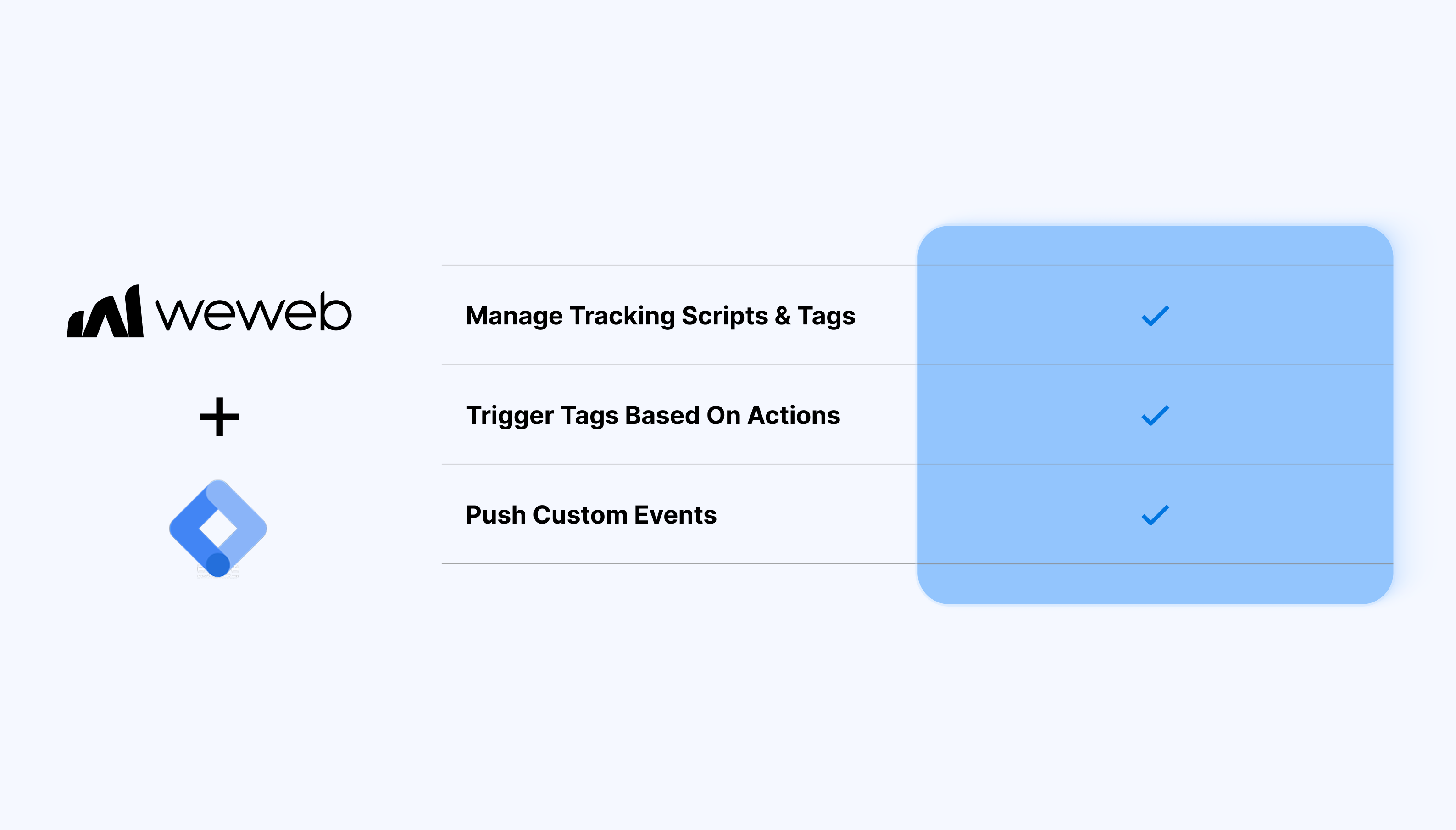
Load analytics, marketing, and custom event tags from one place
Trigger tags based on user actions in the app
Push custom events and variables to the data layer
Update tags in GTM without redeploying your WeWeb app
Keep all tracking scripts centralized and maintainable
Ship changes to tracking without updating your frontend
Track in-app actions as custom events for deeper analytics
What WeWeb supports natively
Category
Feature
What it does
Plugin setup
GTM extension plugin
Adds the Google Tag Manager extension so the GTM container is loaded automatically across your WeWeb app.
Environments
Per-environment container IDs
Lets you define separate container IDs for editor, staging, and production. Only the production ID is required, and missing IDs fall back to the production container.
Automatic injection
Global GTM snippet injection
Automatically injects the GTM script on all pages of your app once the plugin is configured, so standard triggers like “All Pages” work out of the box.
Page tracking
Page view tracking readiness
Ensures page views in your WeWeb app appear as page loads in GTM, allowing tags like Google Analytics or Ads with “All Pages” triggers to work without extra code.
Data layer
Built-in dataLayer setup
Sets up the GTM dataLayer in the browser so events and additional data pushed from WeWeb workflows are available to GTM as variables and triggers.
Workflows
“Push Event” workflow action
Provides a GTM “Push Event” action in workflows where you can send a custom object (key–value pairs) into the dataLayer, including a required event name.
Event params
Bindable event payload
Allows binding dynamic values (for example user email, plan, product ID) into the event object so GTM tags can use these as variables for analytics or ad pixels.
Tag configuration
Use GTM’s tag ecosystem
Once events and page views are in GTM, you can configure any tags supported by GTM (Google Analytics, Google Ads, Facebook Pixel, etc.).
Debugging
Works with GTM preview/debug
Supports GTM’s preview mode so you can see incoming page views and custom events from your WeWeb app while debugging tags and triggers.
Why use WeWeb with Google Tag Manager
Using Google Tag Manager inside WeWeb gives you more control over how you measure user behavior and manage tracking.
You configure your tags in GTM while WeWeb ensures they run reliably within your app’s layout, routing, and authentication flows.
Perfect for:
Tracking signups, logins, and gated content views
Capturing key actions in dashboards, CRMs, and portals
Running marketing experiments without modifying the app
Measuring funnel performance for onboarding flows
Sending custom product usage events to analytics tools via GTM
And more…
Integrating Google Tag Manager with WeWeb
Integrating Google Tag Manager with WeWeb is straightforward:
Open your project in the WeWeb Editor
Go to Settings → Integrations → Google Tag Manager
Enter your GTM container ID
Publish or preview your app
And you’re good to go!
Best practices
Use GTM to manage third-party scripts rather than adding them directly in WeWeb
Name custom events clearly: they’ll be easier to maintain across teams
Test tag firing conditions in GTM Preview before publishing
Keep your data layer structure consistent across pages and user flows
Limitations
GTM cannot bypass authentication: events only fire when the user has access to the relevant screens
Large numbers of tags may affect load performance: review and remove unused tags when possible.
FAQs
1. How do I connect Google Tag Manager to my WeWeb app?
Enable the GTM plugin in your project settings and paste your GTM container ID (for example GTM-XXXXXXX) into the plugin configuration. Once saved, the container script is automatically injected on all pages of your WeWeb app.
2. Can I use different GTM containers for staging and production?
Yes, the plugin supports separate container IDs per environment (editor/staging/production) so you can test tags before going live.
3. How are page views tracked from a WeWeb SPA with GTM?
Because the container is loaded globally, standard “All Pages” triggers in GTM will fire whenever the app loads. For single‑page navigation, you can also push custom page view events from workflows to help GTM distinguish route changes inside the app.
4. How do I send custom events from WeWeb into GTM?
Use the dedicated workflow action that pushes an object into the dataLayer, including an event name and any additional key–value pairs. These events can then be used as triggers or variables for tags like analytics, ads, or pixels configured in GTM.
5. What kind of data can be included in GTM events from WeWeb?
You can send any serializable values, such as user ID, email hash, plan name, cart value, or product IDs, as properties on the event object.
6. Does WeWeb support GTM preview and debug mode?
Yes, once the container is installed, you can enable preview mode in GTM and see page views and custom events coming from your WeWeb app in the debug panel.
7. Can I set up analytics and ad pixels directly in WeWeb instead of GTM?
The recommended approach is to configure analytics and marketing pixels as tags in GTM while WeWeb just sends page views and events. This keeps tracking logic centralized, so you do not need to change the app whenever tag configurations change.
8. What are the main limitations of the native GTM integration in WeWeb?
The integration focuses on client‑side container loading and event pushing: it doesn’t configure tags, triggers, or variables for you. Server‑side tagging, consent mode setups, and complex e‑commerce data models need to be implemented within GTM or a backend stack, not directly in the WeWeb Editor.