




A client portal is a web application where customers or partners can log in to view project updates, share files, approve work, pay invoices, and get support. Unlike a static site, client portals connect to your data sources, apply permissions per user or company, and often include automation that reduces back and forth.
Modern client portals do three jobs well:
- Provide a shared source of truth for deliverables and status
- Enable self service for routine requests, without losing the human touch
- Protect sensitive information with authentication, granular permissions, and audit logs
Benefits of implementing a client portal
Client portals pay off across the customer journey:
- Faster answers for clients.
- Lower support load.
- Higher trust through transparency: status pages, shared timelines, and approval trails reduce ambiguity and rework.
- Better security posture. Stolen or weak credentials remain a top breach vector and most breaches involve a human element. A portal with SSO, MFA, and least privilege helps reduce that risk.
Should you build or buy your client portal?
Most tools on this list are ready-made portals: sign up, configure your branding, and invite clients within a day. If you need a standard portal quickly and your requirements are straightforward, that is a suitable path.
Building your own makes sense when you need a portal that works exactly the way your business does: custom workflows, deep integration with your existing stack, complete white-labeling, or pricing that does not scale with every client you add. That is where WeWeb fits. It is the tool you use to build one exactly to spec.
Key features to look for when choosing/building a client portal
Authentication and SSO
Weak authentication is the most common entry point for data breaches.
- SSO via SAML 2.0 or OAuth 2.0 so clients log in with existing credentials
- MFA as a configurable requirement, not just an option
- Session management controls: timeout rules, device limits, forced re-authentication for sensitive actions
Fine-grained roles and permissions
One permissions model does not work for every client relationship. You need control at the user, company, and record level.
- Role-based access that separates what each client tier can see and do
- Record-level permissions so Client A never sees Client B's data in a multitenant setup
- Admin override capability for your internal team without exposing it to clients
File sharing and document collaboration
File sharing is table stakes. What separates good portals from basic ones is what happens after the upload.
- In-browser preview for common formats without requiring downloads
- Version history with clear timestamps and contributor tracking
- E-signature support, either native or via DocuSign and similar integrations
- Access logs showing who viewed, downloaded, or modified each file
Messaging, comments, and approvals
Context scattered across email threads and Slack channels is the main reason client projects stall. The portal should keep communication attached to the work.
- Threaded comments on specific files, tasks, or deliverables
- Approval workflows with assignees, due dates, and status tracking
- Full audit trail of decisions for regulated industries or dispute resolution
Knowledge base and guided flows
Every question a client has to ask you is a support cost. A well-structured knowledge base eliminates the most common ones.
- Searchable article library organized by topic or product area
- Step-by-step guided flows for onboarding tasks clients typically need help with
- Analytics showing which articles get the most views and where clients drop off
Integrations and data sync
A portal that does not talk to the rest of your stack creates duplicate data entry and broken workflows.
- Native connectors to your CRM, billing platform, and project management tools
- Webhook and API support for custom integrations your tech stack requires
- Real-time or near-real-time sync so clients always see current data, not yesterday's export
Automation and AI
Manual status updates, triage, and follow-ups do not scale. The best portals reduce that overhead automatically.
- Rule-based automation for routine actions: send a notification when a file is approved, assign a task when a form is submitted
- AI-assisted summaries, draft responses, and ticket triage to reduce response times
- Chatbot or guided search to deflect common questions before they reach your team
Branding and UI flexibility
A portal that looks like a third-party tool undermines the client relationship you are trying to build.
- Custom domain with no platform watermark
- Full control over colors, fonts, logos, and layout
- White-label mobile app option for teams where mobile access matters
Performance and scalability
A slow portal erodes trust faster than a missing feature.
- Global CDN delivery so page loads are fast regardless of where your clients are
- Usage-based or flat pricing that does not punish you for growing your client base
- Load testing benchmarks or SLA guarantees for enterprise deployments
Analytics and audit logs
You cannot improve what you do not measure, and you cannot defend what you cannot prove.
- Engagement metrics: logins, page views, file opens, feature adoption by client
- Deflection rate tracking showing how many clients resolved issues without contacting support
- Full audit log exportable for compliance reviews or legal requests
How to choose the right client portal
Step 1: Define your must-solve jobs
Before looking at any tool, write down the two or three things that must work for the portal to be worth building.
- What must clients be able to do without contacting your team? (view invoices, approve deliverables, track project status)
- What must account managers see at a glance to stay proactive? (overdue tasks, unread messages, upcoming renewals)
- What does your current process look like, and where does it break down?
If you cannot answer these clearly, any tool will feel like it fits until it does not.
Step 2: Map your security and compliance requirements
Verizon's DBIR shows 68% of breaches involve a human element, and stolen credentials appear in roughly one third of breaches over the past decade. Identity and permissions are not features to evaluate last.
- SSO and MFA: required for any portal handling sensitive client data
- Data residency: confirm where data is stored and whether self-hosting is an option if your clients are in regulated industries
- Role-based and record-level access: verify the tool can isolate each client's data in a multitenant setup, not just separate logins
Step 3: Validate integration depth
A portal that cannot talk to your CRM, billing system, or project tools creates more work, not less.
- Check native connectors first
- Confirm you can keep your database where it is, rather than migrating into the portal's proprietary data store
- Test the API documentation: is it complete, versioned, and actively maintained
Step 4: Test self-service quality
The goal is to reduce how often clients contact your team for information they could find themselves.
- Run three to five clients through your most common support requests and measure completion rates without assistance
- Track where they drop off or ask for help: those are your content and UX gaps
- A portal with a low completion rate on basic tasks will increase support load, not reduce it
Step 5: Model the total cost
The license price is rarely the number that matters. Build the real cost before you commit.
- Include setup time, ongoing maintenance, security hardening, and any developer work required for integrations
- Model per-seat or per-client pricing at your current volume and at 2x growth: some tools become very expensive fast
- Factor in AI and automation: IBM's research shows organizations using AI and automation extensively reduce average breach costs by more than $2 million, which also applies to operational savings from automated workflows
Step 6: Run a two-week pilot
Do not roll out to all clients before you know it works. A focused pilot surfaces the real problems before they affect your whole book of business.
- Pick one client cohort that represents your typical use case
- Ship the minimum slice of the portal that covers your must-solve jobs from Step 1
- Gather structured feedback: task completion, confusion points, missing features and iterate before the broad rollout
Top 15 Client Portals
Next up, we’ve curated 15 standout client portals, from flexible site builders to all-in-one suites, that help teams onboard clients, centralize files, manage tasks, and keep conversations secure.
They’re grouped here for their blend of collaboration features, granular permissions, automation, and integrations that reliably reduce back-and-forth across the client lifecycle. Use this quick tour to see where each option excels and who it’s best for, so you can shortlist with confidence.
1. WeWeb
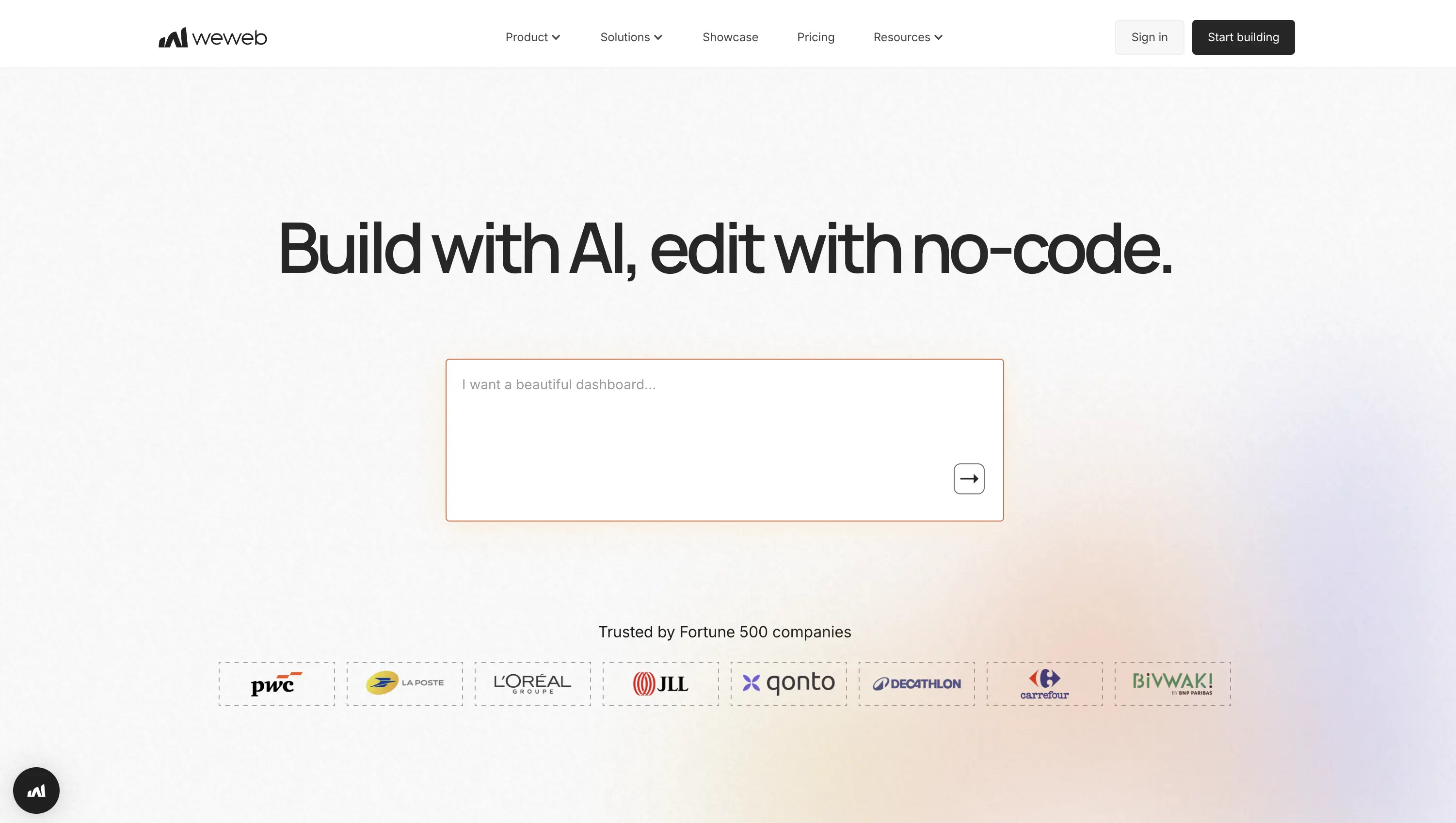
WeWeb is the only tool on this list where you are not working inside a pre-built product. Every other platform here gives you a portal to configure. WeWeb gives you a visual builder to create one from scratch — gated pages, granular permissions, dashboards, file uploads, custom workflows, and automations, built exactly to your requirements.
Its "connect to anything" model (REST, GraphQL, and native integrations) and exportable Vue.js SPA set it apart: ship on WeWeb's CDN today, self-host for complete infrastructure control tomorrow. No per-client pricing ceiling, no watermark, no constraints on what you can build:
Best for: Teams whose portal requirements do not fit a packaged solution: custom workflows, specific data models, complex permissions, or a pricing model that cannot scale per client.
Why teams pick it: The freedom to build a portal that works exactly the way their business does, with a path to full code ownership if they ever need it.
What you'll like:
- Drag-and-drop build speed, AI component generation, and Figma import keep delivery fast without sacrificing quality.
- No per-user ceiling; deploy to WeWeb's global CDN or export clean Vue.js and self-host for full performance and infrastructure control.
- Flexible auth out of the box: native WeWeb Auth, Supabase, Xano, OAuth, OpenID, and Auth0; granular roles and groups ensure each client only sees their own data.
- REST, GraphQL, custom code components, and GitHub CI/CD pipelines for teams that need to extend beyond the visual builder.
Trade-offs to consider:
- Building to exact requirements takes time; if your needs are standard and you need a portal running this week, a packaged tool further down this list will get you there faster.
Pricing snapshot: Starts free; paid seats from $20/month; code export on Essential plan; custom domain hosting available as add-on or self-host your own infrastructure.
2. Assembly
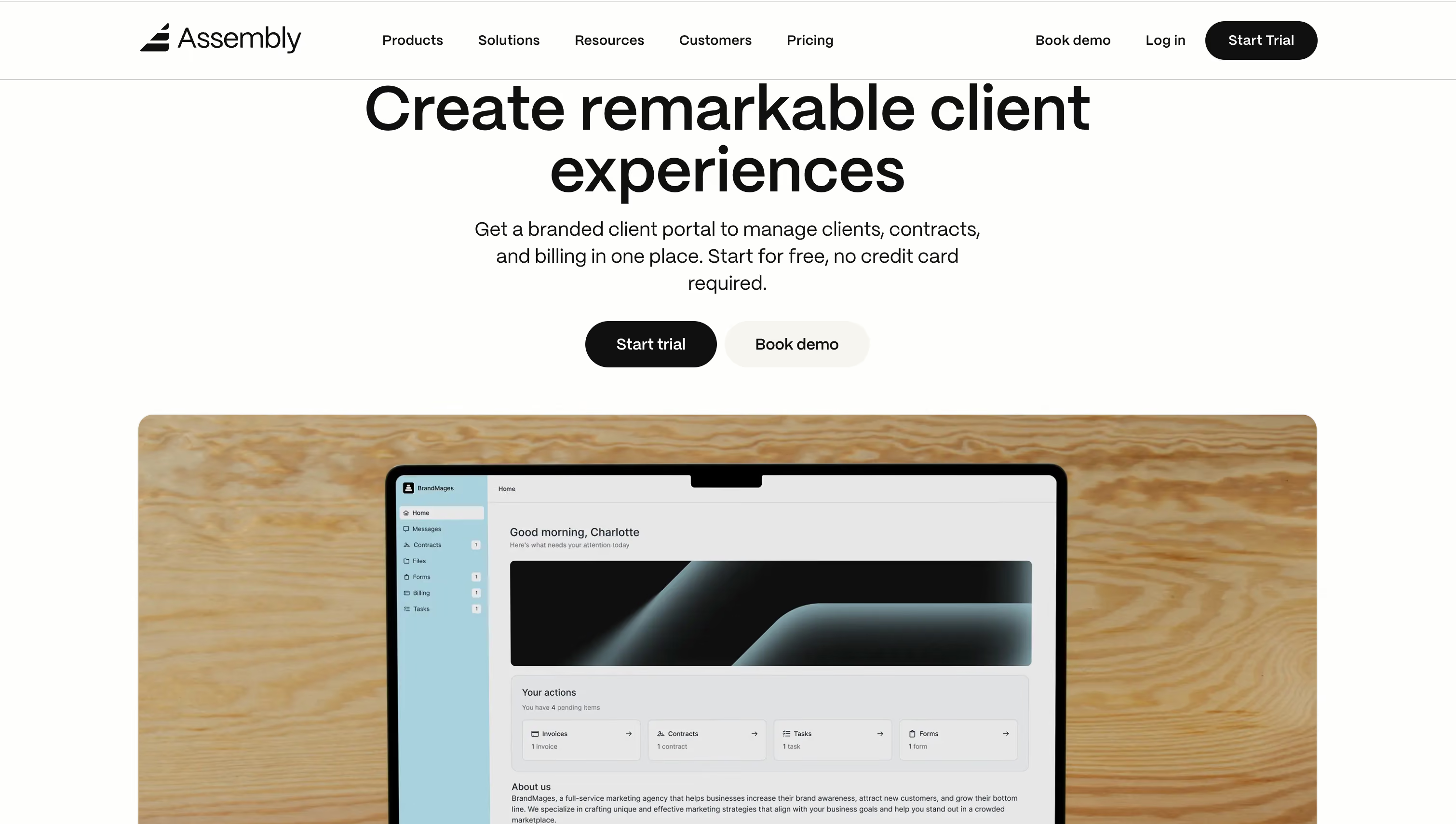
Assembly is a purpose‑built client portal that unifies secure messaging, file sharing, billing and subscriptions, e‑signatures, tasks, forms, and a knowledge base in one branded hub.
Launch quickly with magic‑link logins, reply‑by‑email, and custom domains; extend via an App Store, embeds (Airtable, Google Docs, ClickUp), Zapier/Make automations, and a public API with Custom Apps.
Governance features like MFA, roles, and app visibility pair with compliance (SOC 2 Type II, GDPR, optional HIPAA/BAA) and SSO for enterprise needs. Teams often start simple, then layer white‑labeling, SSO, and deeper automations as they scale:
Best for: Service firms and agencies needing fast, branded portals with HIPAA/SSO.
Why teams pick it: An all‑in‑one client hub that cuts tool sprawl and ships in hours.
What you’ll like:
- Rapid launch; clear roles/permissions; MFA baked in.
- App Store, embeds, Zapier/Make, API, webhooks, and Custom Apps.
- Full branding and custom domain; white‑label on higher tiers.
- Built‑in invoicing, subscriptions, pay links, and e‑signatures.
Trade‑offs to consider:
- Learning curve for advanced governance and developer extensibility.
- Pricing scales with seats; Stripe Connect only with limited payout regions.
Pricing snapshot: Starts at $39/month; custom domain and API on Professional, white‑label/HIPAA on Advanced; 14‑day trial.
3. SuiteDash
SuiteDash is an all‑in‑one client portal and CRM that lets you roll out fully branded portals on your domain, including a custom login, branded emails, and even a white‑label PWA.
It centralizes secure file sharing, messaging, dashboards, and portal pages, while no‑code Automations and FLOWs streamline onboarding and delivery.
With unlimited clients and staff, you avoid per‑seat surprises as you scale. Extensibility comes via a Secure API and integrations like Stripe, PayPal, Authorize.net, QuickBooks Online, Zoom, Twilio, Google Calendar, WordPress, and Zapier. Encryption, 2FA, HIPAA options, and AWS hosting round out its governance posture:

Best for: Agencies and SMBs needing unlimited, white‑label portals with CRM automation.
Why teams pick it: Unlimited clients and deep white‑labeling without the per‑user tax.
What you’ll like:
- Unlimited clients, staff, and portals keep costs predictable.
- No‑code Automations and FLOWs speed onboarding and delivery.
- Extreme branding: custom domain/login, branded emails, white‑label PWA.
- Secure API and broad integrations enable real workflow orchestration.
Trade‑offs to consider:
- Wide feature set adds setup/learning time.
- Advanced modules (FLOWs, LMS, Tickets) on pricier Pinnacle plan.
Pricing snapshot: Starts at $19/month; white‑label included, advanced modules at $99/month Pinnacle; 14‑day trial.
4. Dock
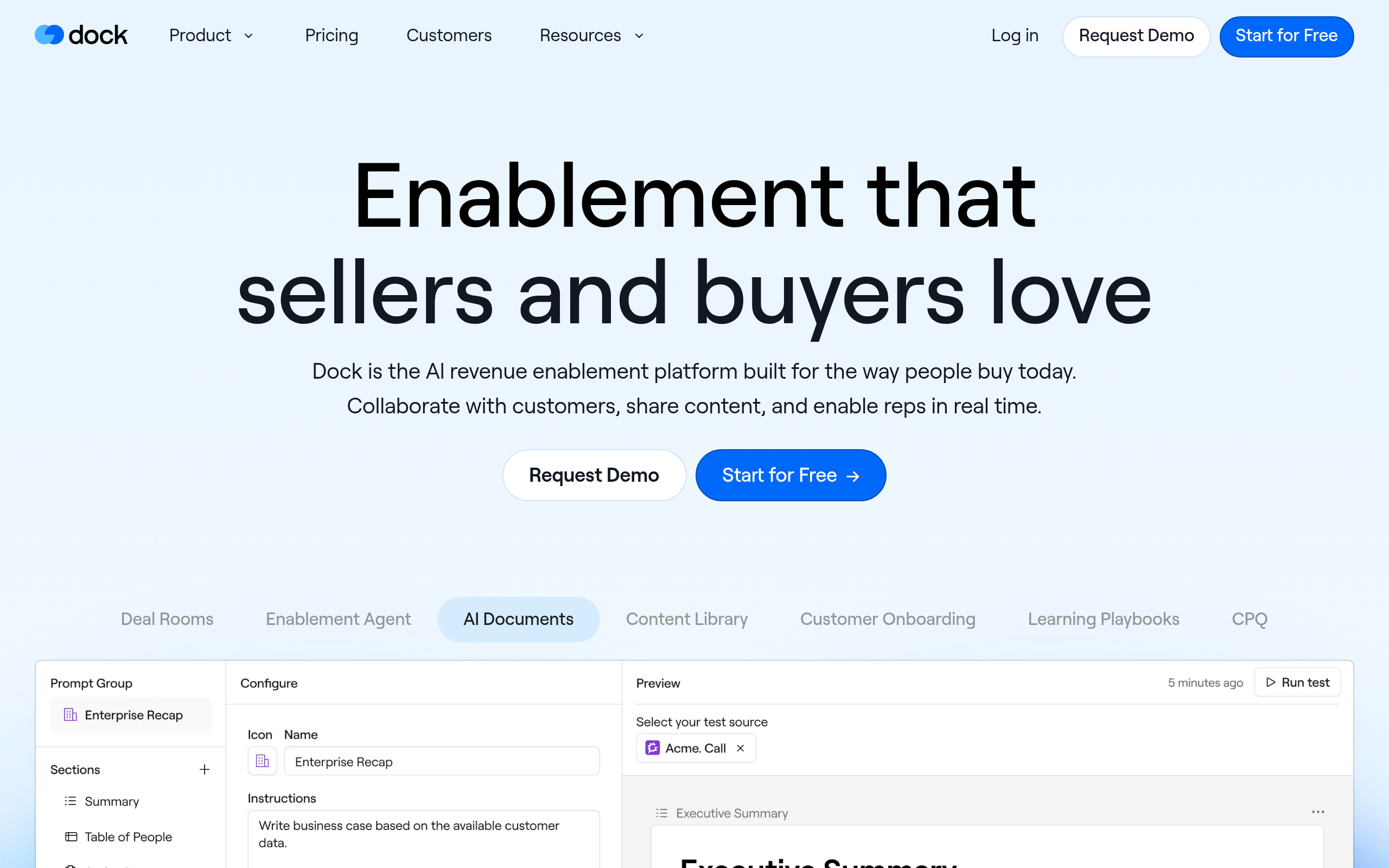
Dock creates client‑facing workspaces that carry deals from proposal to onboarding to renewal. These include multi‑phase project plans/MAPs, file and video sharing, embedded dashboards, forms, surveys, quotes, and e‑signatures.
Templates and a flexible editor help teams personalize portals in minutes, while engagement analytics and CRM sync keep Sales and CS aligned.
At scale, Dock supports content sync, webhooks, API access, and automation from your CRM. Compliance and governance needs are covered with custom domains, SSO, SOC 2 Type II, and access controls:
Best for: B2B revenue teams, CS, and agencies needing CRM‑integrated client workspaces.
Why teams pick it: One shared workspace across the entire customer journey.
What you’ll like:
- Template‑driven setup; MAPs and onboarding in minutes.
- Deep Salesforce/HubSpot integrations with activity sync and automation.
- Strong branding, custom domains, enterprise SSO, SOC 2.
- APIs, webhooks, and content sync for scale and governance.
Trade‑offs to consider:
- Advanced quoting and e‑sign live behind Premium.
- No native payments; white‑label depth/automation require Enterprise.
Pricing snapshot: Starts at $350/month (Standard); portals on all plans; free tier available; Premium adds quoting/e‑signature.
5. SuperOkay
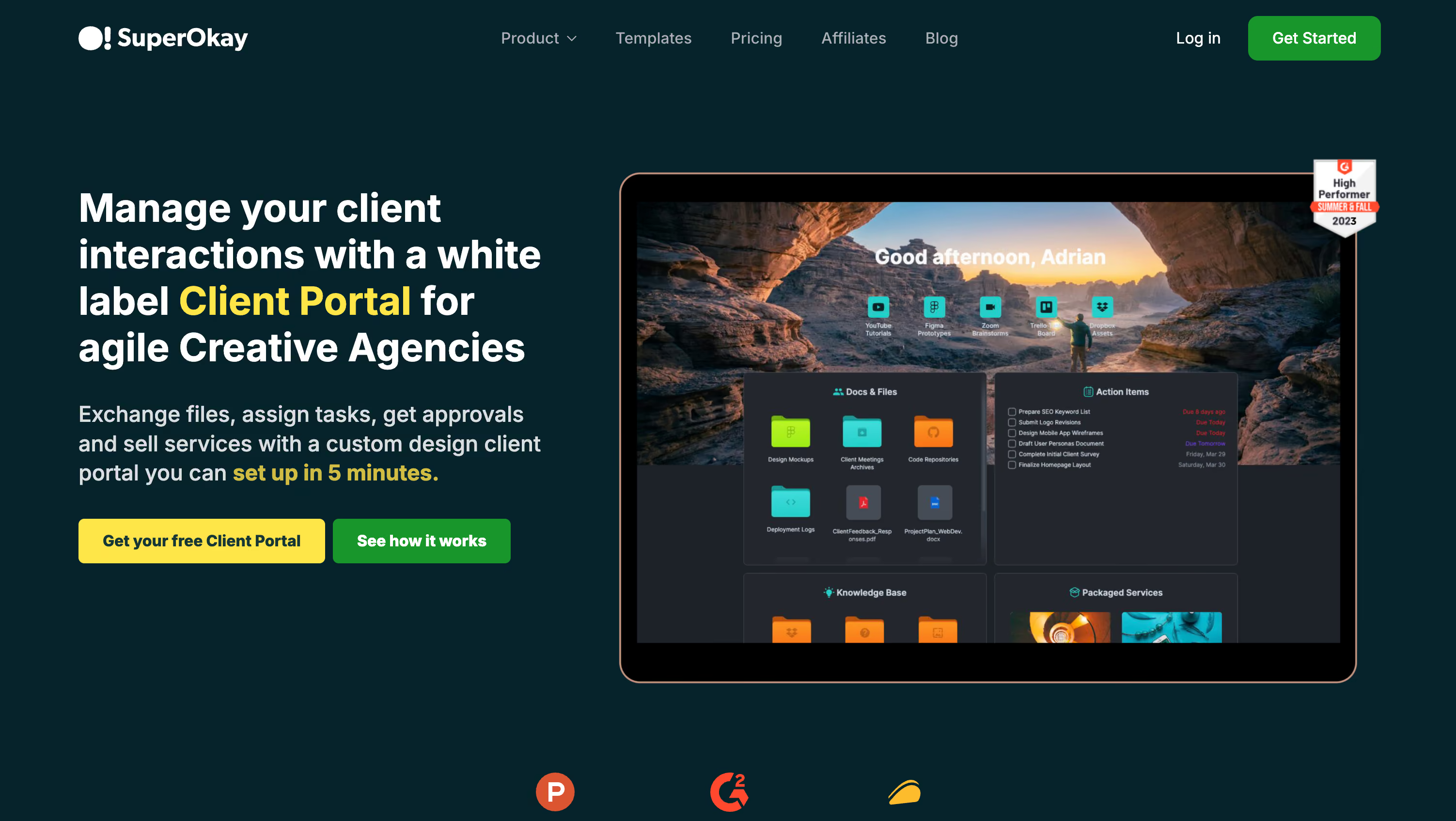
SuperOkay gives agencies and freelancers elegant client workspaces for briefs, proposals/SoWs, shared files, tasks, quick links, embeds, and a running timeline that keeps everyone aligned.
You can deeply brand each portal (logos, colors, fonts), run it on your domain with white‑labeled emails, and choose magic‑link or password access.
Teams typically pick a project template, drop in Figma/Airtable/Trello/Miro embeds, publish documents for approval, and invite client contacts, going live in minutes rather than weeks:
Best for: Agencies and freelancers needing fast, white‑label client portals with approvals.
Why teams pick it: Design‑forward portals that clients actually want to use.
What you’ll like:
- Lightning‑fast setup with reusable blocks and templates.
- Deep white‑label branding, custom domain, and sender email.
- Rich embeds consolidate tools like Figma, Airtable, Trello, and Miro.
- Approvals, comments, tasks, and timeline increase accountability.
Trade‑offs to consider:
- No native invoicing or real‑time chat.
- 125MB file cap; advanced roles on Business tier.
Pricing snapshot: Free tier for one project; Solo from $19/month; full white‑label on higher tiers; ~30% annual discount.
6. Clinked
Clinked delivers secure, white‑label client portals for file sharing, notes, tasks, chat, discussions, and shared calendars, with optional Kanban boards for simple workflows.
It stands out for branding depth (custom domain, white‑label emails, even a branded mobile app) and extensibility via a robust REST API, Zapier, and integrations like DocuSign, Adobe Sign, Google Workspace, OneDrive, Jotform, and Power BI.
Security is enterprise‑grade: ISO 27001, encryption at rest/in transit, 2FA, audit trails, and SSO/Active Directory at higher tiers:

Best for: Agencies and service teams needing secure white‑label portals with e‑signatures.
Why teams pick it: Strong security plus deep branding, including a fully branded mobile app.
What you’ll like:
- Quick white‑label rollout with custom domain and emails; optional branded mobile app.
- ISO 27001 security, encryption, audit trails, regional hosting, and 2FA.
- Integrations: DocuSign, Adobe Sign, Google Workspace, OneDrive, Jotform, Zapier.
- Developer‑friendly REST API for provisioning and workflow control.
Trade‑offs to consider:
- SSO/AD and mobile app require Enterprise; Kanban on Premium.
- Analytics typically embedded via external BI tools.
Pricing snapshot: Starts at $95/month; Standard adds tasks; Premium adds Kanban and email white‑label; SSO on Enterprise; trial available.
7. Moxo
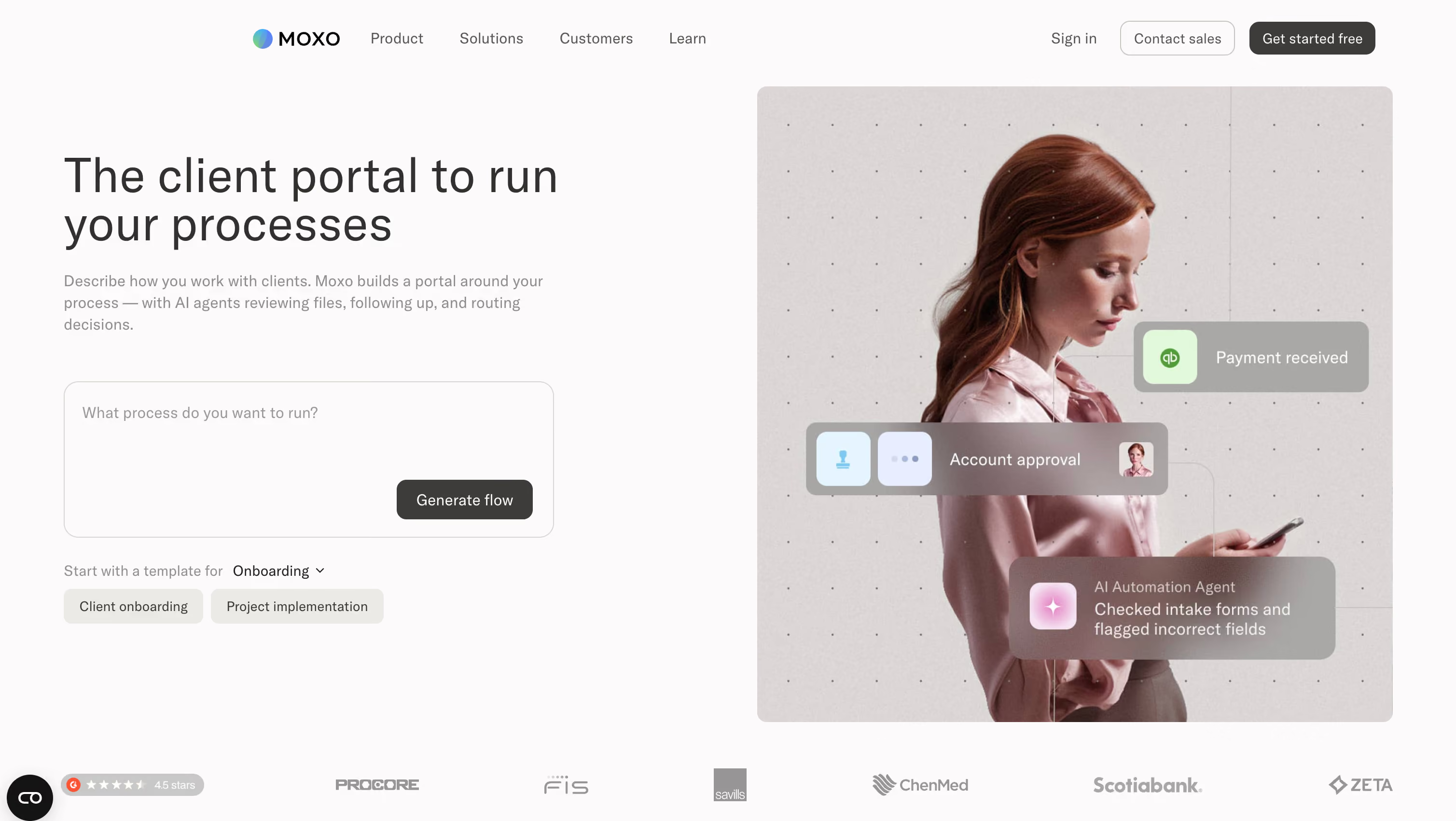
Moxo packages branded client portals with secure messaging, video meetings, document exchange and annotations, forms, and binding e‑signatures so onboarding, approvals, and servicing live in one place.
Flows can be assembled with a drag‑and‑drop builder and launched via time‑bound Magic Links, letting clients participate without accounts. For scale, you get automation, AI assistants, governance/reporting, and enterprise controls, plus webhooks, CRM connectors, REST API, and mobile/web SDKs for extensibility.
Security includes encryption, SOC 2/SOC 3, SAML SSO, and 2FA, with options for private‑labeled apps and custom domains:
Best for: Mid‑market and enterprise services needing branded, compliant, all‑in‑one client portals.
Why teams pick it: Unified client interactions without the usual multi‑tool friction.
What you’ll like:
- Magic Links and templates enable quick client participation.
- Messaging, meetings, files, forms, and eSign in one hub.
- Strong governance: roles, reporting, retention, audit trails.
- Webhooks, CRM connectors, REST API, SDKs, and white‑label options.
Trade‑offs to consider:
- External client portals require Business Pro+.
- Advanced security/SSO/private cloud often need enterprise add‑ons.
Pricing snapshot: Quote‑based; external client portal on Business Pro+; free trials available; typical budgets $3k–$15k/year.
8. OnRamp
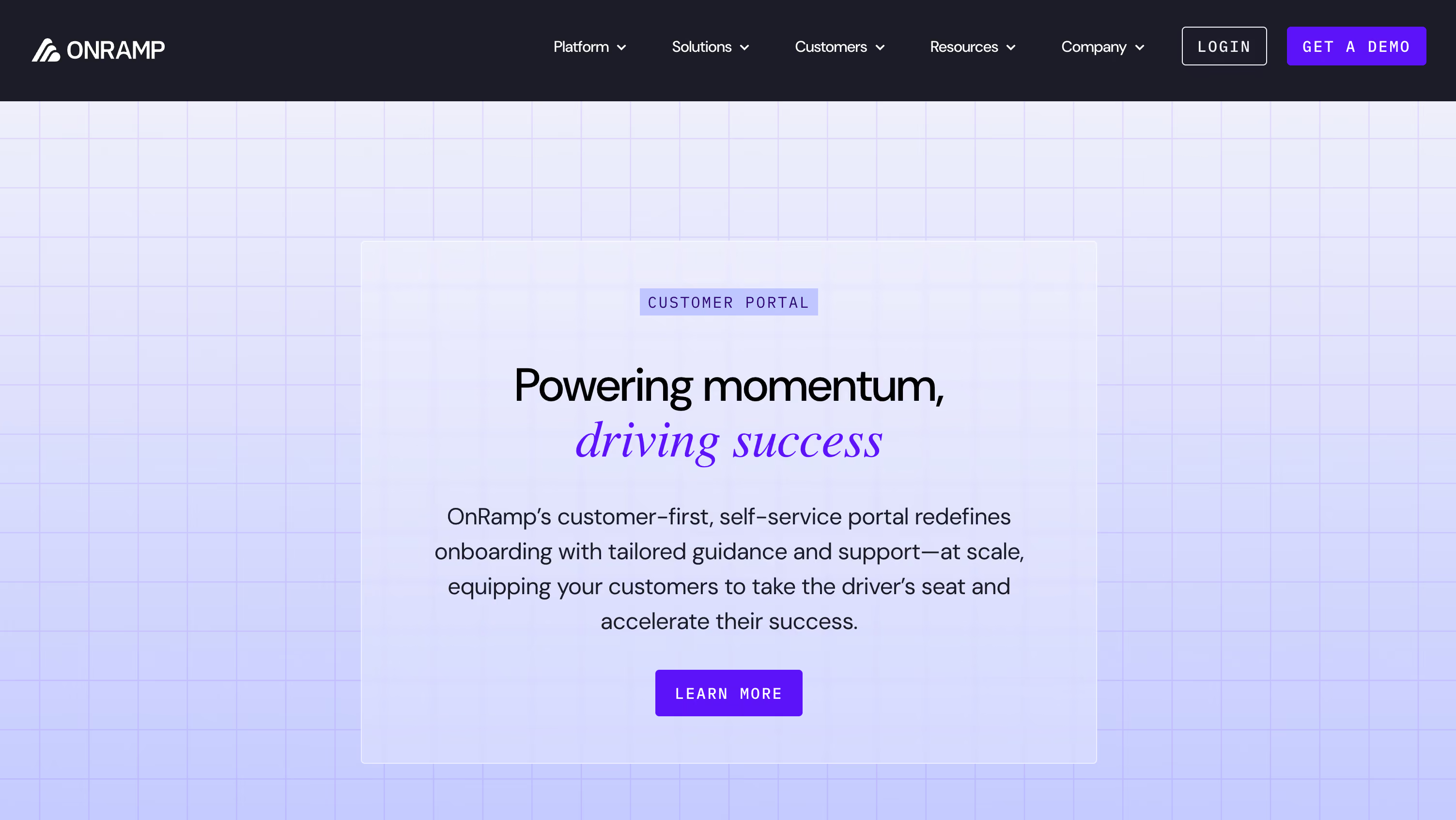
OnRamp turns customer onboarding into a branded, client‑facing portal with milestones, task lists, inline messaging, and real‑time progress.
Teams standardize delivery using reusable playbooks and CRM‑triggered project creation at closed‑won, then automate reminders and dependencies to reduce manual follow‑ups. Native Salesforce/HubSpot connectors, Zapier, webhooks, and an open API enable deeper integrations.
Enterprise‑grade security and governance, such as SSO, audit logs, encryption, SOC 2 Type II, GDPR, and HIPAA, support scale without sacrificing control:
Best for: B2B onboarding teams needing secure, branded portals with CRM integrations.
Why teams pick it: Repeatable onboarding that clients can follow, no spreadsheets or guesswork.
What you’ll like:
- Dynamic portals with inline messaging and embeddable experiences.
- Playbooks, no‑code automations, and CRM‑triggered projects for speed.
- Unlimited customer users; role‑based visibility across concurrent projects.
- Enterprise governance: SSO, audit logs, encryption; SOC 2, GDPR, HIPAA.
Trade‑offs to consider:
- Starts around $15,000, which is steep for smaller teams.
- Costs scale with accounts, playbooks, and roles.
Pricing snapshot: Sales‑assisted plans start at $15,000; portal included across tiers; short trial by qualification.
9. FuseBase
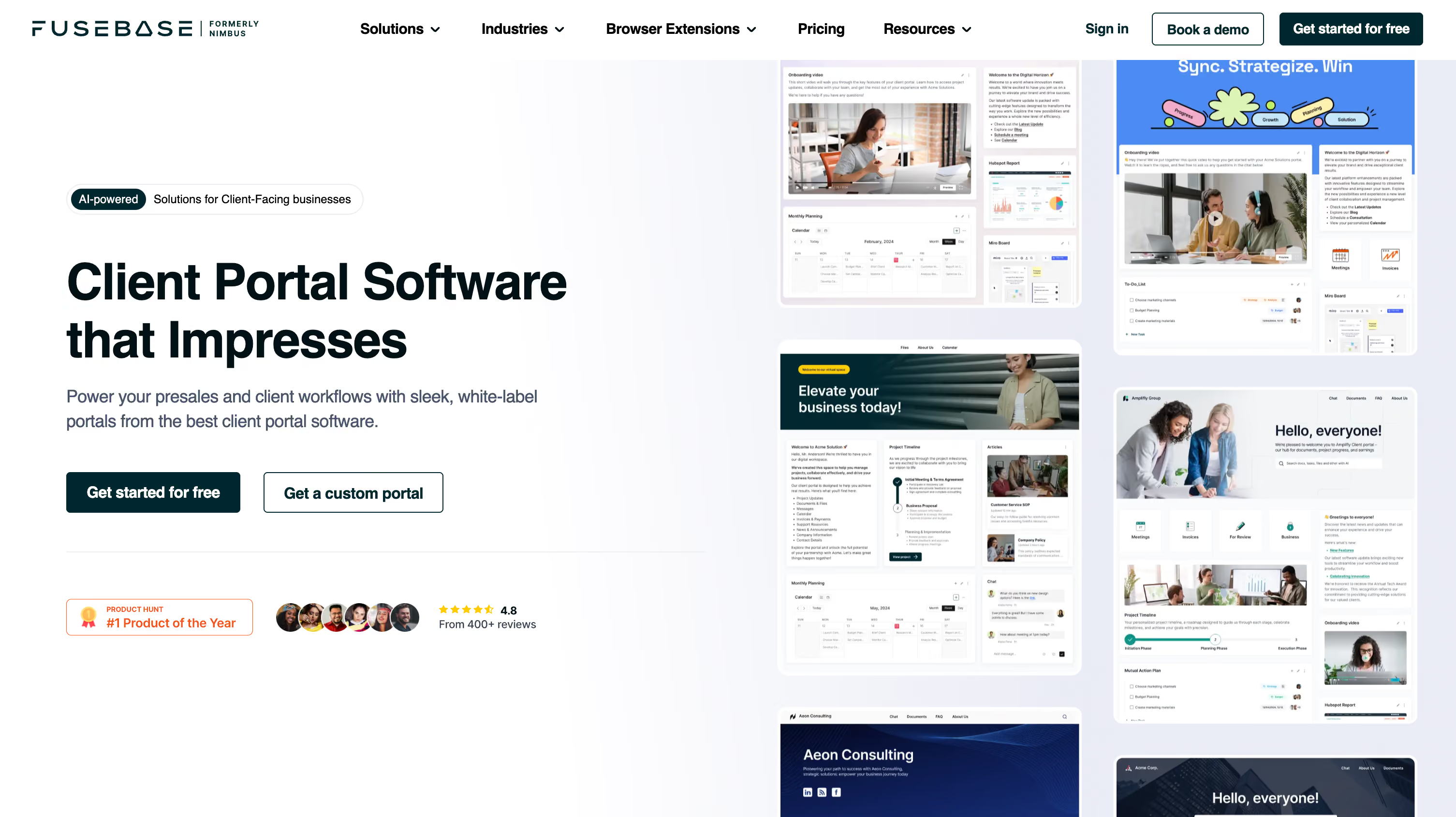
FuseBase is a no‑code client portal and workspace builder where teams share updates, files, tasks, and knowledge in a single branded hub.
Publish portal sites from internal pages, choose a template, and invite clients via public links or named accounts. Built‑in AI assistants, task lists and mutual action plans, forms, e‑signatures, and an external knowledge base reduce context switching.
You can theme and white‑label, map a custom domain/CNAME, and inject HTML/CSS/JS for chatbots, analytics, or CTAs as needs mature:
Best for: Agencies and consultancies needing fast, white‑labeled, no‑code client portals now.
Why teams pick it: Publish today, harden governance and integrations tomorrow.
What you’ll like:
- Quick setup; templates and public links make sharing simple.
- Embeds and custom HTML/CSS/JS enable flexible integrations.
- Strong branding: themes, logos, custom domain/CNAME.
- SSO, 2FA, encryption, and clear client roles.
Trade‑offs to consider:
- Custom scripts and CNAME live on higher tiers.
- Lighter PM depth than full suites; broader permissions on non‑task objects.
Pricing snapshot: Starts around $32/month; white‑label/CNAME on Business tier; Free plan and trials available.
10. Onehub
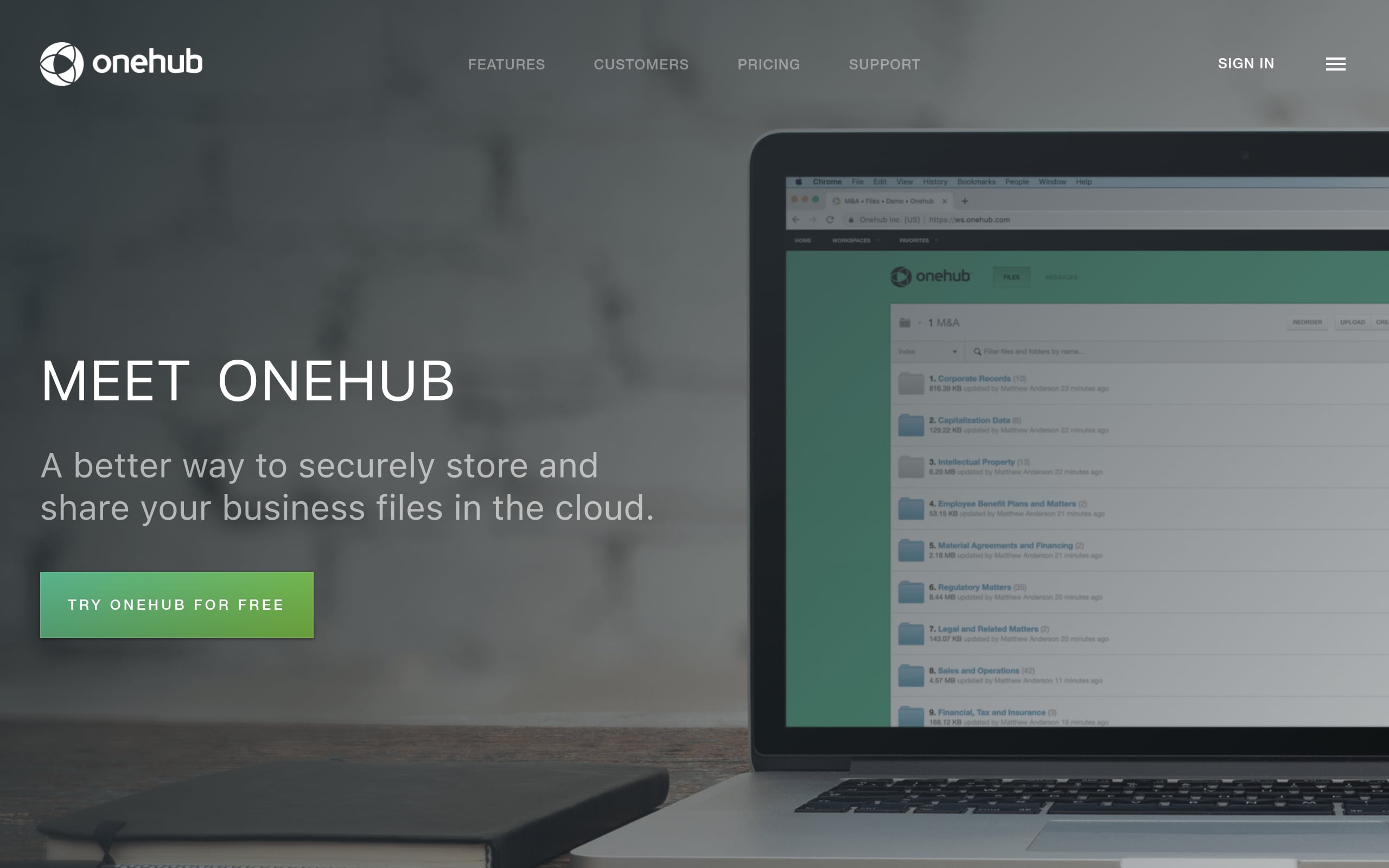
Onehub builds branded Workspaces as client portals for secure file sharing and collaboration with role‑based permissions and full audit trails.
Flip any Workspace into Data Room Mode for deals: participant anonymity, click‑through NDAs, watermarks, and automatic indexing. Drag‑and‑drop uploads, fast previews, and familiar folders speed adoption, while seven roles, activity reports, and enforceable 2FA strengthen governance.
White‑labeling, custom domains, embeddable sign‑in, SSO, and an API, plus DocuSign, Office Online, and Google Drive integrations, enable extensibility:
Best for: Teams needing secure, branded client portals and deal‑ready data rooms.
Why teams pick it: File‑first portals with true data‑room controls when stakes get high.
What you’ll like:
- Drag‑and‑drop setup with fast previews and familiar folders.
- Granular governance: seven roles, detailed permissions, logs, notifications.
- Deal‑grade features: anonymity, NDAs, watermarks, indexing.
- Brandable experience with custom domain, SSO, and embeddable sign‑in.
Trade‑offs to consider:
- Branding can complicate Office/Google/DocuSign integrations; test configs.
- Data Room Mode disables comments, tasks, dashboards.
- Advanced white‑label add‑on and Data Room pricing.
Pricing snapshot: Starts at $15 per user/month (Standard); portals on Standard/Advanced; 14‑day free trial.
11. Plutio
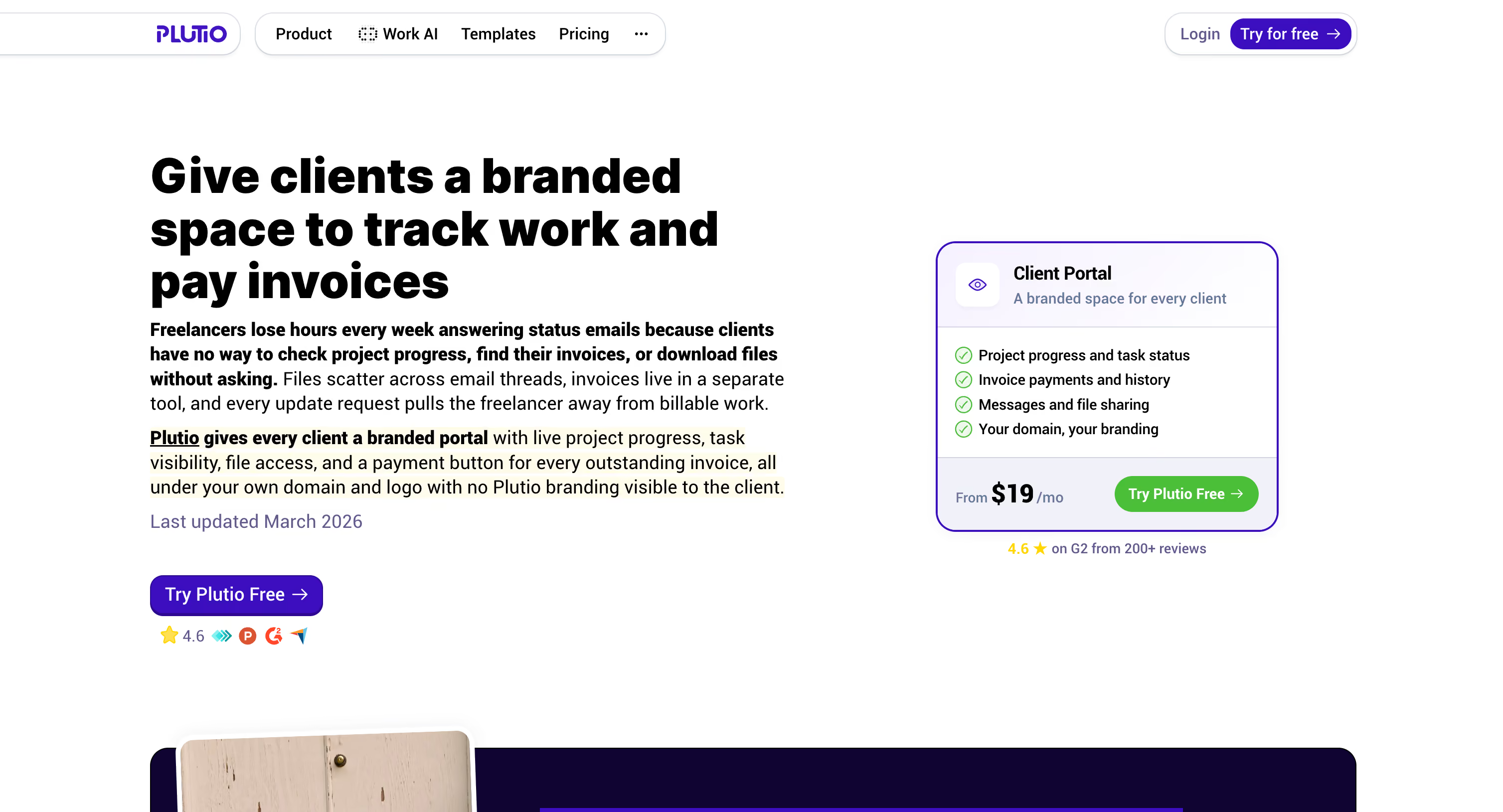
Plutio is an all‑in‑one business suite with customizable client portals where clients can access tasks, invoices, forms, files, messages, and updates in one place.
A drag‑and‑drop builder supports dynamic widgets, multi‑page layouts, public links, and role‑based views for clean governance. Extensibility includes a REST API with OAuth 2 and connectors for Zapier, Make, Integrately, and Pabbly, making it easy to automate updates and payments.
Agencies often template a portal per client or project, set it as the client homepage, and embed forms/docs for a cohesive experience:
Best for: Freelancers and agencies needing a customizable, fully brandable client portal.
Why teams pick it: One affordable hub for work, billing, and communication.
What you’ll like:
- Unified tasks, billing, forms, files, chat, and wiki.
- Drag‑and‑drop dashboards with dynamic widgets and role‑based views.
- White‑label branding, custom domain, branded emails for agencies.
- API plus Zapier/Make/Integrately/Pabbly for automation.
Trade‑offs to consider:
- Entry plan limits contributors and active clients.
- SSO and white‑label add‑ons can push you to the Max plan.
- CRM is developing; deeper pipeline needs integrations.
Pricing snapshot: Starts at $19/month (Core); portals included; white‑label/SSO add‑ons or bundled in Max; free trial.
12. MyDocSafe
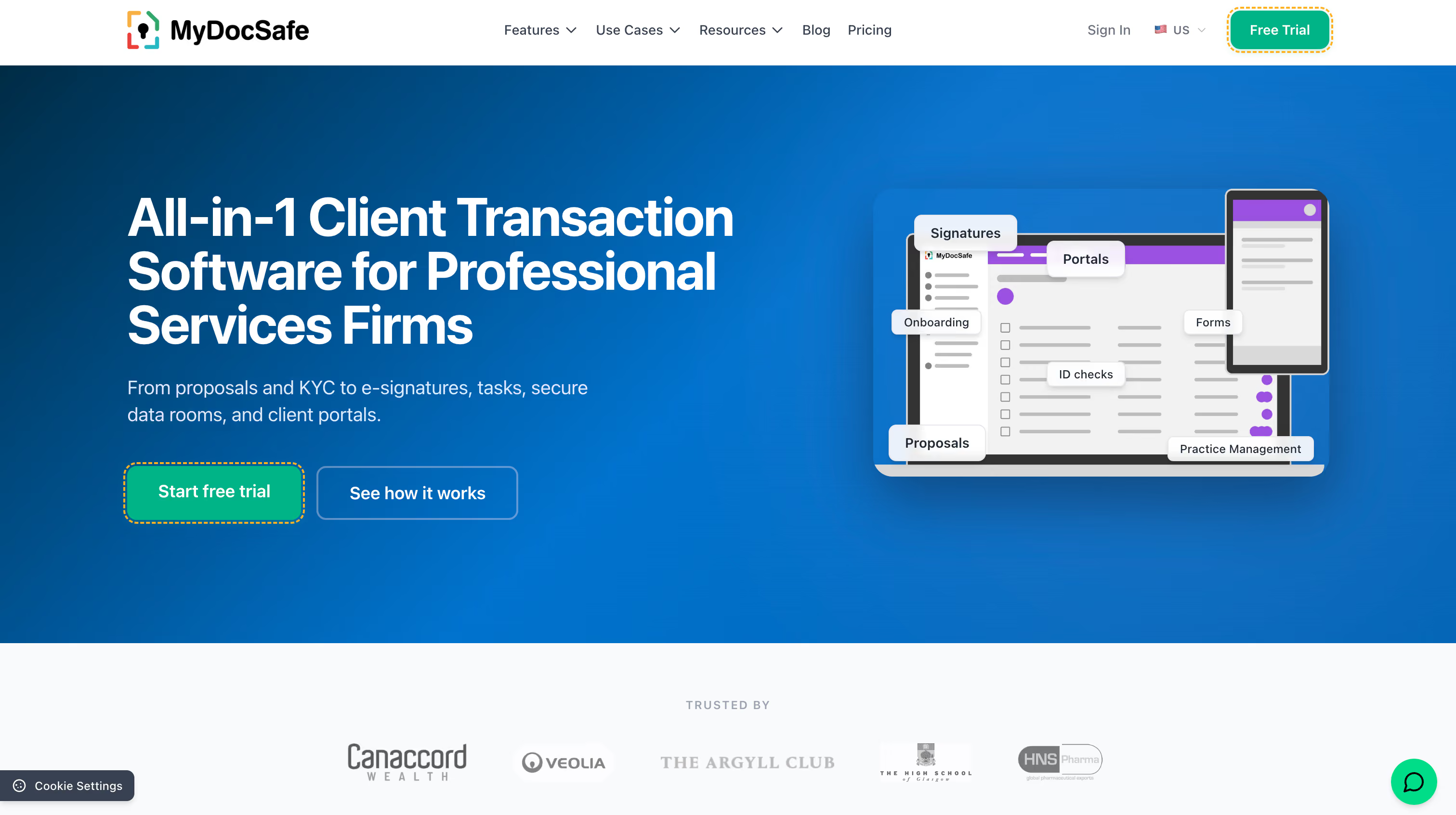
MyDocSafe combines client portals, e‑signatures, proposals/quotes, webforms, and ID/KYC to streamline onboarding in one secure place. Organize work with portal groups and subportals, apply granular permissions, broadcast announcements, and orchestrate conditional or multi‑threaded workflows.
Branding spans custom subdomains to full custom domains, and integrations cover Office 365/Outlook (including encrypted email), Zoho, Xero, Stripe, GoCardless, and Dropbox. Security is strong, with AES‑256 at rest, ISO 27001:2022, and EU/US data residency, making it a fit for regulated use cases:
Best for: Professional services and deal teams needing secure, branded onboarding portals.
Why teams pick it: End‑to‑end onboarding including documents, data capture, payments, and ID checks.
What you’ll like:
- Portals, e‑sign, forms, proposals, and ID/KYC in one stack.
- Robust governance: groups, private areas, audit trails.
- Branding options, custom domains, and Outlook encrypted email.
- Integrations for finance and productivity; regional hosting choices.
Trade‑offs to consider:
- SSO requires Enterprise with custom domain SAML.
- API design/caps limit heavy REST‑style integrations.
- Broadcasts aren’t encrypted; subportal depth improves on Enterprise.
Pricing snapshot: Starts $25/user/month (annual); portals on Business Pro; 30‑day trial; ID checks PAYG; SSO on Enterprise.
13. Accelo
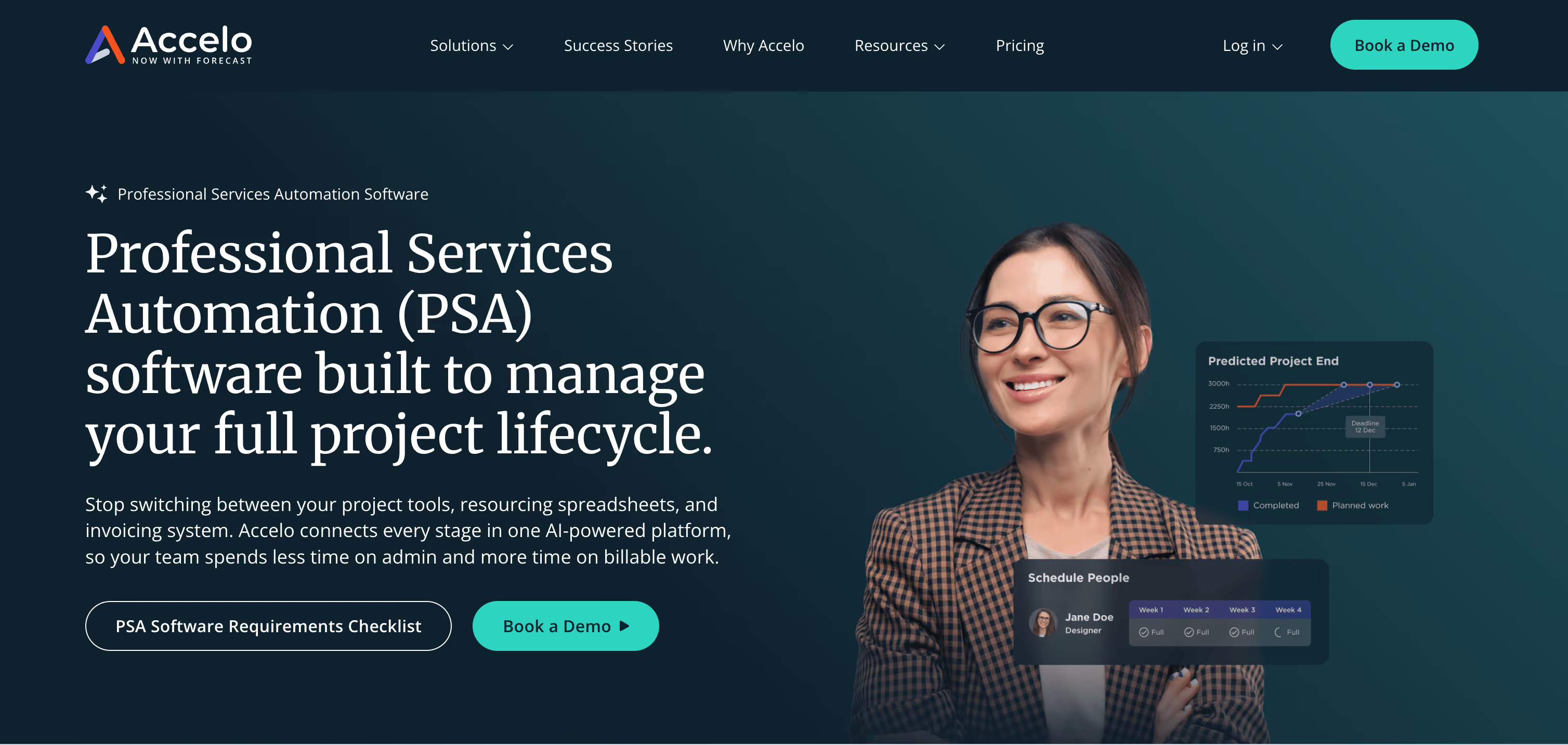
Accelo’s client portal centralizes self‑service for quotes and change orders, project and ticket status (with audit trails and Gantt views), request intake, retainer burn, and invoices/payments. You can brand the experience, add custom links, and finely control visibility globally or per client/contact.
Extensibility is strong via a public REST API and native integrations with Microsoft 365/Google, Salesforce/HubSpot, QuickBooks/Xero, Stripe/PayPal/Authorize.net, and Zapier. Security includes SOC 2 Type 2 controls, SSO/MFA, and encryption in transit and at rest:
Best for: Agencies/MSPs needing branded portals for quotes, projects, tickets.
Why teams pick it: A PSA‑grade portal that ties delivery, billing, and support together.
What you’ll like:
- One hub for quotes, projects/tickets, requests, invoices, and payments.
- Fine‑grained permissions, audit trails, and sign‑offs.
- Unlimited client portal users on Business tier.
- Broad integrations and automation via API and connectors.
Trade‑offs to consider:
- PSA breadth adds configuration and learning time.
- Pricing is quote‑based; unlimited users require Business tier.
Pricing snapshot: Quote‑based; unlimited client portal users on Business; no free tier; demo required.
14. Ideagen Huddle
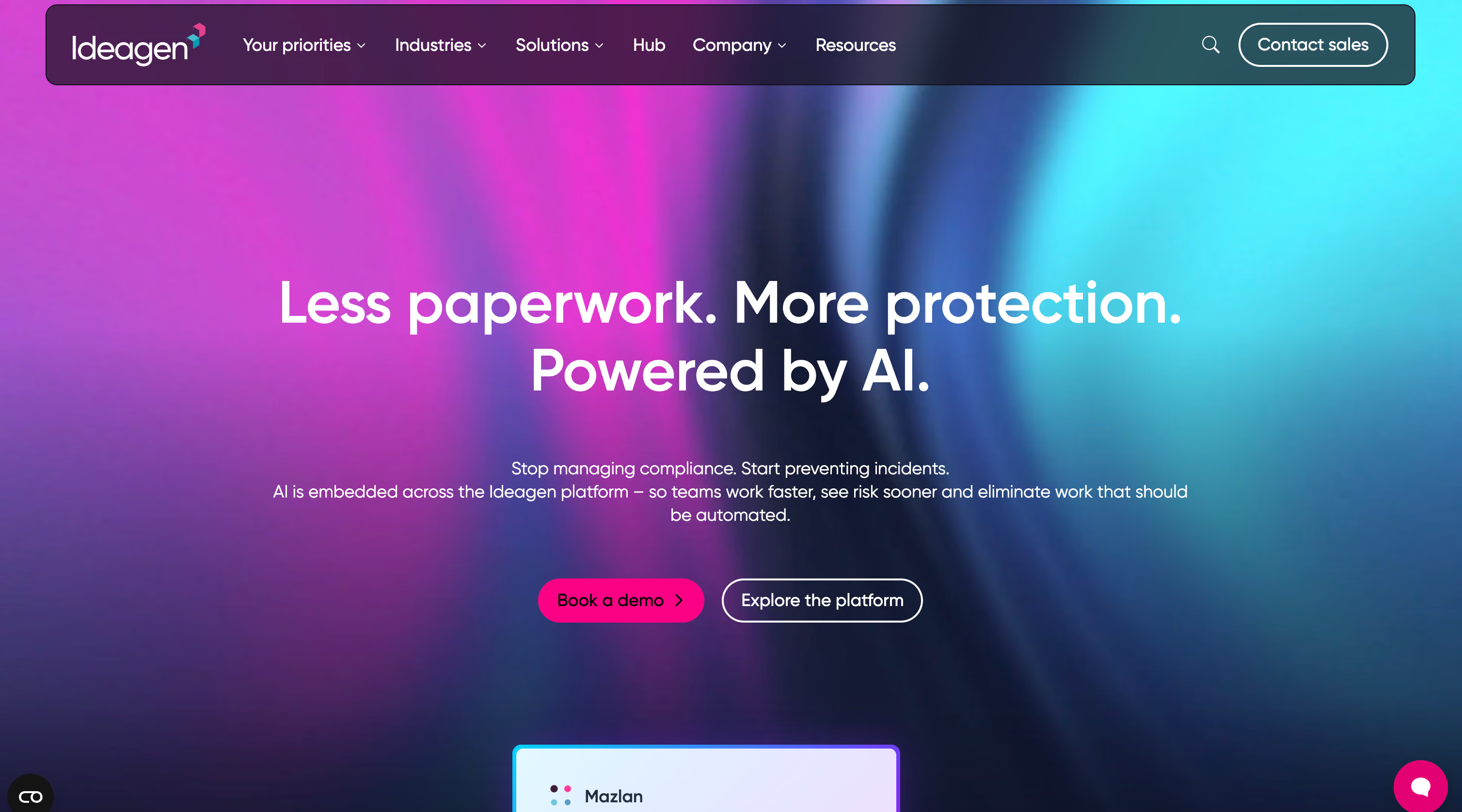
Ideagen Huddle provides secure, client‑branded workspaces where teams and external clients co‑author Microsoft 365 files, comment in context, manage tasks and approvals, and track everything with time‑stamped audit trails.
It shines for low‑IT deployment, large‑file support up to 20 GB, and extensibility via an OAuth2 API, SSO with Microsoft Entra ID/Okta/OneLogin, and a Power Automate connector for no‑code workflows.
FedRAMP Moderate, ISO 27001, HIPAA, and US/UK data residency options make it a strong fit for regulated programs:
Best for: Professional services and government contractors needing secure, FedRAMP‑authorized client collaboration.
Why teams pick it: Government‑grade assurance with the usability of modern workspaces.
What you’ll like:
- FedRAMP Moderate, ISO 27001, HIPAA; granular permissions and detailed audits.
- Fast browser‑based rollout; unlimited workspaces; free external guests.
- Microsoft 365 co‑editing, SSO (Entra ID/Okta/OneLogin), OAuth2 API, Power Automate.
Trade‑offs to consider:
- Quote‑based pricing and higher seat minimums can challenge small teams.
- Not a full PSA/CRM; expect integrations for billing and pipeline.
Pricing snapshot: Quote‑based; portal features on Huddle Plus (25‑user minimum) with free external guests; trial available.
15. Kahootz
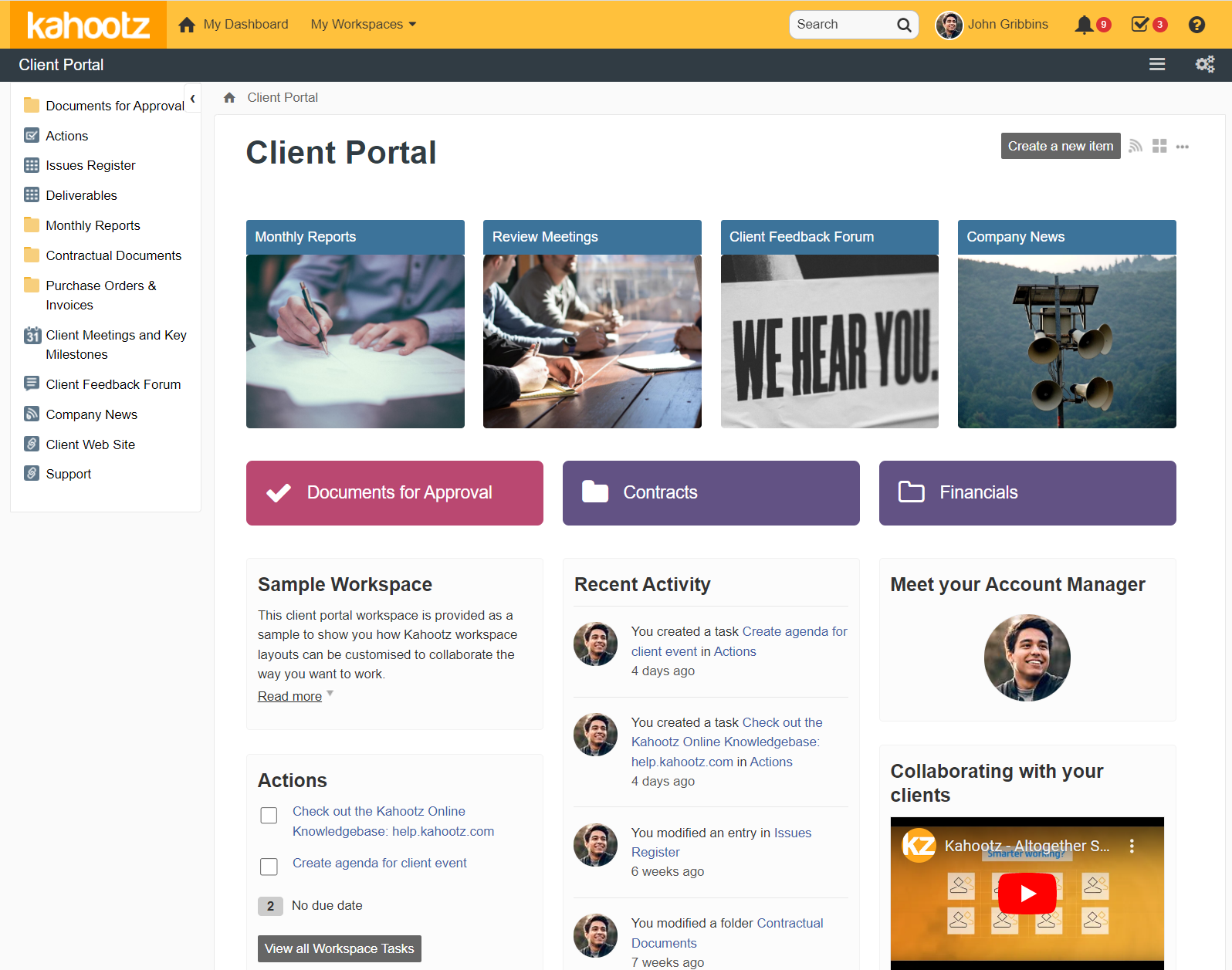
Kahootz is a secure extranet and client portal platform built around rapidly configurable workspaces for files, co‑authored documents, discussions, surveys, tasks, calendars, and drag‑and‑drop dashboards.
Item‑level permissions, audit trails, and targeted notifications deliver strong governance, while enterprise options add SAML SSO, API access, and full branding for large programs. UK‑hosted data centers, ISO 27001 certification, regular CHECK testing, 2FA, and a 99.95% SLA underpin its assurance and track record with UK government, including the MoD’s Defence Share:
Best for: Security‑focused teams needing turnkey, UK‑hosted client/partner collaboration portals with governance.
Why teams pick it: Governance you can delegate safely, at speed and at scale.
What you’ll like:
- ISO 27001, CHECK‑tested, 2FA, TLS, 99.95% SLA.
- Rapid workspace setup, dashboards, and targeted notifications.
- Granular item‑level permissions with full audit trails.
- Enterprise scalability with SAML SSO, API, branding, active‑user licensing.
Trade‑offs to consider:
- Learning curve for advanced governance; no native real‑time chat/meetings.
- Many white‑label/SSO features on Enterprise; UK‑only hosting may limit options.
Pricing snapshot: Professional from £12.50/user/month (annual); Enterprise adds SSO, API, branding; 30‑day trial; active‑user licensing available.
Alternatives to client portals, and when to use them
Client portals are not always the first move. Consider these options based on maturity and use case.
- Shared drives or secure links
- Simple file delivery for one time projects
- Risk of version drift and weak permissions at scale
- Project management invites
- Good for deep collaboration with a few clients
- Can overwhelm non technical users without a guided experience
- Knowledge base and chat
- Great for deflection and quick answers
- Works best when paired with a portal for approvals, invoices, and assets
Note that only 14 percent of issues fully resolve in self service today, so provide clear escalation paths. (gartner.com)
- Email with automated status updates
- Useful as a stepping stone before your portal goes live
- Lacks a single place to act and approve
When you outgrow these options, move to client portals that centralize files, messages, approvals, and analytics.
Conclusion
The right client portal is the one your clients actually use. A feature-rich platform that confuses them on first login fails regardless of what it costs or how well it integrates with your stack.
Start with the two or three jobs that matter most: what clients need to do without calling you, and what your team needs to see to stay ahead of problems. Match those to a tool, not the other way around. Most teams on this list will find a packaged solution that covers their needs in a day. Teams with complex workflows, custom data models, or pricing that cannot scale per client will find that building beats buying.
If you are in the second group, WeWeb gives you a visual builder to create exactly the portal your business needs: connected to your existing backend, white-labeled, and exportable when you are ready to own the infrastructure. Start building for free.
FAQ, client portals
What is a client portal used for?
A client portal gives customers a secure place to view status, share files, approve work, pay invoices, and get support without email ping pong.
Are client portals secure?
They can be, if you enable SSO, MFA, and least privilege access. Security matters because most breaches involve a human element and stolen credentials are common. Choose tools with audit logs and strong identity.
Do client portals actually reduce support tickets?
Yes, when designed well.
How fast can a team launch a portal?
With a visual development platform like WeWeb, teams can connect data, scaffold UI with AI, and go live in days.
What should be in a client portal MVP?
Start with login, roles and permissions, a status dashboard, file sharing, and a simple knowledge base with clear escalation.
How do portals help with compliance?
Portals centralize access control, logging, and data residency. Given the high cost of breaches globally and in the United States, strong controls protect both customers and the business.
Why not just use email and shared folders?
Email and shared folders are fine for simple cases, but they lack structured workflows, approvals, analytics, and audit trails that client portals provide at scale.