


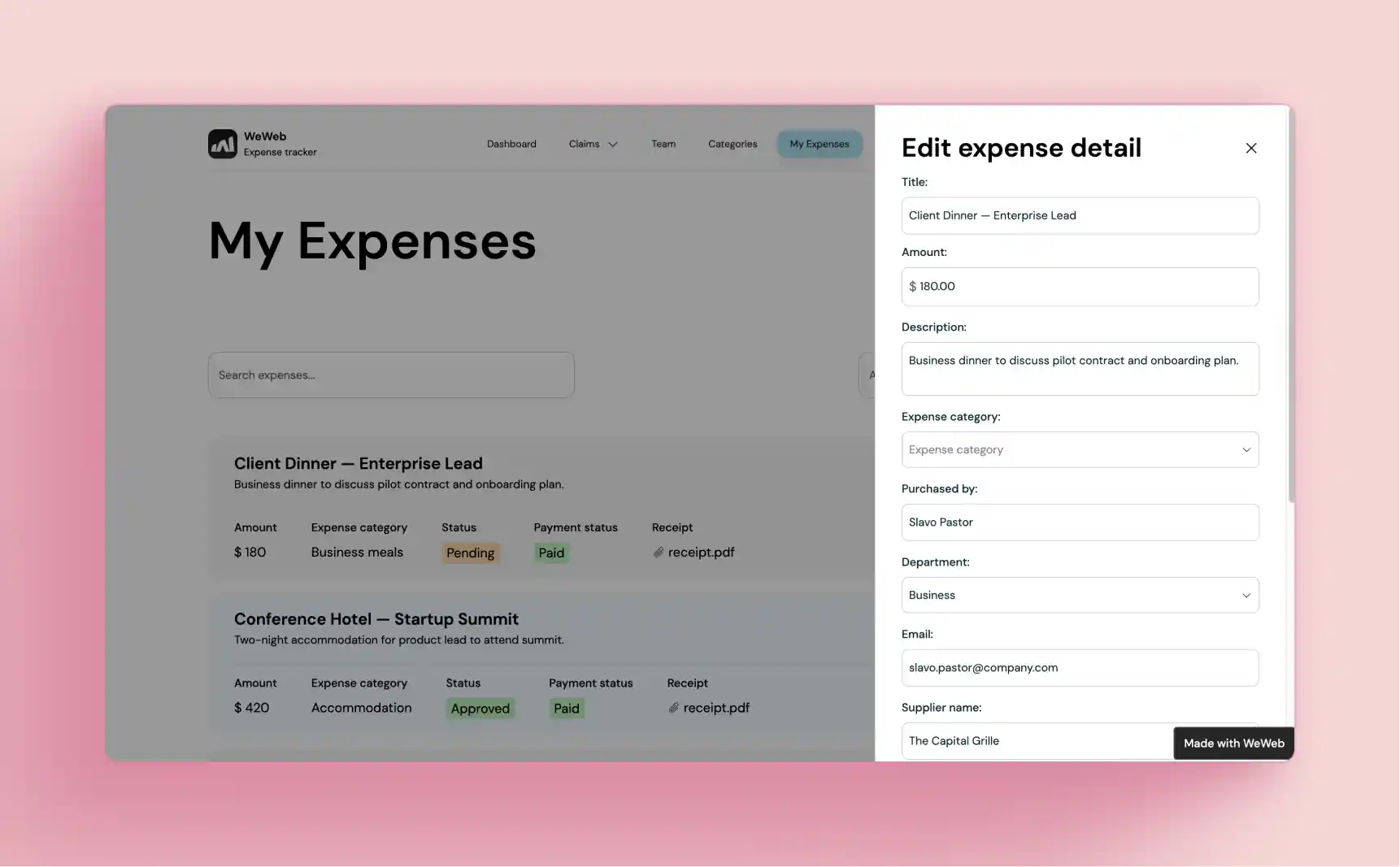
Client portal software is a secure web application that gives customers a private space to view data, exchange files, approve work, make payments, and chat with your team. The best tools unify data from your CRM, billing, and support systems, present it cleanly for each client or role, and automate common tasks like intake, renewals, and approvals. Modern portals also include AI search and assistants so customers can find answers quickly or complete routine actions without waiting on an agent.
Customers expect secure, instant, and personalized access to projects, invoices, and messages. Teams expect fewer emails and faster approvals. That is why client portal software has become a must have in 2026. Cost pressure is real. The median cost per self service contact is about one seventh of assisted channels, which makes shifting routine work into a portal an easy win. (gartner.com)
At the same time, most self service still fails to fully resolve issues, which means the quality of your portal and its workflows matter just as much as the decision to deploy one. Only 14 percent of issues are fully resolved in self service today, and when agents do not promote self service, adoption lags. (gartner.com)
AI is raising the bar. Many CX leaders expect the majority of interactions to resolve without a human within a few years, and they see measurable gains when AI is designed to be helpful and human like. As machine customers and assistants handle more requests, portals become the front door for ongoing service. Your portal strategy should reflect that reality. (prnewswire.com) (gartner.com)
Explore WeWeb if you want a visual platform that lets you generate an app with AI, edit it in a powerful editor, connect any backend, and even export the code to self host when you need maximum control.
Why you need a client portal
- Cut service costs while improving speed. Self service interactions are significantly cheaper than assisted ones, which makes client portal software a direct lever on cost to serve. (gartner.com)
- Meet customer expectations for immediacy. Many consumers are ready to delegate routine tasks to AI assistants. A portal is the natural place to offer that experience. (prnewswire.com)
- Reduce email and context switching for your team. Centralized threads, files, and approvals reduce back and forth and help agents resolve requests faster.
- Prepare for automation. In 2026, a meaningful share of inbound service volume is expected to come from machine customers, so processes that live in your portal will scale more easily. (gartner.com)
Benefits and outcomes you can expect
- Lower cost per contact as customers use portal self service instead of assisted channels. (gartner.com)
- Higher deflection and faster resolutions. In a Forrester study of a contact center platform, call deflection improved from 8 percent to 20 percent after better self service and automation were deployed. (blog.webex.com)
- More issues resolved without agents. Another Forrester study found a composite organization achieved a four times increase in issues resolved via self service and a three year ROI of 225 percent after adopting an AI powered support suite. (freshworks.com)
- Fewer breach risks when you standardize access and logging in one portal and follow security best practices. The average cost of a data breach reached 4.88 million dollars in 2024, so getting security right has real financial impact. Extensive use of security AI and automation reduced breach costs by roughly 2.2 million dollars in that report. (newsroom.ibm.com)
Core features to include in a modern portal
- Secure authentication options such as SSO and passwordless, plus granular roles and permissions
- Personalized dashboards that reflect the client, account, and user role
- File vault with virus scanning, versioning, and retention controls
- Messaging and comments with mentions, attachments, and audit trails
- Forms and e signatures for intake, approvals, and renewals
- Payment and invoicing with reminders and receipts
- Knowledge base and AI search tuned to your content
- Analytics for usage, deflection, and satisfaction
- Admin controls for branding, localization, and data residency
- Integration layer for CRM, billing, data warehouses, and custom APIs
With WeWeb, teams get complete backend freedom. You can use WeWeb's native backend and can connect REST or GraphQL APIs, data sources like Xano or Supabase, and even import custom Vue.js components for unique UI needs. You can host with WeWeb or export code and self host anywhere for full control.
AI in client portals, what is real and what to look for
- Realistic today. Assistants that summarize conversations, fill forms, extract intent, and guide users through common workflows, plus AI that helps agents with replies. Leaders expect a future where most interactions resolve without a human. (prnewswire.com)
- Quality matters. Many customers still fail to fully resolve issues in self service, which means you must design flows that actually complete tasks end to end. Track resolution rates in your portal analytics. (gartner.com)
- Risk to manage. Shadow AI use has surged inside service teams. Choose platform features that give you guardrails and governance. (prnewswire.com)
Evaluation checklist for AI in client portal software
- Retrieval grounded answers from your own content
- Clear handoff to humans with full context
- Redaction and safe logging for prompts and outputs
- Model choice and cost controls
- Versioning, feedback loops, and analytics for continuous improvement
Buying criteria, how to choose
- Security and compliance. Ask about SOC 2 Type II attestation and how the vendor handles data residency, logging, and incident response. SOC 2 is an attestation that tests controls over time, not a one time certificate. Typical Type II audits cover six to twelve months. (lumificyber.com)
- Integration depth. Confirm native connectors and whether you can bring your own backend. With WeWeb, you can connect any API and keep your data where it already lives.
- Customization. Look for visual control over layout, logic, and permissions, plus support for custom components when you need something unique. WeWeb supports importing coded Vue.js components into the visual editor.
- Hosting model. Some teams want managed hosting, others need self hosting. WeWeb supports both, including code export for air gapped environments.
- Price model. Avoid per seat pricing for end users if you serve large client populations.
- Analytics and governance. You will need usage analytics, audit logs, and fine grained roles from day one.
Try WeWeb to prototype your portal quickly, then keep scaling without hitting limits.
Top 15 Client Portal Software Tools for 2026
Building on the evaluation framework above, this section spotlights the top client portal platforms to consider in 2026, spanning no-code builders, agency-focused workspaces, and enterprise suites.
We’ve grouped them for their proven mix of secure file sharing, collaboration, automation, and scalable pricing, so you can quickly match a portal to your team’s workflow. Use this list to compare strengths at a glance and shortlist candidates for trials.
| Tool | Best for | Starting price | No-code | White-label | Self-host |
|---|---|---|---|---|---|
| WeWeb Our pick | Custom portals, agencies, scale | Free / $20/mo | Yes | Yes | Yes |
| Assembly (Copilot) | Service firms, fast setup | $39/mo | Yes | Paid tiers | No |
| SuperOkay | Small agencies, freelancers | Free / $9/mo | Yes | Yes | No |
| Motion.io | Agencies, SaaS onboarding | $39/user/mo | Yes | Scale plan | No |
| Ideagen Huddle | Enterprise, regulated industries | Quote-based | Partial | Partial | No |
| Moxo | Mid-market services, finance | Quote-based | Yes | Higher tiers | No |
| Clinked | Agencies, secure file sharing | $95/mo | Yes | Yes | No |
| MyDocSafe | Pro services, e-sign compliance | €22/user/mo | Yes | Yes | No |
| Dock | B2B CS and onboarding teams | Free / $350/mo | Yes | Enterprise | No |
| SuiteDash | SMBs, flat-rate all-in-one | $19/mo | Yes | Yes | No |
| ClientPortal.io | WordPress agencies and solos | $25/mo | Yes | Yes | WordPress |
| Sydnee.app | Agencies, freelancers | $25/mo | Yes | Yes | No |
| CoordinateHQ | Delivery-focused agencies | $25/user/mo | Yes | Enterprise | No |
| Accelo | Agencies, MSPs, consultancies | Quote-based | Partial | Yes | No |
| Onehub | File sharing, virtual data rooms | $15/user/mo | Yes | Higher tiers | No |
Prices reflect entry-level paid plans as of 2026. Check each tool's pricing page for current details.
1. WeWeb
WeWeb is a visual full-stack builder that turns your data and auth into a polished, branded client portal without locking you into a specific backend. Teams design the UX, bind lists and tables to live data, and control access at the page or view level while layering in analytics with tools like Segment or Google Tag Manager (GTM). It’s a flexible path from MVP to production with options to host on WeWeb or export a Vue app to your own infrastructure.
Best for: Startups, agencies, and innovation teams needing fast launch, scalable, non-dev upkeep portals.
- Access & permissions: Page-level gating, role/group rules, and back-end row-level security where supported.
- Work management: Assemble tasks, messaging, or workflows from your chosen back end and components.
- Branding: Full theming and component styling for a true white-label experience on your domain.
- Extend & data: Native backend, REST/GraphQL connectors, Supabase/Xano/Airtable integrations, custom components, APIs/webhooks.
Builder’s lens
- Pros:
- Hosting freedom: custom domain on WeWeb or export a Vue SPA to self-host.
- Solid permission patterns plus back-end RLS for data-level control.
- Broad integration surface (REST/GraphQL, Supabase, Xano, Airtable, Stripe, Slack, Zapier/Make).
- Cons:
- Not turnkey: tasks, messaging, and flows come from your own stack.
- One auth provider per app.
Pricing snapshot: Starts at $20/month with a free plan; custom domains/white-label require paid hosting or self-hosting.
2. Assembly (CoPilot)

Assembly (formerly Copilot/Portal) packages the essentials of a client portal, including messaging, files, tasks, forms, billing, proposals, and e-sign, into a clean, branded login that clients actually use. Magic links or Google SSO keep access friction-free, while admins expose only the apps each client should see, resulting in a cohesive, professional experience from onboarding to renewals.
Best for: Services firms, solo to 100+ seats, launching branded portals without developers quickly.
- Access & permissions: App Visibility, Client Access, and roles scope what every user can view or do.
- Work management: Centralized inbox, tasks, forms, files, proposals, subscriptions, and contracts/e-sign.
- Branding: Custom domain and email domain; full white label on higher tiers.
- Extend & data: REST API, webhooks, Zapier/Make, Partner Apps, and Custom Apps via secure App Bridge.
Builder’s lens
- Pros:
- Speed to value with polished UX, SSO, and domain branding.
- Extensible via API/webhooks and a growing ecosystem of apps.
- Granular client scoping that stays manageable at scale.
- Cons:
- Full white-label and enterprise controls live on higher tiers.
- Some embedding/API rate limits require batching or workarounds.
Pricing snapshot: Starts at $39/month with a 14-day trial; white-label, SSO, and security features unlock on higher tiers.
3. SuperOkay
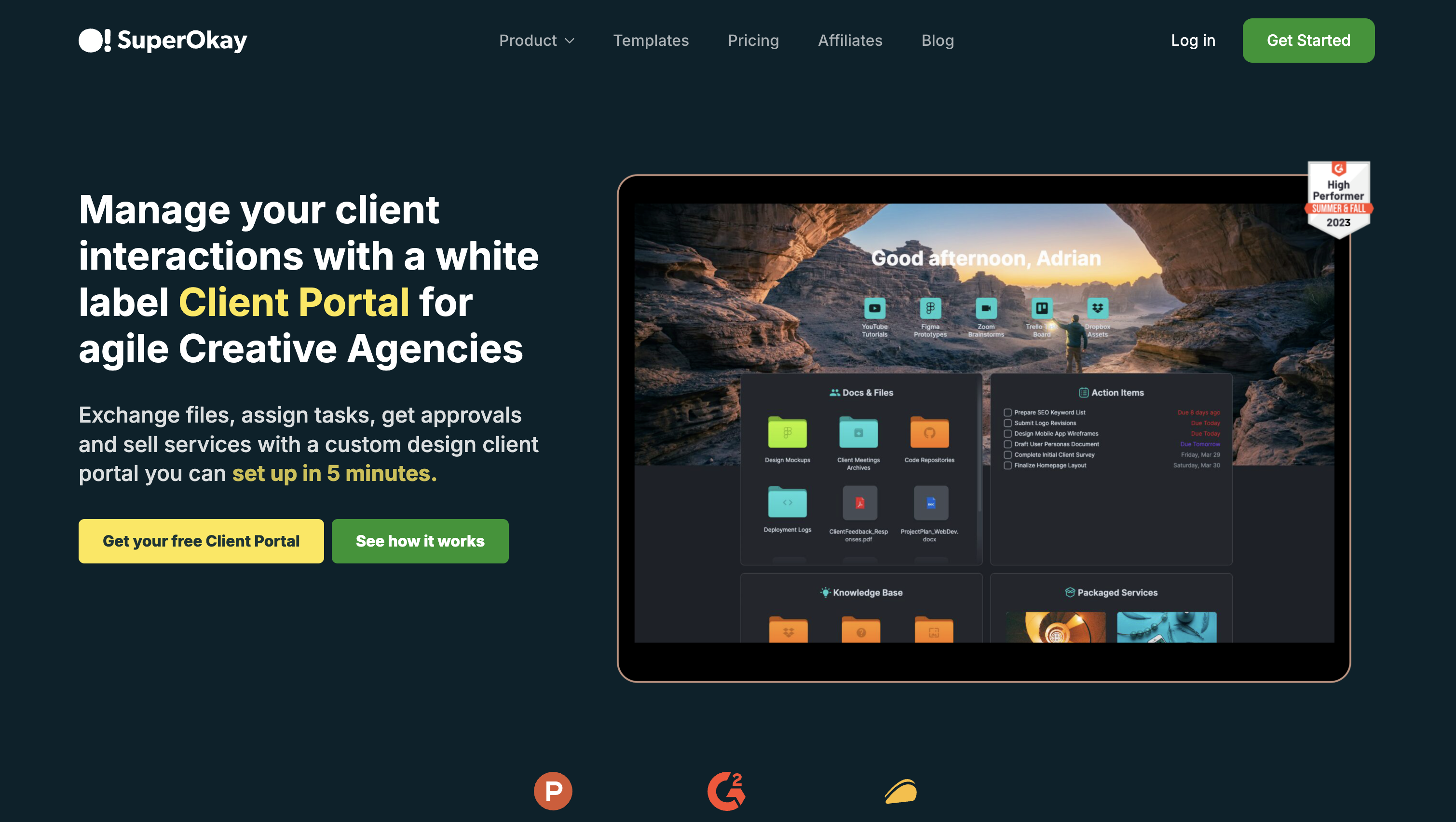
SuperOkay focuses on everything agencies need to present work clearly, including dashboards, docs with approvals, tasks, files, embeds, and a running timeline, wrapped in a tidy, white-labeled interface. Clients enter via magic link or password and see an organized hub that cuts down on back and forth and keeps deliverables moving.
Best for: small to mid-size agencies and consultants needing fast-launch, scalable, non-developer-maintained client portals.
- Access & permissions: Admin/PM/Member roles plus client-side visibility controls.
- Work management: Docs with approvals/comments, tasks, files, quick links, and a project timeline.
- Branding: Custom domain, email white-label, colors/fonts, and themed login.
- Extend & data: Embed Figma, Miro, Trello, Airtable, Looker Studio, YouTube (often via public links); hosted SaaS with PDF/folder export.
Builder’s lens
- Pros:
- Rapid white-label setup on your domain with role-based control.
- Approvals, comments, notifications, and activity give a light audit trail.
- Embed-first approach centralizes external tools for clients.
- Cons:
- No public API/Zapier; many embeds require public sharing.
- Free/Solo plans omit custom domain/roles; 125-MB file limit.
Pricing snapshot: Free plan available; paid from $9/month; Solo+ adds custom domain/white-label; 125-MB file cap applies.
4. LaunchBay
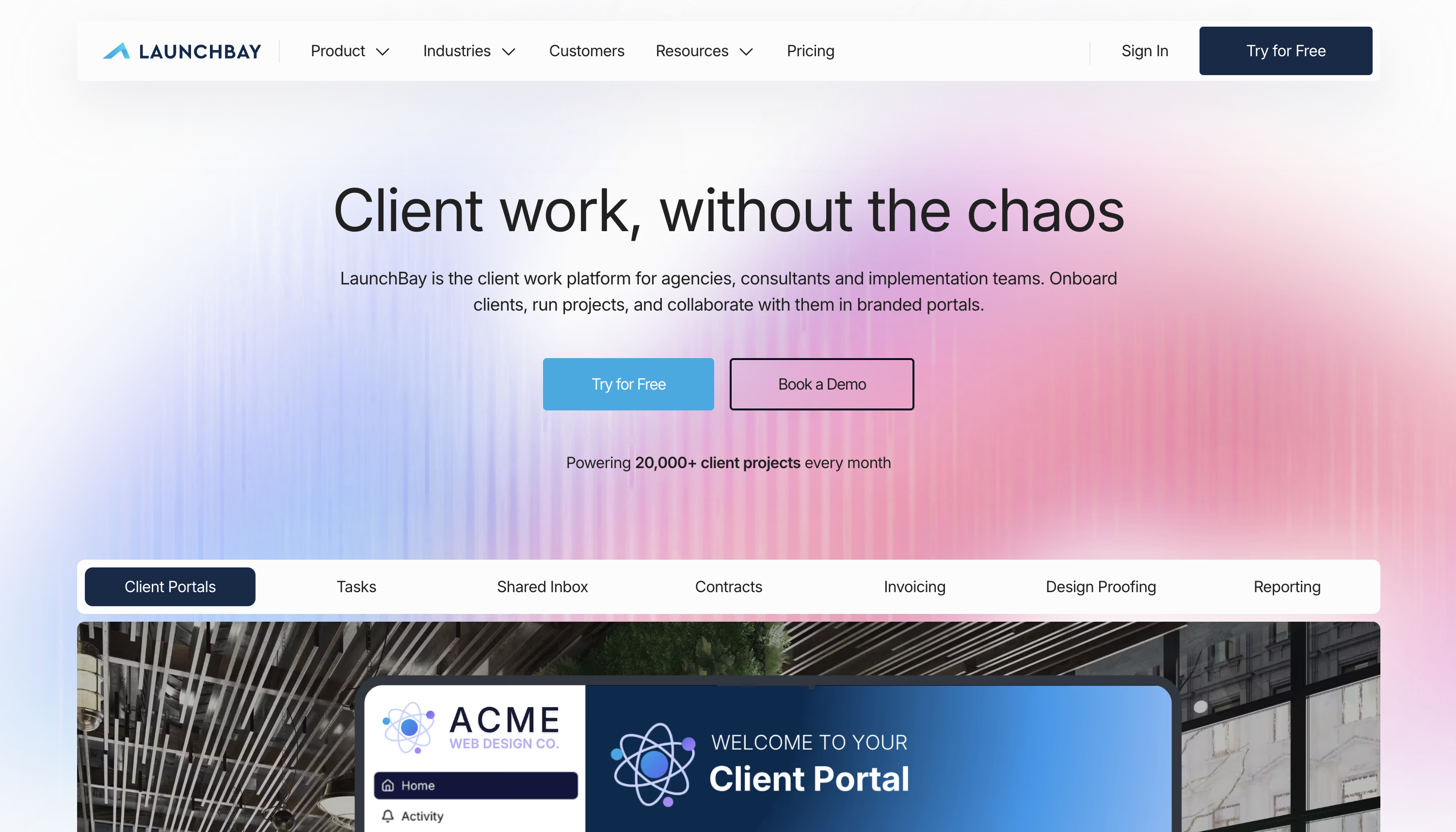
LaunchBay streamlines client onboarding and collaboration with loginless magic links, a unified inbox, and task flows that keep reviews and approvals on track. Teams use list/Kanban/calendar views, proofs with annotations, digital contracts, and automations to nudge work forward without requiring clients to remember passwords.
Best for: Founder-led agencies and SaaS onboarding teams needing loginless, scalable, no-dev client portals.
- Access & permissions: Magic links (optional passwords on Scale), roles for Admin/Manager/Employee/Contractor, client guests.
- Work management: Tasks, proofs/annotations, forms, chat, contracts/e-sign, reminders, and automation.
- Branding: Custom pages/headers; on Scale add custom domain and sending domain, remove branding, require passwords.
- Extend & data: Zapier triggers/actions, Auto-BCC to CRM, and rich embeds (Airtable, Drive, Calendly, Looker Studio, Fillout/Stripe).
Builder’s lens
- Pros:
- Frictionless client experience with strong collaboration primitives.
- White-label options and 2FA for teams on Scale.
- Built-in proofing and contract flows reduce tool switching.
- Cons:
- Password protection and full white-label require Scale (3-user minimum).
- No public REST API; rely on Zapier/email/embeds for deeper integrations.
Pricing snapshot: From $39/user/month with a 14-day trial; unlimited clients; white-label and passworded portals are Scale-only.
5. Ideagen
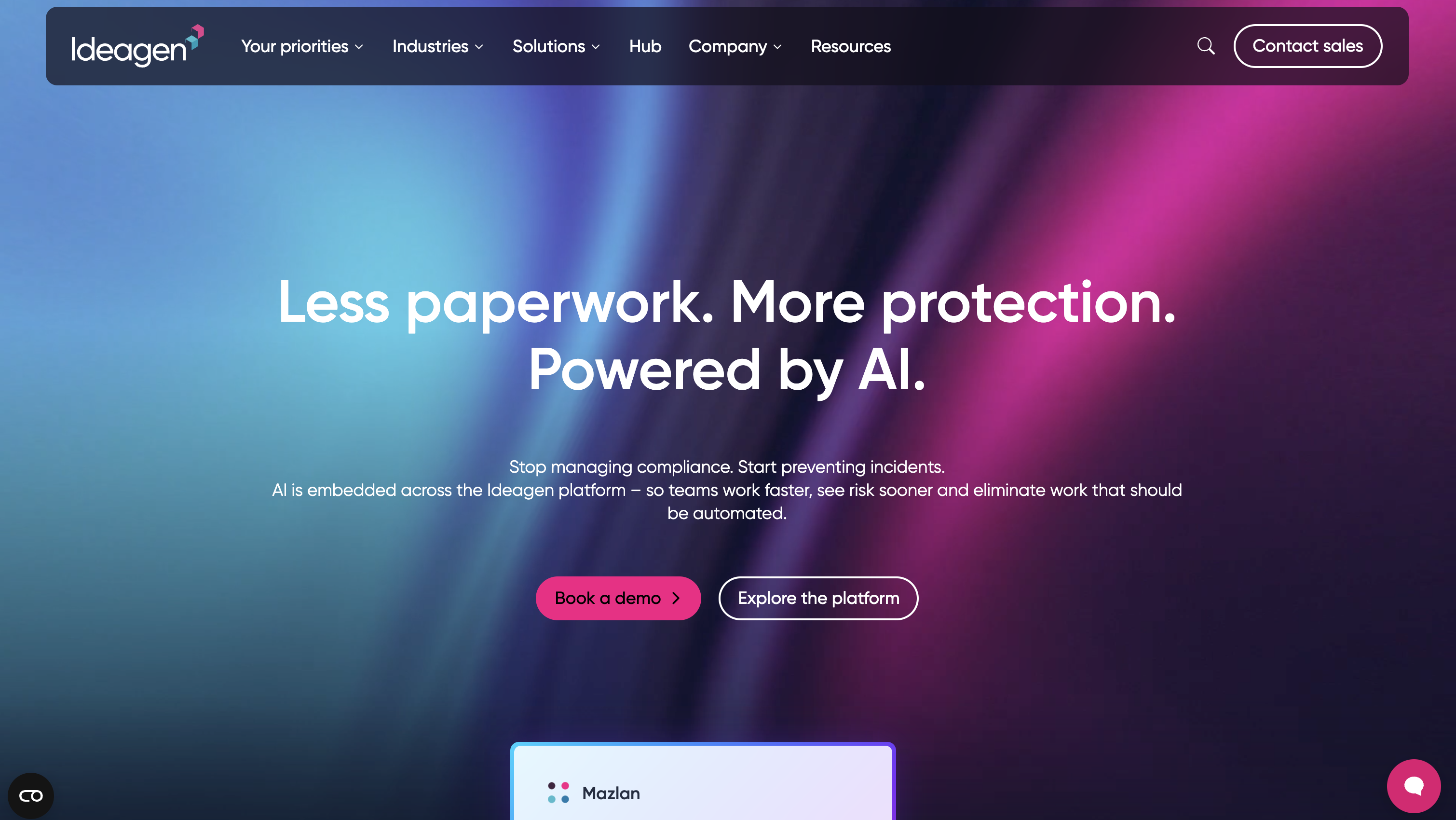
Ideagen is a secure, document-centric client portal that excels at external collaboration at enterprise scale. Workspaces keep files, tasks, comments, and approvals organized with versioning, Office Online co-authoring, and full audit trails, making it ideal where compliance and clarity matter as much as speed.
Best for: Regulated mid-market/enterprise teams needing fast, scalable, document-centric portals without developer upkeep overhead.
- Access & permissions: Invite or SSO/SAML; workspace/folder/file controls with detailed auditing.
- Work management: File Requests, approvals, tasks, comments, and large-file support.
- Branding: Branded sign-in and workspace visuals; mobile apps for clients on the go.
- Extend & data: Microsoft 365/Outlook, Google Workspace, Slack, SharePoint, Salesforce; REST/OAuth API; data residency options and FedRAMP edition.
Builder’s lens
- Pros:
- Free client/partner seats on most plans to scale external access.
- Enterprise security with rich audit trails and SSO/SAML.
- Robust document workflows and co-authoring out of the box.
- Cons:
- Quote-based pricing; Starter excludes free external seats.
- Not a low-code app builder; deeper automation/custom UI needs API work.
Pricing snapshot: Quote-based with free trial; many plans include free external clients (Starter excluded); public-sector discounts available.
6. Moxo
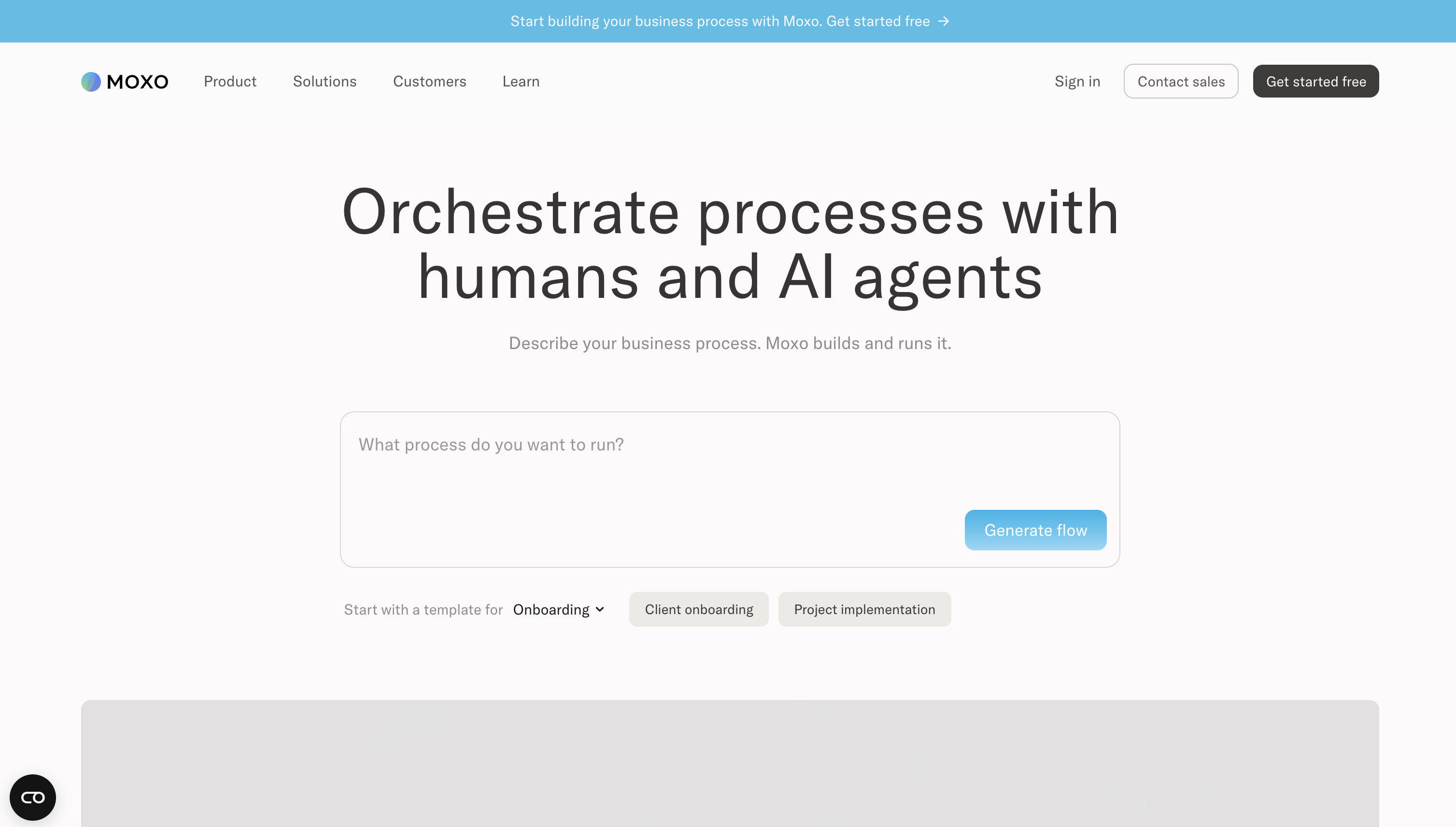
Moxo brings client, staff, and admin portals together in one interaction hub. From onboarding to account management, it orchestrates tasks, approvals, e-signatures, file exchange, forms, and scheduling, wrapped in a mobile-first, branded experience.
Best for: Mid-market services and finance teams needing fast, scalable, no-dev client portals launched.
- Access & permissions: Passwords or secure magic links; roles for admins, staff, clients, and guests with granular visibility.
- Work management: Tasks, approvals, e-signature, forms, milestones, scheduler, and secure chat.
- Branding: Custom domain, colors, logos, branded emails; strong mobile apps.
- Extend & data: CRM connectors, webhooks; Enterprise adds REST API, SDKs, SAML SSO, and flexible deployment (multi-tenant/private cloud/on-prem).
Builder’s lens
- Pros:
- Low-friction client access and robust mobile UX.
- Turnkey workflows reduce dependency on external tools.
- Admin-friendly templates, permissions, and auditability.
- Cons:
- Custom domain, SSO, APIs, and private-label often require Pro/Enterprise.
- No public pricing; storage and integrations scale by tier.
Pricing snapshot: Quote-based; Business Pro advertises a free trial; many portal features and deployment options sit in Pro/Enterprise.
7. Clinked

Clinked is a long-standing, white-label client portal built for secure collaboration and compliance. It combines discussions and chat with tasks, calendars, versioned file sharing, approvals, and a detailed activity stream on web and mobile, so clients always know where work stands.
Best for: Agencies and pro-services teams needing fast, scalable, no-code client portals.
- Access & permissions: Group/account admins, contributors, read-only, and 2FA; Enterprise adds SSO/AD.
- Work management: Discussions/chat, tasks, calendars, file versioning/approvals, activity logs.
- Branding: Custom domain and email, configurable dashboards, optional white-label mobile app.
- Extend & data: Google/Microsoft suites, DocuSign/Acrobat Sign, Jotform, Power BI, Zoom, Zapier, and a REST API; ISO 27001/SOC 2.
Builder’s lens
- Pros:
- Deep white-labeling and configurable dashboards on your domain.
- Granular permissions, 2FA, and exportable audit trails.
- Wide integration landscape plus API.
- Cons:
- Higher tiers gate Kanban, watermarking, white-label emails, and SSO.
- Member/storage caps on lower plans; no built-in low-code database.
Pricing snapshot: From $95/month with a 10-day trial; features gated by tier; member/storage caps apply; SSO and white-label mobile are Enterprise-only.
8. MyDocSafe
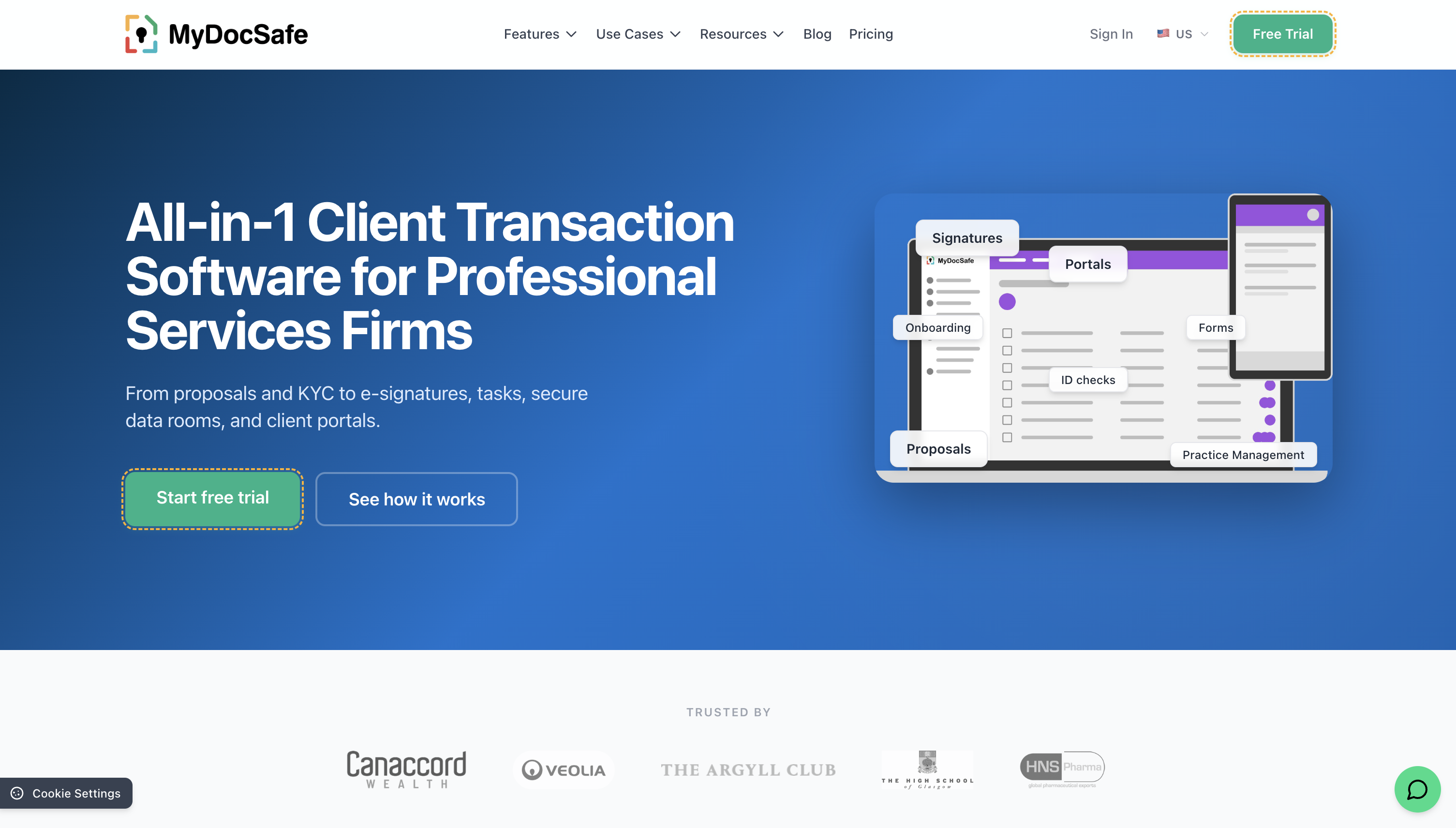
MyDocSafe blends client portals with e-signature and compliance workflows, making onboarding and regulated document exchange straightforward. Clients can be bulk-invited, self-register, or even upload securely without logging in, while teams track status and keep a clean audit trail across every interaction.
Best for: Professional services teams (2–60+) needing fast-launch, scalable, non-developer-maintained compliant portals with e-signatures.
- Access & permissions: Company Roles, Access Groups, folder-level controls, and subportals for clear scoping.
- Work management: E-sign, smart forms, chat, announcements, file sharing, status tracking, audit history.
- Branding: Logo/colors and subdomain; higher tiers add custom domain and sending email, plus SSO at enterprise.
- Extend & data: Office 365/Outlook, Zoho CRM, Xero auto-provisioning, Stripe/GoCardless, Dropbox/Drive; OAuth2 API with callbacks; ISO 27001, EU/US residency.
Builder’s lens
- Pros:
- End-to-end stack (e-sign, forms, workflows, payments, ID checks) reduces tool sprawl.
- Strong white-label depth and granular access controls.
- Compliance-ready with full audit trails.
- Cons:
- KYC/Qualified e-sign and SSO are tiered/pay-as-you-go.
- API approach isn’t classic REST, adding integration effort.
Pricing snapshot: Business Pro from €22/user/month with a 30-day trial; custom domain/email, SSO, and KYC features vary by tier.
9. Dock
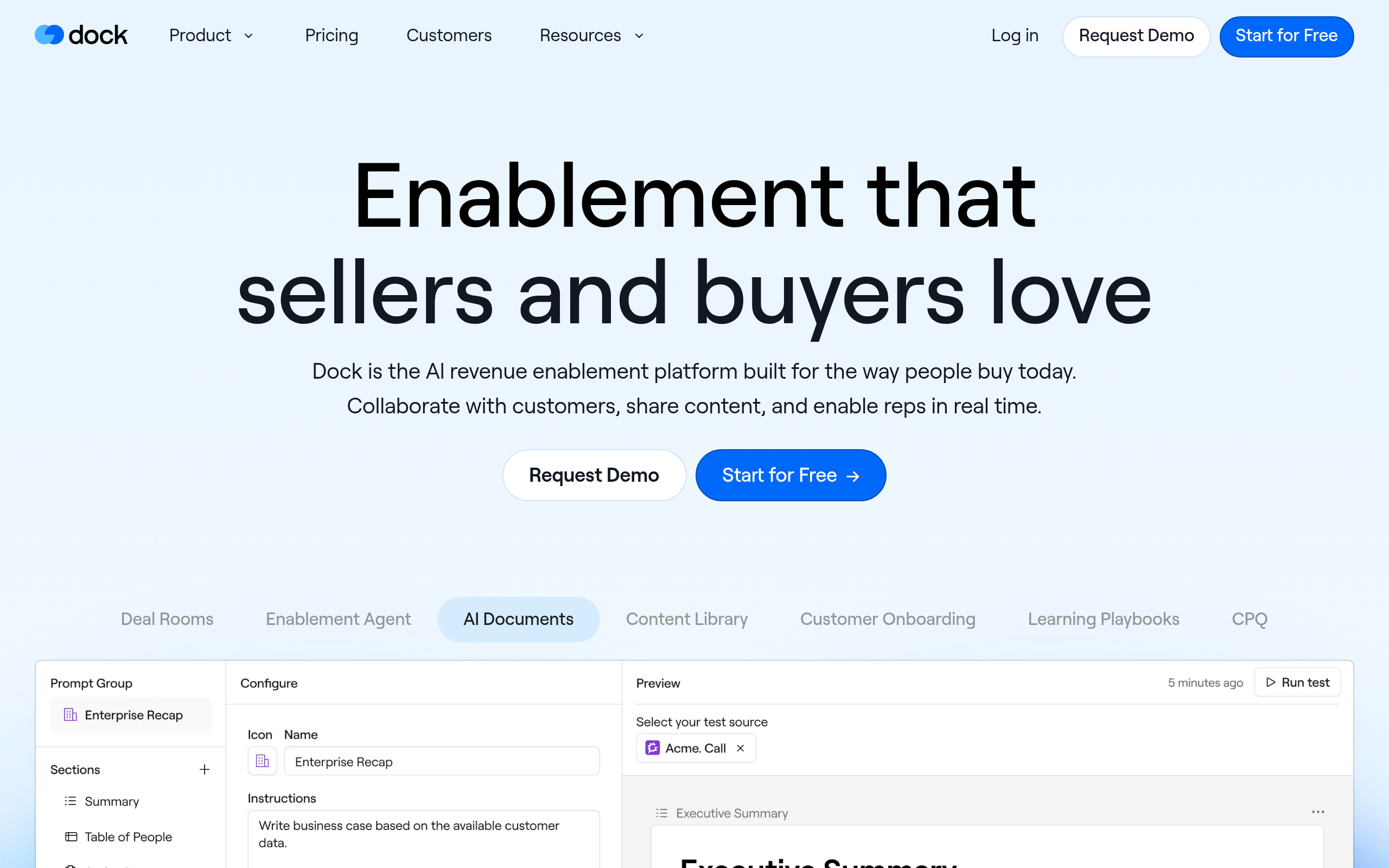
Dock creates modern, client-facing workspaces that win at clarity with project plans, checklists, forms, files, embeds, and threaded messages, while giving you granular control over what’s visible. Clients join by secure link (no account needed), and you get detailed engagement analytics across every asset.
Best for: Mid-market CS and services teams needing fast, scalable, no-code portals.
- Access & permissions: Email/domain gating, private internal threads, and clear workspace roles.
- Work management: Project plans, checklists, timelines, due-date automation, file sharing/collection, forms, and messaging.
- Branding: Theming; remove branding and add custom domains on higher tiers.
- Extend & data: Salesforce/HubSpot, Slack, Drive/SharePoint, Asana/ClickUp/Jira/Linear, Gong/Zoom/Chorus/Fathom; webhooks (Premium) and API (Enterprise); SOC 2 Type II.
Builder’s lens
- Pros:
- Frictionless client access and template-driven launches.
- Deep engagement analytics and audit trails.
- Strong integration and automation surface via webhooks/API.
- Cons:
- Branding removal, SSO, custom domain, and API are Premium/Enterprise features.
- No native payments/time tracking.
Pricing snapshot: Free plan; Standard from $350/month; Premium $750/month annually; Enterprise adds domain, API, SSO, and automation extras.
10. SuiteDash

SuiteDash delivers a fully white-label client portal inside an all-in-one business suite with projects, tasks, messaging, files, proposals, contracts, invoicing/subscriptions, scheduling, and more, on your domain with optional PWA mobile access. Admins tune granular permissions and even impersonate users to validate the client experience.
Best for: Fast-launch, white-label portals for agencies and service SMBs (2–100+), scalable, non-developer upkeep.
- Access & permissions: Roles, teams/circles, custom menus, and user impersonation for safe UX testing.
- Work management: Projects/tasks, files, proposals/contracts with e-sign, invoicing/subscriptions, scheduling, support.
- Branding: Your domain with SSL, hide vendor marks, custom CSS/JS on portal pages, PWA option.
- Extend & data: Stripe/PayPal, QuickBooks, Google Calendar, WordPress, Zapier, webhooks, REST API; hosted SaaS with exports.
Builder’s lens
- Pros:
- True white-label control and mobile-friendly access.
- Fine-grained permissions plus impersonation to verify setups.
- Broad integration toolkit including API and webhooks.
- Cons:
- Automations, LMS, Tickets, and Checklists are Pinnacle-only; Thrive lacks automations.
- API rate limits and paid Power-Ups can constrain heavy integrations.
Pricing snapshot: Starts $19/$49/$99 per month; unlimited clients/staff; 14-day Pinnacle trial; automations Pinnacle-only; API limits and add-ons apply.
11. ClientPortal.io
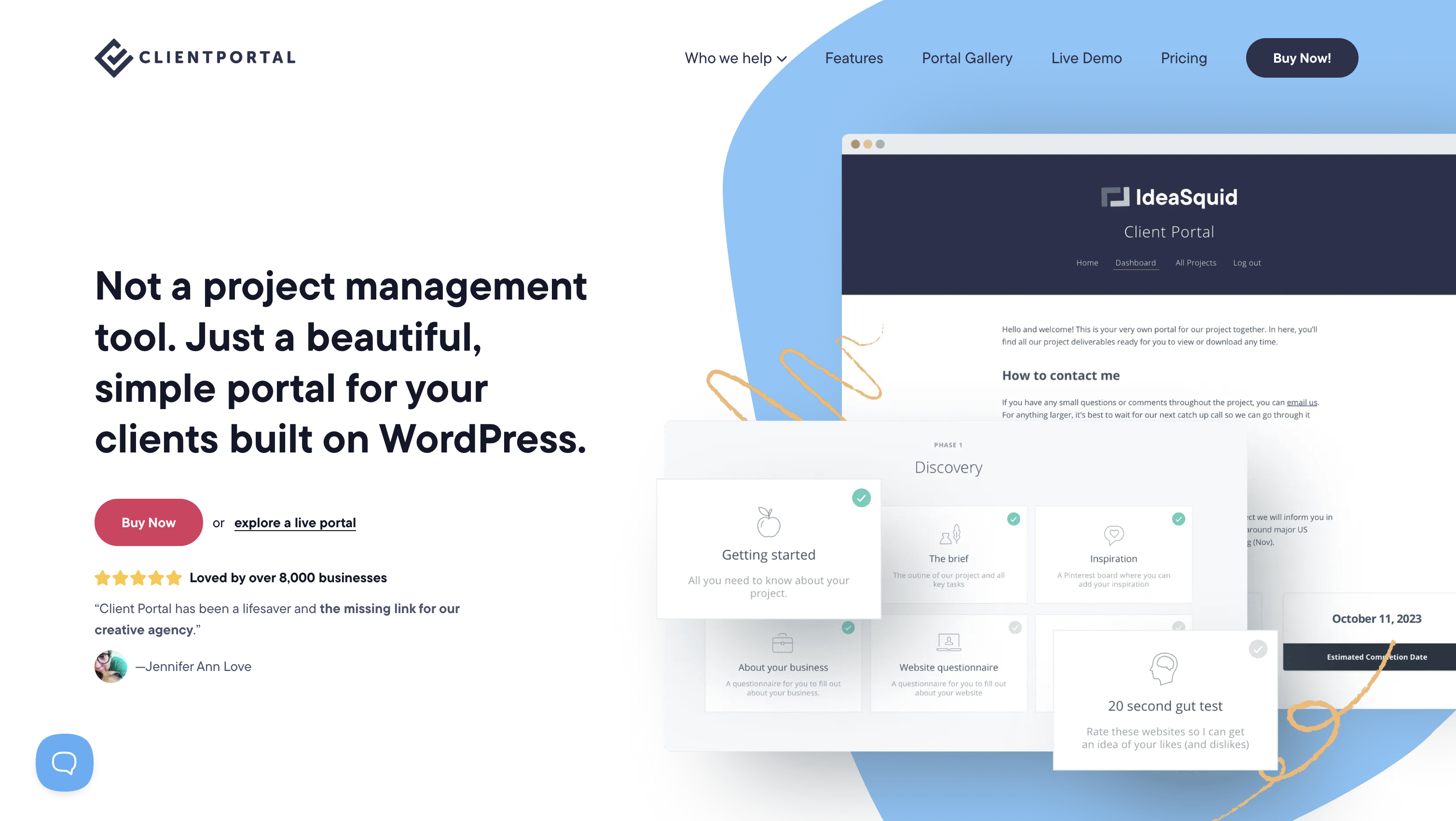
ClientPortal.io is a straightforward WordPress plugin that turns your site into a polished client hub. Build unlimited portals from modules for links, content, files, and uploads, then invite clients to a styled login with optional self-registration, reminders, and comment controls.
Best for: WordPress agencies, studios, and solos needing scalable, white-labeled client hubs, no-dev upkeep.
- Access & permissions: Per-client private portals with styled login and module-level visibility.
- Work management: Due dates with reminders, optional comments, email notifications and digests, import/export.
- Branding: Works with any theme; logo, colors, and fonts are configurable.
- Extend & data: Embeds (Sheets, Trello, calendars, chat); WooCommerce to sell access; self-hosted WordPress data; no public API/webhooks.
Builder’s lens
- Pros:
- Clean, white-label UX on your existing WordPress stack.
- Module-based structure covers most client-facing needs quickly.
- Unlimited portals/clients with simple scaling and migration via import/export.
- Cons:
- WordPress-only; you manage updates, uptime, backups.
- No public API/webhooks; some embeds must be public; Nginx may need extra config for private uploads.
Pricing snapshot: Starts at $25/month for single-site (€49/month multi-site); unlimited clients; 30-day guarantee; updates require active license.
12. Sydnee.app
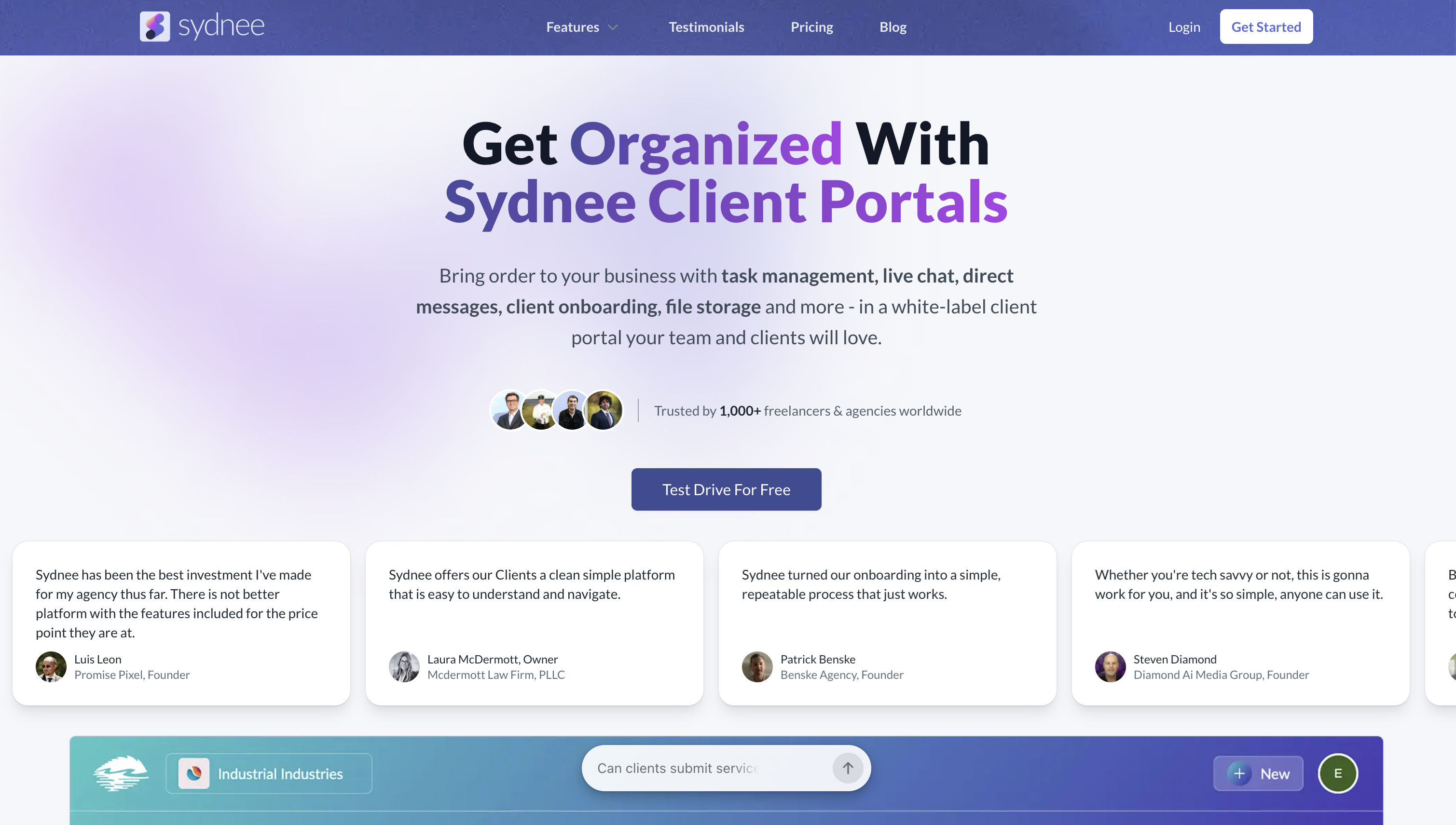
Sydnee emphasizes speed and clarity: clients enter with email one-time codes, land on a clean, branded dashboard, and collaborate via tasks, requests, live chat, and file sharing. Teams manage work in a dedicated backend with straightforward account-level access that scales without complex role hierarchies.
Best for: Agencies and freelancers needing fast, scalable, white-label portals non-developers can maintain easily.
- Access & permissions: Login via one-time codes; account-level access keeps governance simple (help).
- Work management: Tasks with comments/reminders, requests for information, live chat, starred files, and dashboard highlights.
- Branding: Colors, logo, templates, custom domain and sending email; branded file links.
- Extend & data: Embed pages (Calendly, Looker Studio, Figma, etc.), API and Zapier for automation (guide).
Builder’s lens
- Pros:
- Full white-labeling with custom domain/email and branded links.
- Built-in tasks, chat, and requests reduce tool sprawl; unlimited seats simplify scaling.
- Embeds, API, and Zapier provide quick integrations.
- Cons:
- Coarser permissions at the account level may limit complex org structures.
- Plan-based storage/account caps; minimal advanced analytics.
Pricing snapshot: Starts at $25/month with a 5-day free trial; all features included, account/storage limits vary by tier.
13. CoordinateHQ
CoordinateHQ is a delivery-focused client portal where shared tasks, messages, files, forms, approvals, and time tracking live in one place. Clients enter via passwordless links and only see what’s relevant, while your team works with templates and reminders to keep projects predictable.
Best for: Agencies and services teams (3–200) needing passwordless, branded, scalable, non-developer-maintained portals quickly.
- Access & permissions: Project-level roles and visibility separate internal activity from client-visible work.
- Work management: Tasks, messaging, files, forms, approvals, time tracking, and templates with reminders.
- Branding: Logo, colors, custom domain/email; full white-label on higher tiers.
- Extend & data: Zapier on Pro; Enterprise adds REST API, webhooks, SSO, and finance/e-sign integrations.
Builder’s lens
- Pros:
- Custom domain/email on Pro; Enterprise adds white-label and SSO.
- Granular project scoping, analytics, and automation-friendly templates.
- Passwordless links and unlimited collaborators speed adoption.
- Cons:
- API/webhooks/SSO gated to Enterprise; Zapier handles most else.
- Basic plan limits (templates/forms/time) and storage caps nudge upgrades.
Pricing snapshot: Starts at $25/user/month annually; Pro $65; Enterprise custom; unlimited clients/collaborators; free trial available.
14. Accelo
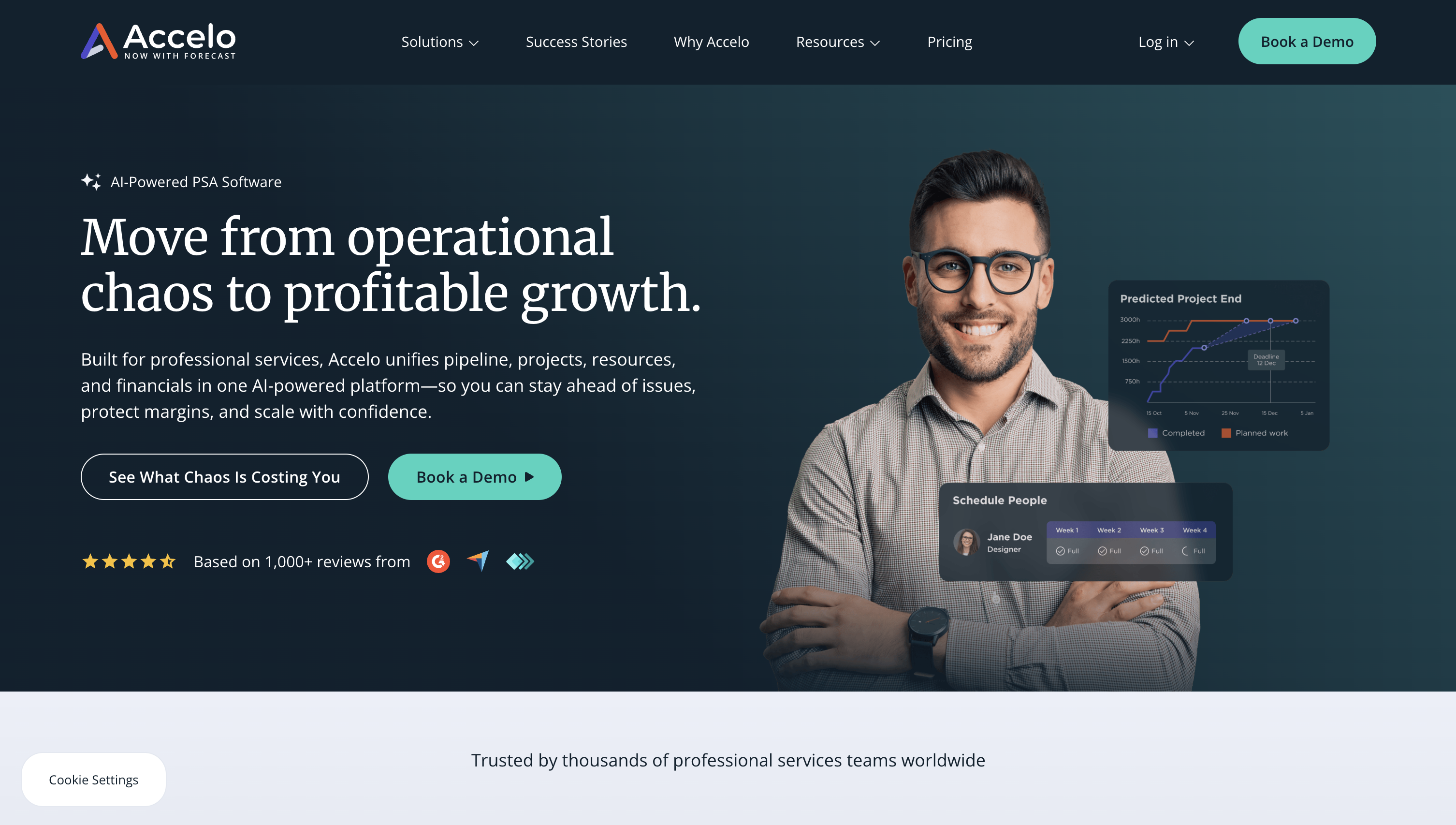
Accelo embeds a configurable client portal inside a full PSA, including CRM, projects, tickets, retainers, and billing, so clients can view quotes, projects, tickets, invoices, and more at your branded URL. Admins tailor visibility at the module, client/group, and object levels, enabling precise external access without developer overhead.
Best for: SMB to mid-market agencies, MSPs, consultancies needing PSA client portals: fast, scalable, secure, admin-run, and launch-ready.
- Access & permissions: Layered controls for modules/clients/objects, plus invitations and self-registration.
- Work management: Projects, tickets/requests, retainers, assets, activities/messages, documents, invoices/payments.
- Branding: Logo/colors, custom text/links, hosted on your branded URL.
- Extend & data: REST and Forms APIs, webhooks, automations, and accounting/payment integrations.
Builder’s lens
- Pros:
- Fine-grained permissions and robust auditability.
- Admin-driven setup is fast to launch and maintain.
- Open APIs and webhooks extend portal workflows.
- Cons:
- Unlimited portal users tied to Business; advanced automation on higher tiers.
- No low-code page builder; custom UIs require API work.
Pricing snapshot: Quote-based with free trial; Business includes unlimited portal users; Advanced unlocks automations and deeper integrations.
15. Onehub

Onehub is a secure file-sharing platform and virtual data room that functions as a clean, branded client portal. Workspaces, folders, and files inherit precise permissions; clients get fast previews, optional 2FA, and streamlined messaging and tasks, while you retain auditability and control.
Best for: Agencies, deal teams, and departments needing fast, scalable, secure, branded, non-developer-maintained portals.
- Access & permissions: Workspace/folder/file roles, secure links with passwords/expirations, audit trails; Data Room mode tightens confidentiality.
- Work management: Files, Messages, Activity, and lightweight Tasks; Data Room mode pares collaboration features.
- Branding: Custom domain, branded emails, and sign-in for a polished experience.
- Extend & data: Office Online/Google editors, DocuSign, secure FTP, OAuth REST API with exportable events; watermarking, NDAs, indexing, stealth mode.
Builder’s lens
- Pros:
- Solid white-labeling with custom domain and branded comms.
- Granular permissions and VDR-grade controls.
- Practical integrations and exportable audit data.
- Cons:
- Branding/audit/VDR controls live on higher tiers.
- Data Room mode disables Tasks, comments, and some activity views.
- No native webhooks; API favors polling events.
Pricing snapshot: Starts at $15/user/month with a 14-day trial; higher plans unlock branding, audit, VDR controls, and 2FA enforcement.
When a portal alternative is enough, and when it is not
You can start with lighter options when:
- Your use case is mainly content sharing, and a shared drive plus simple permissions suffice
- A built-in CRM portal already covers tickets and invoices for a single business unit
- You are validating an offer and only need a basic login and a few pages
You need purpose built client portal software when:
- Multiple systems must be unified into one secure client experience
- You need branded, role aware workflows that complete tasks, not just display data
- Your clients are enterprises that demand strong security, logging, and vendor reviews
- You plan to scale to thousands of users and cannot rely on per seat fees
If you want the speed of no-code with the control of custom development, build on WeWeb. You can plug into any backend, keep your data where it is, and export code when procurement requires self hosting.
How to build a no code client portal, step by step
Step 1, define the jobs to be done
List the top five things clients must accomplish. Examples, view invoices, approve work, upload files, open a request. Tie each job to a metric such as time to complete or deflection rate.
Step 2, model data and roles
Map entities like accounts, projects, invoices, and their relationships. Define roles such as client admin, client user, internal manager, and agent. Plan permissions for each.
Step 3, choose your stack
Pick where your data will live. Popular choices include Supabase, Xano, or your existing CRM or ERP. WeWeb connects to all of them via API and lets you keep the backend you already trust.
Step 4, generate your starting app with AI
In WeWeb, describe your portal in natural language to scaffold pages, data bindings, and logic. Then refine everything visually in the editor. Or start from a pre-built template.
Step 5, build the core flows
Create pages for dashboard, billing, requests, and files. Add forms with validation and e signatures. Use role based visibility for components and data.
Step 6, add AI search and guided actions
Connect your knowledge base and enable retrieval grounded answers. Offer guided flows for routine requests so clients can complete tasks without waiting.
Step 7, secure and ship
Set up SSO if needed. Configure audit logs and alerts. Decide whether to publish on WeWeb infrastructure or export code and self host. Teams with strict requirements can deploy in air gapped networks.
Step 8, measure and iterate
Instrument usage, deflection, and resolution outcomes. Each release should aim to reduce assisted contacts and shorten time to complete the top client jobs.
See a real example in the WeWeb showcase, including a multi role client portal for funnel builders and other portal builds.
Best practices to drive adoption and engagement
- Promote self service in every assisted interaction. A recent survey found most agents do not actively promote self service, which slows adoption. Train and script for this. (gartner.com)
- Design for full resolution, not just information. Remember that most self service journeys still fail to fully resolve. Add end to end flows that complete tasks. (gartner.com)
- Personalize the experience. Use role aware dashboards, saved views, and relevant recommendations.
- Make it faster than email. Every task should be easier in the portal than via a message thread.
- Close the loop. Add in portal feedback and status updates so clients do not need to ask for progress.
Security and compliance fundamentals
- Treat SOC 2 correctly. It is an attestation, not a permanent certificate. Type II covers control effectiveness over time and typically takes six to twelve months. Keep it current if you sell to enterprises. (lumificyber.com)
- Quantify the risk. The global average breach cost was 4.88 million dollars in 2024, and organizations that used security AI and automation extensively saved about 2.2 million dollars. These numbers help you justify investments in secure portal design. (newsroom.ibm.com)
- Architect for control. If you need strict data control, choose a platform that allows code export and self hosting so you can meet data residency or network isolation requirements. WeWeb supports self hosting and even air gapped deployments.
Measure, optimize, and prove ROI
Track a simple scorecard:
- Adoption, percent of active clients each month
- Deflection rate, percent of requests resolved in the portal
- Time to complete, minutes to finish the top client jobs
- Assisted contact volume and cost per contact
- CSAT or NPS from in portal surveys
Connect the dots to cost and revenue:
- Use the cost per contact benchmarks to quantify savings as deflection rises
- Use TEI style metrics to attribute labor savings and faster cycle times
- Attach revenue influence from faster renewals and fewer churn drivers
Benchmarks to guide targets:
- Aim to shift low complexity contacts to self service where costs are far lower than assisted channels
- Many organizations achieved large gains in deflection and resolution rates after improving self service, which shows what is possible with the right design and tooling (gartner.com)
Conclusion
Client portal software has become a core part of modern service and account management. It reduces cost to serve, improves speed, and creates a single place where clients and teams get work done. The winners will pair strong foundations, security, and integrations with well designed AI that guides users to full resolution.
If you want to move fast without losing control, try WeWeb. Generate a portal with AI, refine it visually, connect any backend, and keep full ownership with code export and self hosting when you need it. Prefer an expert build? Browse our agency directory.
FAQ
What is the difference between a client portal and client portal software?
A client portal is the secure space your customers use. Client portal software is the platform that powers it, including identity, permissions, UI, workflows, and integrations.
How does client portal software reduce support costs?
Self-service costs far less than assisted channels, so every request you deflect into the portal lowers cost to serve. Benchmarks show a large gap between self service and assisted costs. (gartner.com)
Can AI really handle most routine portal requests?
Many leaders expect most interactions to resolve without a human within a few years, as assistants handle tracking, status, and common updates. Design your portal to support that future. (prnewswire.com)
What security standards should I ask vendors to meet?
Request a current SOC 2 Type II report and review how they handle logging, data residency, and incident response. Remember SOC 2 is an attestation over time, not a one time certificate. (lumificyber.com)
When should I self-host my portal?
Self-hosting helps when you need strict data control, air gapped networks, or custom compliance. WeWeb supports publishing on its cloud or exporting code to host anywhere.
Can I build a production grade portal without writing code?
Yes. With WeWeb, you can generate the app with AI, edit every detail visually, connect any backend, and import custom Vue.js components when needed. Many teams launch in weeks and scale over time.
Where can I see examples of portals built this way?
Browse the WeWeb showcase for real client portals, such as FunnelPortals, along with other production apps.
What metrics should go into our portal success dashboard?
Track adoption, deflection, time to complete, assisted volume, and satisfaction. Tie improvements to cost per contact benchmarks to quantify savings. (gartner.com)
Ready to build your own client portal? Start building with WeWeb →