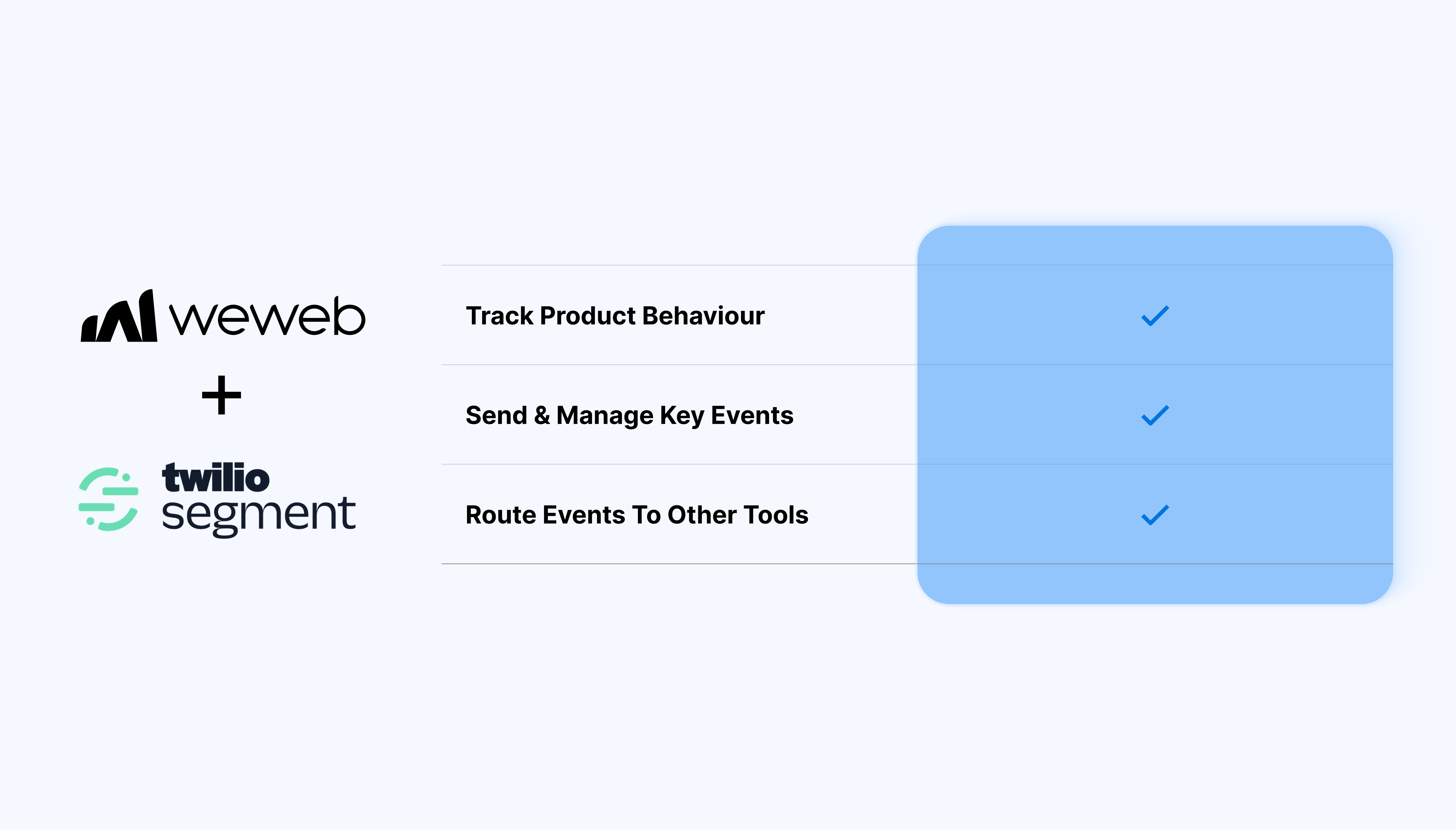
Connect your WeWeb app to Segment so you can capture user activity and standardize event data:
Send key events from WeWeb to Segment (page views, button clicks, form submits, purchases, upgrades)
Keep event names and properties consistent across your app
Route data from Segment to destinations like analytics tools and CRMs
Instrument analytics directly in the WeWeb Editor (where UI and user flows are built)
Reduce repeated setup across multiple tools: track once and route from Segment
Improve data quality by standardizing event names and properties before scaling
Keep your frontend flexible: swap destinations without rewriting tracking logic
What WeWeb supports natively
Category
Feature
What it does
Plugin setup
Segment extension plugin
Adds the Segment extension from Plugins → Extensions and loads the Segment analytics library into your WeWeb app without manual script tags.
Credentials
Write key configuration
Lets you paste your Segment “write key” (from a JavaScript Website source) into the plugin so events from WeWeb are routed to the correct Segment source.
Page tracking
Automatic page calls on publish
When the app is published, the plugin automatically sends Segment page events for page views, so basic analytics start working without extra setup.
Workflows
Track workflow action
Provides a Track action in workflows where you specify an event name and an optional properties object (key–value pairs) that is sent as properties in Segment.
User identification
Identify workflow action
Offers an Identify action to associate events with a known user ID and traits (email, name, role, etc.), typically called after login or signup workflows.
Other calls
Page, Alias, Screen actions
Exposes additional Segment methods (such as page, alias, screen) as workflow actions for advanced tracking patterns aligned with Segment’s spec.
State handling
Persistent identification
Once a user is identified, subsequent events from that browser are automatically tied to the same user ID.
Data binding
Dynamic event payloads
Allows binding WeWeb variables (user IDs, emails, plan names, cart totals, etc.) into event properties and traits so downstream tools receive rich context.
Destinations
Use Segment’s destination ecosystem
Lets you configure downstream tools (GA, Mixpanel, Amplitude, HubSpot, etc.) directly in Segment; WeWeb only sends unified events once via the plugin.
Why use WeWeb with Segment
WeWeb lets you build sophisticated frontends without losing control over how data is collected. Segment gives you one place to manage where that data goes.
Perfect for:
A SaaS dashboard with consistent “feature used” and “activation” events across multiple modules
A client portal where you track onboarding completion, document views, and support actions
A marketplace where you capture funnel steps and send conversion events to multiple tools
An internal tool where operational events flow into a warehouse for reporting
And more...
Integrating Segment with WeWeb
Integrating Segment with WeWeb is straightforward:
Create a Web source in Segment and copy the write key
In the WeWeb Editor, add Segment to your app
Initialize Segment on app load using your write key
Add tracking calls in the relevant WeWeb workflows (identify after login, track on key actions, page events on navigation)
Define a short list of high-signal events first and expand once naming is stable
Avoid sending sensitive data (especially PII) in event properties
If you use Segment Protocols, enforce a tracking plan so event drift doesn’t creep in over time
Expect some client-side events to be blocked by ad blockers: use server-side tracking for critical events when needed
FAQs
1. Does WeWeb send page view events to Segment automatically?
Yes, once the plugin is configured and the app is published, WeWeb triggers Segment page calls for page views so you get basic navigation analytics out of the box. You can still add extra page actions via workflows if you want more granular control over SPA route changes.
2. How do I track custom events (sign‑ups, button clicks, purchases) from WeWeb to Segment?
Use the Track workflow action, provide an event name (for example Signed Up or Plan Purchased), and optionally pass a properties object with details like plan, price, or source. Bind this action to relevant UI events such as button clicks, form submissions, or successful payment workflows.
3. How do I identify users in Segment from WeWeb?
Run the Identify workflow action after login, signup, or user profile load, passing a stable user ID and traits (email, name, plan, etc.). This ties all future events from that browser session to the same user and merges pre‑login anonymous activity into a single profile.
4. Can I send dynamic data (user ID, plan, cart value) in Segment events?
Yes, event properties and identify traits can be bound to WeWeb variables, so values like user IDs, emails, plans, and totals are injected at runtime. Segment then forwards these enriched events to any configured destinations such as analytics tools or CRMs.
5. How do downstream tools like Mixpanel, GA, or Amplitude get the data from WeWeb?
WeWeb sends events once to Segment. Segment then routes them to your configured destinations via its own destination settings. This centralizes tracking so you do not need separate integrations in WeWeb for each analytics tool.
6. What is the difference between using Segment vs Google Tag Manager in WeWeb?
Segment focuses on event‑centric analytics and customer data routing, while GTM focuses on tag and script management in the browser. In practice, teams use Segment when they want clean event schemas and downstream destinations, and GTM when they mainly need to manage pixels and marketing tags.
7. What are the main limitations of the native Segment integration in WeWeb?
The plugin only handles client‑side Segment.js calls. It doesn’t cover server‑side tracking, identity resolution across devices, or governance rules (Protocols). Those advanced capabilities are configured directly in Segment or implemented in your backend, while WeWeb remains the event emitter on the frontend.