



Lovable is a popular AI app builder with the promise of helping anyone build fullstack apps without technical knowledge. Instead of writing code, you explain your idea in plain language and the platform generates the app for you.
For quick prototypes, this can work remarkably well. However, over time, some of its limitations become clearer, especially once you move past an early build or a simple prototype.
In this blog post, we look at the best Lovable alternatives for technical and non-technical users. We cover their strengths, trade-offs, and ideal use cases to help you choose the right tool if you find that Lovable can’t fully support your workflow or long-term goals.
Lovable limitations for app building
No established web development best practices
Many AI app builders, including Lovable, don’t follow consistent best practices around architecture, security, and long-term maintainability.
When you build through prompting, the underlying decisions about structure and patterns are left to the AI. There are no clear guidelines for how your app should be organized or how to influence those choices.
Because these tools are optimized for speed, the first version of your app can look polished on the surface. But beneath that, you may find structural decisions that become hard to understand and work with as your app scales.
Breakages and regression issues
Lovable users often report two recurring challenges: features that suddenly break and “fix” attempts that introduce new bugs. An app that worked during an earlier build can stop working after a new feature is added. This can be anything from broken authentication, failing file uploads, or entire pages no longer rendering as expected.
These issues usually come from complex, hard-to-trace logic inside the generated code. CSS conflicts, tangled state handling, and tightly coupled auth flows can make even small changes reveal underlying fragility.
When something breaks, you have two options. You can continue prompting and hope the AI produces a working fix. Or you can open the codebase and try to solve it manually. The challenge with the second option is that AI-generated code is often large, verbose and inconsistent, which means even experienced coders need time to understand it (if at all) before making safe edits.
The last 20%
Lovable mostly gets you about 70-80% of the way. This level of completeness can be fine for rapid prototyping or a basic MVP. But if you want to take your app to a production-ready state, the final stretch often requires refining features, debugging edge cases, and extending your app in ways the AI didn’t anticipate.
That’s where things get harder if you don’t write code or don’t feel comfortable navigating the code that Lovable generates. After prototyping on Lovable, many builders eventually consider a migration to another platform.
Generic and limited design precision
AI-generated UIs in Lovable tend to be functional, but it’s difficult to achieve true design precision. Layouts often follow generic patterns, and getting something unique or brand-specific tends to require a long cycle of prompts, which increases token usage without guaranteeing the result you want.
Lovable recently introduced Design and Themes, which help streamline styling, but still have limits: they offer broad visual direction rather than fine-grained control.
Builders who care about pixel-level layout, spacing, responsiveness or custom interactions may find it challenging to match their exact vision.
Limited custom logic
Lovable can handle simple interactions, but things get more difficult when your app requires complex business logic.
Multi-step validation, nested workflows, custom authentication flows, API integrations, or specific database relationships often push the limits of what the AI can reliably produce.
In addition, when you try to adjust or fix this logic through prompting, the required changes can quickly consume credits, and the results can still be inaccurate.
Unpredictable pricing model
Lovable’s credit-based system can make costs hard to anticipate. Because you can’t manually edit large parts of the app, you’re often dependent on prompting. This means you keep spending credits to make progress. Complex features, iterative debugging, and rebuilds can burn through credits quickly, and it’s not always clear how much a change will cost until after you run it.
There’s also no way to purchase additional credits. Once you hit your monthly limit, the only option is to upgrade your entire plan, which can make budgeting difficult for builders that need more predictability or control.
8 Lovable alternatives for building production-ready apps
When you look at alternatives to Lovable, most tools fall into two groups: code-first and visual-first. Both use generative AI to help users build faster, but the editing paradigm is different.
Code-first app builders, like Replit and Claude Code, allow you to edit all the code and tweak some of the UI (design style) visually.
Visual-first platforms, like Bubble and WeWeb, allow you to edit almost everything visually, not just styles but also authentication workflows and logic rules. And if you want to edit code, you have that option as well.
We’ll start by exploring the code-first, then move on to visual-first builders.
WeWeb
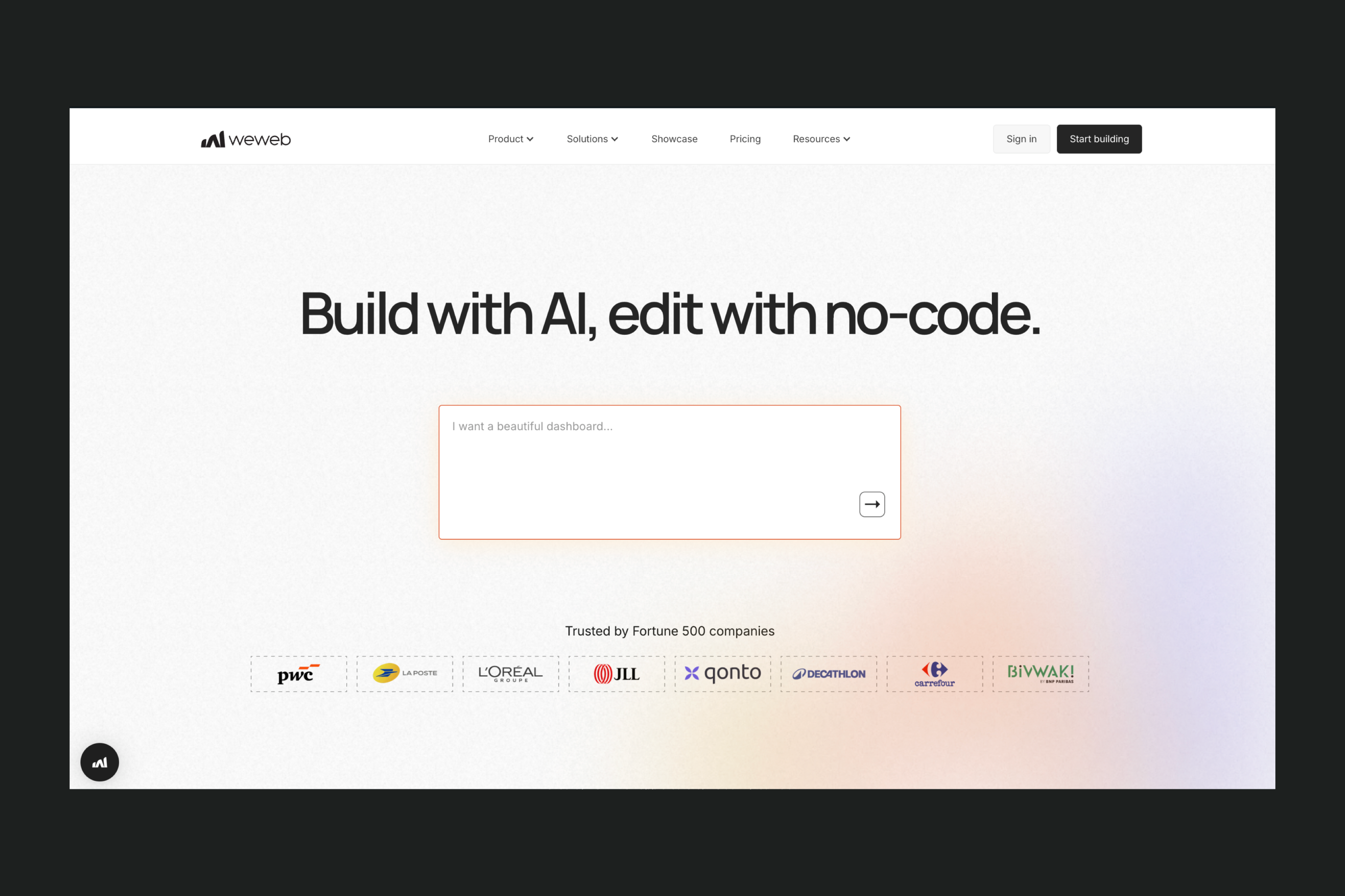
WeWeb is an AI-powered visual development platform that lets both technical and non-technical users move between AI, no-code, and code to build secure web apps that scale well.
Its strength lies in a modern, modular architecture that offers complete flexibility without sacrificing control. Users can visually edit HTML, CSS, and JavaScript, connect unlimited data sources, and freely import or export code. AI accelerates development but without becoming a black box.
Where Lovable takes responsibility for structuring and refactoring your codebase, WeWeb gives you the tools to own every detail of your frontend without being tied to a specific architecture or backend.
Main features:
- Pixel-perfect design control: adjust every CSS property visually, use flexbox or grid layouts, fine-tune transitions, and customize components down to the smallest detail.
- AI-assisted UI generation: prompt WeWeb AI to generate entire pages, sections, navigation, or components, then refine them visually.
- Backend flexibility: use WeWeb's native backend or connect to any external backend with an API, including native integrations with Supabase, Xano, Airtable, and Google Sheets.
- Advanced workflows: configure conditional logic, loops, async operations, error handling, and complex multi-step processes.
- Code export and self-hosting options: export the SPA code and host it anywhere.
When to consider WeWeb for your project:
- When you’re a coder or non-coder that wants to build scalable, production-ready apps without relying on a fully coded environment.
- When backend flexibility matters and you want to be able to integrate with any backend and mix and match different data sources.
- When long-term ownership is important and you want to avoid vendor lock-in through code export, self-hosting options, and decoupled architecture.
- When you want a visual editor that stays in sync with AI output, allowing you to refine generated pages, components, and workflows manually.
When WeWeb might not be suitable for your project:
- When you want the simplest learning curve because mastering workflows, formulas, or backend setups may take some time.
Learn more about differences between WeWeb and Lovable.
Replit
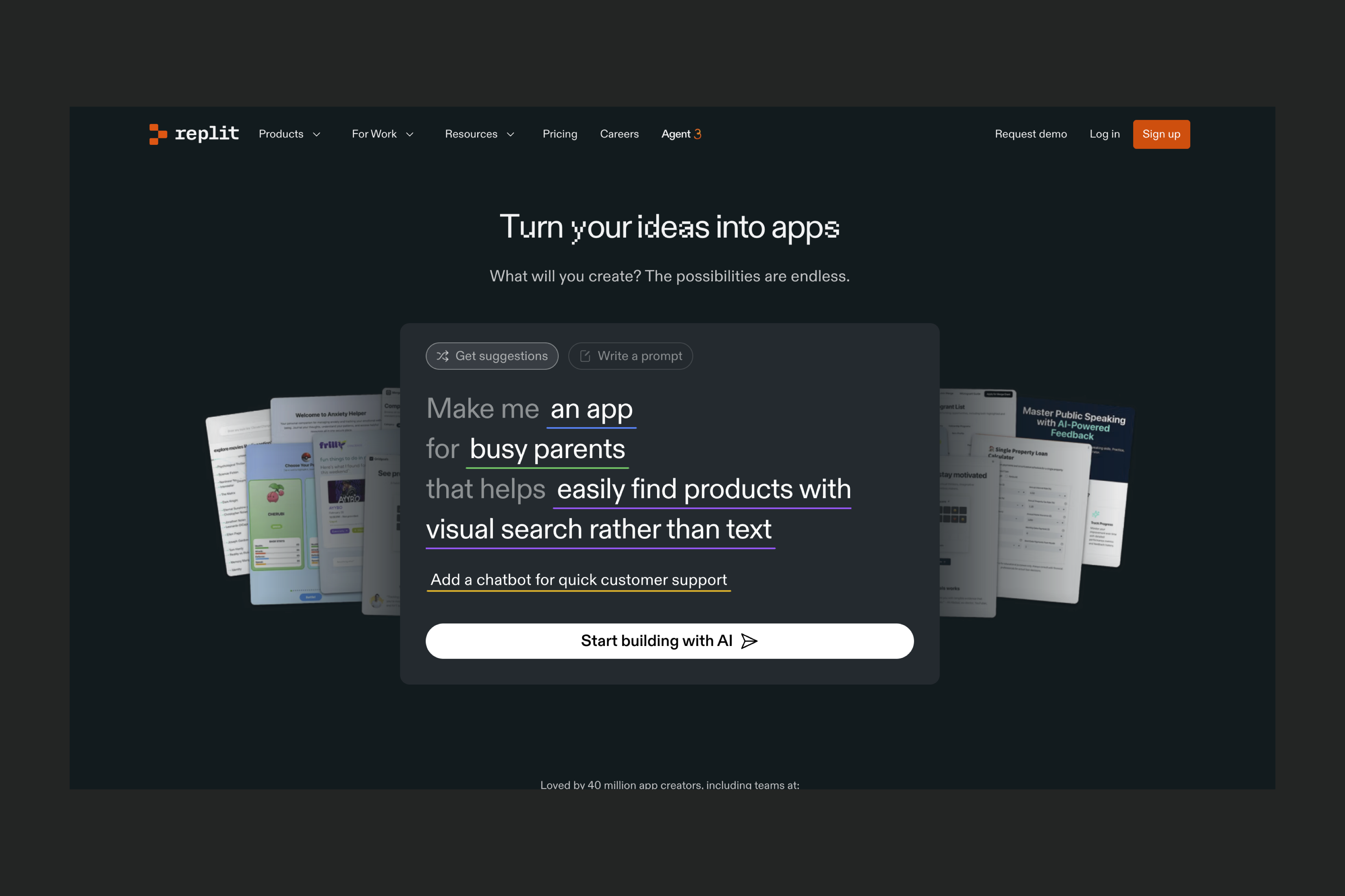
Replit is an AI-powered cloud IDE that gives you a full coding environment in the browser with an AI assistant that helps generate, explain, and debug code.
Where Lovable tries to act like a “fullstack engineer” and abstract away the code, Replit assumes you want direct access to it. You manage files, dependencies, and architecture yourself, using AI to speed up development.
This makes Replit a strong fit for technical founders and teams, but less suitable for non-coders who might quickly get stuck without a visual layer or a no-code workflow.
Main features:
- AI-powered coding assistant: Replit’s AI Agent offers real-time suggestions, explanations, refactors, and debugging.
- Cloud IDE: write and run code in the browser in many languages including Python, JavaScript/Node.js, Go, Bash, and more.
- Full backend capabilities: build REST APIs, server-side logic, bots, microservices, and automation scripts.
- Built-in tools: integrated database, authentication, and deployment options make it possible to ship projects without leaving the platform.
- Collaboration features: multiple team members can work together in real time.
- Checkpoints and version recovery: you can revert to earlier snapshots of your workspace, including dependencies.
When to consider Replit for your project:
- When you’re building prototypes, MVPs, dashboards, or fullstack apps and want to use AI as a coding assistant.
- When you need to run data workflows or general-purpose scripts.
- When your project involves backend development, server apps, or APIs.
- When you’re collaborating with a team on a shared codebase.
When Replit might not be suitable for your project:
- When you don’t have coding experience, since Replit is code-first and can be challenging for non-technical users.
- When you want to avoid diagnosing AI-generated code issues: even for coders, it can be hard to debug since generative AI is unpredictable/probabilistic by nature.
Learn more about using Replit for app building.
Claude Code
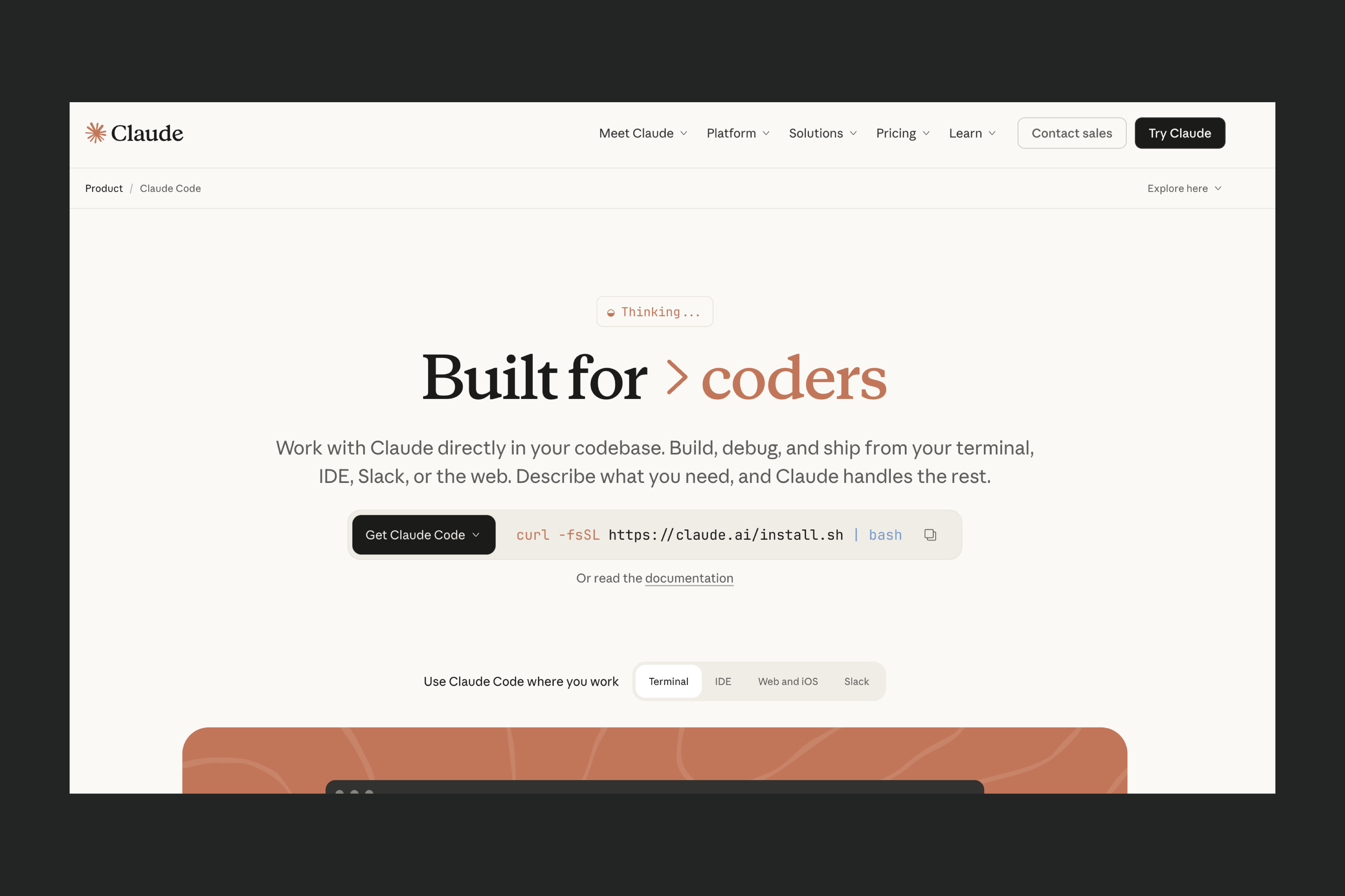
Claude Code is an AI-powered coding environment designed for coders who want to work directly with their own codebase. It operates inside your existing toolchain, including VS Code and the terminal.
While Lovable focuses on generating a fullstack web app from prompts and handling implementation details behind a friendly interface, Claude Code is built for hands-on engineering workflows. You define the project structure, run commands, review diffs, and approve changes.
For builders and teams that prefer full control of their stack and want AI to speed up coding rather than automate the entire app-building process, Claude Code is a nice option.
Main features:
- Terminal and VS Code integration: Claude Code plugs into your existing workflow, so you can use it within the editor and command line you already work with.
- AI-driven code generation and refactoring: it can create new files, write features, debug issues, refactor large sections of code, and propose diffs for you to review.
- Runs scripts and interacts with your file system: you can execute commands, test code, and automate tasks directly through the AI agent.
- Multi-language support: works with a wide range of languages and frameworks, and adapts to the repo you provide.
- Structured memory and large project context: suitable for projects that require deep understanding of complex file structures.
When to consider Claude Code for your project:
- When you’re a coder who prefers command-line workflows.
- When you want AI to accelerate code writing, debugging, and automation.
- When working with large or complex codebases where structured memory is valuable.
- When you want to maintain long-term control over your stack and architecture.
When Claude Code might not be suitable for your project:
- When you don’t have coding experience, since Claude Code assumes you can review diffs, run commands, and debug issues.
- When you want a visual builder or app-level abstraction, because Claude Code doesn’t assemble a full app for you.
- When you prefer not to diagnose AI mistakes, as inaccurate or incomplete code requires engineering context to fix.
Learn more about using Claude Code for app building.
Did you know? You can use Claude Code to build custom coded components and then import them to WeWeb. Check out our tutorial for step-by-step instructions:
Emergent
Emergent is an AI-powered full-stack vibe coding platform that turns natural language instructions into working web and mobile applications. Instead of manually assembling interfaces, databases, and backend logic, users describe what they want and the platform generates the full application structure automatically.
Where Lovable focuses primarily on generating interfaces and simple application flows from prompts, Emergent focuses on generating the full software architecture behind an application. The platform builds the frontend, backend services, database structure, and deployment environment together, allowing teams to move from prototypes to production systems without rebuilding the project from scratch.
This approach makes Emergent accessible for non-technical users while still producing production-ready applications that developers can extend later if needed.
Main features:
- AI-powered full-stack generation: Emergent converts natural language prompts into complete applications including UI, backend logic, and database structure.
- Natural language development workflow: instead of navigating complex menus, users describe features or changes conversationally and the system updates the application.
- Integrated deployment environment: applications can be built, tested, and deployed directly from the platform without requiring external hosting or configuration.
- Voice-based app development: Emergent includes voice mode that allows users to speak instructions and watch the application update in real time.
- Production-ready architecture: the platform structures applications with scalable frontend and backend layers so projects can grow without major rebuilding.
When to consider Emergent for your project:
- When you want to build full-stack applications quickly without coding. Emergent allows teams to generate working apps in a short time using natural language instructions.
- When you are building MVPs or early-stage products. Founders can validate product ideas quickly without investing in full engineering teams.
- When your project requires both frontend and backend logic. Emergent generates the full application stack.
- When non-technical teams want to build software independently. Business teams can create tools and applications without relying heavily on developers.
When Emergent might not be suitable for your project:
- When you need full manual control over the codebase. Teams that prefer writing and structuring every component themselves may find AI-generated architecture restrictive.
- When you want to avoid diagnosing AI-generated code issues. Even for experienced developers, debugging AI-generated code can sometimes be challenging because generative systems are inherently probabilistic.
Cursor
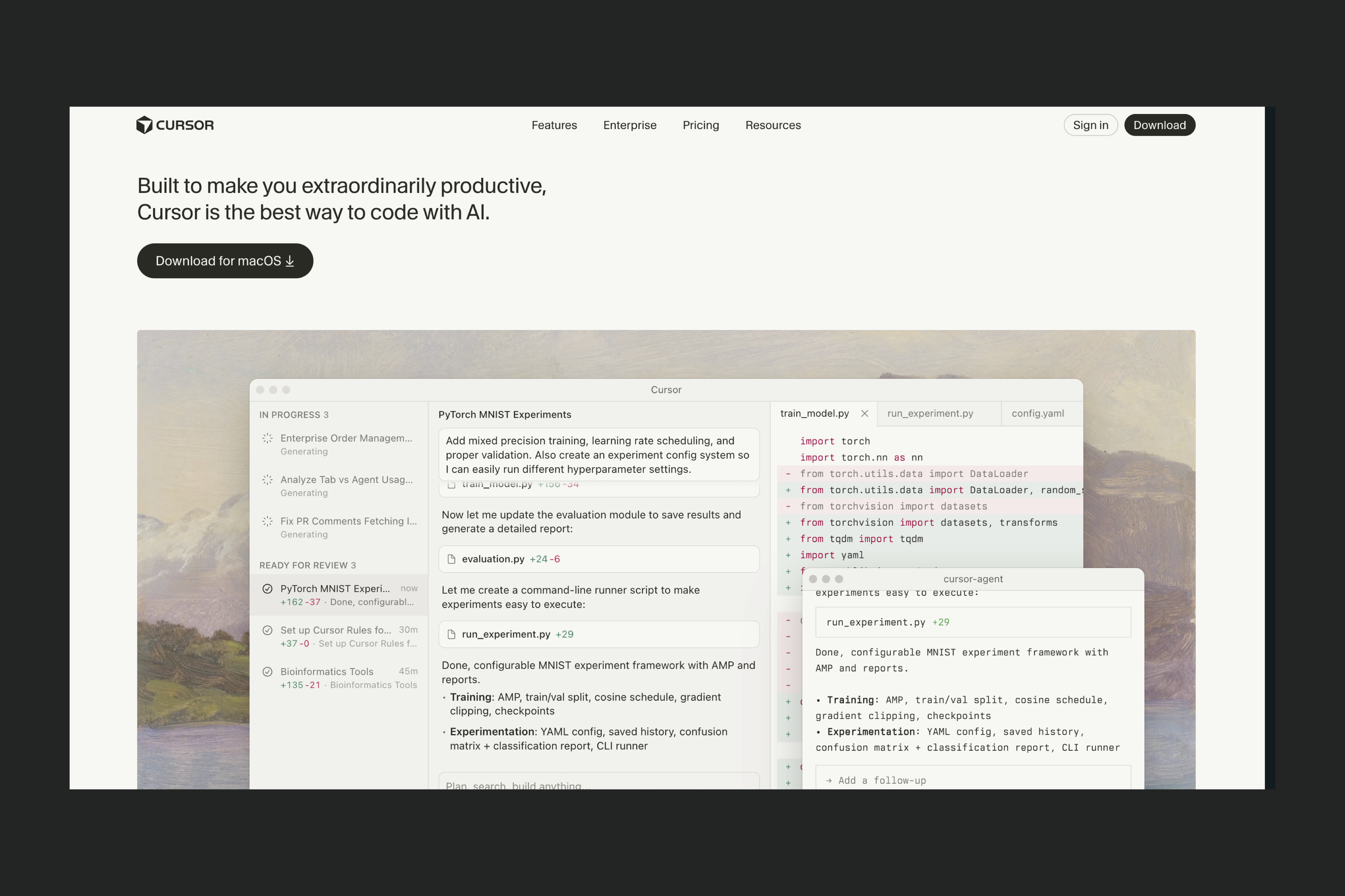
Cursor is an AI-powered code editor designed for developers who want AI assistance directly inside their coding environment. Built on top of VS Code, it works with your existing codebase and lets you write and edit code.
While Lovable focuses on generating an entire full-stack web application from prompts, Cursor is built for developers who want to stay close to the code. You manually create and manage your project structure, and Cursor helps you navigate, modify, and extend it faster through AI-assisted editing.
For developers and teams who prefer full visibility into their code and want AI to act as a powerful coding copilot rather than an app generator, Cursor is a strong alternative.
Main features:
- AI-native code editor (VS Code–based): Cursor looks and feels like VS Code, making it easy to adopt for developers.
- Natural language code editing: you can ask Cursor to modify functions, refactor files, explain code, or implement features.
- Whole-repo context awareness: Cursor can reason across multiple files and understand how different parts of your codebase connect.
- Inline diffs and edits: changes are applied directly to your code and you can review and tweak them immediately.
When to consider Cursor for your project:
- When you’re a developer who wants to write and control the code yourself, with AI speeding things up.
- When you’re working inside an existing codebase rather than starting from scratch.
- When you want fine-grained edits, refactors, and explanations instead of full app generation.
When Cursor might not be suitable for your project:
- When you want to generate a full application from prompts, including frontend, backend, and deployment, with minimal coding.
- When you don’t want to manage project structure, dependencies, or architecture decisions.
- When you’re a non-coder since Cursor requires technical knowledge.
- When you want a visual approach to building.
Did you know? You can use Cursor to build custom coded components and then import them to WeWeb. Check out our tutorial for step-by-step instructions:
Bubble
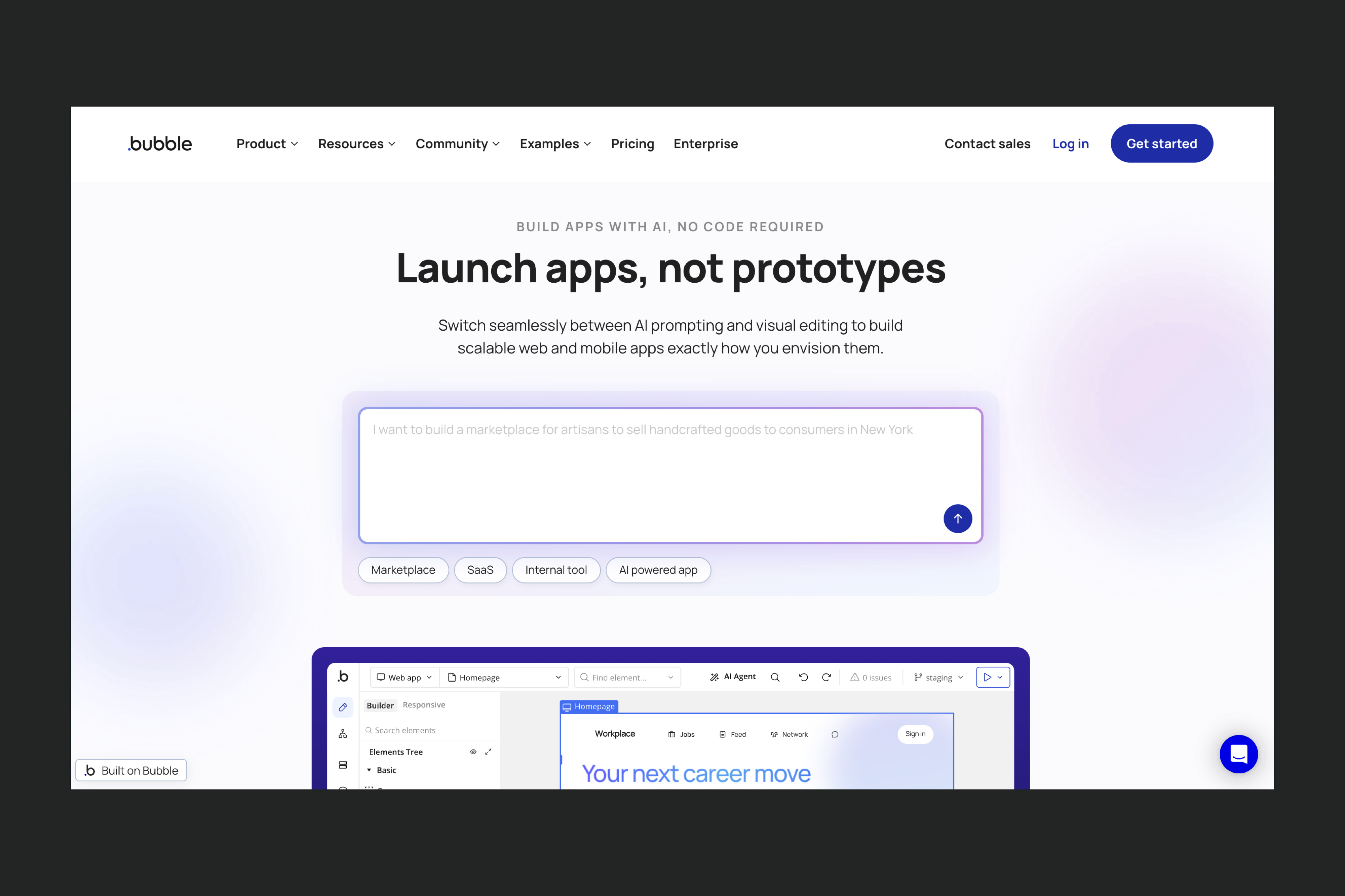
Bubble is a fullstack no-code platform that lets you build both the frontend and backend of your app using a visual editor. You can drag and drop elements, define data types, and build logic without writing code.
Bubble also runs on its own proprietary system. This can make it easier to build a clean, well-structured app because the visual editor provides important guardrails but it can also limit scalability, exporting, and long-term control.
Main features:
- Visual editor for UI and logic: build interfaces, workflows, and conditional logic with drag-and-drop tools.
- Built-in database: define data types, relationships, and privacy rules without setting up a backend.
- Plugin ecosystem: extend capabilities with community and official plugins for APIs, payments, rich UI components, and more.
- Advanced features for production apps: roles, privacy rules, scalable hosting, API and SQL connectors.
When to consider Bubble for your project:.
- When you want a visual way to manage UI, logic, and data.
- When you need a fast MVP that can later grow into a more feature-rich application.
When Bubble might not be suitable for your project:
- When you want a minimal learning curve, since Bubble’s workflows, data design, and responsiveness tools take time to master.
- When you want to avoid vendor lock-in, because Bubble doesn’t allow exporting your code or moving your app to another environment.
- When you need highly custom design that may require advanced Bubble knowledge or additional plugins.
- When you need granular performance control or flexible backend patterns that extend beyond Bubble’s monolithic structure.
Learn more about using Bubble for app building.
Softr
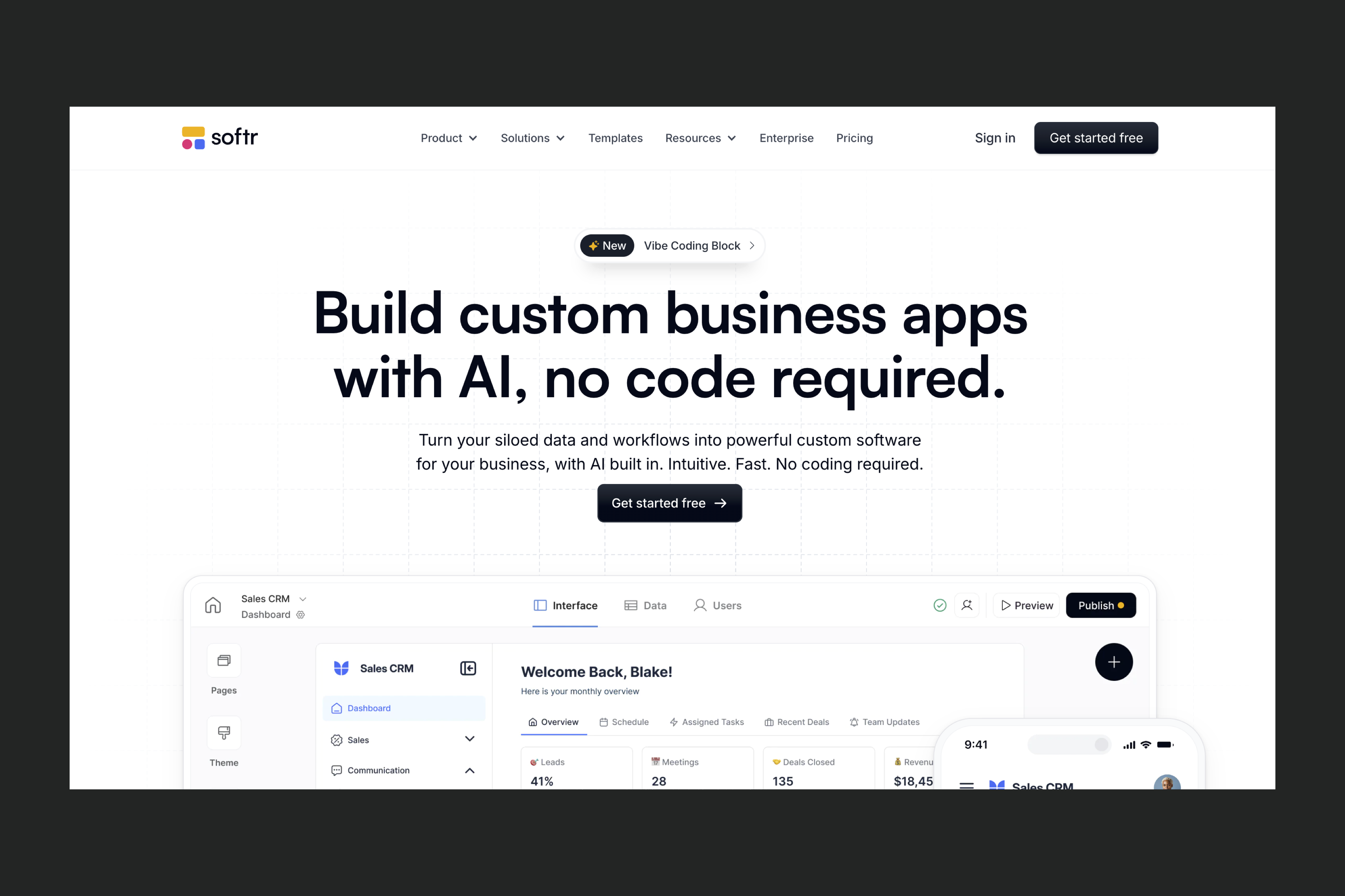
Softr is a no-code tool for building internal tools, dashboards, and client portals. It offers a simple drag-and-drop block editor and integrations with data sources like Airtable, Google Sheets, Notion, SQL, and Softr’s own database.
Compared to Lovable, which generates a fullstack app from prompts and gives you access to the underlying code, Softr is more template-driven and UI-centric. You assemble pages from predefined blocks and configure permissions, filters, and basic workflows without touching code.
This makes Softr approachable for non-technical small teams and operators, but it also means you have less control over customization, scalability, and long-term flexibility.
Main features:
- Low learning curve: non-technical users can ship simple internal tools and client portals quickly.
- Block-based UI builder: assemble pages from prebuilt layouts for lists, tables, forms, charts, authentication, and more.
- Strong data integrations: connect to Airtable, Google Sheets, Notion, SQL, and additional data sources with minimal setup.
- Common use case templates: ready-made setups for CRMs, client portals, internal dashboards, team workspaces, and others.
- RBAC and permissions: built-in role-based access control.
When to consider Softr for your project:
- When teams prefer predictable, template-driven workflows.
- When you or your team is non-technical and needs to build internal tools quickly without sacrificing control.
- When creating internal dashboards, client portals, lightweight CRMs, or operational tools.
- When speed and simplicity matter more than deep customization.
- When control through a visual editor matters more than building speed.
When Softr might not be suitable for your project:
- When you need full design control, since block layouts can only be lightly styled and fine-grained CSS adjustments are limited.
- When your app requires complex business logic, such as conditional workflows, multi-step approvals, or state-dependent behavior.
- When you need custom components, because Softr doesn’t allow building or importing your own UI elements.
- When you want iterative AI-assisted development, since Softr’s AI only generates the initial layout and cannot re-prompt major changes.
- When you want to avoid vendor lock-in, because there is no code export and scaling costs can increase quickly.
Learn more about using Softr for app building.
Retool
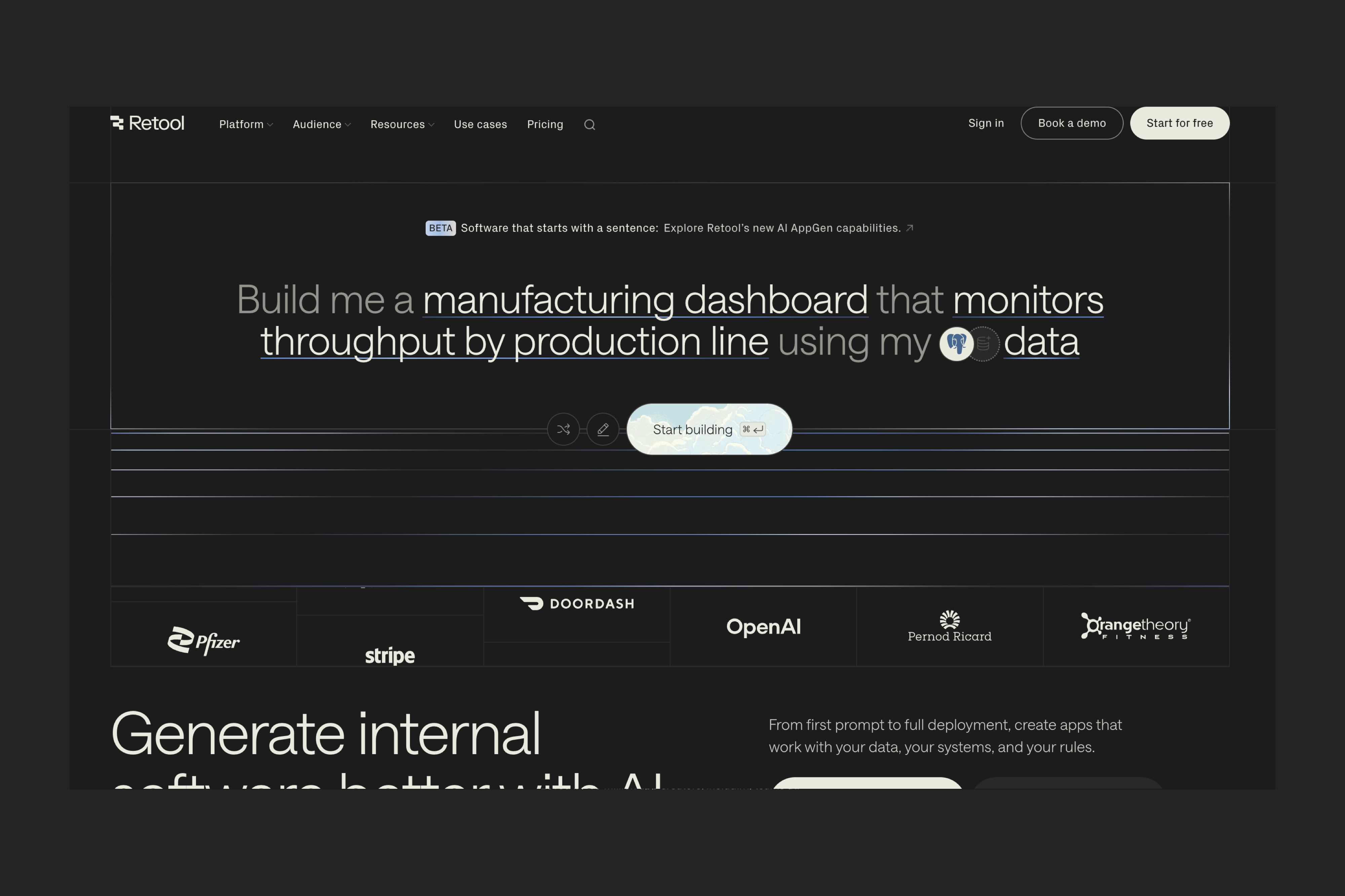
Retool is a developer-centric platform designed for building secure, data-heavy internal tools. You assemble interfaces using a drag-and-drop editor, then connect them to databases and APIs through SQL, JavaScript, and custom logic.
While it supports visual building, Retool’s real power comes from writing queries and scripts, which makes it best suited for technical teams.
Compared to Lovable, which generates a fullstack app from natural-language prompts and gives you access to the underlying code, Retool stays within its own component-and-query model. You don't have to edit raw frontend or backend code.
Main features:
- Drag-and-drop UI builder: a library of pre-built components for dashboards, admin tools, and CRUD interfaces.
- Deep data integrations: connect to databases like Postgres, MySQL, MongoDB, plus REST and GraphQL APIs.
- Role-based access control: manage permissions and authentication for secure internal apps.
- Developer-focused AI: natural language scaffolding to generate basic UI and queries, code completion for SQL and JavaScript, query optimization suggestions and API call assistance.
When to consider Retool for your project:
- When you’re part of engineering and data teams building dashboards, admin panels, or internal operational tools.
- When you want to modernize internal systems or extend legacy workflows in your organization.
- When your company relies on multiple data sources and wants to centralize internal processes.
When Retool might not be suitable for your project:
- When you’re a non-coder: Retool requires knowledge of SQL and JavaScript.
- When you need a custom UI or app structure, because Retool limits you to its component and workflow system.
- When building public-facing apps, since Retool building blocks are optimized for internal tools.
- When managing budgets for large teams, as pricing can become high with increased usage or app users.
Learn more about using Retool for app building.
Wrap-up
These days, app builders have more options than ever. Lovable introduced a fast way to generate full-stack apps through natural-language prompts, but depending on your project, other platforms may offer better control, flexibility, or long-term scalability.
AI-first coding environments like Replit and Claude Code are ideal for coders who want to accelerate development with AI in the context of their existing codebase.
Visual-first platforms like Retool, Bubble, and Softr offer different ways to build internal tools, client portals, and other types of apps, though they come with limitations in customization and vendor lock-in.
WeWeb stands out for builders that want the best of both worlds: a visual, no-code approach with AI-powered workflows designed to support everything from early prototypes to large customer-facing applications handling millions of users with complex roles and permissions.
In the end, the right platform depends on your technical background, the complexity of your project, and how much control you want over your frontend, backend, and long-term architecture. Each tool brings its own strengths and your choice comes down to which approach fits the way you prefer to build.
FAQs
What is the best Lovable alternative for non-coders building production apps?
WeWeb is one of the best Lovable alternatives for non-coders who want to move beyond prototypes and build production-grade web applications.
Like Lovable, WeWeb helps teams build quickly. The key difference is what happens after the initial version is created. WeWeb gives you a full visual editor, advanced workflows, responsive design controls, and the freedom to connect your app to the backend, APIs, authentication provider, and services that best fit your needs. This gives non-technical builders the speed of AI-assisted development without limiting how far the product can evolve.
Softr is another strong option, particularly for straightforward internal tools, portals, directories, and data-driven applications that need to launch quickly with minimal setup.
For highly customized SaaS products, customer-facing platforms, and applications that need greater control, flexibility, and scalability, WeWeb is the stronger choice.
What is the best Lovable alternative for coders who want to use AI as an assistant?
Replit and Claude Code are a good fit for coders who want to use AI to accelerate coding. Both tools let you work directly in your own codebase with AI-generated suggestions, debugging, and refactoring while keeping full control of your architecture.
Which platform is the best if I already have an existing backend?
WeWeb is backend-agnostic by design. It has its own native backend but integrates seamlessly with REST, GraphQL, and SOAP APIs and offers native integrations with popular tools like Supabase, Xano, Airtable, and Google Sheets. If your backend is already set up, WeWeb lets you connect it directly and build a custom frontend on top.
What is the best Lovable alternative if I don’t want to build just a prototype, but a fully functional app?
Then you need a platform designed not only for fast generation, but also for everything that comes after: customization, integrations, security, performance, maintenance, and scale.
WeWeb is built for this transition from idea to production. It combines visual development and AI-assisted building with a frontend architecture that connects to the backend, database, APIs, and authentication provider of your choice. Teams can deploy on WeWeb’s infrastructure or self-host, giving them greater control over security, compliance, performance, and long-term ownership. Its visual workflows and developer-friendly architecture also make it easier for non-technical builders and engineers to collaborate as the application becomes more complex.
Bubble can also be used to build complete applications, but it follows an all-in-one model. The frontend, backend, database, business logic, and hosting are managed within Bubble’s ecosystem. This can simplify the initial build, but it gives teams less flexibility over their infrastructure, backend architecture, and deployment strategy.
For teams that want to launch quickly without limiting how their product can evolve, WeWeb is the stronger Lovable alternative.
What if I want to first build an MVP, test it out, and only then consider scaling?
Lovable, Bubble, Softr, and WeWeb all work well for fast MVPs. The one that works best for you will depend a lot on your personal preferences. If you enjoy prompting AI, Lovable and WeWeb provide that experience throughout the development process. If you’re a non-coder who likes to understand how things are built, Softr, Bubble, and WeWeb will feel more comfortable. If you need to build something functional in minutes, Lovable is your best bet. If you need a very custom UI or complex authentication flows and can spare a couple of hours, WeWeb is your friend.
Is Lovable suitable for enterprises?
Lovable can be helpful for generating prototypes and early-stage applications, but it’s generally not the best fit for enterprise needs.
Enterprises typically require predictability, strict security controls, detailed compliance processes, auditability, and stable long-term architecture. Lovable’s AI-generated code, credit-based iteration model, and unpredictable refactoring make it harder to guarantee consistency, maintainability, and governance at scale.
For enterprise teams, WeWeb is a more suitable option. Its backend-agnostic architecture allows you to integrate with existing enterprise systems, authentication providers, and security frameworks. You can enforce access control, connect to compliant backends, self-host if needed, and maintain full ownership of your data and infrastructure.