



An app development platform is software that provides integrated tools to design, build, integrate, test, secure, and deploy applications across web and mobile. It combines a visual editor or coding environment, data and API connectors, authentication, deployment pipelines, and monitoring so teams can deliver complete apps without stitching dozens of tools.
The right app development platform can compress timelines from months to weeks, cut delivery risk, and let mixed skill teams ship confidently.
In 2026 speed, scalability, and autonomy matter more than ever because teams are asked to deliver more with leaner budgets and fewer specialist roles. Visual and AI assisted builders shorten feedback loops, while open architectures keep you flexible as needs evolve.
If you are a startup founder, a freelancer, a web agency, or an innovation team inside a large company, the platform you choose will shape velocity, cost, and maintenance for years. If you want a fast way to build production-grade web apps, with AI help and visual control, explore WeWeb.
Platform categories and app types
Choosing the right app development platform starts with the kind of app you are shipping.
Visual web app builders
Ideal for portals, dashboards, internal tools, and full SaaS apps. Strong visual editors, data binding, and permission controls. WeWeb sits here as a visual web app builder with AI-assisted generation that lets you fully edit what AI creates, and import custom coded Vue.js components when you need them.
Cross platform mobile frameworks
Single code base output to iOS and Android. Useful for rich device features. You will still manage app store reviews and device specific testing. Example: FlutterFlow.
Backend as a service and API first
Great when you already have front end talent and need auth, storage, and server logic out of the box. Commonly paired with web builders. Examples: Xano, Supabase.
Full stack pro code frameworks
Maximum control for complex or performance sensitive products. Longer time to market and heavier maintenance. Example: WeWeb.
Vibe coding and AI coding assistants
Generate scaffolds and entire features from prompts. Powerful for speed, but you will want a path to refine and govern the output. WeWeb combines this with a visual editor for precise control after generation. Example: WeWeb, Lovable, Base44.
Core features and capabilities to expect
Any app development platform you consider in 2026 should cover the following.
- Visual UI building with responsive layout, component reuse, and design system support
- Data integration for REST, GraphQL, SQL, and common SaaS connectors, plus caching and pagination, see the full list of WeWeb integrations.
- Authentication and authorization with SSO, multi factor flows, roles, and granular access rules
- State management and workflow logic that non developers can understand and extend
- Testing, previews, and versioning for safe iteration across environments
- CI and CD so every change can move from dev to staging to production with automated checks
- Observability that includes logs, metrics, real user performance, and alerting
- Accessibility guidance and audits so you can meet WCAG requirements
- Internationalization and localization for global launches
- Governance features like audit trails and approvals for regulated teams
Facts to ground these expectations
- CI pipelines commonly run on services like GitHub Actions or GitLab CI to automate builds and tests.
- Content delivery networks place cached assets at the edge to reduce latency for distant users.
- PWAs can send push notifications on platforms that support web push and can be installed on desktop and Android.
- Vue.js, React, and Angular are among the most used component frameworks for modern web apps.
Where WeWeb fits
- WeWeb gives visual control with AI powered generation so teams can go from prompt to working app, then refine the result in a visual editor.
- You can import and edit custom Vue.js components when needed, which keeps the door open for code heavy use cases.
- WeWeb offers backend freedom (its native backend + native external integrations) and self hosting options for teams that require strict data control. Explore the WeWeb showcase to see production examples from companies like PwC and Decathlon, or jumpstart with WeWeb templates.
How to evaluate and choose, selection criteria
Match your app development platform to your constraints.
- Team skills and autonomy: Can non-engineers safely maintain the app? Can engineers extend with code?
- Data and integrations: Which APIs and databases must be supported on day one?
- Complexity and performance: Do you need heavy client-side interactions or near native performance?
- Security and compliance: Do you need SSO, audit trails, data residency, and self-hosting?
- Scalability: What is the expected user count? Do you anticipate traffic spikes? Do you require multi-region delivery?
- Workflow fit: Do you require branch-based development, staging environments, previews, approvals, and rollback?
- Ecosystem and extensibility: What plugins, components, custom code, and export options do you need?
- Total cost and vendor risk: Is pricing transparent and future migration possible?
If visual speed and enterprise readiness are both required, test an app development platform like WeWeb that is code-friendly and allows self-hosting, and book a demo to validate fit.
Pricing and free plan realities
Pricing varies by seats, environments, traffic, and build minutes. Some platforms charge per end user or per record count, which can surprise teams as adoption grows. Others charge by workspace and environment counts, which aligns better with how teams actually ship. Map your model users, teams, or revenue to pricing units before you commit.
Tips for a clear view of cost:
- Check rate limits on API calls, webhooks, and function executions
- Validate export options and data portability in case you need to move
- Estimate monthly active users and peak requests to size tiers correctly
- Confirm what counts as an environment and whether previews are billed
When you need predictability, prefer an app development platform that discloses limits clearly and supports self-hosting so you can manage infrastructure on your own terms. If that is a priority, evaluate WeWeb.
Publishing and deployment considerations
Your deployment path depends on app type.
- Web apps: Push through CI and CD to a host or your own infrastructure, set cache rules and security headers
- PWAs: Add a manifest and service worker, test install flows and offline routes
- Mobile apps: Plan for store listings, device testing, and review cycles, use over the air updates where permitted
- Data and APIs: monitor error rates and timeouts, rate limit consumers, and set up retries
- Environments: use dev, staging, and production to avoid breaking changes and enable safe rollbacks
Compliance matters
- GDPR applies to users in the European Union and CCPA applies to residents of California, so plan consent and data handling accordingly. Review WeWeb’s Data Processing Agreement for details.
An app development platform that supports self-hosting and environment isolation makes these steps easier, especially for regulated industries.
Trends shaping app development platforms in 2026
The market is converging on a few big ideas.
- AI paired building, generate data models, screens, and workflows from prompts, then refine visually to production quality
- Visual development for pros, drag and drop plus code, so both builders and engineers can collaborate without handoffs
- Composable backends, connect any data source, swap services without rewriting the app
- Edge compute and WebAssembly, run logic closer to users and tap near native performance in the browser
- Governance by design, granular permissions, audit logs, and change approvals are now table stakes
- Accessibility and performance budgets, platforms surface guidance and metrics during build time
If you want a modern app development platform that blends AI generation with precise visual control and complete backend freedom, try WeWeb.
Top 11 App Development Platforms in 2026
Building on the landscape we just explored, this section spotlights the platforms teams are turning to for rapidly delivering web and mobile apps in 2026.
We grouped these eleven together because they balance visual development speed with governance, integrations, and scalability, spanning no-code, low-code, and developer-friendly options.
Use this list to quickly compare strengths and trade-offs before choosing the stack that fits your skills, compliance needs, and roadmap.
1. WeWeb
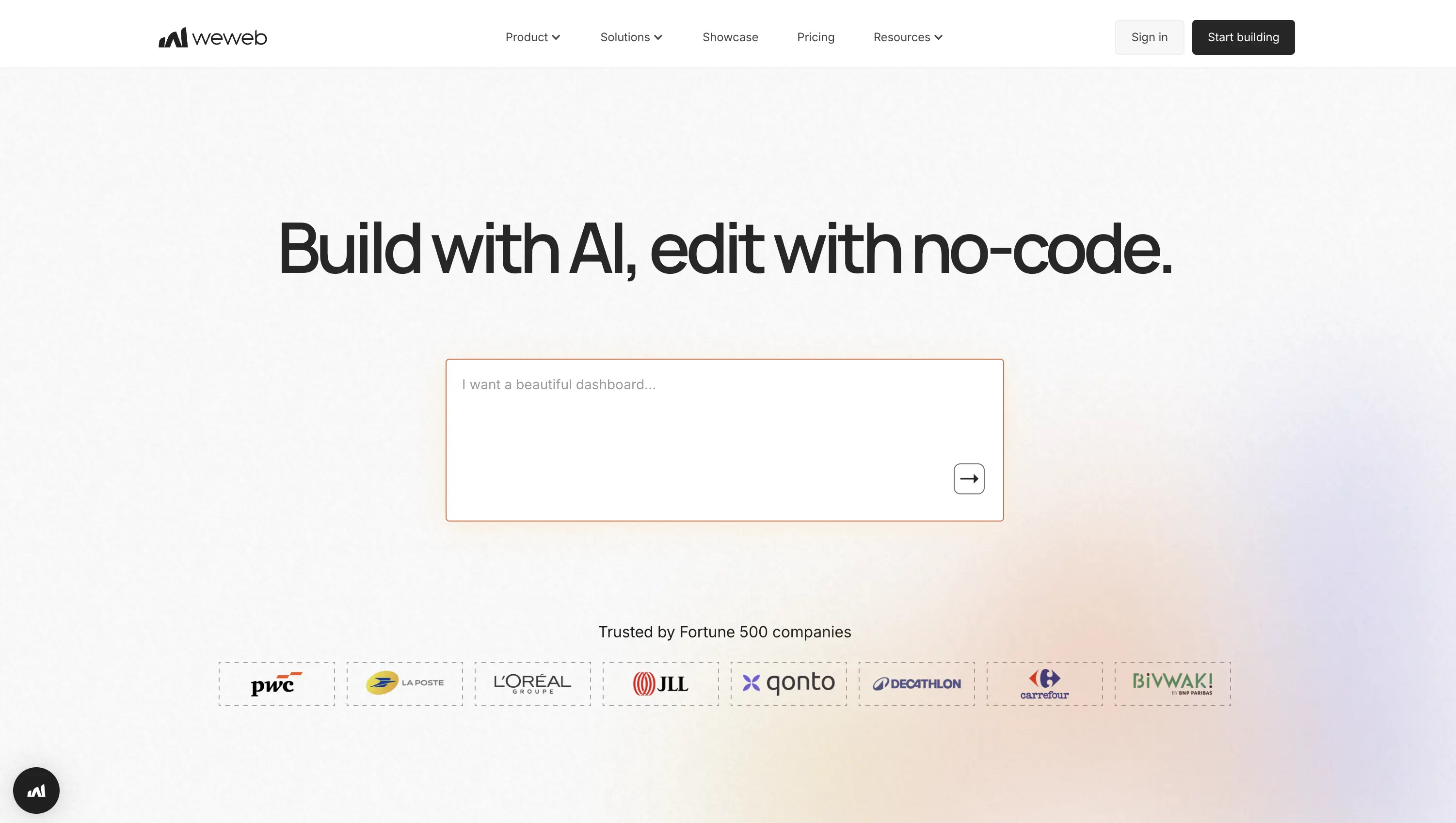
WeWeb is an AI-assisted visual platform in the no-code/low-code space where teams design pixel-perfect UIs, define data/logic, and connect any backend: its native backend, REST, GraphQL, or databases, without standing up servers. Deploy in a click or export production Vue.js to self-host when you’re ready for full control. It’s built for startup speed with enterprise-grade flexibility and autonomy across product, design, and engineering.
Bottom line: ship web apps fast, keep your backend freedom, and scale without lock-in.
Why it stands out
- AI builder scaffolds responsive UIs, workflows, formulas, and editable backends.
- Centralized logic: variables, collections, reusable workflows, permissions.
- Backend freedom: use WeWeb's native backend, connect Supabase, Xano, SQL/NoSQL,
RESTandGraphQL, mix multiple sources. - Deploy your way: global CDN hosting or export Vue 3 SPA for self-hosting/CI.
- Code extensibility: add custom Vue components and expose actions to workflows.
- Integrations: auth/SSO, payments, analytics, OpenAI, and more.
Best for
Founders, freelancers/agencies, and innovation teams shipping SaaS, client portals, and internal tools. Mixed-skill squads iterate visually, extend with code when needed, and hand off updates to non-developers with reusable workflows, libraries, backups, and versioned deploys. Agencies can dive deeper with WeWeb for Agencies.
Pricing at a glance
- Free: unlimited projects, subdomain publishing, core integrations.
- Paid from: $20/month per seat; includes code export.
- Metering: seat-based; monthly AI tokens; hosting limits.
- Trial: build free; upgrade for export and custom domains.
2. Appy Pie App Maker

Appy Pie App Maker is a no-code platform designed to help individuals and businesses create mobile apps without technical expertise.
It simplifies the entire app development process—from design and features to deployment—using an intuitive drag-and-drop interface, making it especially appealing for quick launches and non-developers.
Bottom line: fast, beginner-friendly app creation with minimal technical barriers.
Why it stands out
- No-code visual builder with drag-and-drop functionality, allowing users to design app layouts and workflows without writing code.
- Pre-built templates and features like push notifications, in-app purchases, chat, and integrations.
- Cross-platform publishing for both Android and iOS from a single build environment.
- Real-time updates—changes made in the editor reflect instantly in the app.
- Built-in integrations with tools like payment gateways, social media, and third-party services.
- Cloud-based platform, so no installation or complex setup is required.
Best for
Small businesses, startups, and entrepreneurs looking to launch apps quickly. Local service providers (restaurants, salons, etc.) building customer-facing apps. Non-technical users who want to test app ideas without hiring developers.
Pricing at a glance
- Free plan: basic features with Appy Pie branding.
- Paid plans: start at affordable monthly subscriptions depending on features and usage.
- Custom plans: available for businesses needing advanced features or higher scale.
3. SAP Build Apps

SAP Build Apps (formerly AppGyver) is SAP’s no-/low-code platform on SAP BTP for visually composing full-stack web and mobile apps. Teams model UI, data, and logic, connect to SAP and third-party systems over REST/OData, and package for the web and app stores, now accelerated by Joule AI. It’s purpose-built for governed, scalable delivery inside and alongside SAP landscapes.
Bottom line: enterprise-grade speed with SAP-caliber governance and integrations.
Why it stands out
- Visual UI builder with enterprise components/themes; Joule can generate screens.
- Full-stack modeling: data and serverless logic via Visual Cloud Functions.
- Native SAP connectivity through BTP Destinations to S/4HANA (
REST/OData). - One-click cloud builds for web and iOS/Android, with no local toolchains.
- Identity & access via SAP Cloud Identity Services and flexible auth.
- Governed lifecycle: transport across dev/test/prod with Cloud Transport Management.
Best for
Agencies, founders, and enterprise innovation teams delivering production apps that need SAP data and guardrails. Typical builds: S/4HANA extensions, customer/partner portals, and internal tools, with visual editing and roles enabling smooth hand-offs to non-dev collaborators.
Pricing at a glance
- Free: 30-day basic trial on shared tenant.
- Paid from: $564 per active user per year.
- Metering: runtime capacity units; API calls and storage add-ons.
- Trial: yes, 30 days.
4. Mendix

Mendix is an enterprise low-code platform for building full-stack web apps, PWAs, and offline-first native mobile apps with a model-driven IDE and AI assistance. Teams visually define data, UI, logic, and integrations end-to-end, then deploy to your cloud of choice. It’s designed for speed with guardrails, scaling from pilot to portfolio.
Bottom line: pick it for rapid delivery plus enterprise governance and multi-cloud freedom.
Why it stands out
- AI-assisted modeling in Studio Pro; Maia accelerates patterns and fixes.
- Multi-channel UIs: responsive web, PWAs, native mobile with offline.
- Rich logic: domain security, microflows/nanoflows, workflow orchestration.
- Integration freedom:
REST,OData, SOAP, GraphQL; external DB connections. - Deploy anywhere: Mendix Cloud, Kubernetes, SAP BTP, or on-prem.
- Scale & observe: horizontal scaling, logs, metrics, APM hooks.
- Enterprise controls: SSO, MFA, certifications; extend via Java/JavaScript.
Best for
Enterprise innovation teams, product owners, and agencies delivering portals, LOB systems, field service mobile, and multi-tenant SaaS. Visual models and versioning simplify maintenance and enable hand-offs to non-developers without sacrificing engineering control.
Pricing at a glance
- Free: build/deploy with community support; limited scale and autosleep.
- Paid from: Basic $75/month; Standard $998/month; Premium by quote.
- Metering: app/user licensing; infra resources separate.
- Trial: start free anytime.
5. Appian

Appian is a low-code process automation platform for building data-rich web/mobile apps, portals, and case-management at speed. Data Fabric unifies sources without heavy migration, while AI Copilot and agentic automation accelerate build and operations. Deliver on Appian Cloud or Kubernetes with enterprise-grade DevOps, compliance, and governance.
Bottom line: for mission-critical apps where speed, resilience, and oversight must coexist.
Why it stands out
- AI-assisted creation: Copilot builds UIs; Agent Studio orchestrates goal-driven agents.
- Document intelligence with DocCenter IDP for complex extraction at scale.
- Unified data via Data Fabric records, dynamic queries, and row-level security.
- Broad integrations: Salesforce, Google, SharePoint, DocuSign, AWS;
REST/SOAP/JDBC. - Deploy anywhere: multi-AZ Appian Cloud or self-managed Kubernetes.
- Enterprise delivery: compare-and-deploy, APIs, CI/CD, SOC 2/3, HIPAA, FedRAMP High.
- Scale: records to tens of millions of rows.
Best for
Enterprise teams in regulated industries shipping case management, onboarding, claims, procurement, and document-heavy workflows. Mixed-skill teams iterate rapidly under strong guardrails, enabling smooth hand-offs to business users without risking governance.
Pricing at a glance
- Free: Community Edition cloud environment for evaluation.
- Paid from: quote-based packages.
- Metering: Data Fabric rows, RPA bots, Portals, AI actions.
- Trial: Community Edition ongoing; Appian Guarantee available.
6. Zoho Creator
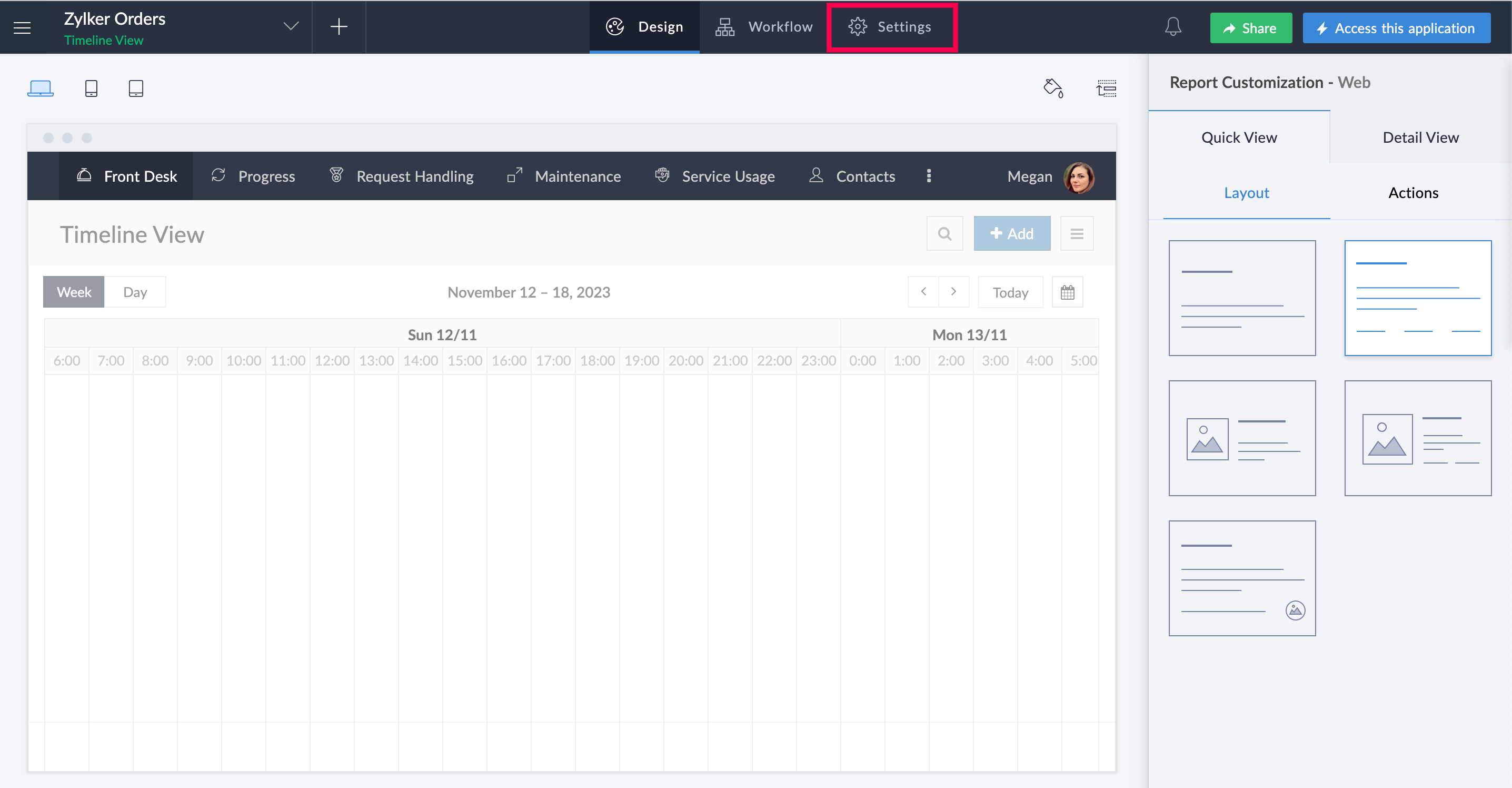
Zoho Creator is a full-stack low-code platform for quickly building business apps (internal tools, portals, and mobile) without provisioning databases or servers. Drag-and-drop UI meets AI-assisted logic and Deluge scripting for precision, then deploy to web, iOS, and Android on cloud or on-prem. It blends speed, governance, and scale for mixed-skill teams.
Bottom line: ship fast, manage centrally, and extend with code only when you need it.
Why it stands out
- AI assistance (CoCreator) generates forms, workflows, and Deluge; suggests improvements.
- Data & logic: 40+ fields, Blueprints, approvals, role-based permissions.
- Backend options:
RESTAPIs, webhooks, serverless; connect SQL/NoSQL or Zoho data. - Deploy everywhere: web/iOS/Android with app-store distribution; cloud or on-prem.
- Extensibility: custom UI components, Java libraries, mobile SDKs, packages.
- Ecosystem & security: 600+ connectors, SSO, audit trails, IP restrictions, SOC 2/GDPR/HIPAA.
- Reliability: lifecycle controls and 99.9% uptime.
Best for
Founders, SMB operators, agencies, and enterprise innovation teams that want governed speed. Common builds: internal CRMs/ERPs, approvals, field apps, client portals, and lightweight SaaS, with easy maintenance and hand-off to non-developers.
Pricing at a glance
- Free: 1 app, 5k records, 250 MB, 50 emails/day.
- Paid from: ~$8/user/month; Pro ~$20; Enterprise ~$25.
- Metering: per-user records, Deluge statements, emails; portal users add-on.
- Trial: 15 days, then reverts to Free.
7. AppSheet
AppSheet, from Google, is a no-code platform for building secure web and mobile apps from spreadsheets, databases, and SaaS systems, now with Gemini-powered AI to speed up creation and automation. Model data, rules, and UI visually, then deploy instantly without servers. It favors no-ops deployment with enterprise controls.
Bottom line: turn data into production apps and workflows: fast, governed, and scalable.
Why it stands out
- AI-assisted start: Gemini can generate apps; Enterprise Plus adds Gemini Tasks.
- Structured data: AppSheet Database, slices, validations, security filters.
- Backend reach: Google Workspace, files; connectors for Cloud SQL, BigQuery, Salesforce, more.
- Serverless extensibility: REST API, webhooks, OpenAPI/Apigee, dynamic emails, PDFs, exports.
- Performance & offline with SSO, Okta/OIDC, audit logs; SOC 2/HIPAA support.
Best for
Founders, ops leaders, agencies, and innovation teams building field inspections, inventory, ticketing, CRM-style portals, and LOB workflows. Mixed-skill teams iterate quickly and hand off maintainable apps to non-dev owners with role-based access and centralized admin.
Pricing at a glance
- Free: build-and-test editor; invite up to 10 testers.
- Paid from: Starter $5, Core $10, Plus $20 per user/month.
- Licensing: covers internal and external signed-in users.
- Trial: unlimited prototyping; pay at deployment.
8. Adalo

Adalo is a no-code platform for building responsive web apps and truly native iOS/Android apps. With a drag-and-drop editor, built-in database, and actions, it excels at cross-platform delivery for mixed-skill teams. Build marketplaces, portals, booking, or social apps, connect external APIs, and publish to web or stores.
Bottom line: fastest path to mobile apps you can launch and iterate without a dev team.
Why it stands out
- Visual builder + AI (MagicStart/MagicAdd) speeds interface creation.
- Built-in relational DB with formulas, conditional actions, permissions.
- Backend choices: connect
RESTAPIs, Airtable, Google Sheets, Firebase, Xano. - Publish everywhere: web, App Store, Google Play, scheduled releases.
- Component marketplace and dev toolkit for custom React/React Native components.
- Monetization & auth: Stripe subscriptions, IAPHUB purchases, Apple/Google login.
- Performance options with unlimited App Actions, hosting, CSV exports.
Best for
Founders, agencies, and innovation teams shipping marketplaces, booking, community, or portals. Visual logic and role-based UI keep maintenance simple and hand-offs smooth for non-developers.
Pricing at a glance
- Free: 200 records/app, 1 editor, unlimited screens.
- Paid from: Starter $45/month for web and mobile publishing.
- Metering: higher tiers add apps, editors, integrations.
- Trial: build free; pay when publishing.
9. FlutterFlow
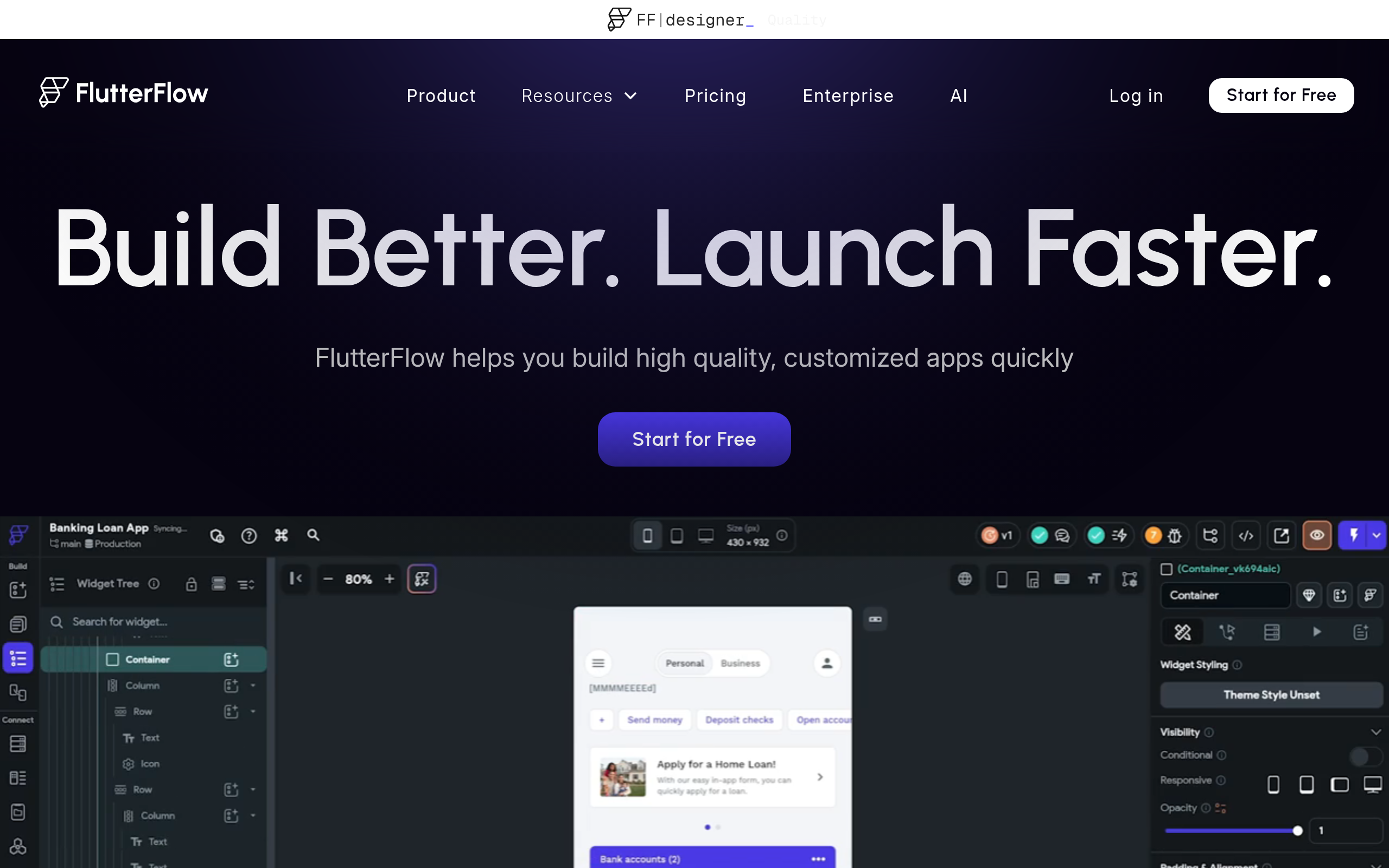
FlutterFlow is a low-code visual builder that generates production Flutter for iOS, Android, web, and desktop, while letting you add custom code as needed. Design UIs, model state and data, orchestrate logic, connect APIs or Firebase/Supabase, and deploy from one workspace with full code ownership.
Bottom line: cross-platform speed with native quality and complete control when you need it.
Why it stands out
- AI generation: prompt-to-page/components, image-to-component, Figma import.
- Action Flows with conditions, loops, parallelism; reusable Action Blocks.
- Backend freedom: Firebase, Supabase,
REST/SOAP, streaming, OpenAPI imports. - Deep extensibility: Custom Functions/Actions/Widgets; add pub.dev packages; CLI.
- Build & deploy anywhere: store builds, web publishing, GitHub, full source code.
- Team scale: real-time co-editing, branching/merges, libraries, SSO, logs.
- Enterprise controls: environments, version pinning, backups, roles.
Best for
Founders, freelancers/agencies, and innovation teams shipping native mobile apps rapidly.
Pricing at a glance
- Free: builder, templates, API/data, web publishing; 2 projects; AI/API caps.
- Paid from: Basic $39/month ($29.25/month annually).
- Metering: seat-based; branch limits; AI quotas.
- Trial: 14-day on first paid plan.
10. Bubble

Bubble is a no-code, full-stack platform for building production web (and native) apps from a single visual editor. Pair a drag-and-drop UI builder with database, workflows, APIs, managed hosting, and an expanding AI layer, with no separate backend required. It’s built to help mixed-skill teams design, launch, and iterate at startup speed.
Bottom line: the all-in-one choice when you want to ship now and scale predictably.
Why it stands out
- Visual builder + AI to scaffold pages, logic, and edits.
- Structured data & workflows with privacy rules and server-side triggers.
- APIs & plugins: API Connector (
REST), SQL Connector, and a vast plugin marketplace. - Managed hosting with CDN; enterprise single-tenant isolation on AWS.
- Performance levers: Workload Units, metrics, background jobs, overage controls.
- Security & compliance: SOC 2 Type II, SSO, SLAs, allow-listing, monitoring.
- Mobile: native builds and publishing from the same project.
Best for
Founders, indie makers, and agencies building SaaS, marketplaces, and portals. Visual logic, versioning, and plugins enable quick iteration and easy hand-off to non-developers.
Pricing at a glance
- Free: unlimited dev builds; learning; no overage accrual.
- Paid from: Starter about $29/month annually.
- Metering: monthly Workload Units; optional overages; collaborator tiers.
- Trial: free indefinitely; mobile plan required for native.
11. Studio Creatio
Studio Creatio is an enterprise no-/low-code platform for building full-stack business apps and automating complex workflows. Its Freedom UI designer, composable architecture, and built-in AI run in the cloud or on-prem. Teams ship internal tools, portals, and SaaS modules quickly without giving up extensibility or governance.
Bottom line: composable enterprise apps: fast, governed, and ready for scale.
Why it stands out
- Freedom UI drag-and-drop plus Creatio.ai with configurable Skills.
- Single designer for data, access rights, pages, and BPMN/DCM workflows.
- Open integration layer:
REST, SOAP,OData, marketplace connectors. - Flexible deployment: SaaS or self-hosted (Windows/Linux), containers, Kubernetes.
- Database choice: PostgreSQL in cloud; on-site SQL Server or Oracle.
- Extensibility: custom Freedom UI components and advanced developer settings.
- Enterprise scale & security: web farms, Redis, HAProxy; SOC2/ISO, SSO, auditing.
Best for
Startup founders and enterprise innovation teams delivering MVPs and production apps: internal tools, customer portals, or SaaS modules. Agencies and COEs gain maintainable configurations and packaging for clean hand-offs to non-developer owners.
Pricing at a glance
- Free: Studio Free BPMN modeler (not the full platform).
- Paid from: pricing unpublished; trackers suggest ~$25/user.
- Metering: typical minimum user counts (5–50) and storage tiers.
- Trial: 14-day full access, no card.
Decision checklist, match platform to project
Run this quick checklist before you pick an app development platform.
- Do non technical stakeholders need to edit content or workflows without code?
- Do you need SSO, audit trails, and fine grained permissions on day one?
- Will you connect multiple databases and third party APIs?
- Is self-hosting or data residency required for compliance?
- Do you need mobile stores or can a PWA cover your use cases?
- What is your rollback plan if a release goes wrong?
- Can the platform export or integrate custom components to avoid lock in?
- Does pricing scale with your business model instead of penalizing growth?
If your answers emphasize speed, autonomy, and enterprise control, add WeWeb to your shortlist.
Conclusion
In 2026 the best strategy is to choose an app development platform that balances speed for builders with power and openness for engineers. Look for visual creation with AI assistance, complete data freedom, strong security, and deployment models that match your compliance needs. That mix lets teams ship faster today and evolve confidently tomorrow. Ready to build your next portal or SaaS product with production grade quality? Start with WeWeb.
FAQ
What is the difference between an app development platform and a framework
A framework is a code library for developers, while an app development platform bundles visual building, integrations, auth, deployment, and monitoring so teams can deliver complete apps faster.
Can an app development platform handle complex enterprise security
Yes, modern platforms support SSO with OAuth 2.0 or SAML (for example via an Auth0 integration or OpenID integration), role-based access, audit logs, and environment-level isolation. Some also support self-hosting for stricter control.
Do I need native mobile if I build a web app
Not always. A PWA can be installable, support offline, and deliver push notifications where supported. If you need deep device features or store presence, native or cross platform mobile may fit better.
How does AI change the choice of platform
AI speeds scaffolding and iteration, but you still need a way to refine and govern the output. Prefer an app development platform that lets you edit AI generated screens and logic with a visual editor and optionally with code.
Can I avoid lock in with visual builders
Yes, choose platforms that let you import custom components, connect to any backend, and export data. WeWeb supports import of Vue.js components and complete backend freedom.
Who uses WeWeb
WeWeb serves startup founders, freelancers, web agencies, and innovation teams in large companies. Clients include brands like PwC and Decathlon, see the WeWeb showcase.