Add standards-based authentication to your web apps

Connect WeWeb to OpenID providers to securely handle user authentication.

Table of Contents
Start building today with WeWeb!
Build your first application in no time!

Rely on trusted identity providers to authenticate users

Instead of building and maintaining your own login system, you can rely on trusted identity providers while keeping full control over your app logic:

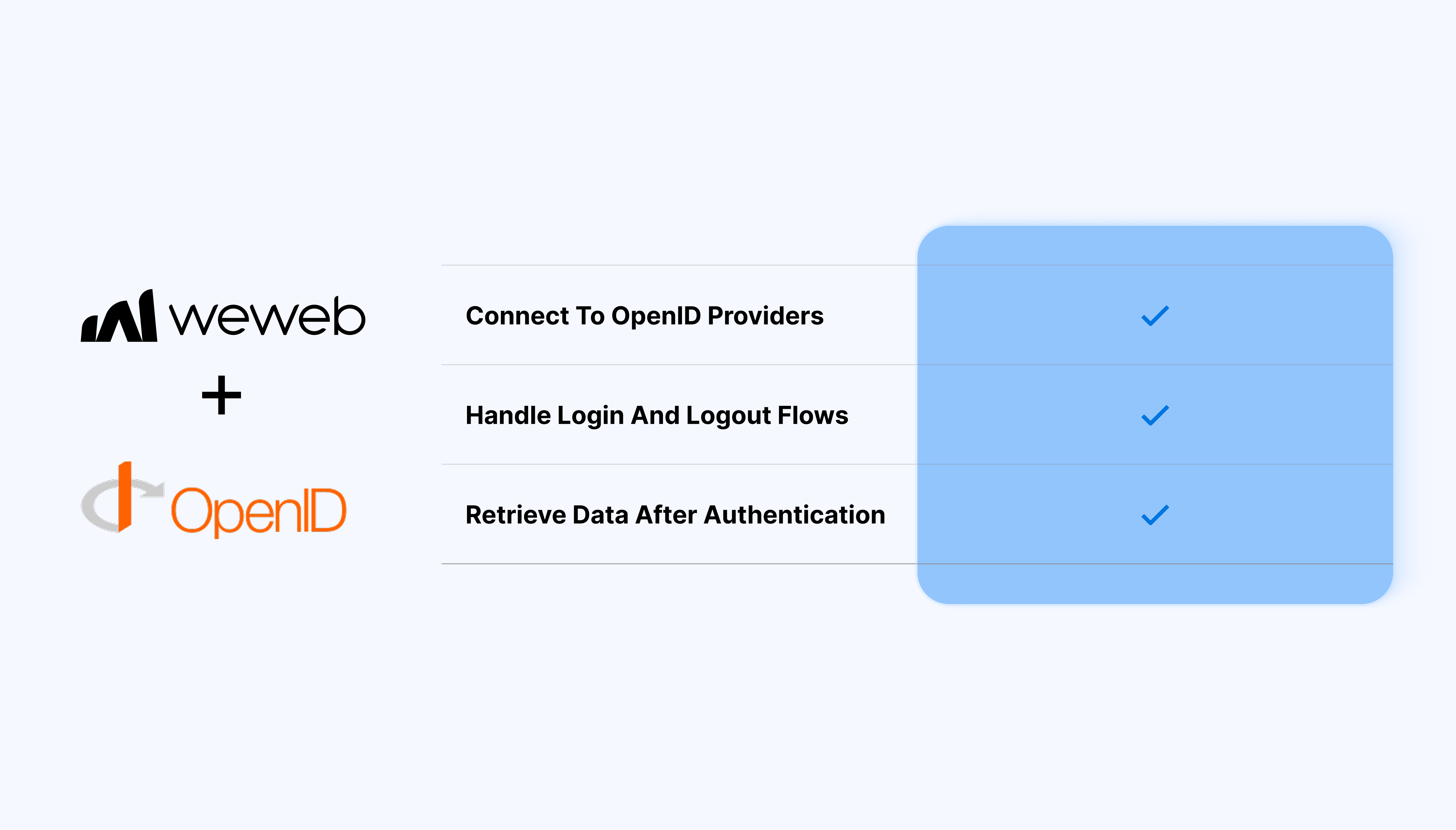
  • Authenticate users via OpenID-compatible identity providers
  • Handle login and logout flows directly in the WeWeb Editor
  • Retrieve user identity data after authentication
  • Store and reuse authenticated user data across your app
  • Combine OpenID authentication with your backend and data models
  • Avoid custom authentication builds and security edge cases

What WeWeb supports natively

Category Feature What it does
Provider config Generic OpenID/OAuth2 data source Lets you register an external identity provider using standard OpenID Connect endpoints and client credentials.
Credentials Client ID / Client secret storage Stores credentials in project settings so they aren’t hard-coded or exposed in UI bindings.
Redirects Redirect / callback URL handling Provides a callback URL to send users back to the app after login.
Auth flows Authorization-code login flow Uses the standard OpenID authorization-code redirect flow.
Tokens Access & ID token handling Receives tokens and makes them available for API calls and profile data.
Current user Basic user profile object Exposes standard OIDC claims like id, email, and name.
API calls Attach bearer token to requests Adds the access token as a Bearer header in API requests.
Access control Logged-in vs guest gating Shows or hides content based on whether the user is authenticated.

Why use WeWeb with OpenID

You manage identity with a proven standard, while WeWeb handles how authentication fits into your app’s UI, logic, and workflows.

Perfect for:

  • Secure client portals with external identity providers
  • Internal tools using company-managed OpenID accounts
  • SaaS dashboards with standardized authentication flows
  • Partner or vendor platforms with federated login
  • Multi-app ecosystems sharing the same identity provider

And more…

Integrating OpenID with WeWeb

Integrating OpenID with WeWeb is straightforward:

  1. Open your project in the WeWeb Dashboard
  2. Configure the OpenID provider settings
  3. Define redirect URLs and scopes
  4. Map returned user data to WeWeb authentication variables

Learn more about WeWeb x OpenID integration

Best practices

  • Ensure redirect URLs are correctly configured to avoid authentication errors
  • Use environment-specific credentials for staging and production
  • Handle token expiration and session state in your app logic

FAQs

1. How do I connect an OpenID provider (IdP) to WeWeb?

Typically you configure an OAuth2/OpenID client in your IdP (client ID, secret, redirect URL), then register those details in WeWeb’s auth/API settings so redirects and token exchanges can happen correctly. Once done, users are redirected to the IdP to log in, then back to WeWeb with an authorization code that is exchanged for tokens.

2. What kind of tokens does WeWeb receive from an OpenID provider?

Standard OpenID flows return an ID token (with user identity claims) and one or more access tokens that can be used to call secured APIs. WeWeb can then surface basic profile info (like subject, email, name) and attach access tokens to backend requests where needed.

3. Can WeWeb show who is logged in using OpenID?

Yes, once an OpenID login flow has completed, the decoded ID token claims can be mapped into a “current user” object usable in bindings and conditional UI. This enables patterns like showing the user’s name in the navbar or gating components based on whether a user is authenticated.

4. How do I use OpenID tokens when calling my backend from WeWeb?

After login, WeWeb can attach the access token as a Bearer header to API calls so your backend can validate it and enforce authorization. The backend is responsible for verifying signatures, checking expiry, and applying scopes/roles, while WeWeb just forwards the token.

5. Does WeWeb manage roles and permissions from the OpenID provider?

WeWeb can consume claims exposed in ID/access tokens (such as roles or groups) and use them for basic show/hide logic. More advanced RBAC like complex role hierarchies, orgs, or fine‑grained entitlements usually stays in the IdP and backend logic rather than being modeled fully in the WeWeb Editor.

6. When should I use generic OpenID in WeWeb instead of a provider-specific plugin?

Generic OpenID is useful when your IdP is standards‑compliant but not directly supported by a dedicated plugin, or when you want consistent SSO across multiple apps. Provider‑specific plugins are preferable when available (for example for richer role syncing or admin UX), as they typically offer tighter integration and ready‑made UI patterns.

Start building for free

Sign up now, pay when you're ready to publish.