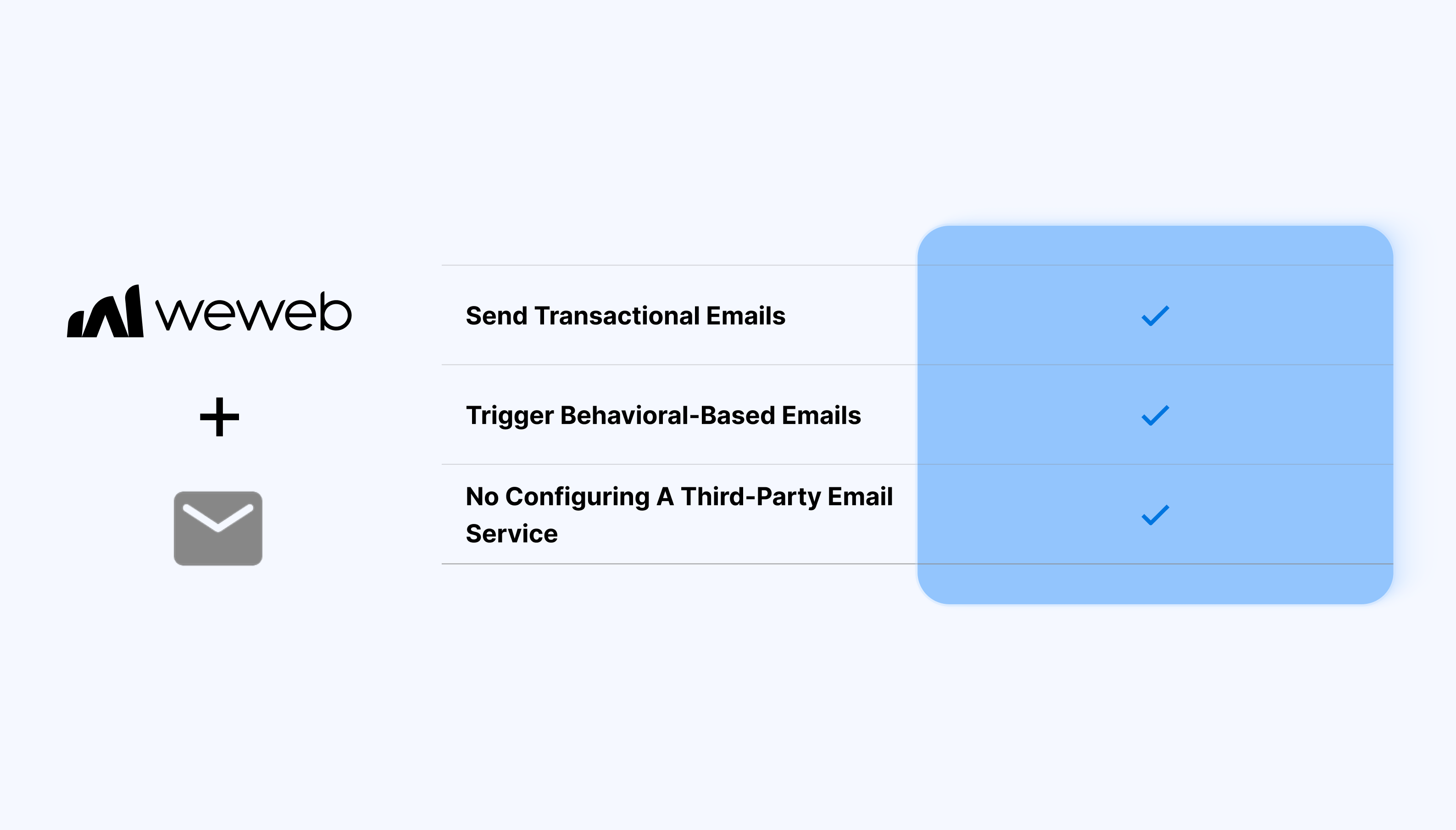
Native email sending inside WeWeb
Send transactional emails as part of your app’s logic, fully integrated with WeWeb variables and workflows:
- Send transactional emails from WeWeb actions
- Trigger emails based on user interactions or conditions
- Use dynamic data inside email content
- Manage email logic alongside your app logic
- Send emails without configuring a third-party email service
- Manage app behavior and communication in one place
What WeWeb supports natively
| Category |
Feature |
What it does |
| Plugin setup |
WeWeb Email plugin |
Enable via Plugins → Extensions → WeWeb Email. Adds a “Send an email” workflow action.
|
| Sending method |
Workflow action only |
Single no-code action to send plain text emails, with no UI components or forms included.
|
| Customization |
Limited sender/fields |
Fixed sender (WeWeb address); supports subject, recipient email, and plain text body.
|
| Recipients |
Single or basic lists |
Send to individual emails or simple arrays.
|
| Rate limits |
10 emails/hour |
Strict quota for prototyping; automatically throttles beyond the limit.
|
| Error handling |
Basic workflow response |
Returns success or failure status to trigger next actions or show messages.
|
Why use WeWeb Email
WeWeb Email is designed for teams who want to handle basic email communication without adding more integrations to their stack.
Perfect for:
- Account creation and signup confirmations
- Password or access-related notifications
- Admin alerts triggered by app events
- Internal notifications for team workflows
- System messages tied to user actions
And more…
Getting started with WeWeb Email
Getting started with WeWeb Email is straightforward:
- Open the WeWeb Editor
- Enable WeWeb Email for your project in Plugins → Extensions
- Create an email action in the WeWeb Editor
- Define recipients and dynamic content
- Trigger the email from user actions or workflows
Learn more about getting started with WeWeb Email
Best practices & limitations
- Use WeWeb Email for system and transactional emails
- Avoid using it for large-scale marketing campaigns
- Keep email content focused and lightweight
- Test delivery and formatting
- Use external providers for advanced email needs
FAQs
1. How do I enable the WeWeb Email plugin?
Go to Plugins → Extensions → WeWeb Email to activate it, which adds the Send an email workflow action to your project.
2. What email fields can I customize?
You can set the subject, recipient email(s), and plain text body: the sender uses a fixed WeWeb address.
3. Can I send to multiple recipients?
Yes, send a single email or simple array of emails from variables/collections.
4. What are the sending limits?
Limited to 10 emails per hour for prototyping. It auto-throttles beyond this.
5. Does it support attachments or HTML?
No, plain text only, no attachments, HTML, or MIME support. Use external services for advanced needs.