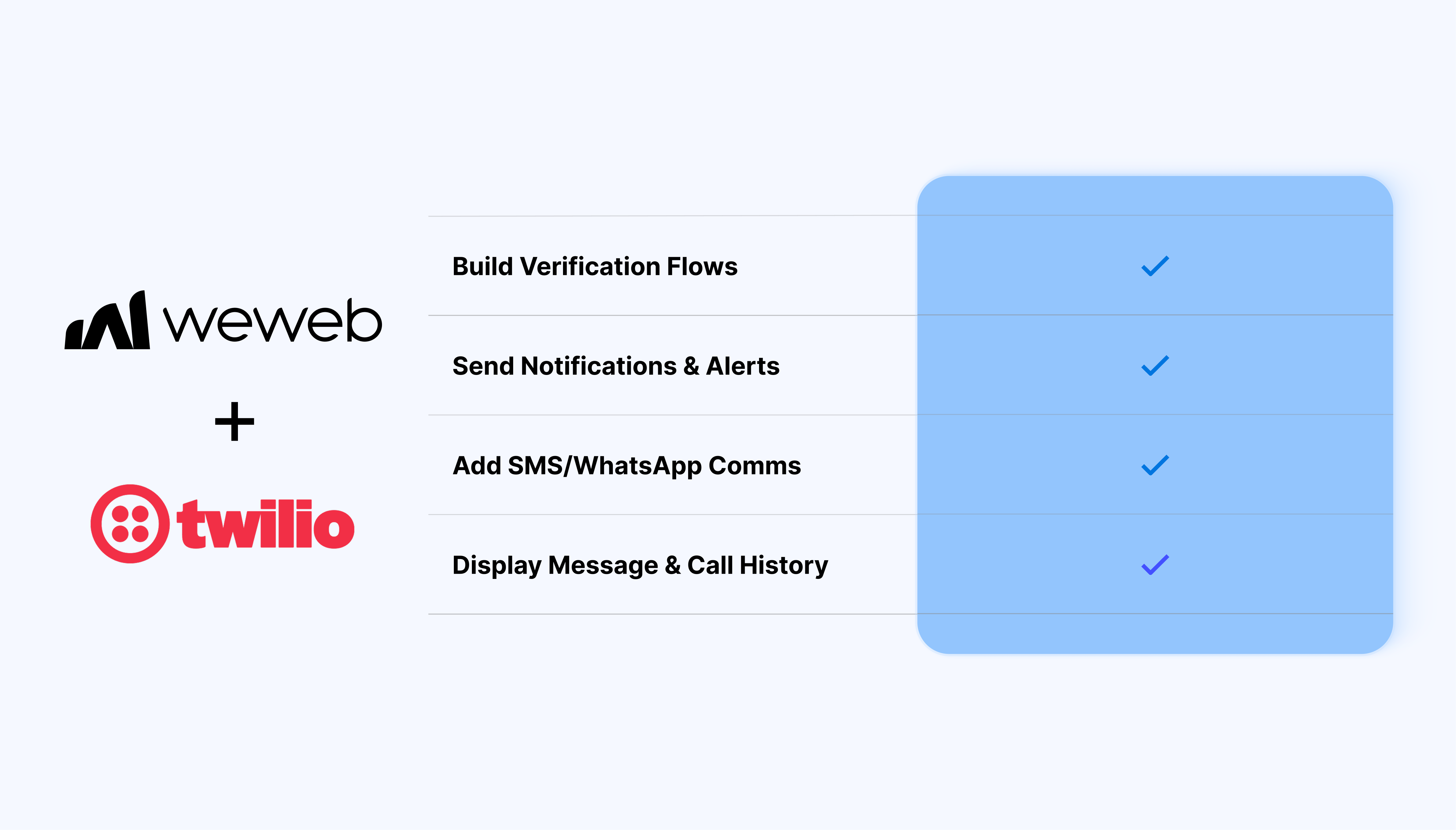
The Twilio integration lets you bring messaging, calling, and verification into your app:
Send SMS, MMS, and WhatsApp messages from workflows
Place outbound calls and define call behavior with TwiML
Access message and call records through Twilio tables
Fetch, list, and update communication records with workflow actions
Start and check verification flows across multiple channels
Filter and query message or call data to display relevant records in your app
What WeWeb supports natively
Category
Feature
What it does
Data
Messages table
Access Twilio message records and use views, filters, and parameters to query the data you need
Data
Calls table
Access Twilio call records and filter or query them inside your app
Messaging
Send Message
Send SMS, MMS, or WhatsApp messages through Twilio
Messaging
Fetch Message
Retrieve a specific message using its ID
Messaging
List Messages
Retrieve a list of Twilio message records
Calls
Place Outbound Call
Initiate an outbound call and define its behavior using TwiML
Calls
Fetch Call
Retrieve a specific call using its ID
Calls
List Calls
Retrieve a list of Twilio call records
Calls
Update Call
Update an existing Twilio call
Verification
Start Verification
Start a verification flow through SMS, call, email, or WhatsApp
Verification
Check Verification
Check a verification code submitted by a user
Authentication
Twilio connection
Connect your Twilio account using your Account SID and Auth Token
Why use WeWeb with Twilio
Twilio provides the communication infrastructure. WeWeb connects it directly to your app's data, interface, and workflows.
You can decide when messages or calls are triggered, dynamically populate their content with app data, display communication history to users, and add verification flows without building the entire integration from scratch.
Perfect for:
Triggering automated outbound calls
Building OTP and account verification flows
Sending transactional notifications and alerts
Sending appointment confirmations and reminders
Adding SMS or WhatsApp communication to customer-facing apps
Building communication workflows around your app's data and user actions
Displaying message and call history inside internal tools or customer portals
And more…
Integrating Twilio with WeWeb
Integrating Twilio with WeWeb is straightforward:
Get your Account SID and Auth Token from the Twilio Console
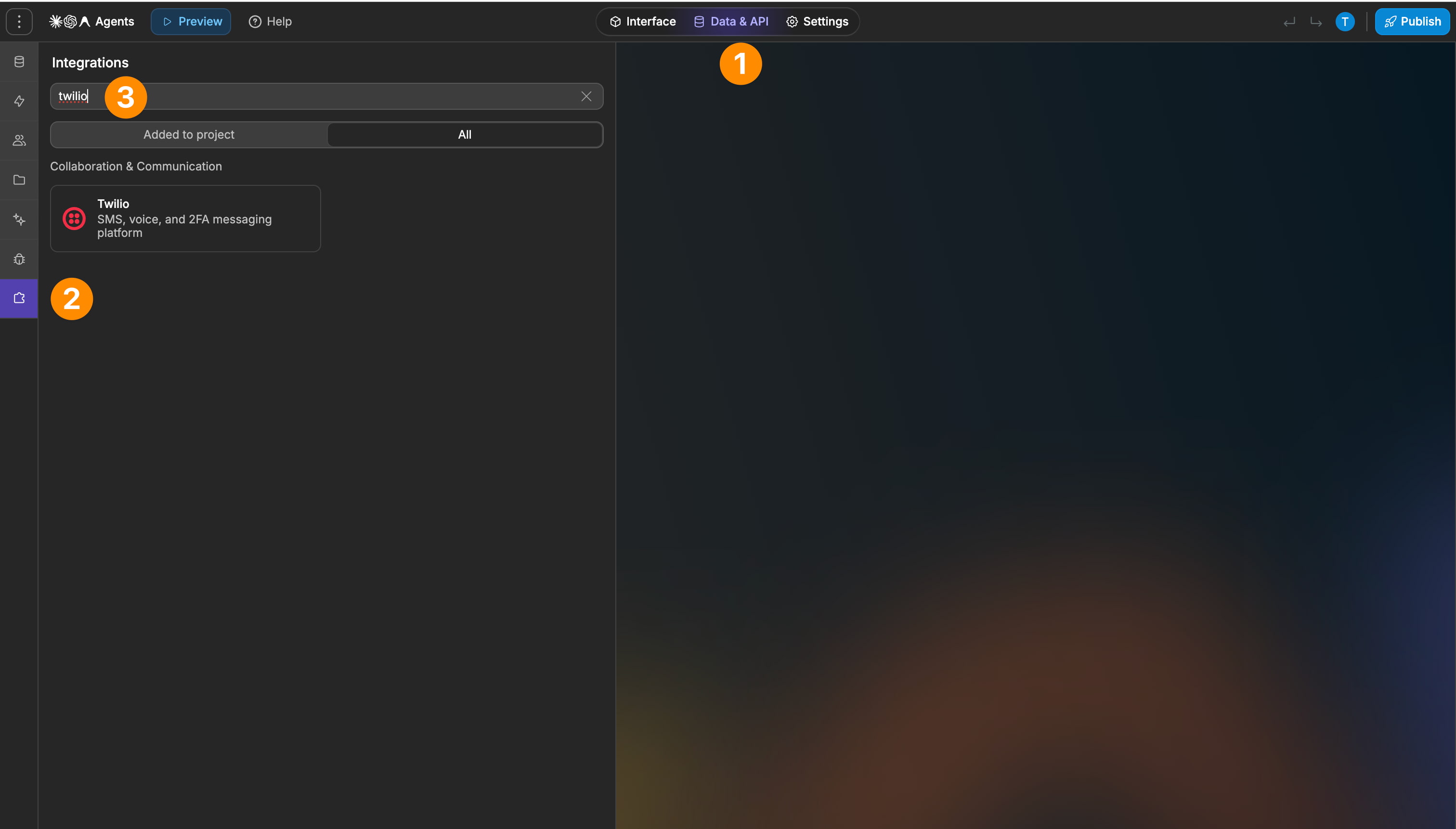
Add Twilio as an integration in WeWeb and create a connection with your credentials
Add Twilio message or call tables when you need to retrieve communication records
Use Twilio workflow actions to send messages, place calls, retrieve records, or build verification flows
Best practices
Use E.164 phone number formatting for SMS recipients, for example +15551234567
When sending WhatsApp messages, prefix the sender and recipient with whatsapp:
For MMS attachments, provide publicly accessible URLs through the Media URLs field
Use a Twilio Messaging Service when you want Twilio to manage the sending number instead of specifying a From number directly
Test messaging and calling workflows with your Twilio phone number before using them in production
Use the verification channel that best fits the contact information available in your app
Limitations
The Send Message action doesn’t use a separate channel selector. Twilio determines whether the message is SMS or WhatsApp from the address format
MMS attachments must be provided as publicly accessible URLs through the Media URLs field
A Twilio phone number is required for messaging and calling use cases
FAQs
What do I need to connect Twilio to WeWeb?
You need your Twilio Account SID and Auth Token, which are available from the Twilio Console. You also need a Twilio phone number for messaging and calling use cases.
Which messaging channels does the Twilio integration support?
The Send Message action supports SMS, MMS, and WhatsApp.
SMS uses standard E.164 phone numbers. For WhatsApp, prefix both the sender and recipient with whatsapp:.
Do I need a separate workflow action for WhatsApp?
No. SMS, MMS, and WhatsApp all use the same Send Message action. Twilio determines the channel based on the address format and whether media URLs are included.
Can I send images or other media with Twilio?
Yes. The Send Message action supports MMS through the Media URLs field. You can provide one or more publicly accessible URLs for the media you want to attach.
Can I make phone calls from a WeWeb app?
Yes. The Place Outbound Call action lets you initiate calls through Twilio. You can use TwiML to define what happens during the call, such as having a generated voice speak a predefined message.
Can I access Twilio messages and call history in WeWeb?
Yes. The integration provides dedicated Messages and Calls tables. You can use views, filters, and parameters to query specific records and display them in your app.
You can also fetch and list messages or call records through workflow actions.
Can I build OTP or verification flows with Twilio?
Yes. The integration includes Start Verification and Check Verification actions using Twilio Verify.
Supported verification channels include SMS, voice call, email, and WhatsApp.
Can I retrieve a specific message or call?
Yes. The Fetch Message and Fetch Call actions let you retrieve individual Twilio records using their IDs.
Can I update an existing call?
Yes. The integration includes an Update Call action for updating an existing Twilio call.