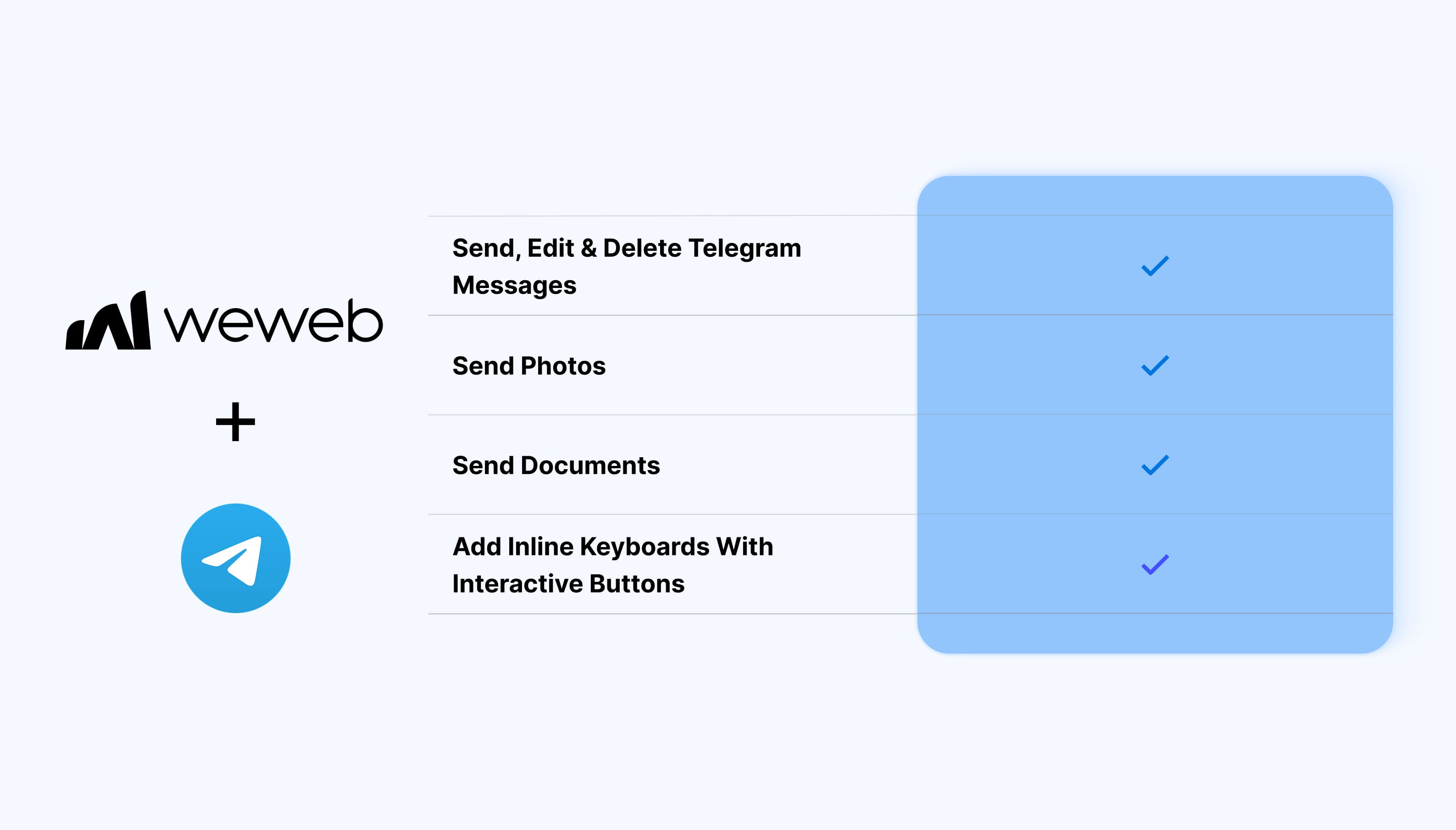
The Telegram integration lets you connect a Telegram bot to your app and trigger Telegram actions from WeWeb workflows:
Send Telegram messages from your app
Edit existing messages
Delete messages
Send photos using publicly accessible image URLs
Send documents to Telegram users
Add inline keyboards with interactive buttons
Build Telegram communication into your app workflows
What WeWeb supports natively
Category
Feature
What it does
Messaging
Send message
Send a text message through your connected Telegram bot
Messaging
Edit message
Edit an existing Telegram message using its message ID
Messaging
Delete message
Delete an existing Telegram message
Media
Send photo
Send an image using a publicly accessible image URL
Media
Send document
Send a document through your Telegram bot
Interactions
Inline keyboard
Add a set of interactive buttons to a Telegram message
Authentication
Telegram bot connection
Connect your Telegram bot to WeWeb using its bot token
Why use WeWeb with Telegram
Telegram provides the messaging channel, while WeWeb lets you connect those interactions to your app's data and workflows.
You can automatically send updates when something happens in your app, share files or images, manage existing messages, and add interactive buttons that give users clear ways to respond or continue an interaction.
Perfect for:
Sending transactional notifications
Delivering alerts and status updates
Sending documents or reports
Sharing images from automated workflows
Building Telegram-based notification systems
Adding interactive buttons to bot messages
Connecting Telegram communication to app actions and backend processes
And more…
Integrating Telegram with WeWeb
Integrating Telegram with WeWeb is straightforward:
Create a Telegram bot using BotFather
Follow the BotFather setup flow to generate your bot token
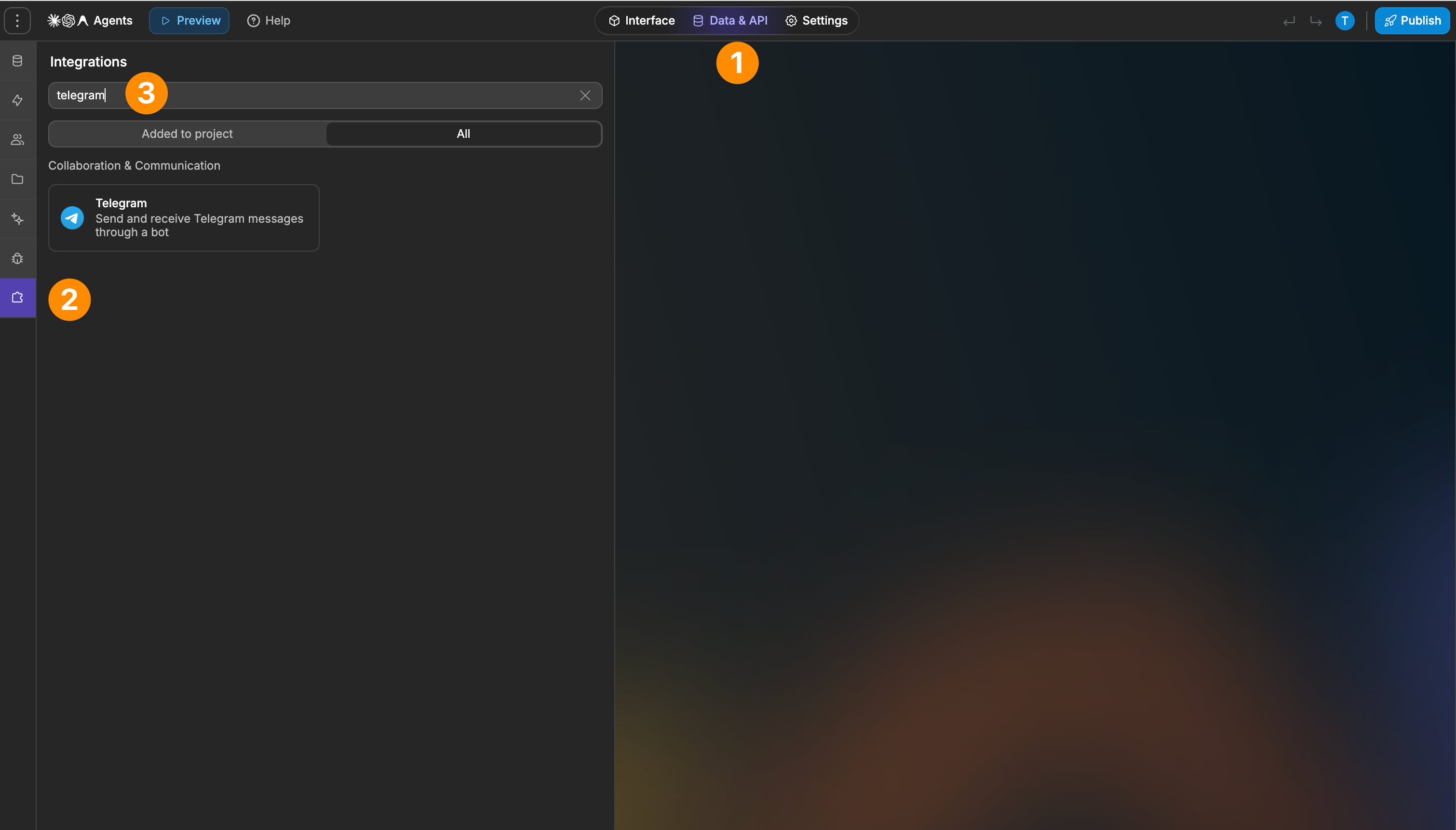
Add Telegram as an integration in WeWeb
Create a connection using the bot token
Add Telegram actions to your workflows
Configure the message, media, or interaction you want your bot to send
Sending and managing messages
The integration supports standard Telegram message operations.
You can:
Send message to send plain-text messages
Edit message to change an existing message
Delete message to remove an existing message
This lets you do more than simply push new notifications. For example, a workflow can update a previously sent message when the underlying status or information changes.
Best practices
Keep your bot token secure and avoid exposing it in your frontend
Use message IDs when editing or deleting existing messages
Make sure image URLs used with Send photo are publicly accessible
Test media URLs before using them in production workflows
Use inline keyboards when users need clear, predefined actions instead of relying only on free-form replies
Use descriptive bot messages so recipients understand why they are receiving the notification
Limitations
Photos must currently be provided through publicly accessible URLs
FAQs
What do I need to connect Telegram to WeWeb?
You need a Telegram bot token.
Create your bot through BotFather in Telegram, follow the bot creation flow, and use the generated token when creating the Telegram connection in WeWeb.
Can I send Telegram messages from WeWeb?
Yes. The integration includes an action for sending plain-text messages through your connected Telegram bot.
Can I edit a Telegram message after sending it?
Yes. Use the Edit message action and provide the message ID of the message you want to update.
Can I delete Telegram messages from WeWeb?
Yes. The integration includes a Delete message action for removing an existing Telegram message.
Can I send photos through Telegram?
Yes. The integration supports sending photos.
The image needs to be available through a publicly accessible URL so Telegram can retrieve it.
Can I send documents?
Yes. Telegram workflows can send documents such as PDFs through the connected bot.
Can I add buttons to Telegram messages?
Yes. The integration supports inline keyboards, which display interactive buttons directly below a Telegram message.