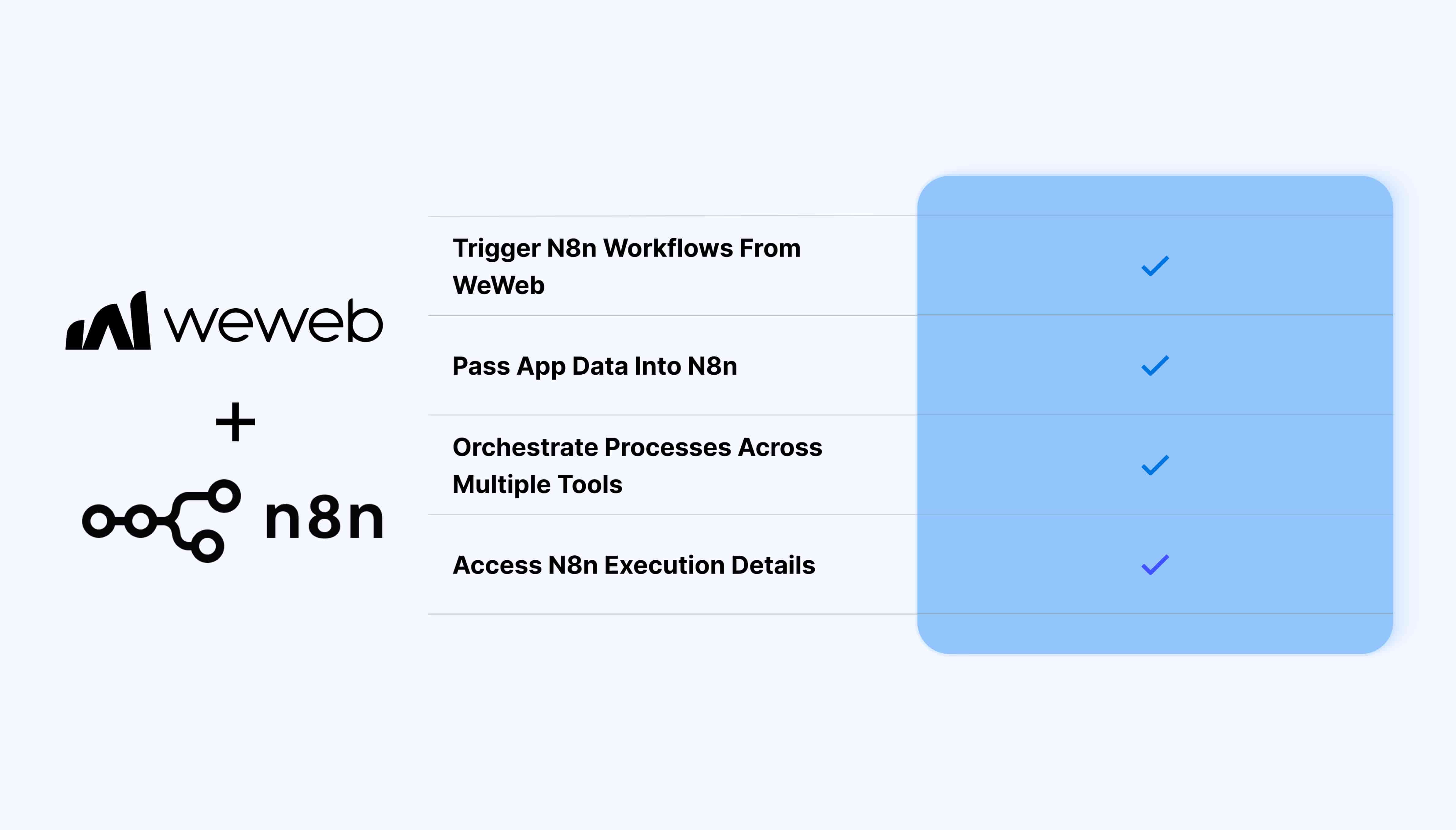
The n8n integration lets you trigger existing n8n workflows directly from WeWeb backend workflows:
Trigger n8n workflows from WeWeb backend workflows
Pass data from WeWeb into workflow payloads
Automatically detect payload fields defined in n8n
Select the n8n workflow you want to trigger
Access n8n execution details through a table view
Connect app actions to automations and services managed in n8n
What WeWeb supports natively
Category
Feature
What it does
Workflow
Trigger Workflow
Trigger an existing n8n workflow from a WeWeb backend workflow
Configuration
Workflow selection
Select the n8n workflow you want to trigger
Data
Workflow payload
Pass data from your WeWeb backend workflow into payload fields defined in n8n
Data
Payload detection
Automatically detect payload fields already configured on the n8n side and expose them in WeWeb
Data
Executions table
Access n8n workflow execution details through a table view
Authentication
n8n connection
Connect your n8n instance using its instance URL and API key
Why use WeWeb with n8n
WeWeb handles your app experience and backend workflow logic, while n8n can continue the automation across the tools, APIs, and services connected to your workflows.
This lets you keep external automation logic in n8n while triggering it directly from actions and processes in your WeWeb app.
Perfect for:
Sending app data into n8n automations
Running AI-powered automation steps in n8n
Orchestrating processes across multiple tools
Triggering operational workflows from your app
Triggering CRM or lead management workflows
Reusing workflows your team already manages in n8n
Connecting app actions to spreadsheets, databases, or external APIs
And more…
Integrating n8n with WeWeb
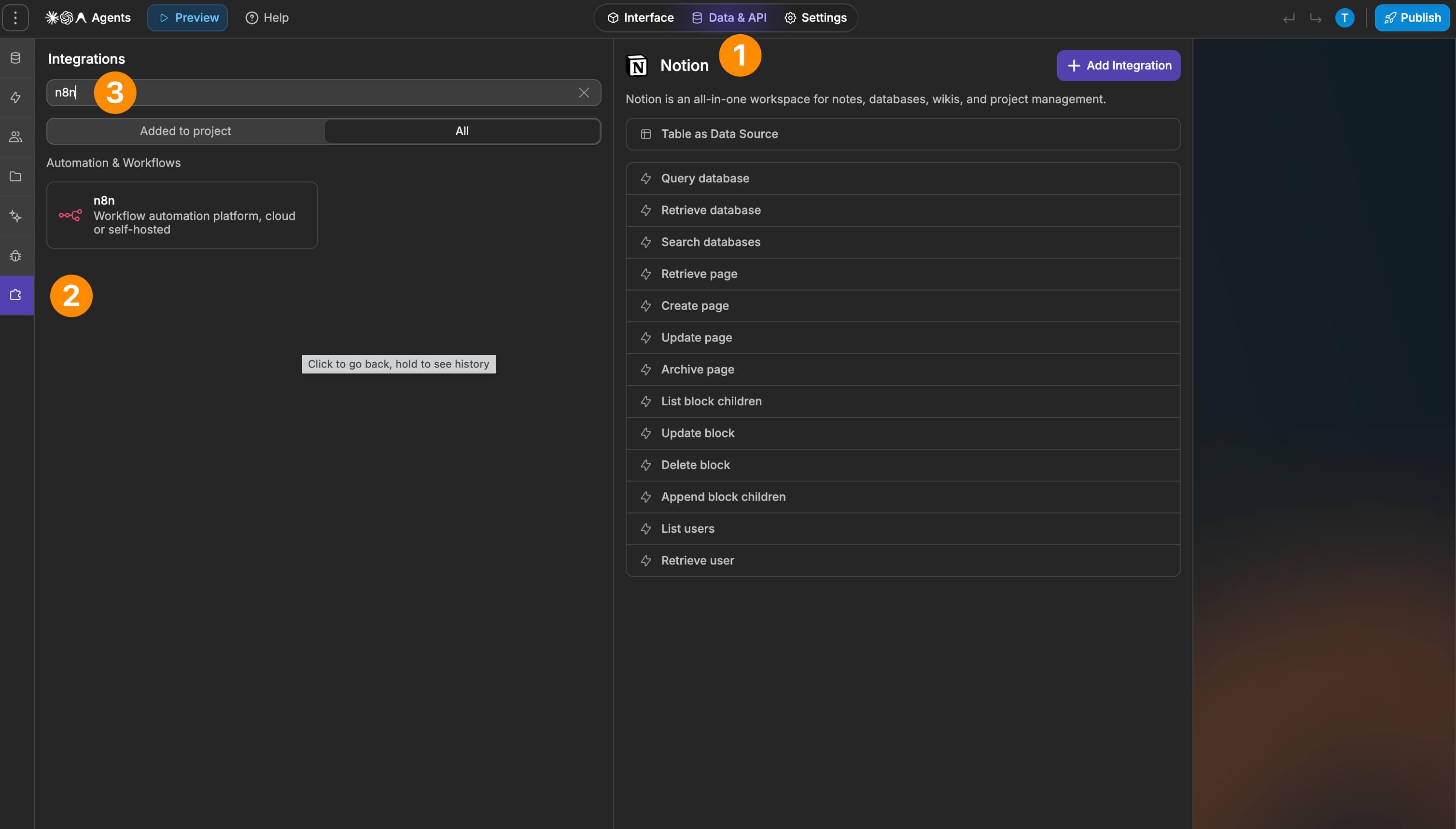
Integrating n8n with WeWeb is straightforward:
Enter your n8n instance URL
Add your n8n API key
Save the connection in WeWeb
Create or open a WeWeb backend workflow
Add the Trigger Workflow action
Select the n8n workflow you want to trigger
Map your WeWeb data to the payload fields detected from the n8n workflow
Best practices
Make sure your n8n workflow and expected payload are configured before connecting it to your WeWeb workflow
Define payload fields clearly in n8n so they can be detected and mapped easily in WeWeb
Use backend workflows for n8n automations that depend on server-side app logic or data
Test the complete automation end to end, including any services n8n interacts with after receiving the request
Make sure you use the correct instance URL for the n8n environment you want to connect
Keep your API key secure and use credentials with the appropriate access for your n8n instance
Limitations
The native workflow integration is available in backend workflows
The integration is focused on triggering existing n8n workflows
Workflows themselves are created and configured in n8n
Payload fields need to be defined on the n8n side before WeWeb can automatically detect them
The available n8n table view is focused on workflow execution details rather than exposing n8n as a general-purpose data source
FAQs
What does the n8n integration let me do?
It lets you trigger existing n8n workflows from a WeWeb backend workflow and pass app data into those workflows.
The integration also provides access to n8n execution details through a table view.
What do I need to connect n8n to WeWeb?
You need your n8n instance URL and an API key for that instance.
The instance URL is required because authentication and API access depend on the specific n8n environment you are connecting to.
Can I trigger n8n workflows from frontend workflows?
The native n8n action is available in backend workflows.
Can I pass data from WeWeb into n8n?
Yes. WeWeb can pass data from your backend workflow into payload fields defined in the selected n8n workflow.
Does WeWeb detect n8n workflow inputs automatically?
Yes. If a payload is already defined on the n8n side, WeWeb detects those fields and exposes them when you configure the Trigger Workflow action.
You can then map your WeWeb workflow data to those fields.
Can n8n continue the automation across other tools?
Yes. Once WeWeb triggers the n8n workflow, n8n handles the remaining automation according to how the workflow is configured.
For example, n8n could transform data, use an AI model, or pass information to another connected service.
Can I access n8n workflow executions in WeWeb?
Yes. The integration provides a table view containing n8n execution details.
Can I create or edit n8n workflows from WeWeb?
The native integration is designed to trigger workflows that already exist in n8n. Workflow creation and configuration are handled in n8n.