Connect backend workflows to your Make automations
The Make integration lets you trigger existing Make scenarios directly from WeWeb backend workflows.
Use it to:
Trigger Make scenarios from backend workflows
Pass WeWeb workflow data into scenario inputs
Select the Make organization, team, and scenario you want to use
Reuse existing Make automations instead of rebuilding them in WeWeb
Connect WeWeb workflows to external services through Make
Trigger operational or business processes after actions in your app
What WeWeb supports natively
Category
Feature
What it does
Workflow
Trigger scenario
Trigger an existing Make scenario from a WeWeb backend workflow
Configuration
Organization selection
Select an organization available in the connected Make account
Configuration
Team selection
Select a team within the chosen organization
Configuration
Scenario selection
Choose the Make scenario you want the workflow to trigger
Data
Scenario inputs
Pass data from your WeWeb backend workflow into the selected Make scenario
Authentication
Make connection
Connect your Make account using an API key and the appropriate Make server/region
Why use WeWeb with Make
WeWeb handles your app experience and backend workflow logic, while Make can continue the automation across the external tools and services connected to your scenarios.
This lets you keep complex cross-tool automations in Make while triggering them at the right moment from your WeWeb app.
Perfect for:
Triggering CRM workflows
Starting email or notification automations
Sending app data to spreadsheets or databases
Connecting app actions to operational processes
Automating processes after backend workflow events
Reusing automations your team already manages in Make
Sending data from WeWeb into workflows that involve multiple third-party tools
And more…
Integrating Make with WeWeb
Integrating Make with WeWeb is straightforward:
Create or retrieve your Make API key
Identify the Make server/region associated with your account, for example us2.make.com
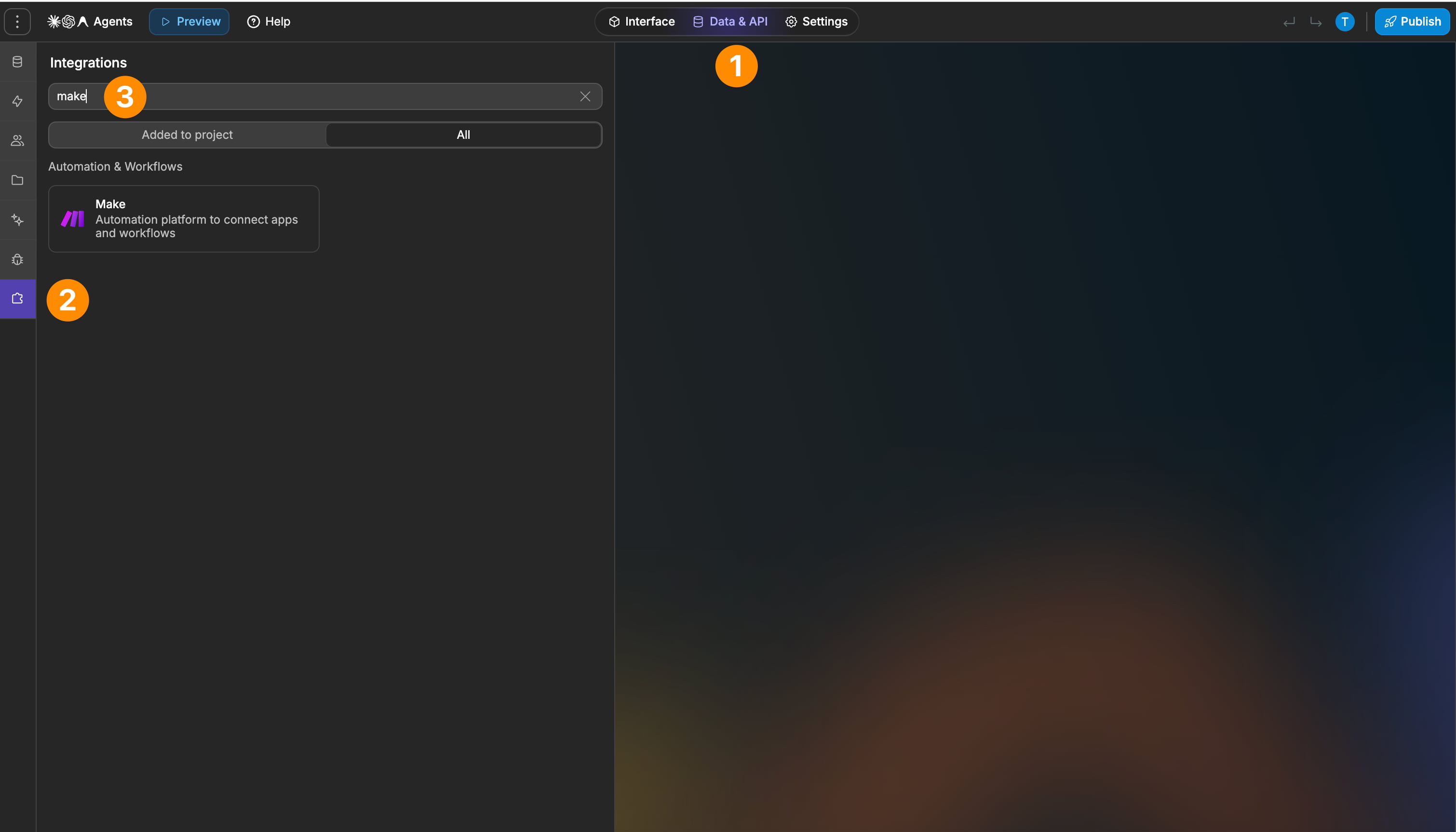
Add Make as an integration in WeWeb and create a connection
In a backend workflow, add the Trigger Scenario action
Select your organization, team, and scenario
Map your WeWeb workflow data to the scenario's available input fields
Best practices
Make sure you connect to the correct Make server/region for your account
Keep scenario input fields clearly named so they are easy to map in WeWeb
Configure and test the Make scenario before connecting it to your WeWeb workflow
Send sample webhook data in Make first so the expected input fields can be detected
Use backend workflows for Make automations that depend on app logic or server-side data
Test the full automation end to end, including the services that run after Make receives the request
Limitations
The integration is available in backend workflows
Make organizations and teams can be selected, but not managed from WeWeb
FAQs
What does the Make integration let me do?
It lets you trigger an existing Make scenario from a WeWeb backend workflow and pass workflow data into that scenario.
Make then continues the automation based on how the scenario is configured.
Can I trigger Make scenarios from frontend workflows?
No. The Make integration is available in backend workflows.
What do I need to connect Make to WeWeb?
You need a Make API key and the Make server/region associated with your account, such as us2.make.com.
Can I pass data from WeWeb into Make?
Yes. If the selected scenario expects input data, you can map values from your WeWeb backend workflow to those scenario inputs.
Can I create or edit Make scenarios from WeWeb?
No. The native integration triggers scenarios that already exist in Make. Scenario creation and configuration are handled in Make.
Can Make connect my WeWeb app to other tools?
Yes. Once WeWeb triggers the Make scenario, Make can continue the automation using the tools and services configured in that scenario.
For example, a WeWeb workflow could trigger a Make scenario that sends data to a spreadsheet, CRM, database, or another connected service.
Can I use Make as a data source in WeWeb?
No. The native integration is focused on triggering Make scenarios from backend workflows rather than exposing Make as a native table or data source.