Connect Intercom data and workflows to your WeWeb app

Access Intercom companies, leads, and users, work with Intercom resources from backend workflows, and connect customer data to your app experience.

Bring Intercom customer data into WeWeb

The Intercom integration lets you connect your Intercom workspace to WeWeb and work with customer data and resources across your app:

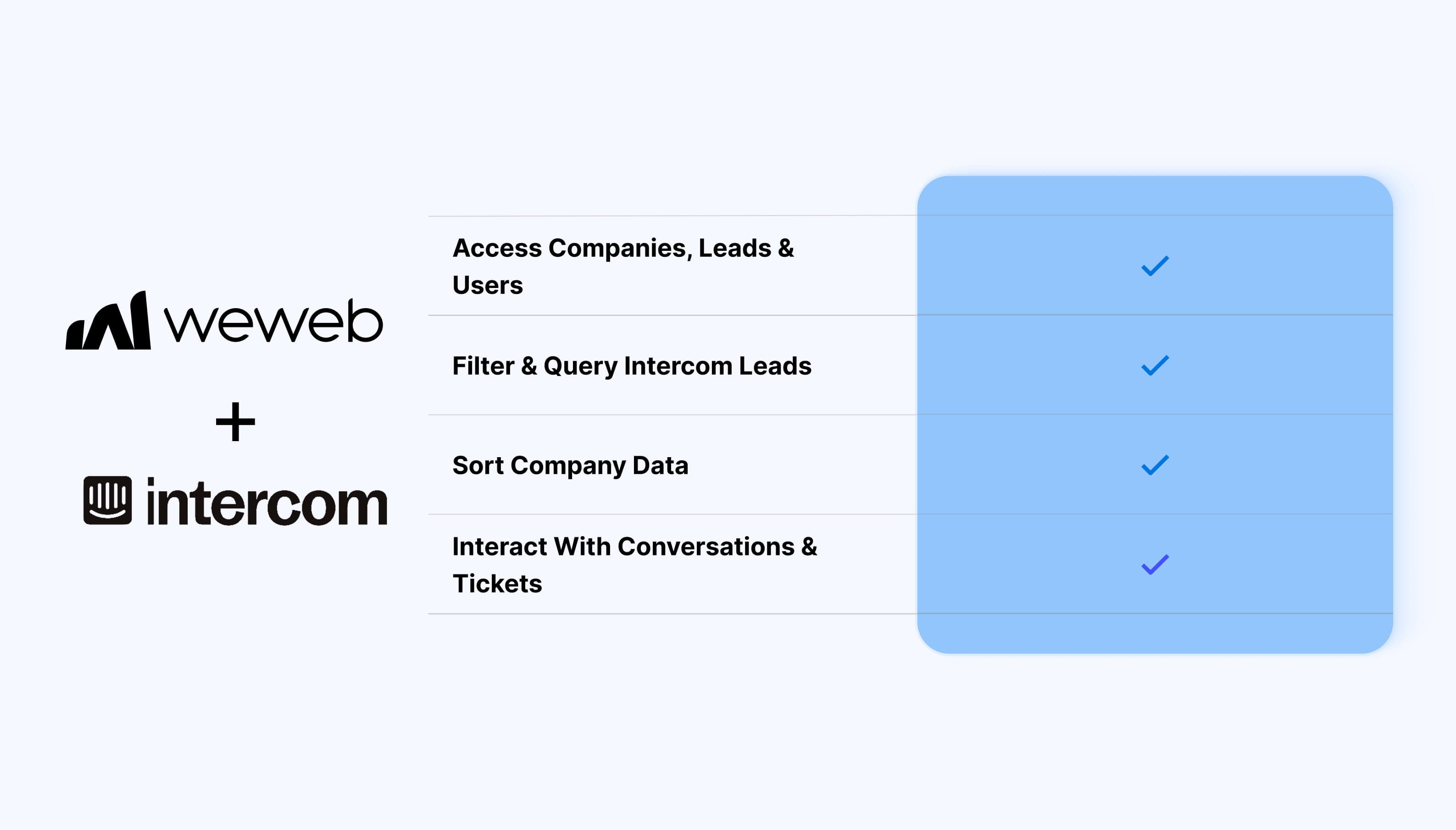
  • Access companies, leads, and users as data tables
  • Filter and query Intercom leads and users
  • Sort company data
  • Work with Intercom resources through backend workflow actions
  • Interact with conversations and tickets through workflows
  • Use Intercom data alongside your app's interface and backend logic

What WeWeb supports natively

Category Feature What it does
Data Companies table Access Intercom company records and order results ascending or descending
Data Leads table Access Intercom leads with configurable filters
Data Users table Access Intercom users with configurable filters
Filtering No-code filters Configure common lead and user filters without writing Intercom's query DSL manually
Filtering Advanced JSON filters Use raw JSON when you need more control over Intercom queries
Pagination Load more Load additional lead and user records using Intercom's pagination model
Workflows Company actions Work with Intercom company resources from backend workflows
Workflows Lead actions Work with Intercom lead resources from backend workflows
Workflows User actions Work with Intercom user resources from backend workflows
Workflows Conversation actions Interact with Intercom conversations from backend workflows
Workflows Ticket actions Interact with Intercom tickets from backend workflows
Authentication Intercom connection Connect your Intercom workspace using an access token and the appropriate region

Why use WeWeb with Intercom

Intercom manages customer and support data, while WeWeb lets you bring that information into custom app experiences and connect it to your own workflows.

You can display customer records inside internal tools, query leads and users, connect Intercom data to other parts of your application, and trigger backend operations against Intercom resources.

Perfect for:

  • Building customer support dashboards
  • Creating internal tools around Intercom customer data
  • Displaying company, lead, or user information in custom interfaces
  • Building customer success and account management tools
  • Connecting Intercom records to other business data in your app
  • Automating backend processes involving Intercom contacts
  • Working with support conversations and tickets from app workflows

And more…

Integrating Intercom with WeWeb

Integrating Intercom with WeWeb is straightforward:

  1. Go to the Intercom Developer Hub
  2. Create an Intercom app
  3. Open the app's Authentication settings and retrieve your access token
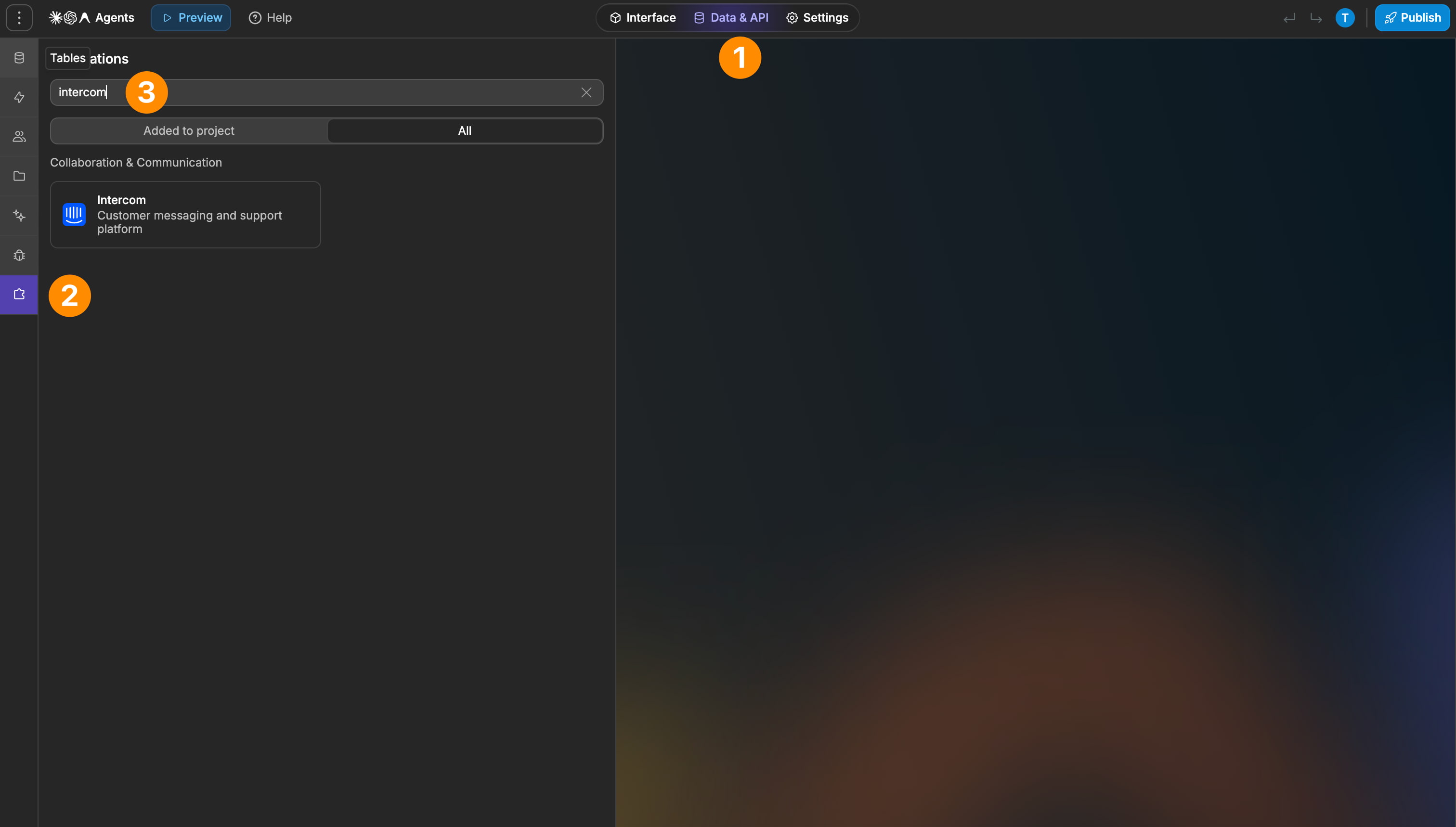
  4. Add Intercom as an integration in WeWeb
  5. Enter your access token
  6. Select the appropriate Intercom region
  7. Add Intercom tables or backend workflow actions to your project

Working with Intercom resources in backend workflows

The integration includes backend workflow actions for working with Intercom resources.

Supported resource areas include:

  • Companies
  • Leads
  • Users
  • Conversations
  • Tickets

This lets backend workflows interact with Intercom data even for resources that are not exposed as WeWeb tables.

Best practices

  • Create and configure your Intercom app in the Developer Hub before setting up the WeWeb connection
  • Make sure you select the correct Intercom region for your workspace
  • Use the no-code filter builder for straightforward lead and user queries
  • Use advanced JSON filtering only when you need more control over the Intercom query
  • Design list interfaces around Intercom's load more pagination model
  • Use backend workflow actions when working with conversations or tickets
  • Test filters with representative Intercom data before relying on them in production

Limitations

  • Only Companies, Leads, and Users are currently exposed as Intercom tables
  • Conversations and tickets are available through workflow actions but not as data tables
  • Company table configuration is limited to ascending or descending ordering based on the options exposed by Intercom
  • Intercom pagination uses a load more model rather than offset-and-limit pagination

FAQs

What do I need to connect Intercom to WeWeb?

You need an Intercom access token from an app created in the Intercom Developer Hub.

When creating the connection in WeWeb, you also select the appropriate Intercom region.

Which Intercom resources can I use as tables?

The integration currently exposes three tables:

  • Companies
  • Leads
  • Users

Can I filter Intercom leads and users?

Yes.

WeWeb provides a no-code filtering interface for common lead and user queries. For more advanced cases, you can also use raw JSON.

Can I filter companies?

Company table configuration is more limited. The Intercom API currently exposes ascending and descending ordering for this view.

How does pagination work?

Intercom uses a load more pagination model for these resources rather than traditional offset-and-limit pagination.

Can I work with Intercom conversations?

Yes. Conversations can be accessed through Intercom backend workflow actions.

They are not currently available as a dedicated WeWeb data table.

Can I work with Intercom tickets?

Yes. Tickets can be accessed through backend workflow actions, but they are not currently exposed as a WeWeb table.

Can I use Intercom in backend workflows?

Yes. The integration includes workflow actions for Intercom resources including companies, leads, users, conversations, and tickets.