Big news: your backend workflows can now run on a schedule!
We've also added two Google integrations, extended AI guardrails to whole categories of your project, and brought back formula mode in WeWeb AI.
Here's everything new this week 👇
Until now, your backend workflows ran when someone did something in your app, like submitting a form or clicking a button. Now you can also trigger them at a time you choose.
Schedules can be as simple or as specific as you need: once at a set date and time, every day or every Monday, or something more precise like every weekday at 9am, or every 15 minutes during working hours.
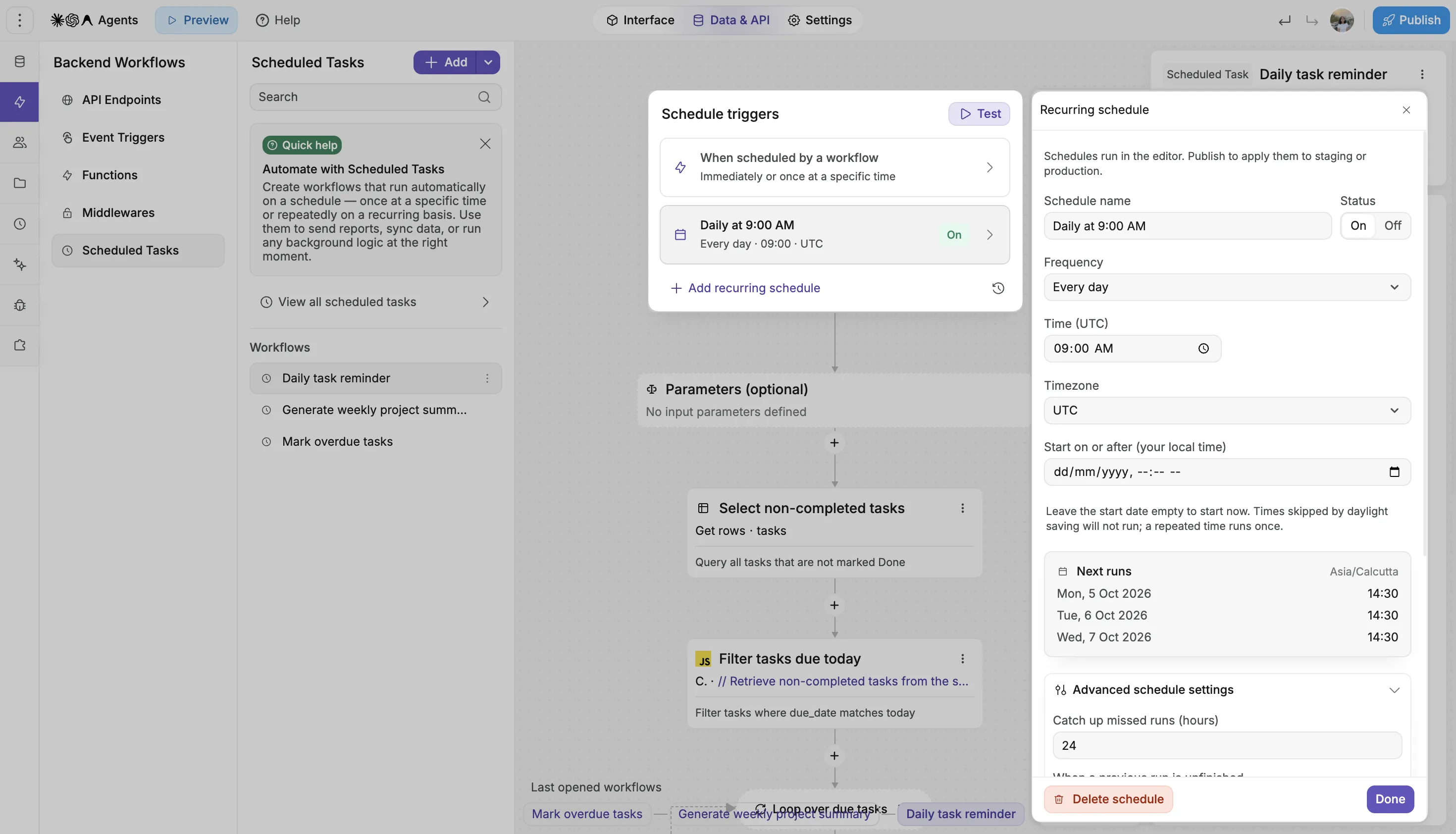
No more setting up n8n, Make or Zapier just to run something on a schedule. It all happens right in WeWeb:
You can also personalize schedules for each user. Add a scheduling step to any workflow, and your app sets up a task just for that person, like a reminder email three days before their subscription ends.
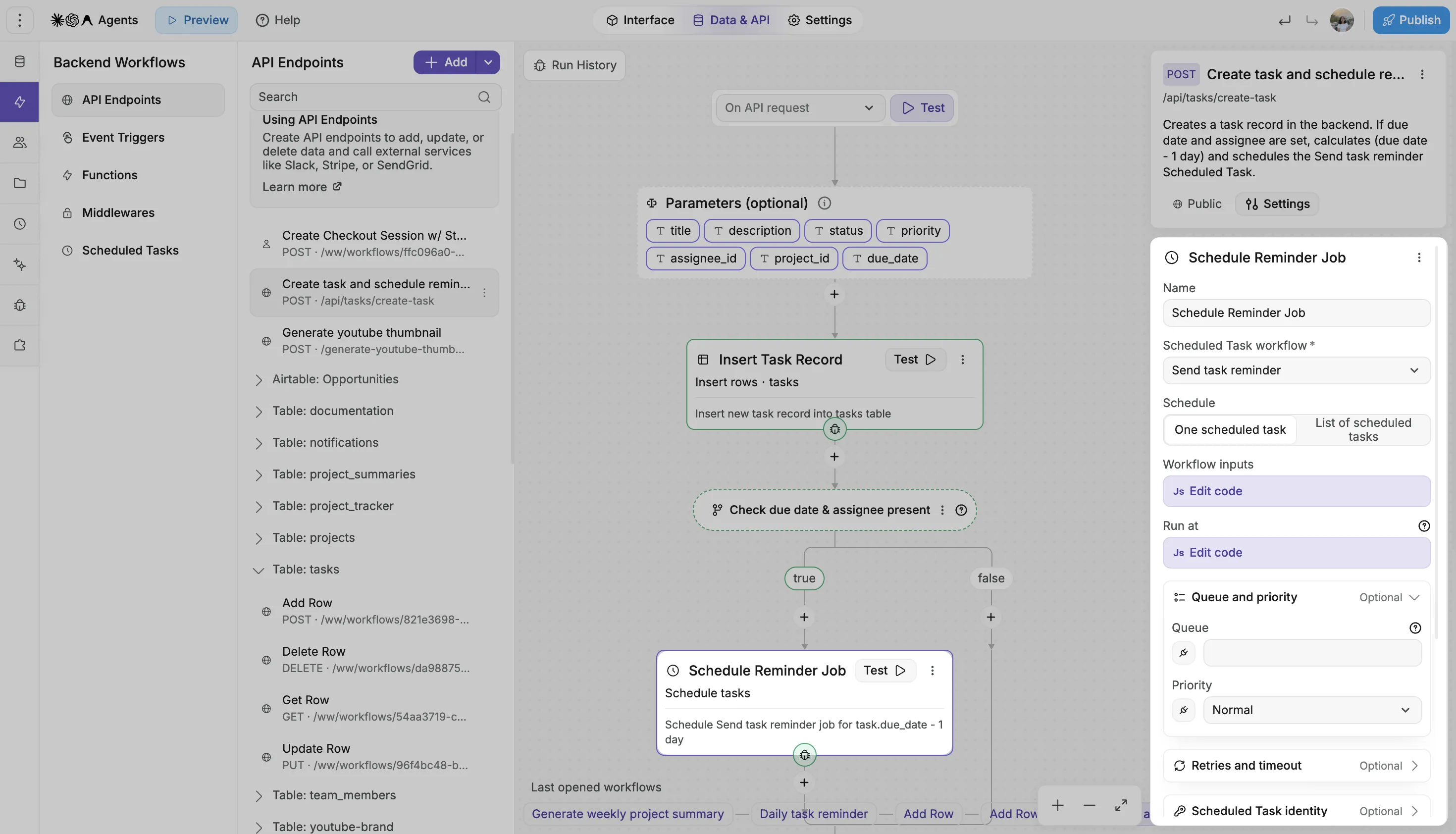
Bring Google Calendar into your app to build booking flows, appointment tools, internal schedules, and event lists.
Read, create, update, and delete events from your workflows. You can also display events in a table with filtering and pagination.
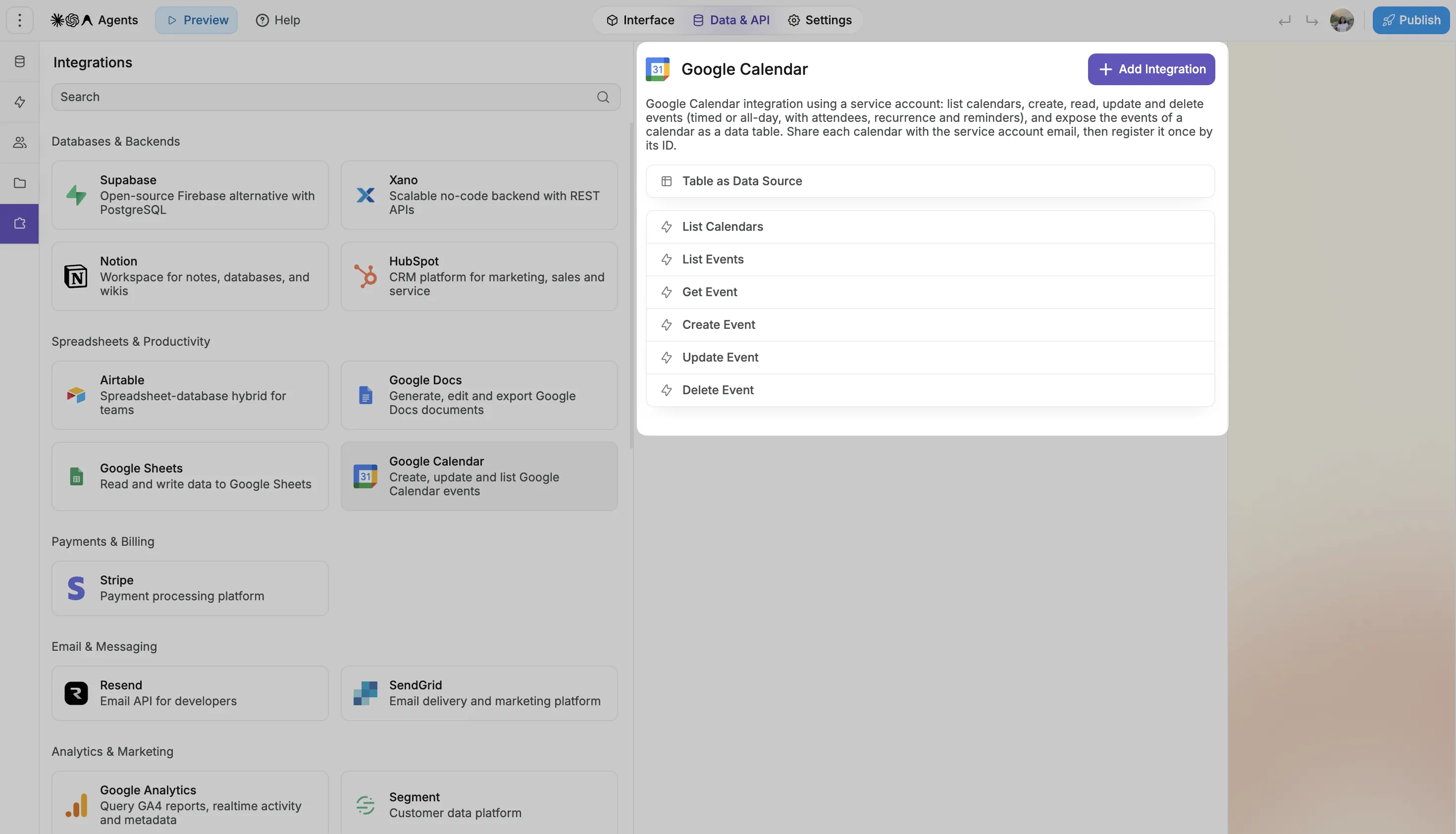
GA4 has a lot of data. Now you can decide how you want to present it.
Pull Google Analytics data into WeWeb, use workflows to transform it and combine it with other data sources, and build dashboards around the metrics your team cares about.
The Google Analytics integration is read-only, and report data follows Google Analytics’ processing delays.
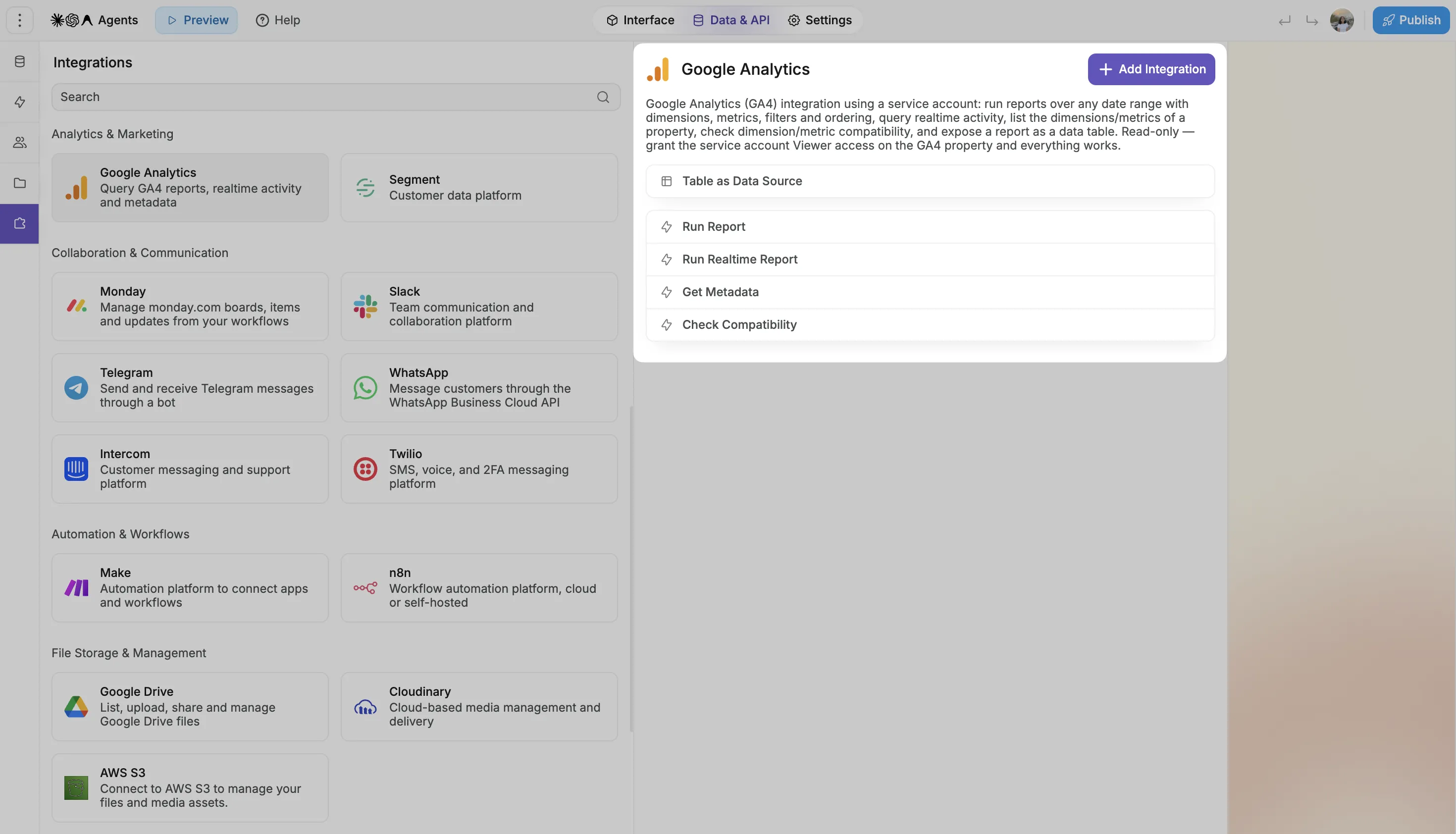
Setup requirements: Both integrations use a Google service account. For Calendar, it needs access to the calendar you want to use. For Analytics, add it as a Viewer on your Google Analytics property.
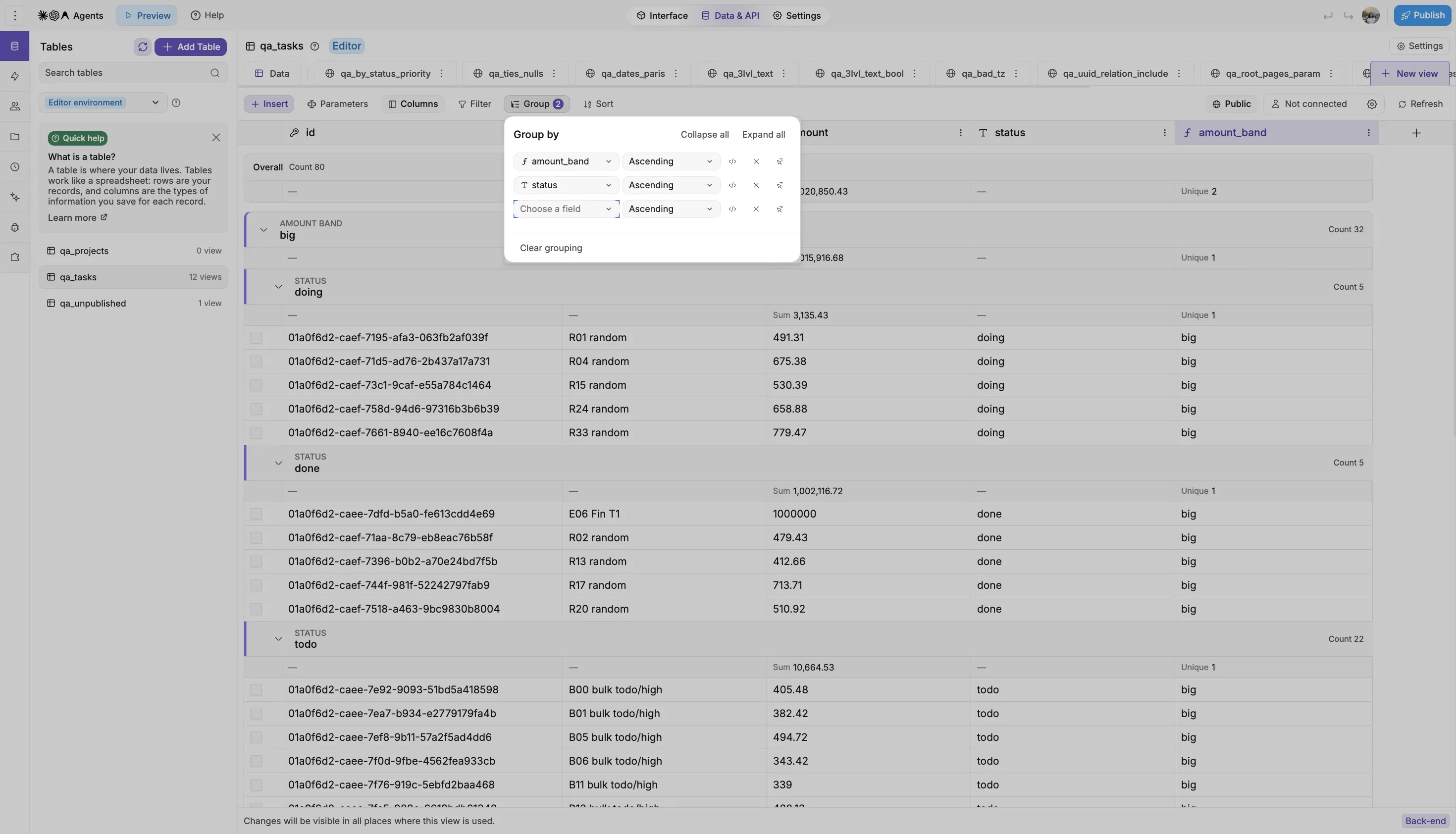
Your tables don't have to be one long list. You can now group rows in a WeWeb Table by a column, then add more grouping levels to break them down further.
Expand individual groups to see the records inside, or collapse them to keep the view focused. You choose how to organize the data and how much detail to show.
Show the grouped data straight in your app, without building an API endpoint to do it.
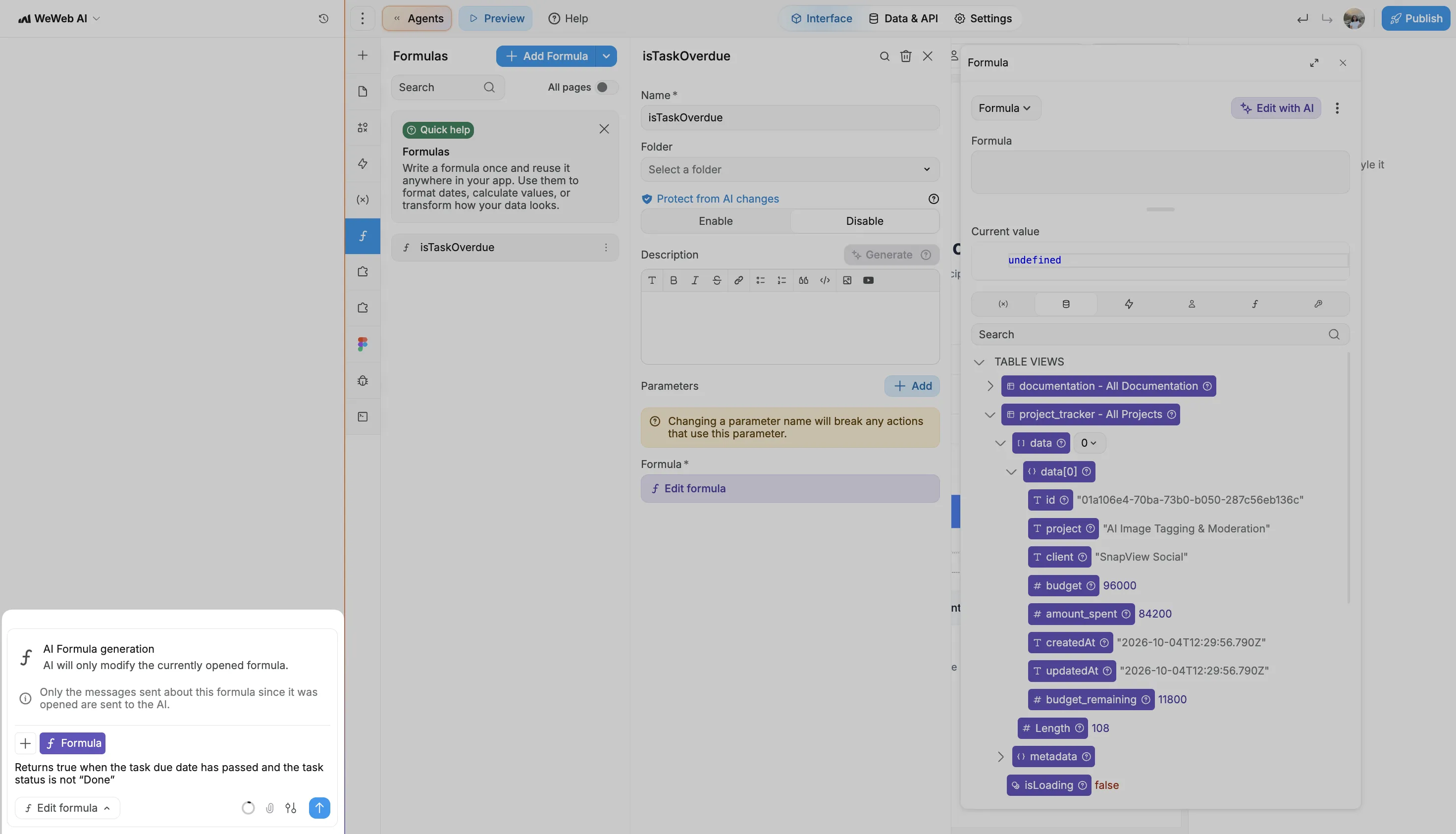
You asked, and it's back: a dedicated AI mode for editing formulas.
Open any formula and click Edit with AI. The chat opens focused on that formula, with the data and variables it can use, and saves the result straight into it.
It works for formulas everywhere: elements, frontend and backend workflows, and global formulas. WeWeb AI can now also use global formulas when it builds your app.
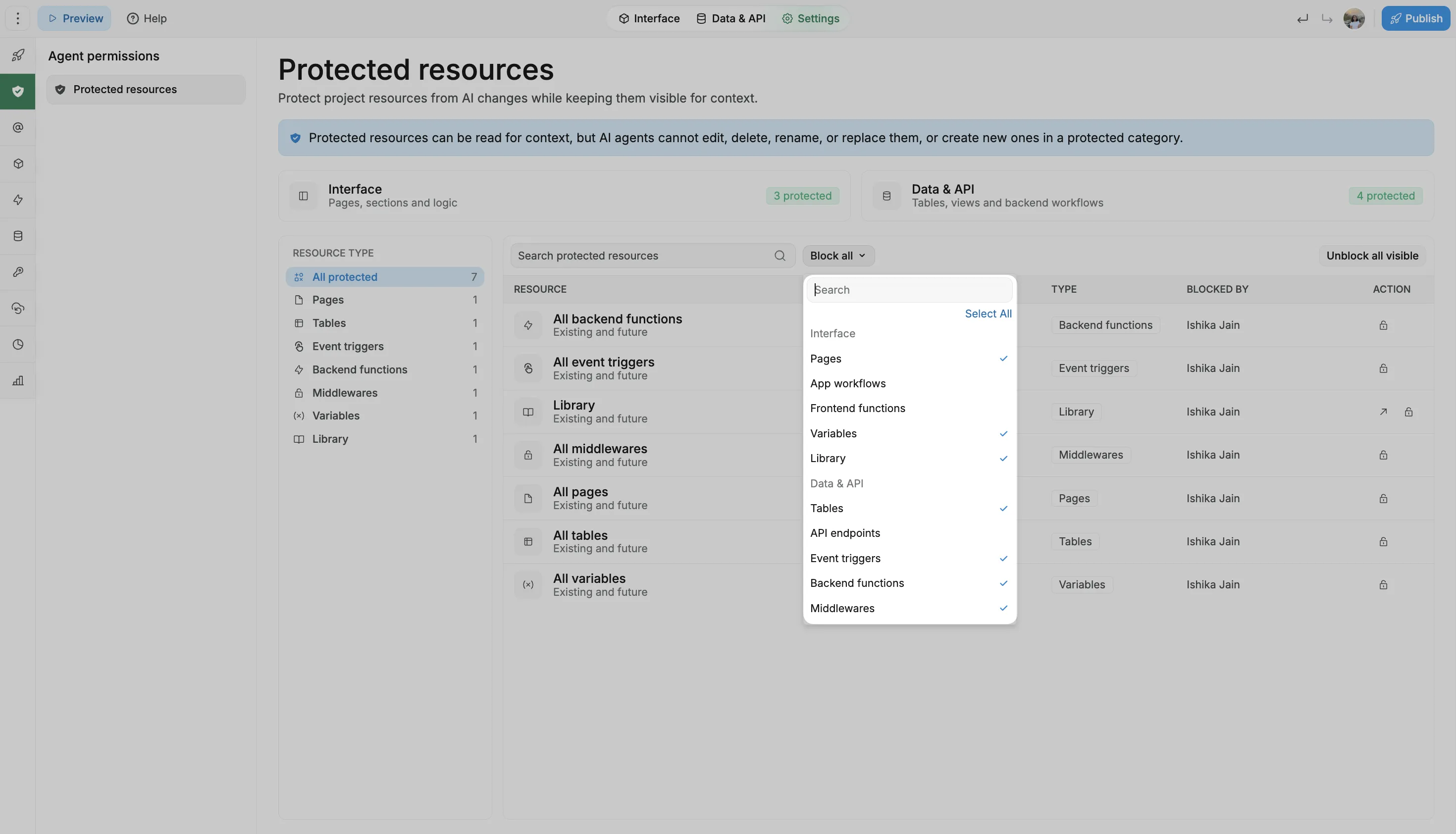
Last month, we gave you guardrails to protect individual pages, tables, workflows and more from changes by WeWeb AI and MCP. Now you can protect a whole category in one go.
Block AI from changing all your pages, all your tables or all your API endpoints, and the rule covers anything you add later too. No more protecting items one by one.
WeWeb AI and MCP can still read those resources for context and run your workflows. They just can't create, edit, rename or delete anything in a protected category.
Set it up in Settings → Agent permissions → Protected resources.
Enjoy the new updates, and keep the feedback coming 🙌

