Best web app templates for 2026, compared by type
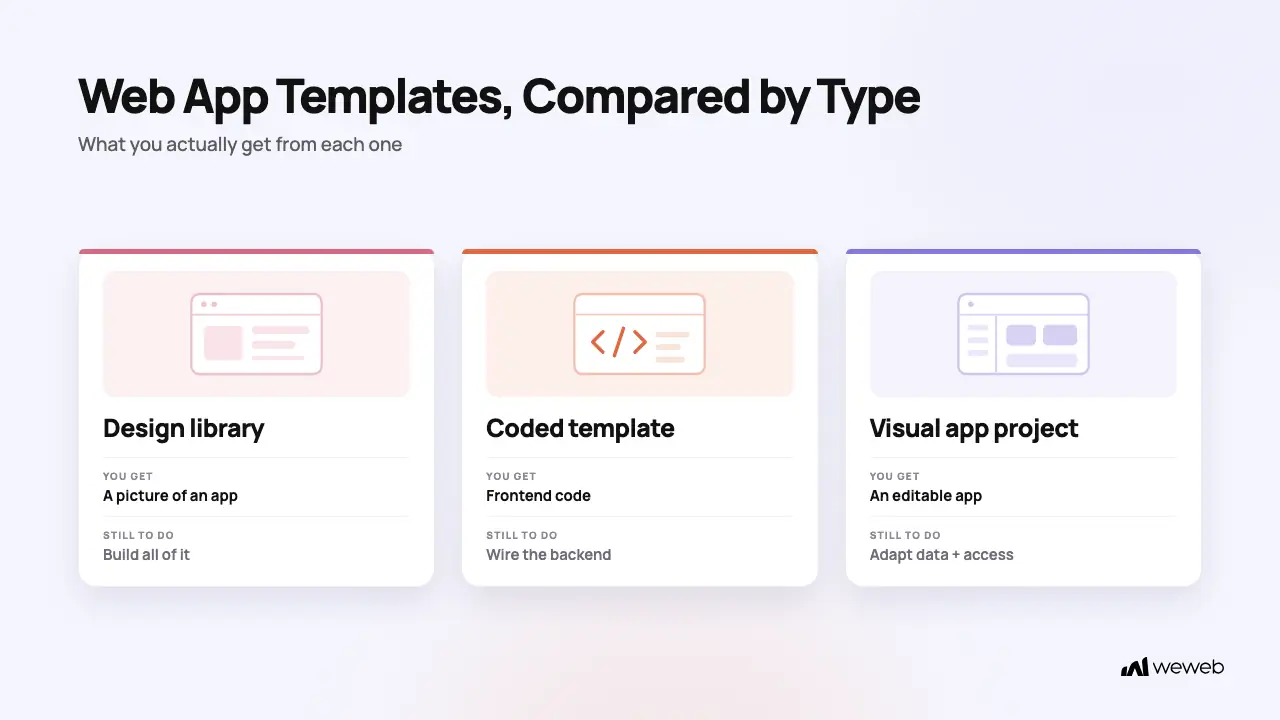
Search for the best web app templates and you will find three very different products under the same label. Some give you an editable app project. Others give you frontend code. Many are design files that still need to be built.
That difference matters more than the preview image. A polished Figma dashboard might be perfect for design exploration, but it cannot connect to your data or enforce permissions. A Bootstrap admin kit gives developers working frontend code, but they still need to wire up the backend. A visual app template can take you further before code, though you still need to adapt its data, logic, and access rules.
This comparison covers eight web app template options and libraries across those categories. If you need the full evaluation and customization process, read our guide to choosing, customizing, and testing a web app template.
The three types of web app templates in this comparison
None of these types is automatically better. The useful question is how much of the path from concept to working application you need the template to cover.
How we evaluated these web app templates
We compared each option on the factors that change the amount of work left after you choose it:
- Artifact type: visual project, source code, marketplace listing, or design file
- Use case: dashboards, portals, internal tools, SaaS products, admin panels, or early prototypes
- Stack and customization: how you edit the template and which technical skills it assumes
- Data readiness: whether it can connect to live data or only represents the interface
- Authentication and permissions: whether it includes useful patterns and how much access logic you still need to implement
- Responsive behavior: whether mobile and tablet layouts are part of the starting point
- Hosting and export: how the finished work moves into production
- Maintenance and price: update history, licensing, plan requirements, and likely ongoing work
Prices and plan details were checked on September 2, 2026. Recheck the vendor page before buying because marketplaces and software plans change.
Web app template comparison
Visual app projects
1. WeWeb Templates
Best for: Teams that want to move from an app template to connected data, workflows, and a publishable web app in one visual environment.
The WeWeb template library includes dashboards, portals, CRM tools, project management interfaces, directories, and forms. Its templates open as editable WeWeb projects, and the library directs users to connect them to their own data sources and customize them in the editor.
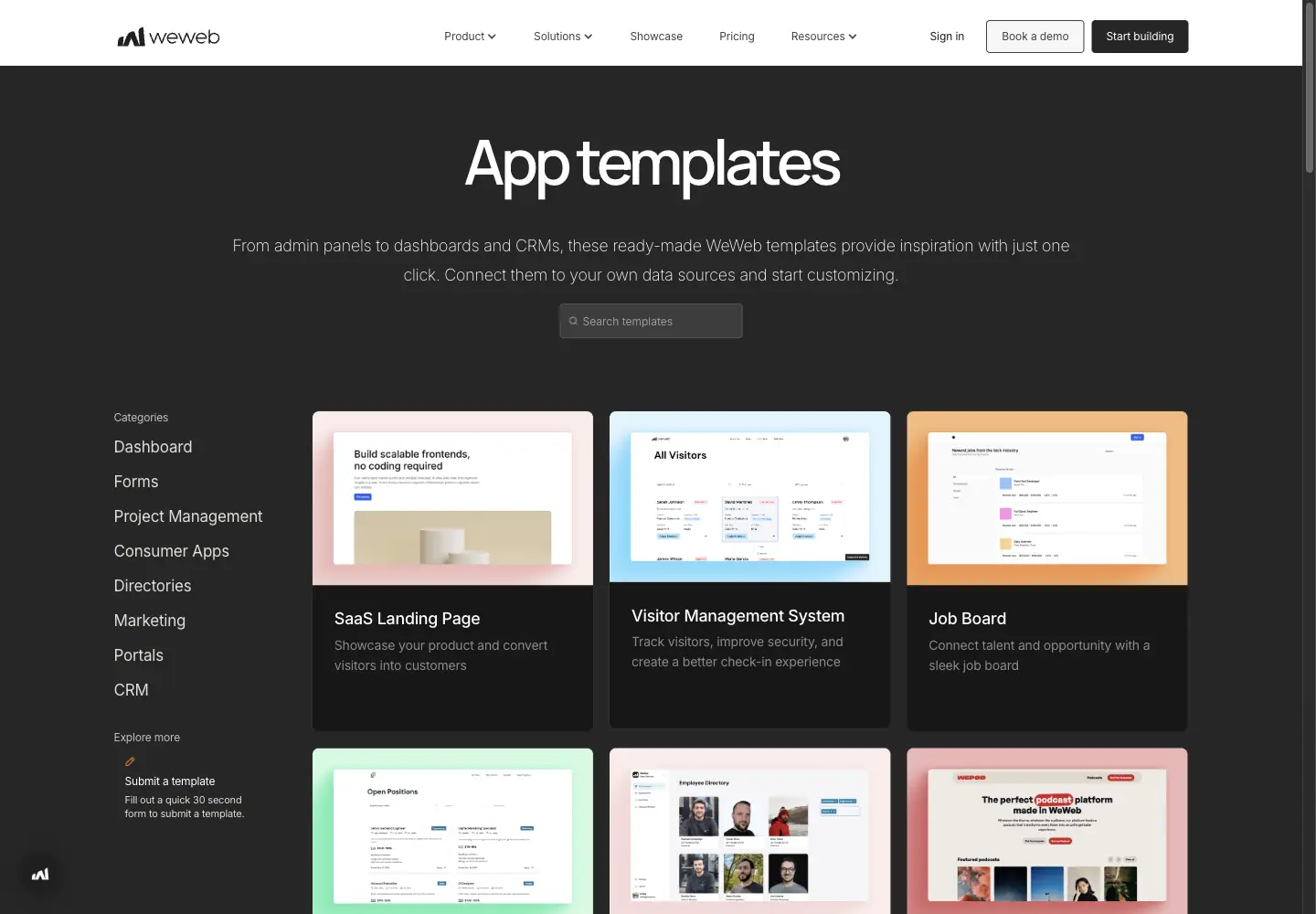
This is a different starting point from a Figma file or static admin theme. You can work on the interface in the same platform where you connect data and configure app behavior. The amount of finished logic varies by template, so inspect the pages, data connections, workflows, and access rules before you commit.
What you get
- An editable visual project
- App-oriented pages and interface patterns
- A path to connect your own data sources
- Visual control over layout and responsive behavior
What to check
- Which pages and workflows are already present
- Whether authentication is configured or only represented in the UI
- Which data source the template expects
- How roles and backend permissions need to be implemented
- Whether the template includes every state your app needs
Main tradeoff: WeWeb gets you closer to a working visual application than a design file, but the template is still a starting point. Your data model, permissions, workflows, and edge cases remain your responsibility.
Design and prototype libraries
2. Figma Community
Best for: Product teams that want a large pool of interface references, editable design systems, and handoff-ready screens before implementation.
Figma Community includes dashboard UI kits, admin layouts, data tables, forms, charts, and SaaS interface examples. You duplicate a community file into your drafts, then edit its content, visual styles, components, and structure. Some files are free, while others lead to paid versions from their publishers.
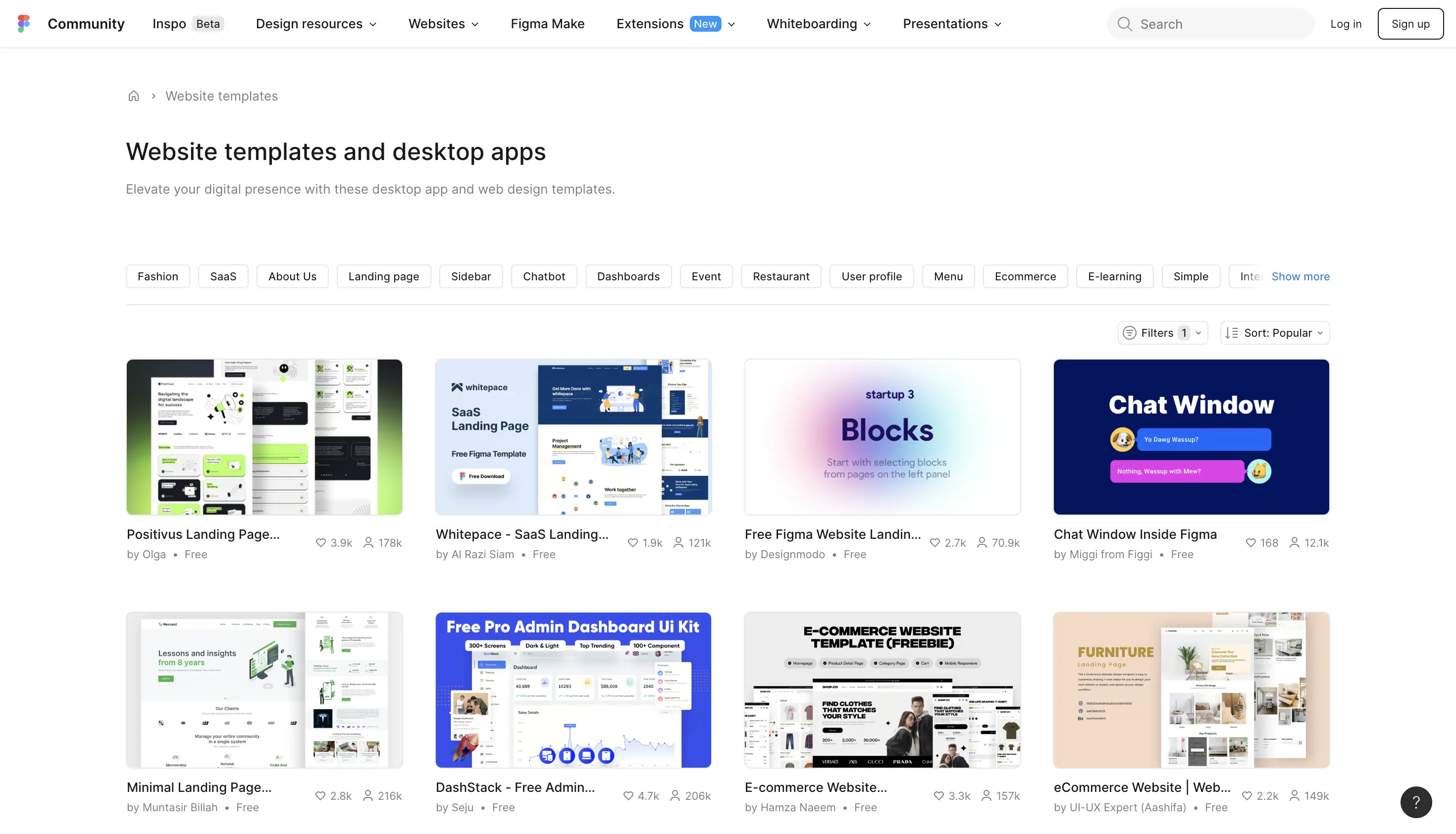
Figma is useful when the design is the deliverable. It gives you control over the interface and makes it easy to compare visual directions. It does not give you a running application, even when a file includes login screens, dashboards, or data tables.
What you get
- Editable design files
- Community-published components and page layouts
- A broad range of dashboard and interface patterns
- A familiar design handoff workflow
What to check
- Whether the file uses reusable components and consistent styles
- Whether mobile and empty states are included
- The publisher's license and update history
- Whether the screens represent a complete user flow
- How the design will translate into your implementation stack
Main tradeoff: The library offers breadth, but quality and completeness vary by publisher. You still need to build the app.
3. Uizard Web App Templates
Best for: Teams that need to turn an idea into editable screens and a clickable prototype quickly.
Uizard's web app template library includes designs for task management, budgeting, file management, onboarding, and other product flows. Users can edit the screens in Uizard and turn template flows into clickable prototypes for review and feedback.
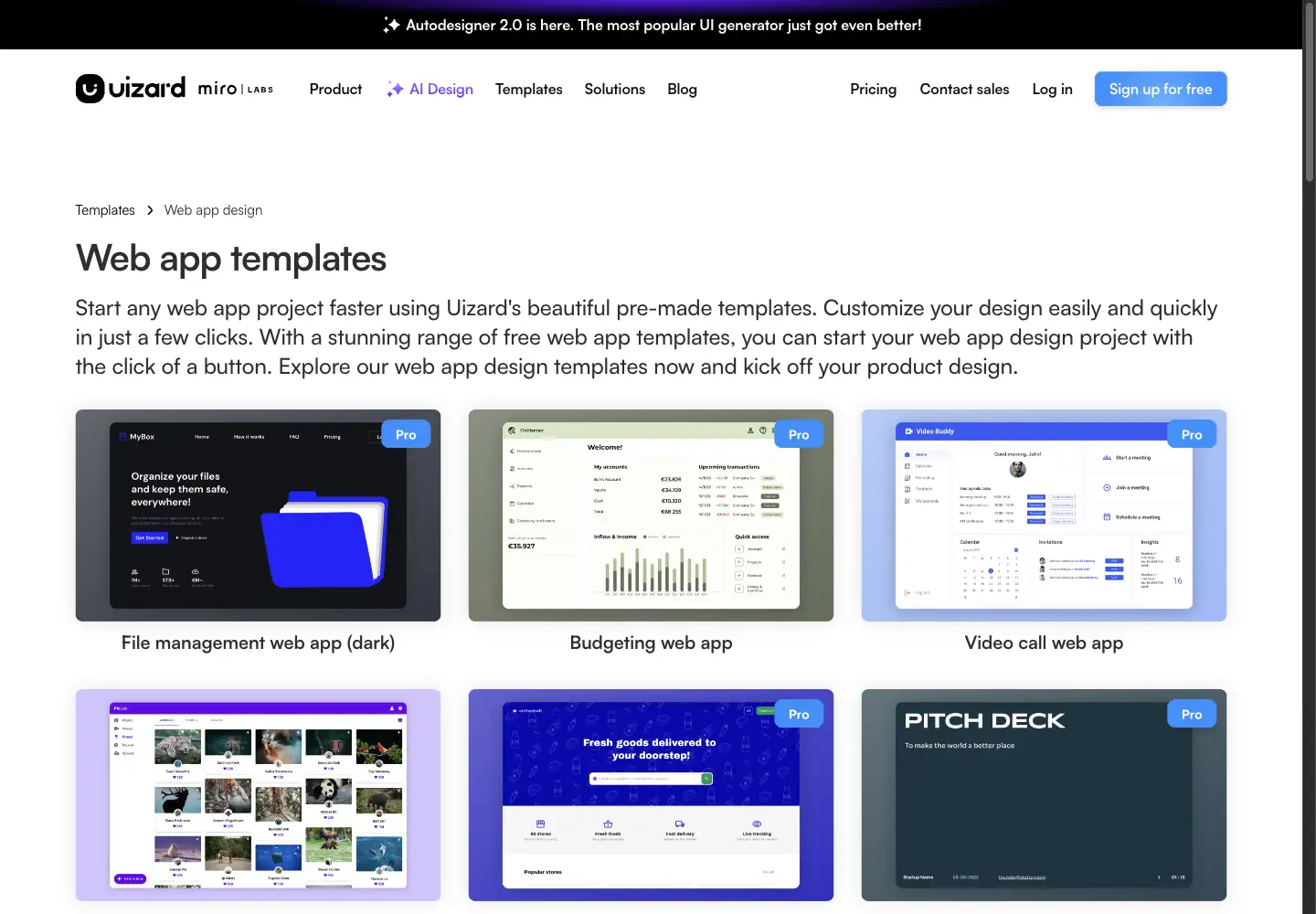
This makes Uizard a practical option before engineering starts. You can test navigation and page structure without treating the prototype as a finished product.
What you get
- Editable web app screens
- Prebuilt interface flows
- Clickable prototype support
- Design and AI-assisted editing tools
What to check
- Whether the template covers the complete task flow
- Which interactions work in the prototype
- Whether responsive variants are included
- How the design will be handed off or rebuilt
- Current plan limits for collaboration and exports
Main tradeoff: Uizard helps with UI design and prototyping. It does not provide the production backend, authentication, or deployment layer.
4. Visily Web App Templates
Best for: Teams that want to map common web app flows and review interface concepts without starting with a blank canvas.
Visily's web app template library covers project management, analytics, CRM, HR, inventory, marketplaces, login flows, onboarding, and other common product patterns. The templates sit within Visily's wireframing and prototyping workflow.
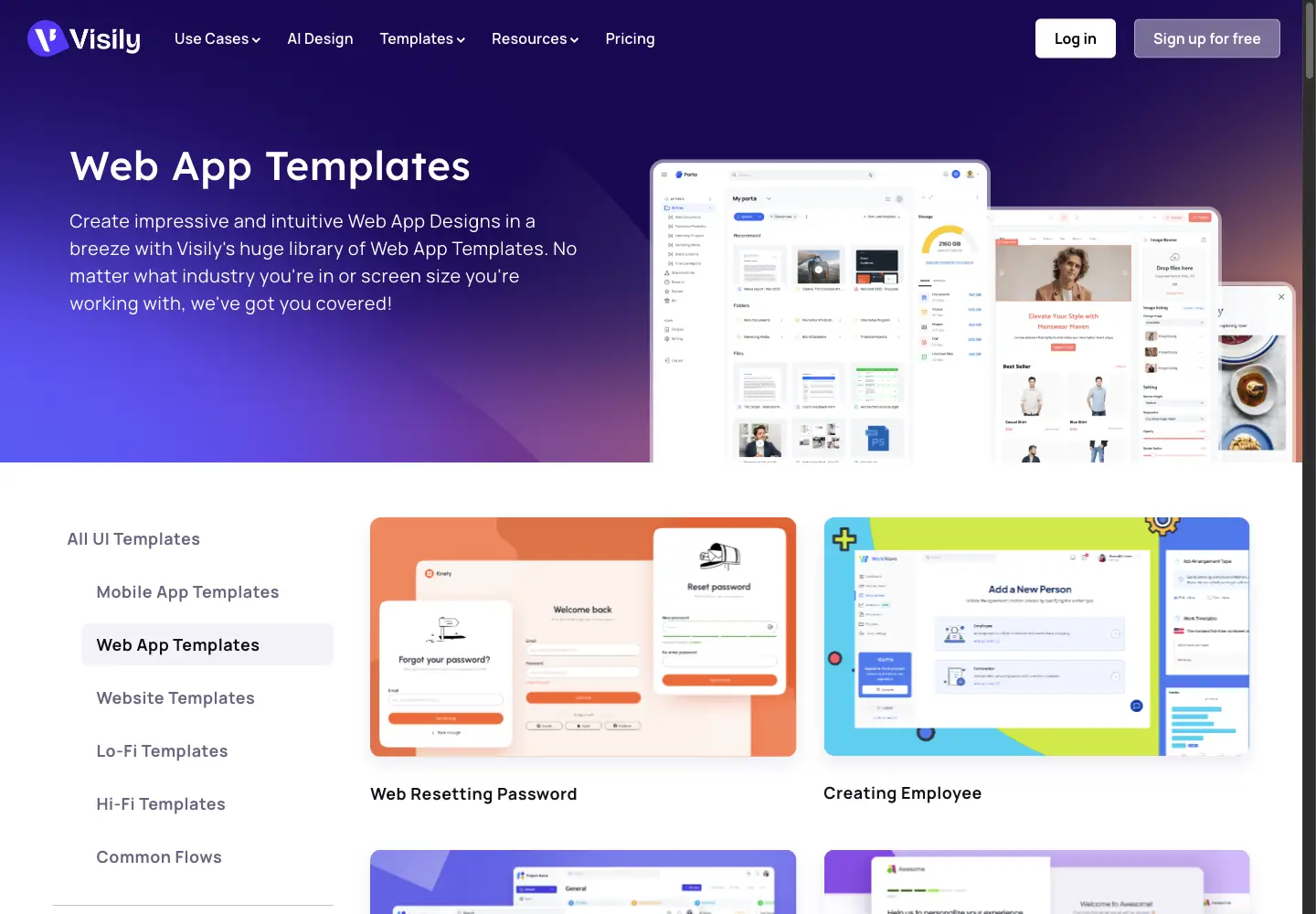
The breadth is useful when you want to compare flow structures or assemble an early product concept. As with Uizard and Figma, the result is an interface design rather than a connected application.
What you get
- Web app UI templates across many use cases
- Wireframing and prototyping tools
- Common flows such as login, onboarding, search, and task creation
- A visual space for team review
What to check
- Whether the selected screens form one coherent flow
- How reusable the components are
- Whether you need high-fidelity or low-fidelity output
- How the prototype will move into development
- Current export and collaboration limits
Main tradeoff: Visily can reduce early design work, but the backend and production implementation remain separate.
Coded templates and marketplaces
5. ThemeForest web app templates
Best for: Developers who want to compare many coded admin and web app templates across different stacks and sellers.
ThemeForest is a marketplace rather than one template. Its web app search includes products from independent authors, so the files, framework, license, support, price, and update history vary by listing.
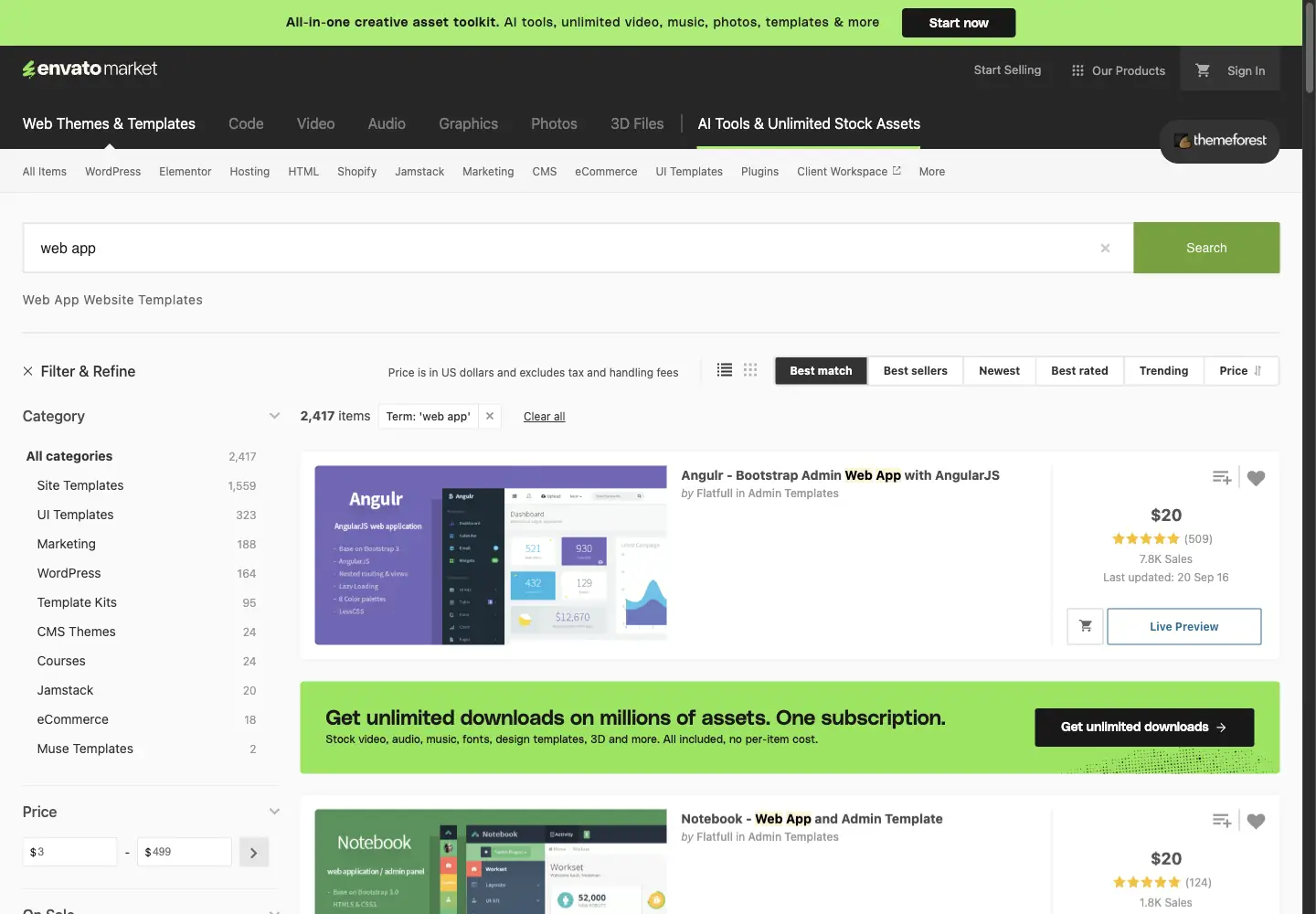
That variety is the advantage and the risk. Search results can mix admin interfaces, application kits, landing-page themes, and products with similar screenshots but very different technical scope.
What you get
- A large marketplace of coded templates
- Options across several frameworks and interface styles
- Item-level reviews, sales history, documentation, and changelogs where authors provide them
What to check
- The exact files included in the download
- Framework and dependency versions
- Last update date and recent support activity
- Whether the product is an app interface or a marketing-site theme
- License terms for your intended use
- Whether authentication screens include working logic or only markup
Main tradeoff: ThemeForest gives you choice, but you need to assess each seller and product separately.
6. Limitless
Best for: Developers building a Bootstrap-based dashboard, admin panel, CRM interface, or operations tool.
Limitless is a responsive Bootstrap 5 web application kit. Its current listing describes a pure JavaScript core, SCSS and CSS variables, multiple layouts, a developer starter kit, and a large set of interface components. The listing showed a $28 regular license and a last update date of September 3, 2023 when checked.
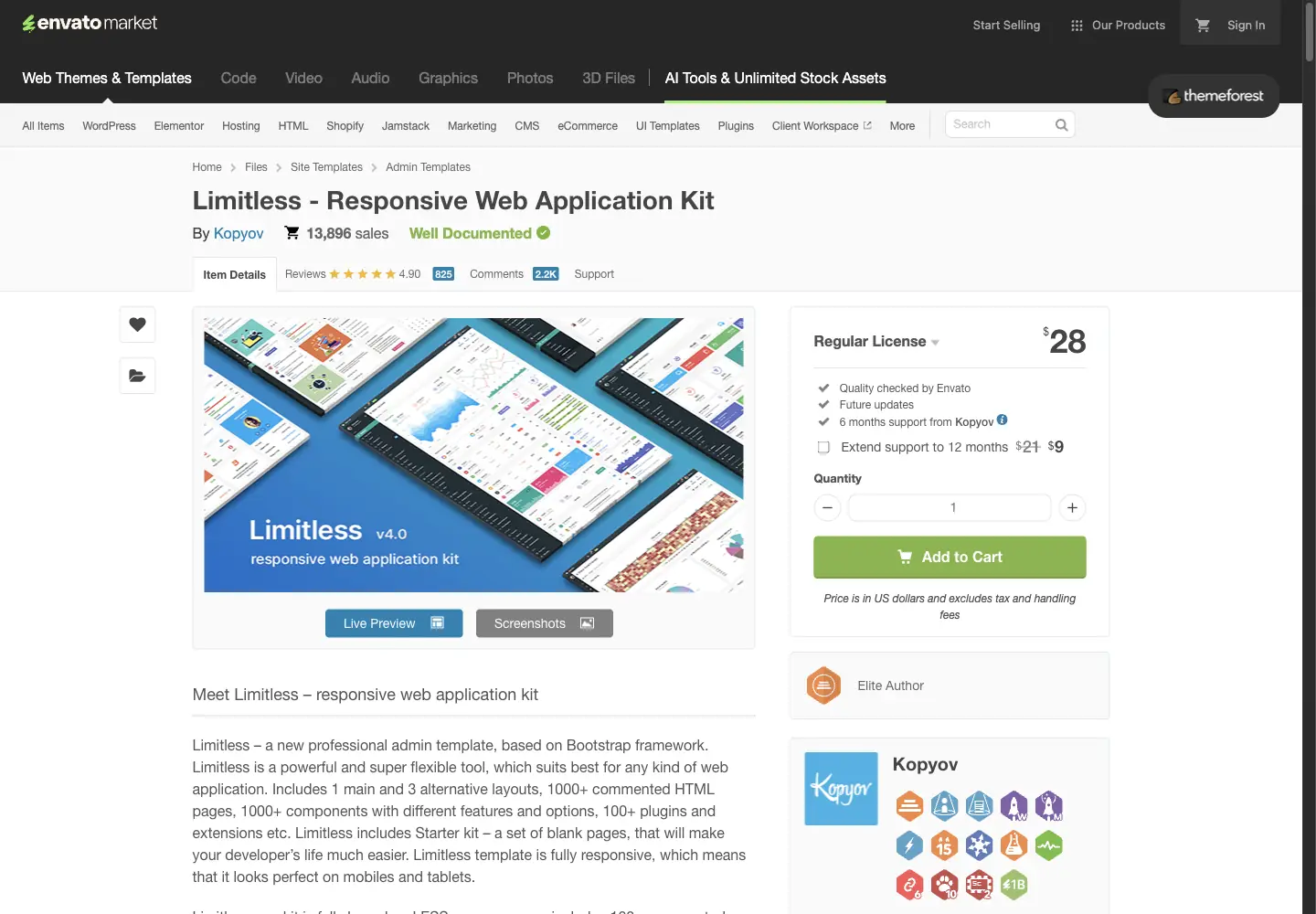
It is a frontend kit. You receive HTML, CSS, and JavaScript assets that you connect to your own backend and application logic.
What you get
- Bootstrap 5 frontend files
- Responsive admin layouts
- Forms, tables, charts, navigation, and page patterns
- Blank starter pages for custom development
What to check
- Whether a 2023 update date fits your dependency policy
- Browser requirements and included plugin versions
- Which components you will remove to control bundle size
- How you will integrate your framework, backend, and build pipeline
- Current license and support terms
Main tradeoff: Limitless provides a broad Bootstrap interface foundation, but your team owns integration and maintenance. Its update history deserves a careful review before a new long-lived project.
7. OneUI
Best for: Developers who want one Bootstrap-based interface system with HTML, PHP, Laravel, or Vue starting points.
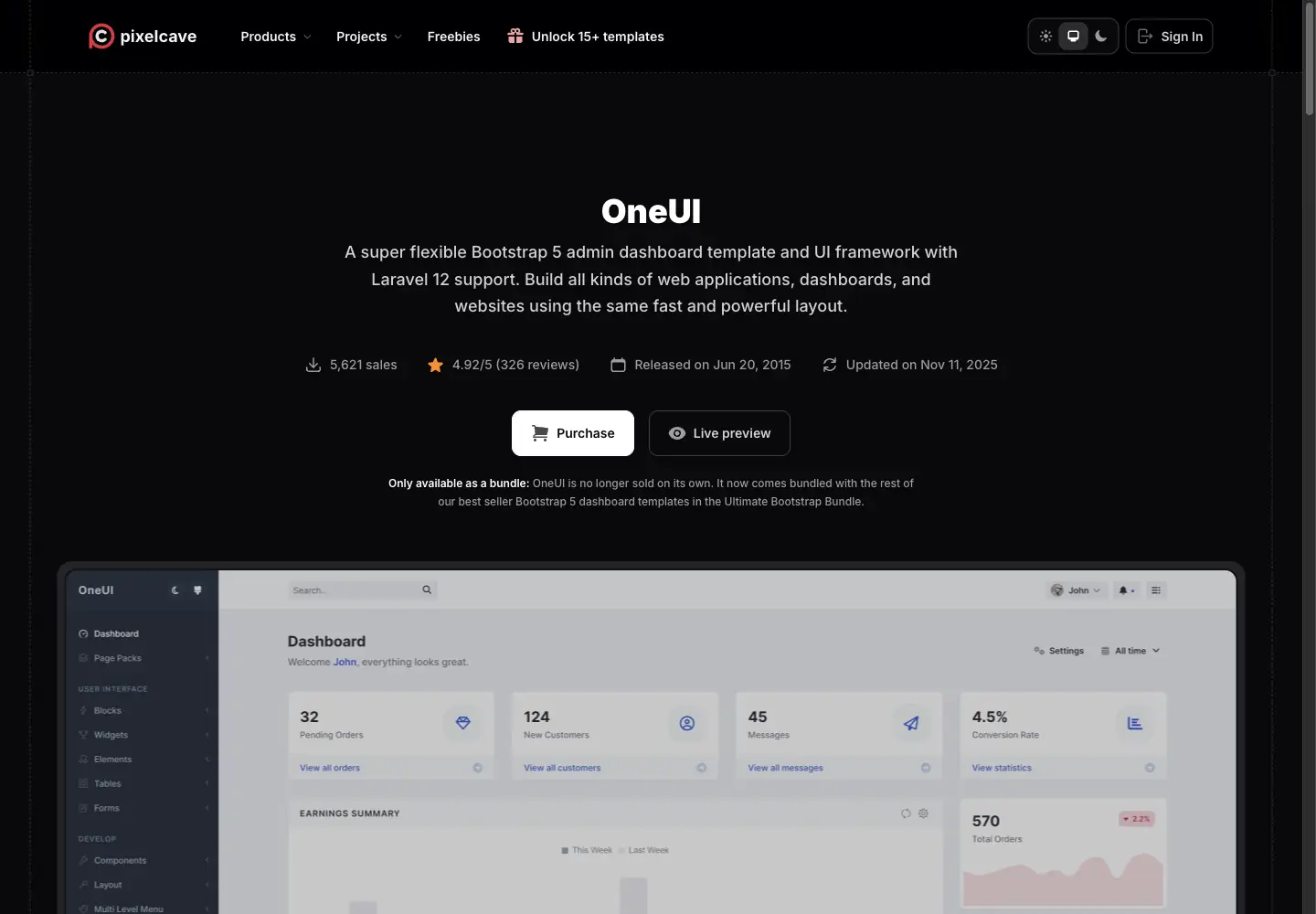
Pixelcave describes OneUI as a Bootstrap 5 admin dashboard template and UI framework. The current bundle includes HTML and PHP packages, a Laravel 12 starter kit, and a Vue 3 edition. The page also lists a JavaScript core without a jQuery requirement, responsive design, dark mode, Sass, RTL pages, and documentation. OneUI was updated on November 11, 2025 and is now sold only through Pixelcave's Ultimate Bootstrap Bundle.
What you get
- Several implementation packages in one bundle
- Bootstrap-based layouts and components
- Laravel and Vue starting points
- Responsive and RTL interface support
What to check
- Which package matches your production stack
- Whether the Laravel or Vue starter includes the exact auth flow you need
- Which optional dependencies you plan to keep
- Bundle licensing and the current bundle price
- How updates will affect your custom overrides
Main tradeoff: OneUI covers more implementation paths than a single HTML theme, but the bundle model may be unnecessary if you only need one stack.
8. CoreUI Free React Admin Template
Best for: React teams that want a maintained, open-source dashboard foundation built with React and Bootstrap.
The CoreUI Free React Admin Template is an MIT-licensed React 19 and Bootstrap 5 dashboard template with TypeScript support. CoreUI lists version 5.7.0 as updated on August 10, 2026, and provides a public GitHub repository and live preview.
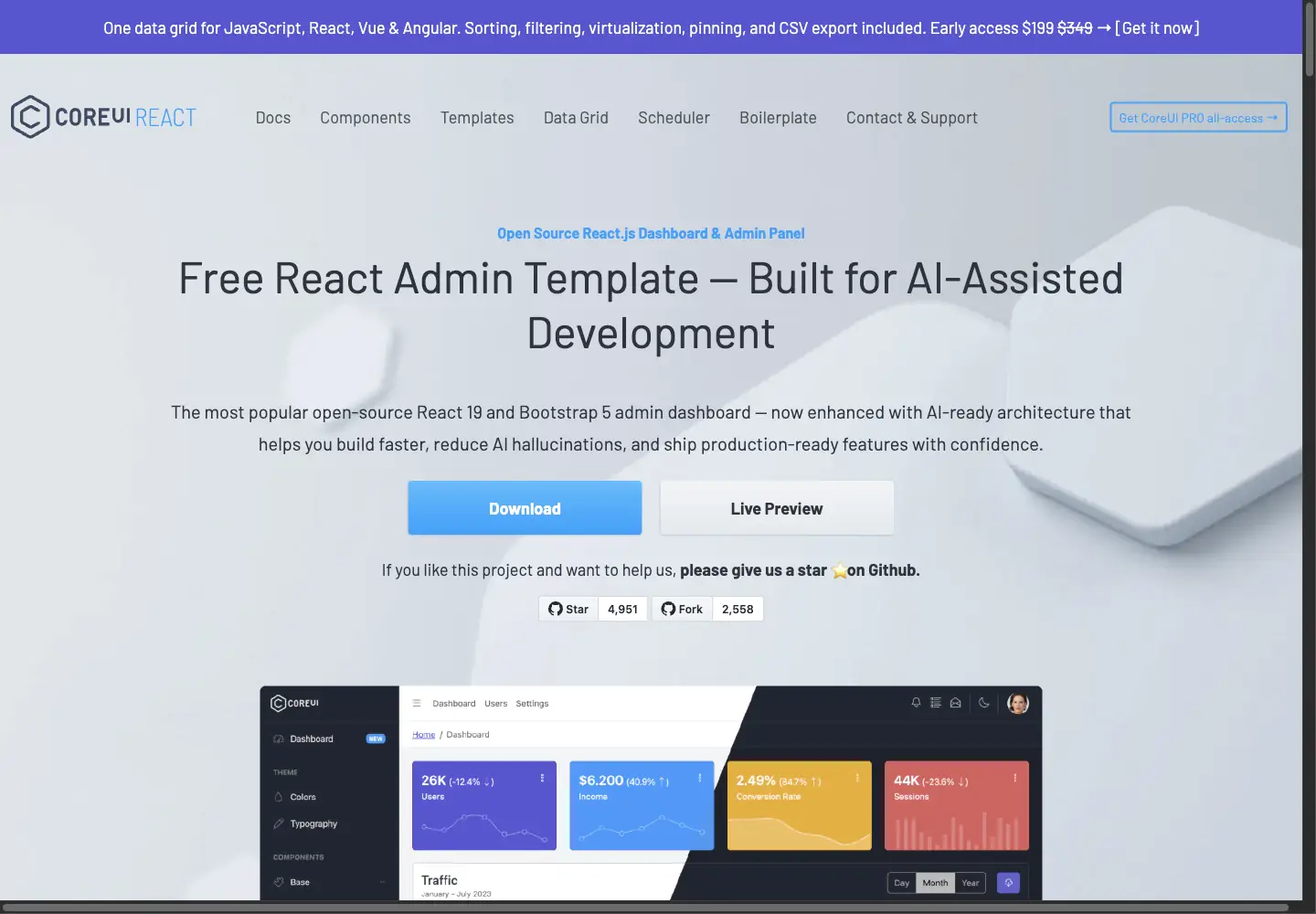
The template provides a coded frontend foundation rather than a backend. CoreUI says it works with any backend, so your team still needs to connect APIs, implement authentication, and enforce permissions in the appropriate server or data layer.
What you get
- React 19 and Bootstrap 5 project files
- TypeScript support
- Responsive dashboard layouts and UI components
- MIT licensing and a public GitHub repository
What to check
- Whether Bootstrap and CoreUI fit your existing design system
- Which components are included in the free template versus paid products
- How you will connect your backend and authentication provider
- Repository releases, dependencies, and migration notes
- Whether the included dashboard patterns match your product rather than only your admin needs
Main tradeoff: CoreUI gives React teams a current open-source starting point, but its Bootstrap-based design system and dashboard focus may require substantial visual adaptation for a customer-facing product.
How to test a template before you commit
A template saves time only when it survives your real requirements. Test the shortlist with the same small scenario before comparing polish.
Use realistic data
Replace demo names, chart values, and card content with records that resemble your product. Include long names, missing fields, large numbers, empty collections, and enough rows to test pagination or scrolling.
Check every state
Review the normal path and the states templates often skip:
- first use and empty state
- loading state
- validation and error messages
- failed API request
- restricted access
- destructive action confirmation
- mobile navigation
Test roles against backend rules
If the app has several roles, sign in as each one and try the actions they should not be able to complete. Hiding a button helps the interface, but it does not enforce access. The backend must reject unauthorized reads and writes.
Run three core tasks
Choose three tasks that represent the value of the app. For a client portal, that might be viewing project status, uploading a file, and sending a message. For an internal tool, it might be finding a request, approving it, and checking the audit record.
Measure whether people can finish each task without guidance. A template that passes these tests is worth more than one with a better hero screenshot and missing states.
Choose the artifact before the aesthetic
The best web app template is not necessarily the one with the best-looking demo. It is the one that removes the right layer of work.
Choose a design kit when you need to settle the interface before implementation. Choose a coded starter when your developers already own the stack, backend, and deployment pipeline. Choose a visual app template when you want to work on the interface, data, and app behavior in the same environment.
Once you know which artifact you need, compare the details that create future work: dependencies, data integration, permissions, responsive behavior, licensing, and maintenance. Our web app template selection and customization guide walks through that process in depth.
The goal is not to find the template that looks closest to the finished product. It is to find the starting point that leaves your team with the right work to do—and as little unnecessary work as possible.
With WeWeb, the template is only the starting point. Use AI to adapt the app to your data, interface, workflows, and business logic, then fine-tune every detail visually as you move toward production. Start building for free →
Frequently asked questions about web app templates
What is the best web app template?
The best web app template is the one that matches the artifact your team can use. Choose a visual app project if you want to build the interface and behavior together, a coded starter if your developers already own the stack, or a design kit if you need to validate the interface before implementation.
Where can I find free web app templates?
For design files and prototypes, start with Figma Community, Uizard, or Visily and check each file's license and plan limits. For working React code, CoreUI offers a free MIT-licensed admin template. A free download can still require substantial work for data, authentication, permissions, and deployment.
Is a Figma web app template a functional application?
No. A Figma template is an editable interface design, not a deployed application. It can help define screens, components, and user flows, but you still need to implement the frontend, connect data, add authentication, and enforce backend permissions.
Do web app templates include a backend and authentication?
Usually not. Design kits do not include either, and coded admin templates typically provide only the frontend. Visual app projects may include pages, workflows, or authentication patterns, but you should verify what is configured and what still needs to be connected or secured.
Which web app template type is best for dashboards and internal tools?
A visual app project is useful when product or operations teams want to build and maintain the interface visually. A coded admin template is a better fit when developers already have a backend and want a framework-specific frontend foundation. In both cases, test realistic data, roles, permissions, and error states before committing.