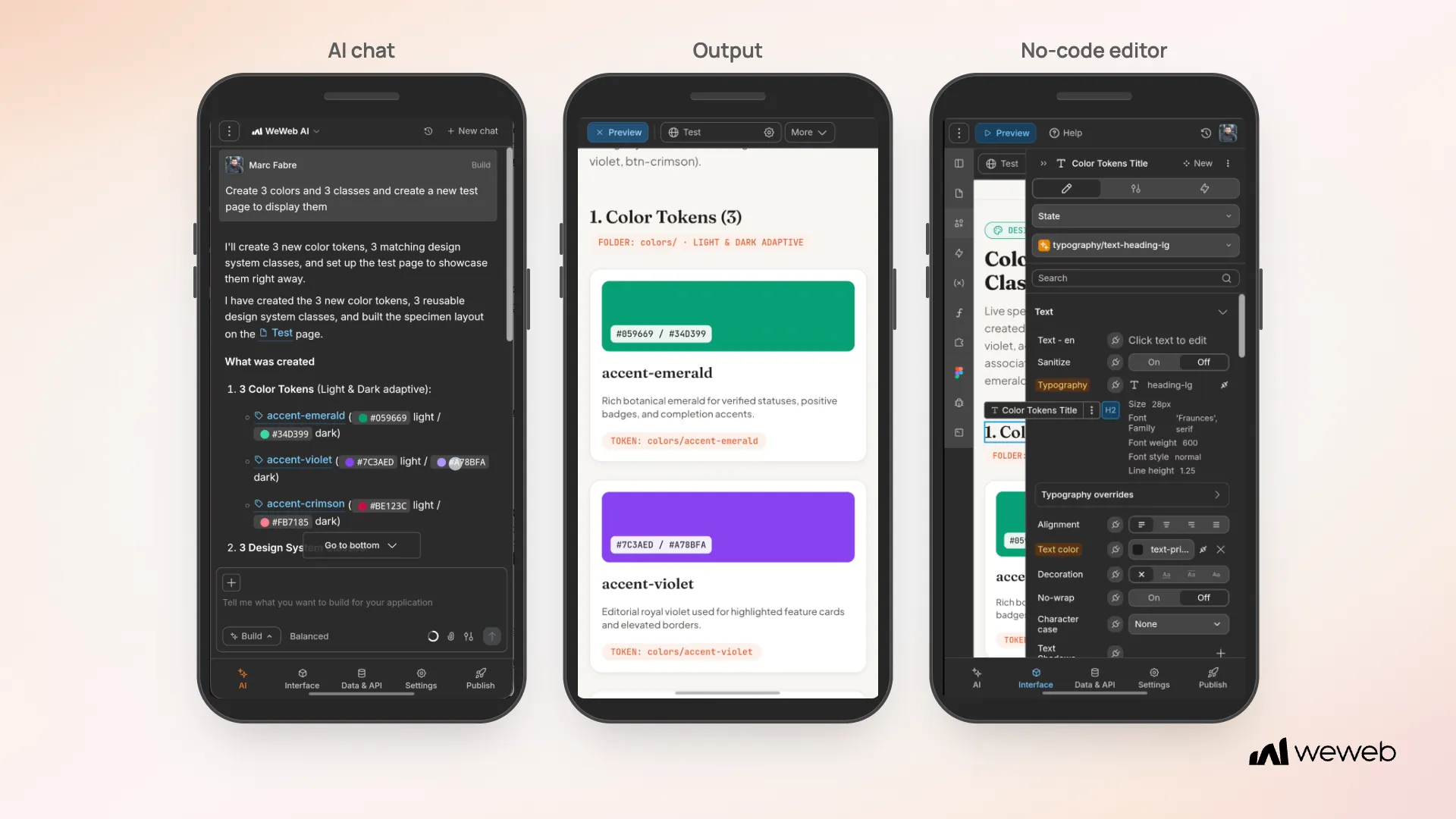
This week, we’re making it easier to build with WeWeb across devices.
Here’s what’s new 👇
📱 Keep building with WeWeb AI on the go
Open any WeWeb project on your phone and ask AI to make changes. From there check the results in preview, or use the no-code editor to make edits yourself.
💡 Note: The mobile editor currently works in portrait mode and previews your app's mobile layout. Any manual design changes you make affect only the mobile layout, not tablet or desktop.
🤖 AI & MCP improvements
Manage workspace connections - Ask AI to create or edit connections and choose which projects can use them.
Protect connections - Lock connections in Agent permissions to block AI changes from that project. You can still edit them manually.
🛠️ Other improvements & fixes
Custom project thumbnails - Upload a custom image in your project's settings to recognize it at a glance on the dashboard.
Case-insensitive table sorting - Sort text in WeWeb Tables without separating uppercase and lowercase letters, including in grouped views; this option can slow sorting on large tables.
Dynamic button icons - Bind the visibility of a button's left and right icons to your app's data, so each appears when you need it.
More control over video playback - Choose different default and hover settings for your Video element's playback controls, such as showing them only on hover.
More reliable formula calculations - Calculations in WeWeb Tables accept fallback values for empty fields, such as treating a missing amount as zero before rounding it.