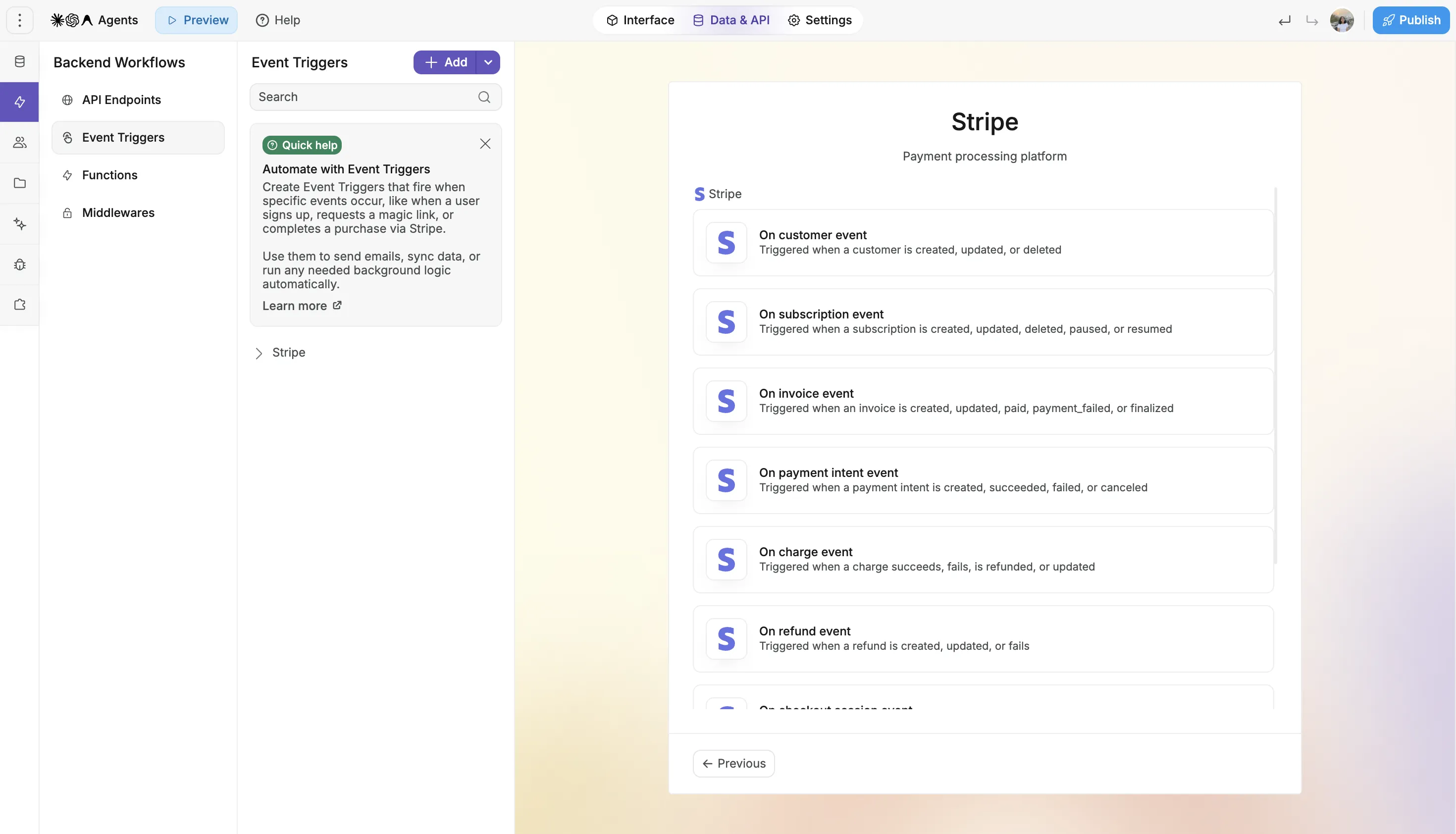
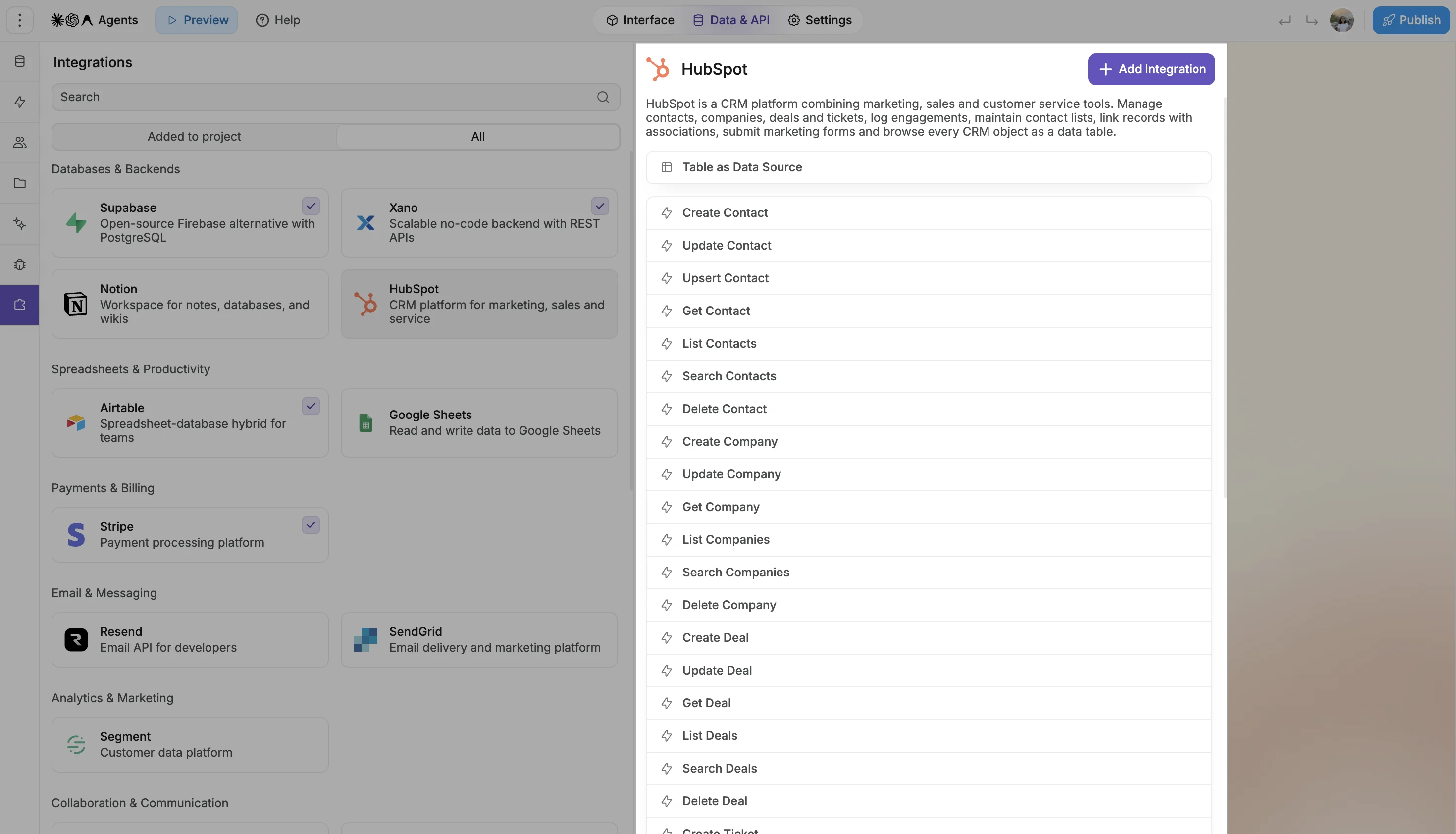
Create sales dashboards, internal CRMs, support tools, and customer portals using your existing HubSpot contacts, companies, deals, and tickets.
Display HubSpot data in table views, filter it for different use cases, and update records directly through workflows.
🤖 Ask AI: “Build me a sales dashboard using my HubSpot deals and contacts, with filters by owner and stage, and let my team update deal status from the app.”
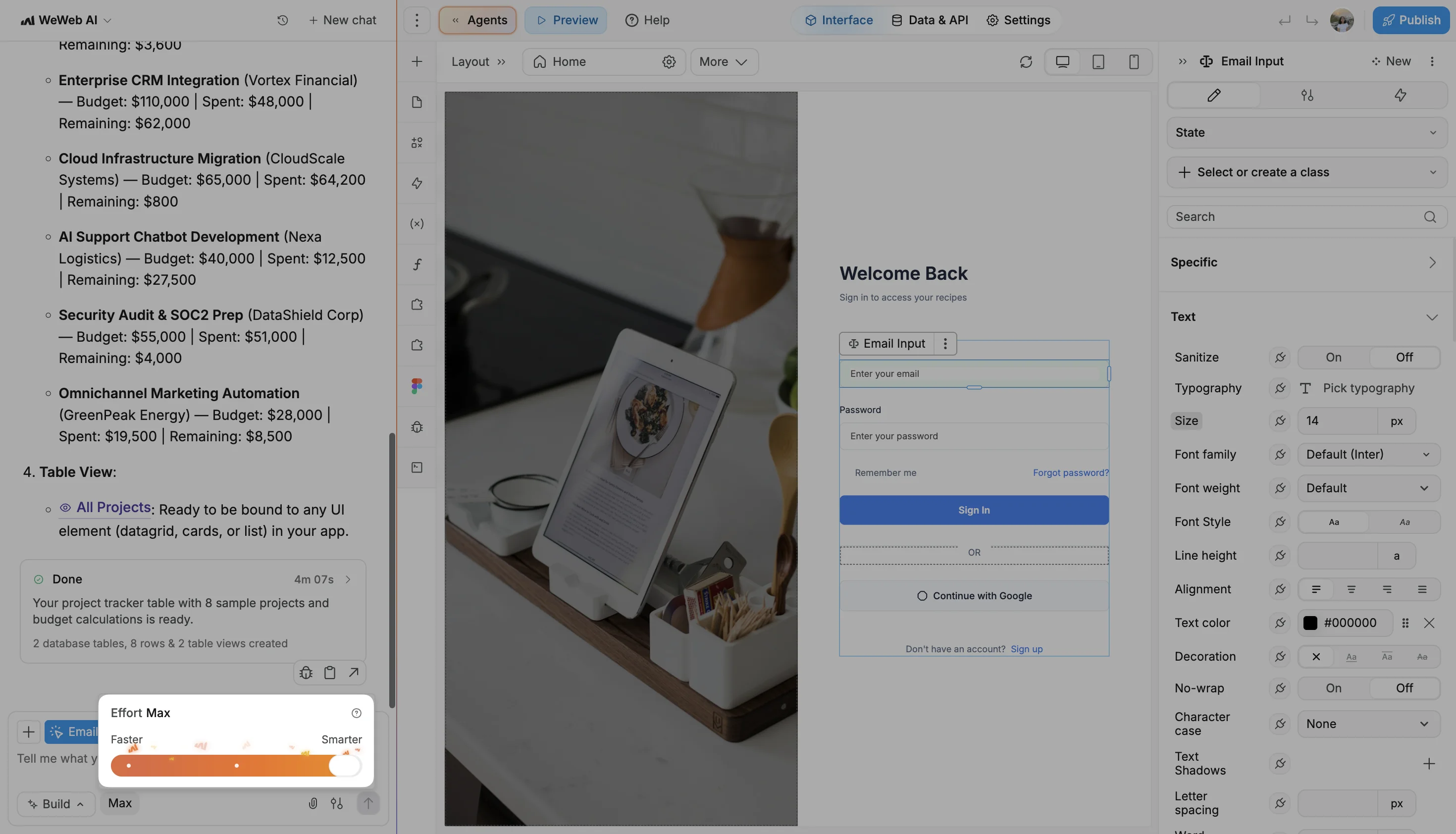
🧠 Choose how much WeWeb AI thinks
You can now choose how much thinking effort WeWeb AI uses depending on the task.
Use Faster for quick changes, Smarter for complex builds that need more reasoning, or Balanced for a mix of both.
🤖 Improvements to WeWeb AI & MCP
Coded components - WeWeb AI and MCP can work with coded components again, including editing existing ones.
Design variations - AI can use and edit variations of your design-system styles, helping generated work fit your existing project.
Amazon S3 - WeWeb AI and MCP can now inspect and manage your S3 setup. We’ve also added clearer, bucket-specific guidance and checks to help you finish configuration.
More reliable workflow editing - MCP handles incomplete workflow edits better and gives agents clearer feedback to correct them.
Better form building - AI gets clearer guidance to connect submission logic to the right form workflow.
Smarter error feedback - AI and MCP now get more useful feedback when requests, data-grid configurations, or other project changes need correcting.
Page languages - When AI creates a page, it falls back to your project’s default language if the requested language isn’t configured.
🛠️ Other improvements & fixes
OpenID sign-in storage - You can now keep OpenID sign-in tokens in memory instead of persistent browser storage. They’re cleared on a full reload or in a new tab, while your WeWeb backend session stays signed in.
Public file views - Table views can now read file types from public files in both Amazon S3 and WeWeb Storage.