



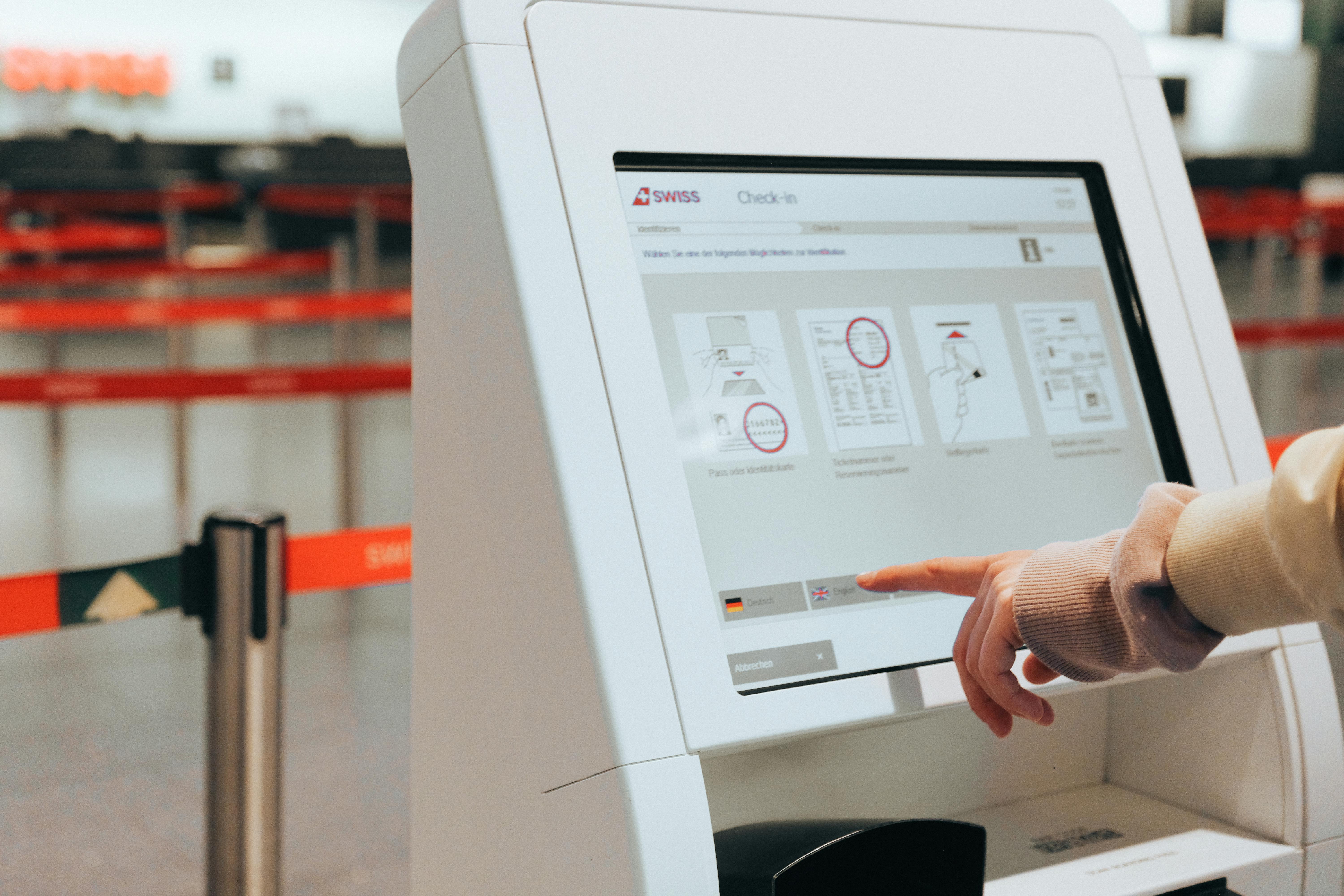
A customer portal is a secure, private online space where customers can log in to access information, manage their account, and find support resources 24/7.
In a world where customers don’t just want answers (they want them now!) this kind of on demand self service has become an essential tool for any business that values speed and autonomy. A portal is no longer a nice to have, it’s a cornerstone of the modern customer experience.
Whether you’re a startup founder or a support lead at a large enterprise, understanding how a customer portal works is key to improving satisfaction, boosting efficiency, and scaling your support operations.
In this guide, we’ll walk through everything you need to know, from the basic definition to the advanced features that create a world class experience.
What is a Customer Portal?
Functionally, a customer portal acts as a centralized self service hub. Instead of a simple FAQ page, it’s an integrated system that might include account details, a knowledge base, support tickets, and community forums. This provides a single, reliable destination for users to solve problems on their own terms.
The demand for this is huge. A staggering 88% of customers now expect brands to have an online self service portal. They want to solve problems on their own terms, and a well designed portal empowers them to do just that without the friction of calling or emailing support.
The Core Benefits of a Customer Portal
Implementing a customer portal is a classic win win, offering major advantages for both your customers and your business. It streamlines operations while delivering the experience modern users expect.
Improved Customer Satisfaction
Speed and convenience are the name of the game in customer service. A portal delivers on both fronts, which is why companies see an average 45% increase in customer satisfaction (CSAT) after rolling out self service options.
- Faster Resolutions: Customers can get answers instantly without waiting on hold or for an email reply. Since 73% of consumers say a quick resolution is the most important part of good service, this is a massive driver of satisfaction.
- Empowerment: Modern consumers prefer control. In fact, 67% of customers prefer self service over speaking to a company representative. A portal gives them the autonomy to solve issues on their own schedule.
- Consistency: A portal’s knowledge base provides standardized, vetted answers every time. This consistency builds trust and eliminates the frustration of getting different advice from different agents.
Reduced Support Costs
By shifting common inquiries from live agents to a self service channel, a customer portal can drastically lower operational expenses. The math is simple: a self service interaction costs pennies, while a live agent interaction can cost upwards of $7 to $10.
This ticket deflection has a massive impact. Well implemented portals can deflect up to 60% of support inquiries from live agents. For many businesses, this translates into millions of dollars in annual savings by allowing them to scale support without linearly increasing headcount.
Enhanced Agent Productivity
When a customer portal handles the simple, repetitive questions, your support agents are freed up to focus on complex, high value issues. This shift doesn’t just improve their efficiency, it boosts morale.
One company saw a 50% drop in support tickets after implementing a knowledge base and chatbot. This allows agents to dig into tougher problems, which leads to better solutions and professional growth. Furthermore, when customers do create a ticket through the portal, it often comes with more context from guided forms, which helps agents resolve the issue faster and increases first contact resolution rates.
Key Elements of an Effective Customer Portal
A great customer portal is more than just a place to log in. It’s a collection of powerful tools working together. The most effective portals typically include a few core components.
- Knowledge Base Integration: This is the heart of self service. A searchable library of help articles, guides, and FAQs allows users to find answers on their own. About 51% of customers prefer to get technical support from a knowledge base.
- Personalized Experience: Modern customers expect interactions tailored to them. A portal should deliver a personalized dashboard showing relevant information like account status, order history, and product specific guides.
- Order Management: Customers should be able to view past orders, track current shipments in real time, and easily initiate reorders. This transparency reduces “where’s my order?” inquiries and improves the overall experience.
- Invoice and Payment Management: Empower customers by giving them a secure place to view and download invoices, manage payment methods, and make payments directly. This self service approach streamlines collections and reduces administrative overhead.
- Secure Document Sharing: A portal can serve as a secure hub for sharing sensitive documents like contracts, reports, or financial statements. This is far more secure and organized than relying on email attachments.
- Community Forum: A space for customers to help each other is incredibly powerful. Peer to peer support builds camaraderie and provides answers from real world users. A vibrant community can even generate up to 75% of support content on its own, significantly reducing your team’s workload.
- AI Agent Integration: Modern portals often include an AI-driven chatbot to provide instant answers to simple questions. Customers are on board with this, as 74% would choose a chatbot over a human for straightforward queries.
- Support Ticketing and Request Types: For issues that can’t be self solved, the portal must offer a way to submit a support ticket. Configuring different request types (like “Bug Report” or “Billing Inquiry”) helps route the issue to the right team from the start, ensuring faster resolution. This structured intake prevents misrouted tickets and poor reporting.
Choosing the Right Customer Portal Solution
Selecting the right platform is critical. The best choice depends on your specific needs, technical resources, and long term goals.
Assessing Your Business Needs
Before evaluating options, ask yourself a few key questions:
- What are the primary problems you need to solve? (e.g., reducing ticket volume, streamlining order tracking, improving customer onboarding).
- Who will be using the portal? (e.g., individual consumers, large enterprise teams, technical developers).
- What systems does it need to connect with? (e.g., CRM, ERP, billing software). A portal’s value multiplies when it integrates with your core business systems.
- What level of customization and branding do you require?
Key Factors to Consider
Once you have a clear picture of your needs, evaluate potential solutions based on these criteria:
- Integration Capabilities: The platform must connect seamlessly with your existing tools like your CRM and ERP. This creates a single source of truth and enables powerful automation.
- Customization and Flexibility: The portal should be fully customizable to match your brand and adapt to your unique workflows. Avoid rigid solutions that force you into a box.
- Scalability: Choose a platform that can grow with your business, supporting more users and features as your needs evolve.
- Security: Since the portal will handle sensitive customer data, it must have robust security features, including access controls, encryption, and compliance with regulations like GDPR.
- Mobile Responsiveness: A significant portion of your users will access the portal from their phones. A non responsive design creates friction and frustration. A mobile friendly experience is non negotiable.
Setting Up and Integrating Your Customer Portal
Getting a customer portal up and running involves choosing a platform, customizing the design, adding your content, and integrating it with your existing systems. Traditionally, this might have meant a lengthy custom coding project. To move even faster, you can start from customer portal templates.
Today, however, no-code platforms have changed the game. For instance, a visual development platform like WeWeb allows teams to build and launch a production grade customer portal in a fraction of the time. This approach empowers even non developers to create a branded, scalable portal that fits their exact needs.
Integrating for an Omnichannel Experience
A customer portal shouldn’t exist in a silo. It should be the self service foundation of your broader omnichannel support strategy. An omnichannel approach integrates all your communication channels (portal, email, chat, phone) so customers have a seamless and consistent experience. For example, a conversation that starts with a chatbot in the portal can be escalated to a live agent with the full context, so the customer never has to repeat themselves.
Tailoring the Look, Feel, and Functionality
To be truly effective, a portal must feel like a seamless extension of your brand and be incredibly easy to use. This comes down to thoughtful customization of its appearance and user experience.
Brand Customization
Your portal should look and feel like your brand. This means using your company’s logo, color scheme, and typography. Consistent branding across all platforms can increase revenue by up to 33% because it reinforces recognition and trust. When a customer lands on your support page, it should feel familiar and professional, not like a generic third party site.
Domain and Language Settings
Using a custom domain like support.yourcompany.com provides a seamless, trustworthy experience.
On the content side, offering multiple languages is critical for global businesses. A surprising 40% of consumers won’t buy from a website if it’s not in their native language. Providing multilingual support shows you value your entire customer base and can dramatically improve loyalty.
Help Center Navigation and Search
Information is useless if it can’t be found. A portal needs two things: clear navigation and powerful search.
- Navigation: Content should be organized into logical categories and subcategories (e.g., “Getting Started,” “Account Management,” “Troubleshooting”). A clean layout and intuitive menus prevent users from getting lost. A poor user experience can be costly, as 88% of online shoppers won’t return to a site after a bad experience.
- Search: The search bar is often the first thing a user looks for. It needs to be prominent and effective, capable of understanding typos, synonyms, and natural language questions. A negative search experience is a fast way to frustrate users and force them to contact support.
Managing Access and Ensuring Security
Because a customer portal handles user data, security and proper access management are not optional, they are fundamental.
Access Control and Registration
This covers how users sign up and log in. The process should be simple and safe. Complicated logins are a major point of friction; about 54% of people have stopped using a service because of login frustrations. Offering options like social logins (Google, Microsoft) or passwordless methods can significantly improve the experience, especially since 84% of users report “password fatigue”.
Portal Access Management
This is the ongoing administration of user permissions. A key goal is to prevent unauthorized access. Robust portals enforce strong passwords and use multi factor authentication (MFA), which makes accounts 99.9% less likely to be compromised. For B2B scenarios, role based access control ensures a user can only see information relevant to their account.
Ticket Permissions
In a B2B context, it’s vital to control who can see which support tickets. You may want users from the same company to view each other’s tickets, but you must prevent them from seeing tickets from other companies. Getting this wrong is a serious privacy breach and can violate data protection laws like GDPR, which carries fines of up to 4% of a company’s global turnover.
The Importance of Security and Privacy
Overall, your portal must be a fortress. This means using HTTPS encryption, protecting against common web vulnerabilities, complying with privacy regulations, and maintaining a Data Processing Agreement (DPA). The global average cost of a data breach is a staggering $4.45 million, but the cost to customer trust is even higher. With 88% of consumers concerned about how their data is handled, demonstrating strong security and privacy practices is a powerful way to build confidence.
Build vs Buy: Choosing the Right Approach for Your Customer Portal
One of the first decisions teams face is whether to buy an off-the-shelf portal solution or build a custom one. Neither is universally better: the right choice depends on your complexity, budget, and how much control you need over the end product.
Buy means choosing a purpose-built SaaS tool like Zendesk, Copilot, or SuiteDash. You get up and running fast, but you work within the platform's constraints on design, data, and logic.
Build means custom development from scratch. You get full control, but at significant cost and time investment, typically months of engineering work and ongoing maintenance.
Build with no-code is the middle path: platforms like WeWeb let you design and build a fully custom portal visually, connect your own backend and data sources, and own the output, without the cost or timeline of traditional development.
WeWeb: custom portal without the custom dev cost
WeWeb gives you the design freedom of a bespoke build with the speed of a no-code tool. You can connect any backend (WeWeb's native backend, Supabase, Xano, your own REST API), configure role-based access for different customer types, white-label every detail, and export clean Vue.js code if you ever want to self-host or move off the platform.
For teams that need a portal that fits their exact workflow rather than adapting their workflow to fit a tool, WeWeb is the practical middle ground.
Start building your customer portal with WeWeb →
The Future of Customer Portals
Customer portals will continue to evolve from reactive support tools into proactive, central hubs for the entire customer relationship. Key trends to watch include:
- Proactive and Predictive Support: Future portals will use AI to anticipate customer needs. For example, a portal might detect a user struggling with a feature and proactively offer a tutorial, or notify them of a potential delivery delay before they even ask.
- Hyper Personalization: Leveraging AI and machine learning, portals will offer deeply personalized experiences. This goes beyond just using a customer’s name to dynamically customizing the entire interface and content based on their behavior and preferences.
- Deeper AI Integration: AI will move beyond simple chatbots to become true digital assistants, capable of handling complex multi step tasks, providing sophisticated analysis, and making intelligent recommendations.
Your Path to a Better Customer Experience
A well executed customer portal is a transformative tool. It delivers the fast, convenient experience customers demand while making your support operations more efficient and scalable. By focusing on core elements, from a personalized knowledge base to robust security and data driven insights, you can build a self service hub that truly serves your users.
If you’re ready to build a portal that gives you speed and autonomy without limits, a modern platform is the way to go. Tools like WeWeb are designed for this, combining AI powered generation with a powerful visual editor. You can build a fully custom, enterprise ready customer portal that perfectly matches your brand and integrates with any backend.
Ready to see how fast you can build? Try WeWeb today.
Frequently Asked Questions About Customer Portals
What’s the difference between a customer portal and a website?
A public website is for general audiences, providing information about your company and products. A customer portal is a secure, logged in environment specifically for existing customers to manage their account, access personalized information, and receive support.
What are the most essential features of a customer portal?
The must haves are a searchable knowledge base, a system for submitting and tracking support tickets, and personalized account management (like viewing orders or updating profiles). Beyond that, features like invoice management, secure document sharing, and a community forum add significant value.
How long does it take to set up a customer portal?
This varies greatly. A custom coded portal can take months. However, with modern no code platforms like WeWeb, you can build and launch a functional, production ready customer portal in days or even hours, dramatically accelerating your time to market.
Is a customer portal only for large enterprises?
Not at all. While enterprises rely on them for scale, startups and small businesses benefit immensely. A customer portal allows a small team to support a growing customer base efficiently, providing excellent service without needing a large support staff.
How do you encourage customers to use a portal?
Promote it across all channels. Have your support agents direct users to helpful articles in the portal. Link to it in your emails, on your website, and within your application. Most importantly, make sure the content is high quality and the user experience is excellent, so customers want to come back.