



In today’s competitive landscape, managing client relationships effectively is no longer a luxury, it’s a necessity.
Strong client relationships are the bedrock of sustainable growth, with studies showing that a 5% increase in customer retention can boost profitability by 25% to 95%.
For startups, freelancers, and even large enterprises, juggling contacts, projects, and communications can quickly become overwhelming. This is where dedicated apps for client management come in, offering a centralized hub to streamline workflows, enhance communication, and ultimately, foster stronger, more profitable client partnerships.
These tools are designed to bring order to the chaos, ensuring no detail falls through the cracks and every client feels like a priority.
What Is a Client Management App?
A client management app is a specialized software tool designed to help businesses organize, track, and manage all interactions with their clients. While it shares some similarities with other systems, its focus is distinct.
- vs. CRM (Customer Relationship Management): CRMs are often built for sales teams, focusing heavily on lead generation, pipeline management, and sales forecasting. Apps for client management, on the other hand, are typically more focused on post sale relationship nurturing and project delivery for existing clients.
- vs. Contact Managers: A simple contact manager is like a digital address book. It stores names, emails, and phone numbers. Client management apps do this and much more, adding layers for project tracking, communication history, invoicing, and client portals.
- vs. Client Trackers: Basic trackers might be simple spreadsheets or to do lists. They lack the automation, integration, and collaborative features inherent in robust apps for client management.
Essentially, a dedicated client management app provides a holistic view of each client relationship, combining contact data with project status, financial information, and communication logs.
For those needing a truly custom solution, platforms like WeWeb allow you to build your own client portal or internal tools, giving you complete control over your client management process.
Core Features to Expect in Client Management Apps
When evaluating different apps for client management, there are several core features that provide the most value. Look for a solution that offers a comprehensive toolkit to handle the entire client lifecycle.
- Centralized Contact Database: Every app should provide a single source of truth for all client information, including contact details, company history, and key stakeholders.
- Communication Tracking: The ability to log emails, calls, and meeting notes is crucial. This creates a complete history of all interactions, which is invaluable for team collaboration.
- Project and Task Management: Many apps include features to assign tasks, set deadlines, and track the progress of client projects, ensuring everyone stays on the same page.
- Invoicing and Payments: Streamline your billing process with built in tools for creating and sending invoices, tracking payments, and sending automated reminders.
- Reporting and Analytics: Good software provides insights into client profitability, project timelines, and team performance, helping you make data driven decisions.
- Client Portal: A secure portal where clients can log in to view project updates, access files, and pay invoices enhances transparency and improves the client experience.
How We Evaluate Client Management Apps
Our selection process for the best apps for client management is rigorous. We focus on criteria that matter most to freelancers, agencies, and enterprise teams to ensure our recommendations are practical and effective.
- Ease of Use: The software should be intuitive and require minimal training. A complicated system can hinder adoption and reduce its overall effectiveness.
- Integration Capabilities: The ability to connect with other tools you already use, like email, calendars, and accounting software, is essential for a seamless workflow.
- Customization and Scalability: The best apps can be adapted to your unique business processes and can grow with you as your client base expands.
- Customer Support: Reliable and responsive customer support is critical when you encounter issues or need guidance.
- Value for Money: We assess the pricing structure in relation to the features offered to determine the overall value and potential return on investment.
Top 11 Apps for Client Management
Finding the right tools to streamline your workflow is essential for maintaining strong customer relationships as your business scales.
This selection of top-tier client management apps has been curated to highlight platforms that offer the best balance of automation, lead tracking, and ease of use.
These tools represent the gold standard in the industry, each providing unique features to help you stay organized and responsive to client needs.
1. Salesforce

Salesforce is the enterprise backbone for managing the full client lifecycle, including sales, service, and marketing, without hitting ceilings as you scale.
Founders get rapid time-to-value from out‑of‑the‑box pipelines and templates; agencies can stand up authenticated client portals; and enterprise teams lean on rigorous security, SSO, and permissioning.
Its real edge is depth: Einstein AI, Slack-native collaboration, and a vast ecosystem let you ship fast today and expand confidently tomorrow.
- Customizable pipelines, contacts, forecasting, and built‑in Gmail/Outlook/Slack sync keep every client touchpoint in one place.
- Client portals deliver always‑on self‑service for cases, knowledge, and status updates.
- Visual Flow Builder plus Einstein AI automate complex handoffs, summaries, and follow‑ups.
- Granular roles, field‑level security, audit trails, and powerful reporting support enterprise governance.
- Open APIs, AppExchange apps, and connectors for QuickBooks and HubSpot extend functionality.
- Zapier/Make and SSO providers like Okta accelerate delivery and identity management.
Implementation tip: Start with Sales or Service Cloud Starter to validate your data model, then standardize automations in Flow before layering on custom objects.
Pricing Snapshot: 30‑day trial; paid plans start at $25/user/month (annual). API access typically requires Enterprise+ or a paid add‑on for Professional. Custom enterprise pricing available.
2. HubSpot CRM
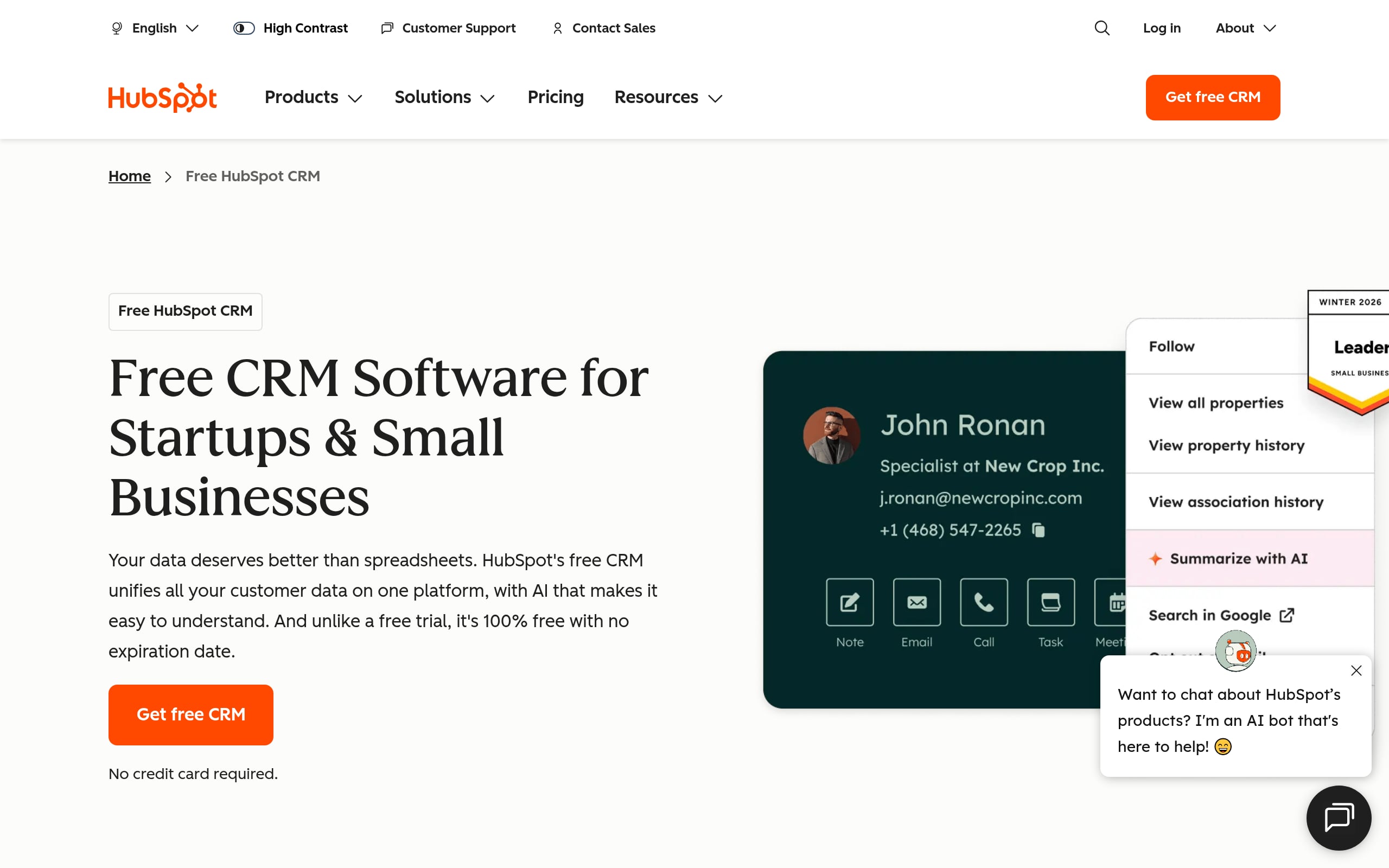
HubSpot CRM centralizes contacts, deals, tickets, and communications so teams can spin up client management fast, often on the same day. It’s a sweet spot for founders needing a generous free tier, agencies building client portals and shared inboxes, and larger orgs seeking SSO and data governance.
The differentiator is how its AI capabilities surface next actions and draft outreach across hubs, helping you move from setup to measurable outcomes quickly.
- Unlimited pipelines, contacts/companies, and custom objects adapt to your client lifecycle.
- Secure client portal for ticketing and a searchable, AI‑assisted knowledge base reduce support load.
- No‑code workflows and HubSpot AI streamline prospecting, renewals, and service responses.
- Enterprise‑grade permissions, team partitions, and reporting keep data tightly controlled.
- Robust REST APIs, webhooks, and native integrations with Slack, Gmail/Outlook, QuickBooks, Salesforce.
- Zapier and Make unlock thousands of additional connections for fast automation.
Implementation tip: Connect your email and calendar on day one, import key lists, then automate a single high‑impact workflow (e.g., trial-to-demo sequence) before scaling.
Pricing Snapshot: Free forever plan; paid tiers start at $15/seat/month. SSO and advanced governance live on Enterprise bundles.
3. Zoho CRM
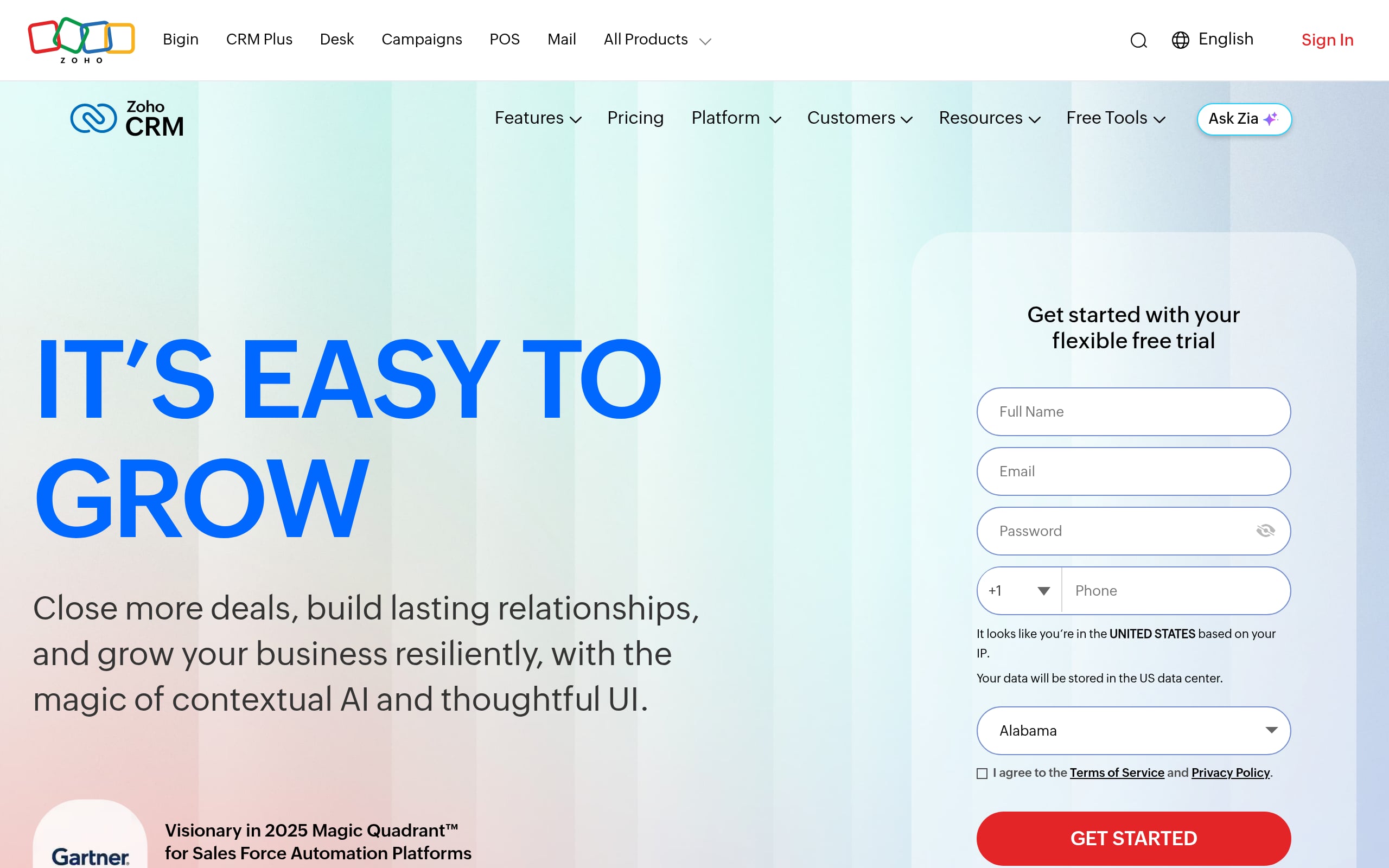
Zoho CRM brings pipelines, contacts, and omnichannel communication under one roof, with speedy implementation via templates, Canvas UI theming, and prebuilt automations.
Solo founders and agencies can ship client portals quickly, while enterprises benefit from strong governance and global data controls. Its differentiator is Zia, a privacy‑minded AI that predicts deal health, flags anomalies, and assists with content, keeping teams proactive rather than reactive.
- Multi‑pipeline deals, customizable modules, and Canvas UI tailor the CRM to your client journey.
- Client portals enable secure self‑service for updates, assets, and support.
- Visual workflow builders and Zia AI handle scoring, forecasting, and content generation.
- Role‑based permissions, field‑level security, audit logs, and data residency controls.
- REST APIs, SDKs, and native integrations for Slack, Gmail/Outlook, QuickBooks.
- Zapier and Make connectors scale automation across your stack.
Implementation tip: Use Blueprints to map your exact sales stages and required actions. Then let Zia surface at‑risk deals to focus your week.
Pricing Snapshot: Free plan for small teams; paid plans from ~$14/user/month (annual). Portal and AI capabilities vary by tier; enterprise and bundle pricing available.
4. Pipedrive
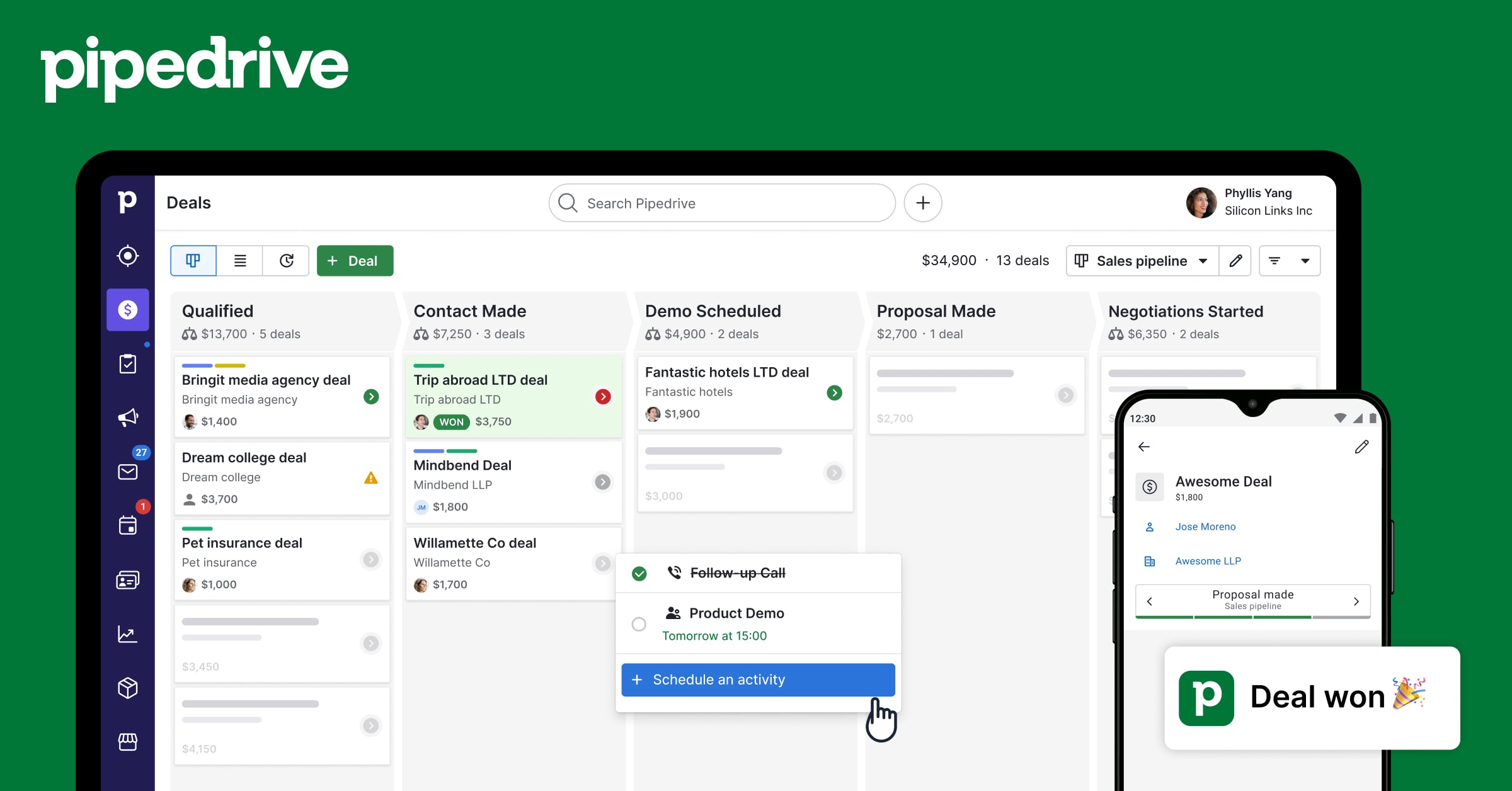
Pipedrive trims the busywork from client management with a clean, visual CRM that sales teams actually adopt
It’s a fast win for solo founders and agencies that need momentum now, and it scales with automation, analytics, and a thriving marketplace.
The standout is its AI Sales Assistant and shared Team Inbox. Together they spotlight next steps and centralize comms so nothing slips.
- Visual pipelines, contacts/companies, and activity tracking put each client’s story front and center.
- Team Inbox, native Gmail/Outlook sync, and a self‑service meeting scheduler reduce back‑and‑forth.
- Quotes and e‑signatures for quick approvals; full portals available via marketplace apps.
- No‑code automations and AI deal insights nudge timely follow‑ups and handoffs.
- Granular permissions, custom dashboards, open REST API, and webhooks for scale.
- Integrations for Slack, QuickBooks, plus Zapier/Make to orchestrate cross‑tool workflows.
Implementation tip: Mirror your real‑world process. Name stages by client milestones, then add one automation per stage (task creation, email, or handoff) to lock in consistency.
Pricing Snapshot: 14‑day free trial; paid plans start at $14/user/month (annual). SSO and advanced governance are available on upper tiers; add‑ons and Ultimate plans support larger teams.
5. Freshsales

Freshsales brings contacts, deals, and multi‑channel communication into one CRM, so revenue teams move faster with fewer tools.
It’s a value‑packed pick for SMBs and agencies, yet it scales to enterprise needs with SSO, audit logs, and data controls. Its edge is the native CPQ with e‑signature. Quotes, proposals, and contracts flow straight from the deal, shrinking cycle time without extra apps.
- Visual pipelines, account hierarchies, territories, and company views for true B2B context.
- Built‑in chat, email, and telephony unify outreach; Gmail/Outlook sync keeps everything in‑thread.
- Native CPQ and Dropbox Sign e‑signatures accelerate approvals and closing.
- Freddy AI powers scoring, insights, and workflow automation; webhooks trigger external actions.
- Roles/permissions, audit logs, sandbox environments, and robust reporting.
- REST API and integrations with Slack, QuickBooks, Zapier, and Make.
Implementation tip: Start with one quote template tied to your primary pipeline, then automate pricing approvals to remove bottlenecks.
Pricing Snapshot: Free plan for up to 3 users and a 21‑day trial; paid tiers start at $9/user/month (annual). Enterprise adds audit logs, field‑level permissions, and sandboxing.
6. Insightly
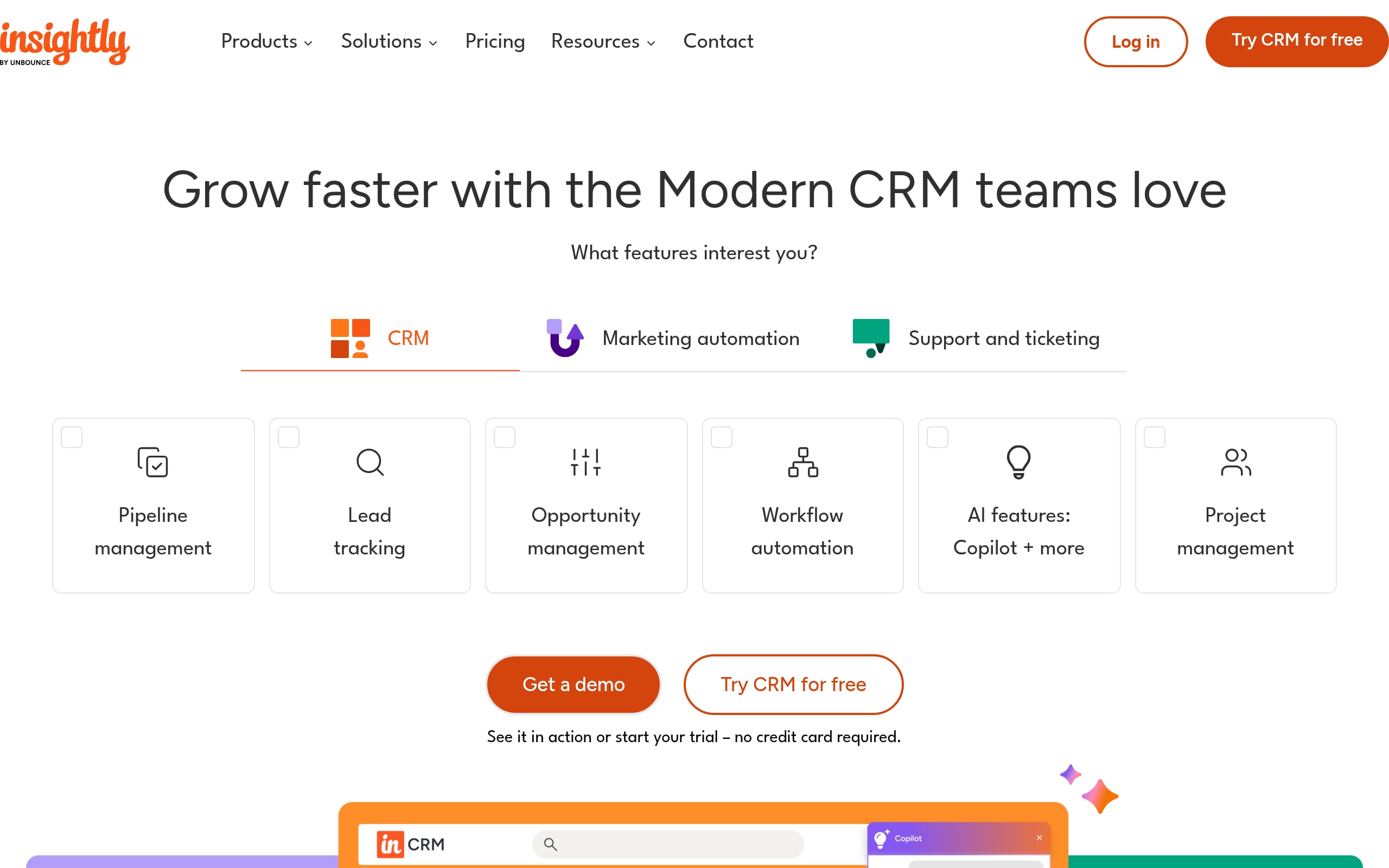
Insightly unites CRM and project delivery so service‑driven teams can manage clients beyond the signed deal. Its hallmark is opportunity‑to‑project conversion, where everything your sales team captured becomes the kickoff plan for delivery. It’s quick to implement for SMBs and scales to mid‑market with automations, SSO, and strong governance.
If you need sales and post‑sale execution in one place, start here.
- Leads, opportunities, and accounts convert into projects with milestones, tasks, and dependencies.
- Branded client portals via Insightly Service enable knowledge access and ticket submission.
- No‑code automations, webhooks, and Copilot AI streamline routine work.
- Real‑time dashboards, validation rules, and permissions standardize visibility and control.
- REST API, SDKs, and native Gmail/Outlook, Slack, and QuickBooks integrations.
- AppConnect, Zapier, and Make orchestrate workflows across your entire stack.
Implementation tip: Define a standard “won deal → project template” with roles and tasks so handoffs are one click and result in zero chaos.
Pricing Snapshot: 14‑day free trial; CRM plans start at $29/user/month (annual). Plus plan caps records/storage; enterprise bundles and all‑in‑one packages available.
7. Keap
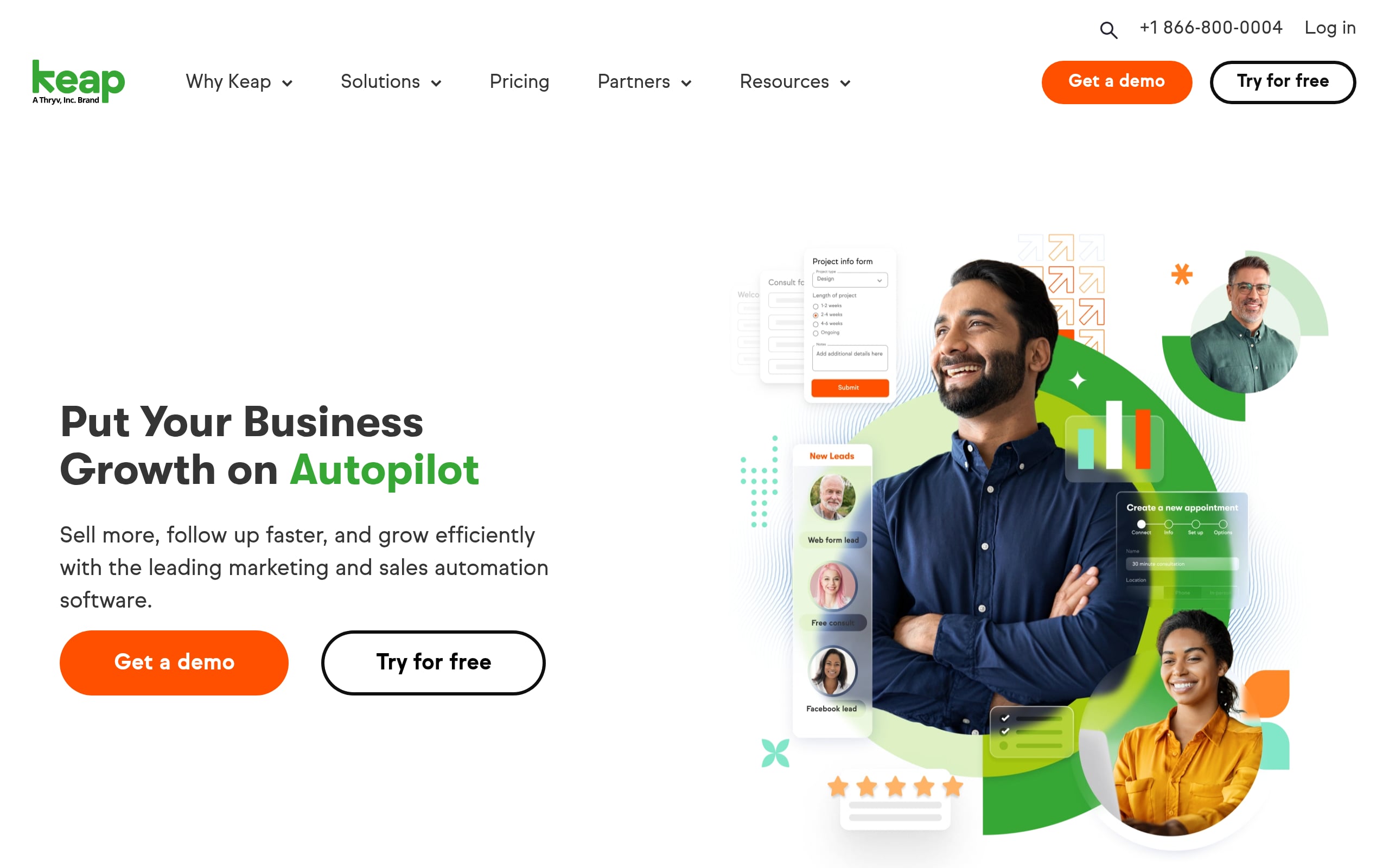
Keap is the SMB workhorse that ties contacts, appointments, pipelines, quotes, billing, and automation into one flow. Founders, coaches, and small agencies get end‑to‑end client management without stitching five tools together.
Templates and guided onboarding make implementation brisk, while contact‑based tiers scale as you grow. If revenue ops needs to “just work,” Keap’s all‑in‑one model pays off quickly.
- Core CRM with contact management, Kanban pipelines, quotes, invoices, and payment links.
- Native appointment scheduling with Google/Outlook sync and automated confirmations.
- Centralized comms via email sync, SMS marketing, and an optional business line (US/Canada).
- Built‑in payments with Keap Pay; Stripe and PayPal supported for flexibility.
- Roles/permissions and reporting to track funnel health and ROI.
- REST API plus Zapier/Make and QuickBooks for downstream finance ops.
Implementation tip: Automate your highest‑leverage nurture, such as the flow from a new lead to a booked appointment. Then layer in quote and invoice automations for a true hands‑off flow.
Pricing Snapshot: 14‑day free trial; paid plans start at $299/month for 1,500 contacts and 2 users. Required onboarding applies; pricing scales by contact tier with custom options for larger databases.
8. Nutshell
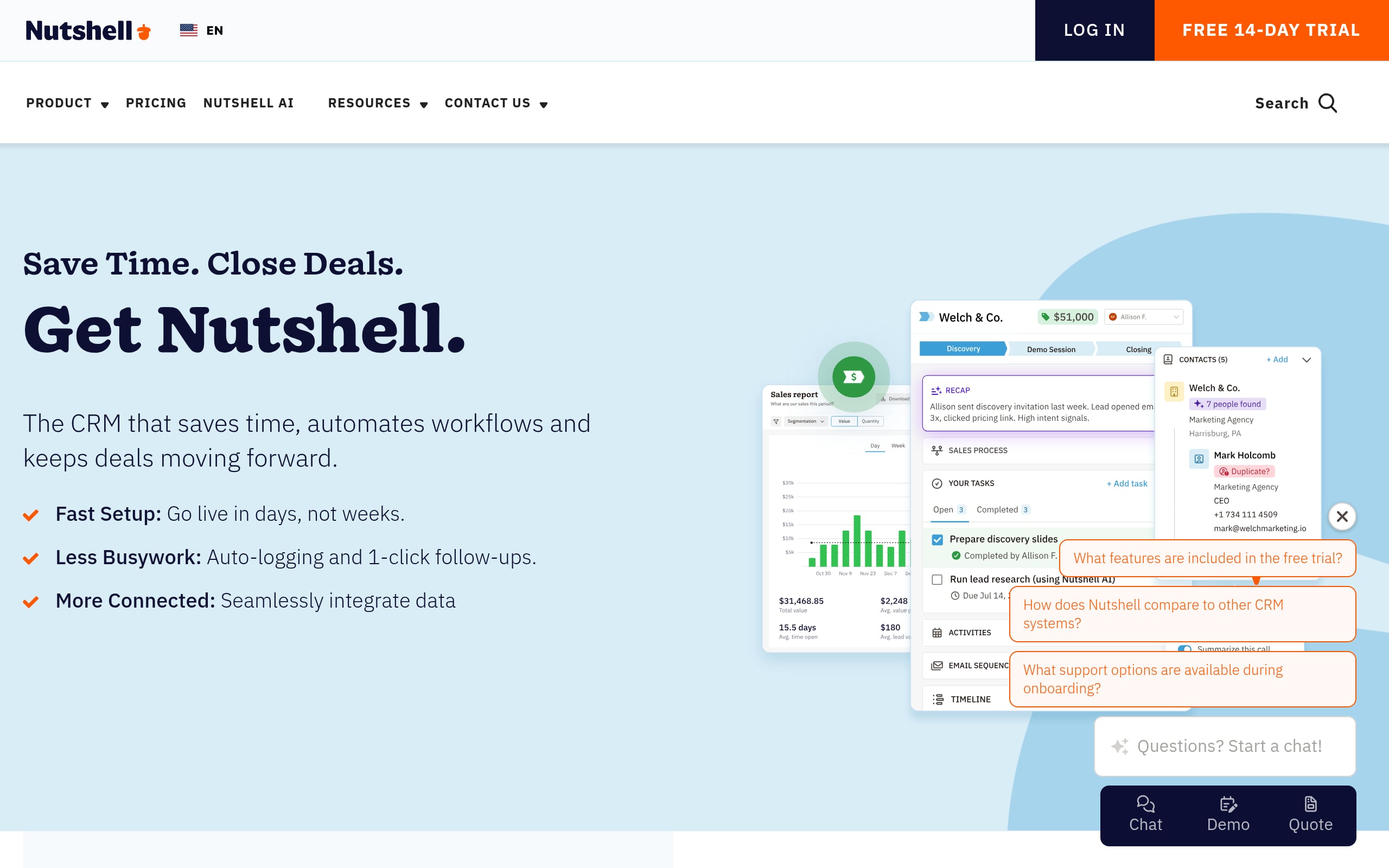
Nutshell is a delightfully simple CRM that centralizes contacts, pipelines, and multi‑channel outreach so teams can adopt it fast and actually use it. It’s an easy lift for SMBs and agencies chasing quick wins, yet it also brings enterprise credibility with SSO and audit logs.
Its differentiator is its breadth-in-the-box design. Web chat, AI chatbots, email marketing, and even invoicing live right inside the platform.
- Unlimited contacts, customizable pipelines, and reporting that highlights what moves deals.
- Unified inbox for two‑way email (Google/Outlook), web chat, SMS, and social DMs.
- Client self‑service via forms, landing pages, and shareable quotes/invoices.
- Sales automation and AI features for call logging, lead recaps, and 24/7 lead capture.
- Role‑based permissions, advanced reporting, SSO/audit logs on enterprise tiers.
- Open APIs and integrations with Slack, QuickBooks, Xero, plus Zapier for everything else.
Implementation tip: Turn on the unified inbox first to centralize comms, then add one automation per stage to standardize follow‑through.
Pricing Snapshot: 14‑day free trial; starts at $13/user/month (annual) with unlimited contacts. Entry tier caps open leads; SSO on Enterprise. Engagement/marketing add‑ons available.
9. Agile CRM
Agile CRM fuses sales, marketing, and service into one streamlined stack so small teams can manage clients end‑to‑end with minimal setup. It’s fast, generous at the free tier, and grows into enterprise features like SSO and full API access.
The sleeper hit is its native telephony that triggers post‑call automations, which is perfect for inside sales and support teams that live on the phone.
- 360° contact view, custom deal pipelines, appointment scheduling, and lead scoring.
- Two‑way email (Gmail/Office 365) with shared inbox to centralize threads.
- Built‑in helpdesk, knowledge base, and live chat for client self‑service.
- Drag‑and‑drop automation builder for campaigns and web engagement.
- Full REST API, SDKs, webhooks, and integrations with Stripe, Shopify, Twilio.
- Zapier and Make power cross‑app automations at scale.
Implementation tip: Pair telephony with call outcome tags and an immediate follow‑up sequence. Your conversion lift will show up in days, not months.
Pricing Snapshot: Free plan for up to 10 users; paid plans start at $8.99/user/month (annual). Starter limits integrations; Enterprise unlocks advanced controls and higher limits. Custom pricing available.
10. Apptivo
Apptivo is a modular, all‑in‑one suite with CRM, projects, support, and invoicing, so you can design a client operating system that scales with you.
SMBs and agencies get quick wins from its client portal and 65+ native apps; larger orgs lean on SOC 2 Type II, SSO options, and robust APIs. If you want breadth without bloat, Apptivo’s app‑by‑app model keeps your stack tidy and extensible.
- Core CRM apps for Leads, Contacts, Customers, Opportunities, and Cases with a 360° client view.
- Client portals for project progress, documents, and invoice payments with granular access.
- Event‑ and time‑based workflow automations drive tasks, emails, and deal progression.
- Configurable dashboards, roles/permissions, and fine‑grained data controls support governance.
- REST API and native integrations with Google Workspace, Microsoft 365, Slack, QuickBooks, Xero.
Implementation tip: Launch with Customers, Opportunities, Projects, and Invoices, then add niche apps as processes mature to avoid over‑configuring on day one.
Pricing Snapshot: 14‑day free trial; plans start at $15/user/month (annual). Accounting integrations (QuickBooks/Xero) require higher tiers; custom enterprise pricing offered.
11. WeWeb
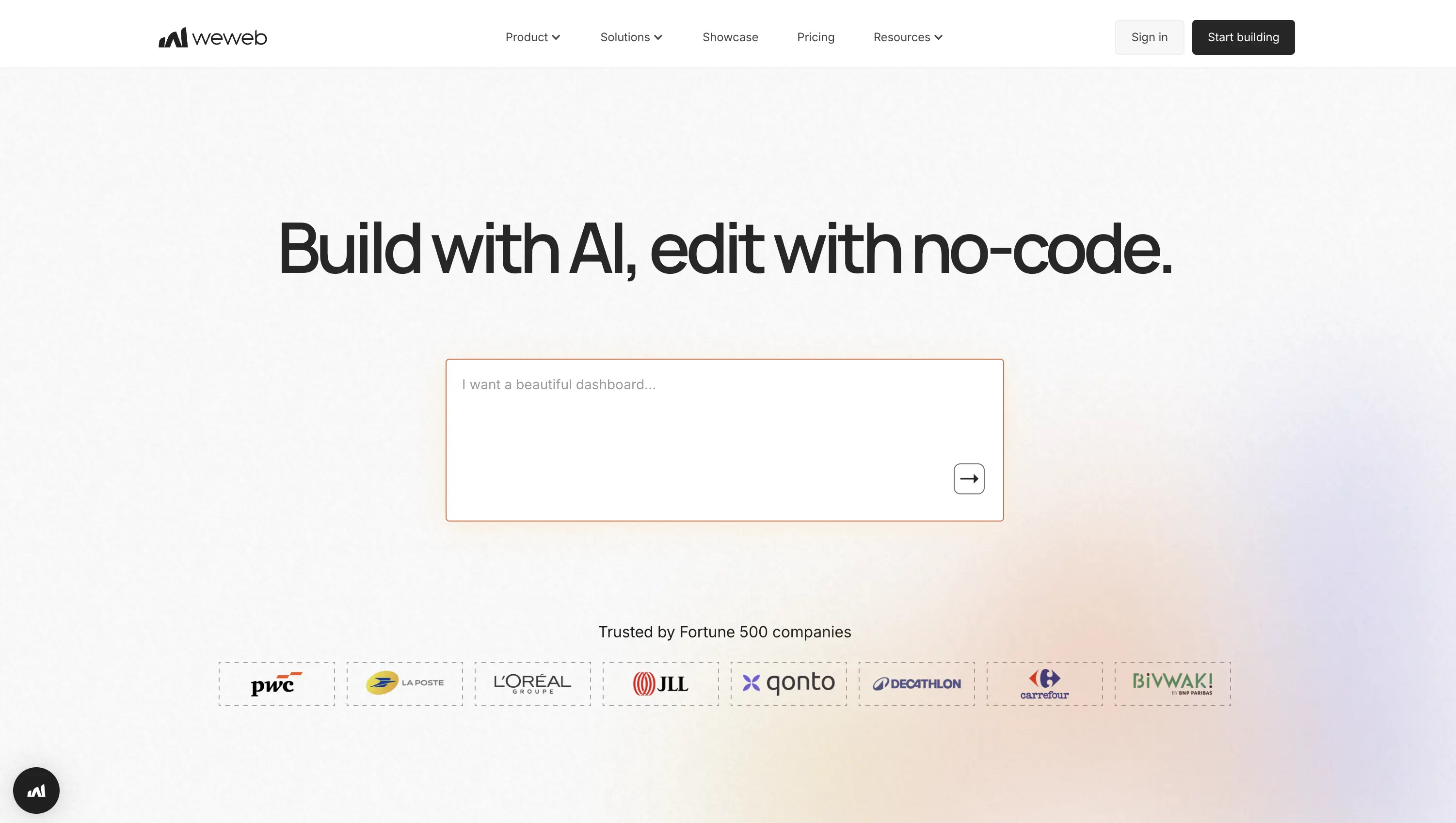
WeWeb lets you build client management app yourself, connecting your existing data, matching your exact workflow, and scaling without per-seat pricing surprises.
Key capabilities:
- Visual drag-and-drop builder for custom client dashboards, pipelines, and portals with pixel-perfect design control.
- Connect any data source: Supabase, Xano, Airtable, REST/GraphQL APIs, or use WeWeb's native backend.
- AI-assisted UI generation to scaffold layouts, workflows, and formulas, then refine visually.
- Point-and-click workflow builder for automations, multi-step processes, and conditional logic.
- Code export and self-hosting options with full ownership of your frontend and no vendor lock-in.
Pricing: Free plan with unlimited projects; paid seats from $20/month. Custom domains require a hosting add-on.
How to Choose the Right Client Management App for Your Business
Selecting the perfect client management app requires a careful assessment of your specific needs.
Start by identifying the biggest pain points in your current process. Are you struggling with disorganized communication, inefficient project tracking, or a clunky invoicing system?
Next, consider the size and structure of your team. A solo freelancer has different needs than a 50 person agency.
Look for a solution that fits your current team size but also has the capacity to scale. Finally, consider your technical capabilities.
If you need a powerful, custom solution without writing endless code, a visual development platform might be the answer. For example, you could build a production grade custom application that perfectly matches your workflow.
Implementation Playbook: Migration, Integrations, and Adoption
Successfully implementing a new client management app involves more than just choosing the right software. A clear plan is essential for a smooth transition.
- Data Migration: Begin by cleaning and organizing your existing client data. Most applications offer tools or services to help you import contacts, projects, and other historical information.
- Key Integrations: Connect the new app to your critical business tools. Integrating your email, calendar, and accounting software from day one will create a unified workflow and maximize efficiency. Research shows that businesses using integrated applications report higher levels of productivity.
- Team Training and Adoption: Schedule training sessions for your entire team. Focus on the benefits the new system provides for their specific roles. Encourage feedback and provide ongoing support to ensure everyone is comfortable and confident using the new tool. A phased rollout can also help ease the transition.
Costs, Pricing Models, and ROI
The cost of apps for client management can vary significantly. Common pricing models include:
- Per User, Per Month: This is a popular model where you pay a monthly fee for each person on your team who uses the software.
- Tiered Plans: Many providers offer different tiers of service, with more features and higher limits available at higher price points.
- Freemium Models: Some apps offer a free basic plan with limited functionality, which can be a great way to test the software before committing.
Calculating the return on investment (ROI) involves looking beyond the subscription fee. Consider the time saved through increased efficiency, the value of improved client retention, and the potential for new business won through better organization. Businesses that effectively manage customer relationships often see a significant impact on their bottom line. In fact, a study by Forrester found that a better customer experience can lead to a 1.6x increase in brand awareness and a 1.7x increase in customer loyalty over a two year period.
Trends to Watch in Client Management Software
The world of client management software is constantly evolving.
One of the most significant trends is the integration of Artificial Intelligence (AI). AI is being used to automate repetitive tasks, provide intelligent insights into client behavior, and even draft communications. This allows teams to focus on more strategic, high value activities.
Another key trend is the demand for greater customization and backend freedom.
Businesses want tools that adapt to their unique processes, not the other way around. This is where the next generation of visual development platforms shines.
Tools like WeWeb combine AI generation with a powerful visual editor, allowing professional teams to build enterprise ready apps for client management with complete control and the ability to self host.
The ability to import and edit custom coded components gives teams the flexibility that traditional no code tools often lack.
Conclusion
Choosing the right client management app is a critical decision that can have a profound impact on your business’s efficiency, client relationships, and overall profitability.
By understanding the core features, evaluating your specific needs, and planning for a smooth implementation, you can unlock a new level of organization and growth.
Whether you opt for an off the shelf solution or decide to build a completely custom application, the goal is the same, to create a system that empowers you to deliver exceptional service and build lasting partnerships.
Ready to take full control of your application development? Explore how WeWeb can help you build the custom tools your business needs to succeed. See what leading teams have built in our showcase.
FAQs
What is the main purpose of a client management app?
The primary purpose of a client management app is to centralize all client related information and activities. This includes storing contact details, tracking communications, managing projects, and handling invoicing, all within a single, organized system to improve efficiency and strengthen client relationships.
Can small businesses benefit from apps for client management?
Absolutely. Small businesses often benefit the most from apps for client management. These tools help them stay organized, present a professional image, and compete with larger companies by providing excellent customer service without needing a large team.
How are client management apps different from CRM software?
While there is some overlap, client management apps typically focus on managing existing client projects and relationships post sale. CRM software is often more focused on the presale process, such as lead generation, pipeline management, and converting prospects into customers.
Is it difficult to switch to a new client management system?
Switching can be a challenge, but with proper planning, the transition can be smooth. A good implementation plan that includes data migration, team training, and integrating other key software will minimize disruption.
What should I look for in an app for client management?
Look for core features like a central contact database, communication tracking, project management capabilities, and invoicing. Also, consider factors like ease of use, integration options, and scalability to ensure the app meets your business needs now and in the future.