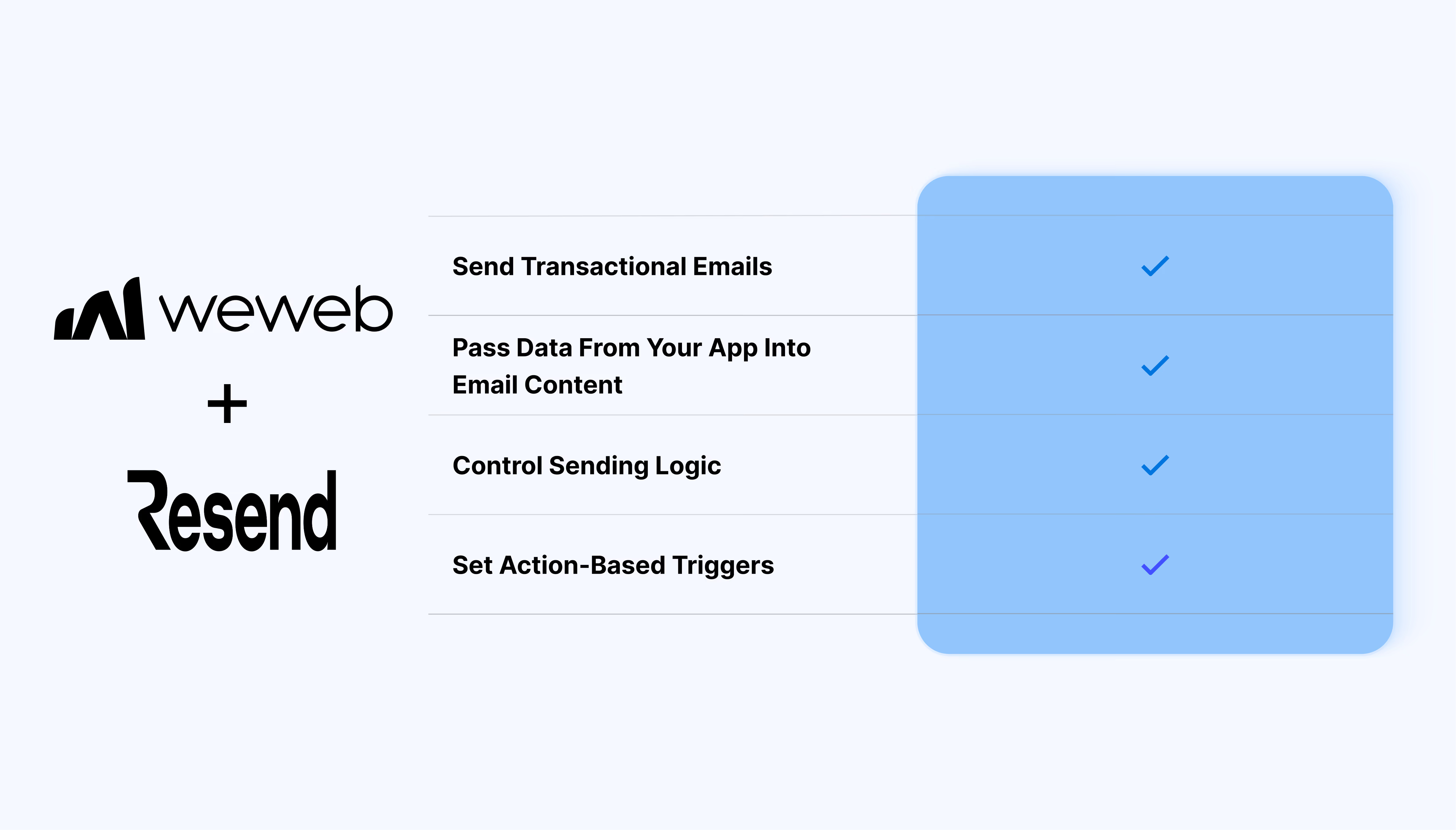
A direct way to send emails as part of your app logic
The Resend integration lets you:
- Send emails using the Send Email action in backend workflows
- Define recipients, subject, and HTML content dynamically
- Pass data from your app into email content for personalization
- Trigger emails after actions like form submissions or API responses
- Use your own verified domain as the sender
- Control sending logic with conditions and workflow steps
- Combine email sending with database updates or API calls
What WeWeb supports natively
| Category |
Feature |
What it does |
| Email sending |
Send emails from workflows |
Trigger transactional emails from backend workflows using the Send Email action |
| Email content |
Dynamic email content |
Pass variables into subject, recipients, and HTML body |
| Email content |
HTML emails |
Define structured email content using HTML |
| Sender setup |
Custom sender |
Send emails from your verified domain and email address |
| Recipients |
Flexible recipients |
Send to one or multiple recipients dynamically |
| Workflow logic |
Conditional sending |
Control when emails are sent using workflow conditions |
Why use WeWeb with Resend
The combination of WeWeb and Resend gives you a reliable way to send transactional emails without adding unnecessary layers or abstractions.
Perfect for use cases like:
- Sending confirmation emails after a user submits a form
- Notifying users when data changes (status updates, approvals, etc.)
- Sending account-related emails like onboarding or verification
- Triggering internal notifications based on backend events
- Delivering generated content or reports via email
And more…
Integrating Resend with WeWeb
Integrating Resend with WeWeb is straightforward:
- Add Resend as an integration in the WeWeb Editor
- Connect your account using your API key
- Create a backend workflow that uses the Send Email action
- Define recipients, subject, and HTML content
For detailed, step-by-step instructions, check out our docs.
Best practices
- Use a verified domain to improve deliverability
- Keep email logic inside backend workflows for consistency
- Structure HTML content clearly for reliable rendering
- Use workflow conditions to control when emails are sent
Limitations:
- The integration supports a single core action: Send Email
- Advanced features like campaigns or sequences are not handled by the integration
FAQs
Can I send emails from the frontend?
No. Emails are sent from backend workflows using the Send Email action.
Can I personalize emails with dynamic data?
Yes. You can insert dynamic values from your app into recipients, subject, and content.
Do I need a verified domain?
Yes. You need to verify a domain in Resend to send emails.
Can I create reusable email templates?
Not directly in WeWeb. Email content is defined in each workflow, or managed externally.
Can I send emails to multiple recipients?
Yes. You can define one or multiple recipients in the Send Email action.
Is this suitable for marketing campaigns?
No. This integration is designed for transactional emails, not large-scale campaigns.