Integrate media into your app without building custom infrastructure
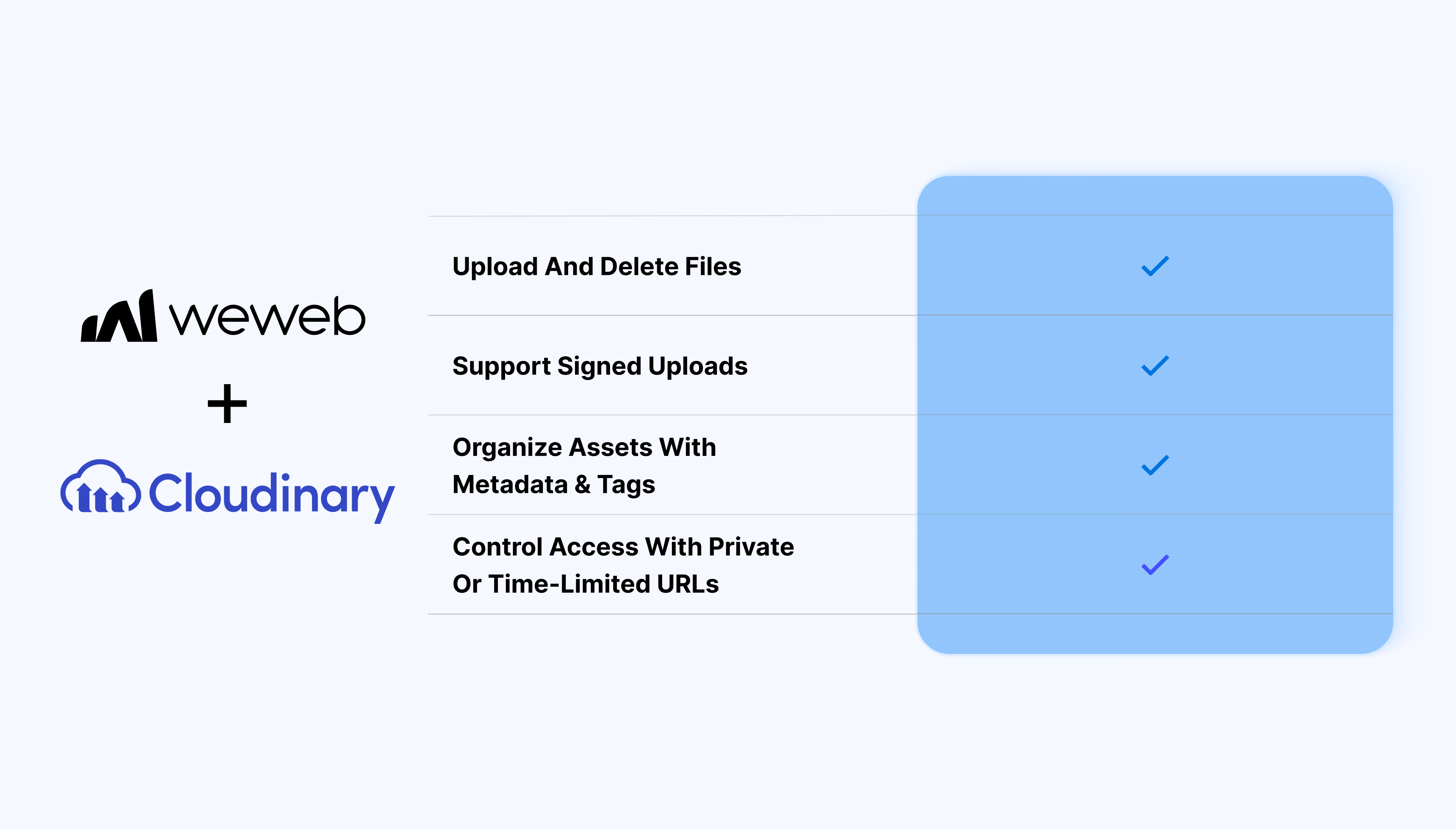
The Cloudinary integration lets you:
- Enable direct uploads from the interface using signed requests
- Support image, video, and raw file types
- Trigger uploads and asset updates inside backend workflows
- Organize assets with metadata and tags tied to your app logic
- Control access with private or time-limited URLs
What WeWeb supports natively
| Category |
Feature |
What it does |
| Uploads |
Backend uploads |
Upload files to Cloudinary from workflows using URLs, base64, or file inputs |
| Uploads |
Direct user uploads |
Let users upload files from the interface using signed upload flows |
| Media delivery |
Generate asset URLs |
Dynamically generate image and video URLs to display in your app |
| Media delivery |
Transform assets |
Apply resizing, formatting, and quality settings when generating URLs |
| Asset management |
List and retrieve assets |
Fetch all assets or a specific file to display or manage in your app |
| Asset management |
Update metadata |
Add or update tags, context, and moderation settings |
| Asset management |
Delete assets |
Remove files and optionally invalidate cached versions |
| Security |
Signed URLs |
Generate temporary or private access links for restricted files |
| File types |
Multi-format support |
Handle images, videos, and raw files in the same workflows |
Why use WeWeb with Cloudinary
Cloudinary handles media storage and delivery. WeWeb gives you the interface, workflows, and logic to turn that into a complete product experience.
You can connect uploads, asset management, and delivery directly to user actions, workflows, and data models.
Perfect for:
- Client portals where users upload and access documents or media
- Admin dashboards to manage assets, tags, and moderation
- Marketplaces storing user-generated images and downloadable files
- SaaS tools that provide secure, temporary access to private assets
- Media libraries for browsing and delivering content across apps
And more…
Integrating Cloudinary with WeWeb
Integrating Cloudinary with WeWeb is straightforward:
- Add Cloudinary as an integration in the WeWeb Editor
- Connect your account using API credentials
- Use Cloudinary actions in backend workflows for uploads and asset management
- (Optional) Set up signed uploads for direct file uploads from the interface
For detailed, step-by-step instructions, check out our docs.
Best practices
- Use separate credentials for Editor, Staging, and Production
- Ensure signed upload parameters match exactly between steps
- Use the correct resource type (image, video, raw)
- Match the correct storage type when retrieving assets
- Use raw transformation for advanced delivery options
FAQs
Can users upload files directly from the frontend?
Yes. You can set up signed uploads so users upload files directly from the interface without routing files through your backend.
Can I generate dynamic image or video URLs?
Yes. You can generate delivery links dynamically and use them anywhere in your app UI.
Does WeWeb support private or restricted files?
Yes. You can generate signed URLs to control access and limit how long files remain accessible.
Can I organize and manage media metadata?
Yes. You can update tags, context, and moderation settings through workflows.
What types of files are supported?
Images, videos, and raw files are all supported through Cloudinary actions in WeWeb.
Do I need custom code to use Cloudinary with WeWeb?
No. The integration provides built-in actions for common workflows. You can extend behavior with dynamic parameters when needed.