



Web build tools are software applications and platforms that help developers and creators build, test, and deploy websites and web applications.
Historically, this meant complex command line interfaces and build scripts. Today, the landscape has evolved dramatically.
Modern web build tools are for everyone from startup founders launching an MVP to enterprise teams creating sophisticated internal portals.
They leverage visual editors, drag and drop interfaces, and even artificial intelligence to turn ideas into production grade applications, often in a fraction of the time.
This shift empowers more people to build without needing a massive development team, accelerating innovation across the board.
Key Criteria for Evaluating Web Build Tools
Choosing the right platform can feel overwhelming. To cut through the noise, focus on a few core criteria that determine a tool’s true value for your project. A Forrester study found that low code platforms can accelerate development by up to 10 times, so picking the right one has a massive impact.
- Ease of Use: How steep is the learning curve? A great tool should have an intuitive interface that allows you to be productive quickly, but also offers depth for advanced users.
- Scalability: Can the tool grow with you? Consider whether it can handle increased traffic, data complexity, and feature additions without a complete rebuild.
- Backend Freedom: Are you locked into the platform’s database and logic? The best web build tools allow you to connect to any backend, API, or database, giving you complete control over your data and business logic.
- Customization and Extensibility: Can you break out of the template? Look for options to add custom code, import your own components, and finely tune the user interface to match your brand’s exact specifications.
- Cost and ROI: Evaluate the pricing model against the features offered. Consider not just the subscription cost but the total cost of ownership, including development time saved and scalability potential.
Essential Features Your Web Build Tool Should Have
While every project is unique, certain features are becoming non negotiable for professional application development. Look for these capabilities when comparing your options.
- Powerful Visual Editor: A pixel perfect, drag and drop interface that gives you full control over the design and layout without sacrificing responsiveness.
- AI Generation: The ability to generate layouts, components, or even entire applications from a text prompt can dramatically speed up the initial build process.
- Component Libraries: A rich set of pre built, customizable UI components (buttons, forms, charts) that accelerate development. The ability to import your own coded components, like Vue.js components, is a significant advantage.
- Flexible Backend Integration: Look for native integrations with popular databases like PostgreSQL and Airtable, as well as the ability to connect to any REST API or GraphQL endpoint.
- Self Hosting and Export Options: For enterprise use cases or companies with strict data compliance needs, the ability to self host the application on your own infrastructure is critical.
Understanding the Landscape: Types of Web Build Tools
The world of web build tools is diverse. Understanding the main categories helps you find the right fit for your skills and project requirements.
Traditional Code Based Tools
These are the classic build tools like Webpack, Vite, and Parcel. They are incredibly powerful and flexible but require deep knowledge of JavaScript, build configurations, and the command line. They offer ultimate control but come with the steepest learning curve.
Classic No Code Platforms
Tools like Bubble and Softr pioneered the no code movement, allowing non technical users to build applications using purely visual interfaces. They are excellent for MVPs and internal tools but can sometimes limit you with their all in one approach, locking you into their backend and hosting.
AI Native or Vibe Coding Tools
A new wave of tools like Lovable and Replit focus on an AI first approach. You describe the app you want, and the AI generates the code or a functional prototype. This is fantastic for speed and ideation, but you often need to dive into the code to refine the output.
Visual Development Platforms
This modern category sits at the intersection of AI, no code, and professional development. Platforms like WeWeb combine AI generation features with a powerful visual editor.
This gives you the speed of AI and the control of a traditional no code tool, allowing you to edit every detail of the AI’s output without writing code. They also prioritize professional needs like backend freedom and the ability to incorporate custom code, making them suitable for production grade, scalable applications.
How to Choose the Right Web Build Tool for Your Project
The best tool depends entirely on who you are and what you’re building. Let’s break it down by common user profiles.
For Startup Founders
You need to move fast, validate ideas, and build a production grade product without a huge budget. Look for a platform that offers speed through AI and templates, but doesn’t sacrifice scalability or backend control. You need a tool that can build your MVP and then scale to a full SaaS business.
For Agencies and Freelancers
Your priorities are efficiency and client satisfaction. You need to deliver high quality projects quickly and hand them off seamlessly. A visual builder that is easy for non technical clients to update is key. Backend flexibility allows you to integrate with any existing systems your clients may have.
For Enterprise Teams
Security, compliance, and integration are paramount. You need an enterprise ready visual builder with robust permissions, audit logs, and self hosting options. The ability to connect to internal databases and APIs is a must, as is the power for your developers to extend the platform with custom coded components when needed. Leading companies like PwC and Decathlon rely on such professional grade visual web build tools. See real examples in the WeWeb showcase.
Top 10 Web Build Tools
Navigating the complex ecosystem of modern development requires a versatile set of instruments to automate workflows and streamline the creation process. This selection highlights the industry’s leading build tools, ranging from traditional command-line task runners to powerful no-code platforms that cater to diverse developer needs. By understanding the unique strengths of these ten options, you can better optimize your project pipeline for maximum efficiency and scalability.
1. WeWeb
WeWeb is a professional-grade full-stack app builder that decouples UI from the backend, letting teams ship scalable web apps fast without sacrificing control. It blends a visual, pro-code experience with AI assistance so you can design pixel-perfect interfaces, wire up any data source, and still drop to code when you need to.
Why teams choose it
- Visual component editor with Flexbox/Grid enables design-system fidelity and responsive layouts that scale.
- Connects to Supabase, Xano, or any REST/GraphQL API; WeWeb also has its native backend; supports OAuth/SAML for secure auth.
- Visual workflows for state and data handling, plus an AI Copilot to assist with custom JavaScript formulas.
- Extensible with custom Vue components and inline JavaScript to push beyond platform limits.
- Deploy to a global CDN or export standard Vue.js for self-hosting to avoid hard lock-in.
- Trade-off: More to learn than simple site builders, especially for complex data models.
Best fit and typical builds
A strong pick for SaaS founders evolving MVPs into real products and for enterprise teams delivering secure internal tools or client portals. It shines in data-heavy dashboards, CRUD apps, and portals where performance and backend freedom matter.
Pricing at a glance
- Free: Prototype on a staging domain.
- Paid: From $20+/month for custom domains, staging, and collaboration.
- Enterprise: Code export, self-hosting, SSO/SAML, and SLAs.
2. Webpack
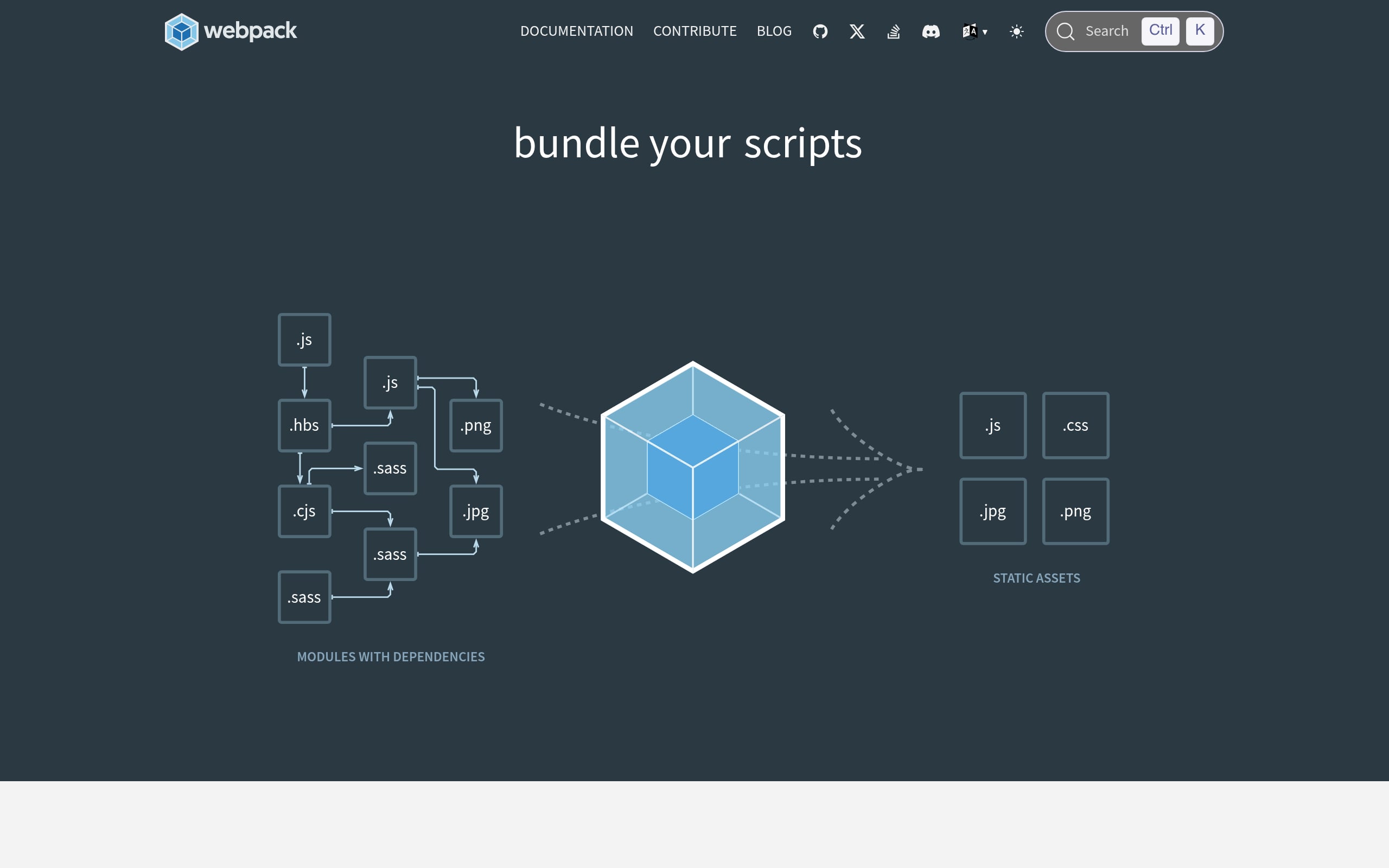
Webpack is the battle-tested module bundler for large-scale JavaScript applications, turning complex dependency graphs into optimized production assets. If you need deep control over how every byte ships, its configuration-driven model gives you the steering wheel.
Why teams choose it
- Module Federation supports micro-frontends, letting apps share code at runtime without redeploys.
- A massive ecosystem of loaders/plugins handles everything from CSS and images to custom compile hooks.
- Advanced code splitting delivers lean initial bundles with on-demand chunks.
- Tree-shaking prunes dead code for smaller, faster production builds.
- DevServer with HMR accelerates local feedback loops.
- Trade-off: Configuration complexity and build speeds can lag behind newer zero-config tools.
Best fit and typical builds
Ideal for enterprises and mature SaaS platforms building huge SPAs or micro-frontend systems. Choose it when you need precise control over the build pipeline, long-term extensibility, and predictable performance at scale.
Pricing at a glance
- Open source (MIT): Free.
- All features included; no paid tiers.
- Cost center: Developer time to configure and maintain.
3. npm
npm is the world’s largest package registry and the default package manager for Node.js, powering dependency management and build automation across the modern web. It’s the connective tissue that keeps JavaScript projects reproducible, scriptable, and secure.
Why teams choose it
- Deterministic dependency management via
package.jsonand semantic versioning. - Built-in task runner through npm scripts, so no extra tooling is required for common pipelines.
- Workspaces streamline monorepos with shared packages and local testing.
- Security auditing with
npm auditand one-command remediation. - Ubiquitous in CI/CD and container workflows across major clouds.
- Trade-off: Bulky
node_modulescan impact disk usage and install times.
Best fit and typical builds
Essential for anything JavaScript, from React MVPs to sprawling micro-frontend architectures. Use it for CRUD apps, SaaS portals, server-side Node services, and any project that benefits from the JS ecosystem’s breadth.
Pricing at a glance
- Public (Free): Unlimited public packages and auditing.
- Pro/Team: ~$7/user for private packages and access controls.
- Enterprise: Custom SSO, compliance, and support.
4. Gulp
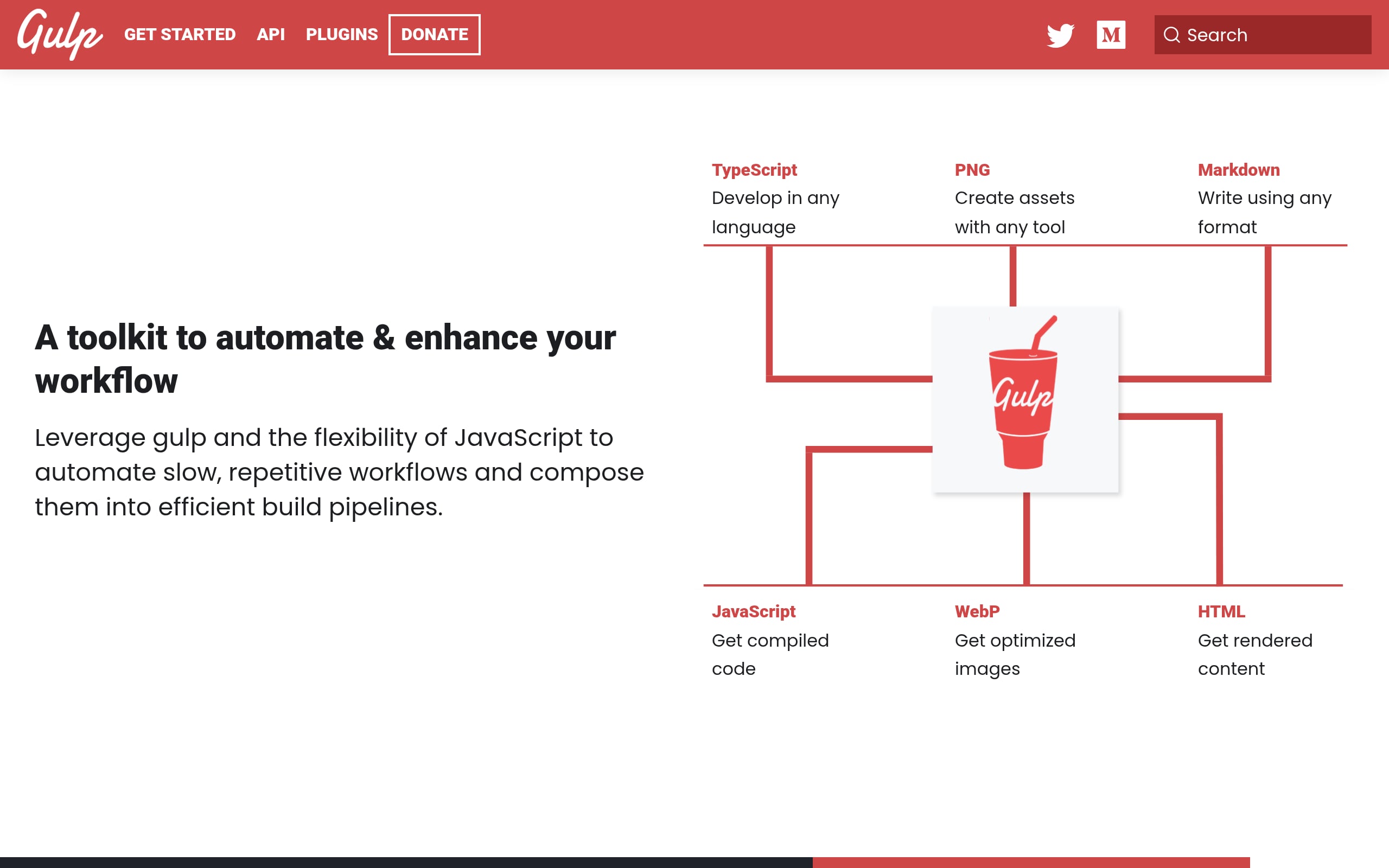
Gulp is a code-centric JavaScript toolkit that automates front-end chores, from preprocessing to optimization, using fast, in-memory streams. It’s a flexible way to craft exactly the pipeline you need without surrendering control to a heavyweight bundler.
Why teams choose it
- Streaming architecture minimizes disk I/O for speed.
- Precise orchestration with
series()andparallel()for complex pipelines. - 4,000+ plugins for minification, image compression, and more.
- Write programmatic logic in JavaScript to handle edge-case workflows.
- File watchers trigger fast, incremental rebuilds.
- Trade-off: Manual plugin curation and dependency upkeep are ongoing overhead.
Best fit and typical builds
Great for legacy codebases, WordPress themes, static sites, or bespoke tasks that don’t fit zero-config tools. Commonly used in enterprises to automate docs, linting, and even non-build chores alongside app delivery.
Pricing at a glance
- Open source (MIT): Free for commercial use.
- No per-seat fees; primary cost is maintenance.
- Deployable anywhere.
5. Grunt
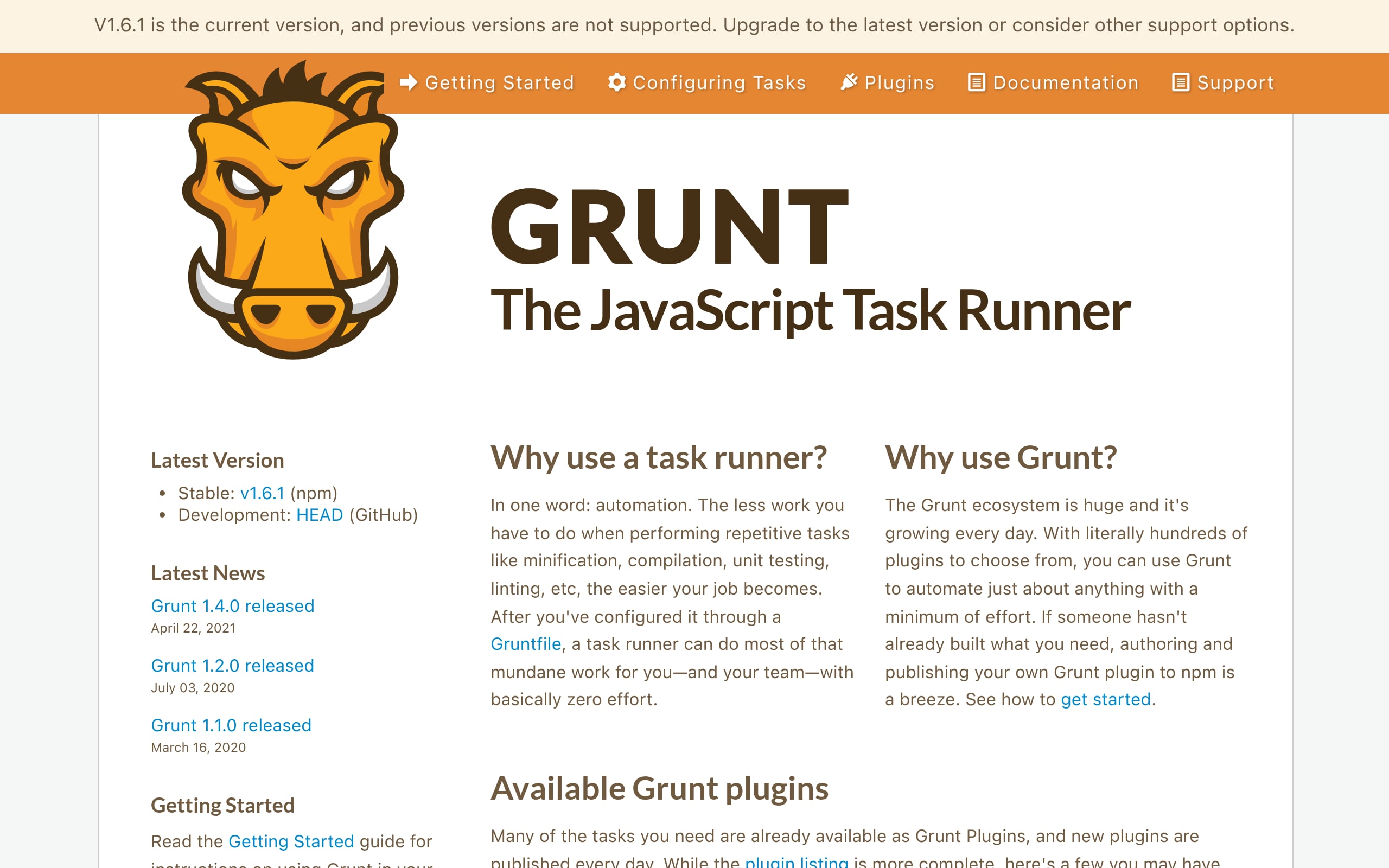
Grunt is a veteran task runner that leans on configuration-over-code to tame repetitive build steps. When stability and predictability are paramount, its declarative approach keeps complex asset pipelines understandable and dependable.
Why teams choose it
- 6,000+ plugins for optimization, prefixing, cache-busting, and more.
- Declarative
Gruntfile.jssimplifies standardizing workflows across teams. - Strict sequential execution manages tricky file dependencies safely.
- Easy CI integration (e.g., GitHub Actions) for automated linting and tests.
- Extend with custom JavaScript tasks for special requirements.
- Trade-off: Disk-based I/O makes it slower than stream-based or modern bundlers for large builds.
Best fit and typical builds
Well suited to enterprise legacy apps and monoliths where documented, long-lived pipelines matter more than cutting-edge speed. Agencies rely on it for high-volume static builds and repeatable delivery.
Pricing at a glance
- Open source (MIT): Free, including plugins.
- Community support via GitHub; no paid tiers.
- Unlimited projects and seats.
6. CodeKit
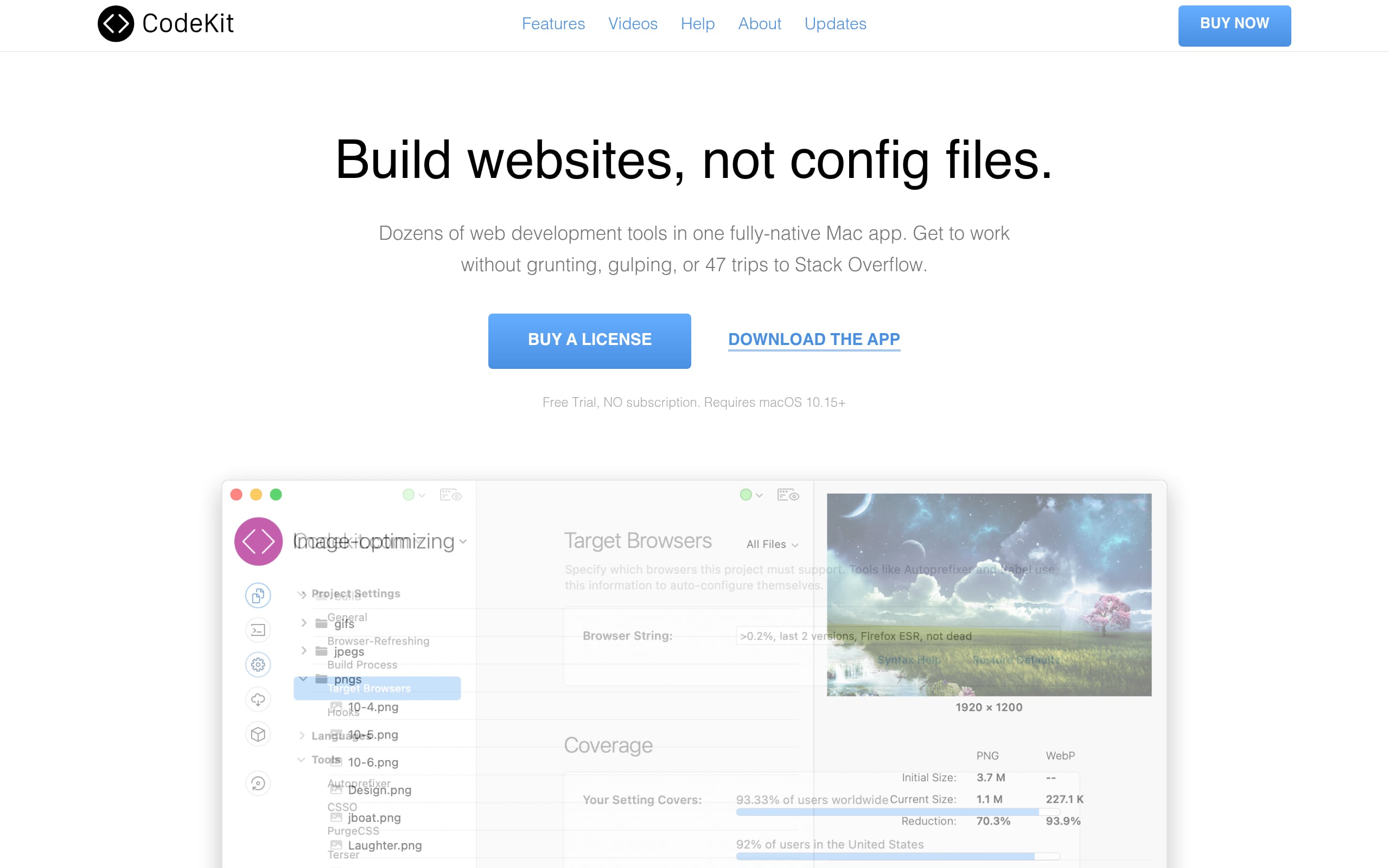
CodeKit is a polished macOS GUI that compiles, transpiles, and optimizes web assets. No terminal wrangling is required. It’s the grab-and-go toolkit for designers and developers who want production results without deep build config.
Why teams choose it
- Auto-compiles Sass, Less, TypeScript, and Markdown to production-ready assets.
- Built-in minification and image optimization (JPEG/PNG/SVG) cut payloads drastically.
- Live-reload server injects CSS and syncs interactions across devices.
- Babel + Autoprefixer ensure cross-browser compatibility out of the box.
- “Kit” partials and variables make modular static sites painless.
- Trade-off: macOS-only and less suited to very large JS apps than modern bundlers.
Best fit and typical builds
Perfect for freelancers and boutique agencies shipping marketing sites, WordPress themes, and Shopify storefronts. It excels on multi-page sites where visual asset management and speed to delivery rule the day.
Pricing at a glance
- Free trial: Full-featured for 10 days.
- Standard license: One-time $38 per user (multiple Macs).
- Discounted upgrades available.
7. Prepros
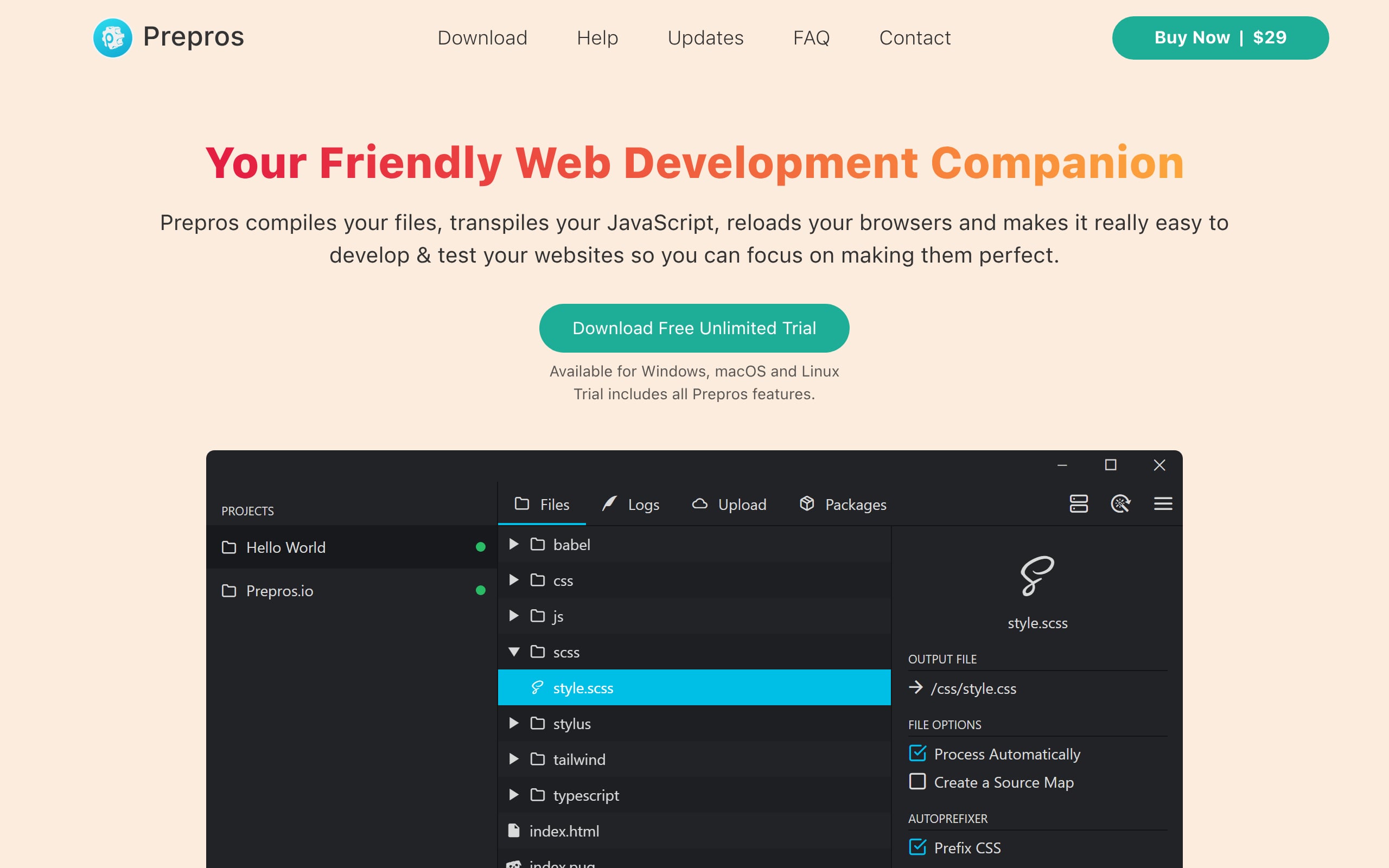
Prepros is a fast, cross-platform GUI build tool that compiles preprocessors, optimizes assets, and bundles JavaScript without CLI complexity. It’s a pragmatic way to move from design to production in minutes.
Why teams choose it
- Universal compiler for Sass, Less, and Pug, so there are no Node setup hassles.
- JS transpilation with Babel and minification via UglifyJS.
- Live sync mirrors scrolls/clicks across devices for instant responsive QA.
- Image compression and CSS autoprefixing for cross-browser performance.
- One-click FTP/SFTP deploys and custom terminal hooks.
- Trade-off: Lacks advanced tree-shaking for very large, modular JS apps.
Best fit and typical builds
Excellent for freelancers and small agencies delivering custom themes and marketing sites. It’s especially friendly for designers-who-code who want a visual dashboard over fragile, heavyweight pipelines.
Pricing at a glance
- Trial: Non-expiring with full features.
- License: ~$30 to $35 one-time per user.
- Enterprise: Volume licensing for teams.
8. PWA Builder
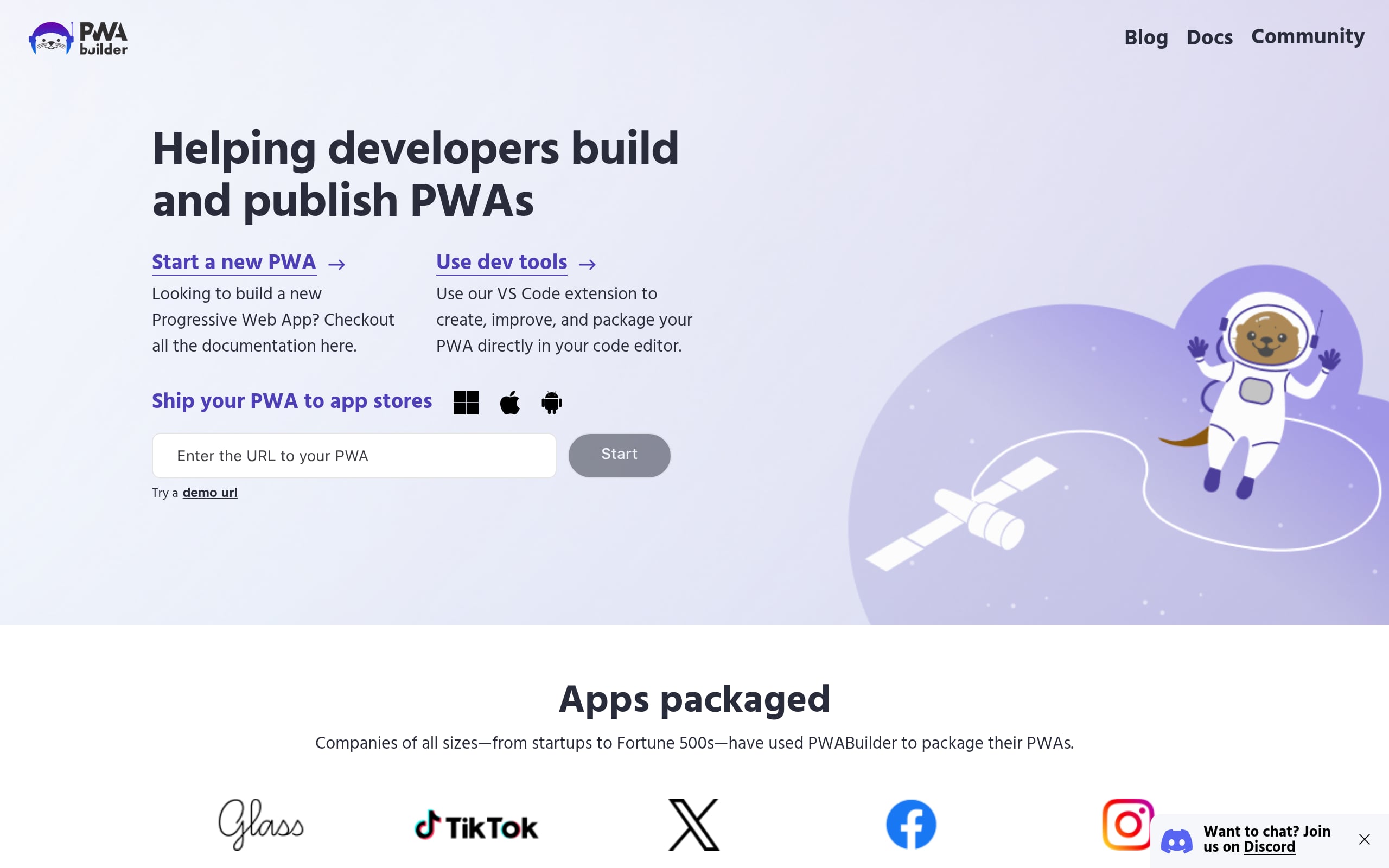
PWA Builder, from Microsoft, turns your existing website into a store-ready Progressive Web App, packaging it for major app stores from a single codebase. It’s the express lane to installable, offline-friendly experiences.
Why teams choose it
- Report Card audits your manifest and service workers to ensure installability.
- Generates app packages for Android (TWA), iOS, and Windows (MSIX) with minimal setup.
- Prebuilt service worker recipes for offline caching, background sync, and push.
- Visual manifest editor for icons, splash screens, and shortcuts with validation.
- Smooths integration of Web APIs like File System and Web Share.
- Trade-off: Requires a hosted site; performance is bounded by the device browser (e.g., WebKit on iOS).
Best fit and typical builds
Ideal for SaaS teams and agencies aiming for “native-like” reach without separate mobile codebases. Also great for enterprise internal tools where installability and offline access improve adoption.
Pricing at a glance
- Free/open source (MIT): No usage or seat limits.
- Store fees: Standard third-party app store registrations apply.
- CLI available for local, self-hosted workflows.
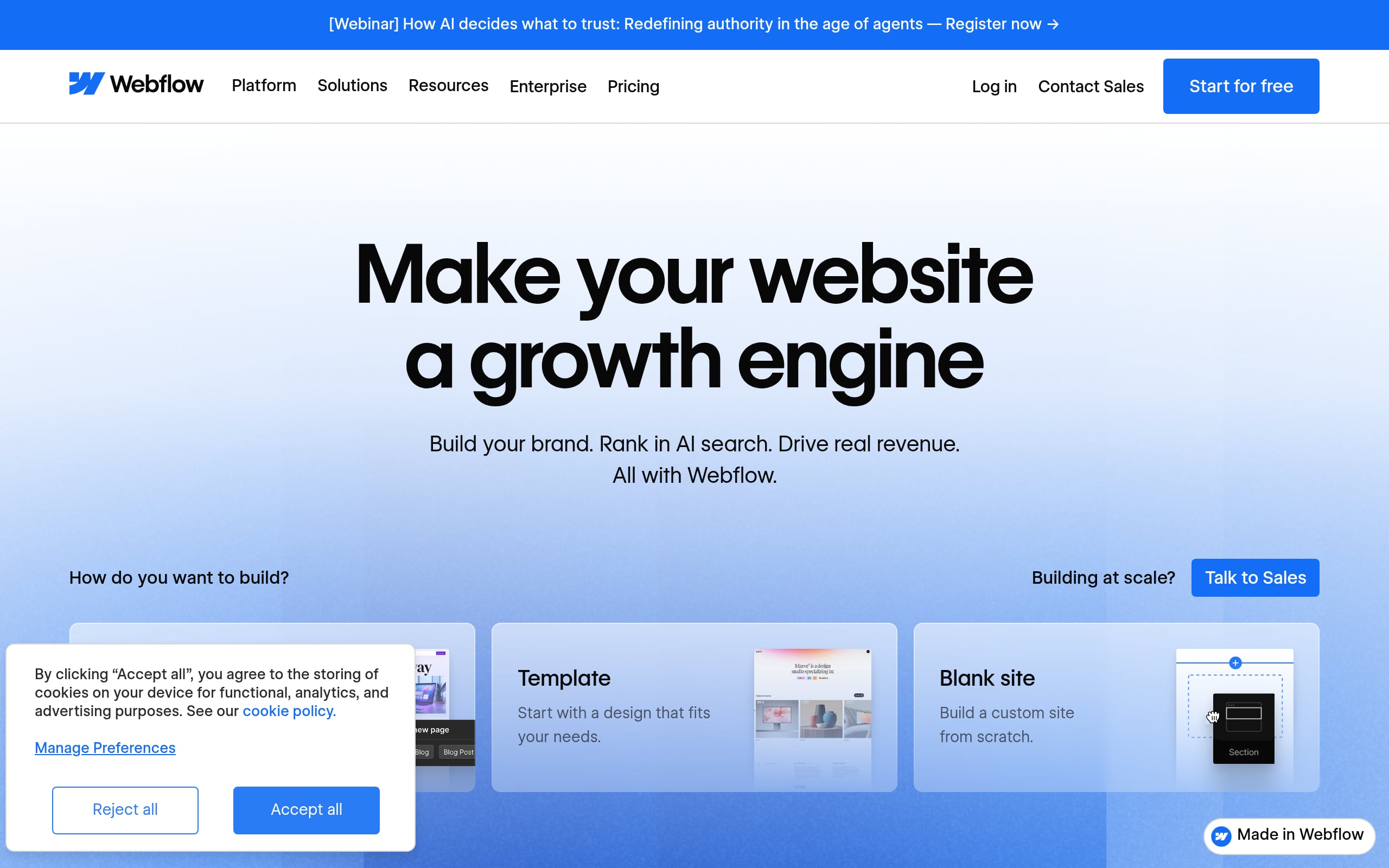
9. Webflow
Webflow is a visual development platform that turns design-canvas precision into clean, production HTML/CSS/JS. It enables teams to build responsive, high-performance sites at no-code speed without giving up code-level control where it counts.
Why teams choose it
- CSS-accurate editor with robust Flexbox/Grid controls for enterprise-grade responsiveness.
- Visual CMS plus Logic for content workflows and automation.
- Rich Interactions for advanced animations and transitions (no JS required).
- Role-based permissions and audit trails for collaborative teams.
- DevLink syncs visual components into React codebases.
- Managed AWS hosting with global CDN, custom JS, and REST API access.
- Trade-off: Learning curve for non-designers and potential CMS data lock-in.
Best fit and typical builds
A go-to for marketing teams and startups shipping SaaS sites, blogs, and landing pages. Agencies leverage it for secure client portals and product squads use it to stand up front-end layers fast.
Pricing at a glance
- Free: Staging domain for exploration.
- Paid: Site plans from $14/month; Workspaces from $19/seat.
- Enterprise: SSO, branching, and SLAs with custom pricing.
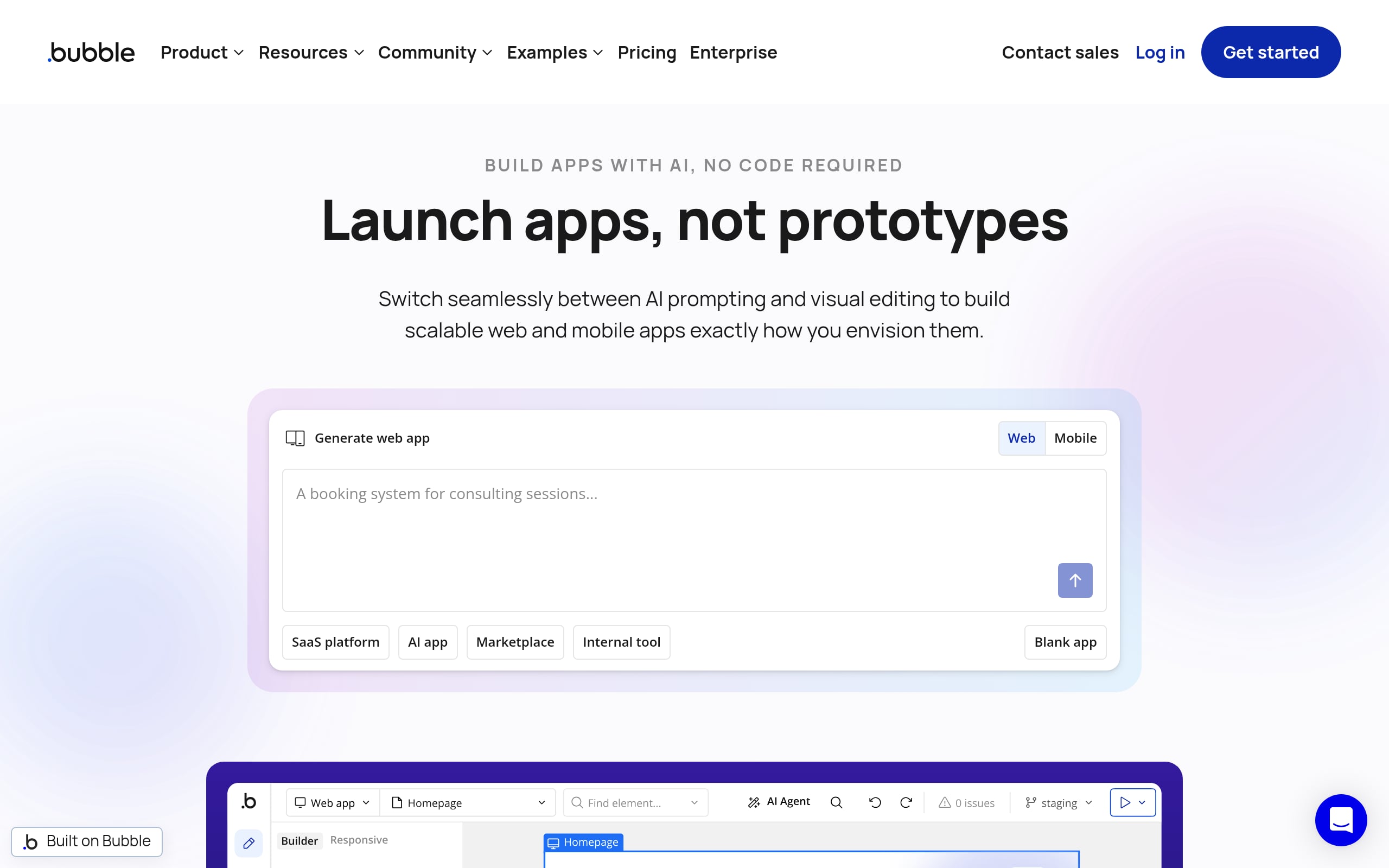
10. Bubble
Bubble is a full-stack no-code platform for building, hosting, and scaling complex web apps (front end, logic, and database included). It’s a launchpad for founders who want to ship production SaaS without assembling a traditional stack.
Why teams choose it
- Powerful visual workflows now boosted by AI to draft logic and app structure.
- Built-in relational database plus a robust API Connector (REST/GraphQL/OAuth).
- Flexbox-based responsive editor and a native mobile builder with OTA updates.
- DevOps features like versioning, branching, and granular privacy rules.
- Trade-off: No code export (vendor lock-in) and workload-based pricing requires planning at scale.
Best fit and typical builds
Perfect for founders validating and scaling MVPs into full SaaS, and for agencies delivering complex client portals fast. Enterprises use it for compliant internal tools where speed and security controls must coexist.
Pricing at a glance
- Free: Prototype with 50k Workload Units.
- Paid: $29–$399/month scaling by editors, branching, and usage.
- Enterprise: Dedicated hosting, SSO, and 24/7 priority support.
From Build to Live: Publishing and Deployment Options
Creating your application is only half the battle. How you deploy and host it is a critical decision that impacts performance, security, and control.
Most no code platforms offer managed cloud hosting, which is simple and convenient. They handle the infrastructure, so you can focus on building. This is great for many projects.
However, for businesses with specific security or regulatory requirements (like GDPR or HIPAA), self hosting is a crucial feature.
Self hosting means you can deploy the application on your own servers, whether on premises or in a private cloud like AWS or Azure. This gives you ultimate control over your data and environment.
Powerful web build tools like WeWeb offer this flexibility, ensuring you’re never locked into a hosting provider and can meet any compliance needs.
The Importance of a Strong Ecosystem
A web build tool doesn’t exist in a vacuum. Its value is magnified by its ecosystem of integrations, plugins, templates, and community support. The 2023 Stack Overflow Developer Survey revealed that developers rely on a vast array of technologies, and a platform’s ability to connect with other tools is essential.
When evaluating a tool, look for:
- A rich marketplace: Can you easily add functionality with pre built plugins or connect to services like Stripe, Segment, or Auth0?
- An active community: Is there a forum or Slack channel where you can ask questions and learn from other users?
- Extensibility: Can you build or import your own components? This is a key feature for professional teams who need to implement custom design systems or complex logic.
Focus on a Repeatable Workflow, Not Just a Toolbox
The goal isn’t just to find a collection of individual tools, but to establish a seamless, repeatable workflow from idea to deployment.
The more you can consolidate into a single, cohesive platform, the more efficient your team becomes. A fragmented process, where design, development, and deployment happen in separate, disconnected tools, creates friction and slows down progress.
Platforms that integrate AI for initial generation, a visual editor for refinement, and flexible deployment options aim to unify this workflow. This allows teams to collaborate more effectively and ship products faster. Consider how a potential tool fits into your entire process, not just one part of it.
Future Forward: Trends in Web Build Tools
The space is evolving rapidly. Staying aware of key trends can help you choose a tool that won’t become obsolete. Gartner predicts that by 2026, over 80% of enterprises will have used generative AI in their application development, signaling a massive shift.
- Generative AI is the standard: AI assistance for UI generation, data binding, and workflow creation is moving from a novelty to a core feature.
- The rise of the “pro no coder”: Tools are becoming more powerful, targeting developers and IT professionals who want to build faster without sacrificing control.
- Backend freedom is paramount: The market is moving away from walled gardens. Users demand the ability to “bring your own backend” to maintain control over their data and logic.
- Hybrid development models: The line between no code and code is blurring. The most effective web build tools will be the ones that allow for a seamless transition between visual building and code level customization.
Conclusion: Building Your Next Application
The world of web build tools has never been more exciting or accessible. Whether you’re a solo founder, a growing agency, or an enterprise product team, there’s a tool that can fit your needs.
The key is to look beyond the marketing and evaluate platforms based on their flexibility, scalability, and ability to support a professional workflow. Modern platforms are proving you don’t have to choose between speed and power. You can have both.
Ready to turn your ideas into a production grade application? Explore a platform that combines the power of AI with the control of a professional visual editor. Discover what you can build with WeWeb.
Frequently Asked Questions About Web Build Tools
What are web build tools?
Web build tools are a broad category of software that helps users create websites and web applications. They range from code based tools that automate development tasks to visual platforms that allow users to build applications with little or no code.
Can I build a complex SaaS application with a no code web build tool?
Yes, absolutely. Modern visual development platforms are designed for this. The key is to choose a tool that offers backend freedom, allowing you to connect to a scalable database like PostgreSQL or a backend as a service like Xano, and the ability to add custom code for complex logic if needed.
What’s the difference between no code and visual development?
While related, “visual development” often refers to more powerful, professional grade platforms. Traditional no code tools are excellent for simpler projects but can be limiting. Visual development platforms are built for professional developers and teams, offering more control, scalability, backend freedom, and extensibility with code.
How important is backend freedom in a web build tool?
It is critically important for any serious application. Backend freedom means you are not locked into the platform’s proprietary database. You can connect to any data source or API, which gives you ownership of your data, better performance, and the ability to scale without limitations.
Are AI web build tools ready for production use?
Yes. The best AI web build tools don’t just generate a static prototype. They use AI as a starting point within a powerful visual editor. This allows you to generate a foundation quickly and then use a robust editor to refine, customize, and connect it to a real backend, making it fully production ready.
