




Building apps for enterprise clients comes with stricter expectations around security, access control, approvals, auditability, and release processes than most SMB or startup projects.
For agencies, choosing a no-code platform is less about speed and more about meeting those expectations without sacrificing flexibility.
Enterprise buyers evaluate no-code platforms not just on build speed, but on vendor risk, long-term maintainability, compliance posture, and exit strategy. Agencies must account for procurement reviews, internal IT scrutiny, and ownership transfer long after the initial delivery.
The projects also go through formal reviews involving security, legal, and compliance, often requiring documentation such as vendor questionnaires, DPIAs/VPATs, and penetration-test reports.
These requirements shape not only how enterprise apps are built, but also which no-code platforms are viable choices.
With this in mind, let’s take a look at the 5 best no-code tools for agencies serving enterprise clients.
WeWeb
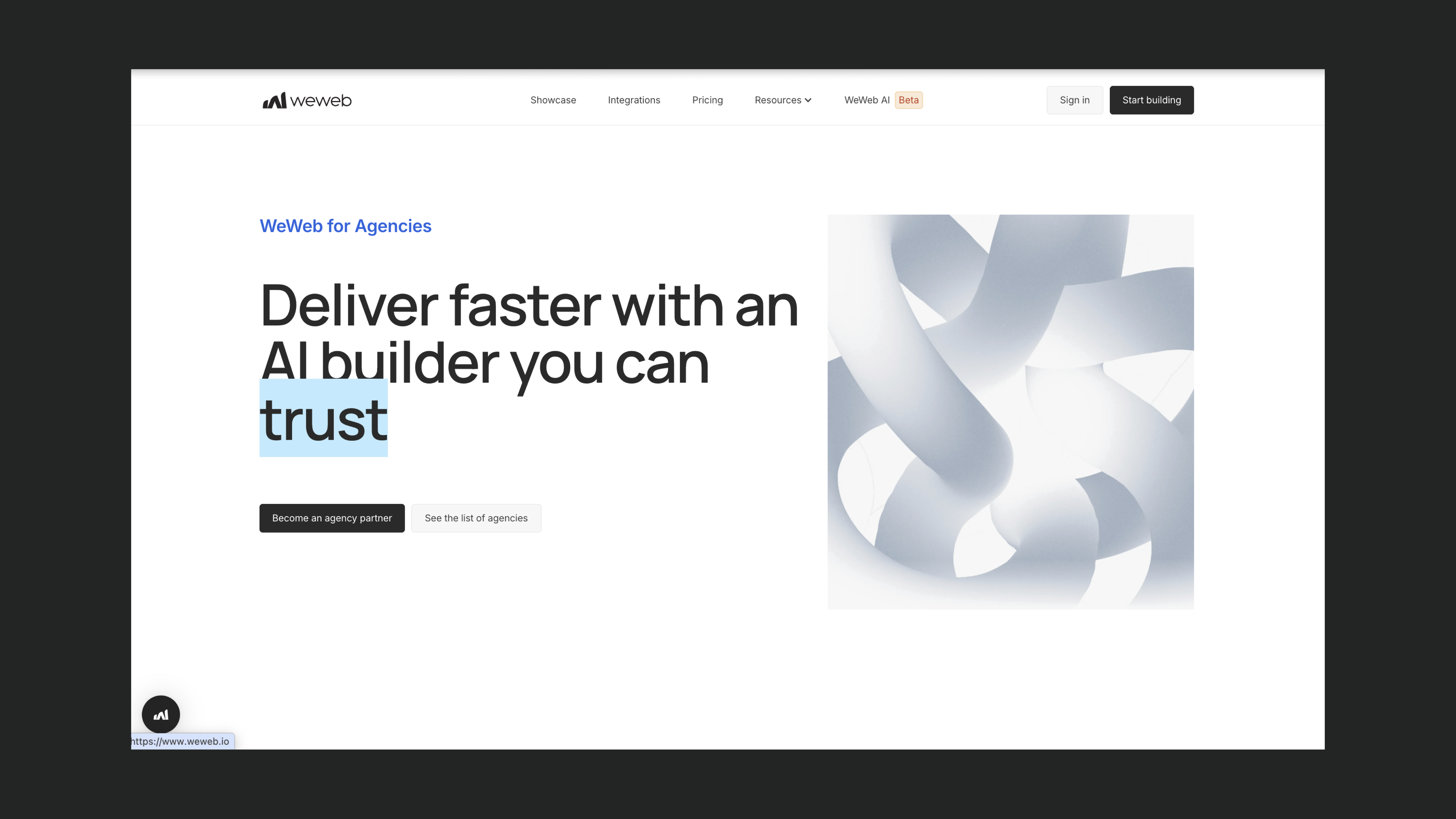
WeWeb is an AI-powered no-code builder that combines a flexible, backend-agnostic architecture with enterprise-level features such as auditability, advanced security control, SSO options, and more.
For agencies serving enterprises, WeWeb stands out by balancing design flexibility with workflows that make it easy to deliver projects to multiple clients, transfer ownership at handoff, and support long-term client operations.
Main features
Backend-agnostic
WeWeb does not impose a proprietary backend. You can connect to existing enterprise systems via REST or GraphQL APIs, or integrate natively with Xano, Supabase, Airtable, and other popular tools. This makes it well suited to enterprise projects where the backend stack is already defined, owned by another team, or subject to internal standards and governance.
For teams that want to keep everything in one place, WeWeb also offers a native backend (database, serverless functions, auth, storage, and email) available à la carte. You can use it alongside an existing backend or as a standalone stack, without being forced into it.
Code export and self-hosting
Projects compile to standard SPA/PWA front-end code that can be exported and deployed on the client’s own infrastructure. This significantly reduces vendor lock-in concerns, which are common in enterprise security and enables agencies to hand over a tangible codebase at the end of an engagement.
Auth, roles, and permissions
WeWeb supports multiple authentication approaches, including Supabase Auth, Xano Auth, Auth0, OpenID/OIDC, WeWeb Auth, and custom JWT. Combined with page-level role and group-based access, this enables secure multi-role tools.
WeWeb for agencies program
With WeWeb, agencies can work in client workspaces without additional seat costs and transfer ownership of projects to clients at the end of a project. Plus, agencies get a 20% commission on clients' WeWeb subscriptions as long as they have their paying subscription.
Multi-tenant and B2B SaaS patterns
The WeWeb + Xano combination is often used by agencies to build multi-tenant applications for their clients, where a single product supports multiple organizations, each with isolated users and data.
When to use WeWeb:
- You’re building custom, production-grade web applications such as internal tools, customer portals, dashboards, or SaaS frontends.
- You're building pixel-perfect, fully responsive interfaces where designers and developers need fine-grained control over layout, styling, and interactions.
- You need to build an app on top of an existing or preferred backend, mix and match different data sources, or start fresh with WeWeb's own native backend covering database, auth, storage, and server logic.
- Vendor lock-in, self-hosting, or code ownership are important procurement or legal requirements, and exporting the codebase is necessary.
- You’re building an app that requires granular page-level access, groups, and integration with external enterprise identity providers (Auth0, OIDC, etc.).
When not to use WeWeb:
- Native mobile apps are a core requirement, as WeWeb focuses on responsive web apps and PWAs rather than native mobile builds.
How other agencies are building with WeWeb
- Soraia: Built a custom recruitment platform for a 400+ employee company, migrating them off a legacy PHP system in 6 months and saving ~€360,000 in productivity gains.
- Merge Rocks: Reduced development time by 2–3x across client projects including insurance portals, dashboards, and CRM apps.
- Appy Makers: Built a production app for a pathology lab processing 3,000–6,000 daily records with zero manual entry, freeing up 3 full-time roles through automation.
SAP Build Apps (AppGyver)
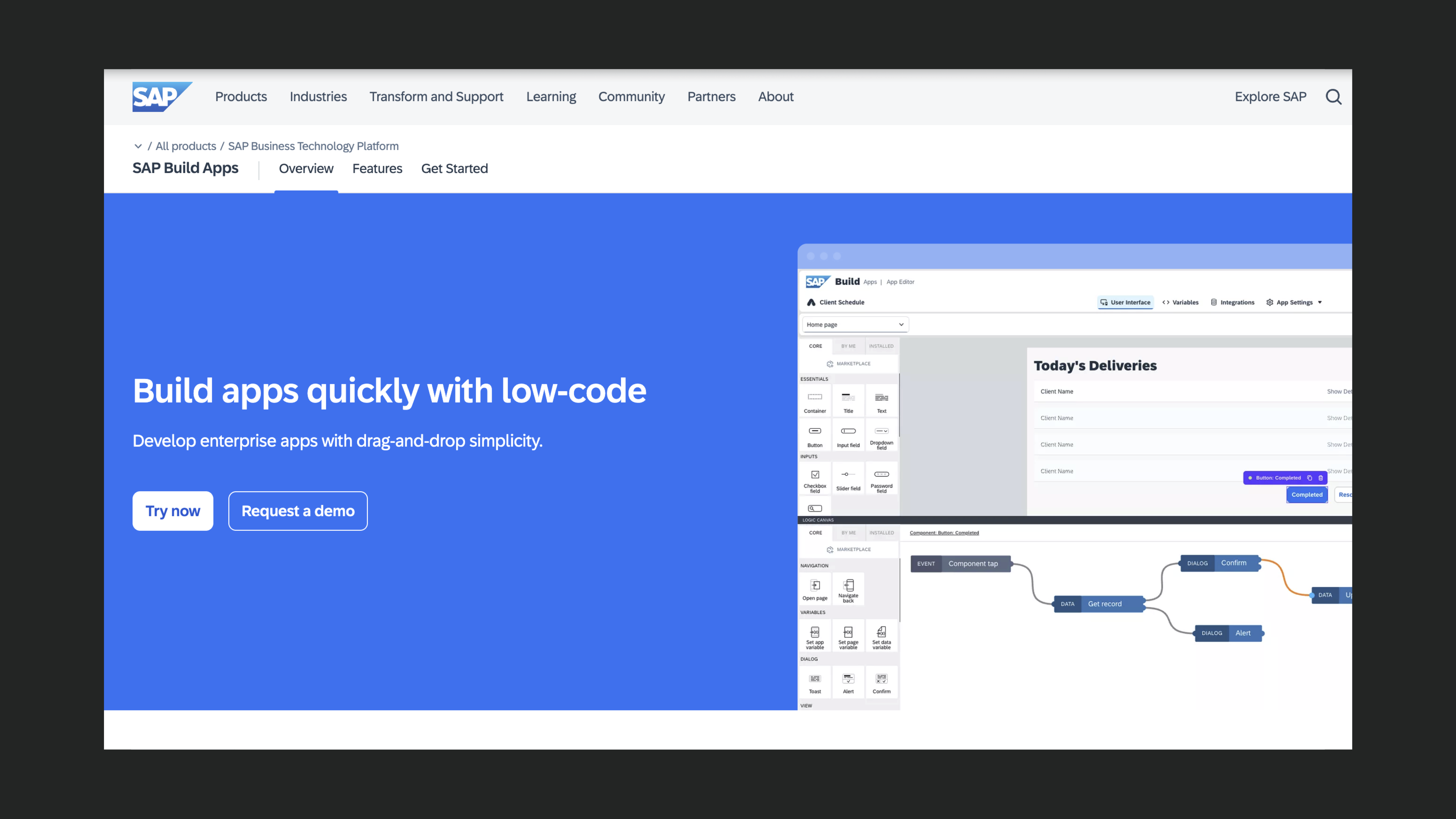
SAP Build Apps comes with centralized administration, approval workflows, SLAs, and deep integration into the SAP ecosystem.
For agencies working with SAP-centric enterprises, Build Apps fits naturally because it is embedded in SAP Business Technology Platform and inherits its security and lifecycle standards.
However, keep in mind that SAP Build Apps inherits SAP’s licensing and procurement model, which can introduce additional cost and complexity, especially for non-SAP-native teams.
Main features
Deep SAP / BTP integration
Applications are deployed on SAP Business Technology Platform (BTP) and rely on its built-in services for authentication, access control, and lifecycle management.
This enables direct integration with SAP S/4HANA, SuccessFactors, and other SAP products via OData and REST, using officially supported connectors and security models.
Multi-channel deployment
From a single project, apps can be deployed to web, desktop, PWAs, and native mobile (iOS/Android). This is attractive for enterprises that don’t want to maintain separate stacks.
Side-by-side SAP extensions
SAP Build Apps is explicitly designed for stand-alone applications and side-by-side extensions to core SAP systems. Agencies can deliver custom workflows, approval tools, and internal portals that complement SAP without modifying the core ERP.
When to use SAP Build Apps:
- The client is heavily invested in SAP and wants applications that integrate cleanly using official connectors, destinations, and enterprise security.
- You’re building internal business apps, workflows, or portals where core data and processes live in SAP, and IT requires BTP-native deployment and governance.
When not to use SAP Build Apps:
- The client is not running SAP and has no plans to adopt BTP.
- You need open infrastructure choices, such as self-hosting outside SAP BTP, custom CI/CD pipelines, or deep runtime control beyond what SAP exposes.
- The project is a public, consumer-facing SaaS where SAP is not part of the stack.
Bubble
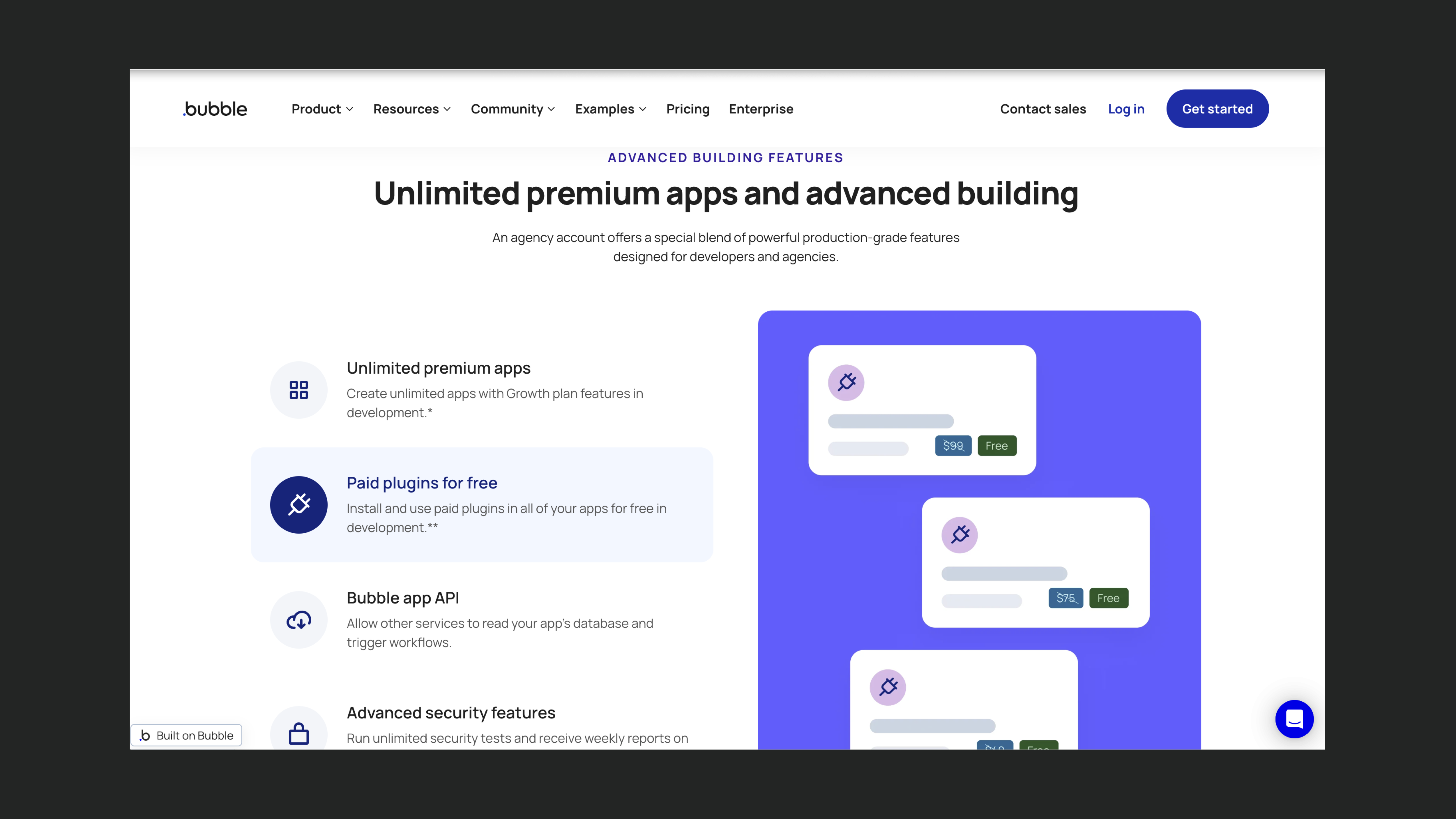
Bubble is a full-stack no-code builder for everything from MVPs to production SaaS.
For agencies serving enterprise clients, Bubble can be compelling because it offers an end-to-end application platform (database, logic, and UI in one environment), dedicated enterprise infrastructure options, and an agency account model designed for managing multiple client projects.
However, it introduces strong vendor lock-in. Applications can’t be exported, migrations remain complex, and enterprises have limited control over long-term costs, architecture, and exit options.
In addition, Bubble can implement role-based access, but it relies on application logic and database rules rather than a native enterprise IAM layer, which can increase audit complexity.
Main features
Full-stack platform
Bubble combines visual UI building, a built-in database, a workflow engine, and API integrations in a single platform. This allows agencies to deliver complete SaaS products and internal tools without coordinating multiple services or vendors.
Enterprise infrastructure and performance options
Bubble’s enterprise and dedicated plans provide isolated infrastructure, dedicated regions, static IPs, enhanced database performance, and auto-scaling storage
Agency account and collaboration
Bubble’s agency account enables agencies to manage multiple client applications, control editor access, and collaborate across teams.
When to use Bubble
- You need to deliver a full SaaS product or complex internal tool (e.g. marketplaces, CRMs, multi-tenant B2B apps) and want to have database, logic, and UI in one platform.
- The client is comfortable relying on Bubble-managed infrastructure, with limited control over hosting configuration, isolation, and underlying runtime.
When not to use Bubble
- The client requires full code export or self-hosting under their own infrastructure, as Bubble applications don’t have a clean, exportable codebase.
- You need native, system-level RBAC and role management. Bubble typically implements roles through database fields and application logic rather than a built-in enterprise RBAC system.
- The frontend needs to scale on top of an external backend. Bubble can connect to APIs, but its architecture is not designed for frontend-only use with a separate backend.
Noloco
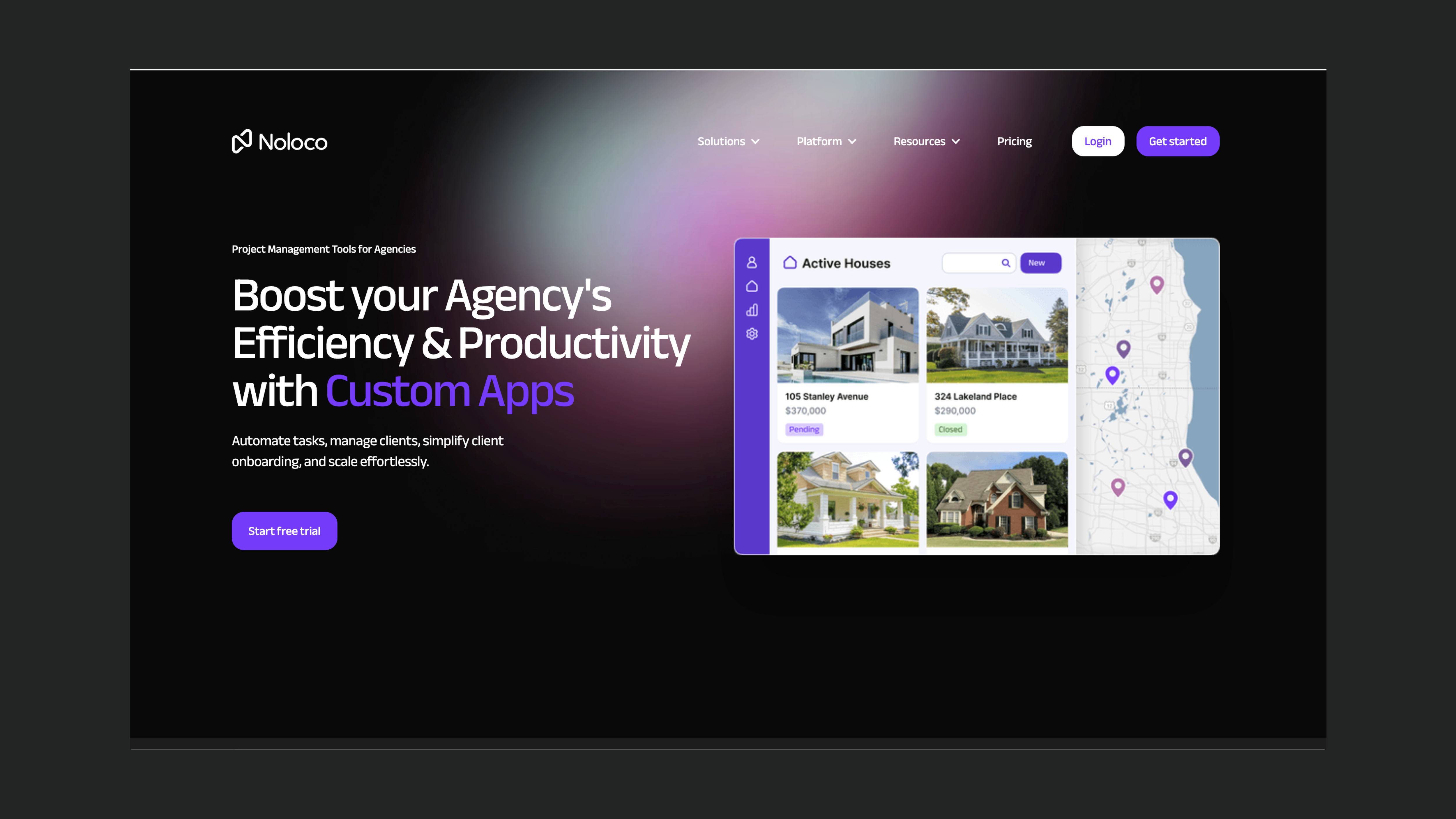
Noloco is mainly a platform for internal tools and client portals. It aligns with non-developer enterprise buyers who prioritize fast delivery of internal tools over custom UI flexibility or deep architectural control.
For agencies serving enterprise and mid-market clients, Noloco can be appealing because it offers strong permissions and data integrations, and uses pricing and collaboration models that map well to agency work.
Main features
Internal tools and portals focus
Noloco is designed for internal business apps, CRMs, and client portals, rather than public-facing products. This aligns closely with common enterprise use cases such as operations dashboards, partner portals, reporting tools, and stakeholder access layers.
Data model and integrations
Noloco supports Noloco Tables as well as direct connections to Airtable, Xano, PostgreSQL, MySQL, and Google Sheets.
Permissions and security
Built-in role-based access control, user-specific views, and secure authentication allow teams to define exactly which users can see which records. This makes Noloco a strong fit for dashboards, departmental tools, and approval-based workflows.
Collaboration and multi-app model
Agencies can build multiple apps per workspace, collaborate with internal team members in the builder, and manage different client apps under paid plans that distinguish between team seats and client seats.
When to use Noloco:
- You’re building internal tools, CRMs, or client portals on top of existing data sources and want to move quickly without designing a custom frontend from scratch.
- The core requirement is secure, role-based access to shared data (e.g. each client or department only sees its own records), combined with workflow automation for approvals, notifications, and updates.
When not to use Noloco:
- You need public, consumer-facing applications.
- You require high UI flexibility or pixel-perfect design. Noloco trades visual flexibility for speed and structured, data-driven layouts.
- The project is a large, multi-tenant SaaS product requiring full control over backend architecture, code export, or self-hosting. Noloco functions as a managed application layer rather than an open, composable stack.
Retool
Retool is a low-code platform built for internal tools. It’s a strong fit for agencies serving enterprises because it combines fast UI building with JavaScript and SQL, deep integrations with existing data systems, enterprise-grade security and governance, self-hosting options, and a dedicated agency program.
Main features
Developer-centric model
Retool blends drag-and-drop UI components with full access to JavaScript and SQL, allowing agencies to build complex dashboards, admin panels, workflows, and AI-powered internal tools while still handling business logic in code.
Integrations and data access
Retool connects to PostgreSQL, MySQL, MongoDB, BigQuery, Snowflake, REST and GraphQL APIs, Google Sheets, and 70+ native data sources.
Security, governance, and hosting
Retool offers a comprehensive enterprise feature set, including SAML/OIDC SSO (Okta, Azure AD, Google), MFA, SCIM provisioning, granular RBAC, audit logs, multiple environments, Git-based version control, and both VPC and on-prem deployments.
Collaboration features
Features like multiplayer editing, role-based editor access, and Git synchronization support collaboration between agency teams and clients.
When to use Retool:
- The enterprise has established data infrastructure (SQL databases, data warehouses, internal APIs) and wants an internal tools layer that sits cleanly on top of those systems rather than replacing them.
- Security and governance are high-priority requirements, including SSO (SAML/OIDC), granular RBAC, audit logs, Git-based workflows, and VPC or on-prem deployment.
- Your agency team includes developers comfortable with JavaScript and SQL.
When not to use Retool:
- The product requires highly custom frontend interactions or design-first experiences.
- You are building public, customer-facing apps. Retool is optimized for internal and admin-style interfaces.
- The delivery team is largely non-technical and unable to work with advanced JavaScript or SQL.
- You need full code export and complete runtime ownership. Even when self-hosted, Retool apps remain tied to the Retool platform rather than becoming standalone codebases.
Choosing the right no-code platform for enterprises
For agencies serving enterprises, no-code platform choice is less about speed and more about governance, exit strategy, and IT alignment.
Each of the platforms covered in this blog post serves a specific enterprise context:
- WeWeb works well when enterprises want a frontend that connects cleanly to existing backends (or mix and match different data sources), supports role-based access, and allows agencies to hand off full ownership after delivery.
- SAP Build Apps is the natural choice in SAP-first organizations, where BTP-native governance and side-by-side extensions are required.
- Bubble is a strong option for full-stack apps, provided clients are comfortable with Bubble as the runtime and accept the trade-offs around code export and lock-in.
- Noloco when enterprises want to quickly deliver secure internal tools or operational portals, not customer-facing or highly customized applications.
- Retool excels as a developer-friendly internal tools layer in enterprises that need strict governance and deep integrations with SQL databases.
Ultimately, the right choice depends on the type of application you need to build, the client’s existing infrastructure, and the security and compliance requirements.
FAQs
Can no-code tools pass enterprise security reviews?
Yes, but not all no-code tools are equally suited for enterprise security reviews. Enterprises typically evaluate platforms on criteria such as authentication options (SSO, OIDC), auditability, hosting controls, vendor lock-in, and long-term maintainability. Tools like WeWeb, Retool, SAP Build Apps, and Bubble (on enterprise plans) are commonly used in environments that require formal security, legal, and compliance reviews.
Which no-code platforms allow self-hosting?
Among the platforms covered in this comparison, WeWeb stands out by allowing agencies and enterprises to export the codebase and self-host it on their own infrastructure. Retool also offers self-hosted and on-prem deployments, though applications remain tied to the Retool platform. Other tools, like Bubble and Noloco, rely on managed hosting and do not support full code export or independent self-hosting.
Are no-code tools viable for regulated industries?
Yes, no-code tools are increasingly used in regulated industries such as healthcare, finance, and enterprise IT. The key factor is not whether a tool is “no-code,” but whether it supports enterprise requirements like identity provider integration, data isolation, audit logs, infrastructure control, and clear ownership models.