



You use Supabase as your app backend and now need to decide which frontend tool to pair with it?
Supabase provides a robust backend, but choosing the right frontend is equally important, as it determines the user experience and long-term scalability.
Whether you want to vibe code a first version or build visually from the start, the right frontend tool should help you turn your Supabase backend into an app you can keep improving.
Choosing the right frontend for Supabase
Your choice should be guided by your skill level, project requirements, and budget.
What are your project requirements?
Begin by listing out your core goals. Are you building a rapid proof of concept (PoC), a public-facing app, or an internal dashboard? Map out the features and integrations you’ll need, and try to estimate the number of end users.
Then get more specific about who will use the frontend and what they need to do. A customer-facing app needs a polished, responsive interface. A staff tool may prioritize tables, forms, and fast data entry. A client portal often needs role-based access and a repeatable layout more than complete design freedom.
Balance ease of use with functionality
Does Figma or Canva feel like your natural habitat, or are you more at home in a terminal working with React or Vue? The easiest builder is the one that fits how you think and work. Look for an editing environment that feels familiar, with the flexibility to handle your app’s requirements.
What about your technical skills?
Factor in your knowledge and experience with app building. If you enjoy JavaScript and React, you can leverage custom coding for advanced features. If you’re a non-technical founder or want broader team collaboration, visual no-code app builders tend to have less friction.
Speed to launch and control as you grow
AI is now table stakes for building quickly, but speed is only part of the decision. As your app grows, you and your team need control over how it changes, especially if you’re not technical. Look for AI guardrails that let you decide what the AI can modify, paired with a visual editor where teammates can review its work and make updates directly.
Budget and pricing considerations
Some platforms offer free tiers or affordable entry plans but may scale up costs as your user base or features grow. Assess total cost of ownership, including advanced integrations, export options, hosting, and per-user pricing. Consider not just today’s budget, but also what your app’s success could mean for future spending.
Key technical evaluation criteria
Before choosing a builder, test how it handles a small, representative part of your app: signing in, loading Supabase data, and updating a record. Use these criteria to compare the options.
Supabase integration coverage
Check whether the builder supports the Supabase features your app needs: database reads and writes, Auth, Storage, Realtime, or Edge Functions. Which work through a built-in integration, and which require manual API calls or custom code?
Try a complete interaction, such as submitting a form and displaying the saved record. A successful connection alone doesn’t tell you how much setup the rest of your app will need.
Authentication and access control
If you already use Supabase Auth, check whether the builder can use those sessions when requesting data. If it uses its own login system, establish how that identity maps to your access rules.
Test with two accounts that should see different records. Confirm that restrictions are enforced by Supabase RLS or the builder’s server-side authorization, not just by hiding elements on the page.
UI and workflow flexibility
Build your most demanding screen, not just a landing page. Can you customize its layout, display related records, validate inputs, and handle loading and error states?
Check whether the available components and workflows cover those needs visually, and where custom code becomes necessary. Templates are useful only if you can adapt them to your app.
Performance with realistic data
Test a data-heavy screen with a representative dataset. Can the builder filter, sort, and paginate through Supabase queries rather than downloading everything into the browser?
Inspect load times and network requests as you interact with the screen. This gives you a more useful comparison than a demo with a handful of records.
Deployment and portability
Check how you publish updates, connect a custom domain, and separate test and production environments. If self-hosting or code export matters, verify what is included and what still depends on the builder.
Keeping your Supabase project is one part of portability. Also check whether you can move and maintain the frontend without rebuilding it.
The 5 best frontend builders for Supabase
These five tools solve different frontend jobs. The best choice is not the builder with the longest feature list. It is the one whose connection model, interface flexibility, and access controls match your app.
1. WeWeb: best for data-heavy, multi-user apps
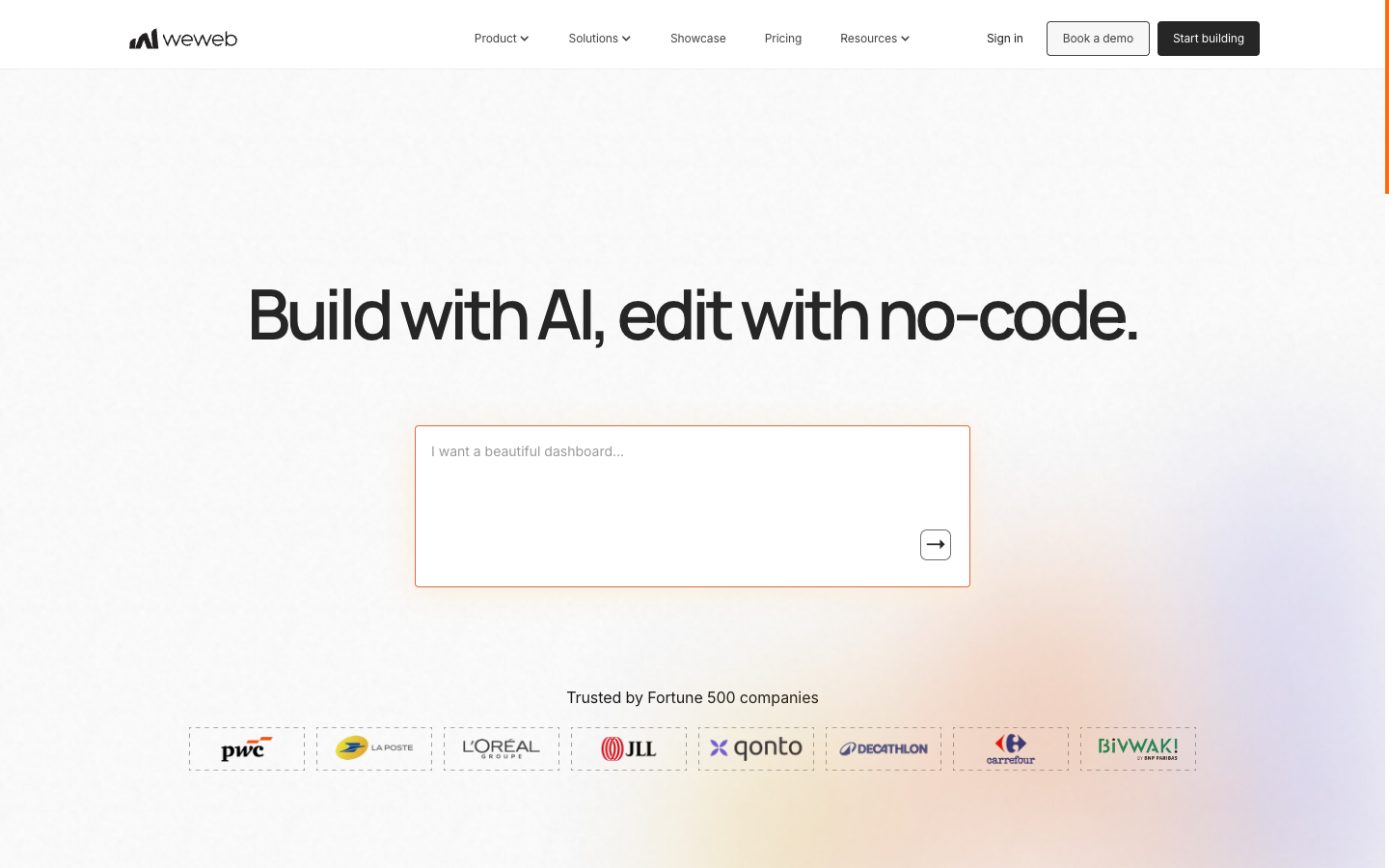
WeWeb is a full-stack vibe coding tool for internal tools, operations software, and client-facing portals where multiple users work with data and need different levels of access. Think of an operations dashboard where staff manage every account, while clients sign in to see only their own records.
Its approach is built around flexibility and control. AI guardrails let you decide what the AI can modify, while a visual editor lets you review its work and make changes directly. You also choose how much of your app WeWeb handles: use it as a frontend for your existing Supabase backend, or use full-stack WeWeb with Supabase as your data source.
There are two ways to use WeWeb with Supabase:
Option 1: Use WeWeb as your frontend and Supabase as your backend
Build your interface in WeWeb while Supabase handles your database, authentication, access policies, and backend functions. The browser connects directly to Supabase, with Supabase Auth identifying users and your Row Level Security (RLS) policies controlling which records they can access.
Choose this if: you already have your Supabase backend set up, including authentication, RLS policies, and any Edge Functions your app needs. You can keep that setup and use WeWeb to build the frontend around it.
Option 2: Use full-stack WeWeb with Supabase as your data source
Keep your data in Supabase and use WeWeb for both the frontend and server-side logic. Requests go through the WeWeb server before reaching Supabase, rather than connecting directly from the browser.
You can use WeWeb Auth for login, configure views to control which data your app exposes, and build API endpoints and workflows for validation and data operations. You can also call existing Supabase Postgres functions or Edge Functions from those workflows.
Choose this if: you want less backend coding and more of your app managed in one place. Keep your data in Supabase while configuring authentication, access rules, and backend workflows visually in WeWeb, alongside your frontend.
See the Supabase integration documentation for setup and supported actions.
Best for:
- Data-heavy internal tools, operations software, and client portals
- Multi-user apps with custom workflows and role-based access
- Builders who want AI speed with control over what gets changed
- Teams that want to build themselves, with IT or developers able to review and extend the app
- Supabase projects that need complex logic across connected tools without coding everything from scratch
WeWeb × Supabase integration
2. Bubble: best for teams already invested in Bubble
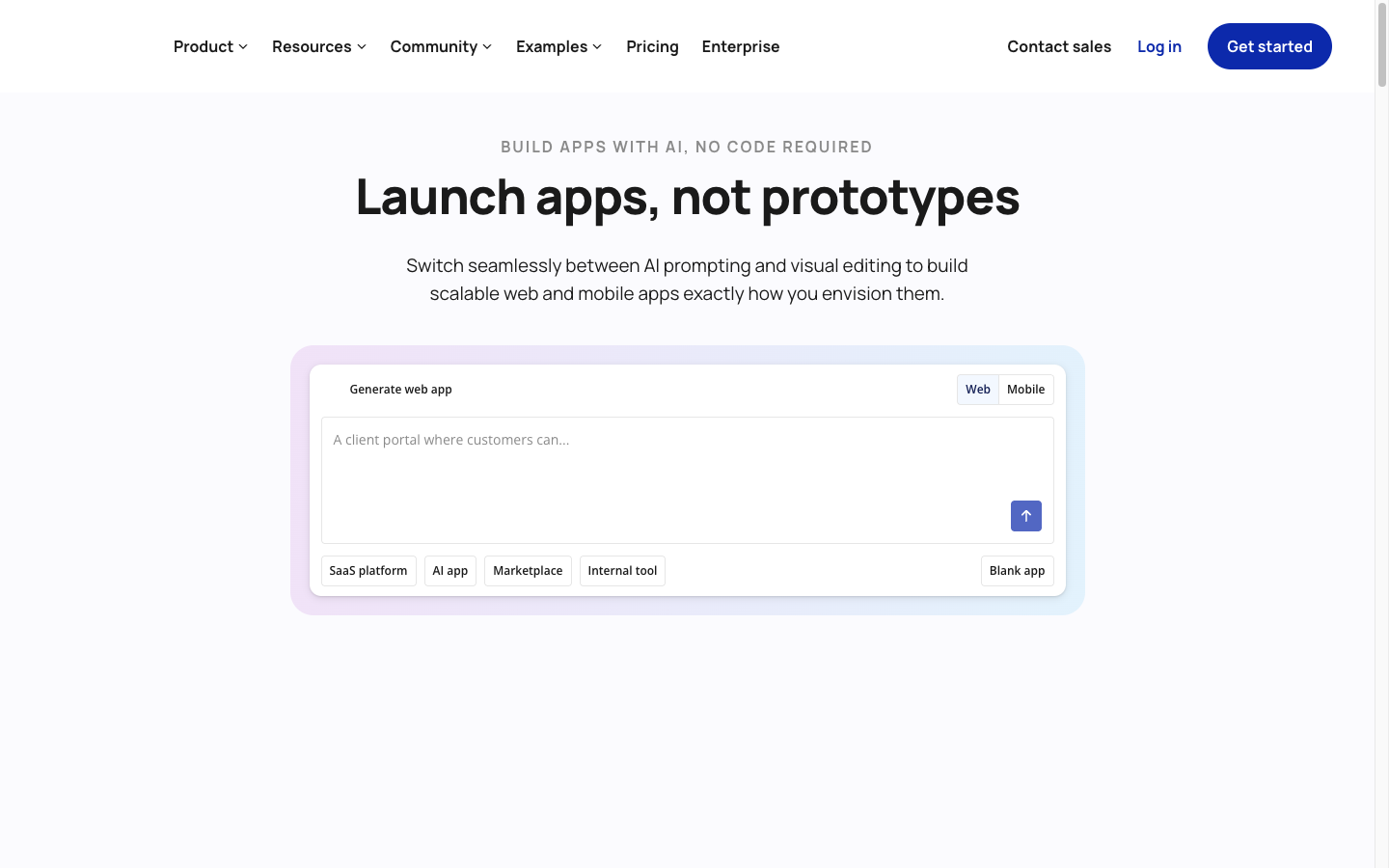
Bubble combines AI generation and visual editing with its own database, authentication, workflows, and hosting. Supabase is therefore an external service in a Bubble app rather than the platform’s default backend. Consider Bubble here if your team already relies on it and needs to keep that setup, rather than as a first choice for a new Supabase-first app.
Bubble’s official path for connecting external REST services is its built-in API Connector. For Supabase, that means configuring the API calls, authentication method, headers, parameters, and returned data you need. This can work well when Bubble already owns most of the app logic and you need selected reads or actions from Supabase.
If you’re weighing Bubble against WeWeb, the distinction is whether you’re adding Supabase to an existing Bubble app or choosing a frontend for a Supabase backend.
The trade-off is setup and identity complexity. Decide whether Bubble or Supabase owns user authentication, how a user token reaches Supabase, and which operations should run as server-side actions. Do not assume that Bubble’s logged-in user automatically becomes the authenticated Supabase user.
Best for:
- Existing Bubble products that need to add a Supabase data or API path
- Logic-heavy web apps centered on Bubble workflows
- Teams comfortable configuring and maintaining REST calls
Bubble × Supabase integration
3. Retool: best for IT and dev teams building tools for other departments
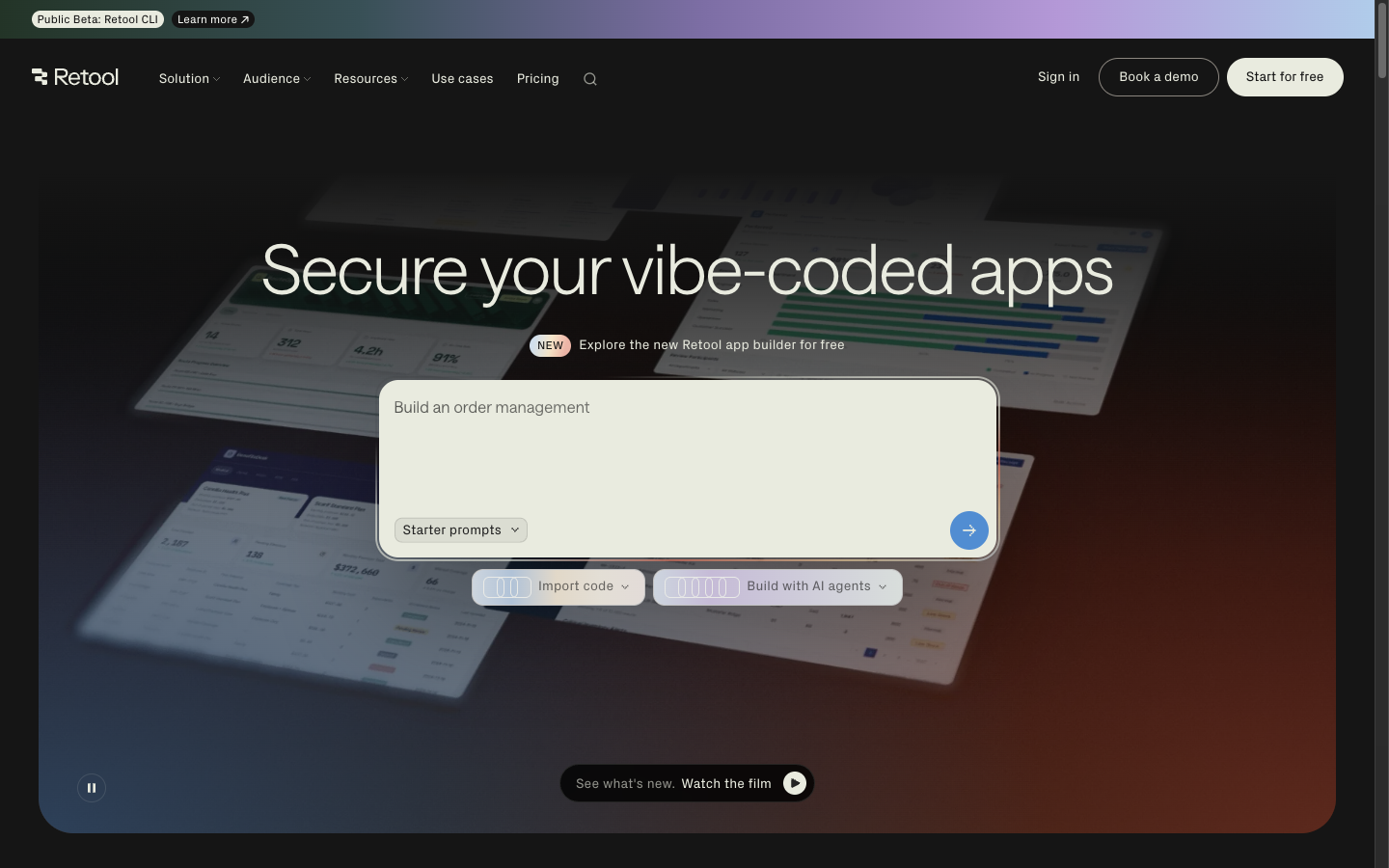
Retool is a strong fit when a technical team builds and maintains the tools that operations, support, finance, or other departments use. Developers work with SQL and APIs; business teams use the resulting apps to get their work done. If the business team also needs to build and change the interface, WeWeb and Retool handle that differently. You can connect a Supabase database as a PostgreSQL resource, write SQL queries, and use GUI actions for inserts, updates, and deletes.
Retool proxies resource queries through its server, so end users do not connect directly to the database. This makes it practical for staff tools where Retool permissions and carefully scoped queries control access. It also means you should not assume Supabase RLS sees the identity of each Retool user. Use a database role with the minimum permissions the tool needs, then enforce staff access in Retool and in the queries or APIs you expose.
Best for:
- Admin panels and CRUD tools for staff
- Operations, analytics, and support workflows
- Technical teams that are comfortable with SQL
- Developers who prefer building around database queries and APIs
Retool × Supabase integration
4. Softr: best for small, template-led portals and business tools
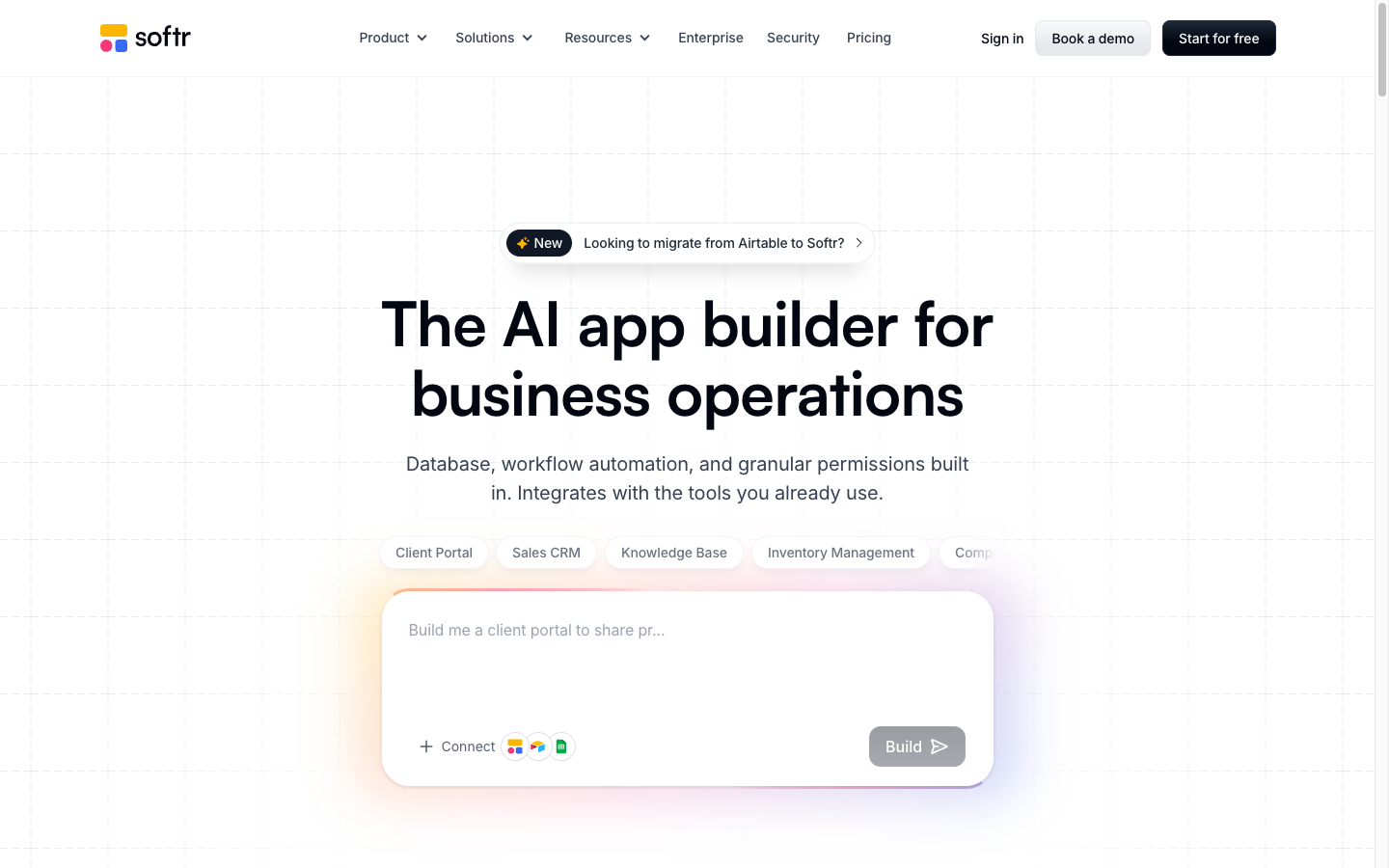
Softr uses blocks and templates to speed up client portals, directories, dashboards, and internal business tools. Its Supabase data source connects through PostgreSQL credentials and Supabase’s session pooler, then maps tables and queries to dynamic blocks.
Softr provides its own user authentication and signup controls. Because the documented Supabase connection uses database credentials, treat Softr’s user access rules as distinct from Supabase Auth. This approach is useful when you want to turn relational data into a portal quickly. Before committing, try building your most distinctive screen or workflow in Softr. If you have to change the experience to fit its blocks, compare Softr with WeWeb to see whether you need more control over the interface.
Supabase is available as a Softr data source on Professional and higher plans, so include that requirement in your cost comparison.
Best for:
- Client and partner portals
- Directories, dashboards, and project trackers
- Teams that want a structured, template-led build
- Projects that prioritize fast assembly over pixel-level customization
Softr × Supabase integration
5. Bolt: best for vibe coding personal projects and prototypes
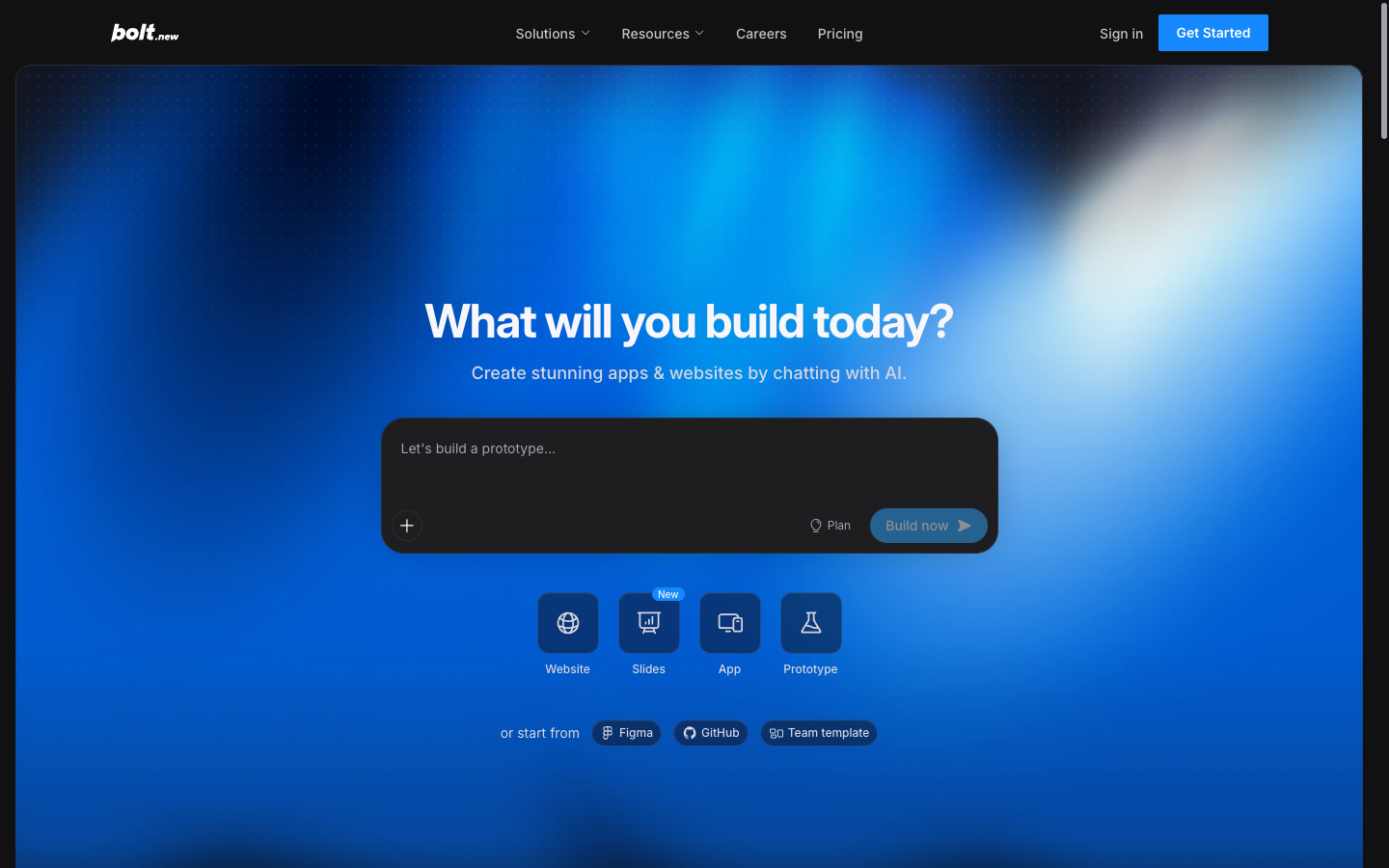
Bolt generates web apps from prompts and can connect an existing Supabase project or start a supported project with Supabase selected as its database. Its current Supabase documentation covers database access, Supabase Auth, and Edge Function generation.
This path is useful when you want AI to generate the first version of the interface and backend wiring. It is still code generation, so review the schema, migrations, RLS policies, authentication flows, and generated functions before launch. Version History does not restore a connected Supabase database, which makes independent database backups and migration review important.
The current connection has two practical boundaries: Supabase selection at project creation is available on paid plans, and Supabase connections support Vite projects rather than Next.js projects.
Best for:
• Personal projects and prototypes for testing app ideas
• Individual builders comfortable reviewing generated code and database changes
• Vite projects that use Supabase Auth, data, or Edge Functions
Bolt × Supabase integration
Which Supabase frontend should you choose?
Choose based on the interface your users need and where you want access control to live:
• Choose WeWeb for a custom, data-heavy, multi-user app, whether it’s an internal operations tool or a client-facing portal. Keep your established Supabase backend or use full-stack WeWeb with Supabase as your data source.
• Choose Bubble when your team is already invested in it and needs to keep it. Connect Supabase through manually configured API calls.
• Choose Retool if your IT or dev team will build and maintain tools for other departments.
• Choose Softr for a small portal or business tool that fits ready-made templates.
• Choose Bolt for vibe coding personal projects and prototypes, with a code-based app you can review and develop further.
How to connect Supabase to your chosen frontend
The exact screens differ, but the setup decisions are consistent across builders.
1. Set up the Supabase project
1. Create or select the Supabase project.
2. Define the database schema and relationships.
3. Decide whether users will authenticate with Supabase Auth or with the frontend platform.
4. If the browser connects directly to Supabase, enable RLS and add policies for every exposed operation.
5. Create server-only credentials only for trusted server-side paths.
2. Configure the builder’s connection
Use the connection path documented for the builder:
• Authorize the Supabase project for WeWeb or Bolt.
• Configure REST calls in Bubble’s API Connector.
• Add the Supabase PostgreSQL database as a Retool resource.
• Connect Softr through Supabase’s PostgreSQL session pooler.
Watch the WeWeb and Supabase walkthrough for a step-by-step example. The recording may show an earlier interface; use the current integration documentation above for the latest setup screens.
3. Map the interface to data and actions
Set up the queries or views needed for each screen, then bind lists, tables, forms, and actions to those results. Apply pagination and filters at the data layer when possible so the browser does not load rows it will never display.
4. Test more than the happy path
A successful query is only the first check. Before launch, test:
• A role or ownership change while the old session remains open
• Relationships, filters, pagination, and file operations with representative data
• Realtime behavior across two active users if your app depends on live updates
• Preview, staging, and production credentials and redirect URLs
⚠️ Security best practices
Your frontend should only receive the data the current user is allowed to access. Hiding a page, button, or table column is not an access control.
• If the browser connects directly to Supabase: enable RLS and configure policies for every exposed table and operation.
• If requests go through the builder’s server: verify which identity reaches Supabase and enforce user permissions before returning data or accepting changes.
• Keep privileged credentials server-side: never expose secret keys, service-role keys, or database passwords in browser code.
• Test with different accounts: confirm that users cannot read or change another user’s records, including through direct API requests.
💡 Put these checks into practice: Our app security guide walks through seven common vulnerabilities, such as users reading each other's records or exposed API keys, with a fix and a test for each.
When WeWeb is the best frontend for Supabase
Choose WeWeb when you want to build the app yourself without leaving your CTO or IT team out of the picture. You can move quickly with AI and visual editing, while keeping the app’s logic, access rules, and backend setup available for technical review.
You want control over both the AI and your app
Set boundaries around what the AI can modify, then inspect and refine its work in the visual editor. You’re not limited to prompting again when something needs to change.
You want to build it yourself, with technical oversight when needed
Build the interface and workflows yourself, then bring in developers to review the logic, check permissions, and extend the app. Your technical team can step in without taking over every everyday update.
You need production-grade access control for sensitive data
For apps handling client records or operational data, security needs to go beyond hiding screens. Use Supabase Auth and RLS, or WeWeb’s server-side access controls, to enforce who can read and change data. Configure and test those rules against your requirements before launch.
You need a custom, role-based app without coding everything from scratch
Use AI to build an operations tool or client portal around your Supabase data, with different experiences and permissions for each role. Connect other tools and services, and create complex workflows that bring them together. The visual editor gives you and your technical team a way to review and refine what’s been built.
If that sounds like the app you’re building, connect your Supabase project and start bringing it to life in WeWeb. Try it for free.
FAQs: Choosing the best frontend for Supabase
Does Supabase include a frontend builder?
Supabase provides backend services such as a database, authentication, storage, and server functions. Its dashboard lets you manage those services, but it isn’t the interface your customers or team will use. To build that experience, connect a frontend builder or create a frontend with a framework such as React or Vue.
Can I build a Supabase app without knowing SQL or JavaScript?
Yes, you can use AI and a frontend builder to create screens, connect data, and build workflows without writing every query or function yourself. The important distinction is how you’ll review and change the result. Some tools let you inspect it through visual controls; others produce code that you or a developer will need to understand when troubleshooting.
Will my existing Supabase login and RLS policies work with any frontend?
Not automatically. For Supabase to apply user-specific RLS policies, requests need to reach it with the appropriate user identity. A builder using its own login system or shared database credentials may use a different access model. Check how authentication and permissions work together before connecting sensitive data.
Can I keep my existing Supabase backend when switching frontend tools?
Yes, you can keep Supabase and connect a different frontend. However, your screens, interactions, and frontend workflows won’t automatically transfer. If the new tool uses a different authentication or connection model, you’ll also need to review how it enforces access. Keeping the database reduces migration work; it doesn’t eliminate it.
What should I test before committing to a Supabase frontend builder?
Build one complete workflow from your real app: sign in, load the right records, edit one, and trigger the next action. Test it with two users who should have different access, then make a change to the workflow. This reveals more than a polished demo: whether the integration works, whether permissions hold, and whether you can maintain the app.
.avif)