


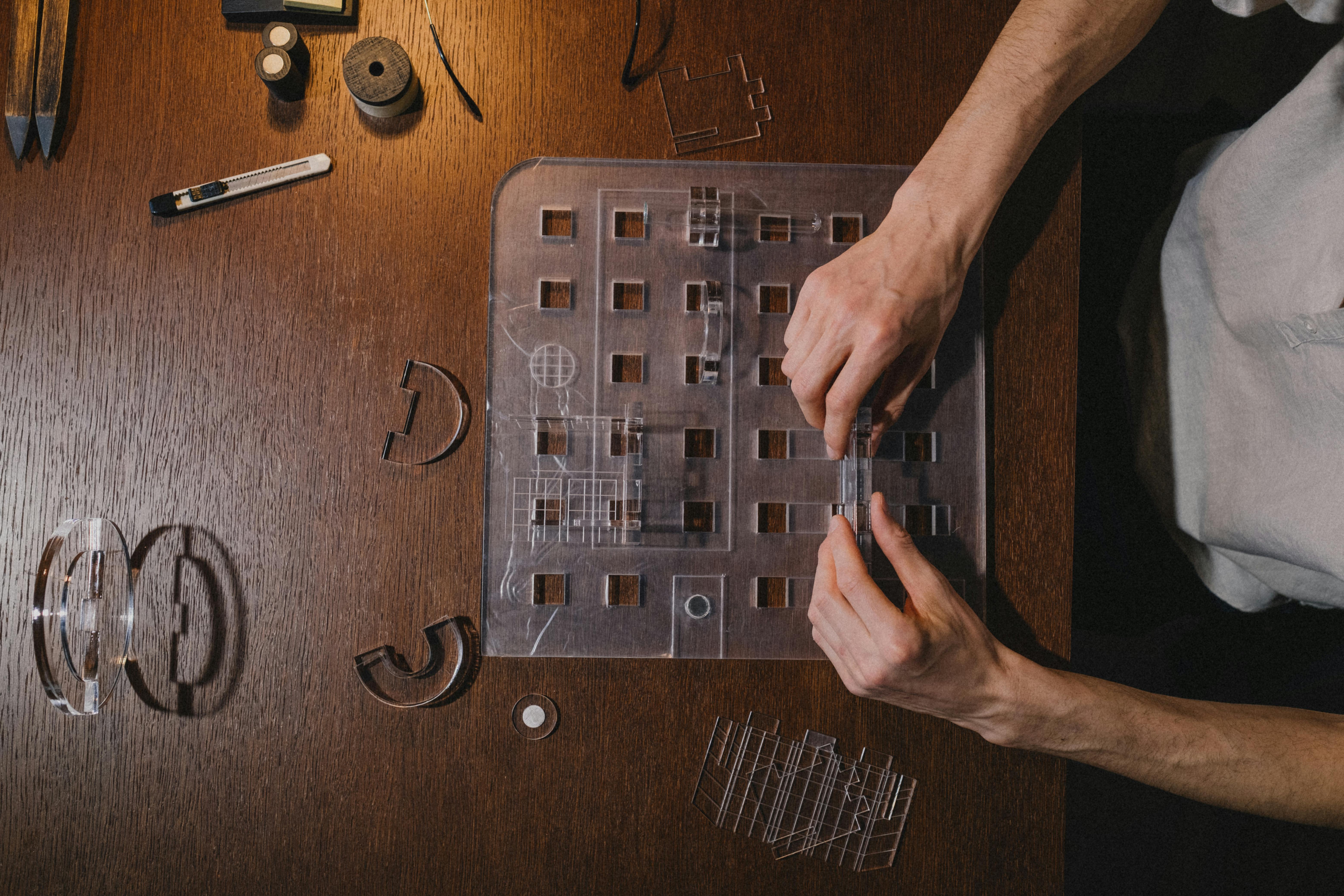
Bringing a new idea to life is a journey from a simple thought to a tangible product. Prototyping is the bridge on that journey. It’s the process of creating early models of your product to test, refine, and perfect your vision before you go all in on development.
A prototype builder is a software tool or platform used to create these interactive and functional models.
Whether you’re a startup founder, an innovator in a large company, or a designer at an agency, understanding this process is key.
If you’re a startup founder, explore our solution for entrepreneurs to go from idea to launch faster.
This guide explores every stage, from a sketch on a napkin to a fully functional model, and explains how the right tool can transform your workflow.
The Foundations of Prototyping
Before you start building, you need a solid foundation. This begins with understanding what a prototype is and having a clear plan. For step-by-step tutorials on building real apps, visit the WeWeb Academy.
What Is a Prototype?
A prototype is an early sample or model of a product built to test a concept or process.
It’s a preliminary version of your app, gadget, or service that you create to validate your design and find ways to improve it before full scale production.
Think of it as a hands on experiment. By building a prototype, you can spot design flaws early and gather feedback when changes are much easier and cheaper to make.
In fact, studies show that rapid prototyping methods can save 30 to 50 percent of total development costs and significantly shorten the time to market.
The Blueprint: Your Product Specification
A product specification, often called a product spec, is a detailed document that outlines what your product should be and do.
It’s the blueprint for development, covering everything from target user needs and features to technical details and performance benchmarks.
The product spec and prototyping work together. The spec guides what you build, and the process of prototyping helps refine the spec, turning theoretical ideas into a concrete plan for a real, working system.
A clear spec ensures your entire team is aligned, preventing the costly miscommunication that can derail projects.
Early Concepts and Low Fidelity Prototypes
The journey of any great product begins with simple, low cost ways to visualize and map out the core ideas.
This is where a prototype builder starts to make concepts tangible.
Visualizing Ideas: Design Sketching and 2D Sketches
Design sketching is the simple act of drawing ideas by hand or with a digital stylus. It’s the fastest way to explore different possibilities without getting bogged down in complex software.
A 2D sketch is a flat, two dimensional drawing showing an idea’s basic shape and layout. It’s a timeless tool for visualizing concepts, iterating quickly, and laying the foundation for more detailed designs.
Because sketches are so easy to create and change, they encourage creative freedom and help identify potential problems long before any serious development begins.
Mapping the User Journey: Storyboards
A storyboard is a sequence of illustrations that visually tells the story of a user’s interaction with a product.
Originally used in filmmaking (Walt Disney Studios was using them back in the 1920s), storyboards are now a staple in UX design.
They place your product in a real world narrative, helping you understand the user’s context, emotions, and pain points at every step.
This user centered approach ensures you design a solution that truly solves a problem and provides a great experience.
Building the Skeleton: Wireframes
A wireframe is a basic visual guide that outlines the skeletal structure of a webpage or app screen.
It’s a blueprint that shows where elements like buttons, images, and text will go, but it intentionally leaves out color, fonts, and graphics.
The goal is to focus purely on structure, layout, and information flow. Wireframes are a quick way to create rapid prototypes of pages, allowing you to test usability and get agreement on the fundamental layout before investing time in detailed visual design.
Creating High Fidelity and Functional Models
Once the basic structure is defined, the next step is to create more detailed and realistic prototypes that look and work like the final product. A digital prototype builder or physical fabrication tool is essential here.
Digital Twins: CAD Modeling and Virtual 3D Prototypes
Computer Aided Design (CAD) modeling involves using software to create precise 2D or 3D digital models of a product.
This virtual 3D prototype allows you to inspect the design from every angle, check if parts fit together, and run simulations without making a physical object.
Best in class manufacturers rely heavily on this approach. Research shows that companies using early simulation hit their cost, quality, and launch targets for over 86% of their products, far outperforming competitors.
From Digital to Physical: 3D Printing and 3D Printed Prototypes
3D printing, or additive manufacturing, creates a physical object from a digital model by building it layer by layer.
his technology has revolutionized prototyping by allowing teams to turn a CAD model into a tangible object in a matter of hours.
A 3D printed prototype is a physical model created using this process. It’s a fast and cost effective way to test form, fit, and even function. It’s no surprise that over 68% of companies using 3D printing apply it for prototyping.
For example, the automotive company BAC reduced its prototype production time for a complex part from over two weeks to just a few hours using 3D printing.
Making It Work: Functional Prototypes
A functional prototype is a model that mimics both the appearance and the actual functionality of the final product. It works.
This is the prototype you can give to a user to test the complete experience, from the look and feel to the actual performance.
Building a functional prototype helps you validate that all the different parts of your product (mechanics, electronics, software) work together as intended.
It’s a critical milestone that proves your concept is feasible and ready for the final stages of development.
Understanding the Options: Types of Prototypes
Prototypes come in many forms, each serving a different purpose.
- Proof of Concept Prototype: Verifies that a core idea or technology works.
- Visual Prototype: Captures the look and feel but not the function.
- Paper Prototype: A hand drawn mockup of a user interface, great for early usability testing.
- Working Prototype: A nearly complete model with almost all the final functionalities.
Choosing the right type depends on what you need to learn at each stage of your project.
The Iterative Loop of a Prototype Builder
Prototyping is not a one time event; it’s a cycle of building, testing, learning, and improving. This iterative process is what turns a good idea into a great product.
Testing Before You Build: Simulation Testing
Simulation testing uses computer models to analyze a prototype’s behavior in a virtual environment.
Engineers can run virtual stress tests, aerodynamic simulations, or thermal analyses to predict performance and find weaknesses before building anything physical.
Companies that leverage this approach get complex products to market an average of 158 days sooner and with nearly $2 million in lower costs.
Getting Real Feedback: User Testing
User testing involves observing real users as they interact with your prototype. The goal is to identify usability issues and gather direct feedback on the user experience.
You don’t need a huge sample size; testing with just five users can often uncover the majority of major usability problems.
This feedback is invaluable for making sure your final product is intuitive and meets user needs.
The Cycle of Improvement: Feedback Integration and Rapid Iteration
Feedback integration is the process of taking what you’ve learned from testing and incorporating it into the next version of your prototype.
This feeds into rapid iteration, an approach where teams quickly cycle through designing, prototyping, and testing.
By making small, incremental improvements in short cycles, you can “fail fast” on a small scale and steadily evolve your product.
Tools that accelerate this loop, like a flexible prototype builder, are incredibly valuable.
Platforms like WeWeb are designed for this, allowing you to build and modify web applications visually and quickly, dramatically shortening the build measure learn cycle.
Grading Your Progress: The Prototype Report Card
A prototype report card is a way to systematically evaluate your prototype against key criteria like functionality, usability, and performance.
After a round of testing, you can “grade” the prototype in each category to get a clear, objective view of its strengths and weaknesses.
This helps you make informed decisions about what to improve in the next iteration and provides a clear way to track progress over time.
Choosing Your Prototype Builder Software
Selecting the right software is crucial for an efficient workflow. The ideal prototype builder depends on your project’s needs, your team’s skills, and the type of prototype you’re creating.
Consider these factors:
- Fidelity: Are you making simple wireframes or a high fidelity, interactive application? Tools like Balsamiq are great for low fidelity, while Figma and Adobe XD excel at visual design. For a prototype that functions like a real application, you’ll need a more powerful prototype builder.
- Team Skills: Does your team consist of designers, developers, or a mix? A no code visual tool can empower everyone to contribute, while a code based approach offers ultimate flexibility for developers.
- Realism and Data: Does your prototype need to connect to real data or APIs? Some tools only create visual mockups, while others can build applications with live data.
- Scalability: Do you plan to throw the prototype away, or do you want it to evolve into the final product? Choosing a platform that can scale from prototype to production saves a massive amount of rework.
For teams building web applications, SaaS products, or customer portals, a visual development platform like WeWeb is an excellent choice.
Agencies can scale client delivery with WeWeb for Agencies.
It combines the speed of AI and no code with the power of custom code, offering the best of both worlds.
You can start by describing your app and letting AI generate a foundation, then use the visual editor to customize it without limits — or start from customizable templates.
Because it allows for complete backend freedom and can connect to any data source, your prototype can be incredibly realistic.
Best of all, a prototype built in WeWeb is production grade from the start, so you can continue to build on it and launch your actual product on the same platform.
Ready to build better and faster? Explore how WeWeb can be your next prototype builder. See what others have launched in our showcase.
Frequently Asked Questions
What is a prototype builder?
A prototype builder can refer to a person or team responsible for creating prototypes, or it can refer to a software tool or platform used for the same purpose. Software prototype builders range from simple wireframing tools to advanced visual development platforms that help you create interactive and functional models of a product.
What is the difference between a prototype and a wireframe?
A wireframe is a type of low fidelity prototype that focuses only on structure and layout. It’s like a blueprint for a screen, showing where elements go but without any visual design. A prototype can be much more advanced, ranging from a simple wireframe to a high fidelity, fully functional model that looks and works just like the final product.
How long does it take to build a prototype?
The time it takes depends entirely on the complexity and fidelity. A simple paper prototype could take minutes. A clickable wireframe might take a few hours. A fully functional prototype for a complex application could take days or weeks. Using a modern prototype builder platform can dramatically speed up this process.
Can a prototype become the final product?
Sometimes. A low fidelity prototype is usually a throwaway learning tool. However, prototypes built on powerful visual development platforms are often designed to be scalable. With a tool like WeWeb, the prototype you build is already on a production grade foundation, so you can continue refining it until it becomes your final, launched product.
What is a 3D printed prototype?
It is a physical model of a product created with a 3D printer. Designers and engineers use 3D printed prototypes to quickly get a tangible version of their digital designs, allowing them to test the product’s physical shape, size, and how parts fit together in the real world.
