Overview
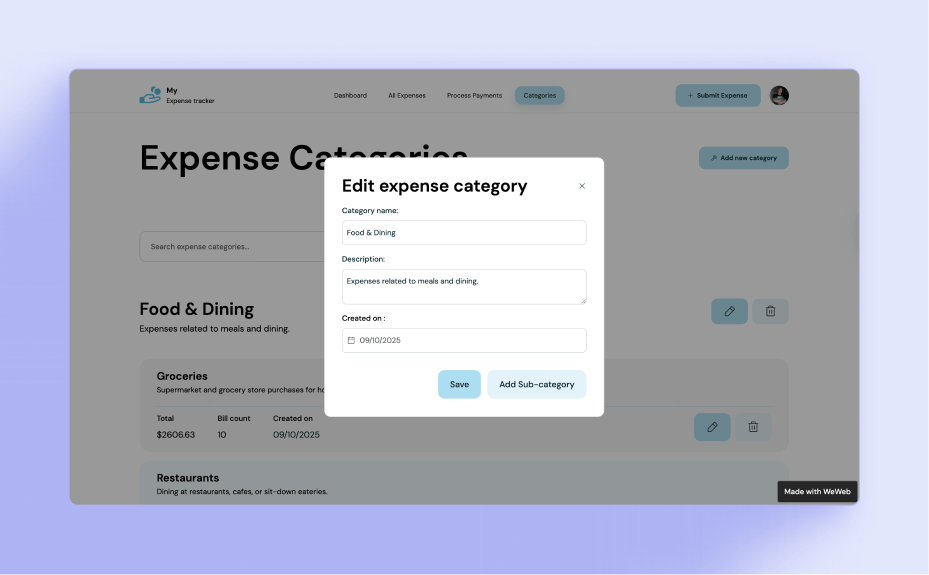
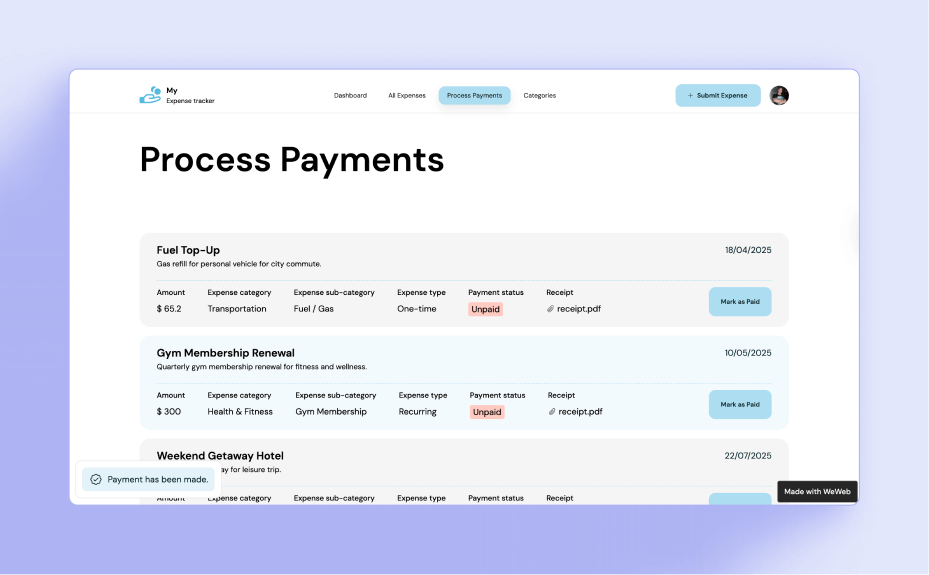
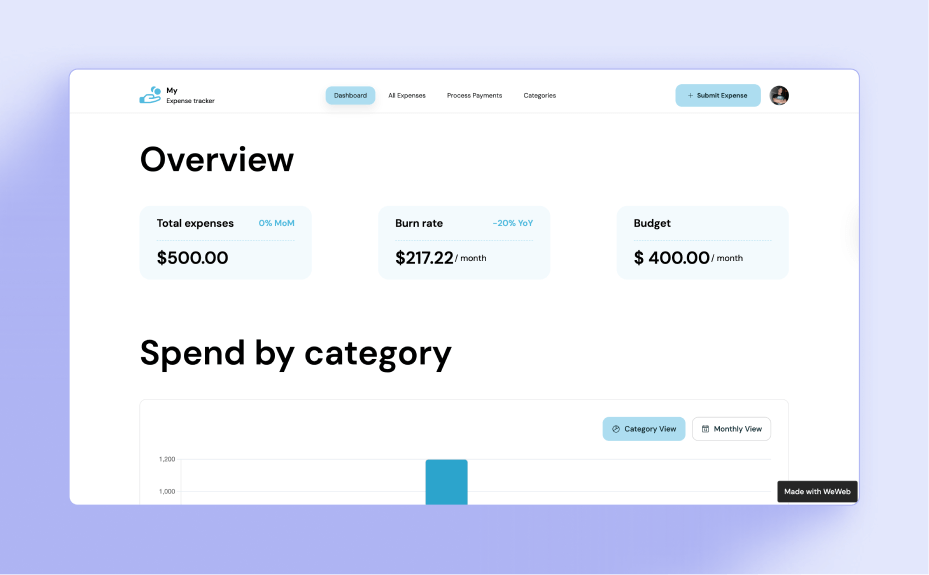
The Expense Tracker Template helps you monitor and categorize expenses and gives you clear insights into where your money goes.
Why use this template
With this template, you can:
- Record and categorize expenses in real time
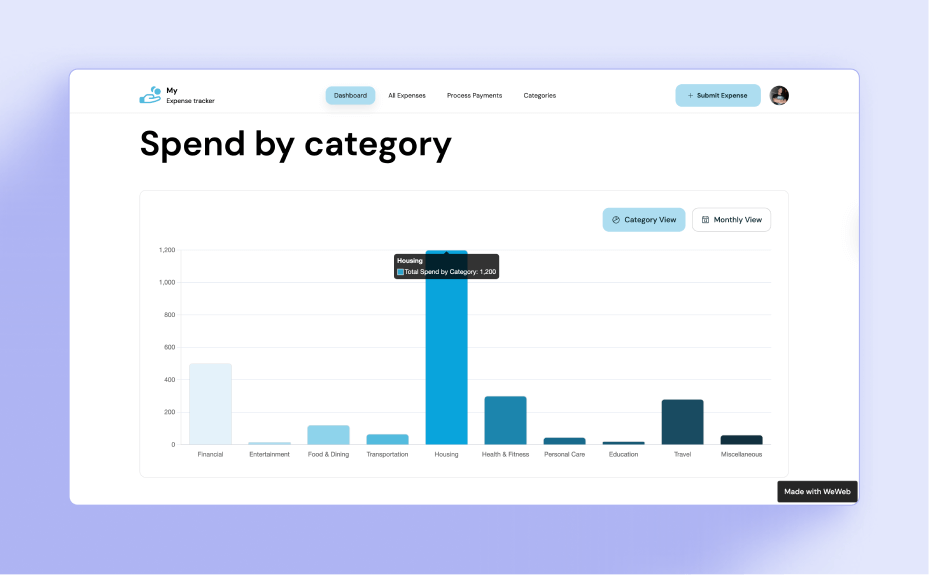
- Visualize spending trends with dynamic charts and KPIs
- Keep your finances organized with clean, customizable layouts
Template features
- Ready-to-use template with editable fields
- Customizable design in the WeWeb Editor to align with your company branding
- Option to set role-based access
- Option to add conditional logic
- Responsive by design: accessible on desktop, tablet, and mobile devices
Who is this template for
This template is perfect for:
- Individuals managing their personal budgets and monthly expenses
- Professionals tracking income, bills, and savings goals
- Families monitoring household spending and shared expenses
Trusted by builders
"The most important part was having templates to work from. Starting from a blank canvas would be daunting. With templates, I could take something existing and customize it to what we needed." - Luke St Amand, Co-founder at Lectec
How to set up your Expense Tracker template
- Click “Use template” to open the template in the WeWeb Editor
- Connect it to your backend of choice
- Customize the fields to reflect your policies
- Configure roles and access control
- Add your company branding
- Publish it and invite your team




.svg)