Manage users and security
Authenticate users using Xano’s built-in auth system and use that auth state directly in your WeWeb apps:
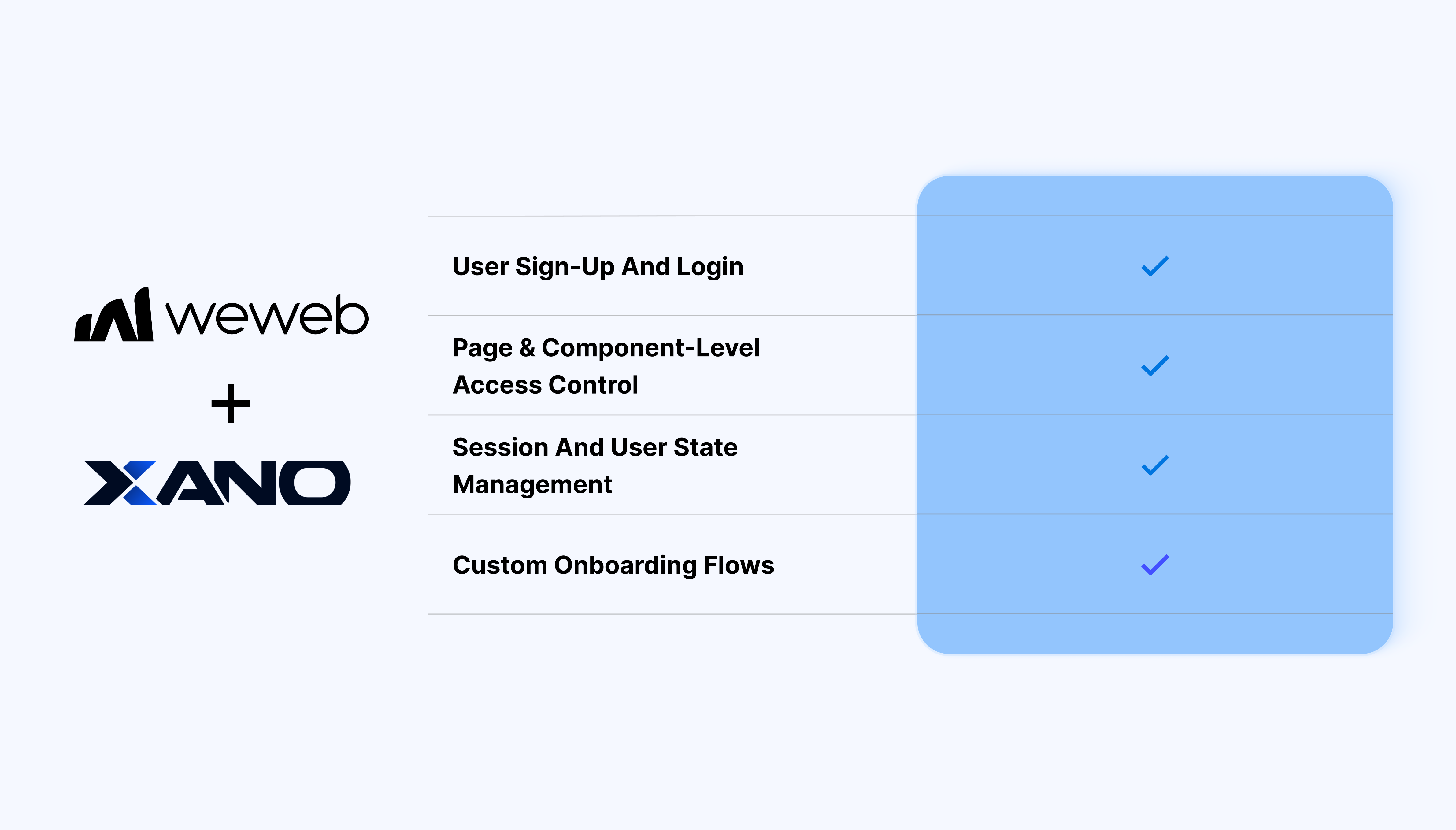
- User signup and login using Xano Auth endpoints
- Session handling based on Xano-issued tokens
- Page-level and component-level access control
- Workflow triggers on login, logout, or signup
- Custom login, signup, and onboarding flows
- Visual logic for authenticated and unauthenticated states
- Automatic token handling for API requests
- A clean separation between frontend and backend responsibilities
What WeWeb supports natively
| Category |
Feature |
What it does |
| Plugin setup |
Xano Auth plugin |
Install via Plugins → Authentication → Xano Auth. Requires Xano instance details, workspace, and metadata API key.
|
| Data source |
Xano data source plugin |
Pairs with the native Xano plugin for authenticated API calls and automatically forwards tokens to endpoints.
|
| UI elements |
Pre-built auth UI blocks |
Ready-made Login, Signup, and Reset Password forms with validation, error handling, and workflows.
|
| Auth flows |
Signup, Login, Logout |
Dedicated actions (Sign up, Login, Sign out) that call Xano /auth/signup and /auth/login, and handle tokens/sessions.
|
| Token management |
Store/Fetch/Validate token |
Store Auth Token, fetch user (calls /auth/me), and automatically forward tokens to data source calls.
|
| Social OAuth |
Login provider action |
Supports Google and other providers via the Login provider workflow action (handles redirects, cookies, and consent screens).
|
| Page protection |
Private pages + roles |
Maps Xano /me roles to WeWeb groups and gates pages/components based on auth state and roles.
|
| Forgot password |
Reset password flow |
UI block + Xano /auth/reset-password endpoint for magic links and email resets.
|
| User context |
Session variables |
Exposes user data, roles, and tokens from /me, bindable for personalization and conditionals.
|
Why use WeWeb with Xano Auth
Using Xano Auth with WeWeb keeps authentication aligned with your backend logic while giving you full control over the frontend experience.
Perfect for:
- SaaS apps backed entirely by Xano
- Client portals connected to Xano user data
- Internal tools with role-based access
- Admin dashboards secured by Xano Auth
- Multi-tenant apps using Xano as the backend
And more…
Integrating Xano Auth with WeWeb
Integrating Xano Auth with WeWeb is straightforward:
- Create API requests in WeWeb for Xano auth endpoints
- Configure login and signup actions using those requests
- Store the returned auth token in WeWeb
- Set authenticated headers for Xano API calls
- Define access rules for pages and components
Learn more about WeWeb x Xano Auth integration
Best practices & limitations
- Let Xano handle identity and permissions
- Keep auth logic centralized in Xano
- Use WeWeb for frontend access control and UX
- Handle token expiration and refresh explicitly
- Test protected routes and edge cases thoroughly
FAQs
1. How do I set up the Xano Auth plugin?
Go to Plugins → Authentication → Xano Auth. Enter your Xano workspace ID and metadata API key to connect.
2. What UI components does it provide?
Ready-made Login, Signup, and Reset Password form blocks with built-in validation, loading states, and Xano endpoint calls.
3. Does it handle token storage automatically?
Yes, Login/Sign up actions store bearer tokens, Fetch user calls /auth/me, tokens auto-forward to Xano data source calls.
4. Can I use social logins like Google?
Yes, Login provider workflow action handles OAuth redirects, consent screens, and token exchange with Xano.
5. How does page protection work with Xano roles?
Map Xano /auth/me roles to WeWeb user groups, then set pages private or use conditional visibility on components.
6. What happens on logout?
Sign out action clears tokens/sessions, resets user context, and redirects to your login page.
7. Do I need the Xano data source plugin too?
Yes, install both Xano Auth (for login) and Xano data source (for authenticated CRUD calls post-login).