Secure your app with WeWeb’s built-in authentication

Use WeWeb Auth to handle user authentication, sessions, and access control without relying on external providers.

Table of Contents
Start building today with WeWeb!
Build your first application in no time!

Use WeWeb Auth for native user management 

WeWeb Auth lets you manage authentication directly in WeWeb, without setting up or maintaining a separate auth service:

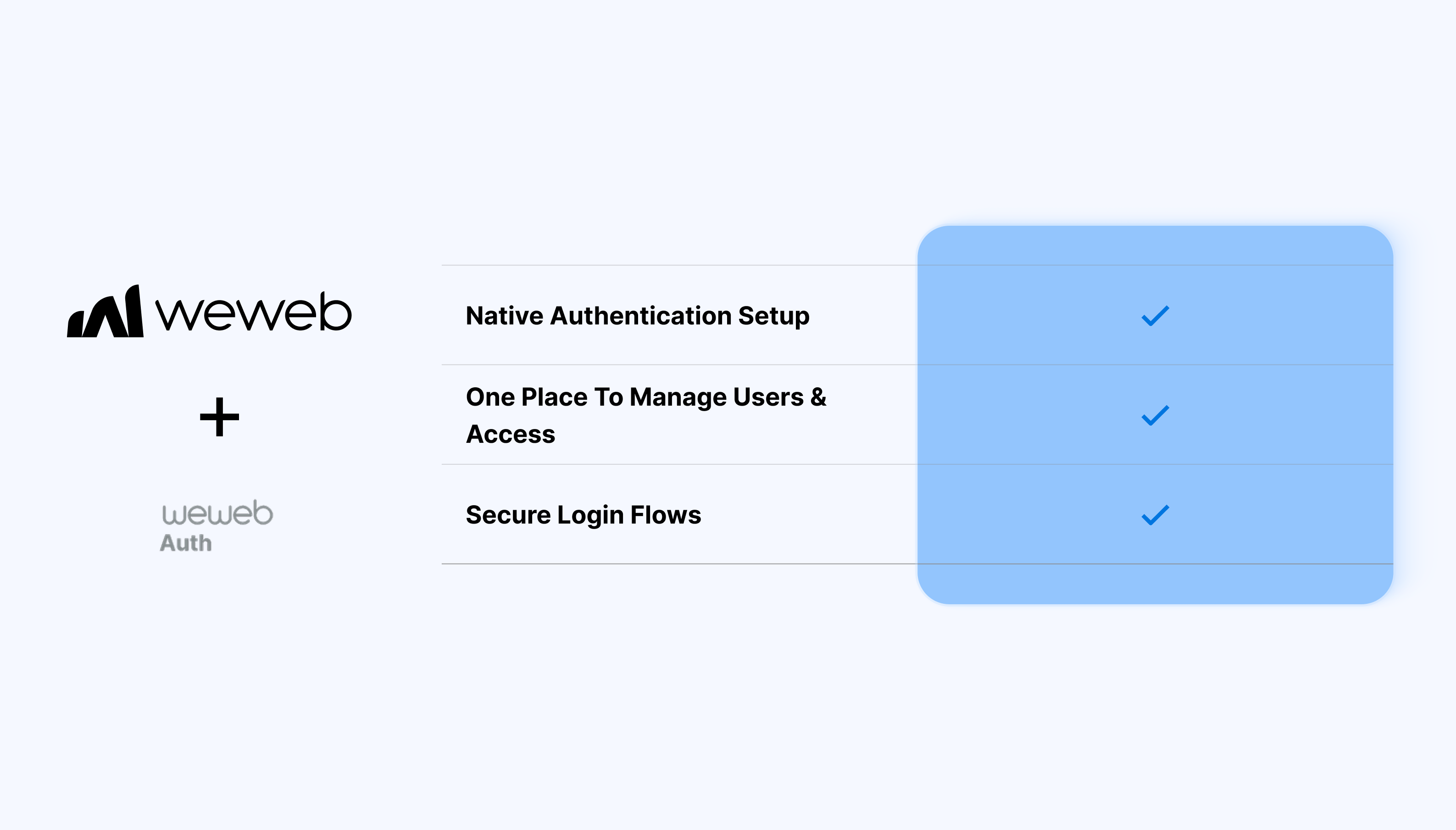
  • Native auth setup without third-party dependencies
  • Tight integration with WeWeb variables, logic, and routing
  • Full control over login and signup UI
  • Predictable behavior across environments
  • A single place to manage users and access
  • Session management handled by WeWeb

What WeWeb supports natively

Category Feature What it does
Plugin setup WeWeb Auth plugin Adds native authentication under Plugins → Authentication for email/password user management without external providers.
User management Manual user creation/import Create users manually in the Users tab or import via CSV with auto-generated passwords and optional email invitations.
UI elements Pre-built auth UI Provides ready-made Login and Signup form containers with built-in workflows, validation, and styling you can drag onto pages.
Auth flows Signup/Login/Logout Dedicated workflow actions (Sign up, Login, Sign out) that handle the complete auth flow end-to-end.
Redirects Unauthenticated redirect page Configure which page unauthenticated users get redirected to when accessing protected content.
Page protection Private page settings Mark pages as private: shows a lock icon and auto-redirects unauthenticated users to the login page.
User context Auth variables Exposes authentication state and user data (email, name) as bindable variables for conditional UI and personalization.
Roles User roles & groups Built-in role management where you assign roles to users and create groups for access control.

Why use WeWeb Auth

WeWeb Auth is designed for builders who want a simple, native way to handle authentication while staying fully inside the WeWeb ecosystem.

Perfect for:

  • Internal tools with restricted access
  • Client portals with authenticated users
  • Admin dashboards and back-office apps
  • MVPs that need auth without extra setup
  • Apps where auth is required but not complex

And more…

Getting started with WeWeb Auth

Getting started with WeWeb Auth is straightforward:

  1. Open the WeWeb Editor
  2. Enable WeWeb Auth for your project
  3. Create login and signup forms in the WeWeb Editor
  4. Configure login, signup, and logout actions
  5. Define which pages or components require authentication

Learn more about getting started with WeWeb Auth

Best practices & limitations

  • Use WeWeb Auth for identity, not complex permission logic
  • Store app-specific user data in your backend if needed
  • Protect sensitive pages at the routing level
  • Test session behavior across reloads and environments
  • Consider external auth providers for advanced auth requirements

FAQs

1. How do I enable WeWeb Auth?

Navigate to Plugins → Authentication → WeWeb Auth to activate it. No external backend required since it creates its own user database.

2. How do I add users to WeWeb Auth?

Use the Users tab to manually create users or import via CSV (with auto-generated passwords). Optionally, you can send email invites for password setup.

3. What UI components are provided?

Drag-and-drop Login and Signup form containers with built-in validation, error handling, loading states, and styling customization.

4. How does page protection work?

Set pages to "Private" in page settings: unauthenticated users see a lock icon and auto-redirect to your configured login page.

5. Can I use roles with WeWeb Auth?

Yes, you can assign roles to users in the Users tab, create role groups, then use them for conditional visibility and access control on pages/components.

Start building for free

Sign up now, pay when you're ready to publish.