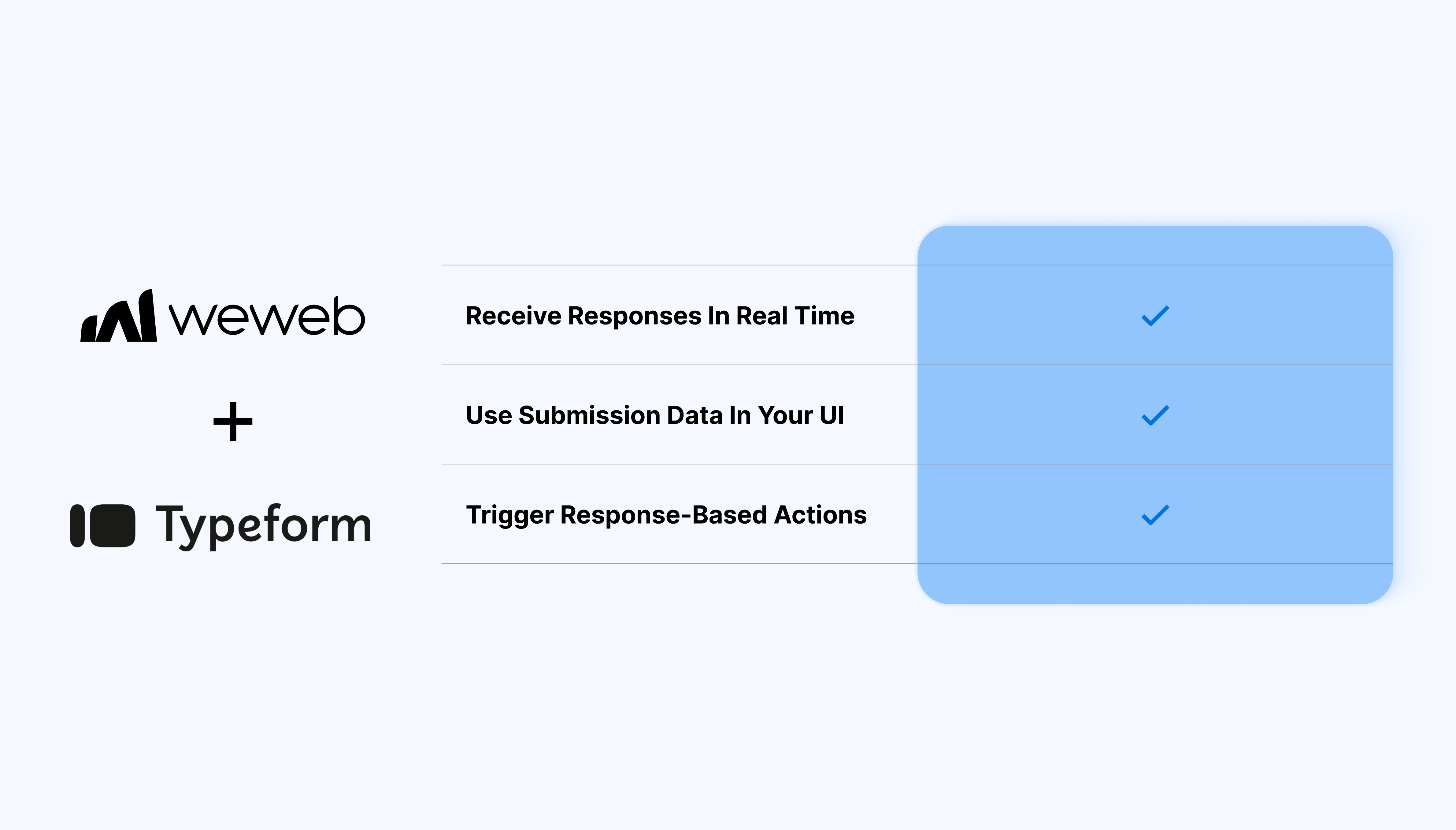
Bring structured form responses into your WeWeb app
You define the form in Typeform. WeWeb gives you the flexibility to decide what happens with that data once it’s submitted:
Receive new Typeform responses in real time through webhooks
Use submission data in your UI: populate tables, lists, dashboards, or detail views
Trigger actions when a response arrives (notifications, updates, filters, conditional views)
Combine Typeform data with other sources such as Supabase, Xano, or REST APIs
What WeWeb supports natively
Category
Feature
What it does
Plugin setup
Typeform plugin
Adds a dedicated Typeform plugin so that you can embed Typeform forms without writing code manually.
UI element
Typeform embed element
Provides a drag-and-drop element that renders a Typeform inside your page, using the form URL or embed settings.
Configuration
Form URL binding
Lets you point the element to any Typeform by pasting its public URL or ID so the corresponding form is displayed in-app.
Display
Inline form display
Shows the Typeform inline in your WeWeb layout, without sending users to an external page.
Layout & sizing
Responsive iframe behavior
Uses an iframe-style embed that adapts to its container, so you can control size and positioning with WeWeb’s layout tools.
Styling integration
Coexistence with WeWeb styles
Keeps Typeform’s own styling inside the embed while letting you design the surrounding page (headers, CTAs, sections) natively in WeWeb.
Why use WeWeb with Typeform
Typeform offers a polished way to collect data while WeWeb helps you put that data to work:
Turn Typeform submissions into actionable data in your app
Display responses in tables, cards, timelines, and charts
Trigger updates, send follow-ups, or show conditional content based on answers
Shape Typeform responses into reusable collections
Show different subsets of responses to different user groups
Sync Typeform data to whichever backend fits your stack
Perfect for:
Onboarding flows where Typeform collects details, then WeWeb uses responses to personalize the user’s next steps
Client or project intake portals that sort and display submissions for internal teams
Feedback dashboards that aggregate satisfaction scores and comments
Lead qualification tools that feed Typeform responses into a CRM or scoring logic
Event registration hubs that show attendee lists, statuses, and follow-up actions
And more…
Integrating Typeform with WeWeb
Integrating Typeform with WeWeb is straightforward:
Connect Typeform in the WeWeb Editor:go to the Extensions → Typeform and paste your Typeform API token
Register a webhook for your form:in Typeform, add a new webhook and paste the URL provided by WeWeb
Map incoming data: in WeWeb, map fields (text, numbers, selections) to the structure you want
Use responses inside the WeWeb Editor: bind the collection of Typeform responses to components on your pages
Trigger optional workflows: run actions when a new submission arrives (send emails, update records, trigger logic, refresh data)
Best practices
Shorter forms with clear question types produce cleaner, more consistent data
When possible, use multiple-choice or dropdown questions since these map more reliably than long free-text answers
Standardize key fields (tags, categories, scores) during mapping to maintain clean collections
If the form may evolve over time, revisit your mappings to avoid breaking changes
Limitations
Webhook delivery depends on Typeform’s uptime and configuration
Typeform doesn’t resend historical data automatically: import older responses separately if needed
Large spikes in submissions may require load planning on your connected backend
FAQs
1. How do I embed a Typeform in a WeWeb page?
Install the Typeform plugin in your project, then drag the Typeform element onto a page and paste the public URL or ID of your form in the Settings. The form will render inline inside your WeWeb layout without needing custom HTML or scripts.
2. Can I use multiple different Typeforms in the same WeWeb app?
Yes, you can add multiple Typeform elements across different pages or sections. This works well for use cases like separate onboarding flows, NPS surveys, and contact forms within one app.
3. Does the Typeform keep its original styling when embedded in WeWeb?
The embedded Typeform preserves its own design and theming. You control the surrounding layout, spacing, and background in WeWeb, but the inner form UI itself is managed in Typeform.
4. Is the embedded Typeform responsive inside WeWeb?
The Typeform embed behaves like a responsive iframe, adjusting to the size of its container as defined in WeWeb. You can fine‑tune width, height, and positioning using WeWeb’s flexbox/grid controls.
5. How can I pass hidden fields (like user ID or email) from WeWeb to Typeform?
You can append query‑string parameters to the Typeform URL (for example ?user_id=123&email=test@example.com), which Typeform can capture as hidden fields.
6. How does navigation work when using Typeform as part of a multi‑step flow?
You can place Typeforms on intermediate pages in a WeWeb flow or show/hide the Typeform element conditionally based on user actions and state. After submission, you can redirect users using Typeform’s own redirect settings or display a confirmation section around the embed in WeWeb.
7. When should I use Typeform versus WeWeb’s native form elements?
Typeform is a good fit for conversational surveys, quizzes, and rich form UX that benefits from its built‑in analytics and integrations. WeWeb’s native forms are suitable when you need tighter control over layout, direct binding to your backend, or highly customized validation and logic within the same UI.