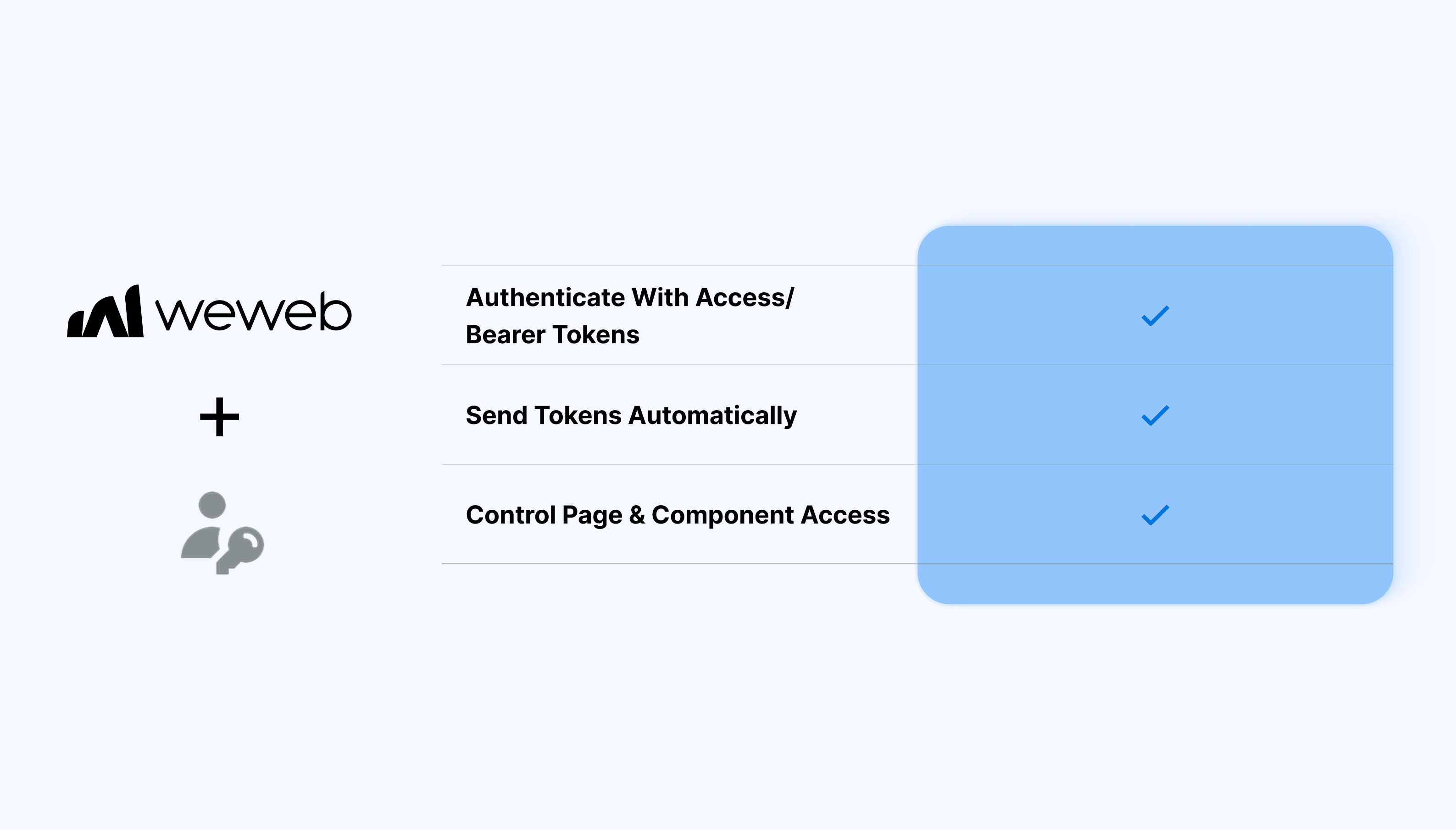
Control how users access your app
The Token-Based Auth integration lets WeWeb authenticate users using tokens generated by an external backend or auth service.
You can plug WeWeb into your existing authentication flow and use tokens to manage user sessions and permissions:
- Authenticate users using access or bearer tokens
- Store and manage tokens securely in WeWeb
- Send tokens automatically with API requests
- Control page and component access based on auth state
- Handle login, logout, and session expiration
- Use token data inside conditions and workflows
What WeWeb supports natively
| Category |
Feature |
What it does |
| Plugin setup |
Token-Based Auth plugin |
Dedicated plugin under Plugins → Authentication with three auth types: Bearer Token, Basic Token, and Custom Header.
|
| Auth types |
Bearer / Basic / Custom Header |
Choose Bearer Token (Authorization: Bearer {{token}}), Basic Auth, or custom header name/value pairs.
|
| Endpoints |
User endpoint (required) |
Configure a /me or user profile endpoint that returns user data when called with a valid token.
|
| Endpoints |
Refresh token endpoint (optional) |
Optional /refresh endpoint for token renewal workflows.
|
| UI elements |
Login/Signup form containers |
Pre-built Login and Signup form UI elements with built-in workflows (API → Store Token → Fetch User → Redirect).
|
| Token storage |
“Store token” workflow action |
Official action that stores the auth token in the browser after successful login or signup.
|
| User fetching |
“Fetch user” workflow action |
Automatically fetches user data using the stored token and populates the current user context.
|
| Page protection |
Private page settings |
Mark pages as private. Unauthenticated users are automatically redirected to the login page defined in the plugin.
|
| Roles |
Role key mapping |
Map a backend role field (e.g. roles array) to WeWeb user roles for content gating.
|
| User groups |
Role-based user groups |
Create groups requiring multiple roles (with logic) for fine-grained access control.
|
Why use WeWeb with Token Based Auth
With token-based auth, you keep your existing backend logic while using WeWeb to build the frontend experience on top.
Perfect for:
- Custom backends issuing JWT or access tokens
- APIs secured with bearer tokens
- Enterprise auth systems with existing token flows
- Microservices-based apps with centralized auth
- Frontends consuming multiple secured APIs
And more…
Integrating Token Based Auth with WeWeb
Integrating Token Based Auth with WeWeb is straightforward:
- Create a login API request that returns an access token
- Store the token in a WeWeb variable or auth state
- Configure API requests to include the token in headers
- Define login and logout logic
- Protect pages and components using auth conditions
Learn more about Token Based Auth x WeWeb integration
Best practices
- Handle token expiration and refresh explicitly
- Avoid storing sensitive tokens in insecure locations
- Centralize auth logic for consistency
- Use backend validation for permissions and roles
- Test error states such as expired or invalid tokens
FAQs
1. How do I enable Token-Based Auth in WeWeb?
Go to Plugins → Authentication → Token-Based Auth, then configure your user endpoint (e.g. /me) and optional refresh endpoint. Choose Bearer Token, Basic Auth, or Custom Header as the auth type and the plugin will handle the rest.
2. What endpoints does the plugin expect from my backend?
Required: a user endpoint (/me or similar) that returns user data including a roles field when called with a valid token.
Optional: a refresh endpoint to handle token renewal automatically.
3. Does the plugin provide ready-made login/signup UI?
Yes, drag Login and Signup form elements onto pages. They automatically call your login endpoint, store the token, fetch user data, and redirect. All form validation, error states, and loading are built-in.
4. How does token storage and forwarding work?
The "Store token" workflow action saves tokens to browser storage after login. Collections and API calls using configured data sources automatically include the Authorization: Bearer {{token}} header.
5. Can I protect pages and components based on roles?
Yes, map your backend's role field to WeWeb roles in plugin settings, then create user groups (role combinations). Mark pages private or use conditional visibility on components based on role membership.
6. What does the "current user" object contain?
After "Fetch user" runs, it populates user data (ID, email, name, etc.) plus roles from your backend's /me response. Bind this anywhere for personalized content or role-based UI.
7. How does logout work with the Token-Based Auth plugin?
Use the "Sign out" workflow action: it clears stored tokens, resets user context, and redirects to your configured login page. Your backend should also have a /logout endpoint to invalidate server-side sessions if needed.