Bring Stripe’s payment infrastructure into your app

Create payment intents, confirm purchases, build custom checkout experiences, and more.
Table of Contents
Start building today with WeWeb!
Build your first application in no time!

Manage end-to-end payments natively in WeWeb

The Stripe integration lets you manage the full payment flow: 

  • Add a Stripe payment element to any form
  • Build custom payment funnels that match your app’s data and logic
  • Trigger backend workflows the moment a payment is initiated or confirmed
  • Dynamically show or hide payment elements based on variables
  • Create payment intents from workflows
  • Pass a client secret into your frontend securely
  • Confirm payments and redirect users after checkout
  • Retrieve and display payment intent details on a confirmation page

What WeWeb supports natively

Category Feature What it does
Plugin setup Stripe extension Adds the Stripe plugin to a WeWeb project and lets you configure live and test API keys.
Plugin setup Test vs live keys Allows using separate test and production keys so you can safely test payments before going live.
Elements Stripe payment form element Provides a prebuilt payment form using Stripe Elements that can be dropped into a page and bound to a client secret.
Elements Stripe card input Renders secure card fields (number, expiry, CVC) inside WeWeb without handling card data directly.
Workflows Create Payment Intent Calls Stripe (via the plugin) to create a Payment Intent and returns a client secret to use with the payment form.
Workflows Retrieve Payment Intent Retrieves the status and details of an existing Payment Intent using its client secret or ID.
Workflows Confirm Payment Confirms a Payment Intent created earlier and finalizes the payment when the user submits the form.
Navigation Pass client secret via URL parameters Allows passing the client secret as a query/path parameter to a dedicated payment page and binding it in the Stripe element.
Pages Success page support Lets you define a success page and receive Stripe query parameters (like session or intent info) after payment.
Pages Cancel page support Lets you define a cancel/failure page and pass query strings to track failed or abandoned payments.
Data binding Bind Stripe responses to variables Stores Payment Intent or session responses in WeWeb variables so you can display status, amounts, or IDs in the UI.
Security Client-side only card handling Ensures card details are handled only by Stripe Elements, so WeWeb never stores or processes raw card data.

Why use WeWeb with Stripe

Stripe provides the payment infrastructure while WeWeb gives you full control over the user experience:

You can define when payments start, how users move through the flow, and how your app responds to successful or failed transactions.

Everything is built visually, so you can adjust layouts, conditions, and logic without giving up flexibility.

Perfect for:

  • Subscriptions for SaaS products
  • One-time payments for digital goods
  • Marketplace or portal payments tied to user accounts
  • Event registration with paid tickets

And more…

Integrating Stripe with WeWeb

Integrating Stripe with WeWeb is straightforward:

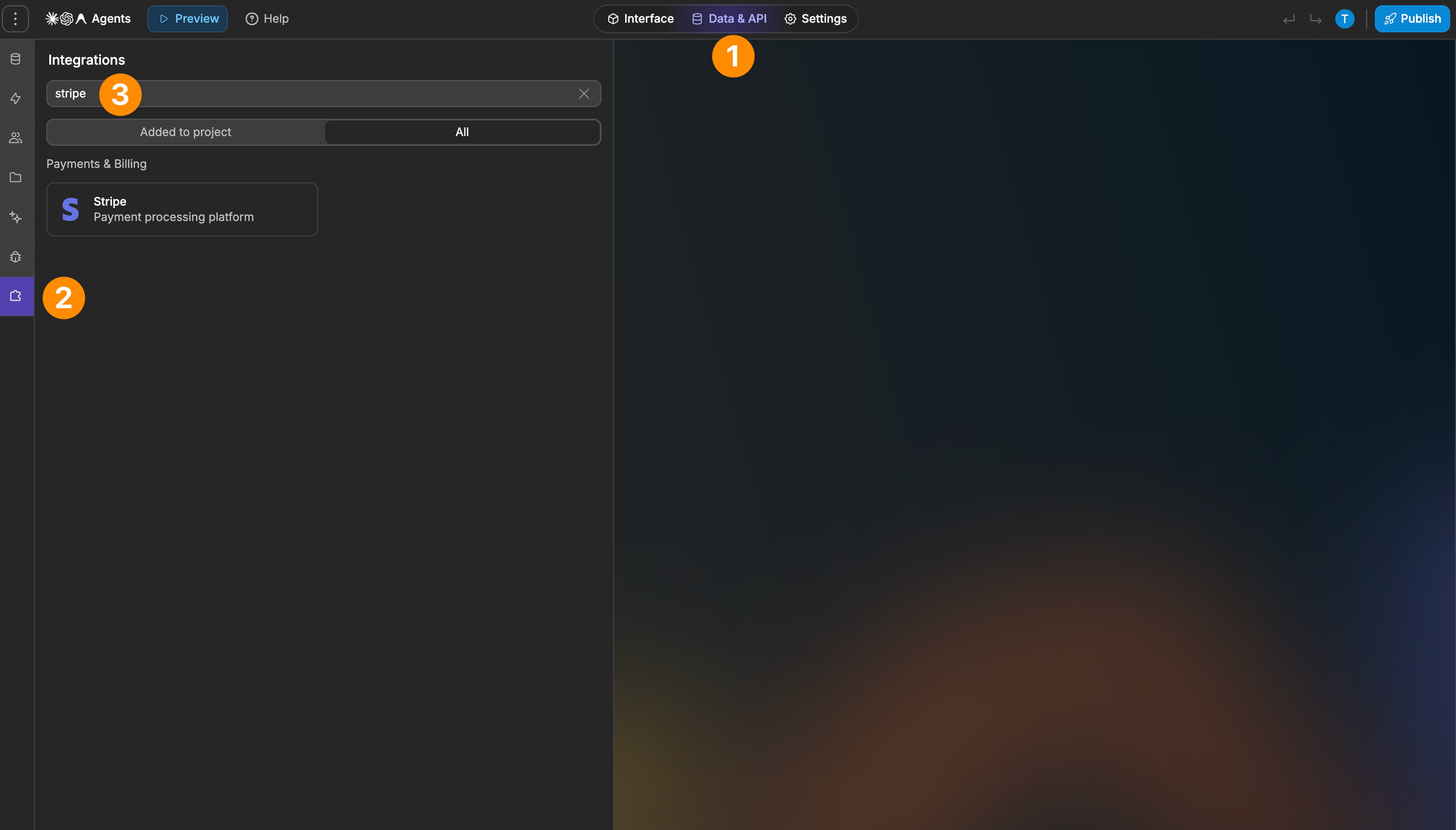
  1. Add the Stripe plugin: head to Plugins → Extensions and add Stripe, and paste your API keys
  2. Create a payment intent: add the Create payment intent action, select your Price ID, and save the client secret 
  3. Bind the client secret: in the Stripe Payment element, bind Client secret to payment_intent_client_secret
  4. Confirm the payment: on the form’s On submit event, add the Confirm payment action, then send users to a confirmation or checkout page
  5. Build your checkout page: retrieve the payment intent from the query string, store it in a variable, and use it to personalize the UI

Learn more about WeWeb x Stripe integration

Best practices

  • Keep the payment_intent_client_secret variable name unchanged: Stripe relies on this exact query string
  • Test every action after creating or updating a workflow step so variables update correctly
  • Use conditional rendering to avoid showing payment elements before the client secret is available
  • Always publish and test your payment flow in both test and live modes

Limitations

  • Stripe elements won’t render on first load until a payment intent exists
  • The payment intent must be created through a workflow, it cannot be generated automatically by the element

FAQs

1. How do I set up Stripe in a new WeWeb project?

Add the Stripe plugin in the “Plugins / Extensions” panel, paste your Stripe test and live API keys, and then add the Stripe Payment element or Checkout flow to your page.
From there, create a workflow that either creates a Payment Intent (for Elements) or calls a backend endpoint that creates a Checkout Session and returns a URL to redirect the user.

2. Does WeWeb support subscriptions natively, or do I need a backend?

Subscriptions are not handled end‑to‑end by the frontend plugin: you can use Stripe Billing plus a backend (Xano, Supabase, custom API) to create and manage subscriptions and webhooks.
WeWeb’s role is to trigger backend endpoints (e.g., “start subscription”, “cancel plan”) and then display the status stored in your database.

3. Should I use Stripe Elements in WeWeb or redirect to Stripe Checkout?

Stripe Checkout can be easier to maintain: your backend creates a Checkout Session and WeWeb simply redirects the user to the hosted page.

Use Stripe Elements in WeWeb when you need an embedded payment form, but expect to wire Payment Intents, client secrets, and error handling yourself via the plugin and backend.

4. How do I connect Stripe payments to logged‑in users in WeWeb?

Store the Stripe customer ID on your user record (in Supabase, Xano, etc.) and always pass that customer ID when creating Payment Intents or Checkout Sessions. On successful payment, handle the Stripe webhook in your backend, update the user’s plan or credits, and let WeWeb read that data through its normal data collections.

5. Can I use Stripe Connect for marketplaces with WeWeb?

It’s recommended to implement Connect flows (platform accounts, payouts, multi‑vendor marketplaces) in your backend. The usual pattern is: backend integrates Stripe Connect and exposes clean endpoints, while WeWeb only calls those endpoints and renders balances, onboarding state, or payout status.

6. How do I let users manage their subscription from my WeWeb app?

Use Stripe’s hosted Customer Portal by creating a portal session in your backend and redirecting to the returned URL from a WeWeb workflow.

After changes, rely on webhooks or backend wrappers to sync subscription status back into your user or subscription tables so WeWeb can show the current plan, next billing date, and cancellation state.

7. What’s the recommended approach for WeWeb + Supabase + Stripe SaaS apps?

Typical setups use Supabase for auth and data, Stripe Billing for products and prices, and Supabase Edge Functions to create Checkout Sessions, handle webhooks, and map Stripe IDs to local records. WeWeb stays as the UI layer, calling those Edge Functions and reading from Supabase tables that already contain subscription, customer, and invoice information.

8. Why is my Stripe Element not rendering or stuck in a loading state in WeWeb?

Common causes are missing or invalid client secrets, mis‑named query variables, or using live keys on a test payment (or vice versa).
Check that your payment_intent_client_secret is correctly passed via URL or workflow variable and that conditional rendering only shows the Stripe Element once that variable is defined.

9. Can I support multiple subscriptions per user with WeWeb, Stripe, and Xano/Supabase?

Yes, if you model subscriptions in a separate table (user_id → stripe_subscription_id, plan, status) and let your backend create and update them via Stripe Billing APIs. WeWeb then queries this table to show all active subscriptions and surface actions like upgrade, downgrade, or cancel as buttons that hit backend endpoints.

10. Is WeWeb’s native Stripe plugin enough for production SaaS billing?

The plugin is designed for secure, simple payments and works well as the UI wrapper for Stripe’s official APIs. For use cases like seat‑based plans, trials, proration, Connect, tax you should treat Stripe as a backend concern and use WeWeb mainly for triggering flows and visualizing state.

Start building for free

Sign up now, pay when you're ready to publish.