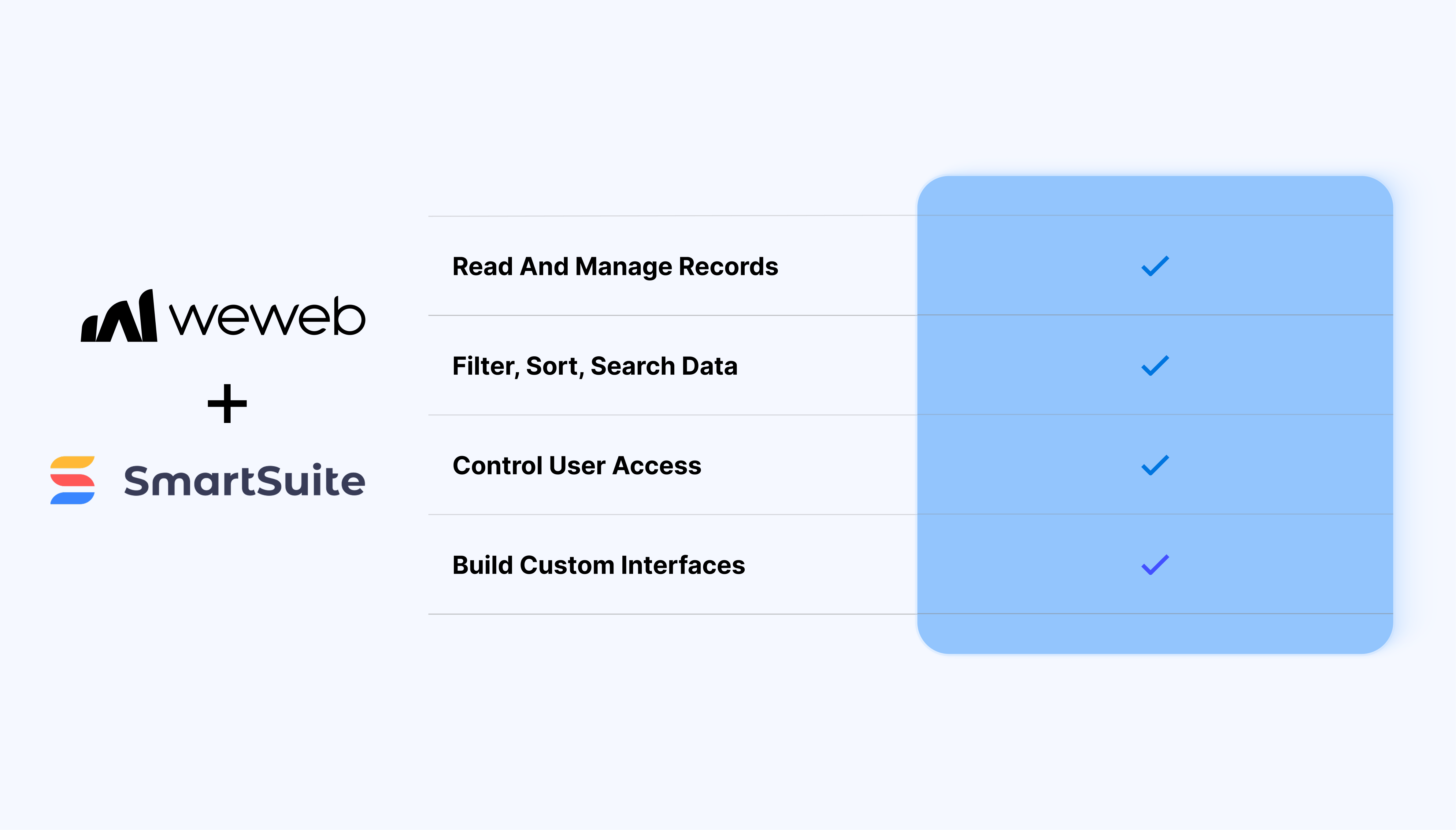
Be mindful of SmartSuite API rate limits when triggering frequent updates
Use filters and pagination to avoid loading large datasets at once
Keep table structures consistent to simplify frontend logic
Test write operations carefully when updating or deleting records
FAQs
1. How do I connect SmartSuite to a WeWeb project?
You add SmartSuite as a data source in the data/plugins section and paste in your SmartSuite API token and workspace ID. Once saved, SmartSuite appears as a selectable source when you create data collections.
2. What can I fetch from SmartSuite inside WeWeb?
You can fetch records from specific Solutions and Tables (Apps) as collections. Each collection returns an array of records whose fields you can bind to repeaters, tables, cards, or detail views.
3. Can I create and update SmartSuite records directly from WeWeb?
Yes, the native integration supports creating and updating records using SmartSuite as a live backend. Typical patterns include using WeWeb forms to add new records or edit existing ones and pushing those changes back to SmartSuite.
4. How do filters and pagination work with SmartSuite data in WeWeb?
You can configure collection‑level filters and pagination settings so the UI only shows a subset of records at a time. Those filters can be driven by user input (search fields, dropdowns) to provide interactive views on SmartSuite data.
5. How is authentication handled between WeWeb and SmartSuite?
Authentication is handled via the SmartSuite API token and workspace configuration stored in the data‑source settings. End‑users never see the token.
6. Can I mix SmartSuite data with other backends in the same WeWeb app?
Yes, SmartSuite collections can be used alongside REST, SQL, Supabase, or other sources. WeWeb’s data‑joining and formula tools let you combine SmartSuite records with data coming from other APIs or databases.
7. What are the main limitations of the native SmartSuite integration?
The integration is aligned with SmartSuite’s REST API, so its rate limits, permissions, and field types apply.