Embed calendar scheduling directly inside your app

Bring scheduling directly into your WeWeb experience with a clean, embedded Calendly flow.

Table of Contents
Start building today with WeWeb!
Build your first application in no time!

Display Calendly booking page inside your app

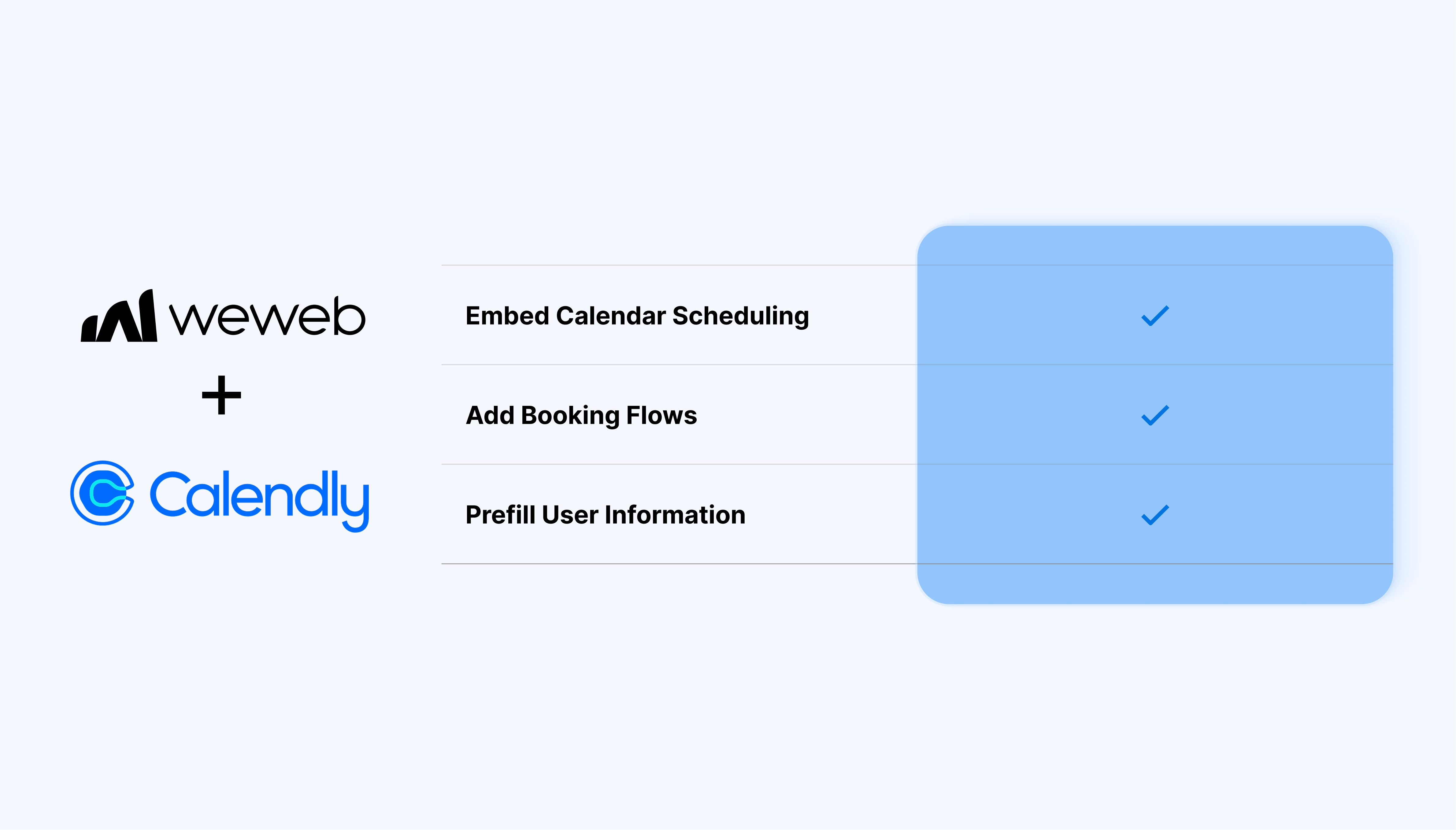
You can embed a calendar, pass user details automatically, and manage the entire scheduling experience:

  • Embed any Calendly calendar or meeting link
  • Display the full scheduling interface inside your app
  • Pre-fill user details like name and email
  • Bind fields to WeWeb variables or formulas

What WeWeb supports natively

Category Feature What it does
Plugin setup Calendly plugin Adds the Calendly extension to a WeWeb project from Plugins → Extensions so you can use Calendly elements in pages.
UI elements Calendly embed element Provides a dedicated Calendly element you can drop on any page instead of manually pasting HTML/JS snippets.
Configuration Calendar URL binding Lets you paste any Calendly scheduling URL in the element settings so the corresponding calendar is rendered inline in your app.
Display Inline calendar display Renders the Calendly scheduler directly within a WeWeb page, giving users a seamless booking experience without leaving the app.
Display Responsive iframe behavior Uses an embed that adapts to container width and height so Calendly fits different layouts without custom code.
Data prefill Name prefill Allows pre-filling the invitee’s name on the Calendly form using values from WeWeb variables (e.g., logged-in user profile).
Data prefill Email prefill Allows pre-filling the invitee’s email so users don’t need to type it again when scheduling from within your app.
Settings Pre-fill toggle Offers a “Pre-fill options” switch in the element settings to turn name/email prefill on or off per embed.
Multiple calendars Support for any Calendly link Works with individual, team, or routing Calendly links as long as you provide the correct calendar URL.

Why use WeWeb with Calendly

Calendly handles scheduling. WeWeb gives you control over how it appears, who sees it, and when it’s shown:

  • Pre-fill details to reduce friction and speed up scheduling
  • Dynamically pass data from your backend or authentication provider
  • Keep your branding while giving users full Calendly functionality
  • Add or remove Calendly components visually, without code

Perfect for:

  • Client portals with built-in meeting booking
  • Support or onboarding flows that require scheduled calls
  • Sales pipelines with “Book a meeting” steps
  • Coaching dashboards that offer session scheduling

Integrating Calendly with WeWeb

Integrating Calendly with WeWeb is straightforward:

  1. Add the Calendly plugin: go to Plugins → Extensions, search for Calendly, and add it to your project
  2. Insert the Calendly embed: click Add Calendly components in the plugin panel, or choose it from the Add menu under Plugins
  3. Add your calendar: drag the Calendly embed element onto your page, open its settings, and paste your Calendly link
  4. Pre-fill user info (optional): turn on Pre-fill options to automatically pass user details using variables, formulas, or auth data
  5. Test the embed: preview your app to make sure the calendar loads, the link is correct, and pre-filled data appears if enabled

Learn more about Calendly x WeWeb integration

Best practices

  • Pre-fill user name and email from your authentication provider to streamline the booking flow
  • Use dynamic variables if you manage multiple calendars per user
  • Place the embed inside responsive containers to maintain layout control
  • Use conditional visibility when Calendly should appear only for authenticated users

Limitations

  • Styling customization is limited to what Calendly’s embed supports
  • Ensure your link is public: private or restricted Calendly links won’t display

FAQs

1. How do I add Calendly to a WeWeb project?

Install the Calendly plugin from Plugins → Extensions, then use the “Add Calendly components” button or the Add panel to drop a Calendly embed element on your page. Once the element is on the canvas, you paste your Calendly scheduling URL in its settings to display the calendar.

2. What can the Calendly plugin do natively inside WeWeb?

The plugin lets you embed a Calendly scheduler inline in your page and optionally prefill the invitee’s name and email from WeWeb variables. It focuses on frontend embedding: all availability rules, reminders, and meeting logistics still live entirely in Calendly.

3. How do I display a specific Calendly event or calendar in WeWeb?

Open the Calendly embed element, go to its Settings panel, and paste the URL of the exact Calendly calendar or event type you want to show. Calendly then renders that booking page inline using its own embed script inside the WeWeb element.

4. Can I prefill the visitor’s name and email in the Calendly form?

Yes, you can enable the “Pre‑fill options” toggle on the Calendly element and bind the name and email fields to WeWeb variables, such as data from the logged‑in user. When a user opens the scheduler, those values appear pre‑filled on Calendly’s details page.

5. Is the Calendly embed responsive and compatible with WeWeb’s layouts?

The Calendly element uses an inline embed that automatically adjusts to its container, so it works well with standard responsive layouts in WeWeb. You can further control spacing, width, and height from WeWeb’s Styling panel without editing code.

6. Can I show booked Calendly appointments inside my WeWeb app?

Not directly with the plugin: you need to use Calendly’s API or webhooks to push bookings into a backend such as Xano or Airtable, then display them with WeWeb’s data elements.​ This pattern lets you, for example, to sync events into a table or calendar element in WeWeb for admins or logged‑in users.

7. When should I use Calendly vs building a custom booking system in WeWeb?

Calendly is ideal when you just need reliable scheduling, reminders, and conferencing links, and are happy to keep booking logic in an external SaaS.

If you need fully custom rules (e.g., per‑resource availability, custom payments, deep integration with your own database), you can create a bespoke booking flow with WeWeb + backend of your choice.

Start building for free

Sign up now, pay when you're ready to publish.