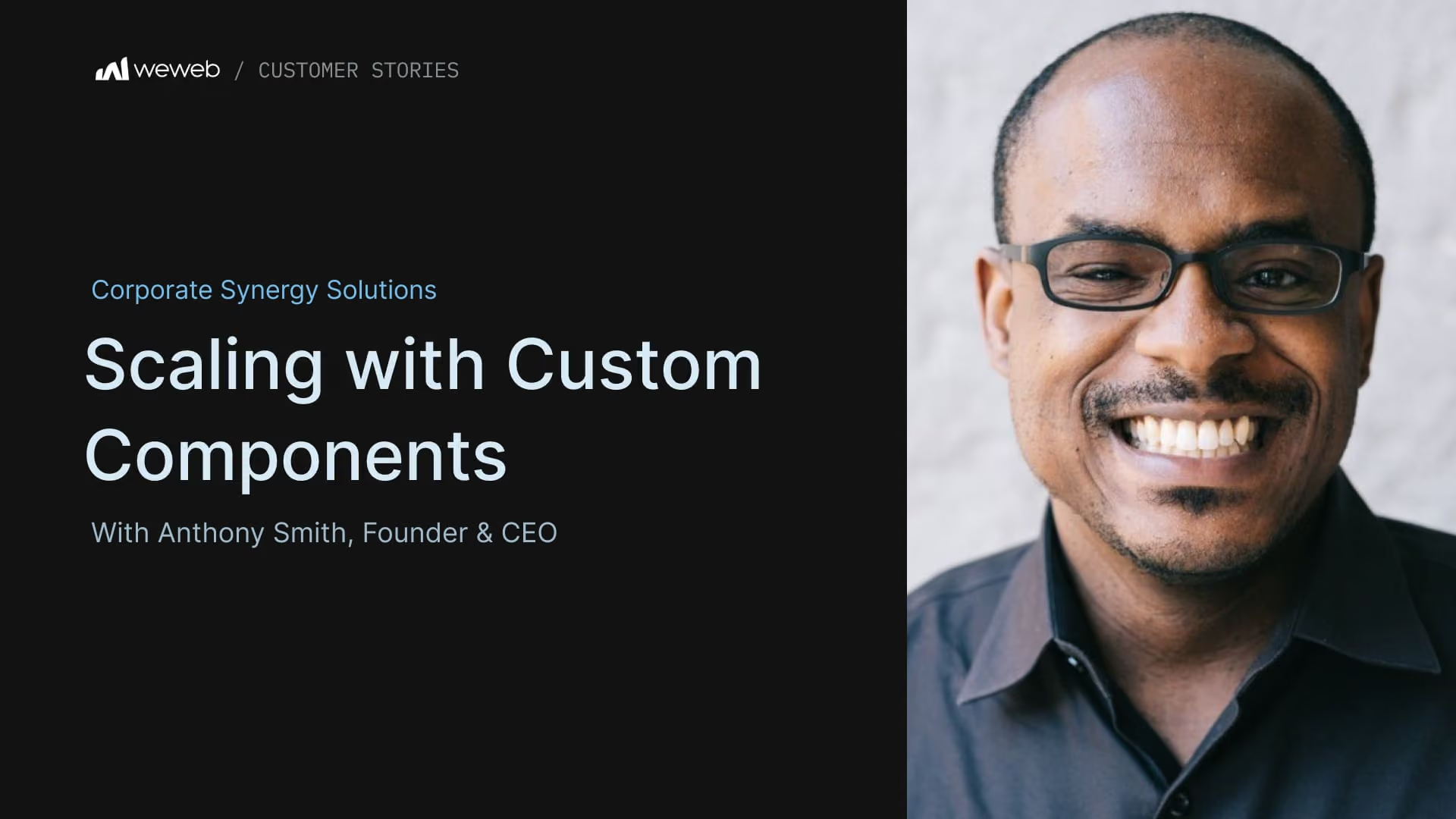
Anthony Smith leads Corporate Synergy Solutions, an agency that builds bespoke web apps with WeWeb & Xano and offers training for teams who want to create their own digital solutions.
Their clients are primarily entrepreneurs and established businesses generating $3M+ in annual revenue that want to modernize internal operations.
While the agency covers end-to-end development, their core specialization is building custom components in WeWeb.
In addition to speeding up development, these components remove repetitive, low-value work and ensure consistent, high-quality designs.
They also make it easier to create user-friendly experiences, even for complex logic or layouts, giving Anthony a strong competitive advantage with clients who value both simplicity and control.
Anthony tried building custom components with several no-code and vibe coding tools. But none of them provided the control or scalability he needed.
Some platforms limited what he could build:
“Some of the tools are very basic. I’m using SurveyJS as a third-party library, and I tried a no-code tool that only gives you four fields to work with. That’s just not enough.”
Others made iteration difficult:
“With another tool, I had to create a bunch of web packages. But because the platform used its own coded language, AI couldn’t help when I got stuck. I found myself building a lot of the same stuff over and over again.”
Vibe coding platforms didn’t cut either:
“They get my design to a certain point, but they don’t give me full control over what I’m building. They might get me to 70% or 90%, but I still lack the control.”
WeWeb gave him both precision and flexibility that he needed:
“What I appreciate most about WeWeb is the control it gives me. I can save components to my asset library and reuse them. When I need more flexibility, I can add code. And I can still build with AI if I want to.”
Over the years, Anthony has used WeWeb to build custom components and solve problems that would typically require heavy engineering.
A client needed a full admin portal with multiple sections, modals, and tabs. Instead of stretching the logic across separate pages, Anthony built the entire interface as a single custom component inside WeWeb:
“I created an admin portal as a custom component. Being able to put everything into one component with the modals, pop-ups, and sheets made a huge difference. I didn’t need five separate sections.”
Another interesting challenge is working with clients who handle large datasets, sometimes millions of rows per day.
“Optimizing data-heavy applications can be tricky. For example, a client had a million rows of data coming in a day.”
Rendering that much data directly in a web browser would slow down any app, so Anthony built a custom component that uses paginated scrolling and loads new data as the user reaches the bottom of the page.
Anthony built a drag-and-drop form builder that lets you create advanced forms without touching code.
It supports ranking, file uploads, image pickers, multi-selects, dynamic panels, and matrix inputs. Forms can be exported as JSON schemas and reused across projects to make setup faster.
Users can also customize themes, including light and dark modes, panel styles, colors, and images.
Anthony walked us through how it works:
Several WeWeb features have become essential to Anthony’s workflow and projects.
The asset library gives him centralized control over themes, colors, spacing, and design tokens. This helps him move faster and keep projects consistent:
“Being able to create my library, style, padding, margins, colors, design is so valuable.”
WeWeb’s workflows, combined with AI, let him prototype and refine logic without slowing down the building process:
“I love WeWeb’s workflows. I can control the logic and let AI help when I need it. It saves me time because I can focus on the component instead of worrying about functionalities.”
Because everything is saved in one place, his custom components stay consistent across projects.
“I don’t have to worry about theme consistency. Being able to take my theme and use it across all my assets is super helpful. AI can also recognize my design system and apply it inside my custom components. It’s a huge time saver.”
Anthony has developed a set of practices that help him build scalable, maintainable components in WeWeb.
Here are his key tips.
A strong backend architecture sets the foundation for everything that happens in the frontend. It also helps WeWeb AI generate more accurate workflows and logic:
“A well-designed backend architecture is critical. Before you start designing in WeWeb, have a clear understanding of your data structure.”
Takeaway: plan your backend architecture upfront.
Anthony encourages builders not to shy away from JavaScript, Vue, or WeWeb’s component system:
“Many people are scared of components, but if you want to scale your app, components are where it’s at. Embrace it. There are tons of tools out there to help you learn.”
Takeaway: custom components open the door to more advanced possibilities.
Anthony encourages builders to treat the UI as a set of reusable, combinable parts instead of isolated screens:
“WeWeb’s component system is incredibly powerful for building reusable components. An admin panel might have five different components that you can roll into one.”
Takeaway: Think of your UI as a collection of modular components you can assemble and reuse.
Instead of binding directly to collections, use variables or formulas to give yourself more flexibility:
“Learning the binding system is really important. It’s not enough to just pick a collection and bind it. Let your collection feed into a variable or formula, then bind that to your component. That way, if you make changes on your backend, it won’t break your frontend.”
Takeaway: bind components through variables or formulas to maintain a resilient frontend.
Anthony’s go-to learning approach is forking WeWeb’s official components:
“If you don’t see what you need, take an existing component, fork it, and build on top of it. They’re safe learning opportunities.”
Takeaway: you don’t have to build everything from scratch.
WeWeb’s community and public GitHub repos offer practical examples and support:
“Don’t be afraid to reach out to the community or read the documentation. There can be challenges in learning Vue and how WeWeb wraps around it, but the team has made all their repos public on GitHub.”
Takeaway: Use the community and documentation for hands-on learning.
Anthony’s journey shows what’s possible when you combine WeWeb’s flexibility with a bit of creativity.
Despite coming from a non-technical background, he built a successful agency around custom components and showed what WeWeb can do with complex logic and dynamic data.
“Actually, I don’t think there’s anything that can’t be done inside of WeWeb,” Anthony concluded.

